Category: Top Ten

  • New to PC Gaming? Here’s the Top 10 Things You’ll Need

    New to PC Gaming? Here’s the Top 10 Things You’ll Need

    So, you’re looking to start PC gaming? While you probably know how daunting it can be to start out, we’re here to help. From slick looking peripherals to high-end hardware, we’ve got a list of ten must-haves for PC gamers! 

    Set of Tools 

    Photo Credit: Amazon 

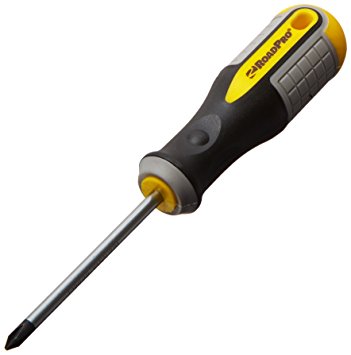
    The first thing you’re going to want is a set of tools. Preferably a magnetic screwdriver and an anti-static wristband. Being able to open your rig and troubleshoot is a key aspect of PC ownership. If you spend top dollar for the very best gaming PC, make sure you take care of it! You’ll also probably want a magnetic parts tray so that you don’t lose too many screws. Also, you should get some extra case screws, because you’re going to lose screws. 

    Canned Air 

    Photo Credit: Walmart 

    This is the last boring entry, I swear. Once you open your computer up, you might notice some dust has collected in recesses. It’s best to clean this dust out once a month or so. If you don’t your computer’s performance will suffer as it experiences higher-than-average temperatures. Canned air is also great for cleaning out debris from keyboards! 

    PC Gaming Chair
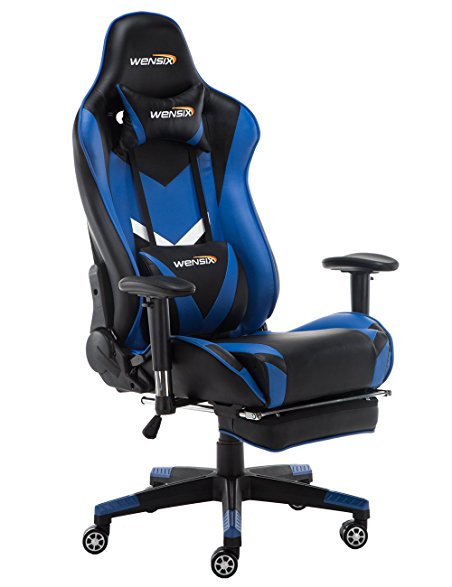
     

    Photo Credit: Amazon 

    If you intend to sit in front of your computer for a few hours at a time, make sure it’s in a comfortable chair. There are a few well-known brands of gaming chair to choose from. Vertagear and Furmax both make solid options, and there are often good deals on sites like Amazon. Racing-style chairs are particularly popular at the moment with streamers and pro gamers! 

    RGB Lighting
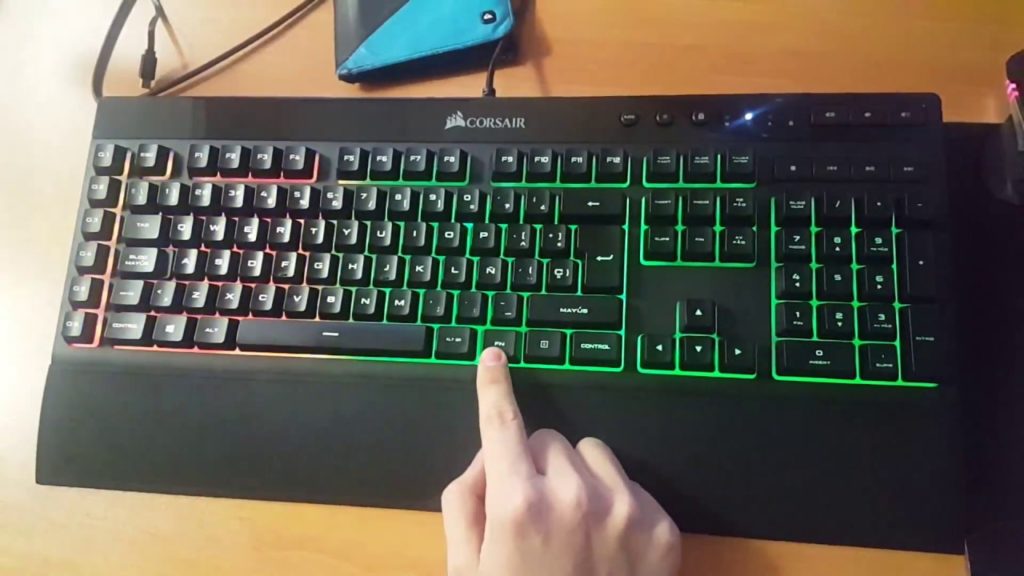
     

    Photo Credit: YouTube 

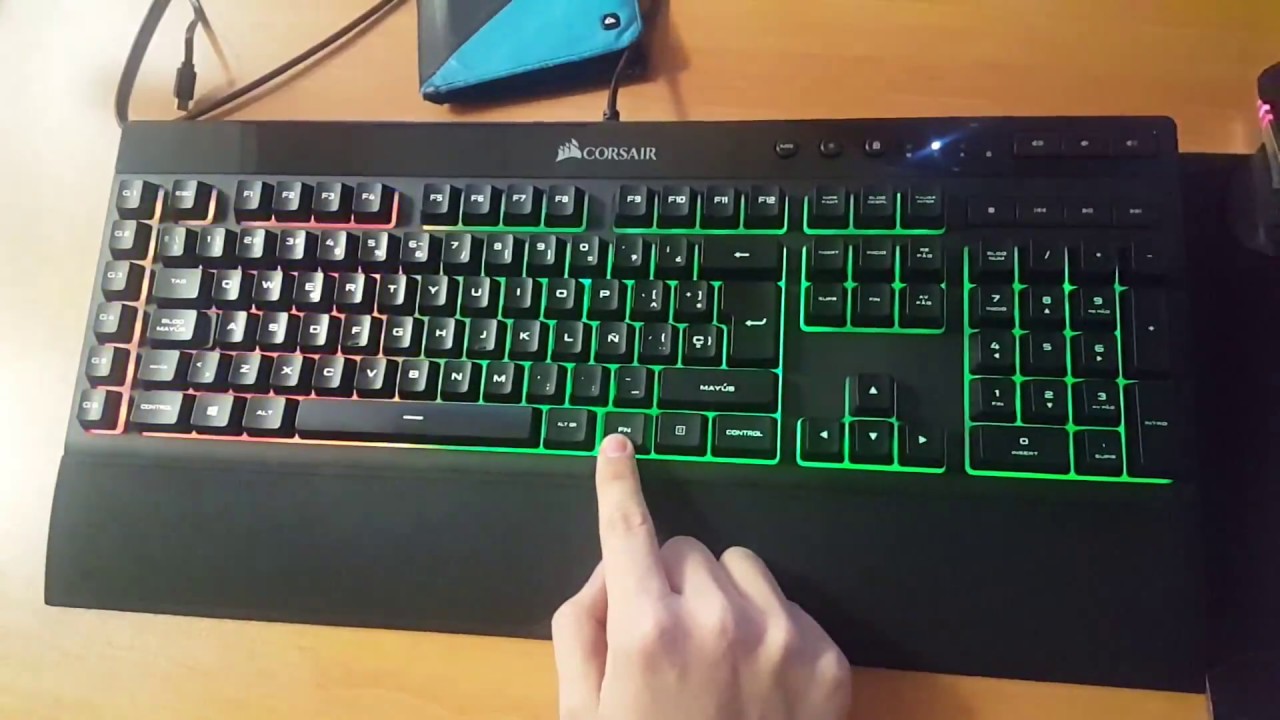
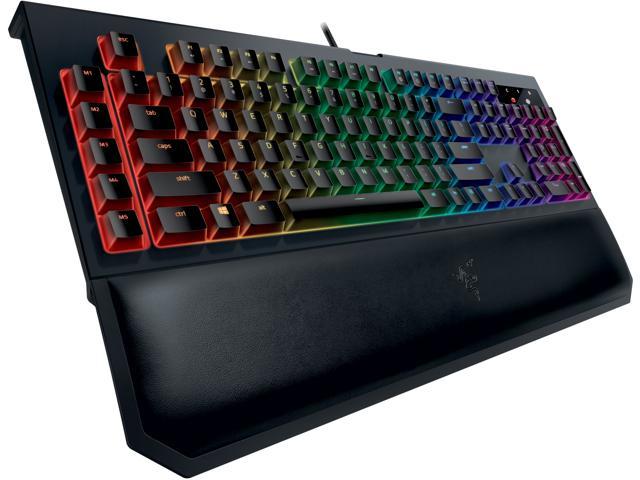
    PC gamers love few things more than high-end graphics. One of the things that comes close, though, is glowing keyboard and mouse setups. High-end peripheral makers like Corsair and Razer make most of their ranges with RGB lighting built in. You can then use software to choose what colors and patterns you want your RGB to take on. Many games even offer compatibility, like Overwatch and Fortnite. If you want your setup to look as serious as it is, consider getting some RGB gear! 

    Gaming Monitor
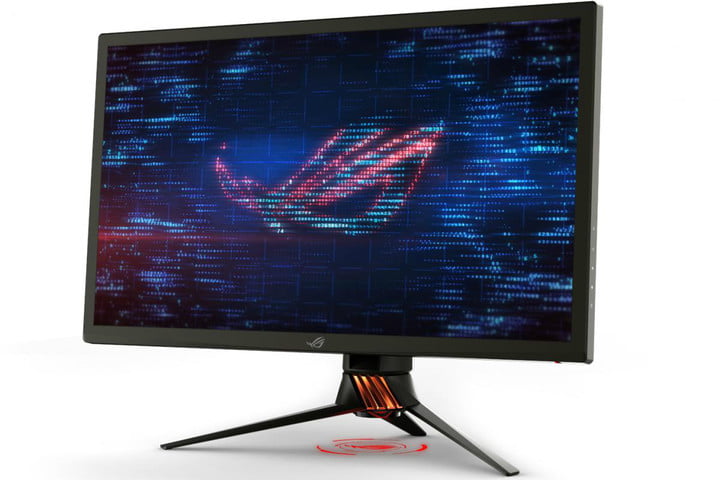
     

    Photo Credit: Digital Trends 

    What’s the point in having an awesome graphics card if your monitor can’t resolve the images it’s being sent? Springing for a 4K monitor is a must if you want 4K graphics. While there are a ton of options out there, finding the best one for your rig is important. Some people like ultra-wide, curved screens. Others may prefer large, flat monitors. Whatever you pick, make sure it’s something you won’t mind sitting very close to for hours on end! 

    Second Monitor
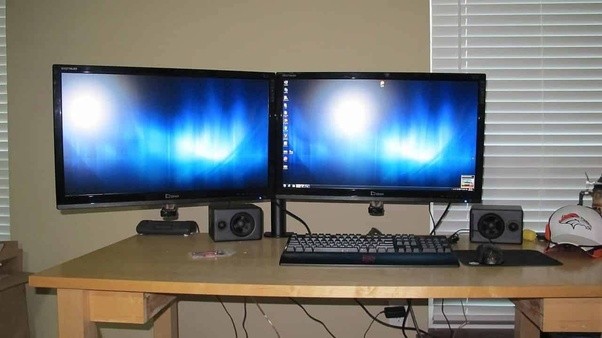
    Photo Credit: Quora 

    Many PC gamers swear by a two-monitor setup. Odds a good you already have a normal monitor, but not a dedicated gaming monitor. Well, after you upgrade, don’t sell your old monitor just yet! Instead, consider rocking a two-monitor setup. That way you can multitask! Your awesome new gmaing computer surely has enough RAM that you can do two things at once. Stuck in a hard section of a new game? Watch a step-by-step guide on your other screen. Chatting with friends in between boss fights? Use your second monitor! Some people just like throwing YouTube or Netflix up while they grind their favorite games. 

    Gaming Headset
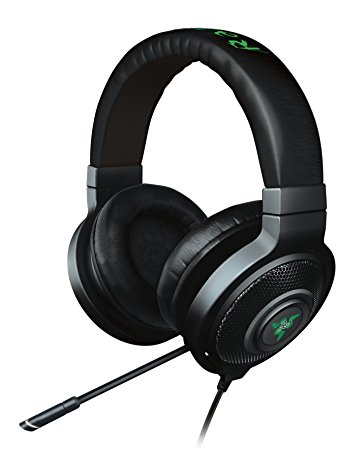
    Photo Credit: Amazon 

    Gaming headsets are a must if you plan on chatting with your team. While some games don’t require them, nearly all games are made better by the surround sound quality of a gaming headset. Not to mention, your team will appreciate how clear your voice is thanks to your awesome mic! This is an expense worth undertaking if you take competitive team games seriously. 

    DualShock 4 Controller
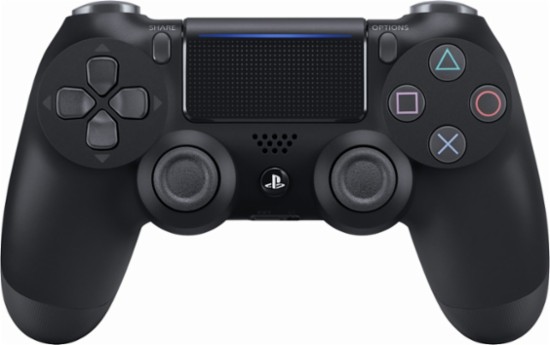
    Photo Credit: Best Buy 

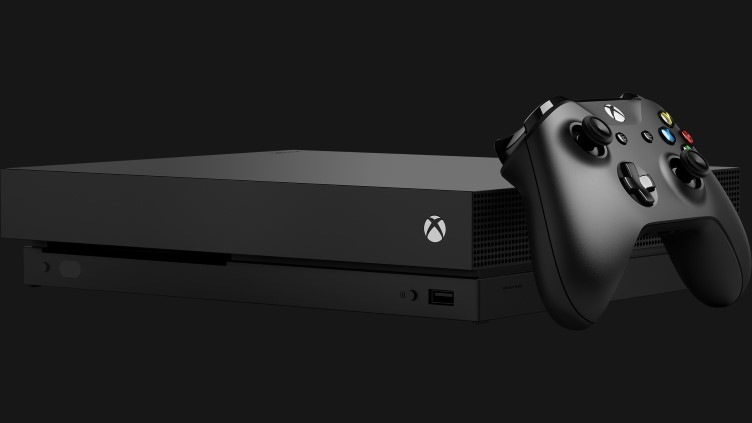
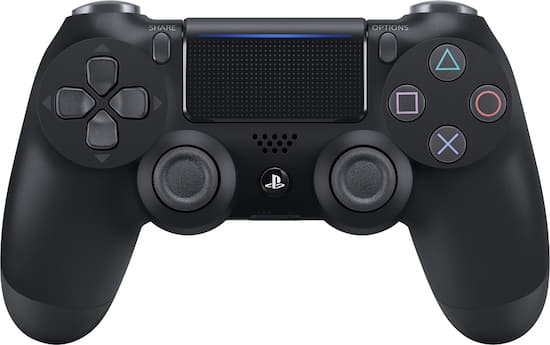
    This one probably seems a little out of place. After all, PC gamers are always talking about how awesome keyboard and mouse is! Well, keyboard and mouse controls are great for certain games. Real-time strategy games, first-person shooters and the like were really made to be controlled by keyboard and mouse. Some games were just made for use with a controller, though, and for those, you’ll want a real game pad. Many consider the DualShock 4 to be one of the greatest game pads ever, with its matte finish and ergonomic design. If you’re more inclined to Microsoft’s offset analog sticks, the Xbox One controller is also a fine choice! Both will work with minimal issue and a bit of setup on pretty much every game. 

    Gaming Mouse
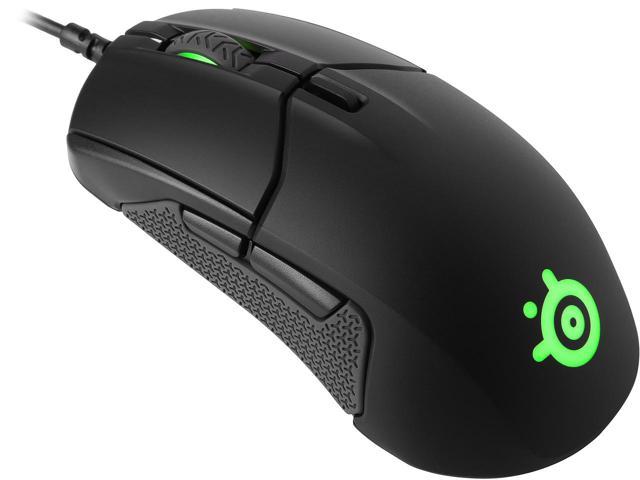
     

    Photo Credit: Newegg 

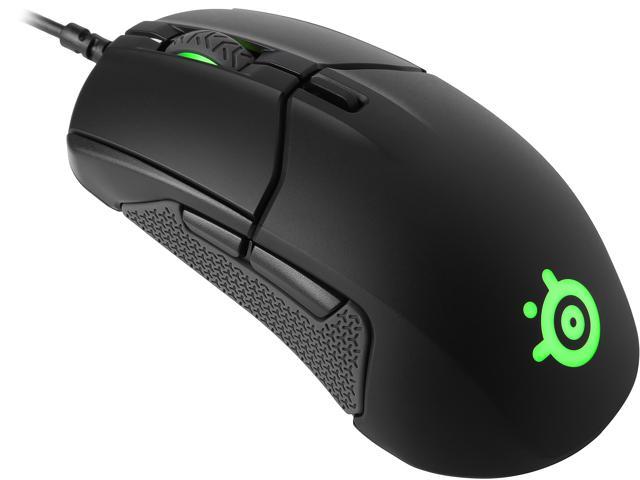
    For those times when you need a mouse and keyboard control setup, though, you’re going to want the best. High DPI, performance gaming mice aren’t cheap, but you’ll know the difference right away. Sporting high-precision and buttons right on the mouse, these are the best way to play. You’ll find yourself skipping less pixels, aiming more precisely and binding common tasks to your mouse buttons. If you’re gaming seriously, you’ll want a serious mouse. 

    The Most Important PC Gaming Peripheral: Mechanical Keyboard
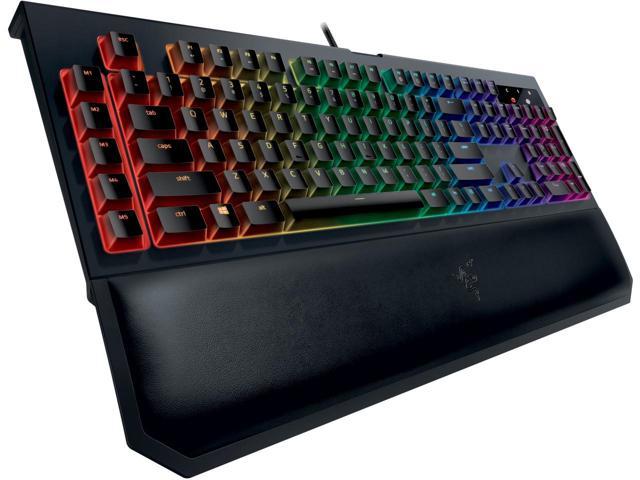
    Photo Credit: Newegg 

    If you intend to play video games from your PC, get a mechanical keyboard, full stop. It might sound absurd, but those loud, clunky keys are a revolution when you first use them. You won’t accidentally hit a key. You’ll know when you press down that your input was read. While they take a bit of getting used to, mechanical keyboards are the best for gaming. They’re not ideal for heavy typing, so keeping a traditional mesh keyboard around for typing tasks isn’t the worst idea. But aside from writing papers or turning in work, mechanical keyboards are the way to go. 

  • Looking to Start Investing? Our Ten Picks for Best Investment App

    Looking to Start Investing? Our Ten Picks for Best Investment App

    Investing in the Stock Market can be daunting. There are a ton of moving parts and the big players all seem like Wall Street types. The good news is, the age of the smartphone has made investing super simple and easy. Where once you might have had to contact a broker to be your proxy on the exchange, you can now just use an app. There are a ton of options out there, though. How do you know which investment app is the best? Well, we’ve got our ten favorites for you to check out! 

    Bloomberg 

    Photo Credit: Bloomberg 

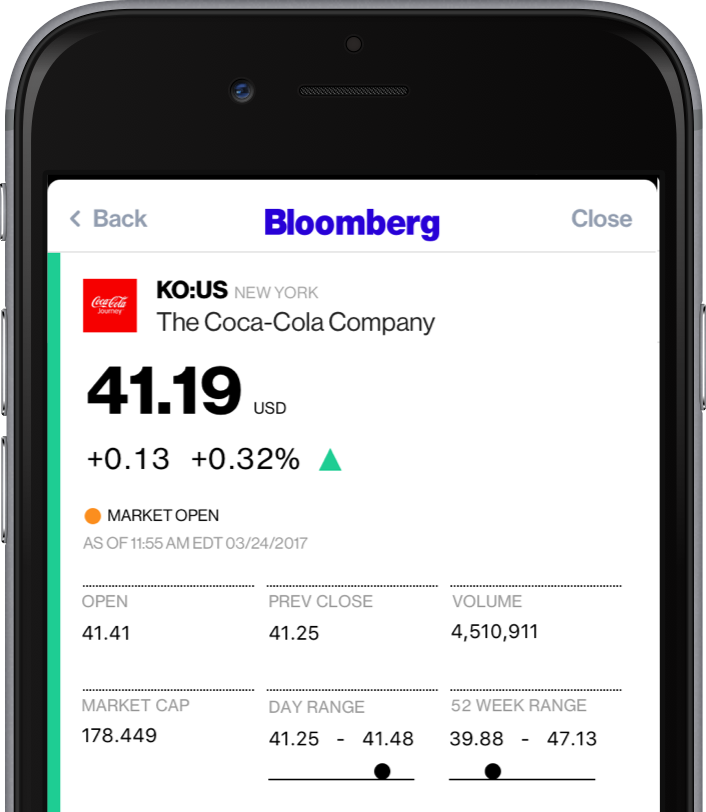
    A well-known name in money management, Bloomberg’s app is great for investing. Combining breaking money news and investing tips, Bloomberg has it all. The app even offers personalized news, so you can watch the companies you invest in.  

    If you’re as interested in the “why” of the stock market as you are in making money off of it, try Bloomberg. 

    Benzinga

    Photo Credit: iTunes 

    Benzinga is great for investors who want insatnt information. By opening the app, you get immediate stock quotes, no need for waiting or skimming over news you don’t want. Acting as something of a punchy investment app, Benzinga is good for those who want to forge their own way. It has social media options, too, letting you share trending stock info to sites like Twitter.  

    Benzinga can also give you push notifications when news relevant to your investments breaks. It also offers some premium features for those who want a more in-depth experience. If you get the subscription you access features like live analysts to answer questions and audio news. 

    CNBC

    Photo Credit: DownloadMyMobileApp.com 

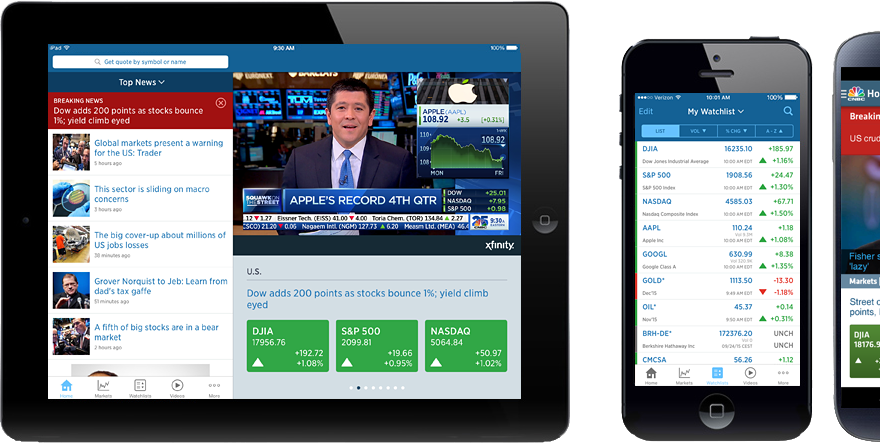
    CNBC is a great news app for those who want to see a little bit from every source. Their app is clean and user-friendly, presenting data in an immediate, digestible format. Many investors swear by the process of synthesizing news from as many sources as you can stand to read. CNBC’s app is a fantastic way to achieve such wide-ranging research without having to dig across the internet. A great resource for novices and veterans alike! 

    Fidelity Investments

    Photo Credit: iTunes 

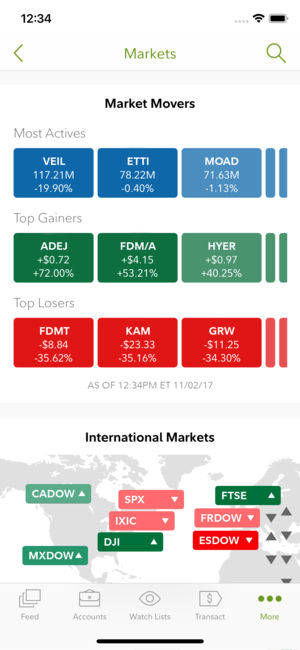
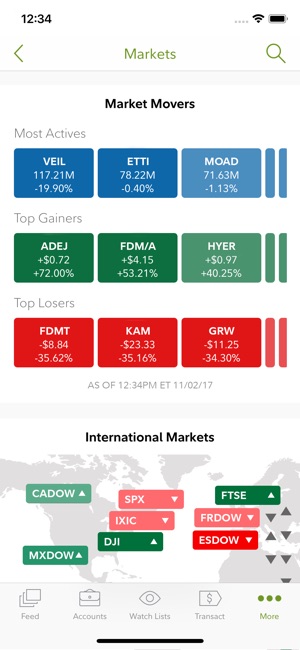
    Fidelity Investments’ app is great for more experienced investors looking to move to something more in-depth. The app offers in-depth charts and daily video coverage of market trends. It also offers notifications for when prices go above or below certain thresholds. It has a comprehensive news section and offers multiple money-management tools. This is a great choice for those who have become more adept in their online investing! 

    Motif Explorer

    Photo Credit: The Divided Ninja 

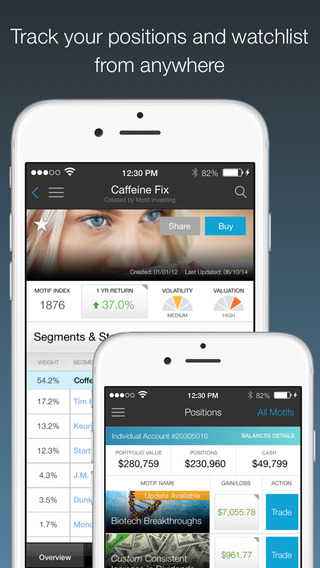
    Motif is a cool way to introduce the stock market to people who are curious about the exchange. The app’s creators track various world events to see which could cause the market to shift. Portfolios, or motifs, based on those observations are generated. For instance, they might have a profile on clean energy, and if you invest in that motif your money would be invested in various clean energy companies. The app works to find which motifs are trending upwards and help you invest accordingly.  

    While Motif Explorer isn’t the best for large, serious investing, it is interesting for newcomers. Consider this one if you’re interested in dipping your toe in investing. 

    TD Ameritrade 

    Photo Credit: TD Ameritrade 

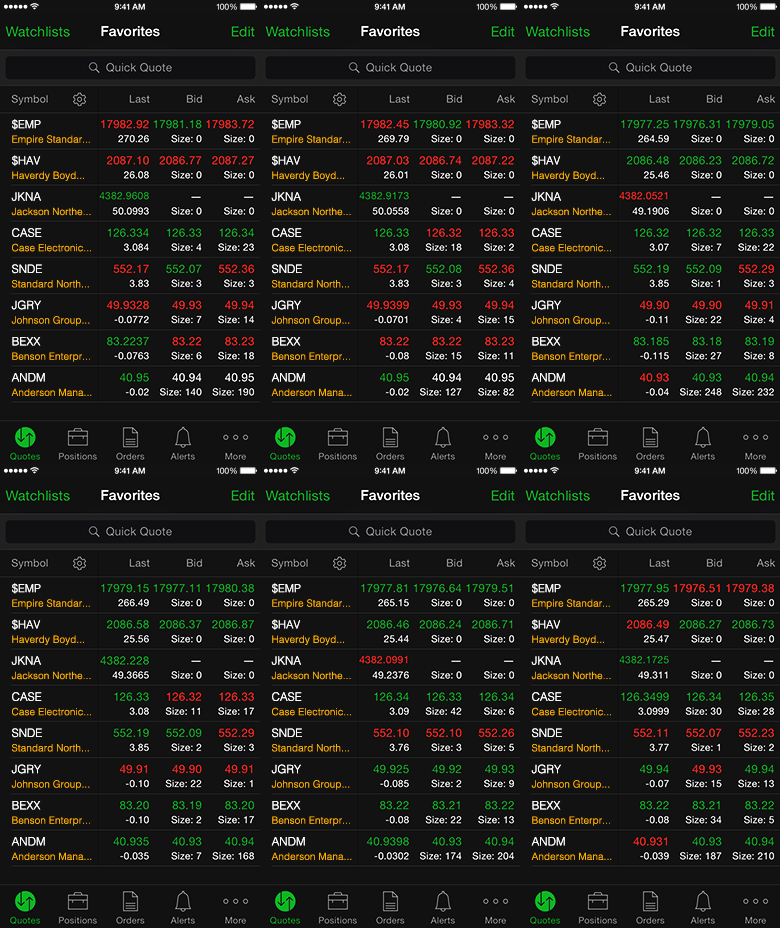
    This app gets a nod for being a great, bare-bones app with no frills. If you’re looking to not have your hand held and just start investing, check this one out. It offers real-time view of the stock exchange, mobile trading, fund exchange and other basic features.  

    Most notably, this app has a feature called Snapstock. This feature lets you use your phone camera to take a picture of a barcode. Then, the app pulls up the company that makes the product that barcode is attached to. That way, if you see an item in a store and think “this is going to be huge,” you can find them and invest on the fly from your phone. 

    Yahoo! Finance

    Photo Credit: Geeky Gadgets 

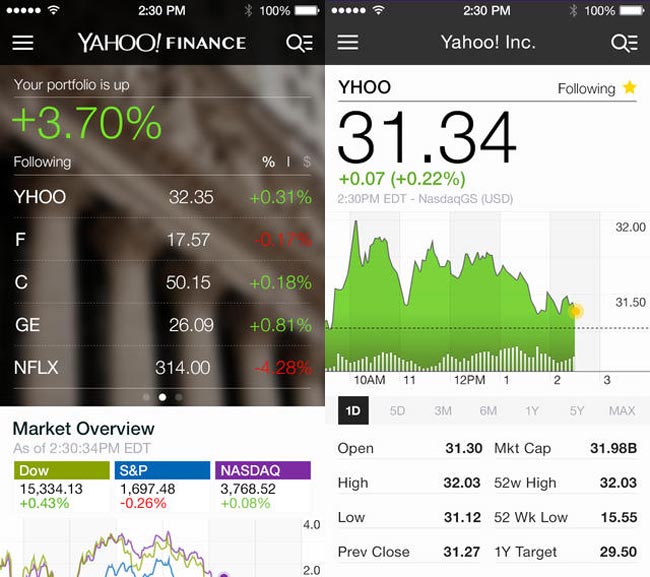
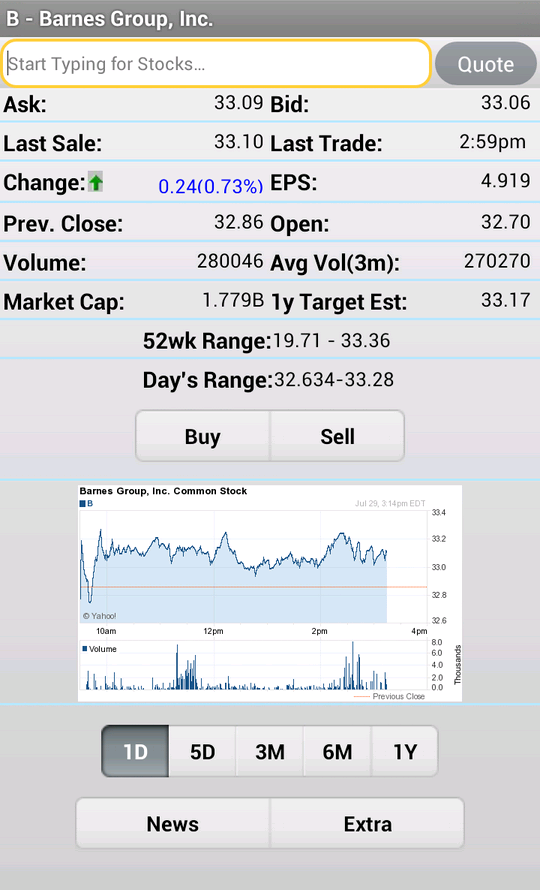
    Surely, you’ve heard of these guys? Jokes aside, Yahoo! Finance has a great app for beginner investors. The app has a gorgeous, clean design reminiscent of Apple’s native iPhone stocks app. The design is personalized to your investments and offers a great dashboard to see what stocks are trending. It also features news and trending stocks at a glance. All in all, this app is great for those just starting out who want to get their stock info at a glance.  

    Stock Market Simulator

    Photo Credit: APK-DI.com 

    This mock investment app is a stress-free simulator to show newbie investors the ropes. You start with $10,000 in virtual money with no value and can mock invest in an echo of the real stock market. The echo updates fifteen minutes behind the real exchange. While this isn’t meant to be a tool to predict actual investment trends, it is useful to show newcomers what the exchange looks like. It allows them to experiment without risking their actual money. 

    SigFig


    Photo Credit: Apptentive 

    This investment app is quite good for newcomers. SigFig offers advanced optimization tools for portfolios, helping you manage your money. You take a profile quiz to tell the app the ways you like to take risks with your money. You get a personalized investment plan, put money in the account, and off it goes. It’s like a digital broker! 

    The app also offers investment advice for first-time investors. The only downside is that it only shows you three years back of your investment, where most apps opt for five- or even ten-year retrospectives. That said, this is still an awesome choice for newcomers. 

    Our Favorite Beginner Investment App: Acorns

    Photo Credit: Cult of Mac 

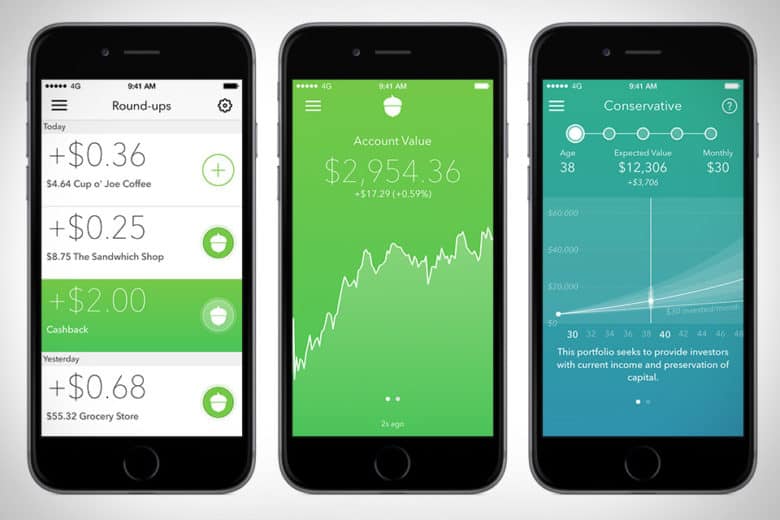
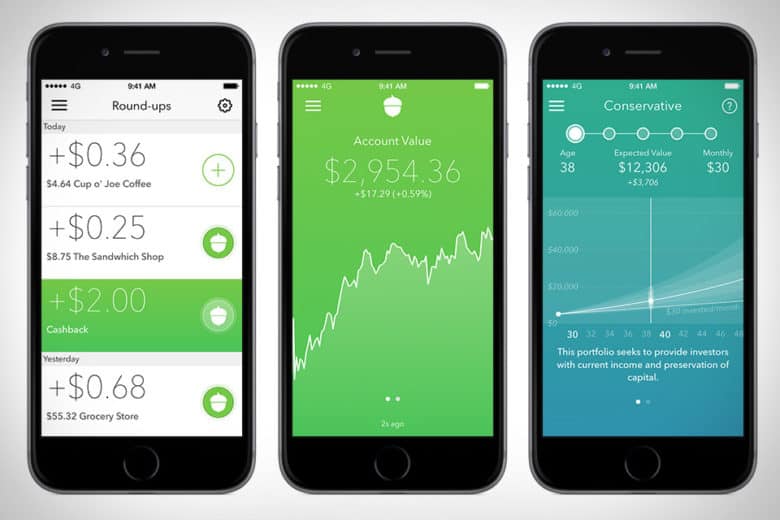
    The Acorns app is pretty awesome. This investment app works by investing your loose change into a diversified portfolio. The idea is that you set it up with your credit or debit card, and then the app rounds up your regular purchases and invests the small amounts of money in accounts recommend by Harry Markowitz. Markowitz, for his part, has won a Nobel Prize for his work as an economist, so you know your money is in good hands. 

    Acorns is meant to be a “set it and forget it” service, in their COO Jeff Cruttenden’s own words. The service does have a small monthly fee, but as long as you keep small amounts of money in it, you probably won’t notice it. This service is great for those who’d like to invest but don’t know where to start. 

  • The Ten Coolest Games Showcased at E3 2018

    The Ten Coolest Games Showcased at E3 2018

    With Nintendo’s Direct in the books, the E3 2018 press conferences have now wrapped. There were some huge reveals from all the major players. Let’s check out some of the hottest games showcased during the show! 

    Gears of War 5 

    Photo Credit: NDTV Gadgets 

    As one of Microsoft’s flagship franchises, Gears of War has had some serious longevity. The newest entry focuses on Kait Diaz, pictured above. Kait was first introduced in Gears 4 and is a refreshing change from the monotonous macho-man mayhem the series is known for. The trailer Microsoft showed featured colorful new vistas and an arctic environment. Previous entries were criticized for their gray-and-brown color pallet, so it’s nice to see some color in the series. The trailer also showed off some interesting new monsters for the protagonists to chew through. Get ready for war! 

    Fallout 76 

    Photo Credit: ComingSoon 

    Few franchises command as much fanatic devotion as Fallout. After a teaser before the show, Bethesda unveiled more details during E3 2018. This time around, players will work together to make a settlement and defend it from monsters. Oh, and other players. In Fallout 76, all NPC are replaced by players. Those marauders looking for nuclear launch codes to wreck your settlement? Yeah, those are players. Go get ’em, hero! Or join them, if you want. Bethesda is giving players the freedom to adventure how they wish. 

    Spider Man 

    Photo Credit: GameSpot 

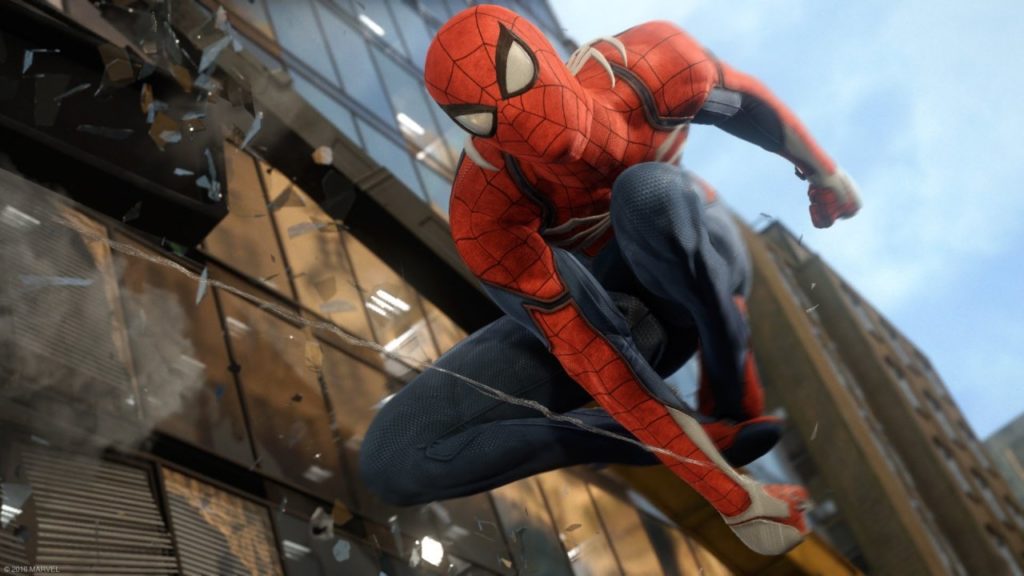
    Insomniac’s amazing-looking Spider Man game got a new trailer. In this game, things look rough for the web-slinger. The Raft, a floating prison for super-criminals, has had a prison break. Rhino, Scorpion, Vulture, Electro and Mister Negative are all teaming up to take down Spidey. The trailer showed off some Arkham Asylum-esque combat and fluid, fast-paced web-slinging. If any game is going to make you feel like Spider-Man, this is the one. Another killer exclusive for the PS4! Spider Man hits September 7th. 

    Super Mario Party 

    Photo Credit: VG 24/7 

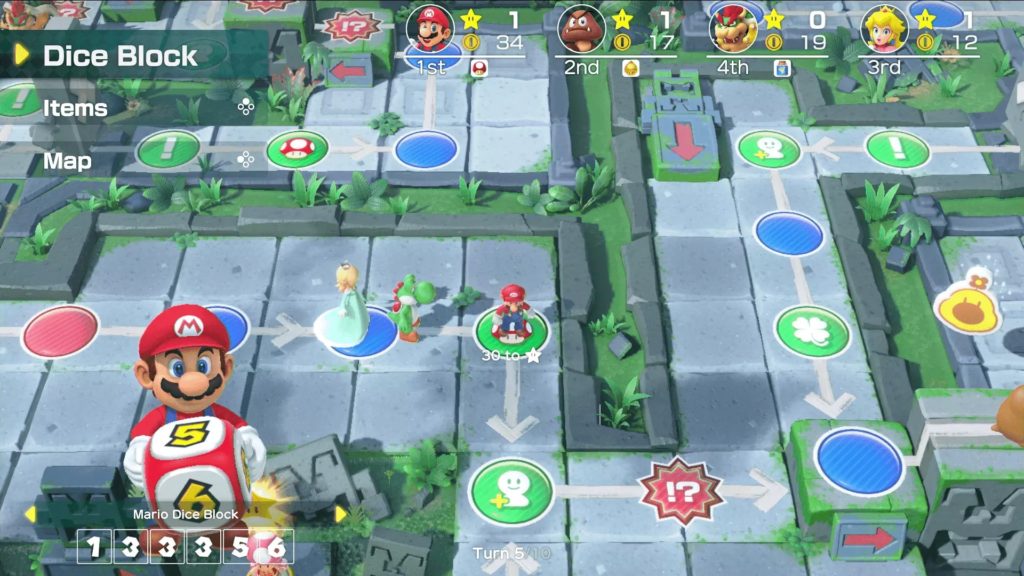
    One of Nintendo’s surprise reveals this year was Super Mario Party. Showcasing board game-like play with multiple Switch systems, the game seems perfect for the hybrid console. While it has been a few years since the last Mario Party, this one seems poised to revitalize the series. This outing will be bolstered by the flexible “go-anywhere” Switch hardware. Mario Party while camping? Sure! Game night at a friend’s house? Bring your Switch! Meeting some friends for lunch one lazy Sunday? Bring Mario Party and make an afternoon of it! Nintendo is really bringing the heat to Switch this holiday season. Super Mario Party is landing on October 5th. 

    Halo Infinity 

    Photo Credit: VG 24/7 

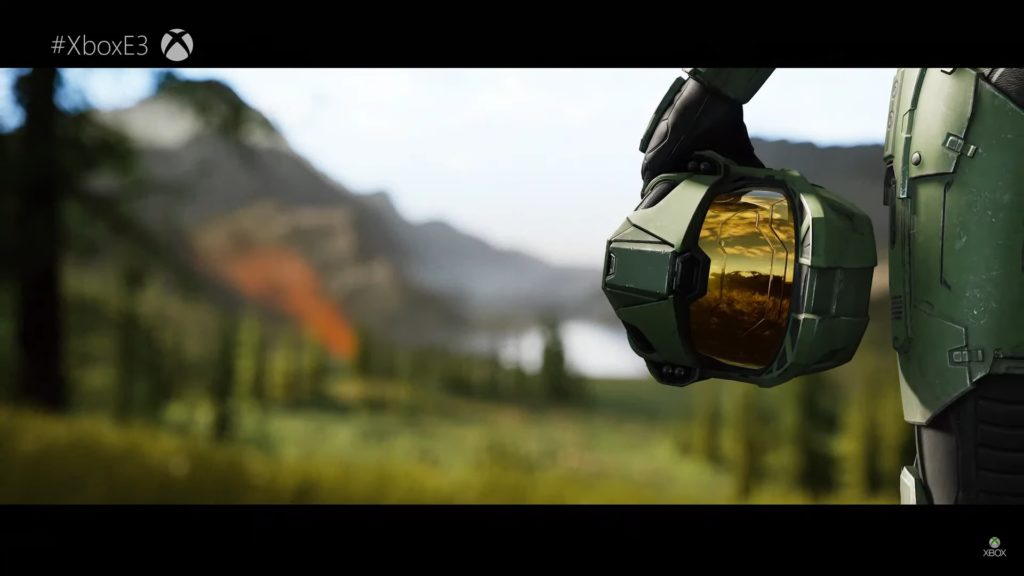
    Halo, Microsoft’s juggernaut first-person shooter, was due for an appearance. The cutscene shown at the show looked absolutely incredible, but scant details about the story were shared. Apparently, the game will run in a new “Slipspace” Engine, designed from the ground up for Halo. The cutscene shown ran in that engine, which is assuring. While the game is likely still a year or two away, it looks exciting! Here’s hoping developer 343 Industries doesn’t repeat the narrative mistakes of Halo 5. 

    Anthem 

    Photo Credit: EA 

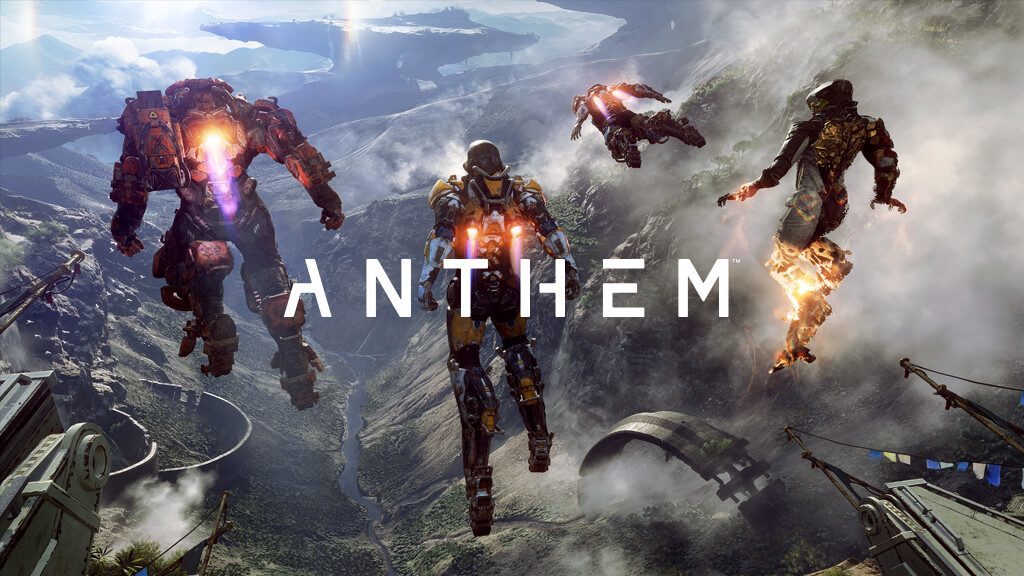
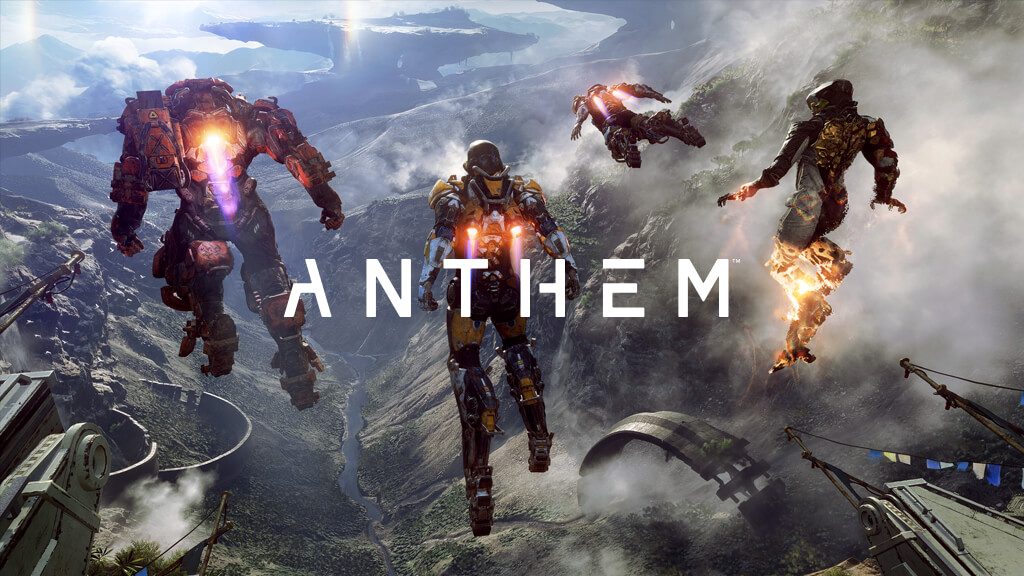
    BioWare’s newest project looks like a serious contender for Bungie’s Destiny. The gameplay shown looks fast-paced and exciting, and the game is gorgeous. Many have reservations about the explosions-first direction, as developer BioWare has a history of story-based games. However, the trailers shown certainly reaffirm the tight, explosive gameplay looks fun. And why else play video games than to have fun? Not to mention, the latest attempt at a story-based game by the studio was a disaster. Mass Effect: Andromeda will forever remain a black spot on developer BioWare. Hopefully they can forge a new legacy with the promising-looking Anthem. 

    Death Stranding 

    Photo Credit: Wccftech 

    Hideo Kojima-led project Death Stranding still makes no sense, but it looks awesome. Featuring Norman Reedus of Walking Dead fame as the apparent protagonist, the game seems to be a horror-exploration hybrid. The trailers so far haven’t exactly explained the plot or why exactly the main character has a baby in a tank in stasis. That said, the trailers have all been quite gripping and intense. The trailer shown at Sony’s press conference showed gameplay footage that involved traversing a gorgeous, desolate open-world. The protagonist was also shown hiding from an invisible monster with hands for feet (apparently) and avoiding shadowy, human-like monsters. And those monsters have umbilical cords, for some reason. Yeah, the game looks weird. And I can’t wait to see more. 

    Assassin’s Creed Odyssey 

    Photo Credit: Ubisoft 

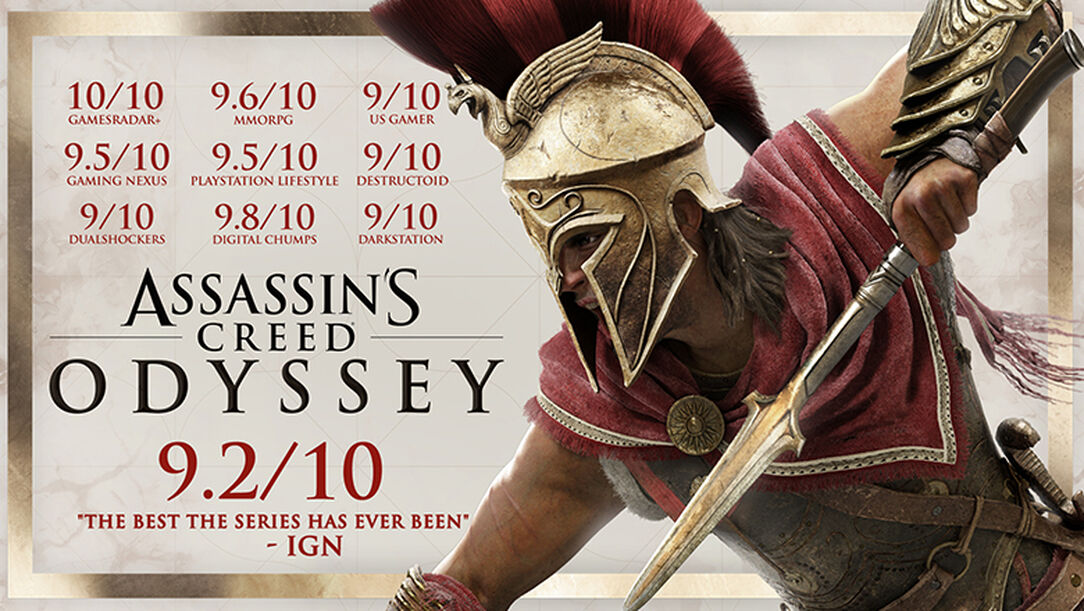
    The latest entry in the long-running open-world series takes place in Hellenic Greece. Like, all of it. And a huge swath of the Mediterranean. It looks downright stunning, as one would expect from this series. This entry also introduces new RPG-like elements, allowing the player to shape the unfolding story. There are also now quests to engage in romance with NPCs, instead of just, y’know, stabbing them. With wrist-mounted knives. But don’t worry, there will still be tons of badies to shank. 

    Beyond Good and Evil 2 

    Photo Credit: Gematsu 

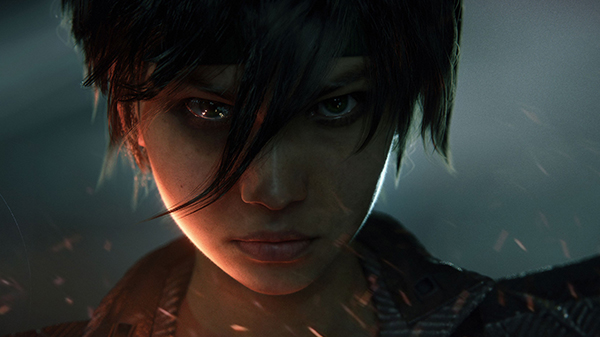
    Cult classic Beyond Good and Evil is finally getting a sequel! Well, a prequel, but, hey, we’ll take it. No gameplay or release dates yet, but the trailers confirm Jade and Pey’j will both return. Aside from the amazing-looking cinematic, though, we have scant few details on the game. However, Ubisoft seems dedicated to providing awesome experiences and really knocked it out of the park at E3 2018. 

    The Star of E3 2018: Super Smash Bros Ultimate 

    Photo Credit: The Verge 

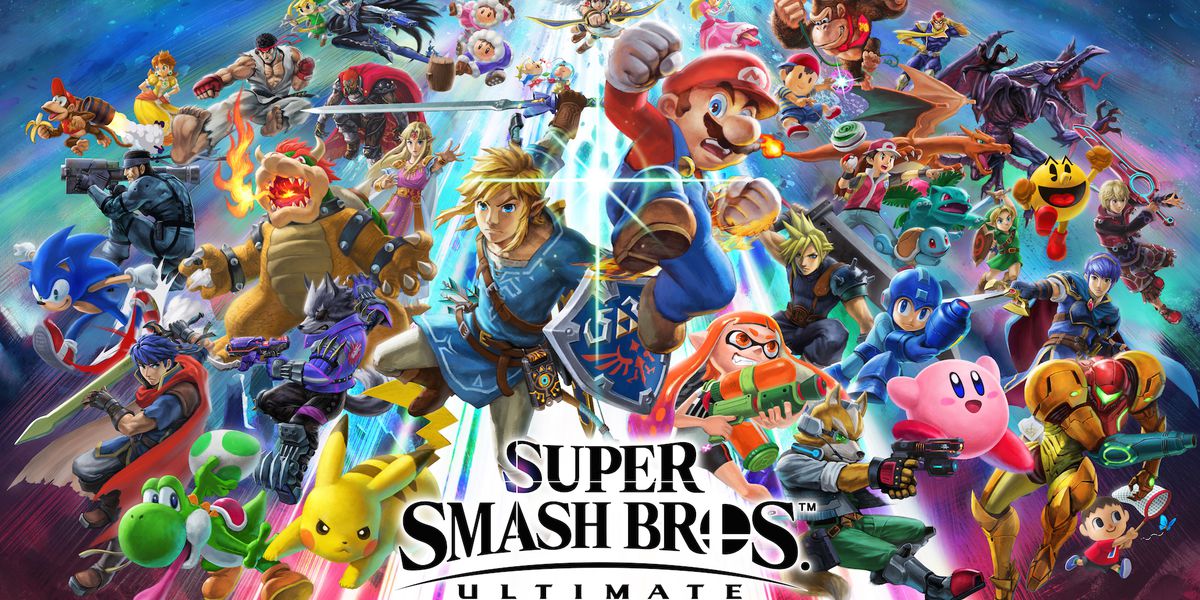
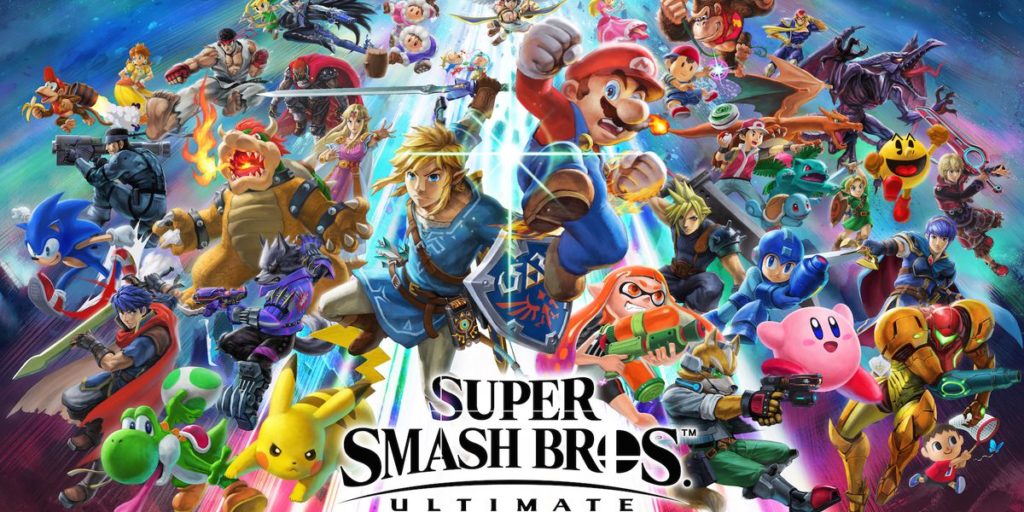
    Easily the biggest game of the show, Smash Bros Ultimate promises the return of every character to ever grace the legendary series. Even Solid Snake and Pichu are back this time! Additionally, developer Masahiro Sakurai has promised this will be the biggest Smash Bros yet. The game has been made from the ground-up with new animations and mechanics for every fighter. Truly, the development team has been putting in crazy amounts of work. It looks like the game is walking the razor-thin balance of appealing to both competitive and casual players. Super Smash Bros Ultimate is sure to break records when it drops on December 7th. 

  • Top 5 Gaming Laptops for 2018

    Top 5 Gaming Laptops for 2018

    It takes a lot of stones to be a full fledged gaming laptop and those stones come a large price. These gaming laptops are built to handle what ever our nest and most bizarre gaming programmers can throw at them, and they do it with style and grace. Today we are gonna take a look at the 5 best gaming laptops for 2018.

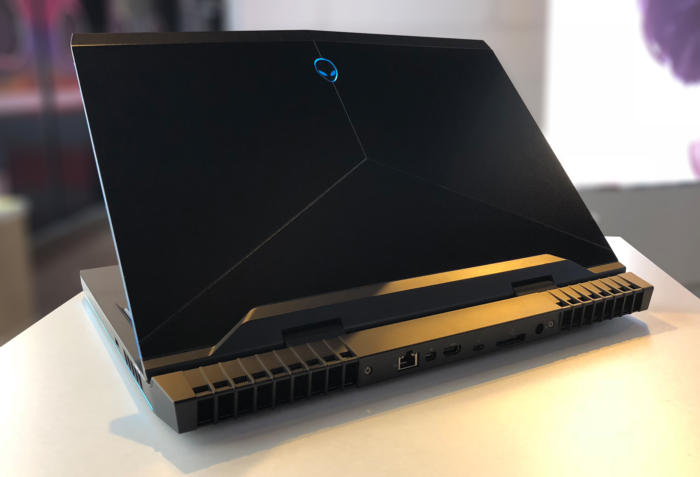
    1. Alienware

    • CPU: Intel Core i9-8950HK
    • Graphics: Nvidia GeForce GTX 1080 (8GB GDDR5X VRAM)
    •  RAM: 32GB
    •  Screen: 17.3-inch QHD (2,560 x 1,440)144Hz
    •  Storage: 246GB PCIe M.2 SSD, 1TB 7,200RPM HDD

    What has this beast at the top is not only the brand new and highly overclocked processor, top of the line GPU and the 13 zone customizable LEDs, but the Tobii Aware software and eye tracker..It works and its awesome. This is hands down the best gaming laptop and will be for at least a year.

    2. MSI GS 65

    • CPU: Intel Core i7
    • Graphics: Nvidia GeForce GTX 1070 (8GB GDDR5X VRAM, Max-Q)
    •  RAM: 16GB
    •  Screen: 15.6-inch FHD (1,920 x 1,080) anti-glare, wide-view 144Hz panel
    • Storage: 512GB M.2 SSD

    The MSI GS65 packs a ton of power into a very breathtaking and inspiring design. Blasting on with an 8th-generation Intel Core i7-8750H CPU and an Nvidia GeForce GTX 1070 GPU, But a quick run down of the specs will see why this Laptop didn’t grab the number one spot, but cut it a little bit of slack it is a few months older and its still a very bad,bad man gaming laptop.

    3. Razer Blade Pro

    • CPU: Intel Core i7-8750H | 7th Gen
    • Graphics: Nvidia GeForce GTX 1080 (8GB GDDR5 VRAM) |
    • RAM: 16GB | Screen: 17.3
    •  Storage: 512GB M.2 SSD

    This is one of my favorites, it  was crafted to deliver incredible performance in an impossibly thin form factor. It is also the world’s first THX® Certified Mobile Device, the Razer Blade Pro sets a new standard for desktop replacement laptops.

    4. Dell G3 17

    • CPU: 8th Generation Intel® Core™ i7-8750H Processor
    •  Graphics: NVIDIA® GeForce® GTX 1060 with NVIDIA® Max Q Design technology, 6GB GDDR5 video memory |
    • RAM: 16GB DDR4
    •  Screen: 17.3-inch HD 1,366 x 768 TN – QHD 2,560 x 1440 OLED touchscreen
    •  Storage: 180GB – 512GB SSD

    While this has some respectable power, this configuration will cost a little more the $1000 making this the best value for a gaming laptop with out suffering any power loss. It will deliver an ultimate and immersive gaming experience.


    5. Lenovo Legion Gaming Laptops

    CPU: 8th Generation Intel® Core™ i7-8750H Processor
    Graphics: NVIDIA® GeForce® GTX 1060 with NVIDIA® Max Q Design technology, 6GB GDDR5 video memory |
    RAM: 32GB DDR4
    Screen: 17-inch HD 144fps
    Storage: 180GB – 512GB SSD

    Clean new design. Relatively light. Fantastic 144 screen refresh-rate options. Corsair keyboard with per-key RGB lighting. The fresh design of the Legion Y730 holds promise, with a well-rounded feature set at a relatively modest price. Its big hold back it for a brand new released Gaming laptop its not blasting the i9 chip and maxes out with the GTX 1060 on top a high price then the G3 although the 730 is but better looking and dosent feel as cheap as the G3.


  • Top Ten Father’s Day Gifts Under $100

    Top Ten Father’s Day Gifts Under $100

    Father’s Day is this Sunday! Have you picked out a gift for Dad yet? If not, don’t worry, we’ve got a list of our favorite gifts for Father’s Day under $100! Giver your Dad something awesome! 

    Cord Taco 

    Photo Credit: Amazon 

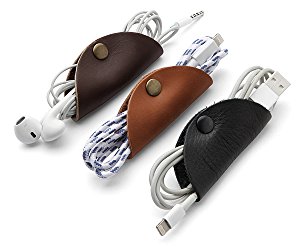
    Dad probably has a ton of cords and cables loose in a drawer somewhere. Why not help him organize with these handy tools? They’re stylish and functional and Dad will love them! 

    Amazon Echo Dot 

    Photo Credit: Venture Beat 

    Commanding a virtual assistant with your voice is pretty cool. Alexa helps you schedule your day, reads your messages to you, tells you the news and so much more. The best part is, an Echo Dot is only $40 from Amazon! Talk about a cool gift at a great price! 

    Philips Hue 

    Photo Credit: Amazon 

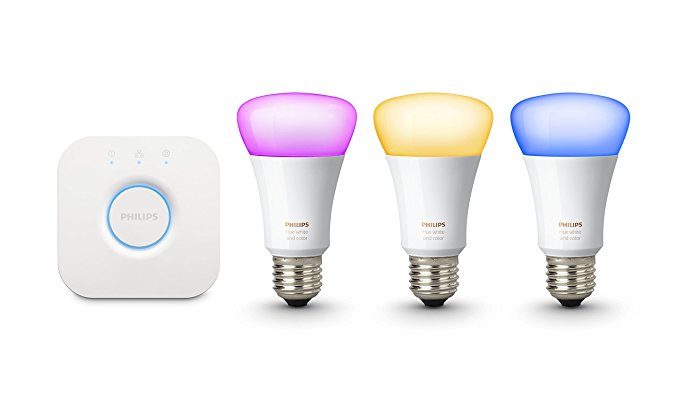
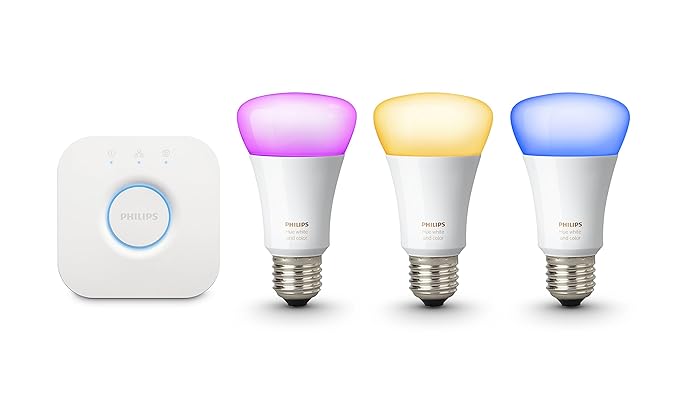
    If your dad already has an Alexa device, you could get him these awesome smart bulbs from Philips. The Philips Hue bulbs can be controlled via Alexa, and they are seriously bright! You can even change the color of light they produce. You can even control the lights with an app, so if Dad forgets to cut the lights off before he leaves, no sweat! It’s just a tap away! 

    Looftlighter 

    Photo Credit: Williams Sonoma 

    If your dad is like mine, he loves to put on a bonfire in the back yard. An awesome gift for a grillmaster dad is a Looftlighter! This handy wand sets fire to wood or kindling without need for lighter fluid. As we all know, lighter fluid is bad for the environment, so finding sustainable alternatives is awesome! You can pick one of these awesome flame wands up for $80. 

    Hoveric Levitating Speaker 

    Photo Credit: MoMA Design Store 

    Every dad loves goofy magic tricks, so give your dad the gift of a cool floating speaker! When music is played through this futuristic speaker, it is lifted from I’s pedestal by the sound waves. How awesome is that? Dad will certainly love this one! It’s only $99, too, which is awesome! 

    Misfit Ray 

    Photo Credit: PC Mag 

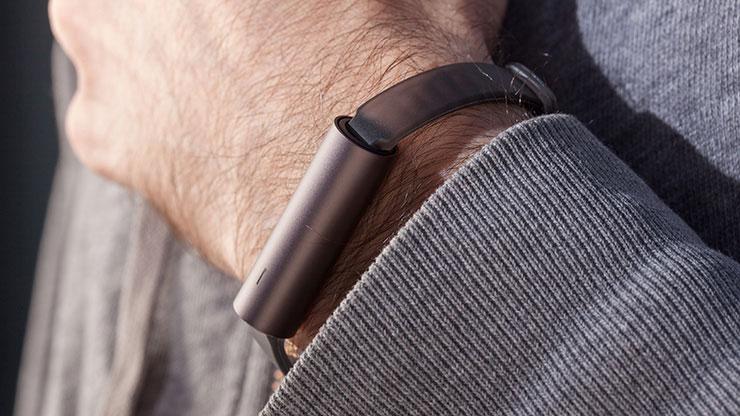
    Dad probably doesn’t want some big flashy screen like an Apple Watch, but he’d probably love a fitness tracker. For the dad who’s trying to stay in shape, check out the Misfit Ray. It’s slick and doesn’t call attention to itself, and it sports a long battery life. You don’t need to charge it for four months after a full charge! It pairs to a smartphone app to show you your statistics. It’s a great price, too, at $40. 

    Kindle E-Reader 

    Photo Credit: Amazon 

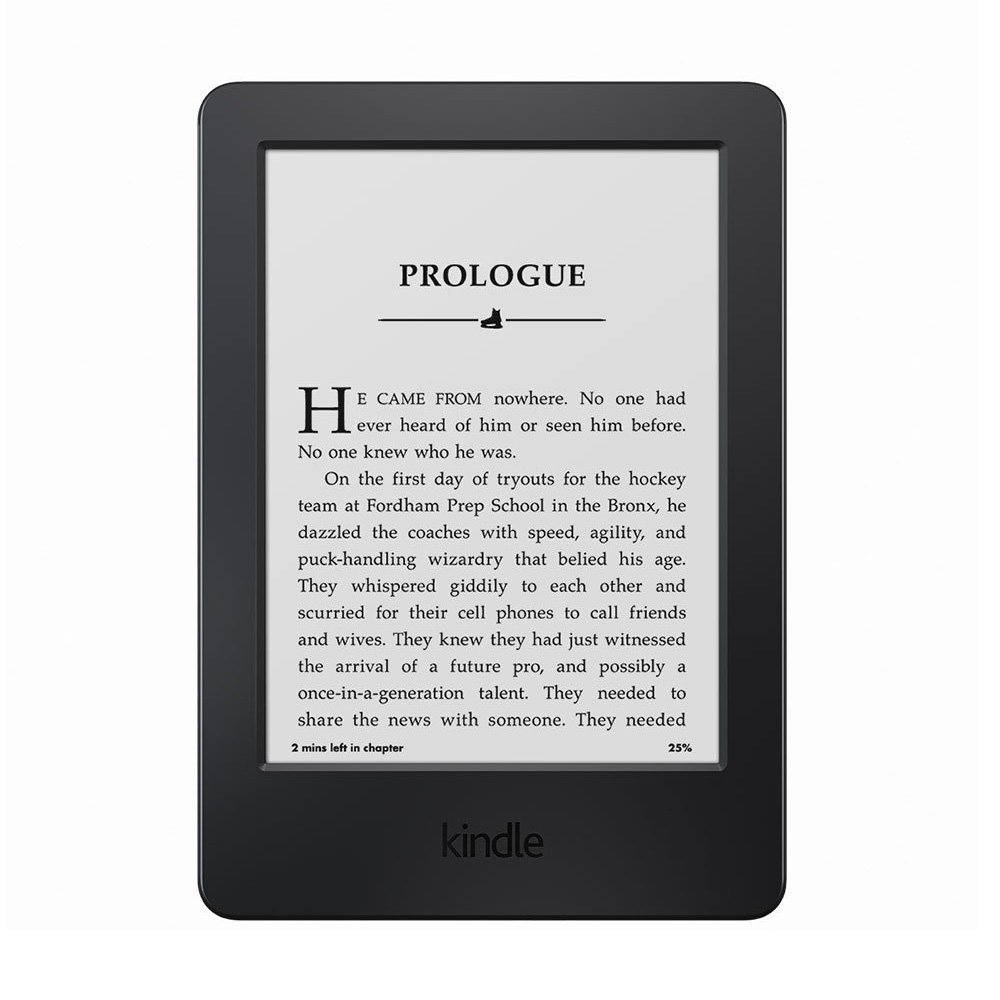
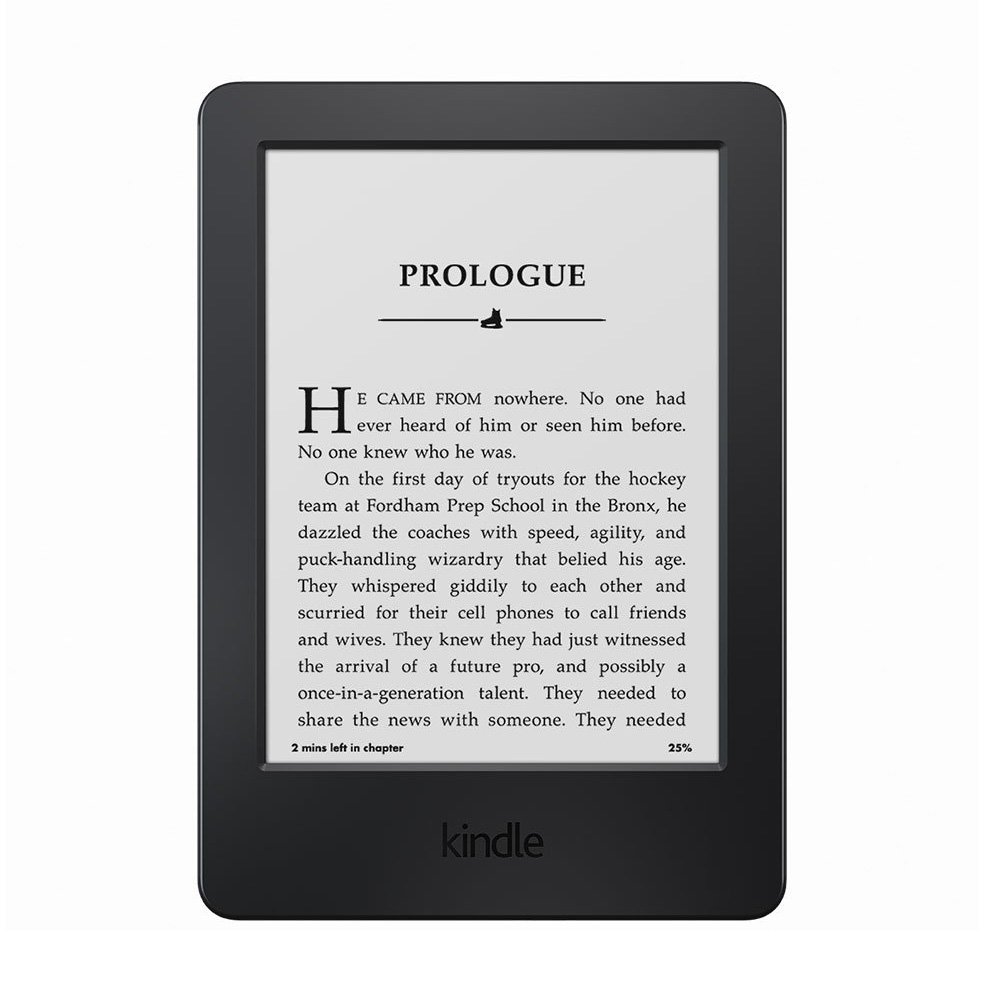
    Your dad might just love an e-reader. There are so many awesome books out there, but it can be difficult to find enough shelf space for all of them! And they’re hard to bring with you on a long trip, or to the beach. To remedy that, get your dad a Kindle! Their simple interface and non-reflective screen make them excellent for reading by the pool or at the beach! You can snag one from Amazon for $60. 

    Roku Streaming Stick 

    Photo Credit: Roku 

    Dad’s probably complained about the cable bill. Loudly. And often. If your dad hates the price of cable but loves TV, consider getting him a Roku Streaming Stick. Roku lets him watch Netflix or Hulu through his account, and it even supports Sling streaming TV. All that for just $54! Not too shabby! 

    Tile Sport 

    Photo Credit: Amazon 

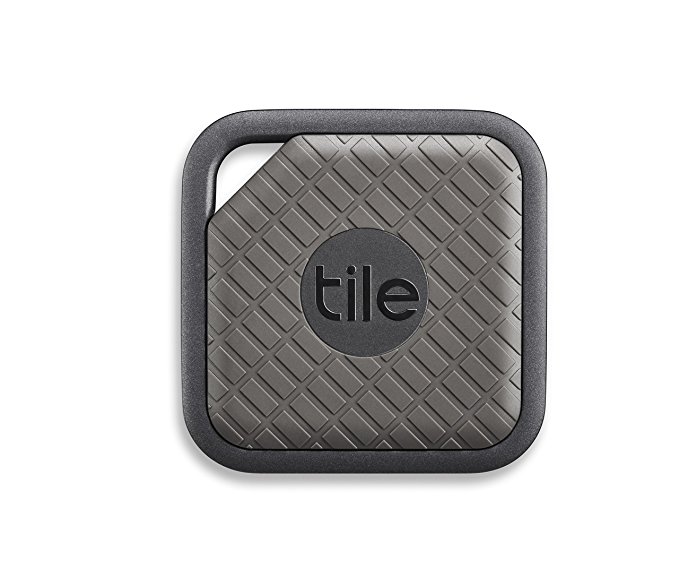
    If your dad’s constantly misplacing stuff, you should get him a Tile. Tile will help him find nearly anything he loses. All he has to do is attach the tracker to his valuables and install the Tile app. Ta-da, never lose that particular thing again! Well, not permanently, at least. 

    Our Favorite Gift for Father’s Day: UE Wonderboom 

    Photo Credit: Allround PC 

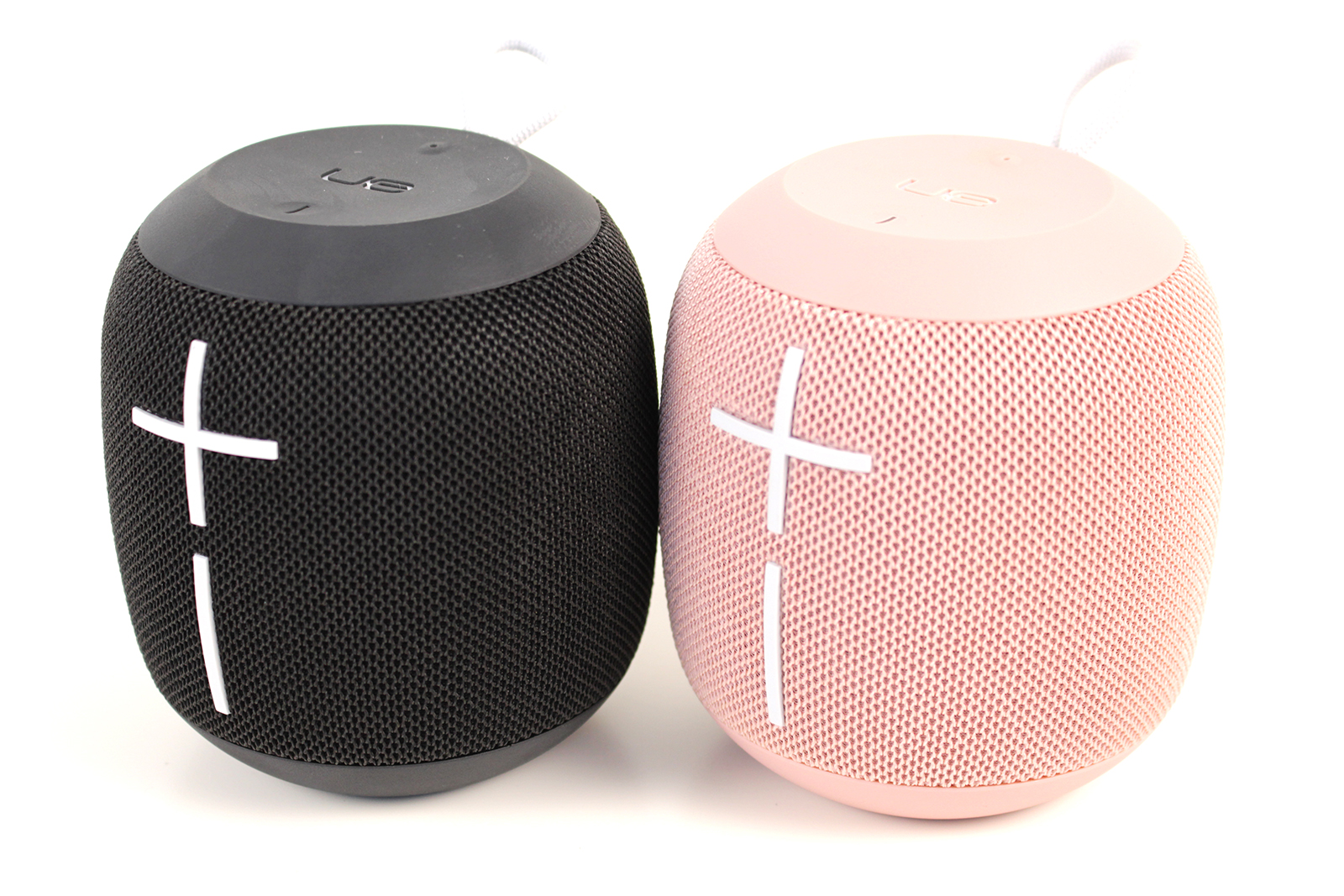
    Our favorite Father’s Day gift? The portable, loud and waterproof UE Wonderboom Bluetooth speaker. Sporting a great amount of battery life and durability, it’s perfect for any situation. Whether by the pool, at a party or at the beach, the Wonderboom provides excellent sound. The Wonderboom is a great value, too, costing only $70. You can usually find it on sale for less, too! 

  • 10 Cool Things You Didn’t Know You Could Do with Windows 10

    10 Cool Things You Didn’t Know You Could Do with Windows 10

    Windows 10 is a robust, fascinating operating system. It’s user-friendly and deep, and there’s likely tons of neat little tricks in it you don’t know about. How many of these interesting Windows 10 tricks do you know? You’re sure to find something here you didn’t already know how to do! 

    Old-School Desktop 

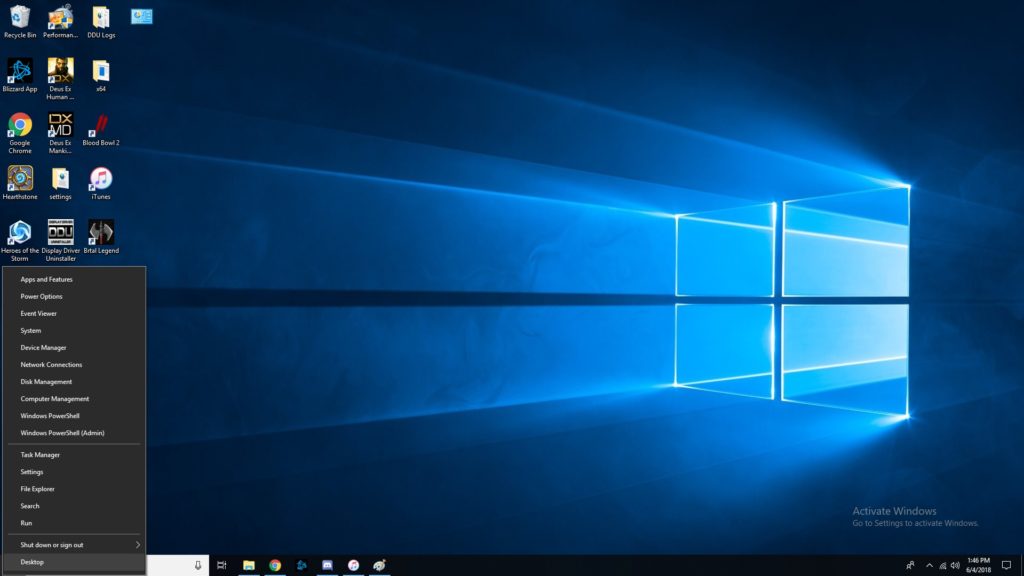
    If you like the more old-school look, try right-clicking the Windows button. This pulls up a set of controls that are familiar to long-time users. Hopefully if you’re having trouble navigating the OS, this trick helps you find your bearings. 

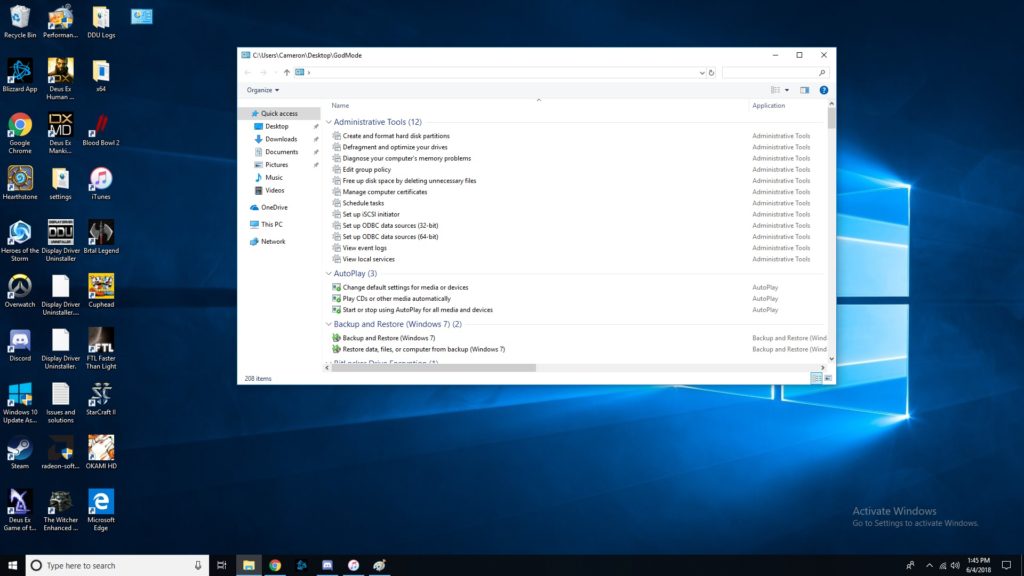
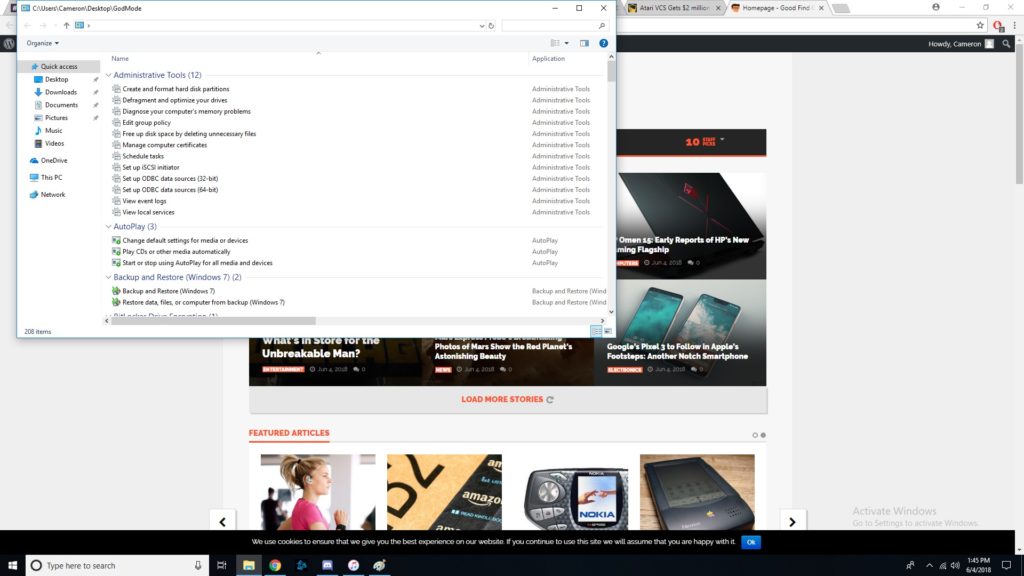
    God Mode, Enabled 

    If you’ve ever wanted to take direct control, you’ll love God Mode. It’s surprisingly easy to enter this Windows “cheat code,” but it’s super useful. To start, you should go to your desktop, right click, and make a new folder. Then, rename the folder “GodMode.{ED7BA470-8E54-465E-825C-99712043E01C}”. Congratulations, you’ve now enabled God Mode. Have fun with all these commands! 

    Customize Tiles 

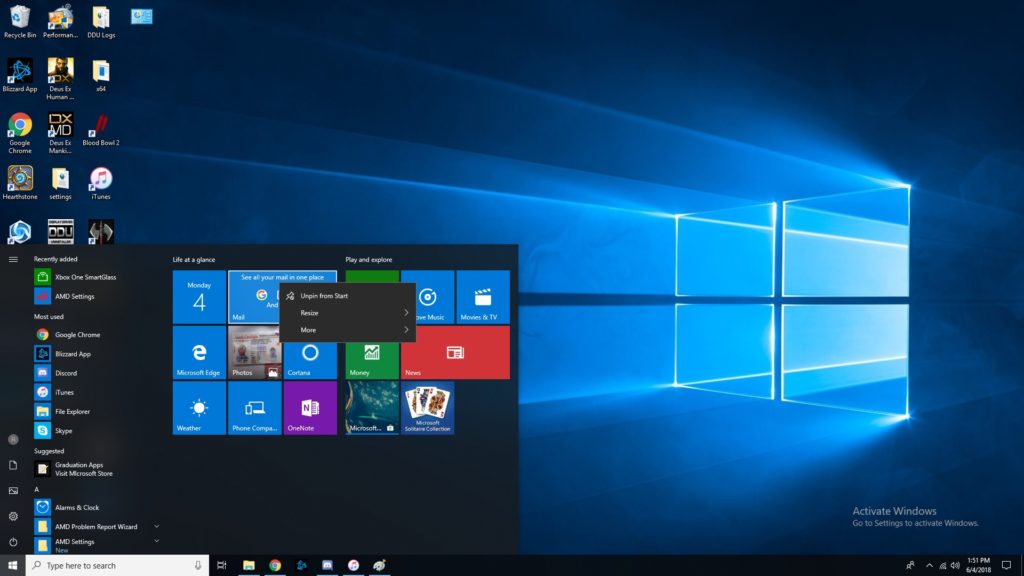
    If you want to customize your tiles, right click them. Now you can unpin, resize, pin to taskbar and more. You tile dashboard is meant to be an all-inclusive display, so having direct control of it is awesome. Make it your own, and have it show all the info you want at a glance! Remember, Windows 10 was made to be a great desktop OS and a great tablet interface in one. 

    Right Click Taskbar 

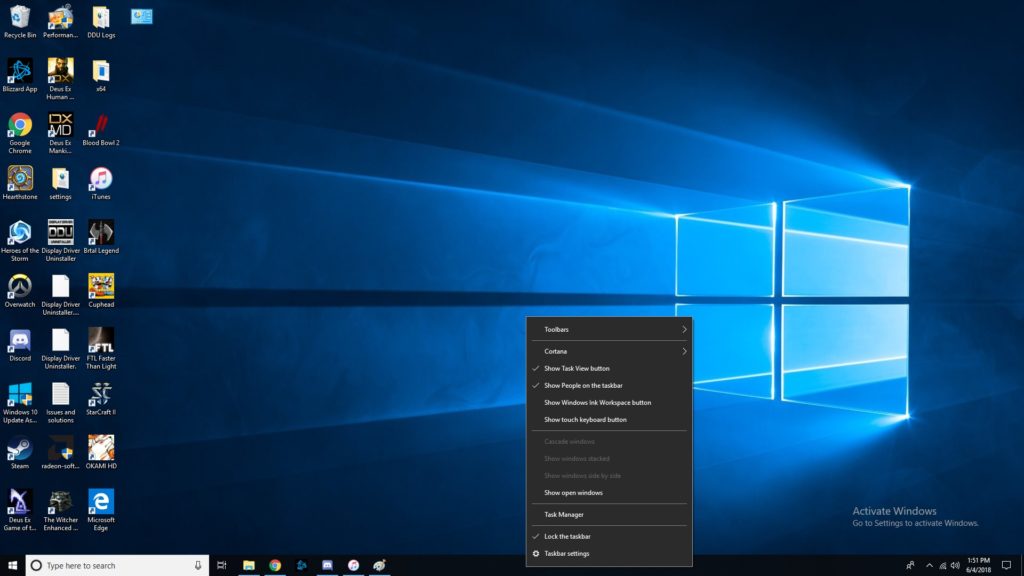
    Right clicking the taskbar brings up tons of awesome functions. Don’t be afraid to try it out! Some Cortana functionalities are controlled through here, you can mess with Windows schemes, and more! This one is simple but helpful. A lot of folks don’t even know this menu is there! 

    Show Desktop Button 

    That tiny little bar down there in the bottom-right corner where the cursor is in the image is the show desktop button. If you have a bunch of windows open and want to see the desktop, this is a great shortcut. Clicking in the bottom right corner is much easier than having to minimize four or five windows one after the other! 

    Pinning Windows  

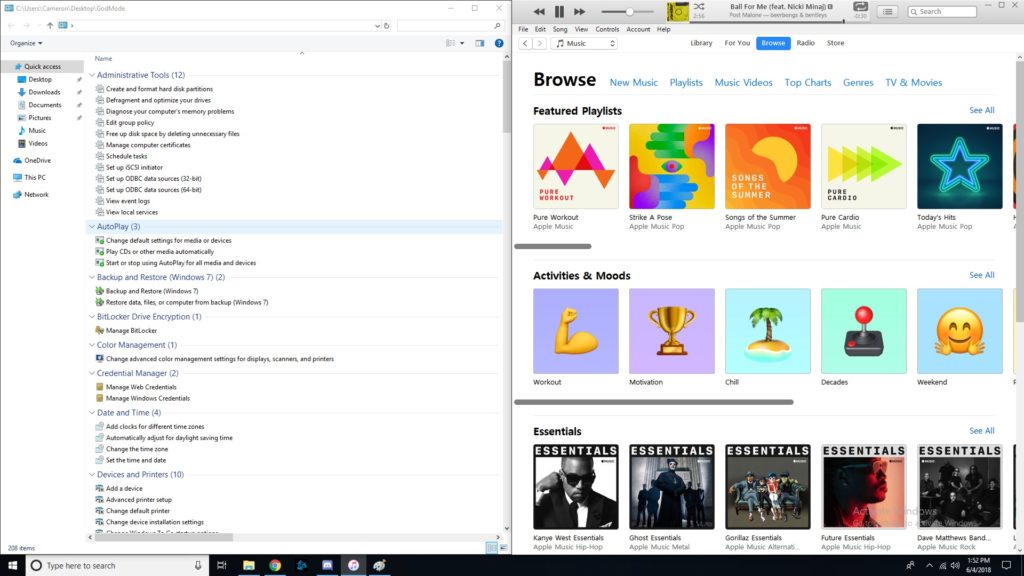
    If you drag a window to one side of the screen, it’ll get pinned there as exactly half the screen. If you drag it to a corner, it will become a quarter of the screen. This is awesome for professionals who need to multitask! If you often use editing software or have to multitask a lot, you’ll love this feature. It’s also just cool to have for when you want to live-Tweet a stream and not have to hold your phone the whole time. 

    Fun with Cortana 

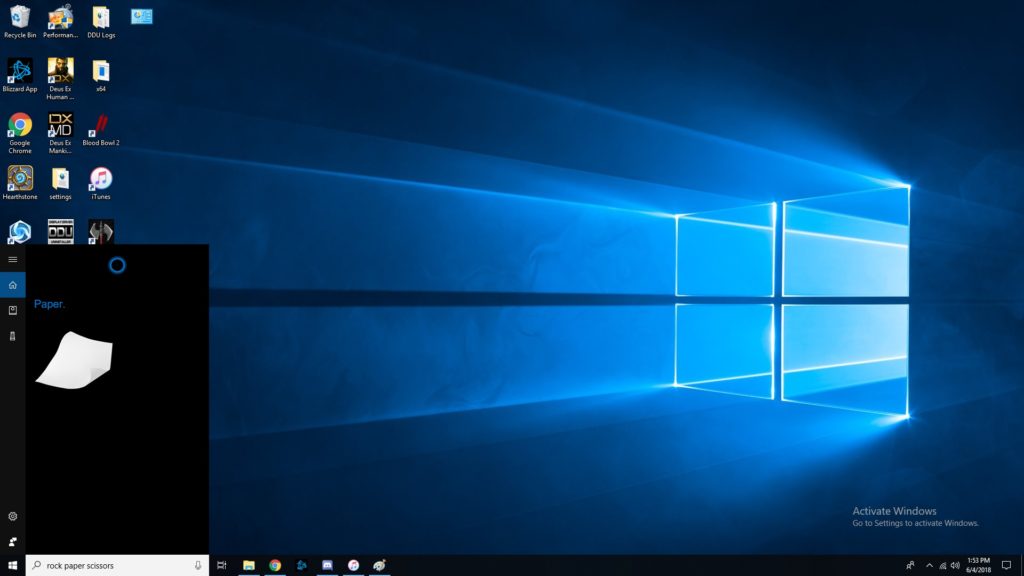
    Did you know Cortana knew a bunch of games? She can play rock, paper scissors, for one. She can flip coins, roll dice and more. Just type in the Cortana box any of those commands, or, if you’ve enabled it, use voice commands. These little diversions are a fun use of Cortana’s functionality. 

    Focus Assist 

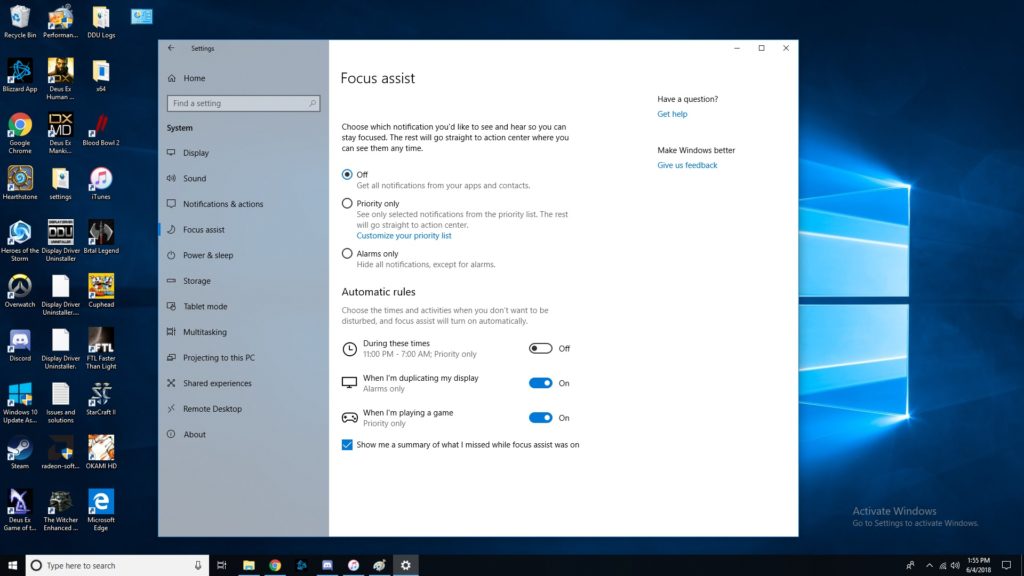
    Sick of notifications throwing you off when you’re trying to work? Try Focus Assist. Go to settings, and under system settings you’ll find Focus Assist. This mode lets you set hours you’d like to silence notifications, and even lets you customize which notifications are high-priority. This functionality is similar to smartphones’ Do Not Disturb mode. It isn’t frequently used, though, as many people don’t even know that it’s there! 

    Transparent Command Prompt 

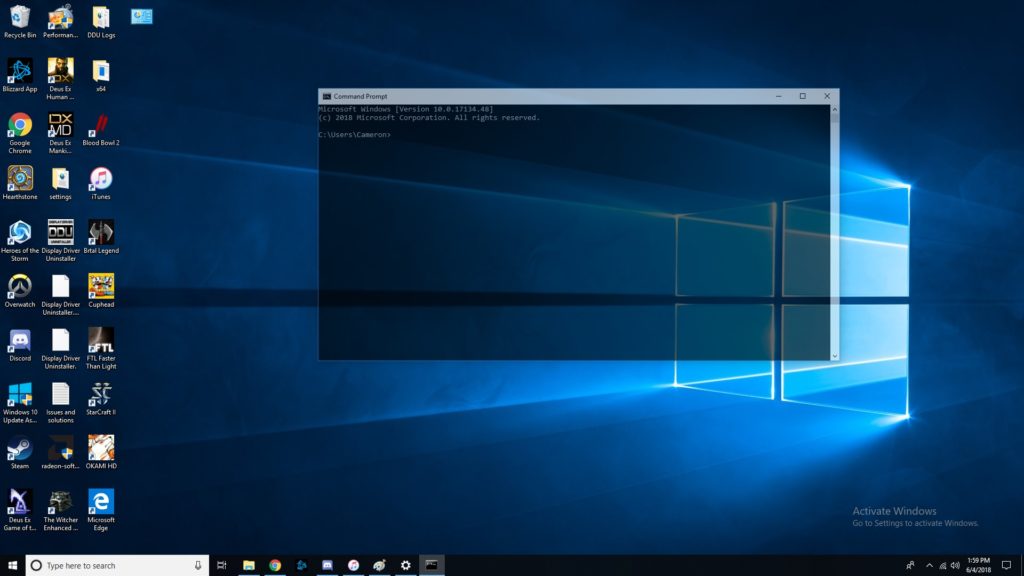
    The command prompt is super handy for programming and debugging. If you often use the command prompt but would like to be able to monitor other windows while doing so, try this trick. When using the command prompt, right click the top of the bar. Then, click on colors, and look for the opacity slider at the bottom. Slide until the window is as transparent as you want it! Now you can watch your commands get reflected in real time. 

    The Coolest Hidden Windows 10 Function: Dictating 

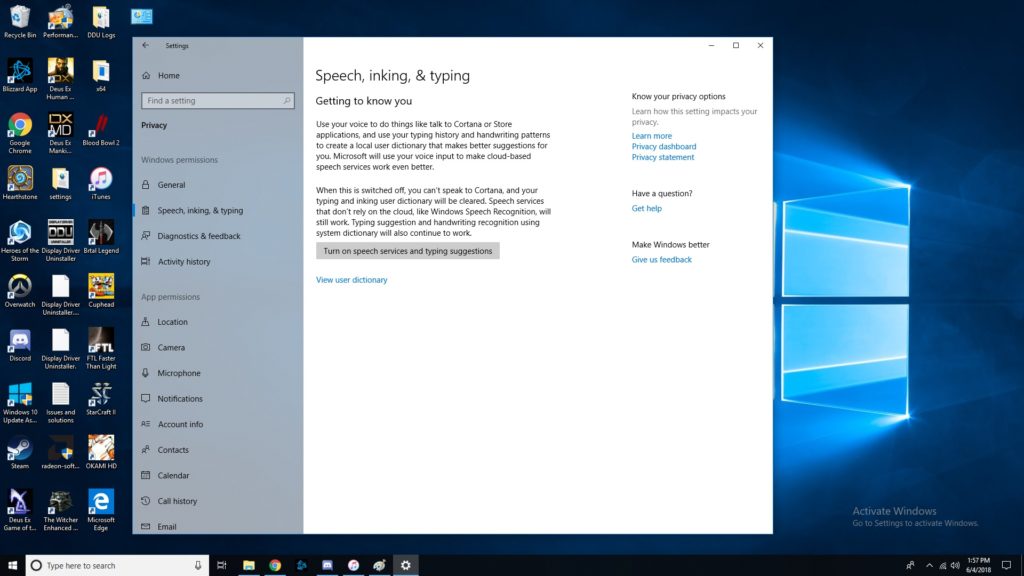
    Dictation is super handy for a number of uses. For one, it’s good for when you just don’t feel like typing or feel like you can speak faster than type. More importantly, it’s a great accessibility tool for those unable to use a keyboard. In any event, enabling dictation is simple! Go to settings, then speech, then related settings. Then, click on “Speech, inking and typing privacy settings” and enable dictation. Boom, now we’re talking! Literally!  

    Did you know all of these cool Windows 10 tricks, or did you learn something new? Now, go forth and enjoy your operating system with all these new tricks you know! 

  • Top Ten Best AmazonBasics Deals to Save you Money!

    Top Ten Best AmazonBasics Deals to Save you Money!

    If you’re on the lookout for good deals on computer accessories, AmazonBasics is a great place to look. Amazon’s line of discount accessories is high-quality, reliable and affordable. While they might not be the same quality as Razer or SteelSeries, they are worlds less expensive. With that in mind, let’s check out our ten favorite deals from AmazonBasics! 

    USB To Ethernet Dongle 

    Photo Credit: Amazon 

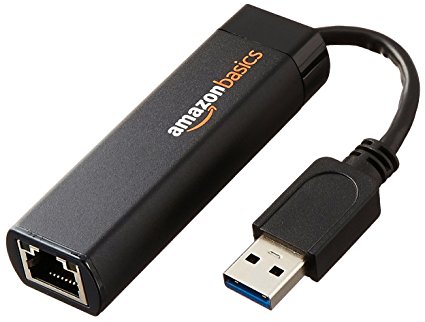
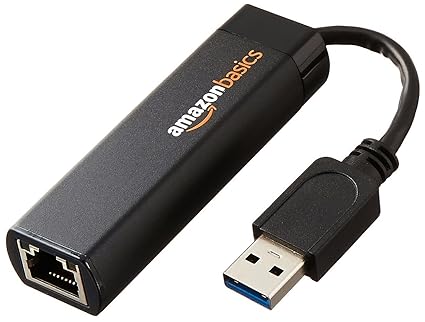
    For only $13 you can pick up this handy USB to Ethernet dongle. If you have a laptop that doesn’t sport an ethernet cable and want to hardwire your connection, this is a must! Nintendo Switch owners can also use these to hardwire their docked hybrid console. In both cases, opting for a hardwired connection over a wireless one can be ideal, especially with lower-end wireless routers that sport unstable connections.  

    USB-C to USB 3.1 Adapter 

    Photo Credit: Amazon 

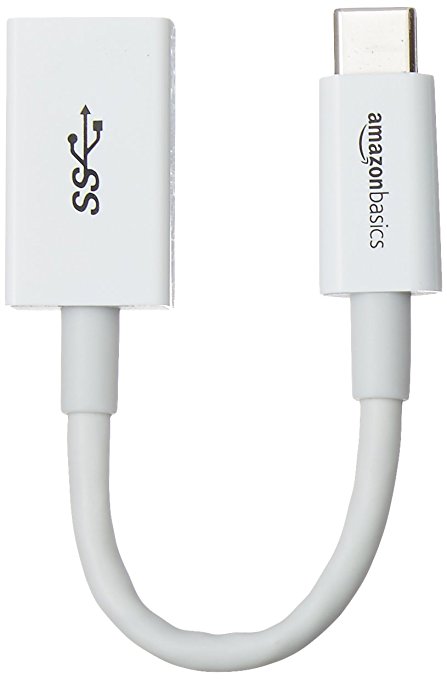
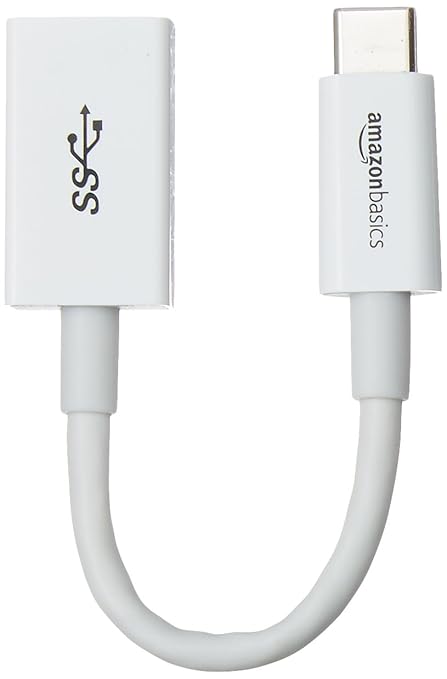
    A favorite of MacBook owners, this $6 dongle is a lifesaver. If your laptop has only USB-C ports and you have a USB mouse you’d like to use, this is the answer. An adapter like this is great to throw in a drawer and keep handy for an emergency. 

    USB-C 4-Port Adapter for 3.1 

    Image Credit: Amazon 

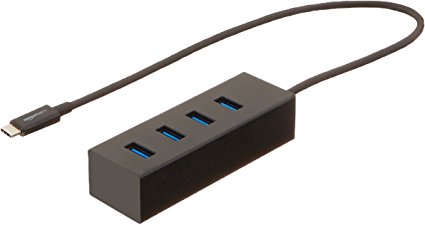
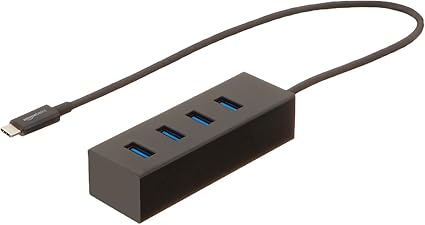
    While the above dongle is awesome for a pinch, some laptop users would prefer a more permanent set-up. For those who need to hook up a printer, mouse, keyboard and a USB thumb drive, this 4-port adapter should suffice. For $16 you can have a more solid laptop set up. Thanks, AmazonBasics! 

    USB-C Multiport Adapter 

    Photo Credit: Amazon 

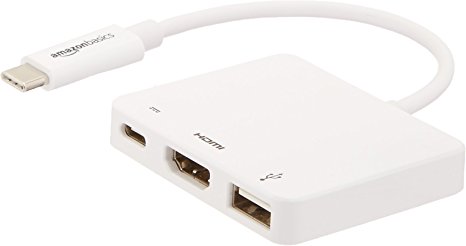
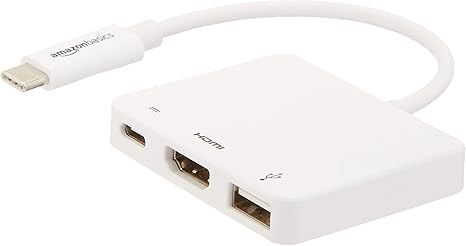
    Rounding out our USB-C section is this incredibly handy multiport adapter. If you intend to output video from your laptop, this is a must. While $40 may sound expensive for AmazonBasics, it’s a hair cheaper than the competition: these usually run around $60. This dongle has an HDMI port, a USB 3.1 port, and a USB-C pass-through. The pass-through is ideal for a MacBook, so you can charge it while you use the multiport. 

    Laptop Stand 

    Photo Credit: Amazon 

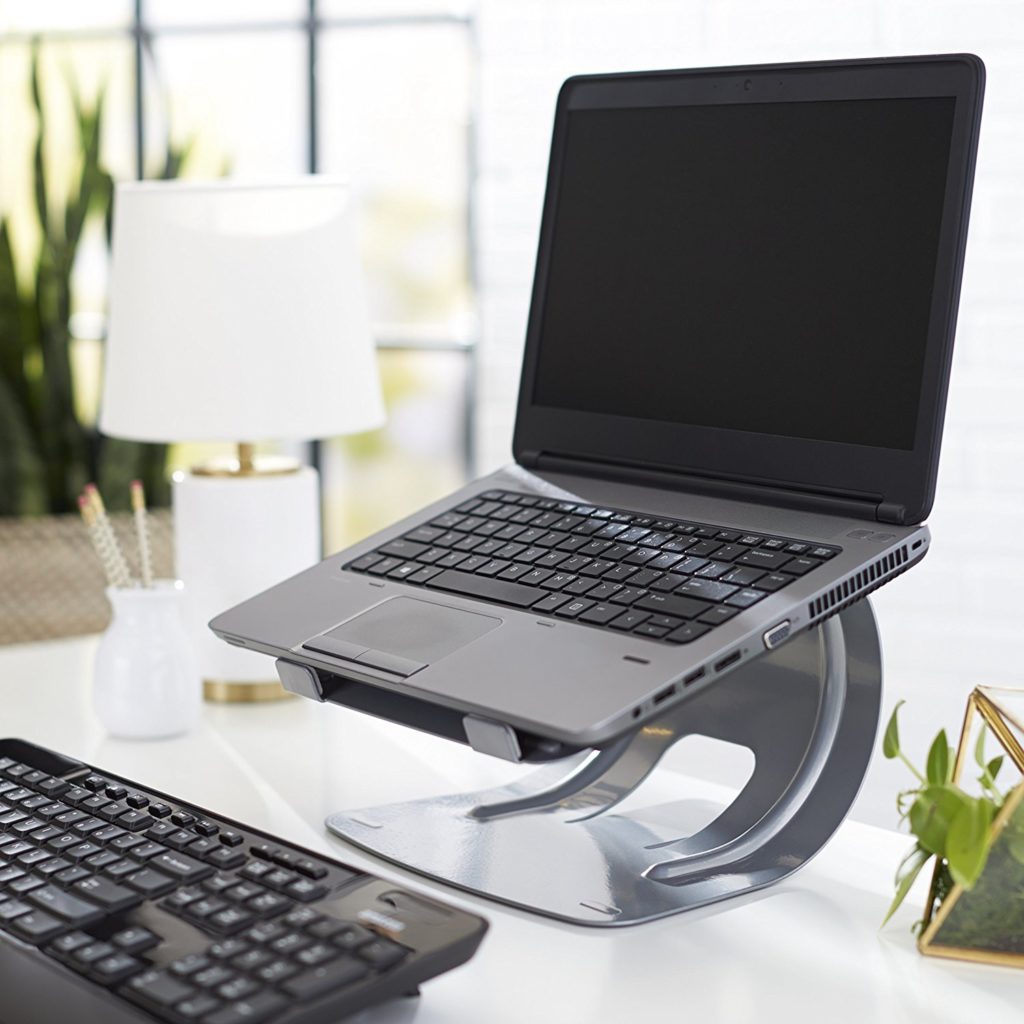
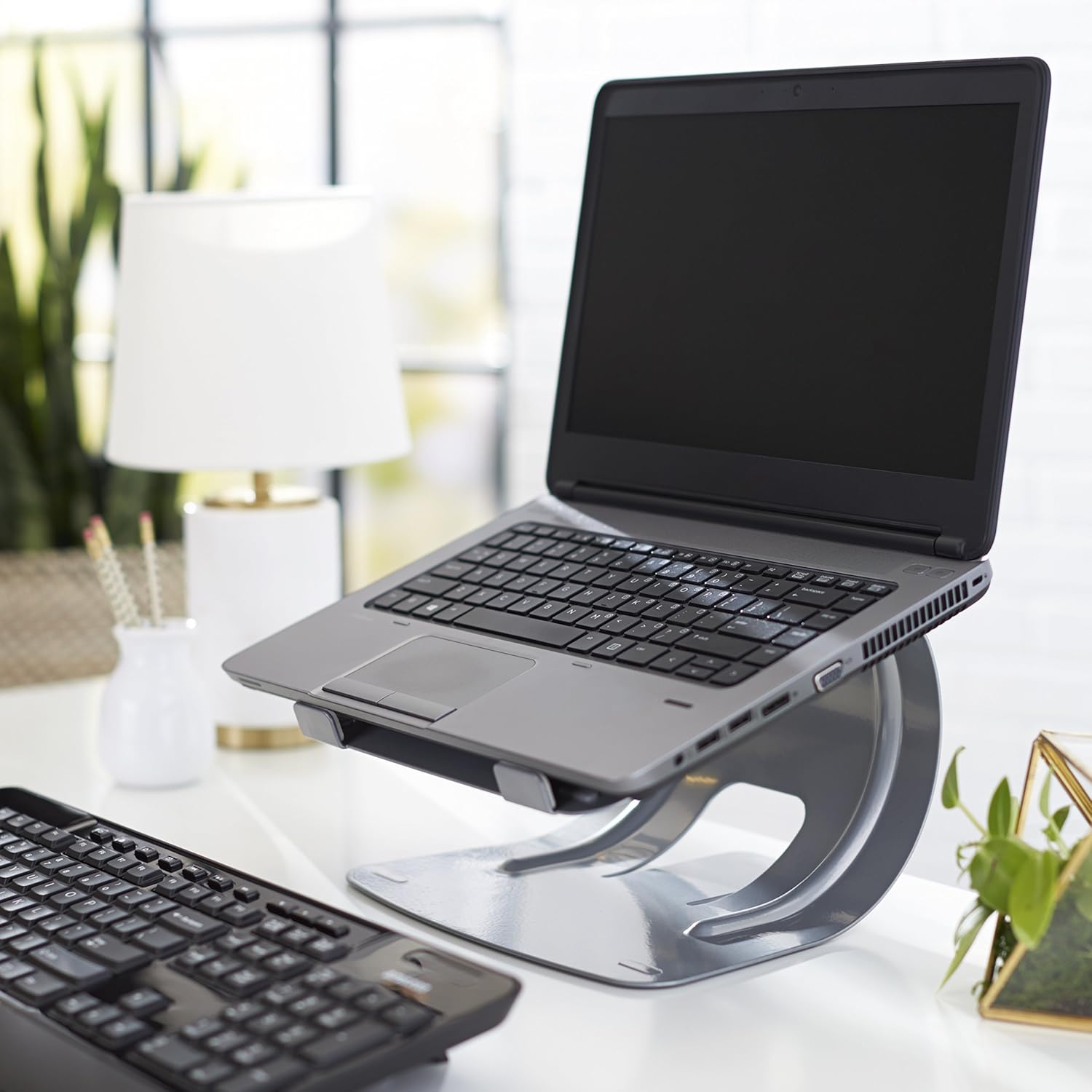
    This stylish stand is a steal for $20. Comparable stands usually run closer to $30, and most of those aren’t quite as durable or solid. If you’re looking for a good way to elevate your laptop for easier typing, this is a good pick. Great for people who work at a desk with a laptop. 

    Laptop Bag 

    Photo Credit: Amazon 

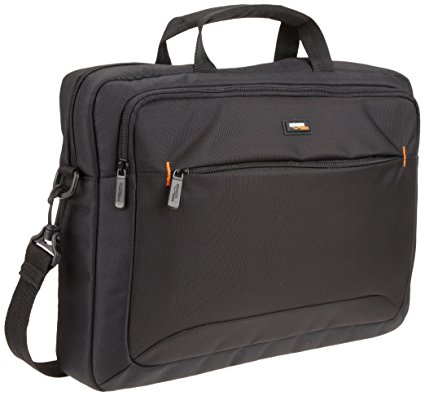
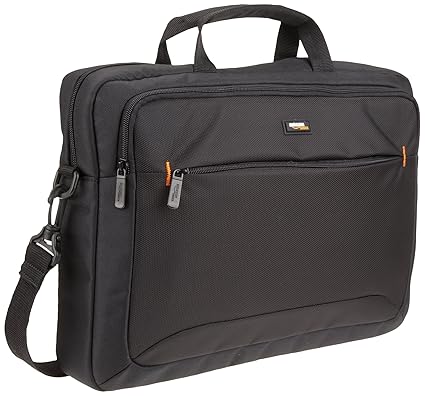
    While it’s not the most stylish laptop bag ever, it’s $15. It has tons of zipper compartments for all your cables and accessories, and it’s very tough. It’ll keep your laptop or tablet safe during a commute to work or on a plane trip. And it’s got a big AmazonBasics logo on it, so everyone can see that you’re a deal-seeker! Kidding, we know you’re just a big Amazon fan. 

    Laptop Sleeve 

    Photo Credit: Amazon 

    If your laptop or tablet commonly goes in a bag on trips, this $12 sleeve is a must-have. It’s a great buy for the price, keeping your expensive tech safe from scratches. It also looks very stylish, unlike the laptop bag. So, if fashion and great deals on accessories are your two passions, this AmazonBasics sleeve if for you! 

    Wireless Mouse 

    Photo Credit: Amazon 

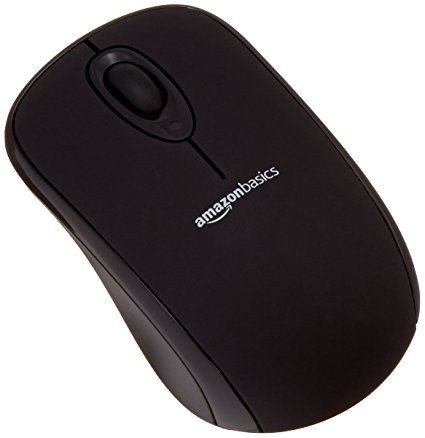
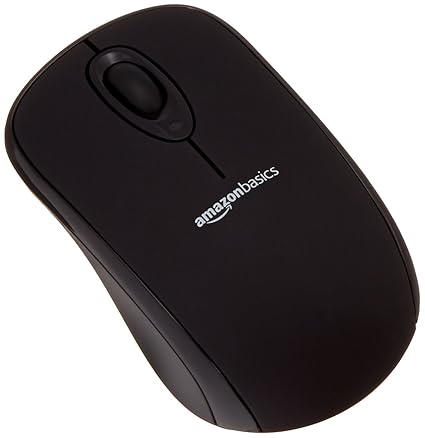
    You really can’t beat $10 for a wireless mouse. The mouse isn’t going to compete with a dedicated gaming mouse or anything, but if you just need a mouse to pair with your laptop this is perfect. The finish is smooth and pleasing, and the mouse is of excellent make. It even has a little crevice for storing the USB receiver when you travel! Great for when you stash your laptop in your laptop bag. 

    Gaming Mousepad 

    Photo Credit: Amazon 

    These massive mousepads are very fashionable at the moment! For $12, Amazon’s humongous pad is a great deal. Designers and gamers swear by the huge mousepad, claiming that it offers more range for navigating your curser on-screen. Who’s to argue with the pros?  

    Our Favorite AmazonBasics Deal: Mechanical Feel Gaming Keyboard 

    Photo Credit: Amazon 

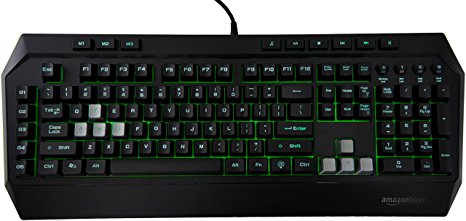
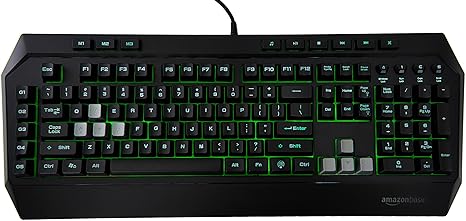
    The absolute best deal of the bunch, for $36 you get a decent facsimile of a gaming keyboard. If you’re interested in dipping your toe in computer gaming, you should check this keyboard out. Where Razer and Logitech offer gaming keyboards that cost fifty or sometimes even one hundred dollars, this AmazonBasics keyboard is a great buy. While the keys aren’t actually mechanical, they do a decent impersonation of the click-clack feedback of true mechanical keyboards.  It even features a back light to emulate the popular Razer Chroma-style RGB functionality!

  • Top 10 Luxury Cars That Won’t Break Your Bank

    Top 10 Luxury Cars That Won’t Break Your Bank

    Everyone loves getting to drive a nice new car. There’s something about being behind the wheel of a luxury car that’s just so… luxurious. Not everyone can swing the huge payments to own a nice new car though. What’s a good compromise for someone who wants a nice ride but doesn’t want to take a long time to pay it off? For such discerning individuals, we have our top ten luxury cars that won’t break the bank! Our list is in ascending order of price and assumes base configurations with automatic transmission. 

    Our First (and Least Expensive) of Our Luxury Cars: 2018 Acura ILX 

    Photo Credit: YouTube 

    The ILX is a great choice for those who want a luxury ride but still want to have a practical vehicle. This vehicle has some pretty sweet amenities for its low price tag. While base models cost about $29,000, they also have keyless entry and ignition and heated front seats. they also sport dual-zone climate control, for when the driver and passenger feel comfortable in two different temperatures, and automatic LED headlights to help cut through hazardous weather conditions. For those who want a bit more, they can also opt for some safety features like adaptive cruise control and front collision mitigation. The ILX can also be equipped with navigation, leather upholstery and satellite radio. 

  • Mars Express Probe’s Breathtaking Photos of Mars Show the Red Planet’s Astonishing Beauty

    Mars Express Probe’s Breathtaking Photos of Mars Show the Red Planet’s Astonishing Beauty

    Is there anything more exciting than exploring space? A few million miles from Earth, our celestial neighbor, Mars, floats in space. It hides eons of geological history just beneath its red-hued surface. One of the best ways for us to study the Red Planet is through deep-space probes, like the European Space Agency’s Mars Express. 

    The ESA launched the Mars Express in 2003. At first, it seemed to be a disappointment, as it never established connection with Earth. However, scientists discovered that the probe was still intact, it just wasn’t sending a signal because its antennae didn’t deploy. Thankfully, connection with the probe has been reestablished, and it has sent back some absolutely stunning photos. 

    Photo Credit: ESA/DLR/FU Berlin 

    Hebes Chasma 

    Photo Credit: ESA/DLR/FU Berlin 

    This image shows a mesa within the Hebes Chasma. The horseshoe-shaped indention has some black substance piled at the bottom. This image captures some of the rugged beauty of the Martian geography. 

    Noctis Labyrinthus 

    Photo Credit: ESA/DLR/FU Berlin 

    This stunning picture shows motion and makes Mars feel like a living place. The tumbling sand, the windswept landscape and the dramatic lighting all make you feel like you could walk out onto this plateua.  

    Arabia Terra 

    Photo Credit: ESA/DLR/FU Berlin 

    The Arabia Terra region is dotted with various impact craters. The craters are all showing varying degrees of erosion, as each was made in very different eras of Mars’ history. 

    The South Pole 

    Photo Credit: ESA/DLR/FU Berlin 

    Here you can see the southern pole of Mars. That large white region is frozen ice and carbon dioxide. While it looks smooth from this distance, that region is actually full of chasms and plateaus. Shots like this serve as a reminder that mars had water on its surface once. Can you imagine what a Mars with rivers and lakes would have been like? 

    Unnamed Crater 

    Photo Credit: ESA/DLR/FU Berlin 

    In this image of an unnamed crater, you can see a massive body of frozen water ice in the bottom. The crater pictured is hundreds of miles wide. Imagining the impact that would have caused such a reshaping of the surface is mind-boggling! 

    Seasons on Mars 

    Photo Credit: ESA/DLR/FU Berlin 

    Here you can see a portion of the northern ice caps of Mars in summer. In the summer, the carbon dioxide ice actually evaporates into the atmosphere. Only the water ice is left behind. That should give you some indication of just how cold the Red Planet is! For context, carbon dioxide freezes at -109.3 degrees Fahrenheit, which is -78.5 degrees C. When winter returns, the ice caps will once again be covered in carbon dioxide ice. 

    The North Pole 

    Photo Credit: ESA/DLR/FU Berlin 

    These breathtaking spiral patterns are formed by Mars’ north pole. This shot, as you can see, was taken from an angle, so as to capture the starry sky beyond the cold planet.  

    Phobos 

    Photo Credit: ESA/DLR/FU Berlin 

    Pictured here is Phobos, one of Mars’ moons. The surface is craggy and riddled with craters from countless meteor impacts in the distant past. Phobos has such a small mass that a human on it would feel like Superman. The gravity is so low, you could easily leap twenty feet into the air. 

    Reull Vallis

    Photo Credit: ESA/DLR/FU Berlin 

    This is Reull Vallis, a region well-known for its channels that resemble dry riverbeds. New research suggests that’s exactly what they are: geographical features caused by running water cutting across the landscape. Scientists have noticed similarities between this region of Mars and the glacial valleys of our own Earth. It is incredible to think that, at one point in time, Mars may have looked like our very own planet does now.   

    The Most Amazing Picture from the Mars Express 

    Photo Credit: ESA/DLR/FU Berlin 

    In this stunning shot, you can see the southern ice cap of Mars. This shot gives a great perspective for the ice cap’s size relative to the planet. Remember, Mars is only a little smaller than Earth: you could easily fit all of North and South America in the landmass you see pictured. 


  • Top Ten Xbox 360 Games with Backwards Compatibility you Have to Play Again

    Top Ten Xbox 360 Games with Backwards Compatibility you Have to Play Again

    When regarding your backlog of old games, you usually think: “man, I wish I didn’t have to dig out my old console to play that awesome old game.” Thankfully, Microsoft has been implementing backwards compatibility with select Xbox 360 games on the Xbox One. If you’re wondering which of your favorite 360 games are playable on your modern-day system, we’ve got you covered. Here’s our ten favorite 360 games with backwards compatibility! 

    10. Braid 

    Photo Credit: Top Best Alternatives 

    This trippy, time-bending puzzling platformer is a great adventure to relive. If you missed it the first time, its new lease on life on the Xbox One is a great chance to replay it. Braid features a crazy story told in reverse and quaint, charming graphics. If you always wanted a more mature, thought-provoking take on Mario, Braid is for you. 

    9. Mirror’s Edge 

    Photo Credit: Cro Hasit 

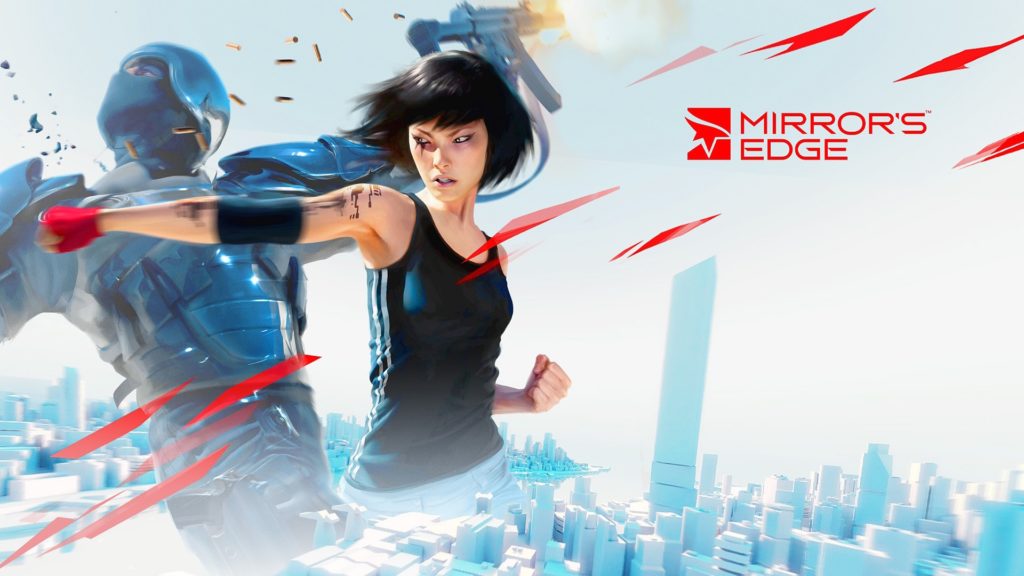
    Mirror’s Edge is a slick, polished action game with a sweet “fight-the-power” narrative. If you’ve ever been interested in parkour or free running, check this one out. Mirror’s Edge features a unique first-person perspective, making the action feel very immediate and pressing. What’s more, the game’s protagonist is an empowering and believable bad-ass lady! Those are in short supply in the gaming world, so it’s worth mentioning! 

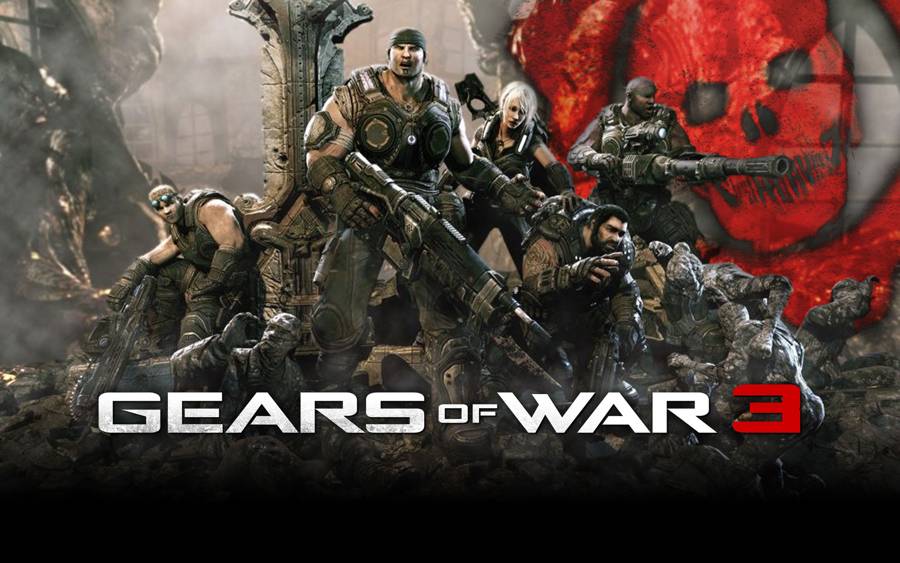
    8. Gears of War 3 

    Photo Credit: Gamers Heroes 

    Where the first entry in the series defined action games for a few years, Gears of War 3 set a new benchmark for horde modes in action shooting games. The series’ signature chainsaw guns and muscular protagonists are here, front and center. While the series has stumbled in recent years, GoW 3 is a great reminder of just how awesome the series once was. The action is pulse-pounding and white-knuckle, rewarding smart use of cover and good aim. If you’re looking for a blast from the past of shooting games, Gears of War is for you.  

    7. Super Meat Boy 

    Photo Credit: Threadless Blog 

    Super Meat Boy defined the indie formula for blistering difficulty balanced with rewarding gameplay. Allowing the player to respawn instantly saves this game from being mind-numbingly frustrating. The influence of SMB can’t be overstated: indie platformers have been taking inspiration from this masterpiece for a little under a decade. Notably, 2018’s breakout hit Celeste follows in the footsteps of SMB’s balanced, thumb-breaking gameplay. If you want to relive the meat grinder, give this one another shot. You won’t regret it… but the Meat Boy will.  

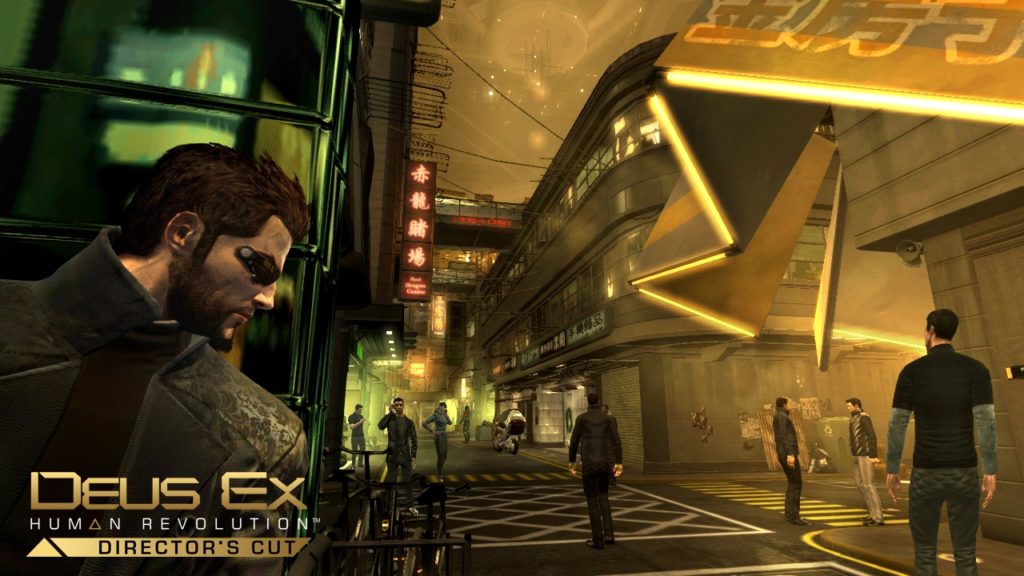
    6. Deus Ex: Human Revolution 

    Photo Credit: Square Enix 

    The sleek, sexy and thought-provoking reboot of the legendary Deus Ex series is as fresh today as it was seven years ago. With a surprisingly deep story and rewarding, branching gameplay, Human Revolution never fails to engage the player in the action. If you’ve ever wanted to be a super-powered assassin with robot arms, this is your game.  After you’ve enjoyed Human Revolution’s backwards compatibility, check out the sequel, Mankind Divided, which released in 2016. 

    5. Fable II 

    Photo Credit: YouTube 

    Remember when Fable was awesome? Before some seriously awful spin-offs, the name Fable signaled excellence in western-style RPGs. If you want to experience the magic again, Fable II, arguably the best of the series, has backwards compatibility. Fable features a beautiful, storybook world made with loving attention to detail. The gameplay and combat are both tight and satisfying, and progression is always rewarding. It almost hurts to wonder what might have been in store for this series in they hadn’t made that awful Kinect spin off… 

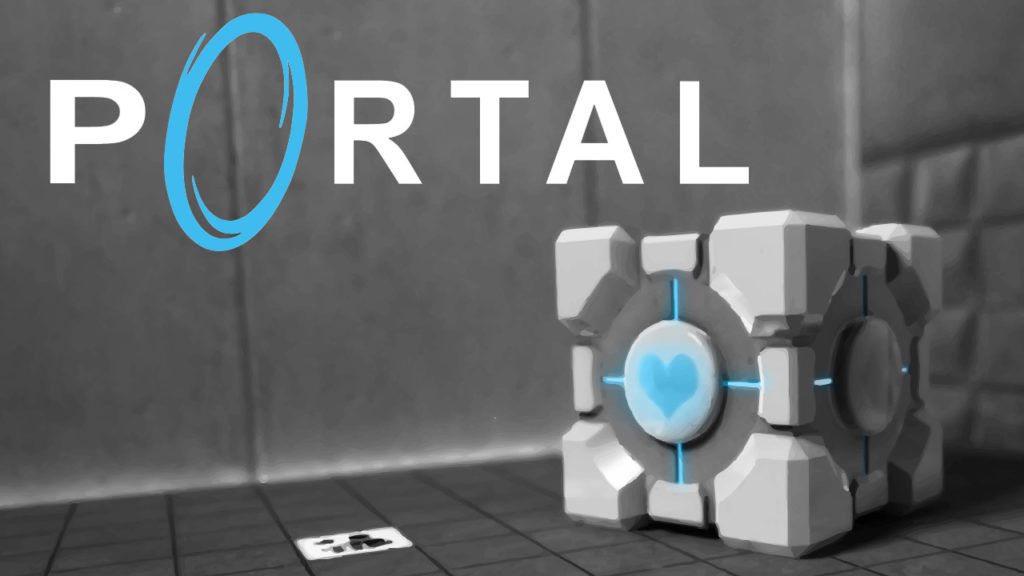
    4. Portal: Still Alive 

    Photo Credit: Know Your Meme 

    What can I say about this seminal first-person puzzler that hasn’t been said? It’s amazing. The writing is consistently hilarious, the puzzles are mind-bending, and the portal gun is awesome. You play as a test subject being tormented by an all-powerful, rampant AI. Your captor forces your through a series of increasingly deadly puzzles, outfitting you only with a portal gun. The portal gun can open a two-way portal on certain surfaces, testing your spatial knowledge and challenging you to think outside the box. 

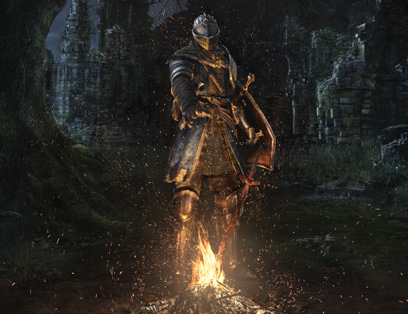
    3. Dark Souls 

    Photo Credit: Bandai-Namco 

    Haunting, oblique and unapproachable, Dark Souls is a game that refuses to be easily engaged with. You’ve doubtless heard all the talk about “hardest game ever,” but that’s only part of the story. Dark Souls is difficult in the way watching Begotten is difficult. It’s so grand, so epic, so utterly alien, that you have to change the way you approach it to appreciate it. The game is art in the true sense of the word: it makes you feel. Feel alone, outnumbered, isolated, up against positively absurd odds. 

    When you first cross swords with a screen-filling demon, your heart fills with dread. How could you possibly fell such an imposing monster, an engine of raw destruction? But you persevere, you learn, and dodge and you kill the beast. And then you face another monster, this one even tougher and meaner. Then you face a dragon. Then you face gods. It’s hard to really describe the feeling of growing power, the satisfaction of winning in a world so bleak. But do yourself a favor: play this ugly, mean, triumphant game. And prepare to die. 

    2. Red Dead Redemption 

    Photo Credit: The Verge 

    Red Dead Redemption tasks you with bringing in the members of your old gang to save your family from a corrupt FBI agent. In the Old West. Yeah, it’s as awesome as it sounds. Rockstar’s magnum opus, Red Dead Redemption climbs into your heart and lives there. The voice acting, and world building, are absolutely top-class, unmatched before or since, and give the game a sense of place unseen in the medium. If you missed this one the first time around, it sports backwards compatibility now, so you owe it to yourself to experience it again. If you missed it (shame on you) try it out now: it hasn’t aged a day since it was released. 

    The Best Xbox 360 Game with Backwards Compatibility: Halo Reach 

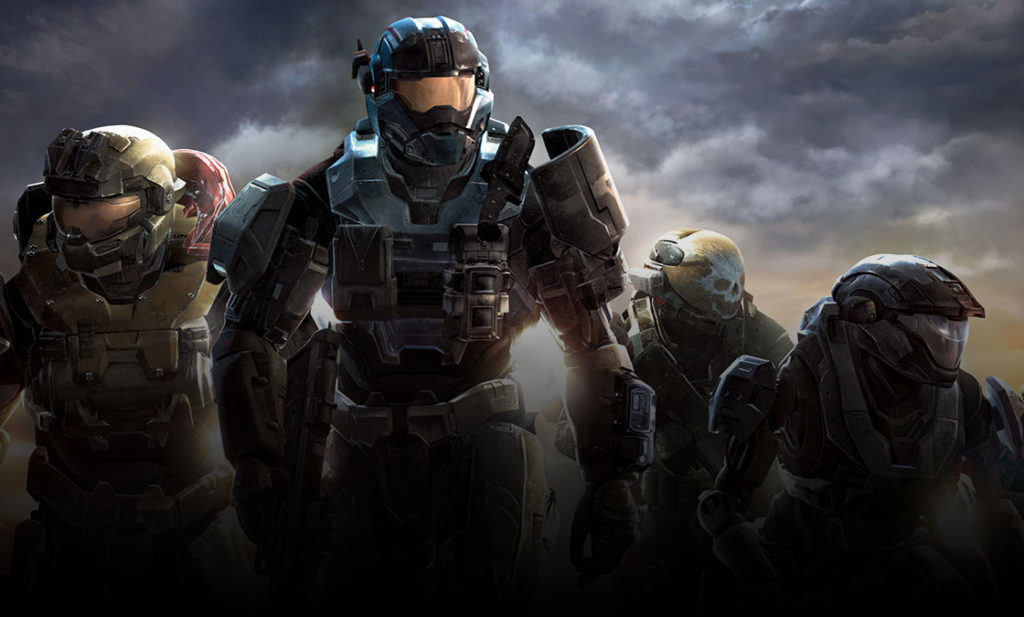
    Photo Credit: Halo Waypoint 

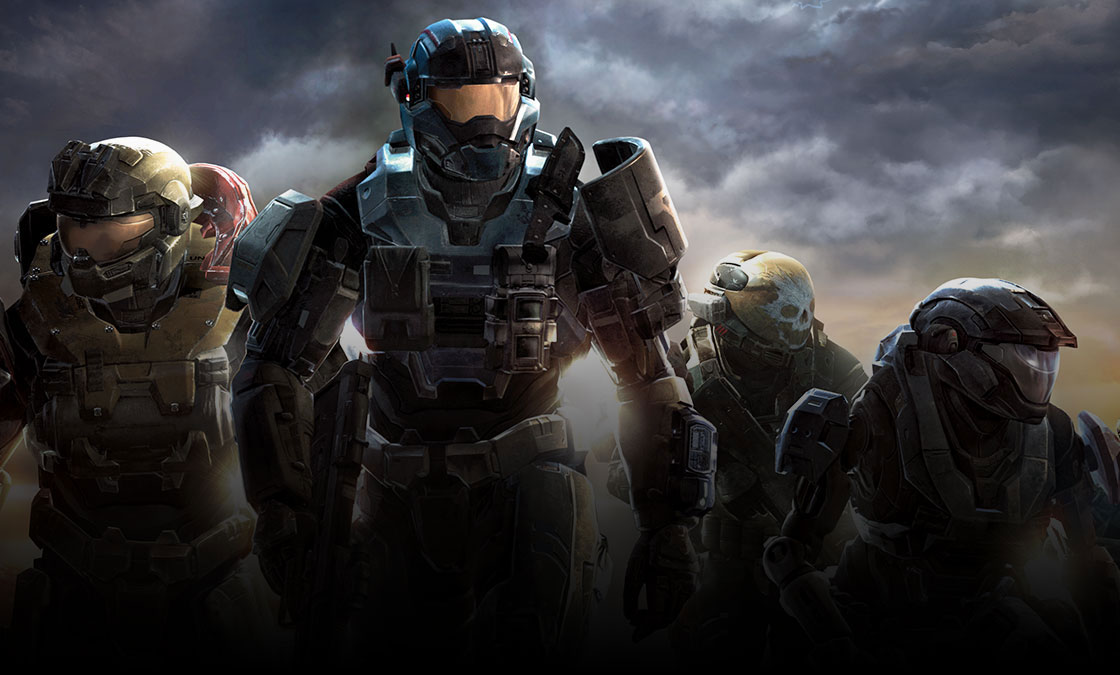
    Legendary developer Bungie’s swan song to their incredible Halo series, Reach is a triumpant achievement. While both Bungie and the Halo series would stumble along into the 2010’s with middling-to-awful entries, Reach stands head and shoulders above all first-person shooters that have come after. With the possible exception of Overwatch, no competitive first-person shooter has matched the raw fun and intensity of Reach.  

    Sporting a storyline that ties into the original and adds great depth to the universe, Reach delights on all fronts. It also features the return of the excellent Firefight mode from ODST. If you never caught this one and have always wondered what Bungie did before they made a disastrous deal with Activision, it’s available now with backwards compatibility. Go forth, and enjoy a reminder of how awesome the series once was.