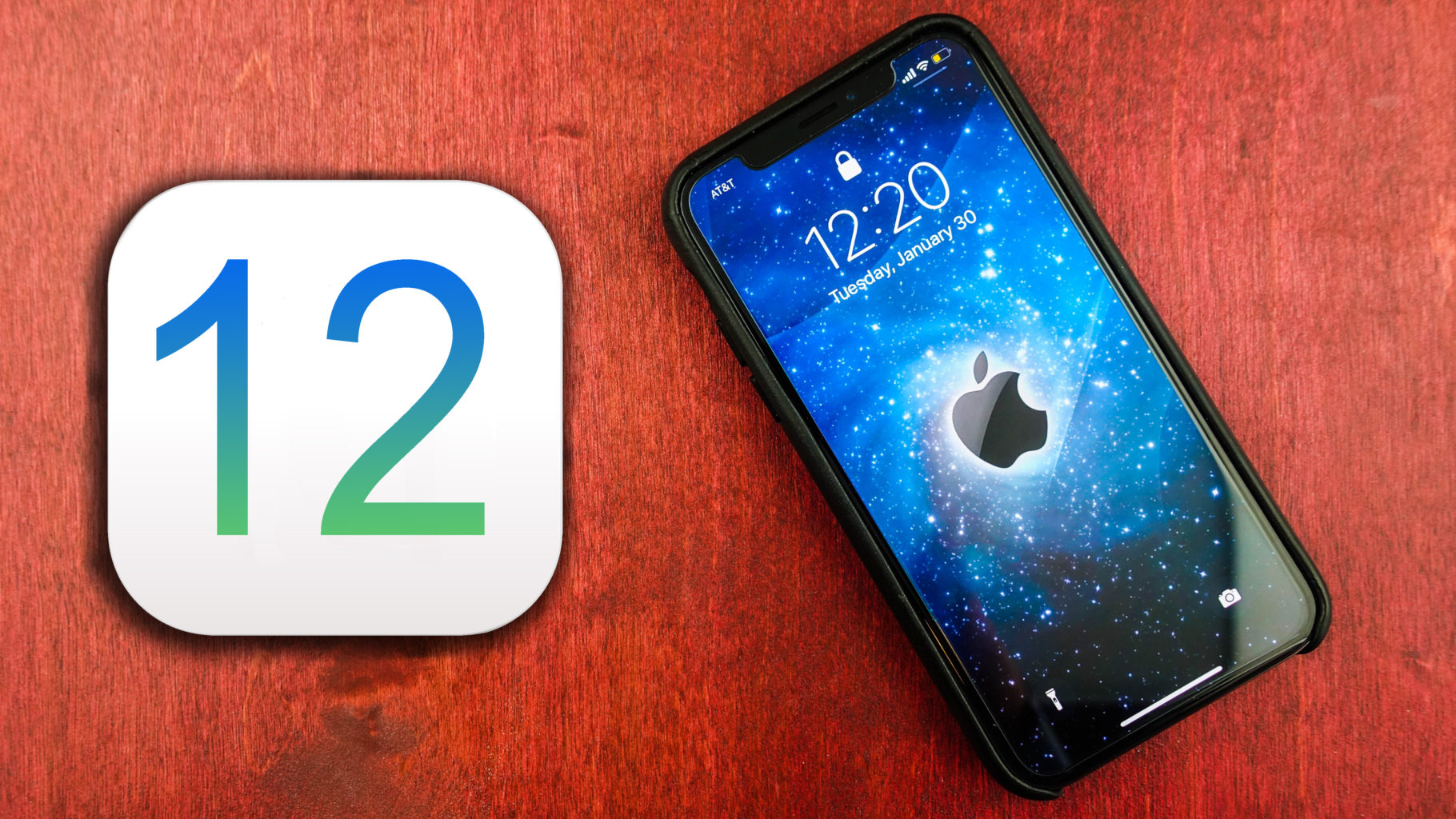
Both Apple and Google have announced their upcoming smartphone OS updates. On the Apple side, we have iOS 12, a largely iterative and incremental update. Android P, on the other hand, is an OS playing catch-up. It represents Google’s attempt to replicate Apple-like functionality on their open, developer-first platform. Which of them has the edge from what we’ve seen so far? Let’s break down the proposed features of each and find out!
When Are They Launching?
Firstly, let’s discuss release. It’s most likely that we’ll see both iOS 12 and Android P in September. Both will likely launch alongside their flagship phones. Android P’s beta is going on now, while iOS 12’s is set to come later this summer. So, neither gets an edge, as the two are coming right around the same time.
Voice Assistants
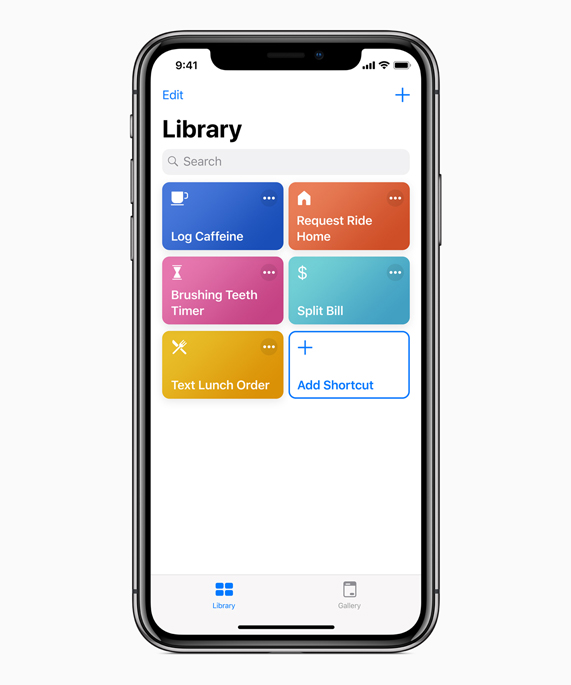
Photo Credit: Apple
Siri is kind of a joke now, sadly. While Google Duplex is making phone calls for you and taking strings of commands at once, Siri doesn’t recognize her own name. Jokes aside, Apple launched the virtual assistant technology in 2011. They’ve had so much time to perfect the tech, to make it awesome, and they haven’t. Instead they were content with a just-OK assistant and let Amazon and, importantly, Google catch up. Now they’ve thrown their lead and have to play catch-up.
Siri Shortcuts, coming in iOS 12, is their latest push for the virtual assistant. It’s something of a low-tech answer to Google Assistant. It puts the hard work on the user, having them program action in response to command words. For instance, saying “Going to work,” could pull up your morning news podcast and navigate you past high-traffic routes. This is somewhat lame, considering Google Assistant has similar functions just programmed in by the developers. Google gets the edge, here.
Face Unlock
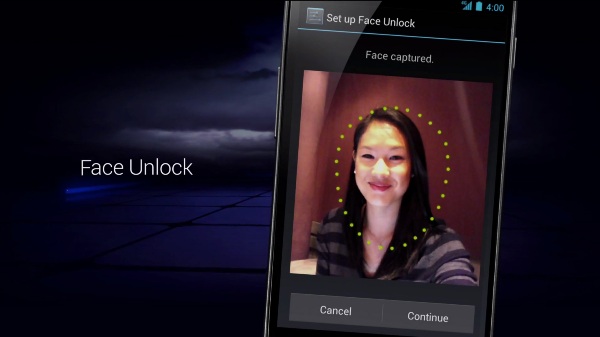
Photo Credit: Android Authority
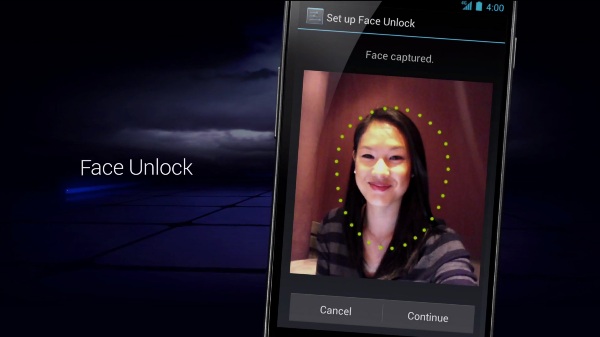
Face unlock tech was popularized by the iPhone X as an alternative biometric to fingerprint scanning. The iPhone X has a 3D front-facing camera, making its Face ID an incredibly secure, trustworthy locking function. Android’s, by comparison, is noted for its “convenience.” As Google can’t guarantee all phones that use Android have powerful, front facing 3D cameras, they can’t promise strong facial recognition. As such, Android P’s face scanner was famously fooled by a printout of someone’s face.
The edge easily goes to Apple. Apple’s Face ID seems like a fully-fledged security feature. Google’s Face Unlock seems like a cash-in on a fad.
Messaging Apps
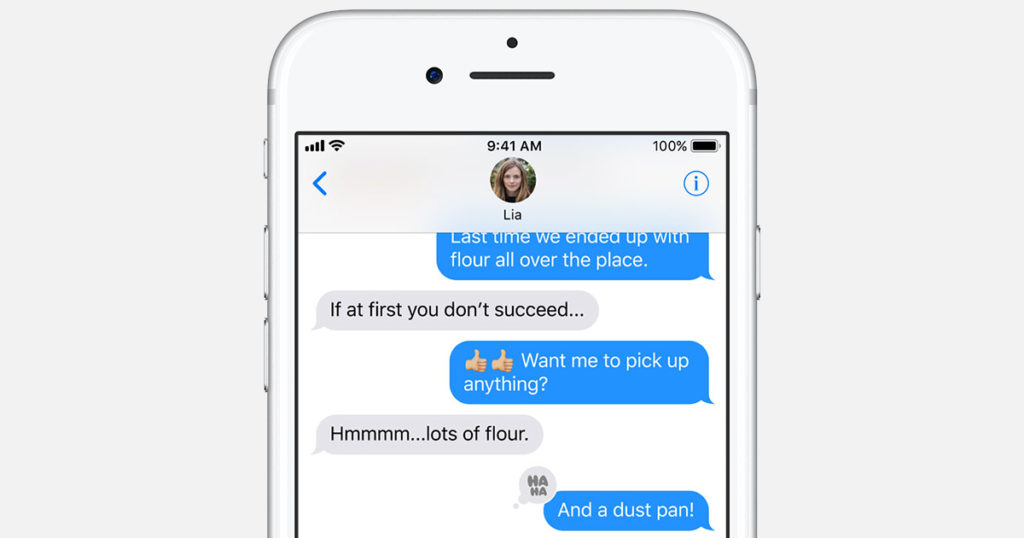
Photo Credit: Apple
Apple’s iMessage wins this one. Google doesn’t even have a proper infrastructure for their messaging app. Google Hangouts is super disappointing when you look at how many things iMessage has going for it. For one, you can FaceTime and do peer-to-peer payments from within the app. You have Animojis and Memojis in iMessage, which are adorable, and you have Wi-Fi messaging to other iPhone users.
The edge here easily goes to Apple. Google has some catching up to do with messaging apps.
Shared AR
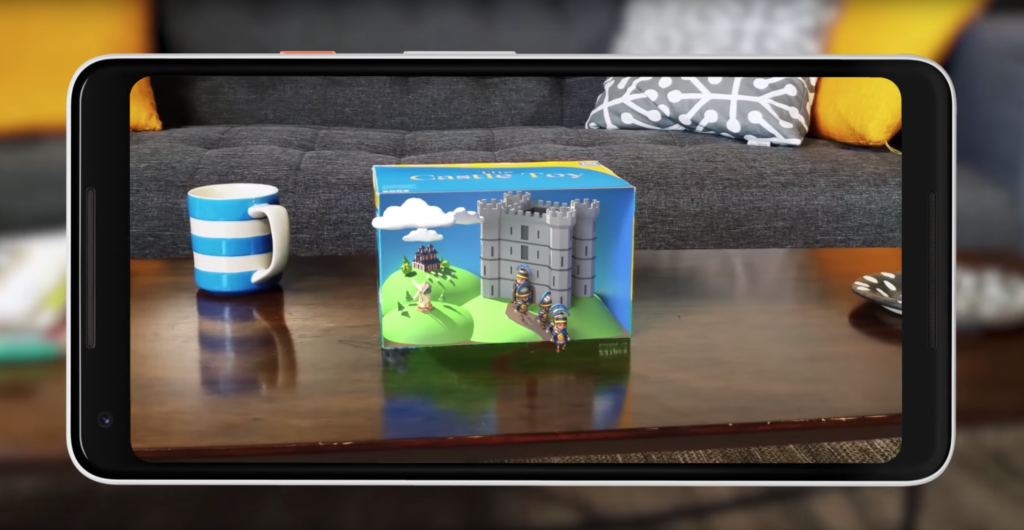
Photo Credit: Engadget
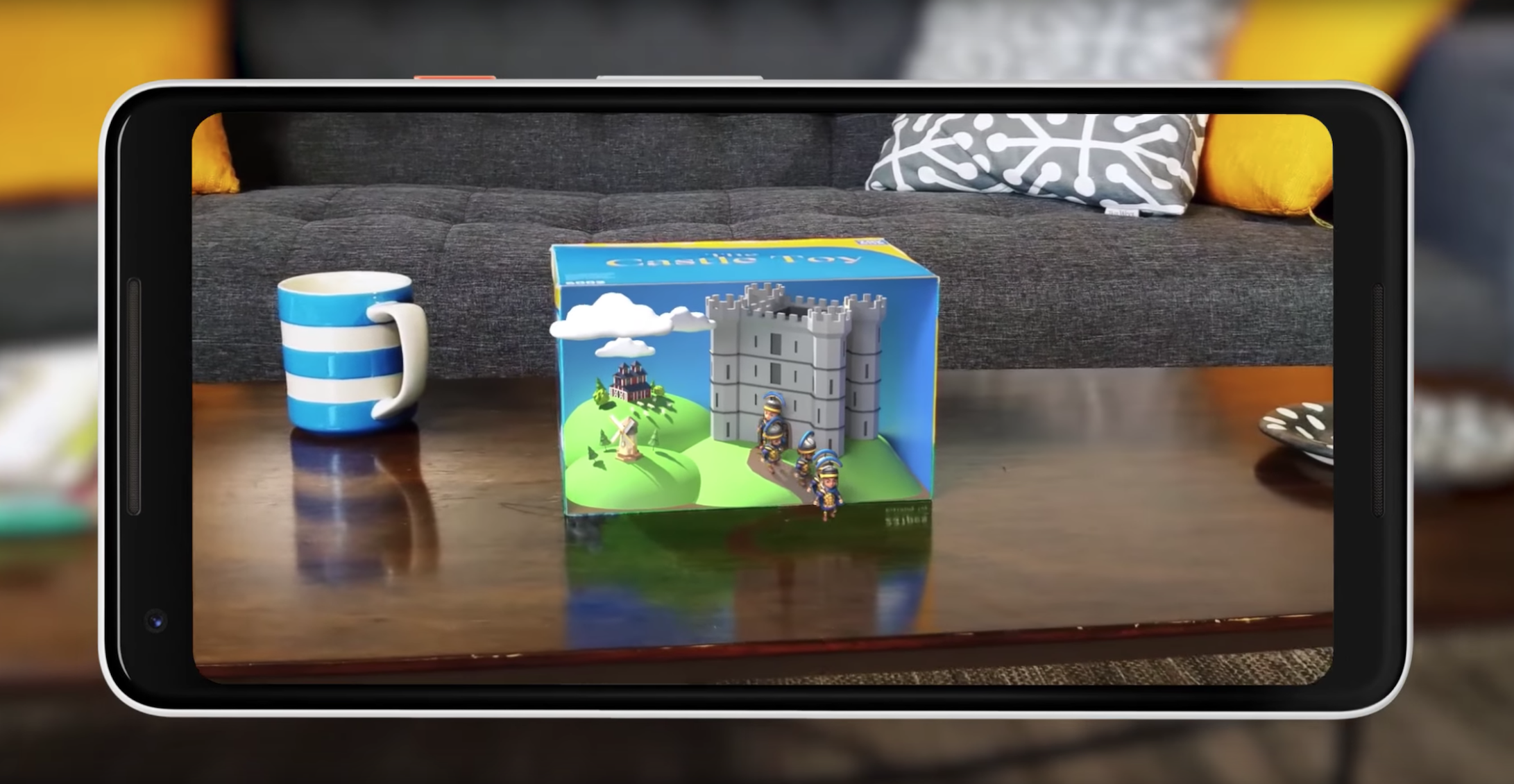
Shared augmented reality is coming to both operating systems. However, iOS 12’s version is limited to just other iPhones. Meanwhile, Google’s Cloud Anchors work across platforms for any phone. That’s really awesome! Shared AR has a lot of neat applications, like playing games or learning in a classroom. This is tech to watch.
Google’s Cloud Anchors have the edge here for sheer breadth of usability. Good show, Google.
Maps
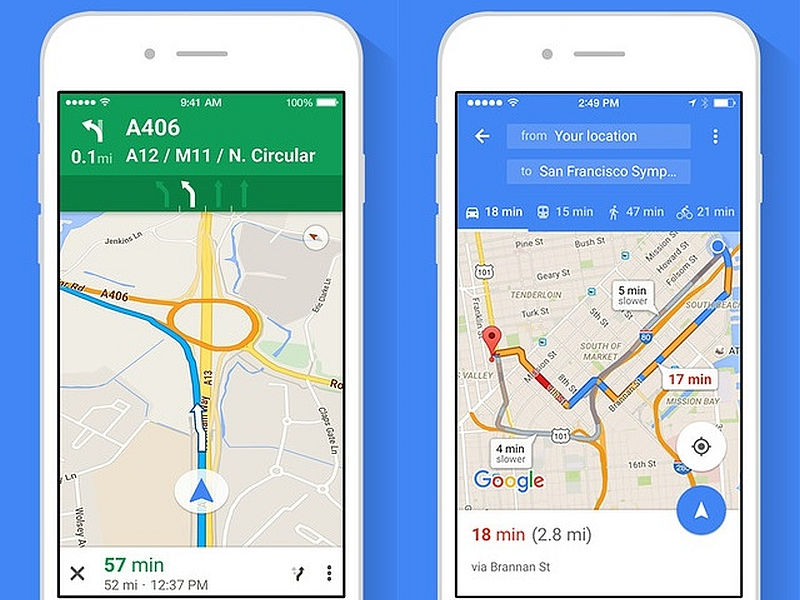
Photo Credit: NDTV Gadgets
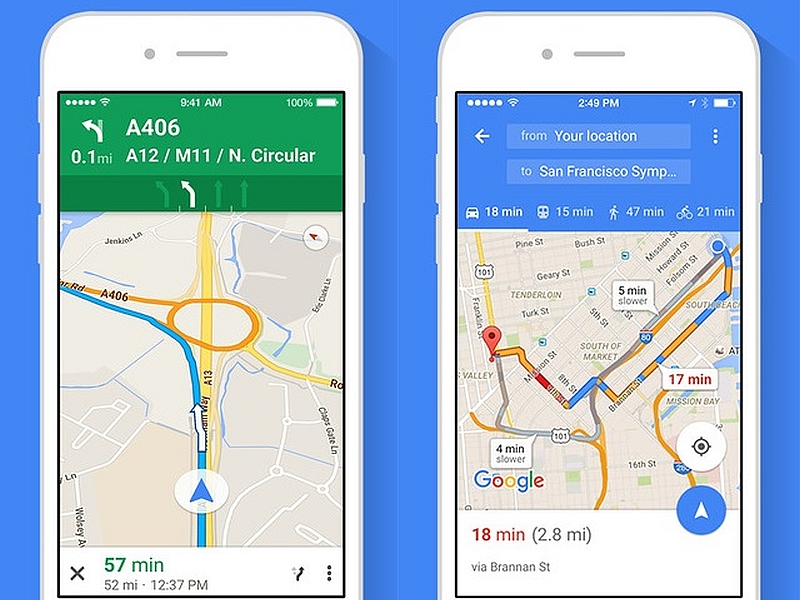
There’s not a whole lot to say here. Google Maps is still the better app. It’s much deeper and more fleshed-out than Apple Maps. Apple’s map app is fine for surface-level navigation and that’s about it. Thankfully you can just download Google Maps on your iPhone.
The edge goes to Google for having a deep, highly-detailed map app.
Screen Time Management
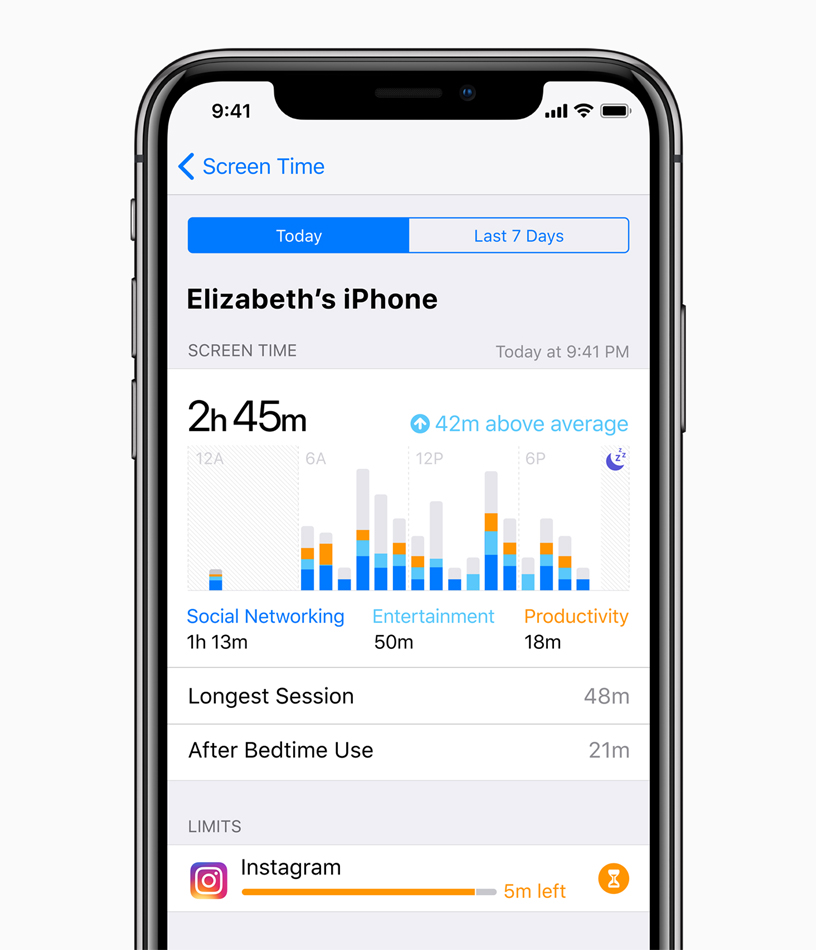
Photo Credit: Apple
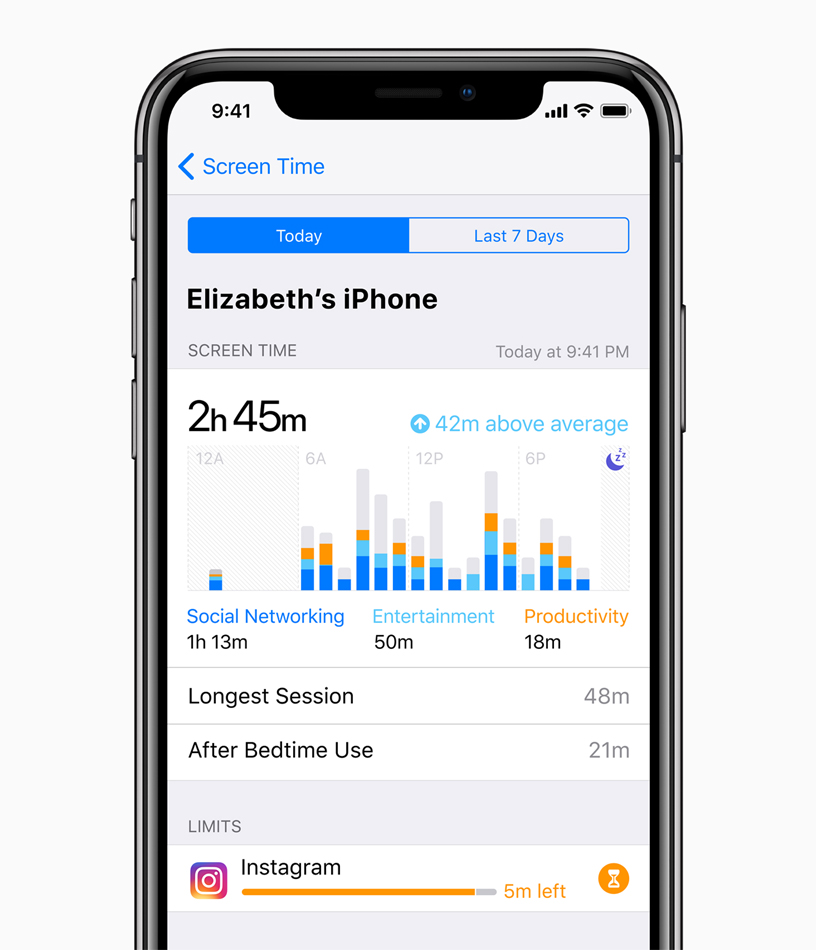
This is brand new to both Android P and iOS 12. Both operating systems come with ways to manage your time spent using various apps. This is ostensibly to help manage smartphone addiction. The addition of such responsible software is a good sign. However, as both are brand new and neither have been seen, we’ll have to reserve judgment.
Neither side gets the edge here, as we haven’t seen enough of either feature.
Gesture Navigation
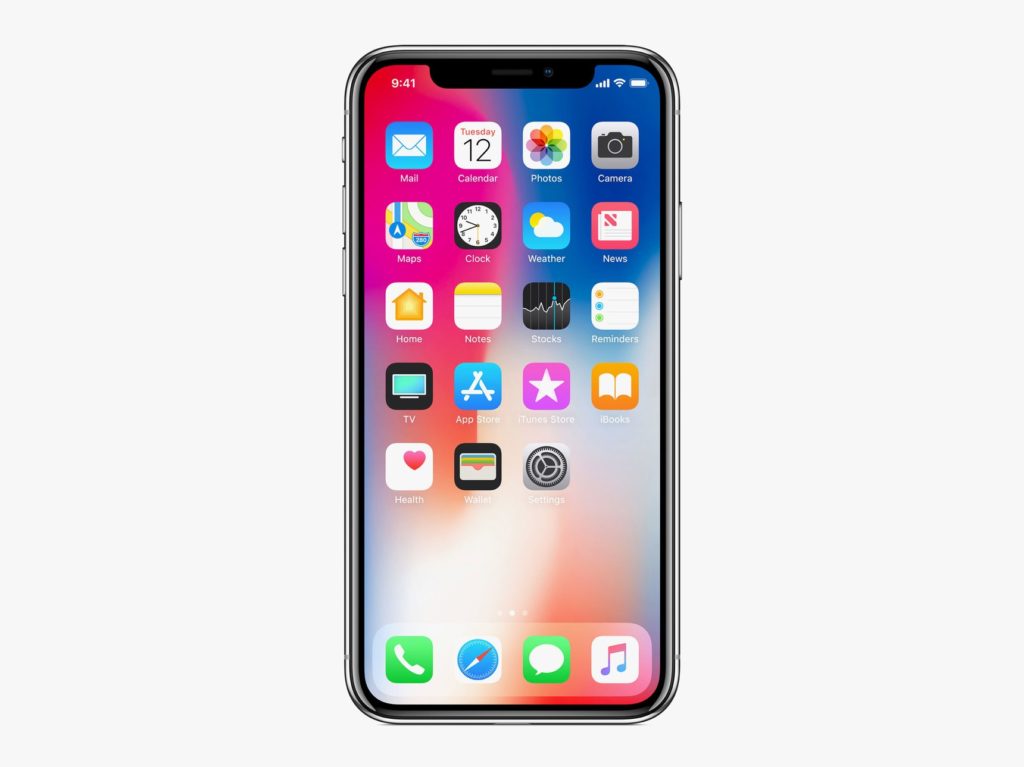
Photo Credit: Apple
The iPhone X popularized gesture-based navigation, forgoing physical or onscreen buttons. It takes some getting used to, but it’s intuitive and responsive. It’s fairly seamless, so it makes sense that Android P would hop on the bandwagon and try their hand at gestures. However, the operating system still relies on a back button for some navigation. Additionally, Google’s hands-off design philosophy means that app developers are free to use gestures or buttons. This fragmentation is the Achilles Heel of Google’s Android platform as a whole.
The edge in this one goes to Apple, for their closed-ended, tightly focused OS. Gesture navigation is so much better when it’s across the whole ecosystem.
Android P and iOS 12: Who has the Edge?
We do. The competition between Google and Apple keeps heating up, and the two massive companies are deadlocked. They keep one-upping one another, and it’s great for consumers. We keep getting better and better phones and better features. It’s still early, in terms of the new OS’s, to tell who’s winning. Both companies have some heavy-hitting features. Apple has the edge in security with their closed-ended platform. Google has Apple on shared AR and the excellent Google Assistant software.
Bottom Line
Time will tell who wins this cycle. However, Google and Apple being neck-and-neck with one another is sort of status quo now. Their continuous competition keeps driving them both to new heights, which means we keep getting better and better phones. No matter which side you’re on, you’re in for some cool new features come this September.