Tag: app

  • Which is our Favorite Grocery Delivery App?

    Which is our Favorite Grocery Delivery App?

    Grocery delivery apps are surprisingly plentiful these days! While everyone hates having to set aside time to go to the grocery store, delivery services help lighten the load. Spending less time in stores and driving around free up more you time! Which is the best grocery delivery app for your money, though? We’ve got some of our favorites for you to check out right here! 

    Walmart 
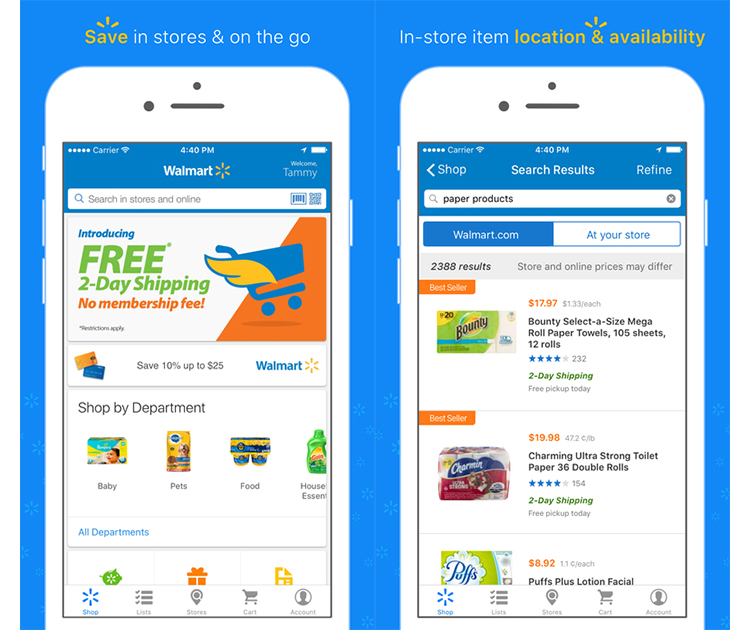
    Photo Credit: The Edgelands 

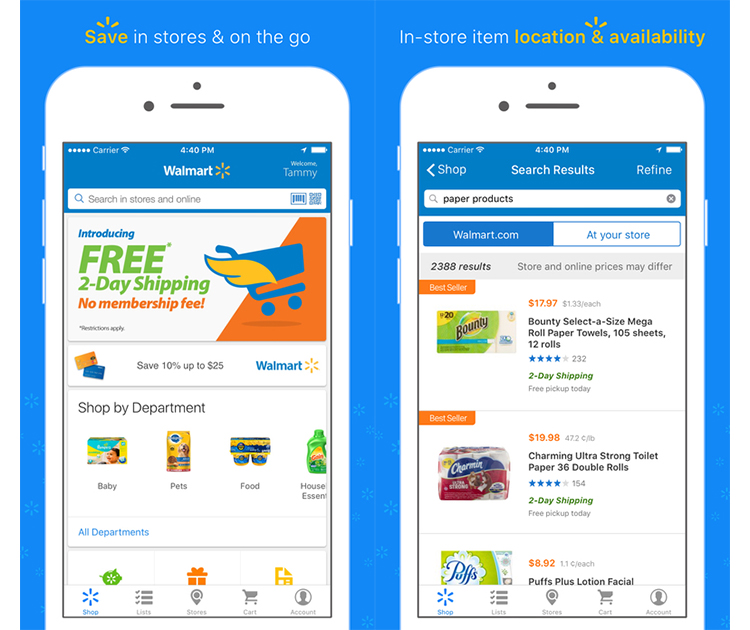
    Whether you’re doing curbside pickup or having the groceries delivered right to you, Walmart has it. Some areas don’t have access to delivery, but most have same-day pickup at least. While we don’t try to disparage major retailers, any excuse to not have to venture into a Walmart is a good one. So, if you like the prices of Walmart’s groceries but would rather not go inside, this is a great app for you. The cool part, you don’t need a membership to take advantage of the service, unlike some delivery services. 

    Instacart 
    Photo Credit: Instacart 

    Available in larger cities, Instacart is great for those who love eating whole foods. They shop from stores like Whole Foods, Petco, Costco and CVS. Professional shoppers fulfill your order and then deliver it to you. Order have a $10 minimum, though. On the bright side, any order over $35 have no delivery fee. If you subscribe to the Instacart Express service, you can have shoppers go to multiple stores for you on one delivery. 

    Shipt
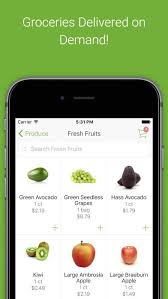
     

    Photo Credit: Appcrawlr 

    While Walmart has its own service, Target has delivery through the Shipt service. Shipt is an excellent app, well-designed and clean. It’s either $14 per month or $99 per year, and then you’re set to have groceries delivered. The service is very personable and offers same-day delivery. Great for lovers of Target’s products! 

    Peapod
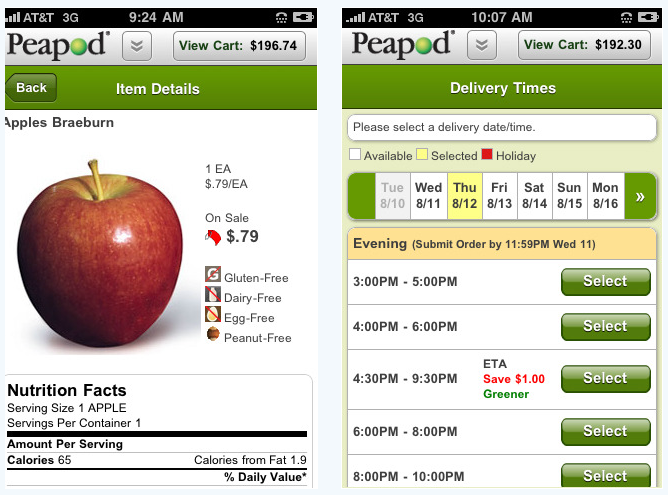
    Photo Credit: Softpedia News 

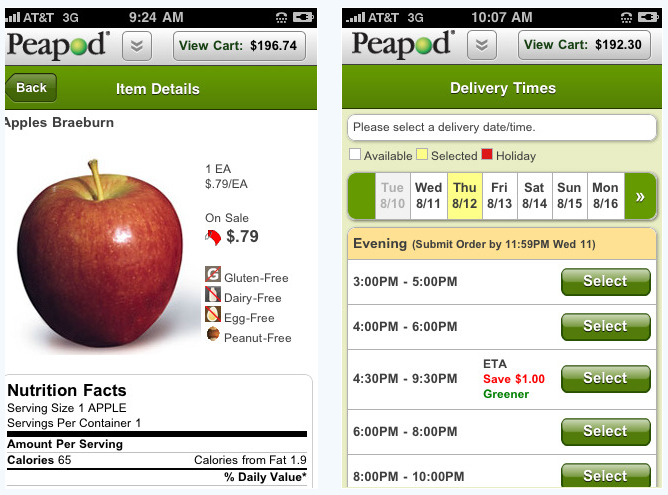
    Peapod has the distinction of being the only delivery service on this list founded in the 80’s! Founded back in 1989, the service is now a full-scale delivery app. It has robust filtering features, allowing you to shop easily from the app. You won’t have any trouble finding exactly what you’re looking for! Also useful are the meal kits that let you order all the ingredients for a specific meal. The “Order Genius” helps to autofill your common purchases, too! You can do either delivery or pickup in certain cities. You even get free delivery for the first 60 days with the service! 

    Google Express 
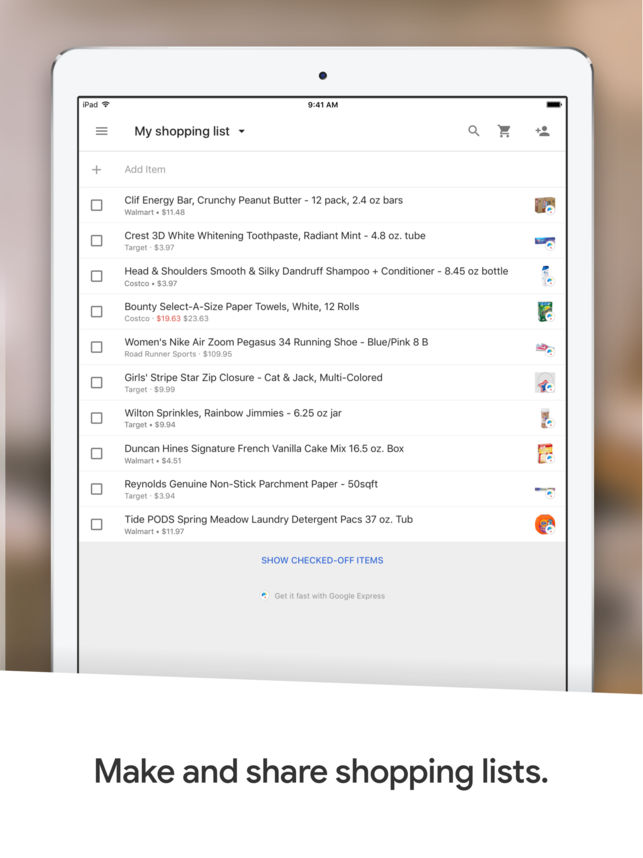
    Photo Credit: iTunes 

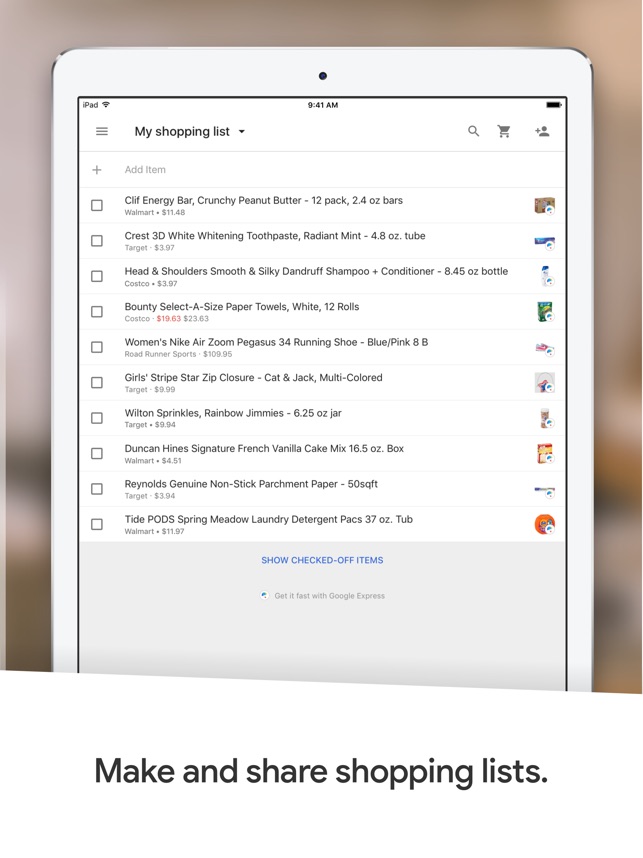
    Google Express shops from a wide variety of retailers to fulfill your order. These include Walmart and Target, as well as Costco and Walgreens. You can do one- or two-day shipping on orders, and as long as you hit the order minimum, there’s no delivery fee. What’s even better, there’s no membership fee either! As long as you’re just shopping for groceries, this service doesn’t really cost you anything. Nothing’s better than free, right? 

    FreshDirect
    Photo Credit: Yelp 

    Available in the Northeast, FreshDirect is a great service for you if you live in an area it covers. They don’t offer same-day delivery, but they have partnerships with many local farms and fisheries to ensure the freshest food is delivered. Their focus on freshness extends beyond just their name! While they offer a few household supplies for delivery, their main purpose is delivering farm-fresh food. Order minimums are $30, though, so be ready to buy a good few groceries at once! 

    Thrive Market
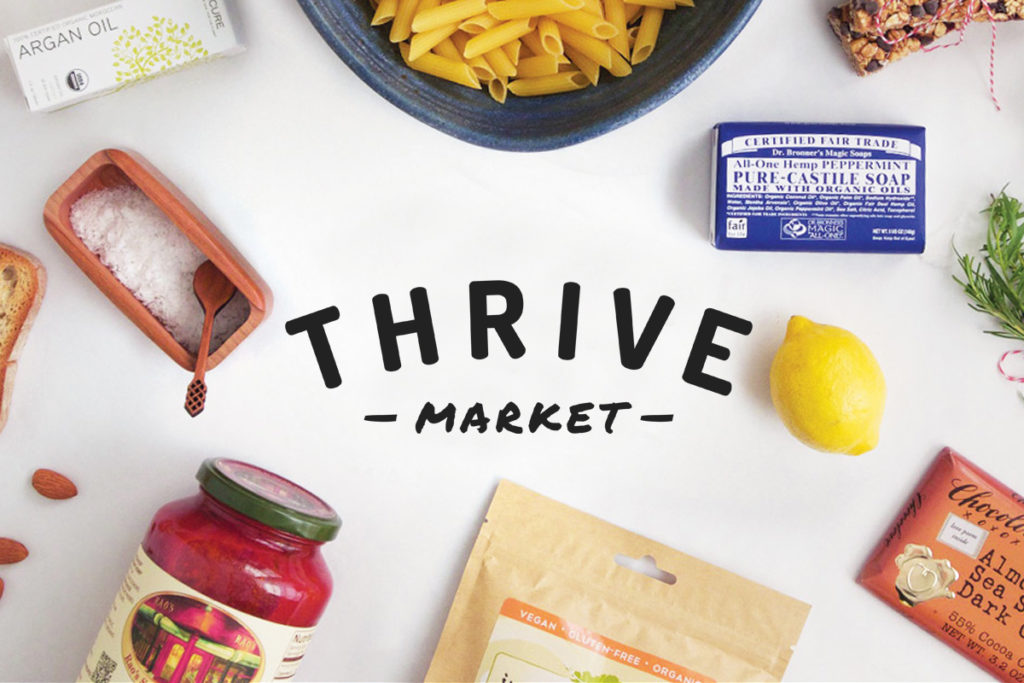
    Photo Credit: Jenni Kayne 

    Thrive Market focuses on wholesaling for great deals. By buying direct, they try to control for great, organic food that also saves you money. That’s pretty hard to beat, huh? The best part is, this service puts its money where its mouth is. For every subscription, the app offers a subscription to a low-income family. That’s pretty noble and earns them some deserved goodwill. If you eat paleo, gluten-free, or other such health diets, this is a great delivery app for you to look into. Your first 30 days with the service are free, so you can test the waters before you buy! 

    Brandless
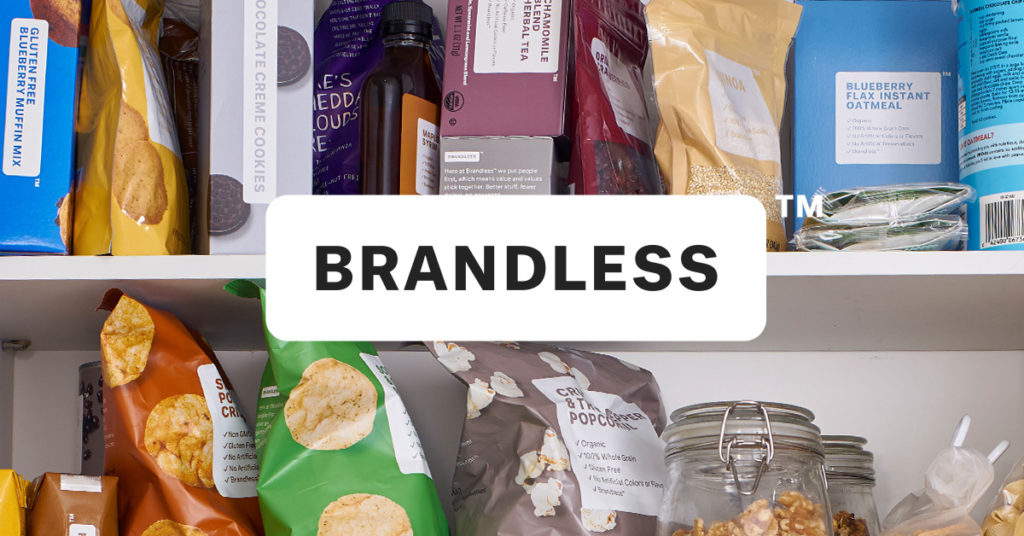
     

    Photo Credit: Brandless 

    Brandless has a pretty interesting gimmick: everything on the service is $3. For $36 a year, you have access to the unique pricing and packaging of the Brandless brand. Every product is non-GMO, if that’s your jam. Even better, when you sign up, ten meals are donated to the hungry. Each time you shop after that, two more meals are donated. Hard to say no to a win-win, isn’t it? 

    Best Overall Grocery Delivery App: Amazon Fresh

    Photo Credit: The Verge 

    Our favorite grocery delivery app is Amazon Fresh. You can sign up for a 30-day trial and try it out, but if you already have Amazon Prime, you’re set. Just hop on and shop from Amazon’s huge selection of groceries available for delivery. You can even get groceries from Whole Foods, since Amazon acquired them. Between the selection, the service and the price, this is your best bet. If you already use Amazon for your other delivery needs, it only makes sense to use them to have your groceries delivered. 

  • Beau’s Number 1 App Review: Twisty Arrow!

    Beau’s Number 1 App Review: Twisty Arrow!

    Beau’s App series. Each week, I install whatever is the No. 1 bestselling app on the iOS or Android store and review it, to save you the effort in case it’s total waste of life. This week a game called Twisty Arrow is in the top spot and we are gonna talk about it. Why isn’t it No. 1? not sure, its a very simple and basic game but it’s free. So let take a look and see what has this game rocketing to the top of the charts.

    Twisty Arrow is a simple tapping game. Shoot arrows at the spinning circle target but don’t touch the other arrows. Use the right strategy to improve your accuracy and hit the bullseye on the circle as it twists every time. The more arrows you shoot, the harder it is to be accurate and hit the bullseye. Can you beat this impossible rotating wheel? What level can you get to? Download right now and spin the wheel to find out.

    The Basics of Twisty Arrow

    • Tap your screen to shoot arrows at the spinning wheel
    •  Hit the bulls eye with the arrows without touching other arrows
    •  Each level requires a certain amount of arrows to hit the bulls eye to complete
    •  Different levels spin, twist, and rotate in different directions and at different speeds

    Highly Addicting

    I started playing for just a few mins just to get an overview next thing 6 hours is gone. Gone, hours ill never get back. Wasted? yes immensely. This should be a five minute game, yet somehow here we are. Its very repetitious and very simple, it gets frustrating and you start to doubt your self worth when you fail at something this simple. I wish there was more to say than its just a arrow into a spinning circle, in black and white.

    The Final Thought

    This is the most uninspired and basic game or app I have ever played. I can not comprehend why this made it to the top of the app store chart. However, it did and now with their incessant ads the creators are essentially printing money, Congrats to the guys a tasty pill. Capitalization on peoples boredom, what a time to be alive.

  • Beau’s Number 1 App Review: Fortnite

    Beau’s Number 1 App Review: Fortnite

    Beau’s App series. Each week, I install whatever is the No. 1 bestselling app on the iOS or Android store and review it, to save you the effort in case it’s total waste of life. This week a game called Fortnite is not in the top spot but  Im taking it on anyways. How did it get to No. 1? it didn’t, its number 2. Love Balls has been holding strong for over 3 weeks now.. Also because it’s free, because it just came out for phones, and because it’s  already crazy popular console game.

    Fortnite is the latest battle royale style game that is taking the world by storm. Developed by Epic Games, the people behind Unreal Tournament (and the Unreal Engine), the game takes the battle royale format that is made popular by PUBG and brings it to everyone by being free to play everywhere. Today, we are taking a look at the mobile version, which although launched before the mobile version of PUBG, was invite-only for a while.

    The battle royale version is similar to PUBG, you know all about PUBG from the last Beau’s Number 1 App Review. 100 players compete on one island to be the last man standing. During the course of the game, players have to survive by scavenging items such as weapons and health packs, and killing others before being killed themselves. The area of the island is constantly shrinking as time goes on to encourage confrontation and avoid camping. The last person to survive wins the game.

    Some Cool Fortnite Features

    Fortnite actually supports cross-platform multiplayer gaming across iOS, PS4, PC and Mac. There is also a function over PUBG that allows you to build objects with wood, metal and brick you collect through the game. They also have a much varied wepon and character spectrum. Thanos and the infinity gauntlet where recently added as a feature weapon. So think of this as PUBG with Minecraft and a touch of Ratchet and Clank.

    iOS Functionality

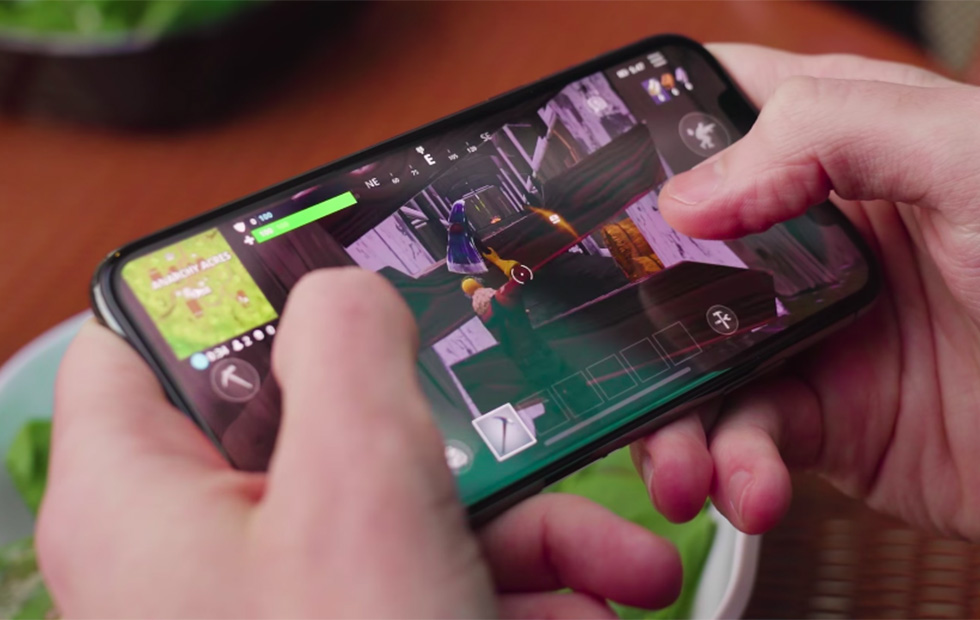
    Fortnite runs great on iPhone, delivering the same experience we’ve seen on PC and consoles. Touch controls work fine, but the weapons you usually pick-up during the matches don’t fit well with the manual fire approach.​  Fortnite definitely functions on mobile, although players will have to refine their tactics and become deft with virtual controls that often work against them in the heat of battle. But it looks nice, it’s fun, it’s graphically stable and, if you’re signed into a regular Epic account, XP is shared across PC, mobile and console – so if you’re playing on the train or during your lunch break at work, you’re leveling up for when you get home. You see, it’s productive.

    The Final Thought

    Its a really great game, very exciting and fun. There is a lot more too this game but it isn’t quite as intense as PUBG. I prefer PUBG although it has been dethroned as the top battle royale game in the app store.

  • Which Food Delivery App is the Best for You?

    In the past few years several companies have popped up in major cities offering to deliver food to your door from nearly every restaurant in town (for a small fee.) Whether you’re stuck at the office or just don’t feel like fighting crosstown traffic to get a sandwich, there is no shortage of delivery apps vying for your buck!

    But your time and money are valuable, and you can’t waste your lunch break waiting for a slow service. Don’t worry, we’ve got you covered! Which of delivery app is the best choice for you? Check out our round up of our favorite food delivery apps!

    Yelp Eat 24

    Yelp’s a well-known player in the world of restaurant ratings, but you can also rely on them to deliver your food! The service is timely, and the app is clean, which are both big pluses. The app sports the usual delivery fees and minimum order prices that you’d expect, but they change by restaurant. All in all, Yelp’s service is a solid choice if they’re available in your area. That’s the best part, too: the service is in more than 1,500 cities, so odds are good you can use them! 

    GrubHub

    GrubHub has a simple, no-frills interface and a very easy-to-navigate search function. This delivery app unfortunately sports a $10 minimum for all orders, which we don’t love. This, however, is not a deal breaker. GrubHub offers a feature to track your food as it goes, which we really like! On the negative side, GrubHub is somewhat slow and, in our experience, has issues with order accuracy.

    This could all change based on your area and delivery driver, but it’s worth mentioning. That being said, GrubHub makes our list due to its ubiquity. You’ll almost always find a restaurant in your area that they can deliver from in a reasonable time. Slight inconsistencies in delivery time or customer experience could be chalked up to just how big GrubHub is, and how many drivers it has.

    Postmates

    Postmates is a pretty wide service and doesn’t specialize in just food. That said, it has a pretty great food delivery side! Postmates doesn’t do restaurant partnerships, so they’re more an “available by area” type of delivery app. They can even pick up alcohol for you, which is sweet for when you’re looking to get a party started! It’s pretty widely available, as it’s in more than 90 cities. There’s a modest fee attached to each delivery. That said, you can opt for a premium subscription that waives delivery fees for $10 from certain retailers. 

    UberEats

    Uber, best known for their ride sharing service, has wisely taken their existing driver base and repurposed it slightly to allow for food deliveries. UberEats is fast, as a general rule, getting orders to hungry customers with little hassle in our experience. Oddly, there is no option to tip your driver in this delivery app, which, while standard for Uber, is something of a bummer when you want to show your appreciation.

    UberEats, like GrubHub, offers superb tracking of your order and sports a clean, user-friendly interface. Much like their ride sharing app, UberEats is reliable and reasonably priced, and you can’t go wrong with them. They’re only slightly more expensive on average than DoorDash, which is really the only strike against them.

    Caviar

    A fancy name for a sleek app, Caviar’s a great delivery service. If they’re available in your area, they’re well worth using. They have the standard delivery fees and minimum order fees you’d expect, of course. The service, however, is quite excellent, with friendly drivers and fast deliveries. Your food will usually arrive on time and it will typically be in good condition when you get it! The only drawbacks are slightly expensive delivery fees and small number of cities covered. If you are covered, though, this is a fine service! 

    Our Favorite Delivery App: DoorDash

    Our favorite overall delivery app! DoorDash has the benefit of being inexpensive, like Uber, and generally they are very speedy! You can tip your driver in this one, which is a huge plus! This allows you to show your appreciation for your driver’s good service.

    Additionally, DoorDash has a good selection of restaurants to choose from, a clean user interface that is only occasionally difficult to use and the delivery app doesn’t have a minimum order limit. While your experience in your area may be different, regarding restaurant selection or speediness, we still find that DoorDash has the overall best service for the price!

  • Aloe Bud Is the Self-Care App You Need Now

    Aloe Bud Is the Self-Care App You Need Now

    Do you ever feel stressed out? Well, there’s an app for that.

    Aloe Bud offers push notifications to remind you to be kind to yourself. You can configure notifications for everything from drinking more water, taking deep breaths, to getting up from your desk to move, and many other options.

    Millennial Mindfulness

    With its quirky design and cheerful retro graphics, the Aloe Bud app is clearly designed with Millennials in mind. The oft-maligned generation is more open to incorporating practices like yoga and meditation into their daily routines. Not only that, but they’re willing to shell out a few bucks at a time to get the latest mindfulness app.

    Self-care is a thriving business, and with an increased focus on wellness pervading almost every industry, it’s easy to get cynical about the whole thing. However, there is real value in being reminded to take a moment out of your day to look after your wellbeing. Aloe Bud makes it easier to do just that.

    Easy-to-Use App

    Aloe Bud is unusual in that it doesn’t require a ton of personal information to create an account—no sign-up process that gathers your name and address, and no Facebook link to turn self-care into a competitive sport.

    The interface is straightforward, with a grid of boxes containing a cute graphic and intuitive label for each type of self-care activity. You can choose to get alerts for any of these activities throughout your day. The app is also useful for tracking your good habits!

    Deceptively Simple

    Developer Amber Discko created the app based on her own need to de-stress and take better care of her wellbeing. Working with a mental health professional, her team carefully chose language that was positive, encouraging, and respectful of common triggers for anxiety.

    The app is free from the Apple store, although there is a $4.99 expansion pack of new texts to keep things fresh.

  • Its a  Deal with MoviePass

    Its a Deal with MoviePass

    MoviePass is an American subscription-based movie ticketing service. Founded in 2011 and headquartered in New York City, the service allows subscribers to purchase a single movie ticket per day for a flat subscription fee per month


    The Great

    • Terrific value
    • great interface and useabilty
    • Very Convenient
    • Unlimited Movies

    The Not

    • No New Releases
    • 2d standard movies only
    • You have to pay the full year up front

    The Conclusion

    I wish they had this when I was growing up, It would have been my wildest dream to have an unlimited movie ticket to the theater around the corner. Today, its def the worth the $8 a month.  I no longer need to pirate new movies and the headaches that come with that are long gone.

    The Movie Pass Experience

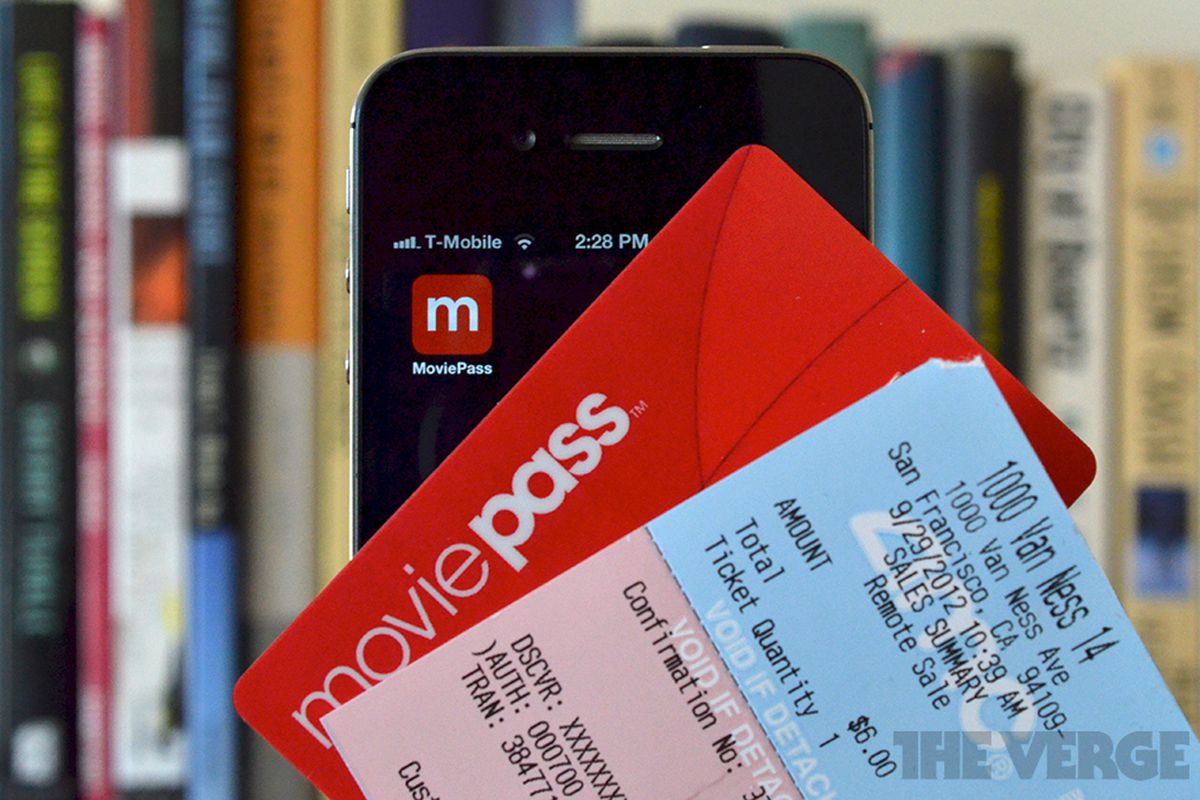
    Once you sign up, right now they are offering $7.95 a month rates, they will send you a credit card. You simply use your phones app to find the movie you want and reserve your ticket. Then head to the movies, when you get close to the theater you will get an alert your card is active. You then use the card to purchase your reserved ticket. Easy peasy.

    I don’t get to the movies as much as I used to and I’ve never been one to go to a theater alone. This made me a little apprehensive of the deal, but I decided to sign up after seeing how beneficial Moviepass can be.  After using it for the last month I have enjoyed the experience so much I thought I would give you my own thoughts. Moviepass is kind of like the Netflix of movie theater going.  You pay a flat fee and then you can see as many 2D movies as you want during the month.  The catch is you can only see 1 movie every 24 hours.  You could still easily see 25-30 movies a month if you so choose.


    Loop Holes

    So I thought I would look for weaknesses in the Movie Pass logistics. First up was using the card to purchase concessions, it worked with no issues but then declined when I bought my ticket. So I decided to reserve my ticket for the day before and pick it up, then book another ticket for the day Im going to the movies but use the previous days ticket. Thus making my card valid for concession purchases. So far its a lot of leg work but it works.

    I also thought it would be good to get a second pass so I could take who ever else with me to the theater, but apparently this is frowned upon and they will disable your account. I don’t know how they would every figure it out though. Again so far so good.

    Some have also reported that you can only see a movie one time with Moviepass.  This is not the case you can go to the same movie multiple times, at least that is my personal experience.

    The Final Thought

    It hasn’t quite been 30 days for me yet but I have gone to 4 movies.  The first 3 cost $5.99 per ticket and the 4th one was $9.99.  So I have gotten $27.96 in value out of my $7.99 monthly fee. I find Im going to the movies more because I can and seeing movies I would otherwise skip entirely. All in all its been a good experience its a must have for any movie buff, and a great investment for the casual movie goer. Im hoping this becomes adoptive and saves the movie theater platform. Being a catalyst for Studios to produce more movies for us to go to the theaters for.