Tag: ios

  • The Best iOS Photo Apps for Shooting and Editing

    The Best iOS Photo Apps for Shooting and Editing

    Everyone loves to snap pictures! Every smart phone is equipped with great camera functionality, but they lack a decent photo app to go with it. Whether you’re looking to send pictures to family or post them to show your friends, you’re probably wondering which photo apps are the best! Here’s a round-up of our favorite photo apps!

    Snapseed

    Snapseed is a user-friendly photo editing app for iPhone. Allowing for different filter types and tools for adjusting exposure and sharpness, Snapseed allows for professional-style photo editing from your iPhone. You’re also able to edit only selected parts of a photo, letting you fine-tune images to your taste! It even has a healing tool like Photoshop. Best of all, this app is free! Snaseep is our favorite iOS photo editor.

    Cortex Camera

    This app is fantastic for shooting in low-light or nighttime situations. Using a really neat process, Cortex Cam is able to cut down of visual grain that is so common in low light pictures. Typcally, when taking pictures in low light, your phone camera will increase the ISO to attempt to squeeze more light into the lens. This has the side-effect of creating grainy images. Cortex Cam combats this by taking a large number of images in a short span of time and collating them into one image, eliminating that visual noise. This is easily the best app for low-light shooting!

    Superimpose

    Another Photoshop-like app, Superimpose allows two pictures to be blended together. If you want an app to blend together two photos from your phone, this is the app for you! This app has gradient masks that allow for one photo to mask the dark aspects of another with its own light aspects, allowing for interesting artistic projects. Superimpose can also be used for double exposure-style pictures, like using a foreground from one photo and a background from another. Superimpose is $1.99 on the app store, but you get a ton of awesome functionality for that price. If you’re looking to make compositions from your phone, Superimpose is a great app for you!

    Our Favorite Photo App: Camera+

    This app is exactly what is says it is: an enhanced version of the iPhone’s existing camera app. This app gives shutterbugs precise control over their phone’s camera functionality. Between altering shutter speed and white balance, this app is a must-have for smartphone camera enthusiasts. Camera+ has a manual focus function that is especially helpful for photographing extremely close objects, which is great!  It also has a handy 30-second delay feature for those who want to take pictures with themselves in the frame.If you have the technical know-how, or want to develop it, this app is a great choice for you!

  • Apple Issues Ultimatum to App Designers

    Apple Issues Ultimatum to App Designers

    New guidelines are now in the hands of Apple developers. By July 2018, all new apps will need to support the unique dimensions and top-of-screen notch on the iPhone X. This new guideline applies not just to new apps, but to all apps that already exist on the Apple App Store.

    Apple’s Statement

    “iOS 11 delivers innovative features and the redesigned App Store to hundreds of millions of customers around the world. Your apps can deliver more intelligent, unified, and immersive experiences with Core ML, ARKit, new camera APIs, new SiriKit domains, Apple Music integration, drag and drop for iPad, and more. Starting July 2018, all iOS app updates submitted to the App Store must be built with the iOS 11 SDK and must support the Super Retina display of iPhone X.”

    iOS 11 SDK

    The SDK in question is the new iOS 11 SDK, or software development kit. This will mean that all apps will support the features and unique screen characteristics of the iPhone X by the end of the summer. Most developers have found the top notch to not be the hardest thing to design their apps around. Instead that the always-on home indicator (the thin bar that indicates access to multitasking, etc.) has been the largest design challenge.

    This approach is nothing new and is similar to Apple’s support of previous iPhone releases. Most popular apps have already updated to reflect these design changes. Those that haven’t were already expected to follow suit shortly, even without the ultimatum from Apple. Given that the iPhone X has been fantastically popular this comes as no surprise.

    And the iPhone X’s popularity is no mistake! The iPhone X is also our favorite premium smart phone! To find out why, go check out our roundup of our favorite smart phones.

  • Aloe Bud Is the Self-Care App You Need Now

    Aloe Bud Is the Self-Care App You Need Now

    Do you ever feel stressed out? Well, there’s an app for that.

    Aloe Bud offers push notifications to remind you to be kind to yourself. You can configure notifications for everything from drinking more water, taking deep breaths, to getting up from your desk to move, and many other options.

    Millennial Mindfulness

    With its quirky design and cheerful retro graphics, the Aloe Bud app is clearly designed with Millennials in mind. The oft-maligned generation is more open to incorporating practices like yoga and meditation into their daily routines. Not only that, but they’re willing to shell out a few bucks at a time to get the latest mindfulness app.

    Self-care is a thriving business, and with an increased focus on wellness pervading almost every industry, it’s easy to get cynical about the whole thing. However, there is real value in being reminded to take a moment out of your day to look after your wellbeing. Aloe Bud makes it easier to do just that.

    Easy-to-Use App

    Aloe Bud is unusual in that it doesn’t require a ton of personal information to create an account—no sign-up process that gathers your name and address, and no Facebook link to turn self-care into a competitive sport.

    The interface is straightforward, with a grid of boxes containing a cute graphic and intuitive label for each type of self-care activity. You can choose to get alerts for any of these activities throughout your day. The app is also useful for tracking your good habits!

    Deceptively Simple

    Developer Amber Discko created the app based on her own need to de-stress and take better care of her wellbeing. Working with a mental health professional, her team carefully chose language that was positive, encouraging, and respectful of common triggers for anxiety.

    The app is free from the Apple store, although there is a $4.99 expansion pack of new texts to keep things fresh.

  • Beau’s Number 1 App Reveiw: Love Balls

    Beau’s Number 1 App Reveiw: Love Balls

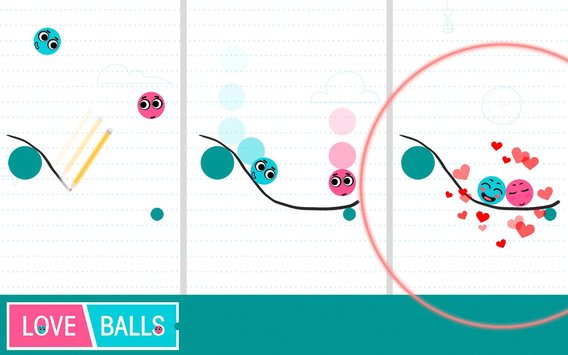
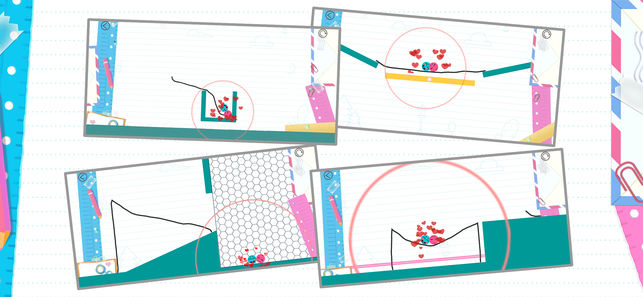
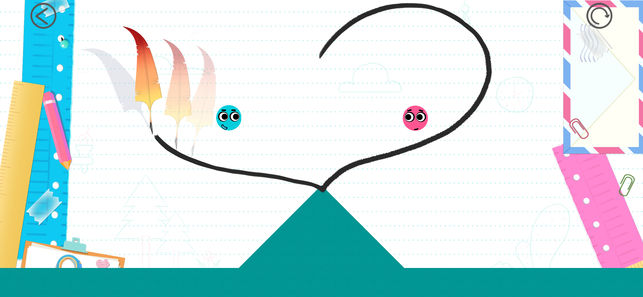
    Beau’s App series. Each week, I install whatever is the No. 1 bestselling app on the iOS or Android store and review it, to save you the effort in case it’s total waste of life. This week a game called Love Balls, calm down. Its a game that has you drawing lines to make balls touch and fall in love. Ok that sounds worse when i read it back. Love Balls is in the top spot and Im taking it on. How did it get to No. 1? Because it’s free, because it just came out for phones, and because they advertise this game on all social media networks and all you sheep just download it because you don’t want to be the only ones that didn’t in case its the next Pokemon go or candy crush.

    Hows it Rated

    Very Poorly, its a cheap, mind numbingly simple game that helps you time travel through monotonous parts of your day. The game is simple, use your brain and find a way to bump the balls. draw lines or shapes to bump the balls, use minimum amounts of  wisdom and imagination. Yes I played it, 3 and half days dissapeared from my life and I missed the premier of super troopers 2. Not really I was done with this app and review in 20 mins.


    But The Ads

    The biggest reason why this game is a waste of life is the ads. Like all free and cheaply designed app games to distract the masses are its packed with 30 seconds of ads for every 15 seconds of game play. They design  the ads to insist on finishing with no option to exit out, and if you leave the game they just pause that ads untile your patients level returns and you open the game again.


    The Final Thought

    Just pass, next week app will be better I hope. Also as a side note if you google love balls make sure you also add the word app, just trust me.


  • The Best Tablets for Kids

    The Best Tablets for Kids

    Screen-time for kids may be a controversial topic, but plenty of parents have discovered fun, educational ways to integrate technology into their children’s lives. We’ve rounded up the best tablets for kids of different ages so that you can make an informed decision about which one to purchase.

    Why Buy a Kids’ Tablet?

    Unlike “grown-up” tablets and smartphones made by Samsung or Apple, devices designed for kids have more robust designs to withstand rough handling and more options for parental controls to limit or block certain functions. Many kids’ tablets come pre-loaded with age-appropriate apps; for example, the kid editions of the Amazon Fire tablets are bundled with a subscription to FreeTime.

    Best Tablets for Ages 3 to 6

    For the littlest ones, a kid-friendly tablet like those made by Leapfrog is your best bet. The LeapFrog Epic is tough but basic, with an intuitive Android OS that can run either the premium proprietary apps from LeapFrog or third-party apps from Amazon. One downside to the Epic is the battery life, which only lasts about five hours. If you’re planning a trip and need to keep the kiddos entertained, make sure to bring the tablet’s charger!

    Best Tablet on a Budget

    Although it doesn’t have as many bells and whistles as the newest model, the Amazon Fire 7 Kids Edition is the best value on the market. We love the sturdy, bright case that comes with the Kids Edition, as well as the year-long subscription to Amazon’s FreeTime Unlimited, which is stocked with plenty of games, books, videos, and other digital delights. Best of all, Amazon offers a two-year replacement plan, so if accidents happen—and with kids, they often do—you will be covered.

    Best Tablet for Work and Play

    The Kurio Smart is an interesting hybrid of kids’ tablet and basic laptop. The detachable keyboard and Windows 10 operating system lets the Kurio Smart function more like a simple laptop, which is great for kids who need to browse the internet and use Microsoft Office products for schoolwork. It performs equally well as a tablet for reading and games once the homework is done.

    Best Tablet to Grow with the Child

    If you have the budget for it, the iPad Mini is the most versatile tablet on the market. While we wouldn’t recommend it for toddlers, elementary school kids can get years of use out of an iPad as their educational and entertainment needs change. Though more fragile than the tablets made just for kids, the iPad Mini can also do a lot more. Great display, long battery life, and top-notch support from Apple make the iPad Mini a worthwhile investment. Just make sure you also purchase a kid-friendly plastic case and a screen protector—you’ll want this tablet to last!

  • SmartPhone Spotlight: iPhone 8 Plus

    SmartPhone Spotlight: iPhone 8 Plus

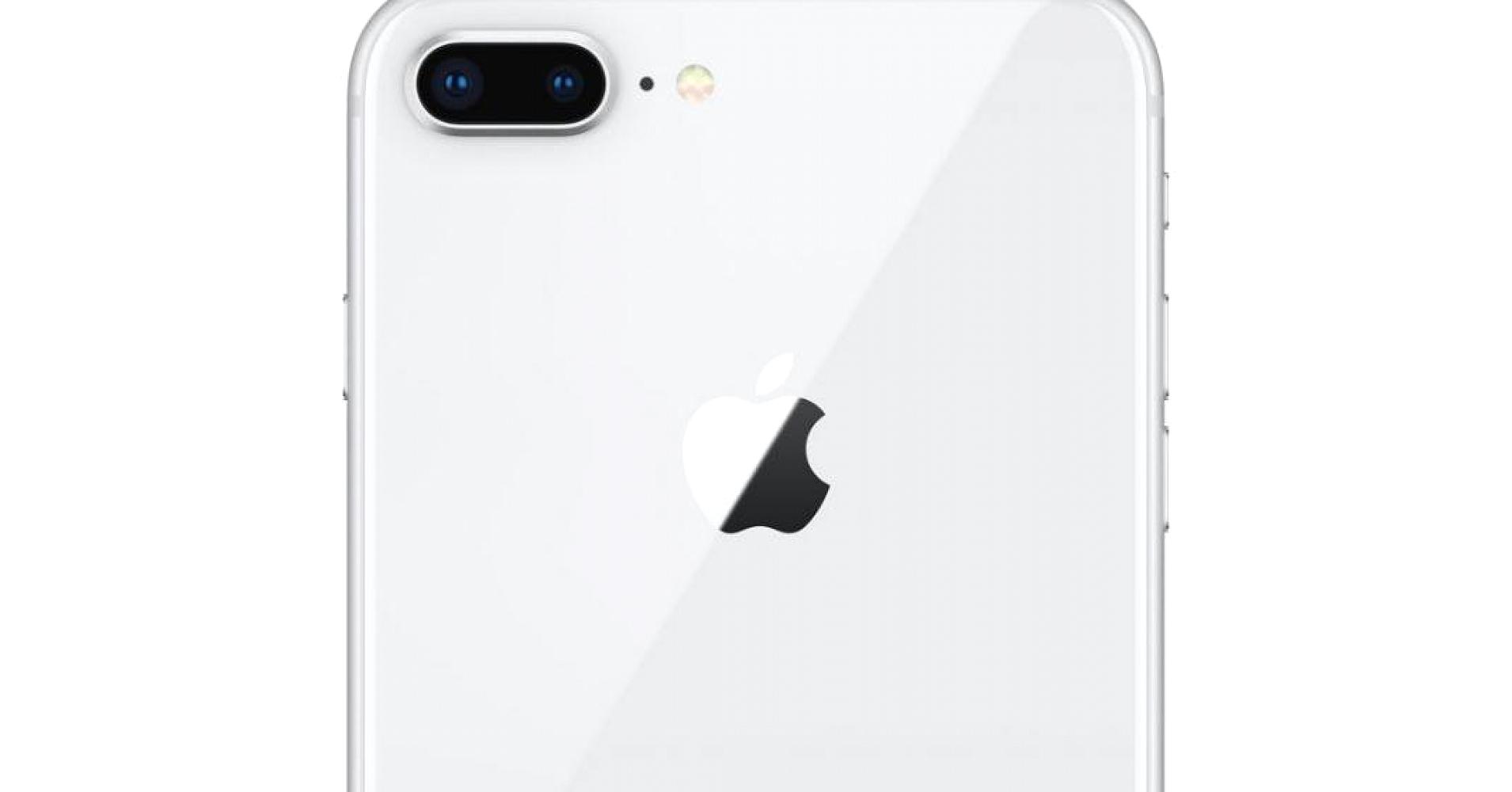
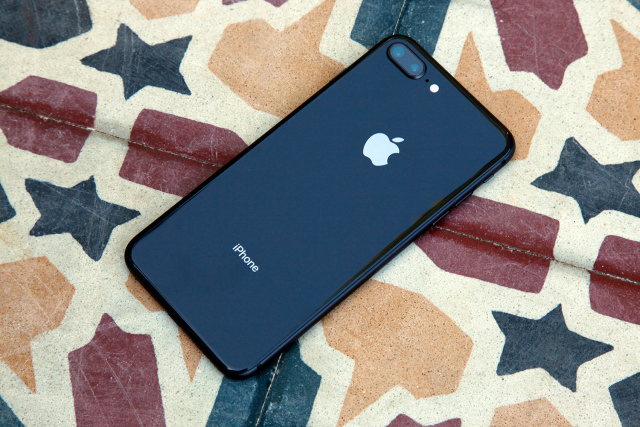
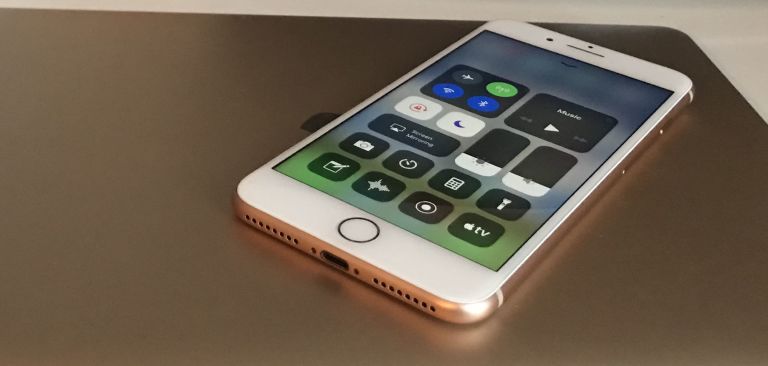
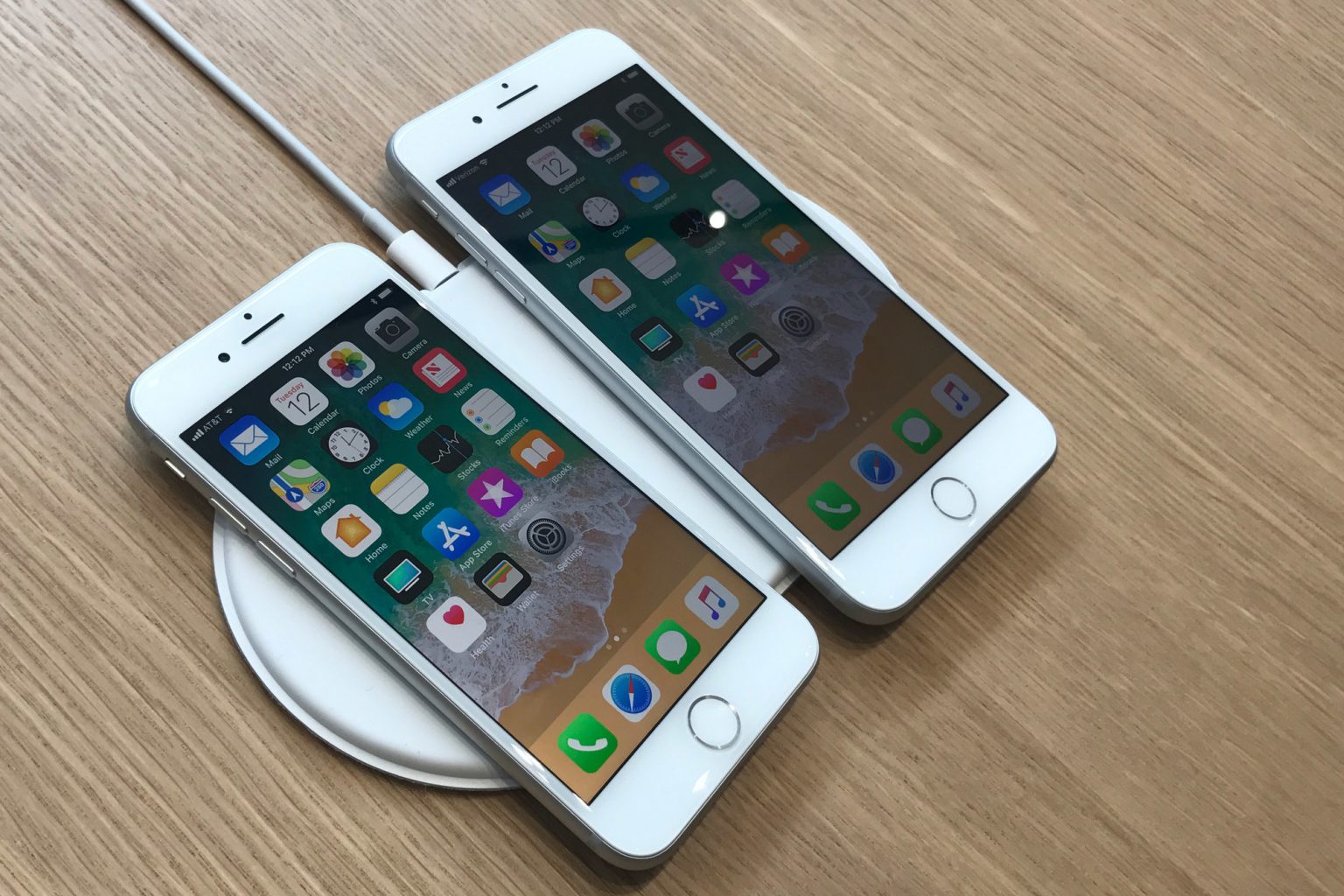
    Phone 8 Plus introduces an all‑new glass design. The world’s most popular camera, now even better. The most powerful and smartest chip ever in a smartphone. Wireless charging that’s truly effortless. And augmented reality experiences never before possible. iPhone 8 Plus . A new bigger generation of iPhone.


    The Great

    • Insane performance
    • Dual Camera, Portrait Mode
    • Excellent, versatile camera
    • Great screen
    • Super speakers
    • Wireless charging is nice to have
    • 3gb of RAM

    The Not

    • Its heavy
    • …come on, its perfect

    The Conclusion

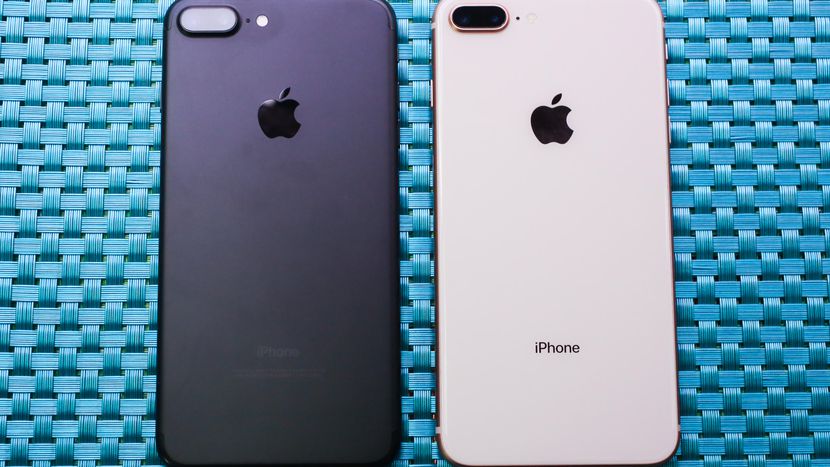
    The iPhone 8 is great, the iPhone 8 plus is better, bigger, and a much better camera


    But the Size

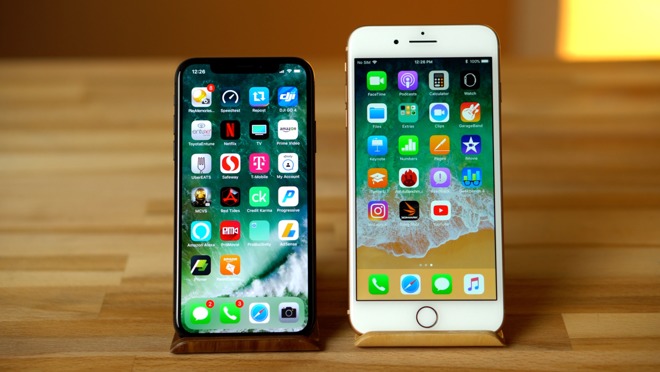
    I know everyone thinks they don’t want to carry a bigger phone in their pocket. Its too big they say. Ill drop it. Calm down, you will adjust to the size in a few hours. Its size is perfect, not a liability. Once you adjust you will feel like you could crush the 8 in your palm because its too puney.

    the iPhone 8 Plus represents a new update on a modern classic. There are nice upgrades to the screen, camera and processor, although nothing that will really make you say ‘wow’. It’s an iPhone 7S Plus but better.


    What Do You Get with a Plus

    There are a few differences with the iPhone 8 plus over the 8 than just the size. One big difference is the extra GB of memory. The iPhone 8 Plus has 3GB of RAM, while the iPhone 8 has 2GB. Battery: A tear down revealed that the iPhone 8 has a 1,821mAh battery, while the iPhone 8 Plus has a 2,675mAh battery. Camera: Both phones have a 12MP rear camera with an f/1.8 aperture and optical image stabilization.

    This Camera

    The major difference is the dual camera on the back. Why do I want two cameras on the back of my phone? Portrait Mode. That is why. Dual cameras and new facial land marking create dramatic studio lighting effects in Portrait mode.  The photos generally turned out great. Low-light gains aren’t as dramatic as I expected compared to the already excellent iPhone 7 Plus, but the photos I’ve been taking have generally looked phenomenal.

    Portrait Mode, which debuted last year, now supports flash photography and HDR. The 8 Plus and the X add a new photo technique called Portrait Lighting, a beta feature that adds simulated 3D lighting to faces and even strips out backgrounds to create a studio-shot effect.

     Quick Spec Look

    • – IP67 certified – dust and water resistant
    • Apple A11 Bionic Chipset
    • 3 gb of Ram
    • Hexa-core (2x Monsoon + 4x Mistral)
    • Apple GPU (three-core graphics
    • 12 MP (f/1.8, 28mm), phase detection autofocus, OIS, quad-LED dual-tone flash,
    • 7 MP, f/2.2, 1080p@30fps, 720p@240fps, face detection, HDR, panorama
    • Wi-Fi 802.11 a/b/g/n/ac, dual-band, hotspot
    • Fingerprint (front-mounted), accelerometer, gyro, proximity, compass, barometer
    • Non-removable Li-Ion 1821 mAh battery (6.96 Wh) 14 hours in uses, 40 hours stand by
    • LED-backlit IPS LCD, capacitive touchscreen, 16M colors
    • 4.7 inches, 60.9 cm2 (~65.4% screen-to-body ratio)

    The Final Thought

    I like the plus, its the iPhone but bigger and better. Its beautiful and powerful, like Vin Deisel. Yes that the best way to put it, its the Vin Deisel of phones. Its the Iphone with More RAM, More Camera, More Screen.

  • Jurrasic Park Alive is the AR Game We Deserve

    Jurrasic Park Alive is the AR Game We Deserve

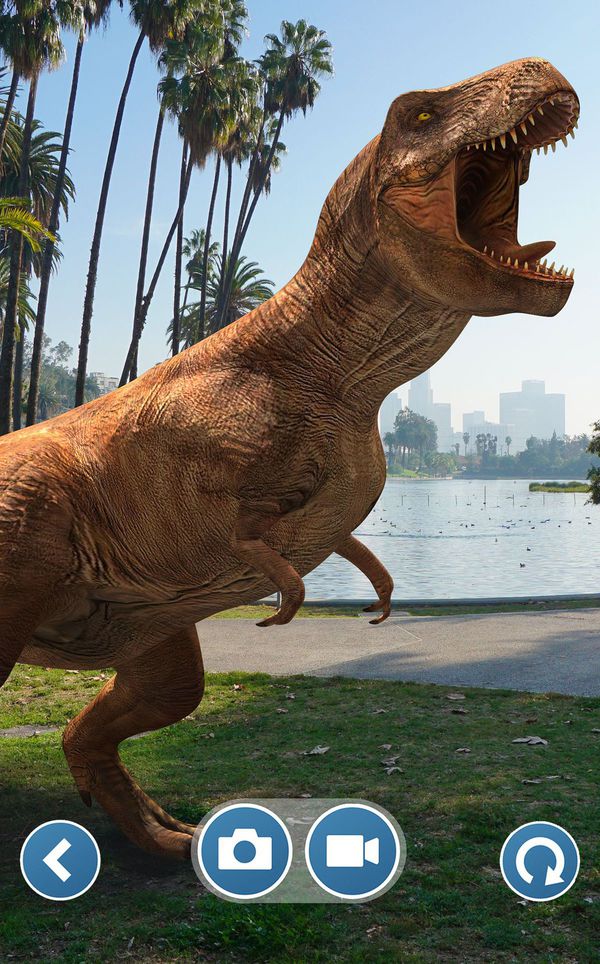
    In the key of Pokemon Go, Jurassic World Alive is the AR game we have been waiting for. This game is set to explode in the same way Pokemon Go took over the summer of 2016. Alive is the latest  franchise to try their hand on the Pokémon Go formula. Yes, we finally we get dinosaurs unleashed around our local neighborhood.

    The Dinosaur Hunt

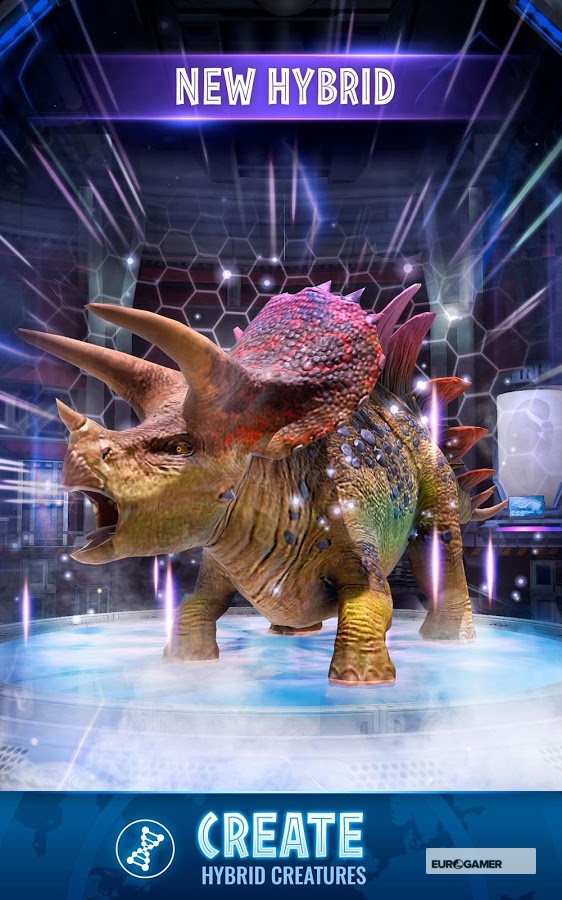
    Jurassic World Alive puts players in the role of a new recruit in the Dinosaur Protection Group (DPG). Players are tasked with saving dinosaurs from another extinction by tracking them, collecting DNA samples and creating new hybrid species in a lab. Those man-made dinosaurs can be assembled into a team and fight in player-versus-player arena battles, which kind of seems counterproductive to the whole dinosaur protection thing.

    “Players discover dinosaurs by locating them on a map and deploying an in-game drone to collect DNA samples,” developer Ludia explains. You’ll also be able to snap a photo with your favorite dinosaurs, level up the beasts you capture, and, unlike in Pokémon Go, you’ll be able to battle them with other players. The game’s map screen, as shown in the debut trailer, even looks a lot like Niantic’s Pokémon AR game. Ludia previously developed a pair of park management-style Jurassic Park games for mobile.
    When Can We Play?


    Alive is expected to come to both Android and iOS in the spring, putting its release very close to the new film Jurassic World: Fallen Kingdom, which debuts on June 22nd.


    The Final Thought

    I hope this is the game that can reach the success in the AR platform. We have all been waiting for the true AR gaming standard and would love to hunt dinosaurs in real simulation.  I am overly excited to play this game, more then any grown man should be. I wont be as embarrassed to be walking around playing this as I was Pokemon Go and I know My 4 year old nephew and myself will have hours of fun with this. Lets hope they as John Hammond would say “spared no expense” in the development of this monster and it lives up to the hype.

  • Top 5 Augmented Reality Apps for iOS

    Top 5 Augmented Reality Apps for iOS

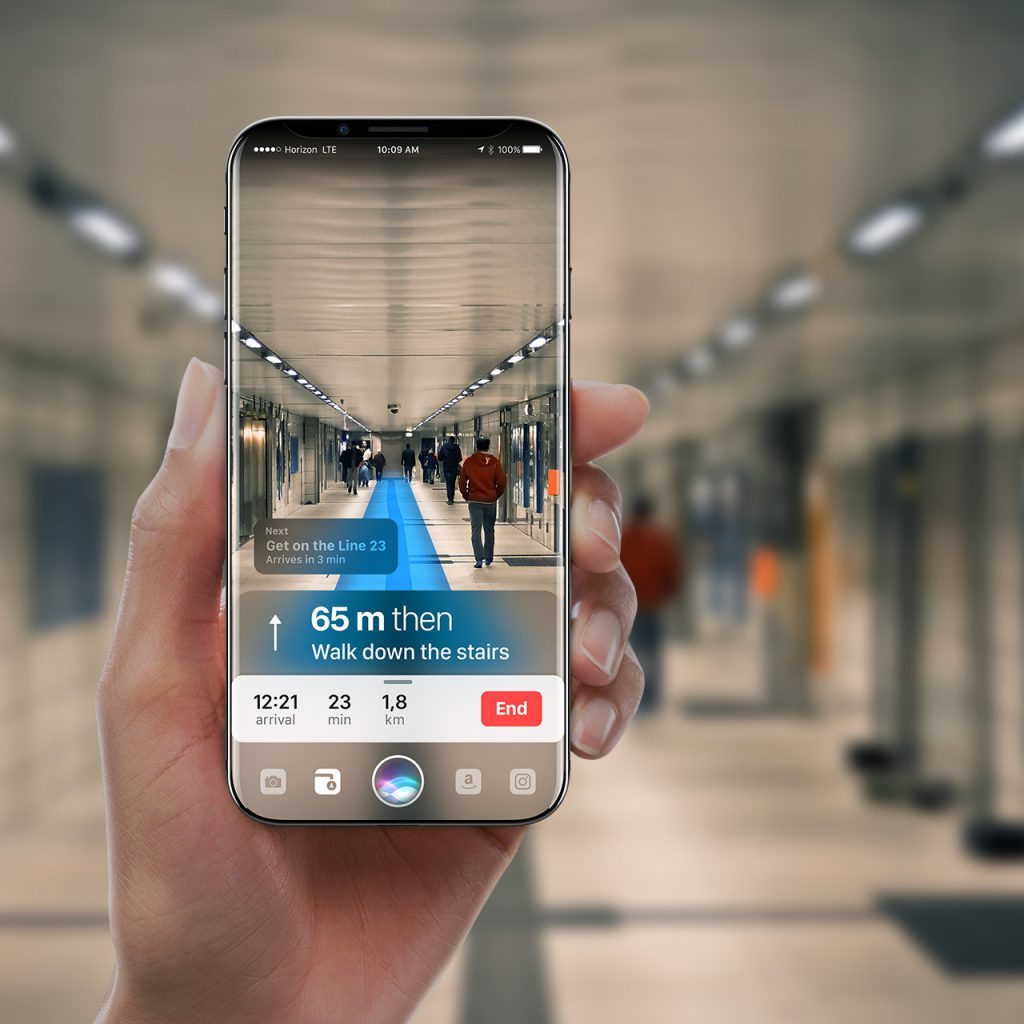
    We have all been hit with an augmented reality buzz on all our apps. From Pokémon go to every shopping app, we are being given the ability to use our camera to bring a whole new layer to our lives. Here are the top five out of the box and interesting applications for augmented reality

    1. Miratia City Treasure Hunts

    Miratia is smartphone treasure hunt games played live outdoors.Miratia games are played live on the streets of your current city. Become your own Indiana Jones and set up a treasure hunt with historical places through out all your sight seeing visits. This is endless fun, and adds a whole new dimension of traveling and exploring new cities. Finally Paris is interesting,  and Budapest will never be the same.