There’s nothing quite like having a rock-solid keyboard for kicking butt online. If you’ve ever used a sub-par keyboard to try to play a fast-paced video game, you know how rough it can be. If you’re serious about PC gaming, you’re going to need a serious keyboard. The best keyboards are a little pricey, so today we’re not worrying too much about price. If you want the best, you’re going to need to pay top dollar. If that’s not your jam, we’re including a few budget options for you to consider. However, if you’re not afraid of spending some dough, check out the higher entries on the list! Here are our top ten gaming keyboards for 2018!
Top Ten Gaming Keyboards for 2018
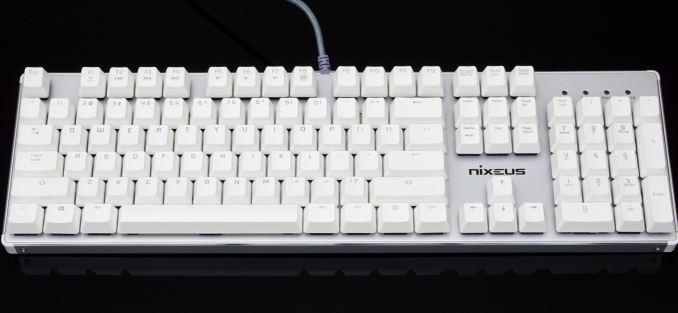
Nixeus Moda Pro
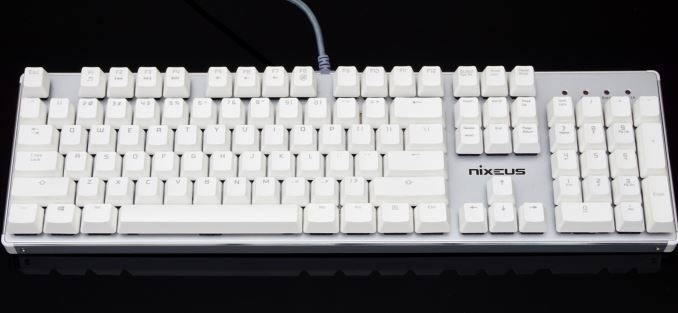
Photo Credit: AnandTech
Our first entry is an interesting budget pick. It’s only $70, but it’s got a solid make. The tray is metal, and the keycaps are similar to those found on Mac keyboards. In fact, this keyboard works quite well with Mac: it even features Mac function keys. The Nixeus Moda Pro works great on Windows, too, so if you’re on that OS you don’t have to worry. This is a fine entry-level choice for Mac users or fans of their keyboards.
Roccat Horde AIMO
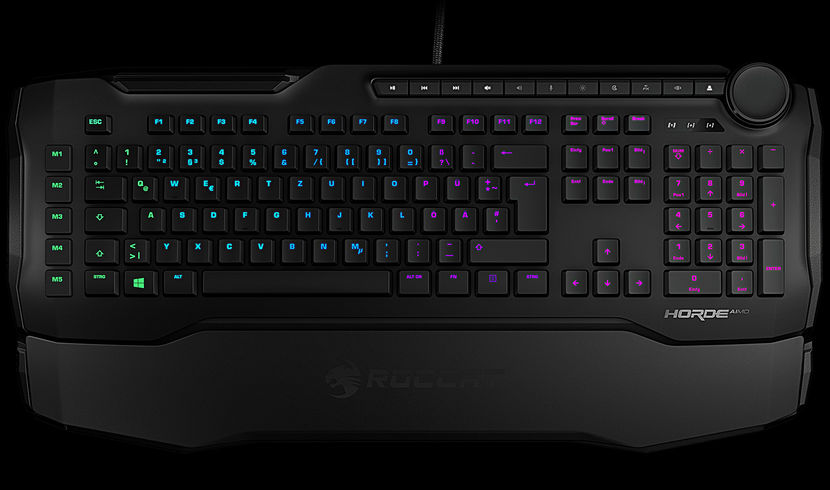
Photo Credit: Roccat
This one is inexpensive and feels okay. It’s not the best option out there, but it doesn’t set you back too much. The issues with this one are the flimsy-feeling wrist-rest and generally cheap make overall. The keys feel okay, and it performs fine in fast-paced scenarios. On the bright side, it only costs around $90. That said, if you spend just a bit more you can get a much better keyboard.
Havit HV-KB390L Low Profile Mechanical Keyboard
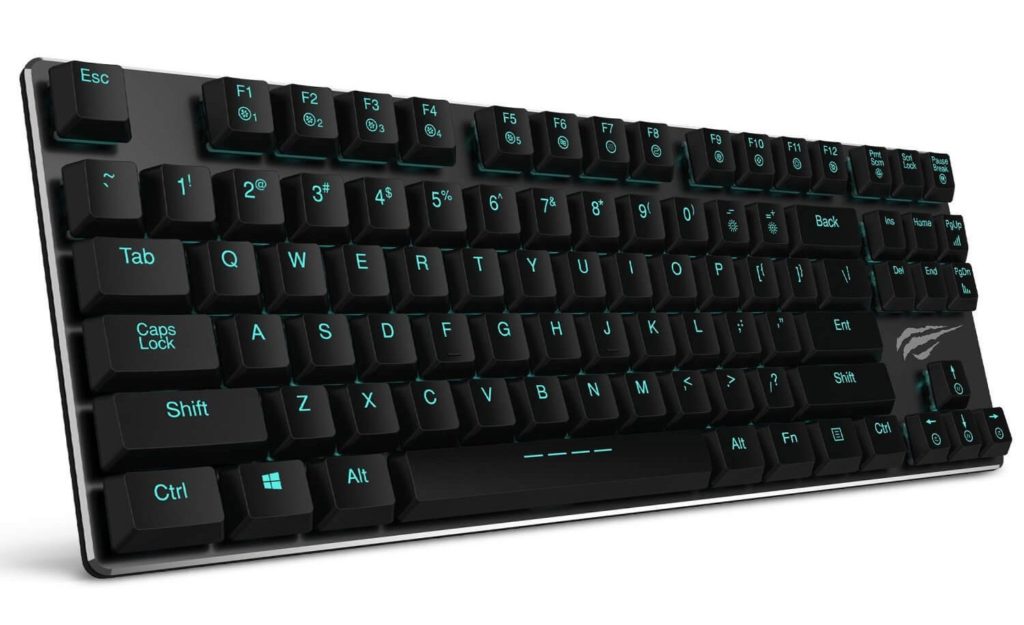
Photo Credit: Tech Addicts
What this Havit keyboard lacks in features it makes up for in affordability. It’s only $60, it’s portable and it even has backlighting. The backlighting is pretty simple, but it looks nice. The keys feel nice, and typing is easy, too. This is an all-around solid budget choice. The only downsides here are the relatively cheap-feeling deck and weak key quality.
Razer Chroma Ornata
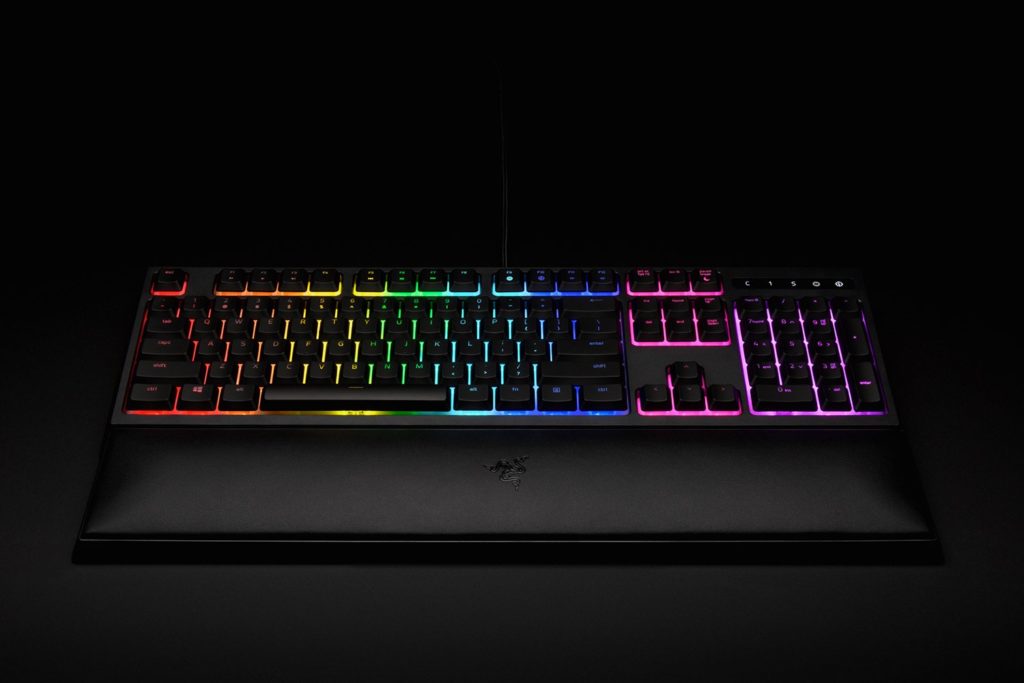
Photo Credit: Razer
With an MSRP of $100 but often found on sale for $80, the Ornata is another great budget option. The coolest thing with this keyboard is the proprietary Razer Chroma software that powers the backlight. If you’re the type who wants to have a pimped-out desk, Chroma is your friend. You can sync your mouse, headset and keyboard all through Chroma.
The Ornata is also a solid keyboard with an interesting “mecha-mesh” action. The keys feel like a combination of a mechanical keyboard and a mesh keyboard. It takes a bit of getting used to, but it’s actually pretty nice when you get accustomed.
Alienware Pro Gaming Keyboard
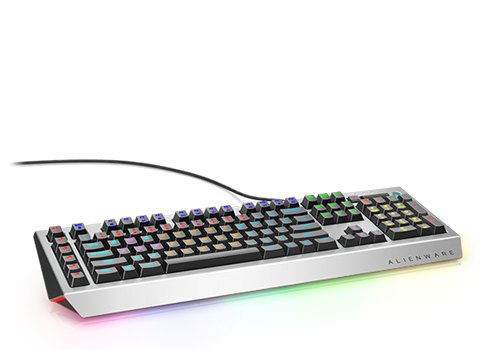
Photo Credit: Dell
When you’re not gaming, your keyboard still has to be a keyboard. No gaming deck knows that better than the Alienware Pro. The switches in this keyboard are great for both gaming and typing. If you need to bang out an essay or spreadsheet, this keyboard works just as well as if you were blasting bad guys. This one is a bit on the premium side, running for $120 MSRP. It’s usually available on sale for around $100, though, and it’s a great find at that price.
Logitech G910 Orion Spectrum
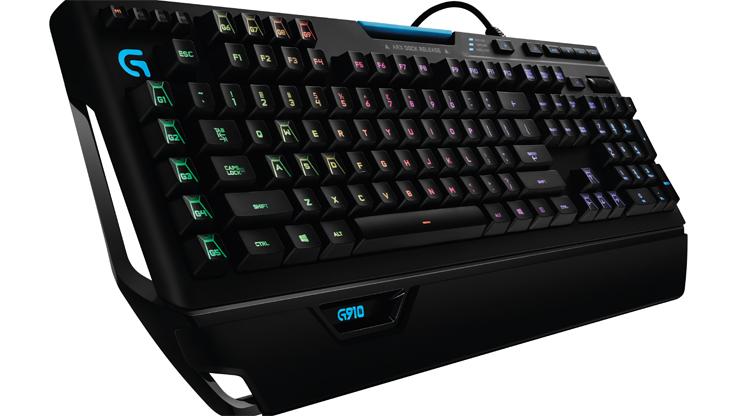
Photo Credit: PC Mag
The first of our truly premium gaming keyboards, the Orion Spectrum is meant to go toe-to-toe with Corsair and Razer’s flagship keyboards. It does a passable impersonation of those two superior decks, but it does so at a comparable price to them. This keyboard is streamlined, and the keys feel fine, it’s just a bit “meh” when you see it’s $180 price tag. When you can get a better keyboard for less, it becomes hard to recommend this to anyone other than Logitech die-hards.
SteelSeries Apex M750
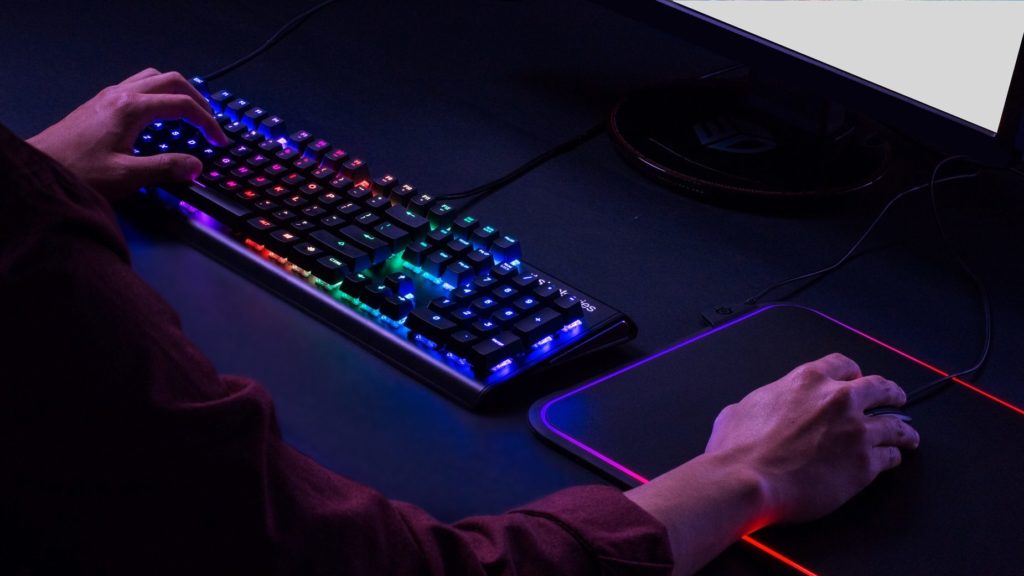
Photo Credit: Unilad
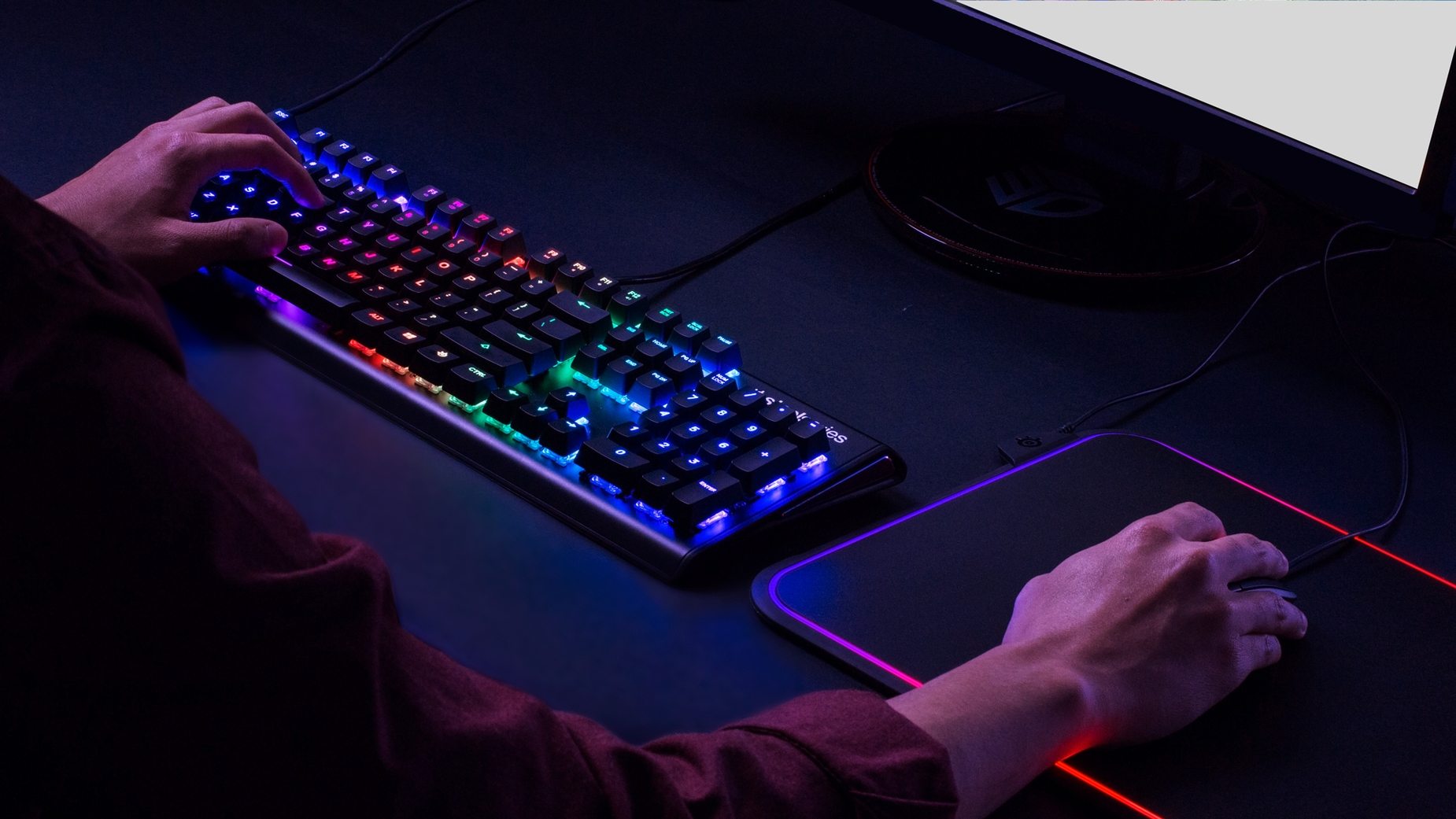
It’s hard to not love SteelSeries. Their peripherals are often high-quality and fairly priced compared to everyone else. This keyboard has lightning-fast switches and great action. You’ll never feel like your hardware is holding you back with this excellent keyboard. Not to mention, you’ll love the price: $140 for this solid keyboard. The only drawbacks? No adjustable feet and no media keys.
Roccat Vulcan 120 AIMO
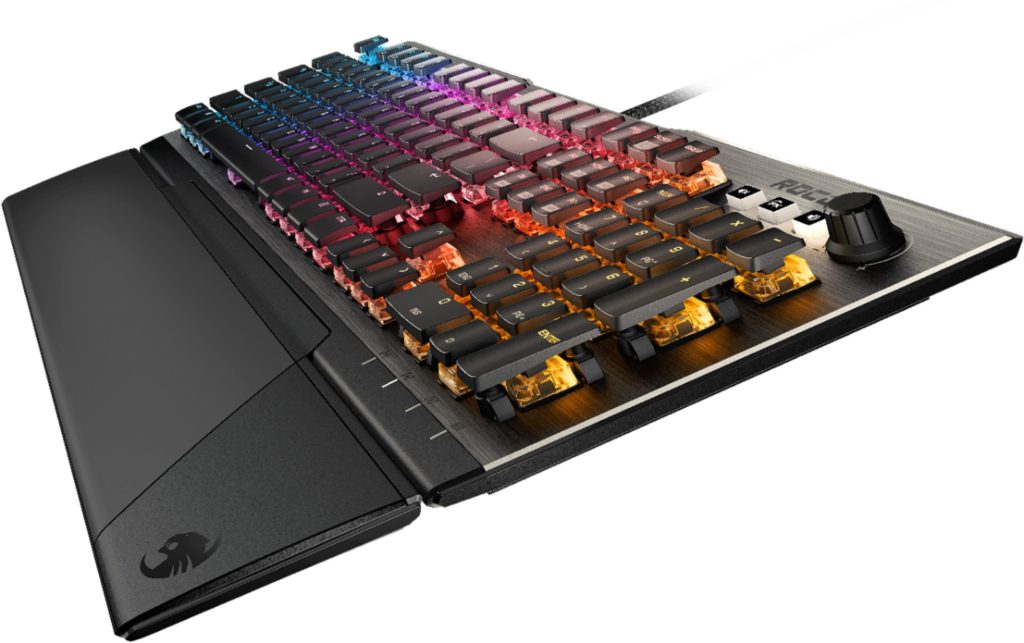
Photo Credit: Best Buy
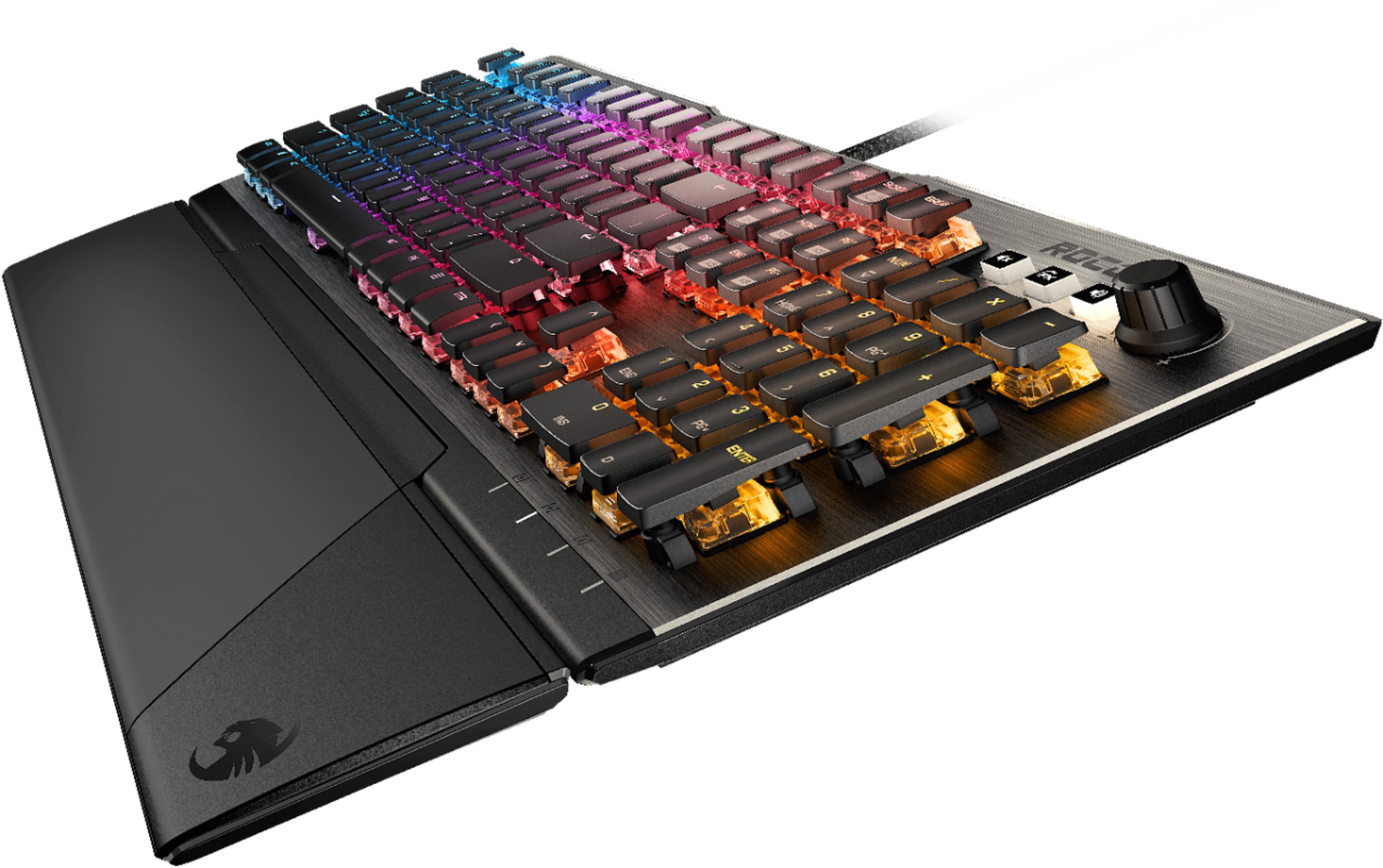
Fast action, quiet keys and comfortable typing make this a solid choice. Much better than the mediocre Horde form Roccat, the Vulcan impresses on a number of levels. The action is good, and the tactile feedback is satisfying. It’s hard to pass that up! That said, it’s a little pricey at $170. If you spend just a bit more, you can have an even better keyboard. Our next two, for instance, are absolutely killer.
Corsair K95 RGB Platinum
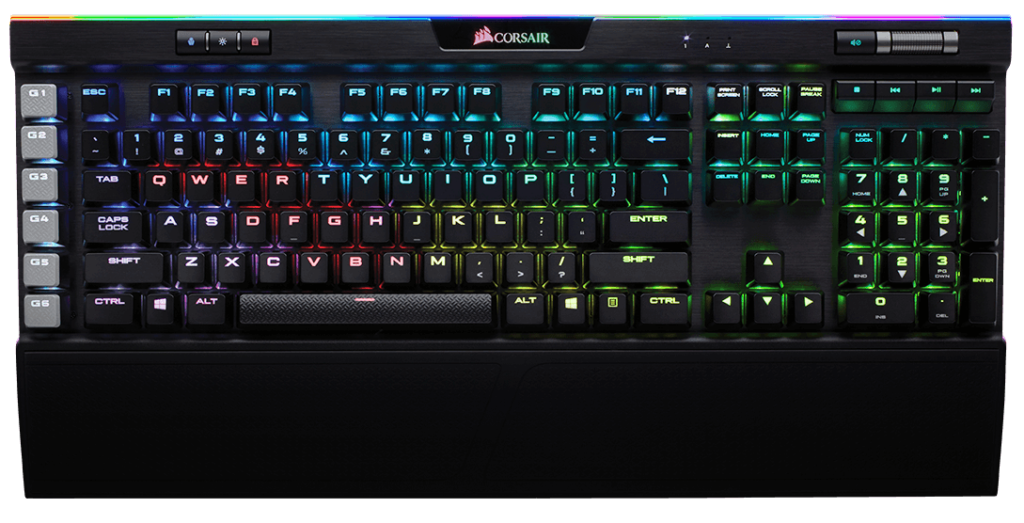
Photo Credit: Corsair
One of the very best keyboards out there, this Corsair is well worth its $185 price tag. If you’re a fan of customizable lighting, high build quality and great switch action, this is for you. There’s really nothing to knock this keyboard for: it’s excellent. The dedicated media keys and plentiful features make this a truly premium gaming keyboard. That said, it doesn’t snag our top spot because the competition is that much slicker and more impressive.
Our Top Pick: Razer Huntsman Elite
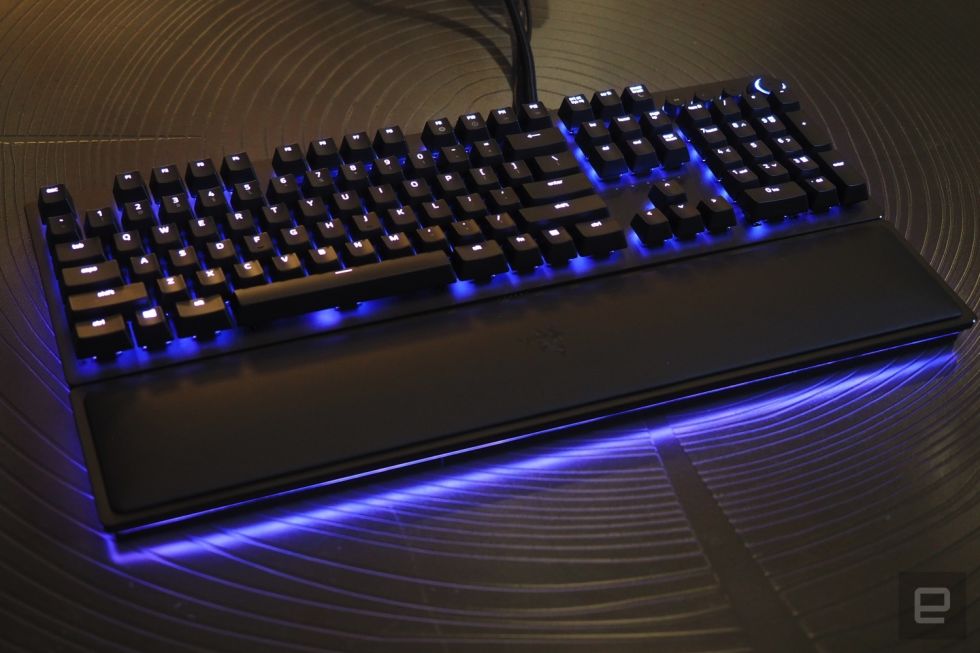
Photo Credit: Engadget
The newest premium keyboard from Razer blows us away. The Huntsman continues their deadly naming convention, and it ups the bar for mechanical keyboards. Optomechanical switches that use sensors to read when keystrokes fall up the game to crazy levels. Actuation is unprecedented with this keyboard: there’s simply nothing faster. It’s also absolutely covered in RGB and looks like something from Blade Runner. It’s awesome, it’s $200 and it’s the best keyboard in the world. All hail the king.