Tag: kids

  • Easy Ways to Start Arts and Crafts

    Easy Ways to Start Arts and Crafts

    Kids need to be constantly occupied. They are generally not know for sitting is quiet contemplation or meditation. If you don’t find something to expand their ever growing mind and keep them entertained problems arise. Thats where is good to know some arts and crafts for kids.


    CHildren by nature are exploratory and crafty. They are constantly looking to build and make and craft anything they can get their hands on. There is a litany of benefits for getting your kids started with some arts and crafts. It improves their coordination and fine motor skills. Arts and crafts usually require kids to use both hands in a certain manner, which can help them develop fine motor skills and bilateral coordination. It gives them a sense of accomplishment and releases the fear of trying something new they don’t know they can do. Then the Self esteem. Making something and finishing a project, then putting it on display in your home boosts your child’s self esteem. Lets take a look at some easy way to get start crafting with kids


    Paint

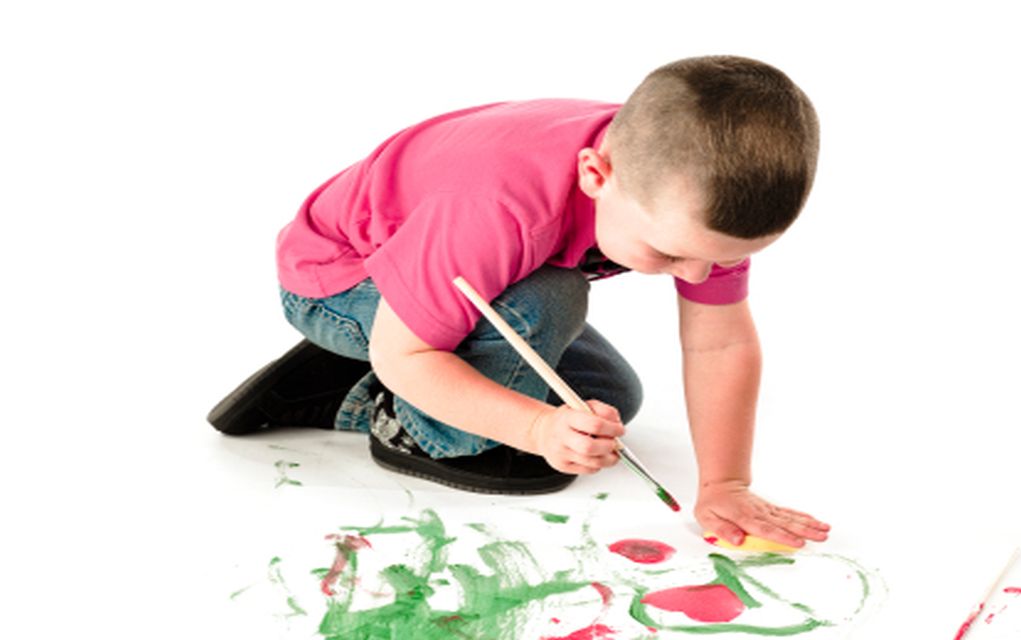
    Kids love to paint! Children of all ages love to paint! These painting activities for kids range from the simplest painting with a brush or hands to more elaborate spin art, marble painting, and painting a fort. Paint is an art material that is easily adaptable to a wide variety of kids’ art activities. Some of the best and easiest painting activities are tempera paint, acrylic paint,BioColor paint. OR stick with the old classic finger paint.

    Try this one to get started. You can paint fall leaves with coffee filters and a glue gun.  Help your kid by drawing the outlines of leaves on the coffee filters and help them cut out on the outlines. Let your kid make the lines on the leaves using a glue gun. Set the coffee filters aside till the glue has completely dried. Now help your kid color the coffee filter leaves using the water color shades of his choice. Its simple easy and fun

    Lastly try the  Batik Painting. Use Glue Gel (NB regular white glue doesn’t work for batik painting), a white t-shirt and acrylic paints. Draw your pattern on with the glue. Tip put a paper bag between the front and back of the t-shirt so the glue doesn’t go through both layers). Then once the glue is dry paint over the design (don’t layer on too much paint or it will be hard to get off), soak the t-shirts in warm water overnight and the glue will begin to dissolve and reveal the white designs.


    Drawing

    Kids have a natural instinct to draw. Try this experiment, place a marker and something really important of yours in place of a child. Watch as the child will quickly cover it with any kids of drawing they can fathom. point is they love to draw, any kind of drawing,  including observational drawing, drawing prompts, and creative drawing exercises and drawing games. It is a very easy and inexpensive arts and crafts for kids activity.

    Get Started with a Draw Me Paintings. You’ll need a huge piece of paper as big as your child. Get them to lie down and draw around their outline. Then they can paint and decorate themselves! If you don’t have long paper you can do draw around your hand outlines and paint and decorate your hands with rings and bracelets.

    I also like the  Draw Your Town project as well.  On a big piece of paper ask your child to draw their town out starting with your house and drawing on roads, buildings, parks and monuments. You might need to go for a few walks to remind yourselves where everything is.

    Origami And Hama Beads

    Hama bead are the latest and greatest arts and crafts for kids projects. Hama Beads burst onto the scene a few years ago. If your kids have forgotten them, it’s a good craft activity and there’s no limit to creativity and inventing shapes and designs. And once your child’s finished designing with Hama Beads how to iron them so the design stays together is a trick worth knowing.

    Origami is a classic. It is cheap easy and a lot of fun arts and crafts for kids.  Origami is a good craft to do with your child, as you get to sit down and interact while transforming a simple piece of paper into something beautiful.

  • Best Kids Internet Monitoring Programs

    Best Kids Internet Monitoring Programs

    It can be hard to parent effectively in the age of information. The internet is a big, unregulated place full of things kids probably shouldn’t see. While the simplest solution is to simply keep young children away from the internet, that’s an unlikely solution. That’s where these internet monitoring programs come in!

    Best Internet Monitoring Programs

    Net Nanny Review

    This service is so well-known that its name is almost synonymous with internet monitoring programs in general. This service costs $40 a month, which makes it a bit on the pricier side. However, it works across multiple platforms and offers control directly from an app. If you have Android, that is! Sorry, iPhone users.

    Net Nanny allows you to choose from a variety of filters to stop access to tons of different types of content. Most monitoring services prevent access to nudity or violence, of course. Net Nanny lets you increase the granularity of what is filtered, however. This allows you to rest easy knowing your children’s particular fears or phobias are being filtered out.

    Symantec Norton Family Premier Review

    Norton, well-known for their antivirus software, also has a well-regarding internet monitoring service. This service is highly recommended, due to its high-quality web interface and strong filtering tools. You can monitor and filter access from all devices that are connected to a network. This allows you to keep your children safe no matter what device they’re using.

    The only downside to Norton’s service is that it isn’t available on Mac. If your household doesn’t own a Mac, however, you have nothing to worry about. Another notable shortcoming is a lack of strong social media controls, but you can always just ban social media sites outright to avoid the problem. What 8-year-old needs Facebook, anyway?

    Qustodio

    A well-made and easy-to-use tracker, Qustodio works across Macs, Windows and mobile devices. It allows for strong filtering and monitoring tools, as well. It has a somewhat outdated web interface, but that’s outweighed by the strength of its monitoring and filtering. If your house has a wide variety of devices, from iOS to Android to Macs and PCs, this is the best monitoring program for you.

    The only notable downside to Qustodio is its relatively high price. The service runs $50, which is a touch expensive. However, it’s well-worth the robust monitoring and peace of mind it offers.


  • Easy Ways to Start Arts and Crafts for Kids 

    Easy Ways to Start Arts and Crafts for Kids 

    Kids need to be constantly occupied. They are generally not know for sitting is quiet contemplation or meditation. If you don’t find something to expand their ever growing mind and keep them entertained problems arise. Thats where is good to know some arts and crafts for kids.


    CHildren by nature are exploratory and crafty. They are constantly looking to build and make and craft anything they can get their hands on. There is a litany of benefits for getting your kids started with some arts and crafts. It improves their coordination and fine motor skills. Arts and crafts usually require kids to use both hands in a certain manner, which can help them develop fine motor skills and bilateral coordination. It gives them a sense of accomplishment and releases the fear of trying something new they don’t know they can do. Then the Self esteem. Making something and finishing a project, then putting it on display in your home boosts your child’s self esteem. Lets take a look at some easy way to get start crafting with kids


    Paint

    Kids love to paint! Children of all ages love to paint! These painting activities for kids range from the simplest painting with a brush or hands to more elaborate spin art, marble painting, and painting a fort. Paint is an art material that is easily adaptable to a wide variety of kids’ art activities. Some of the best and easiest painting activities are tempera paint, acrylic paint,BioColor paint. OR stick with the old classic finger paint.

    Try this one to get started. You can paint fall leaves with coffee filters and a glue gun.  Help your kid by drawing the outlines of leaves on the coffee filters and help them cut out on the outlines. Let your kid make the lines on the leaves using a glue gun. Set the coffee filters aside till the glue has completely dried. Now help your kid color the coffee filter leaves using the water color shades of his choice. Its simple easy and fun

    Lastly try the  Batik Painting. Use Glue Gel (NB regular white glue doesn’t work for batik painting), a white t-shirt and acrylic paints. Draw your pattern on with the glue. Tip put a paper bag between the front and back of the t-shirt so the glue doesn’t go through both layers). Then once the glue is dry paint over the design (don’t layer on too much paint or it will be hard to get off), soak the t-shirts in warm water overnight and the glue will begin to dissolve and reveal the white designs.


    Drawing

    Kids have a natural instinct to draw. Try this experiment, place a marker and something really important of yours in place of a child. Watch as the child will quickly cover it with any kids of drawing they can fathom. point is they love to draw, any kind of drawing,  including observational drawing, drawing prompts, and creative drawing exercises and drawing games. It is a very easy and inexpensive arts and crafts for kids activity.

    Get Started with a Draw Me Paintings. You’ll need a huge piece of paper as big as your child. Get them to lie down and draw around their outline. Then they can paint and decorate themselves! If you don’t have long paper you can do draw around your hand outlines and paint and decorate your hands with rings and bracelets.

    I also like the  Draw Your Town project as well.  On a big piece of paper ask your child to draw their town out starting with your house and drawing on roads, buildings, parks and monuments. You might need to go for a few walks to remind yourselves where everything is.

    Origami And Hama Beads

    Hama bead are the latest and greatest arts and crafts for kids projects. Hama Beads burst onto the scene a few years ago. If your kids have forgotten them, it’s a good craft activity and there’s no limit to creativity and inventing shapes and designs. And once your child’s finished designing with Hama Beads how to iron them so the design stays together is a trick worth knowing.

    Origami is a classic. It is cheap easy and a lot of fun arts and crafts for kids.  Origami is a good craft to do with your child, as you get to sit down and interact while transforming a simple piece of paper into something beautiful.


  • Tech Throwback: 5 Devices Kids Can Not Operate Today

    Tech Throwback: 5 Devices Kids Can Not Operate Today

    I like to take a look at where I’ve been to evaluate where Im going. Technology is cyclical after all… wait no its not. That said I still like all the feels that come rushing back like a flood of nostalgia every time I get my hand on the tech I grew up with. I’m going to go back periodically and take a looking at the stuff that used to blow our hair back and get our minds rolling. Some of these device blew up and changed the world, some where ahead of their time and some just fell flat and became colossal failures. Today tech throwback our trip down memory lane will be about the devices we know well but the kids could not operate if their lives depended on it.

    The Rotary Phone

    Oh the fun and frustration.  The Rotary dialing phone pre dates the touch tone, but just after the live operator dialing. A rotary dial is a component of a telephone or a telephone switchboard that implements a signaling technology in telecommunications known as pulse dialing. It is used when initiating a telephone call to transmit the destination telephone number to a telephone exchange.

    Recently a class of second graders was given a rotary dial to make a one call. After 2 and half hours they gave up.


    The Transistor Radio

    No stations, no genre separations, no skip, stop, or replay? A transistor radio is a small portable radio receiver that uses transistor-based circuitry. Following their development in 1954, made possible by the invention of the transistor in 1947, they became the most popular electronic communication device in history, with billions[manufactured during the 1960s and 1970s. Have fun giving one to your grandchildren and watch their frustrations.

    Program a VCR

    REmember when that was the status quo of a tech genius. It was an accomplishment and something to brag about. Before the advent of on-screen displays, the only interface available for programming a home video recorder was a small VFD, LED or LCD panel and a small number of buttons. Correctly setting up a recording for a specific program was therefore a somewhat complex operation for many people. G-Code, VideoPlus+ and ShowView were introduced in the late 1980s to remove this difficulty.

    Load a Floppy Disk

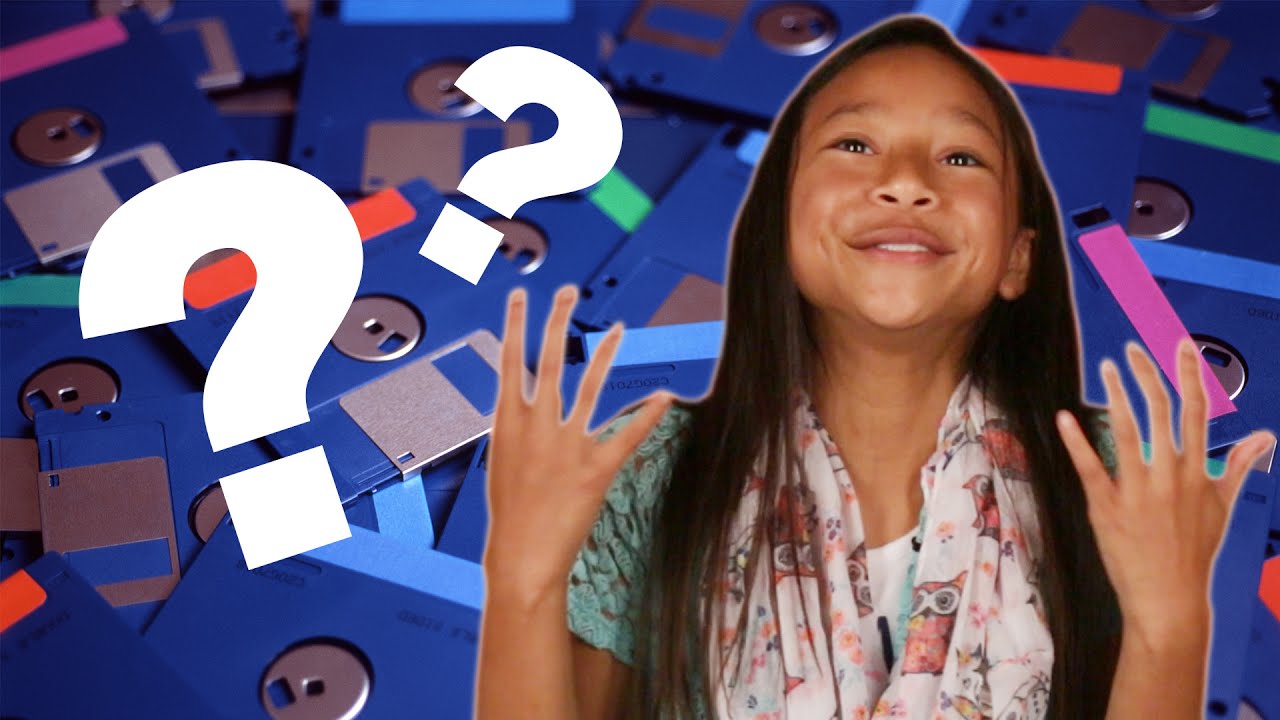
    Computers before Windows 95 will destroy a child’s spirit. GUI are the only computer language they know. DOS and floppy disk are a relic that completely baffles them. THey just don’t know the command prompt struggles.

    Maps

    We take for granted how far and fast we have come in navigation. We forgot to teach the kids the struggle, not just of folding a map but how to read one. I watched my 5 year old nearly pass out from confusion after giving him a compass. explaining NESW to him and asking him to walk south. He tried shouting “Siri take me south”. I laughed. From Cartography to road maps to Mapquest to where we are today. These kids are truly lost with out us.


    The Final Tech Throwback Thought

    These kids today are useless. They cant play a record, load film, open a phone booth door, open a soda can with out a tab or even read manuscript. Are we all doomed? probably not they still have google. I take a little be of comfort knowing ill be long gone before its too late.

  • The Best Tablets for Kids

    The Best Tablets for Kids

    Screen-time for kids may be a controversial topic, but plenty of parents have discovered fun, educational ways to integrate technology into their children’s lives. We’ve rounded up the best tablets for kids of different ages so that you can make an informed decision about which one to purchase.

    Why Buy a Kids’ Tablet?

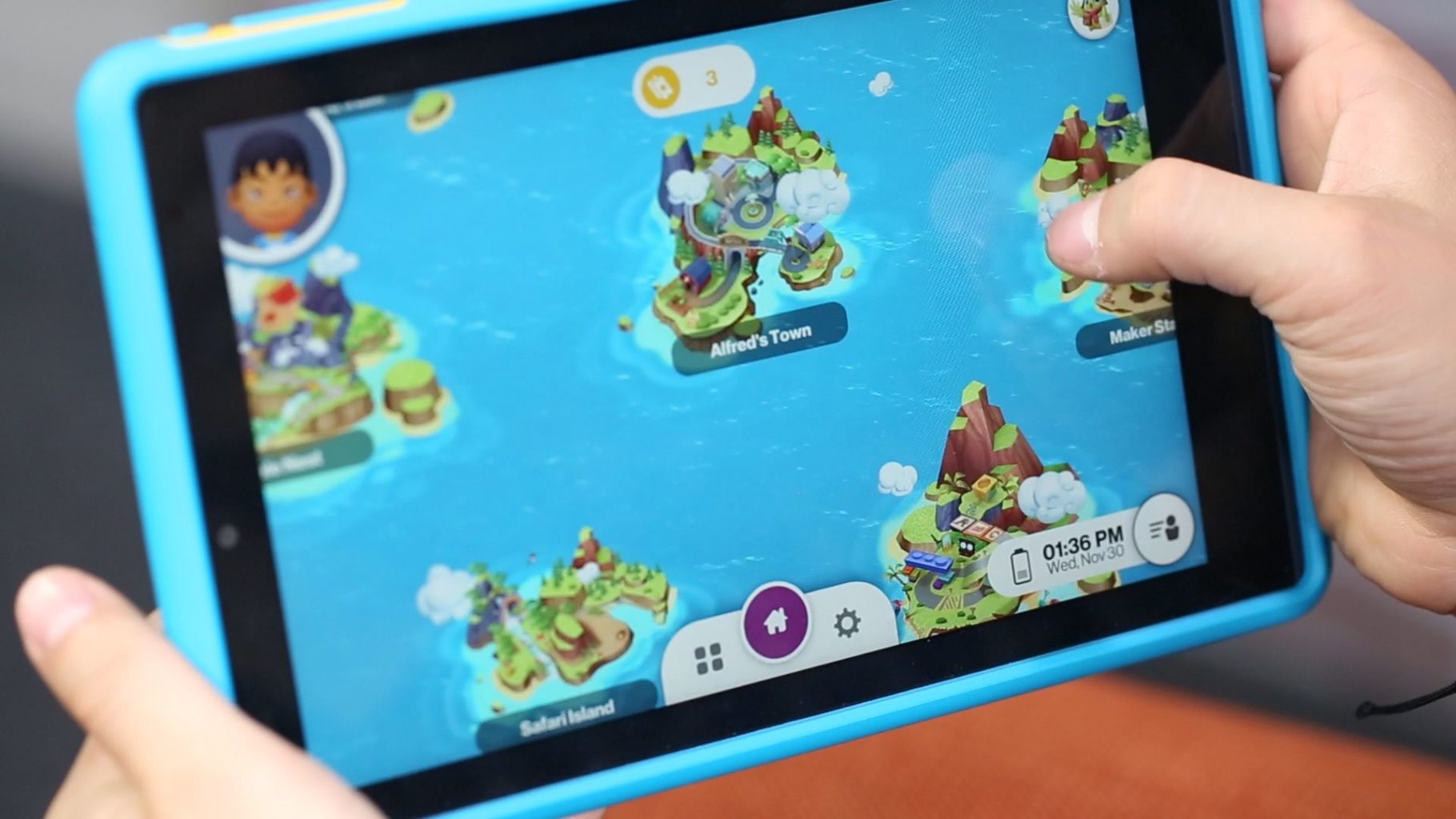
    Unlike “grown-up” tablets and smartphones made by Samsung or Apple, devices designed for kids have more robust designs to withstand rough handling and more options for parental controls to limit or block certain functions. Many kids’ tablets come pre-loaded with age-appropriate apps; for example, the kid editions of the Amazon Fire tablets are bundled with a subscription to FreeTime.

    Best Tablets for Ages 3 to 6

    For the littlest ones, a kid-friendly tablet like those made by Leapfrog is your best bet. The LeapFrog Epic is tough but basic, with an intuitive Android OS that can run either the premium proprietary apps from LeapFrog or third-party apps from Amazon. One downside to the Epic is the battery life, which only lasts about five hours. If you’re planning a trip and need to keep the kiddos entertained, make sure to bring the tablet’s charger!

    Best Tablet on a Budget

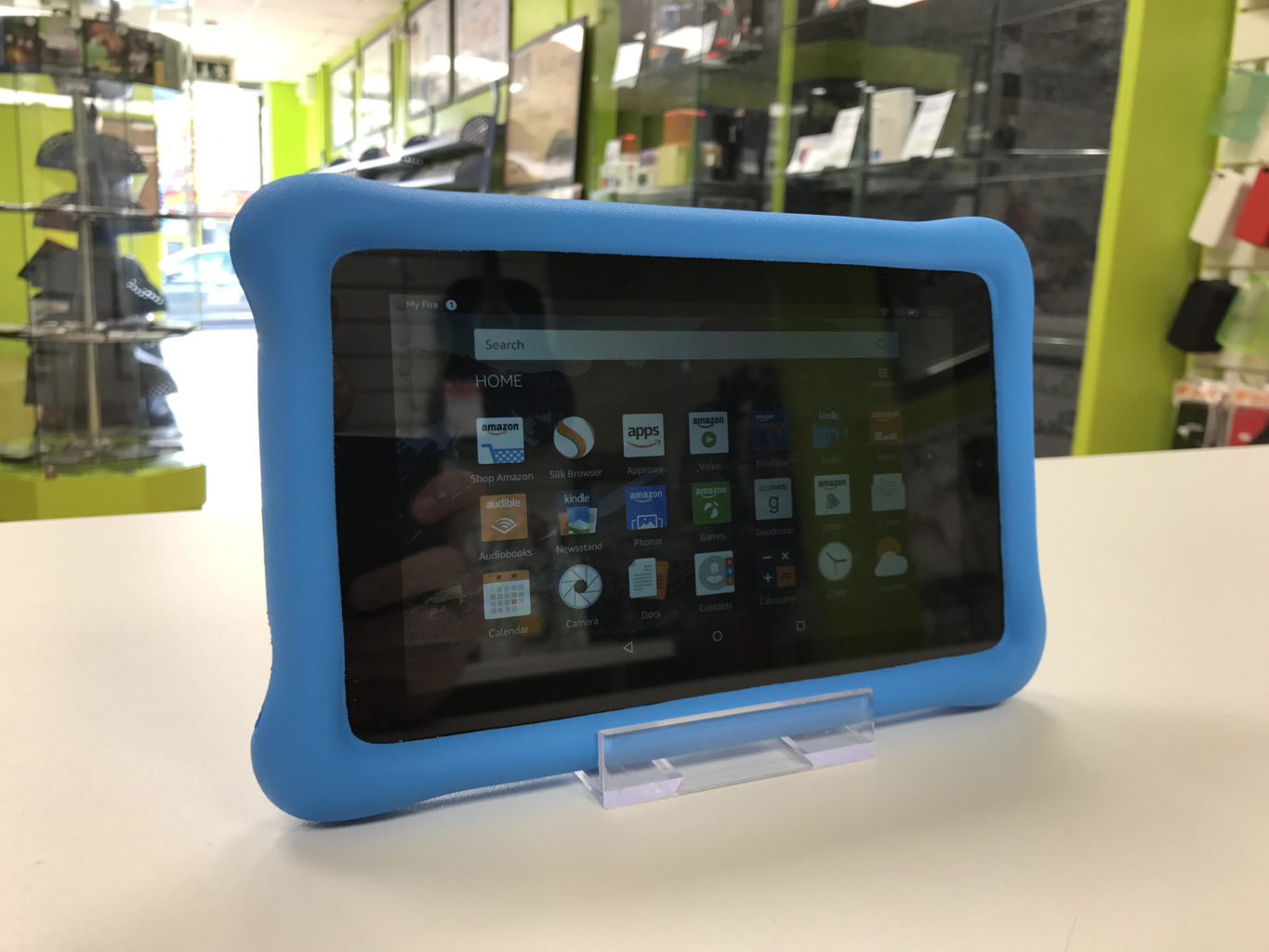
    Although it doesn’t have as many bells and whistles as the newest model, the Amazon Fire 7 Kids Edition is the best value on the market. We love the sturdy, bright case that comes with the Kids Edition, as well as the year-long subscription to Amazon’s FreeTime Unlimited, which is stocked with plenty of games, books, videos, and other digital delights. Best of all, Amazon offers a two-year replacement plan, so if accidents happen—and with kids, they often do—you will be covered.

    Best Tablet for Work and Play

    The Kurio Smart is an interesting hybrid of kids’ tablet and basic laptop. The detachable keyboard and Windows 10 operating system lets the Kurio Smart function more like a simple laptop, which is great for kids who need to browse the internet and use Microsoft Office products for schoolwork. It performs equally well as a tablet for reading and games once the homework is done.

    Best Tablet to Grow with the Child

    If you have the budget for it, the iPad Mini is the most versatile tablet on the market. While we wouldn’t recommend it for toddlers, elementary school kids can get years of use out of an iPad as their educational and entertainment needs change. Though more fragile than the tablets made just for kids, the iPad Mini can also do a lot more. Great display, long battery life, and top-notch support from Apple make the iPad Mini a worthwhile investment. Just make sure you also purchase a kid-friendly plastic case and a screen protector—you’ll want this tablet to last!

  • Top 3 Tablets For The Kids

    Top 3 Tablets For The Kids


    The Kids these days love their tech toys, and continue to blow are minds how quickly they can learn to use them and the functions they get out of them. Here is the top beginner tablets for kids that wont break the bank and can handle their abuse.


    1.Lenovo Tab 4 8

    Lenovo’s new 8-inch tablet is a good option for slightly older kids, ones with more experience with technology that don’t need the training-wheels of a tablet made for younger tots. Unlike Amazon’s Fire tablets, the Tab 4 8 offers a true Android experience, so you can use Google’s apps without the annoyances and risks involved with side-loading. It also offers good battery life and performance, and a bright, colorful display.

    For $20 extra, you can get Lenovo’s Kids Pack add-on, which includes content curated just for kids, parental controls, options for scheduling and limiting play time, a protective bumper case, stickers and a blue light filter.


    2.Amazon’s Fire 7 Kids Edition

    .Amazon’s Fire 7 Kids Edition bundles the company’s 7-inch budget tablet ($49 on its own) with a new protective bumper and a year’s subscription to Amazon’s FreeTime Unlimited for just $99 (16GB). Right now, it’s even cheaper, thanks to a sale that knocked it down to the nice price of $69. FreeTime Unlimited gives you more than 10,000 books, videos, educational apps and games curated for children. Plus, a two-year guarantee promises a no-questions-asked replacement if your child destroys the tablet.


    3.Acer’s Chromebook Tab 10

    Acer’s announced the Chromebook Tab 10, the first tablet running Chrome OS. Made for the classroom, and priced to compete with the 2017 iPad ($329), it features a 9.7-inch, 2048 x 1536-pixel screen, runs on a OP1 CPU with 4GB of RAM and offers 32GB of storage. Includes aWacom EMR stylus and will (eventually) feature Google’s Expeditions AR, a classroom learning tool.


    Honorable Mention: Verizon’s GizmoTab

    Unlike every other tablet on this page, Verizon’s GizmoTab ($80 with a 2-year contract, $250 off-contract) packs LTE connectivity. This way, your kids can never complain about not being able to stream videos or download games on the go. The 8-inch slate comes with a rubber bumper that protects it from falls, so junior can’t break it. If you use the GizmoTab with a Verizon data plan, you’ll get access to 300 kid-friendly apps that offer educational and entertaining experiences.


    The Final Thought

    This generation will prove to be the most knowledgeable, what they do with that knowledge is up to us. They will know where the answers are to any question they can think of, leaving their brain open to progressing those thoughts and answers. Getting them started on the path earlier is probably a good idea and getting the right tablet to do it.