Tag: laptop

  • Interested in Losing Yourself in Another World? Check out our Favorite VR Laptops

    Interested in Losing Yourself in Another World? Check out our Favorite VR Laptops

    Since VR-capable computers tend to be very hefty machines, they are commonly desktops. However, what’s the fun of a VR set-up if you can’t show it off to your friends? Nothing’s quite as cool as showing up to a friend’s house and letting them try out VR. Parties were people can try the tech out are super fun! You can even take it on a plane ride to help pass the time while waiting to arrive at your destination. Which laptops are the best for VR, though? It’s pretty resource-heavy, so you have to pick the right one! 

    Dell Inspiron 15 7000 

    Dell’s Inspiron line carries some pretty hefty graphics, which is great for VR! It’s also at a great price point, coming in at $800, which makes it the most budget-conscious pick on this list. The main drawback to this laptop is the display, which is suboptimal. But if you’re looking to have a VR headset on while using it, it’s actually not as big a drawback! It also sports a great battery life, helping you get the most time out of your virtual reality fun! 

    Origin PC EVO15-S 

    The Origin is a very, very slim machine with a lot of power under the hood. It boasts an impressive Max-Q GTX 1070 graphics card that manages to be small, quiet and powerful all at once. You’ll be able to throw this laptop in a bag and still have plenty of room for your VR headset’s carrying case! The origin also has a great amount of storage, so you can download tons of games, and it offers great battery performance. All of this can be yours for around $1,600, which, considering how great of a laptop this is, is a great price. 

    Asus ROG Zephyrus 

    Asus, known for their high-quality builds and rock-solid durability, has a great laptop for VR. The Zephyrus also boasts an N-Vidia Max Q graphics chip, which helps it to be a thin, powerful machine like the Origin. The drawbacks to this laptop are a bit more noticeable, though. For one, it has a relatively short battery life, which somewhat negates the purpose of having a laptop instead of a desktop. It also has this weird, small, right-aligned track pad that is just… It’s bad. The 1080p screen isn’t as much of an issue if you mean to spend more time with the VR headset on, though. If you can get over those drawbacks, and the $2,700 price point, this Asus is awesome for VR. 

    The Strongest Laptop For VR: Alienware 17 R4 

    The Alienware 17 R4 is one of the strongest gaming laptops on the market. It sports a ton of options for configuration, allowing you to customize your experience. VR enthusiasts won’t be disappointed: framerate, graphics and response time will all be top-notch with this laptop. It has Nvida GTX 1080 graphics, putting some serious power in your hands.  This one gets our nod because of its wide array of options. If you’re a VR enthusiast, you can customize it to suit all your needs. As such, the price will reflect that. For comparison, a high-end model of this laptop would run around $3,000, but you can outfit it to your tastes. 
  • HP Spectre x360 15 Impresses With 4K

    HP Spectre x360 15 Impresses With 4K

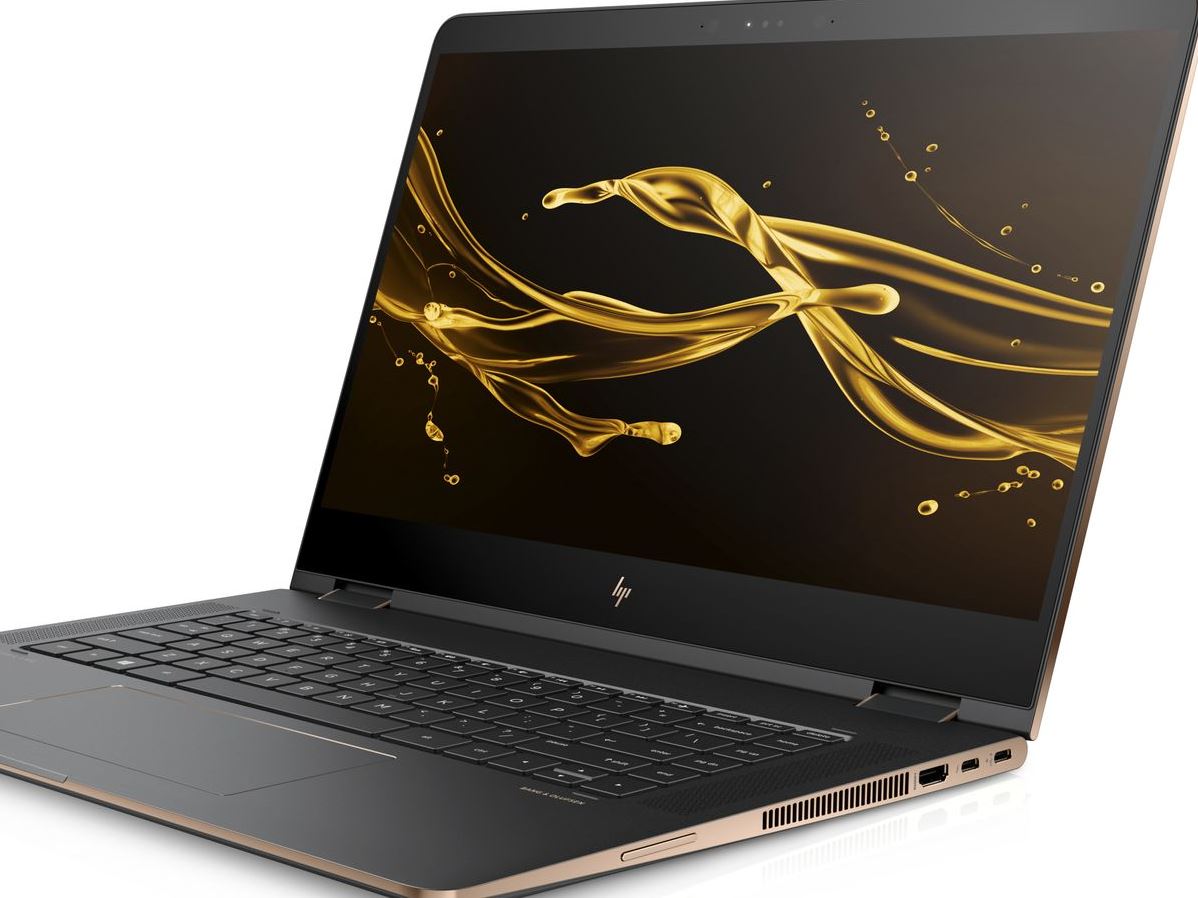
    The HP Spectre is a big, gorgeous convertible laptop that doesn’t fail to impress. While it isn’t the most portable device in the world, it more than makes up for that in power and flexibility. Today we’re breaking down our favorite new features of the HP Spectre x360 15 for 2018. 

    Design and Feel 

    This year’s Spectre is a fantastic machine and is built very well. The hinges feel smooth and steady when opening the laptop, and the finish feels sleek and high-quality. The display is certainly the star of the show: the Spectre comes stock with a 4K touchscreen. There is, interestingly, no option for a standard 1080p display, which certainly accounts for the computer’s price. Retailing for $1,220, this one is definitely aimed at professionals who want a big, bold display with a touch screen. 

    Performance 

    The base version of the laptop comes with a quad-core Intel processor and an MX150 graphics card, courtesy of Nvidia. These are both solid components and will serve all but the most demanding of users. Those who do demand more, though, will be happy to hear a version with a much beefier hexa-core Intel processor and a Radeon RX Vega M graphics card is also available. Both versions perform great, keeping up with common applications and never putting out too much heat or noise from the strain.  

    Keyboard and Pen 

    The computer comes included with an HP active pen, which is great for most common applications. Seriously creative-minded individuals can instead opt to buy the Tilt Pen, which is around $90. While the active pen is awesome for most uses, those who plan to be extensively drawing will appreciate the more flexible and responsive Tilt Pen. 

    The keyboard is also great, and thanks to the redesign from last year’s Spectre, is huge. It even sports a full number pad to the right of the normal keyboard! The keys have a good, non-slippery finish and their action is fine, if a little “sticky.” Those accustomed to mechanical keyboards might be a bit put off, but this laptop was definitely not made with serious gaming in mind. 

    Bottom Line: Spectre x360 15 is Great for Creative Pros 

    If you’re looking for a convertible that performs well and has a great display, this one is a fine pick. If you’re looking for a serious gaming laptop, of course, you’ll need to look elsewhere. Similarly, if you’re in the market for a budget laptop for doing homework and watching YouTube videos, this one isn’t the right choice. However, if you need a good computer for both work and drawing, look no further than the 2018 HP Spectre x360 15. 

  • Which Laptop is the Best for Photographers?

    Which Laptop is the Best for Photographers?

    If you’re a photographer, or an aspiring photographer, you’re certainly going to be using photo editing software. You’re also going to want that software to be accessible on the go, so you can edit while you’re shooting. With that in mind, the photographer’s best friend is their laptop. Which laptop is the best for editing on the go? Read on to find out our favorites! 

    Dell XPS 15 

    Dell’s XPS 15 is a great non-Apple choice for photographers. If you want a laptop that excels for photo editing and runs on Windows, this one is a great choice. It sports InfinityEdge technology, meaning it has a huge screen size for how small of a machine it is. Its display is color-accurate and has a 4K resolution, meaning your photos will look accurate while you’re editing.  

    The XPS 15 is a bit expensive, although that’s par the course for laptops with displays strong enough for photo editing. It retails for around $1,000, but you can often find it on sale for around $750. Consider this one if you heavily prefer Windows over Mac OS. 

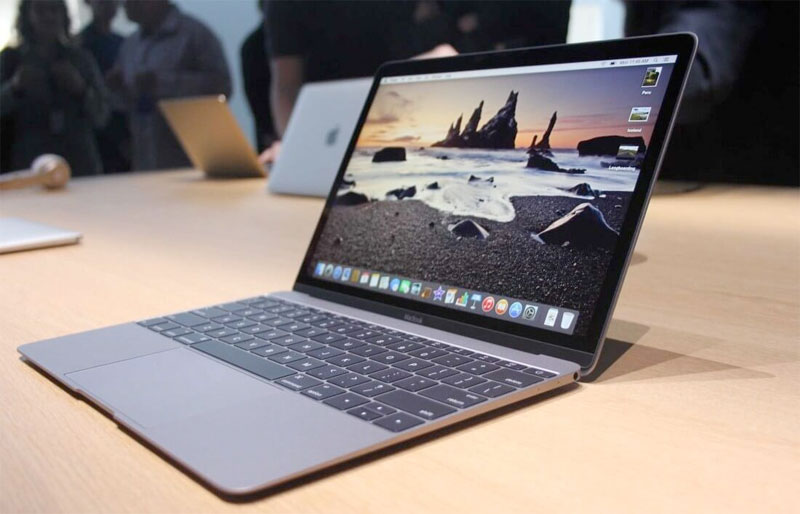
    Apple Macbook Pro 13 inch with Retina 

    Unsurprisingly, Apple’s flagship laptop remains a fantastic choice for photographers. If you needed any reminders: Retina display is amazing, the battery life is great, and Mac OS was made with content creators in mind. Unsurprisingly, the Retina display remains the best laptop display on the market. With the best colors, contrast and saturation available on a laptop, you won’t be disappointed in this choice. 

    On the negative side, the Macbook is pretty expensive no matter where you go. It can be found anywhere from $900-$1,000, depending on sales and the like. It also doesn’t have a great deal of storage, which is a bit disappointing for photographers. That said, this is still a great pick. 

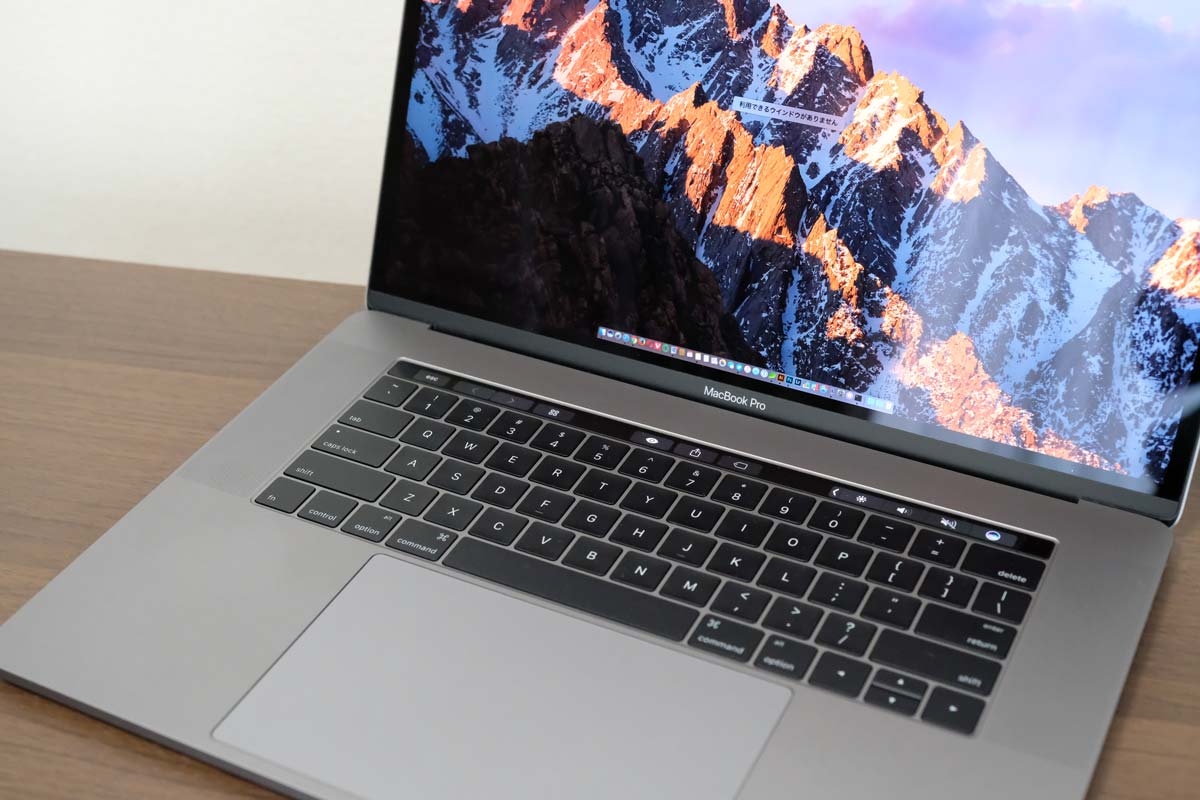
    Our Favorite Laptop for Photography: Apple Macbook Pro with Touchbar

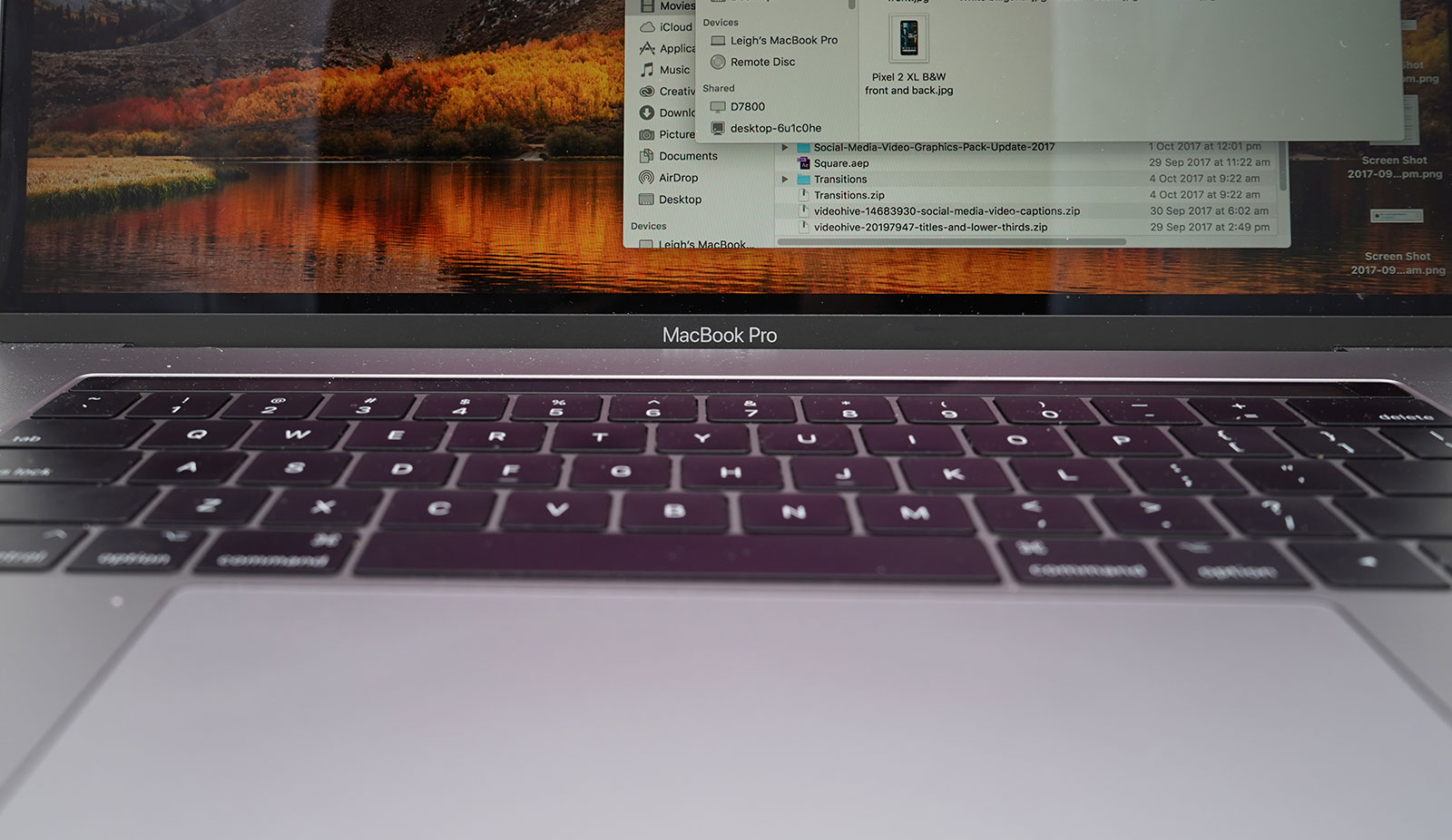
    The step up from the older Macbooks, this new one sports the handy new touchbar technology. The touchbar is an OLED display above the keyboard that allows for quick access to tons of shortcuts. The toucbar has a number of applications across the OS, like suggested word selection and scrolling. The great use for photographers is the shortcuts in Photoshop, making Adobe’s robust suite even easier to use. Additionally, all the positives about the previous Macbook still apply, with the exception of the battery life. 

    Unfortunately, battery life isn’t nearly as impressive on this one; it seems the touchbar really saps the power from the laptop. Jokes aside, it is markedly lower than its predecessors. Additionally, this one is tremendously expensive: you can usually find it around $1,500.  

  • GoodBye 14 inch Razer Blade,  Hello 15.6 inch

    GoodBye 14 inch Razer Blade, Hello 15.6 inch

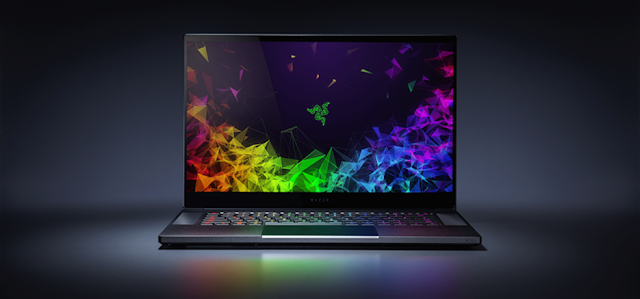
    Razer is the hipster king of gaming laptops. For the last 5 years the 14 inch Razer Blade has been the cornerstone of their lineup. That is  all going to change now. No longer will Razer be offering the 14 inch super laptop. Instead they will be offering a suped up version in a slimmer 15.6 inch model.   Razer is calling it the smallest gaming system in its class. Its packed with an excruciating amount off cool stuff lets take a look.


    Design

    For starters Razer got rid of the rounded curves of the previous laptops for a more boxy shape. The company also ditched the pair of lines flanking the glowing green Razer emblem. Its a bit more classy look in my opinion. Measuring 14 x 9.3 x 0.68-inches and weighing 4.6 pounds, the Blade is notably larger than its predecessor (4.2 pounds and 13.6 x 9.3 x 0.7 inches). But it’s also slimmer and lighter than a lot of its current competition. As Razer said it, its the smallest gaming system available. Ports, its got em, you can expect a trio of USB 3.1 ports, a Thunderbolt 3 port, mini DisplayPort, HDMI 2.0, a headset jack and a power input.

    The Display

    This is were its gets cool. The 14-inch variant of the Blade is gone and with it goes those unsightly thick bezels. Razer has shaved the bezels down to 0.19 inches along the sides, allowing the company to squeeze a 15.6-inch panel into a 14-inch chassis. More screen less size for the win. The Razer Blade is available with several screen variants and refresh rates: Full HD with 60Hz, Full HD with 144Hz and a 4K touch panel with 60Hz. The 144Hz, 1080p screen and 4K panels will be individually color calibrated from stock.

    The Razer Blade Extras

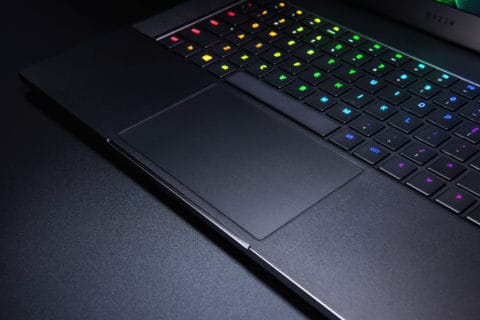
    Of course Razer is gonna back this with there G-ed out Chroma keyboard and killer trackpad. That is just a given. Razer is swapping out the two discrete mouse buttons in favor of a massive precision touchpad. The new touchpad should deliver more accurate gestures and swipes. With the bigger chassis we are getting a bigger battery too. Bonus.

    Quick Spec Look


    • six-core, 8th Gen 2.2-GHz Intel Core i7-8750H processor,
    • 16GB of RAM,
    • 256GB PCIe SSD,
    • Nvidia GeForce GTX 1060 Max-Q GPU with 6GB of VRAM
    • 1920 x 1080 (60Hz) display.

    The Final Thought

    All good things must come to an end, but new begins lead to greatness.  From what I’ve seen so far, the 15-inch Blade is a great new start and we should be excited. Growth is always a good sign and as much as Im sad to see the 14 inch go, I love the way it walks away.

  • Laptop Lookout: HP Envy 17

    Laptop Lookout: HP Envy 17

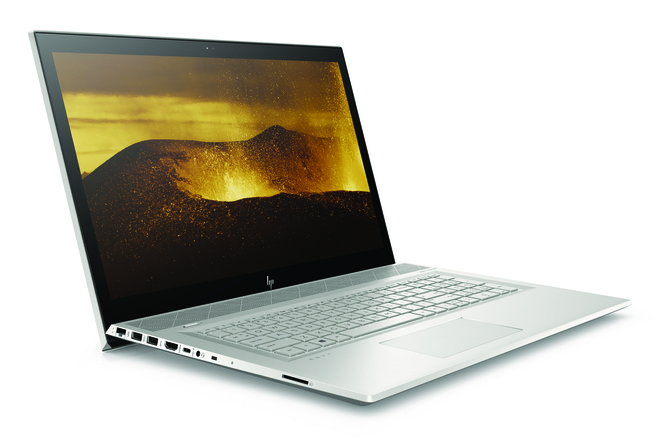
    HP is announcing an update to its Envy Line. HP Envy 17 will be available this summer, and is packing a nice bit of power. Now in 2018, HP has slimmed the bezels around the screens on the Envy laptops. Making the 17 big, powerful and beautiful.

    The Great

    • Great Screen
    • Fantastic Performance
    • Great Battery
    • Sleek Desgin

    The Not

    • Bigger, Heavy

    The Conclusion

    THe HP Envy 17 is a powerful laptop, pretty that most can afford. Its big, to big to always have with you, but it should keep you from missing your desktop PC in most ways.


    The Envy 17 packs a high-end quad-core mobile processor that will deliver more power than most people will use. Our tests on other laptops have shown that a simple dual-core processor suffices for mainstream applications, but quad-core comes in handy for more intensive uses such as gaming and creating graphics-heavy content.


    Sound Upgrades

    HP has now designed a  row of Bang & Olufsen-tuned speakers line the front and they’re angling up at 45 degree. This points them at your ears for listing and not lower, much better sound receptions. I guess its the little things. The volume is now controlled by a touch scroll wheel in the base, where there is also a high-speed wireless charger.

    Webcam, Pop Up

    I’ve seen this getting adapted around a few tech devices that I hope catches on. Its the pop up camera. I know its kinda gimmicky but i like the assurance of not having some hack in to my camera and spy on my life. The pop up camera can be popped down and blinded when I’m not using it.

    Lets Talk Speed

    Speed and performance are off the charts. On the performance front, HP has updated from 7th Generation CPUs to the latest 8th Generation Intel Core quad-core CPU (4C/8T) running at a base frequency of 1.8 GHz with a maximum Turbo frequency of 4 GHz while fitting in a 15W TDP at base frequency. The 17-inch runs the massive processor but has 12GB of DDR4-2400 in a 4+8 GB tilted configuration.

    Quick Spec Look

    • CPU: Intel 8th-generation Core i7-8550U
    • Memory: Up to 16GB of DDR4-2400 SDRAM (the base model has 8GB)
    • Display: 17.3-inch FHD (1920×1080) IPS WLED backlit touchscreen
    • Graphics: Nvidia GeForce MX150 with 2GB GDDR5 memory
    • Storage: 1TB 7,200rpm hard drive with a 16GB Intel Optane Memory module, plus a DVD drive

    The Final Thought on the HP Envy 17

    Solid, solid upgrades, beautiful design. I didn’t want to talk to much about the look of this, because its impressively stunning and something to experience first hand with about pre-building expectations. Just look at it you will know what I mean. Its got the screen and power we need but I think it will be more of a home computer for us,  because of its size and weight, and not get to travel and see the world like the smaller versions. Sad

  • Laptop Lookout: MSI GS65 Stealth

    Laptop Lookout: MSI GS65 Stealth

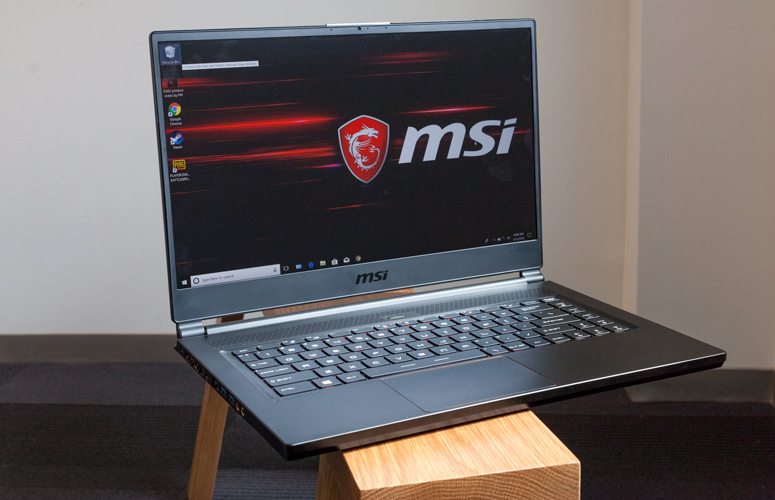
    Laptops are the cornerstone of our computing resources in this day and age. We need power, robust performance and ultimate portability for every aspect of our daily lives. This is a guide and insight to the best tablets on the market and today I’m here to talk about the GS65 Stealth. This is a  Thin   ultra-portable 15.6-inch laptop with a thin bezel gaming display and its brand new gold-and-black premium design. Its a complete laptop solution that can fit in any dynamic.

    The Great

    • Attractive, subtle design
    • Gorgeous, fast display
    • Excellent performance
    • Effective thermal management

    The Not

    • Bottom gets burning hot
    • Lack of biometric login
    • Poor  audio

    The Conclusion

    The MSI GS65 Stealth laptop is making a run at being my favorite gaming laptop. It is a powerhouse of a machine with cutting edge components, which includes an 8th-generation Intel Core i7-8750H CPU and an Nvidia GeForce GTX 1070 GPU.


    Taking the reigns as the best gaming laptop is a tall task that MSi Set out on, The result is a sleek, portable 15-inch laptop within a 14-inch device that’s capable of high-end gaming as well as intense productivity work for a decent price – cheaper than key competitors.

     The Design

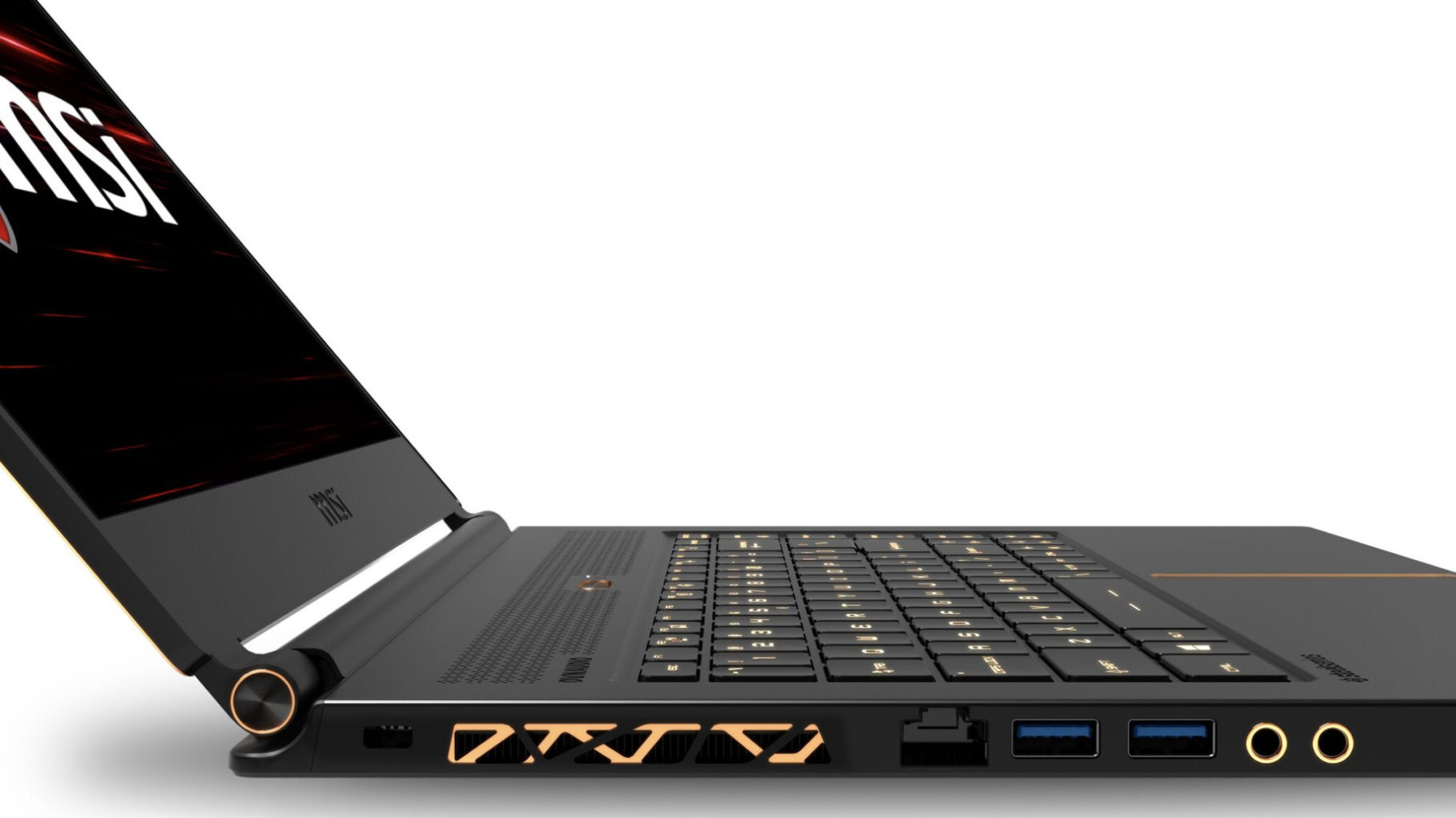
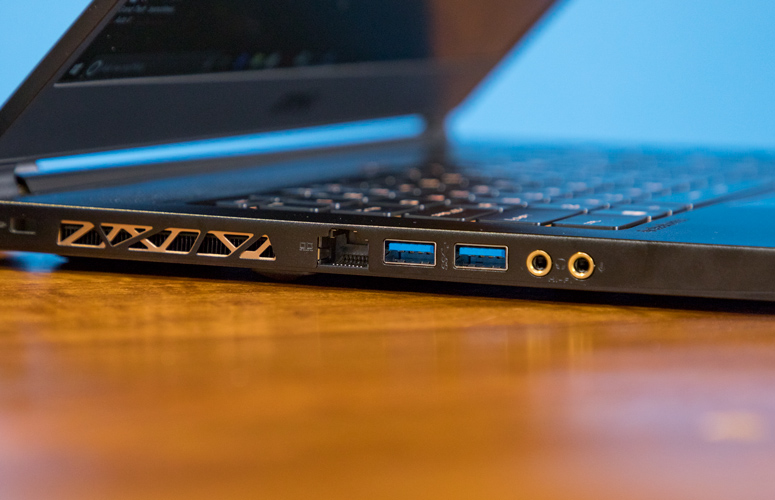
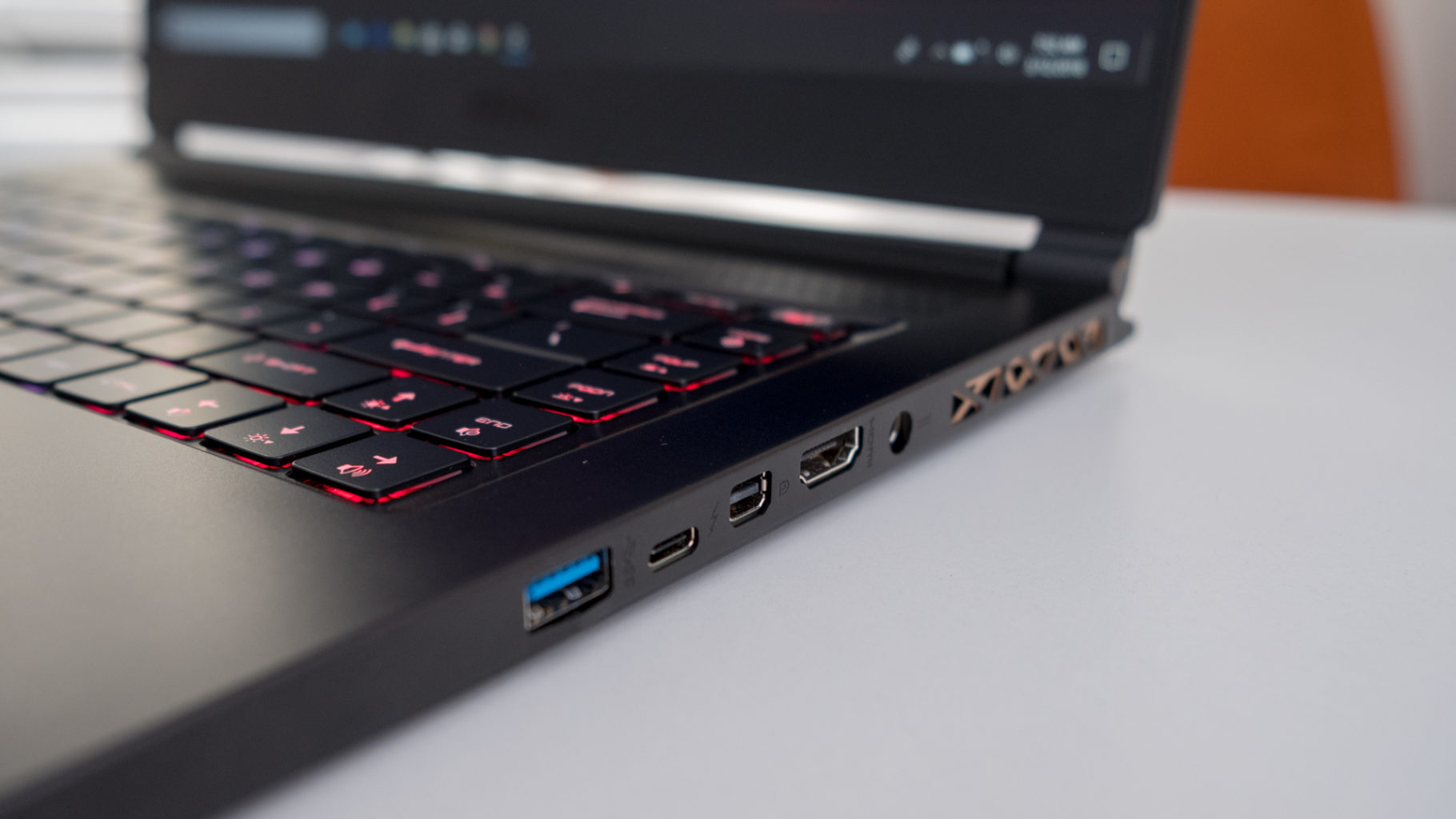
    There are no sharp angles or red LEDs all over this laptop, on the contrast really, you are going to l find a sleek, all-black device with subtle gold accents on its lid, within its dual hinges and surrounding its touchpad. Those gorgeous gold accents are also found highlighting the laptop’s heat vents, but nowhere else on the brushed, black aluminum frame. The result is one of the most visually arousing laptops on the market. its nice

    The Display

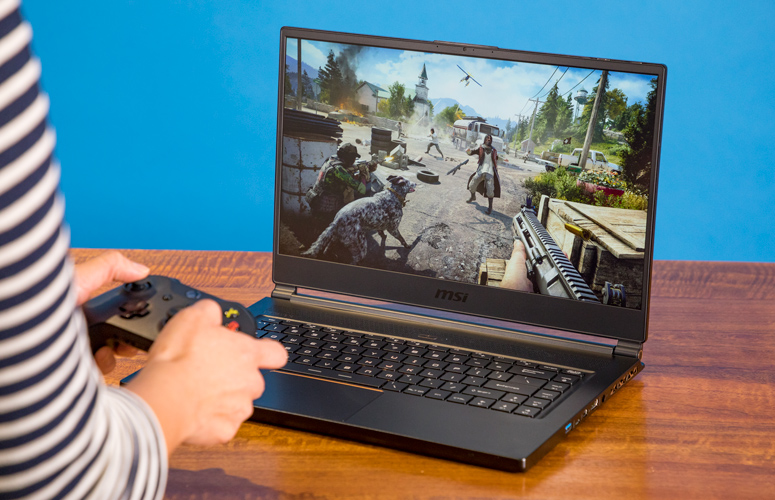
    It is bright and it is beautiful. 144hz panel the refresh rate is just right for seizure inducing gaming and contents of dark corridors in games just fine at even 50% brightness. Plus, MSI’s True Color 2.0 produces color gamuts that meet 100% of Adobe RGB and close to 100% of sRGB standard, and also supports game-specific color modes as well as anti-blue light modes.

    The Performance

    The H-series Intel Core i7 processor, paired with that Nvidia Max-Q GTX 1070, make quick work of everything we throw at the GS65 Stealth. Its a combination matched with the screen and design that have this laptop purring.  If it can handle a full run at Battlefront II it will surely handle your morning email parade whilst listening to Golic and Wingos morning show with power to spare.  AS far as battery goes well you should know that almost none of these gaming laptops bring decent battery life to the table, but it is quite adequate considering the teeth on this guy.


    MSI GS65 Stealth Quick Spec Look

    • CPU: Intel Core i7
    • Graphics: Nvidia GeForce GTX 1070 (8GB GDDR5X VRAM, Max-Q)
    • RAM: 16GB
    • Screen: 15.6-inch FHD (1,920 x 1,080) anti-glare, wide-view 144Hz panel
    • Storage: 512GB M.2 SSD

    The Final Thought

    The MSI GS65 Stealth is officially the most impressive Nvidia Max-Q gaming laptop that I’ve tested.  Only the Razor blade pro can even compare. GS65 Stealth with lots of pre-loaded software, but it artfully avoids ‘bloatware’ status by providing functionality that’s actually useful. Its sleek, pretty and great as a everyday work laptop as well as a monster for gaming. Its reasonably priced and considering everything it is an incredible value.


  • Acer Spin 1 the 2 in 1 with Incredable Value

    Acer Spin 1 the 2 in 1 with Incredable Value

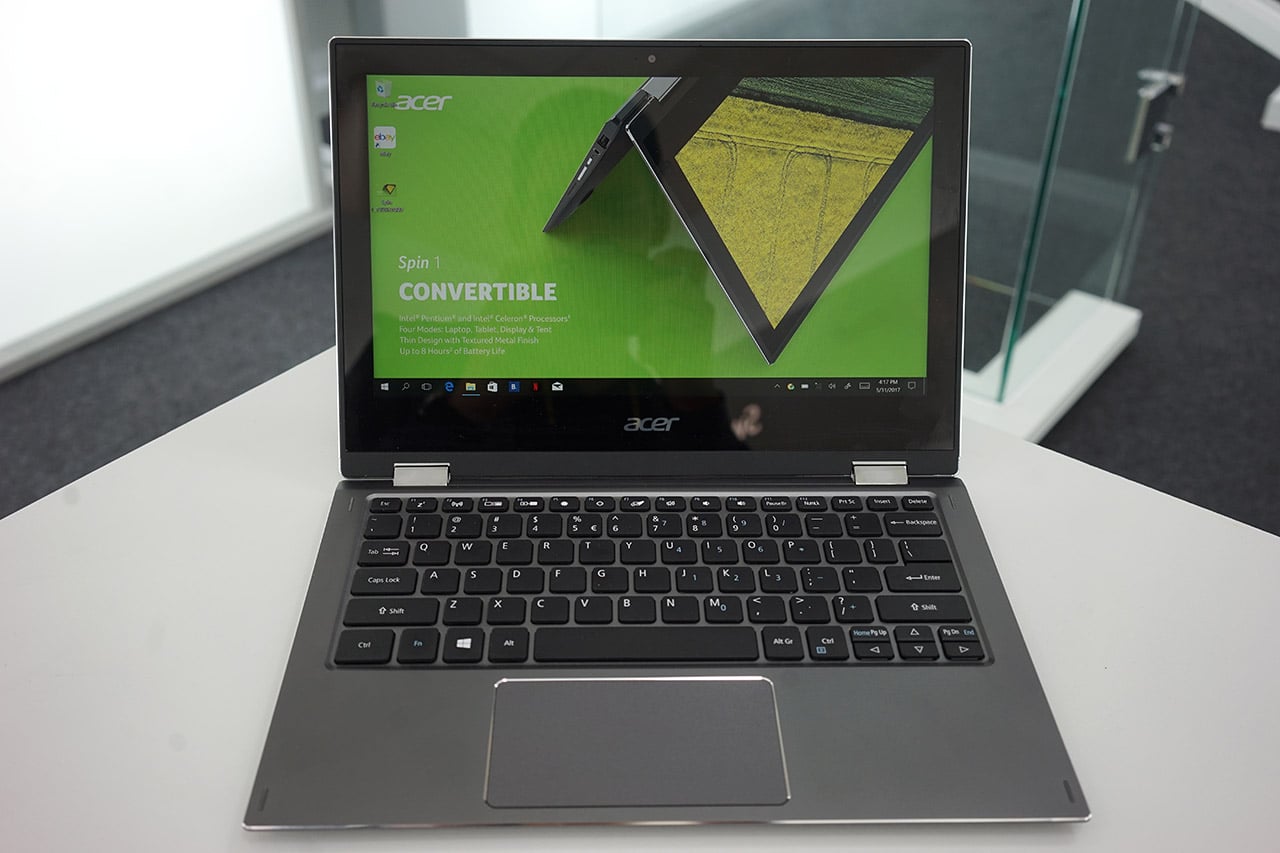
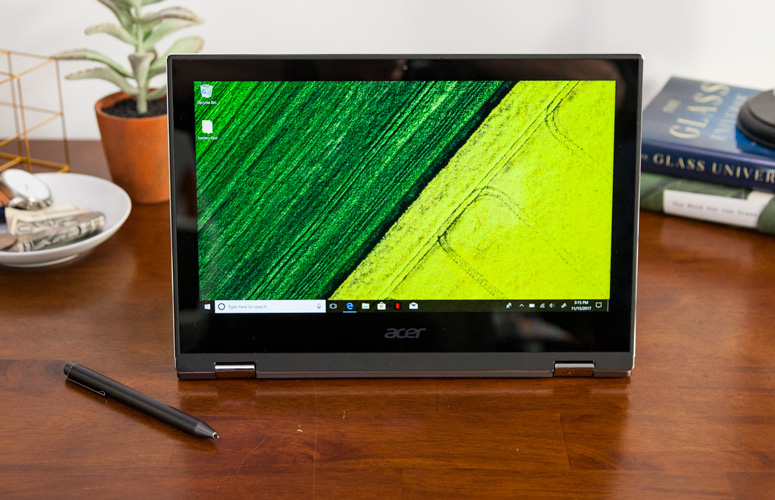
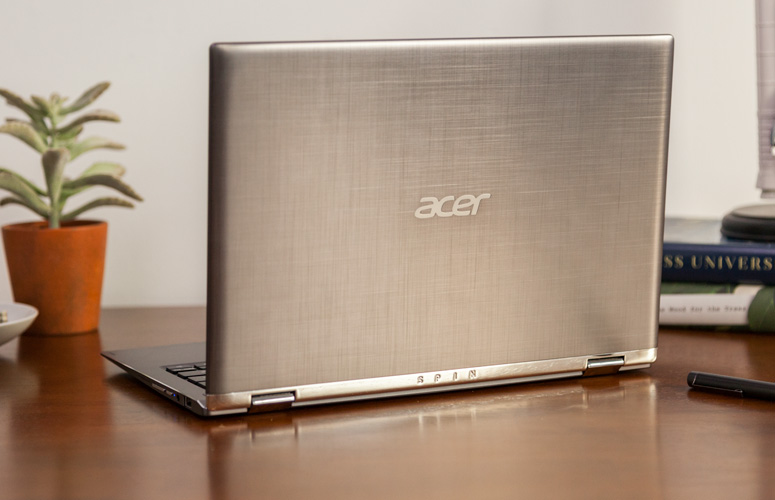
    Quickly turn thoughts into action on Acer’s Spin 1 Convertible laptop. Portable and light, this boundless device is fast and fun with an included stylus and Windows Ink so you can jot down a note or capture ideas as easily and quickly as they occur. It features a vibrant 11.6” Full HD IPS display and battery life that has enough juice to last you though your entire journey while the 360° hinge laptop smoothly converts between four modes —laptop, display, tent or tablet—by simply ‘spinning’ it into position.

    The Great

    • Sharp
    • Colorful display
    • Attractive metal chassis
    • Comfortable keyboard

    The Not

    • Below-average battery life
    • Small storage drive


    The Conclusion

    For under $350, the Spin 1 provides some features you usually see in laptops that cost closer to $1,000. Clad in a snazzy all-aluminum chassis, this 11.6-inch convertible has one of the most colorful and brightest 1080p screens on the market, giving it a better viewing experience than many systems three times its price. It also comes standard with an active stylus that supports 1,024 levels of pressure. With a Celeron processor and 32GB of storage, the Spin 1 probably won’t replace your primary PC, but it makes a great secondary device and is a fantastic choice for kids.


    The Design

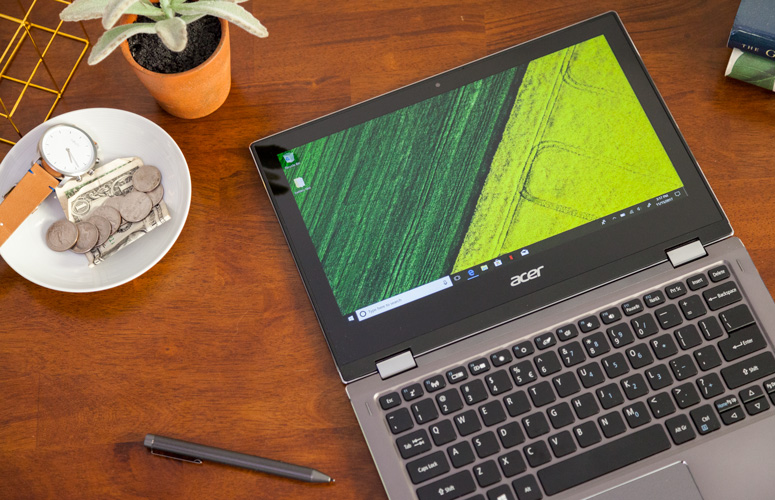
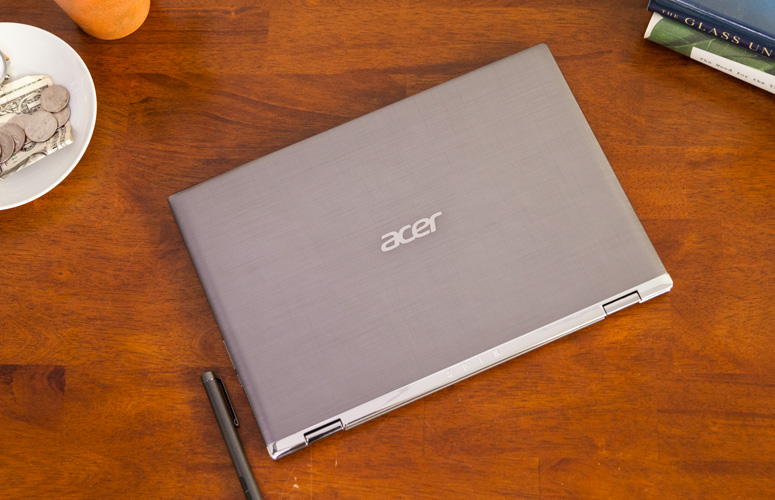
    The Acer Spin 1 doesn’t look anything like a $329 laptop. Its gunmetal-gray aluminum chassis stands out in a price band where cheap, glossy plastic is the norm. I particularly like the subtle, cross-hatch pattern on the dark gray lid and how it contrasts with the shiny, silver hinge area. Thick screen bezels, however, keep the inside of the system from looking quite as stunning as the outside of the package


    The Display

    The 11.6-inch screen on the Spin 1 is so bright and colorful that it has caused me to question my assumptions about the laptop industry. If Acer can put a 1920 x 1080 IPS touch display this vibrant on a $329 laptop, why can’t manufacturers offer this kind of display quality in their $800 and $1,000 laptops?

    Keyboard and Touchpad

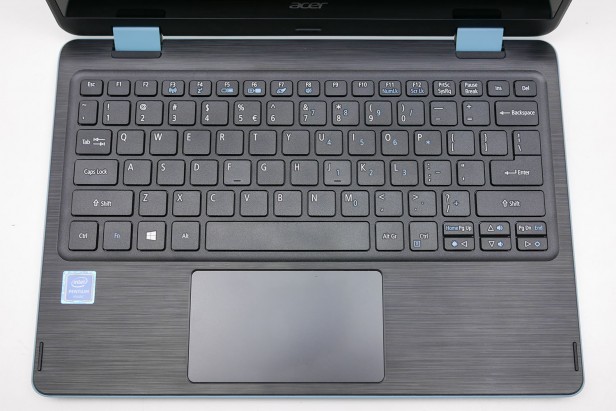
    When it comes time to type on most budget laptops, particularly 11-inchers like the Spin 1, I gird myself for an unpleasant experience. However, Acer’s 2-in-1 blew away my expectations with a snappy, responsive keyboard that didn’t have any of the flex or key stiffness I often see on much more expensive system

    The Performance

    We’ve spent more time than usual really paying attention to what the Acer Spin 1 feels like in use, because a lot of older Atom and Celeron laptops were just too slow to be enjoyable. For the most part this Celeron actually performs fine for the basics.Browsing the web, writing documents and other basic productivity jobs are painless. Using the Acer Spin 1 to write a few of our reviews felt much as it would on a laptop with a Core i5 CPU

    Quick Spec Look

    •  11.6-inch,
    • 1080p IPS screen
    • 4GB of RAM,
    • 32GB eMMC Storage
    • Intel Celeron N3350 CPU
    • 2.65 pounds

    The Final Thought

    If you want a cheap hybrid and have realistic expectations about performance, you should jump at the Acer Spin 1. It’s well-made, is comfortable to type on and has a superb screen for the price.


  • Laptop Lookout: Razer Blade Pro

    Laptop Lookout: Razer Blade Pro

    The new 14” Razer Blade gaming laptop in Full HD or 4K UHD strikes the perfect balance between power and portability. Experience streamlined performance with the latest 7th Gen Intel® Core™ i7 Quad Core processor and smoother, detailed gameplay graphics or connect a VR headset for an even more immersive gaming experience.
     
    [adSOC]  

    The Great

    • Slim, attractive chassis
    • Choice between a 4K Nvidia G-Sync display and 1080p panel with 120Hz refresh rate
    • Great overall and graphics performance
    • Excellent sound
    • 1080p version has a super-comfortable, customizable keyboard

    The Not

    • Expensive
    • SSD not very fast
    • Gets hot when gaming

    The Conclusion

    Razer manages to fit a high-end graphics card into an amazingly thin laptop. Gamers and graphics pros alike will love the performance, but not the loud fans and misplaced touchpad.

    The Design


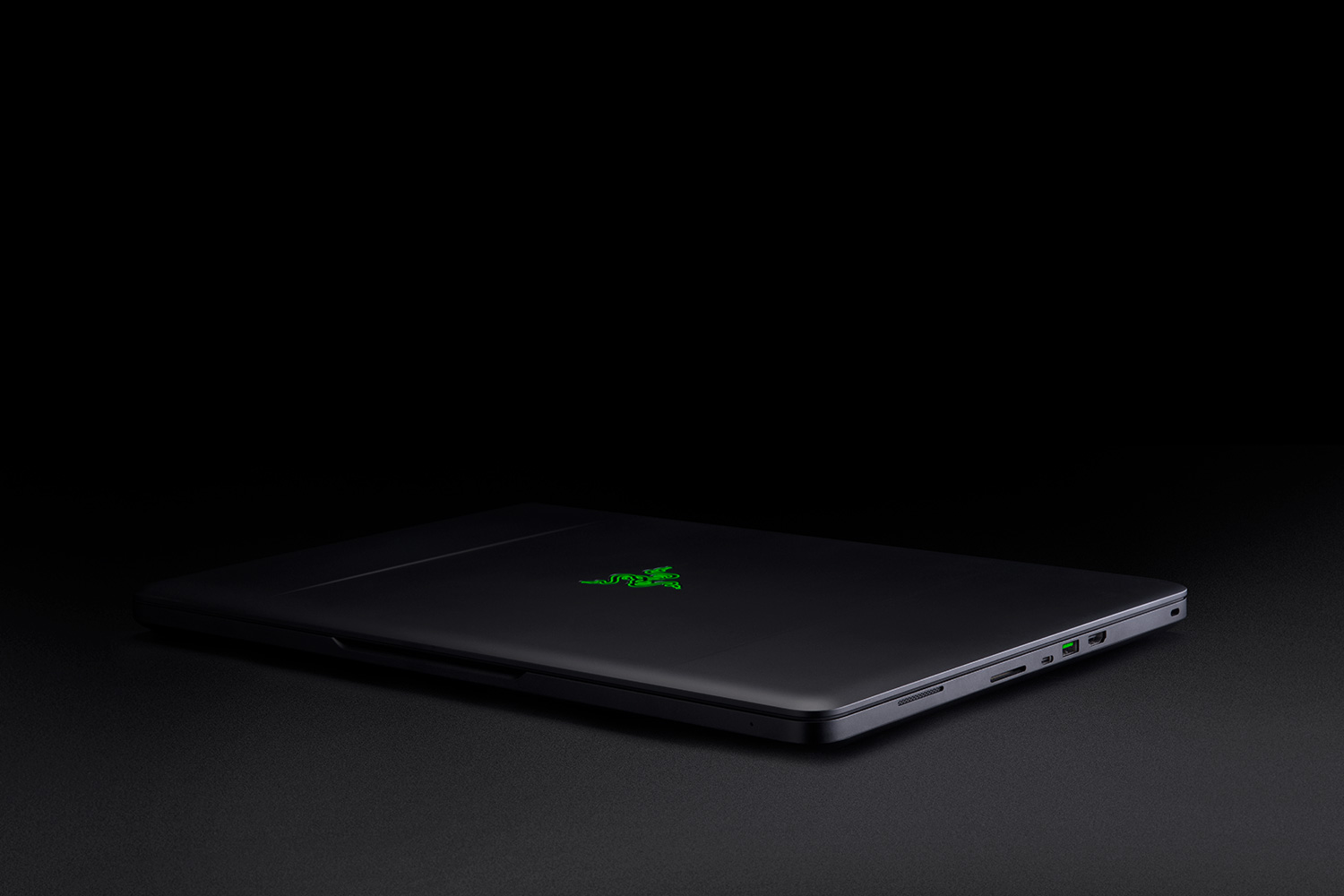
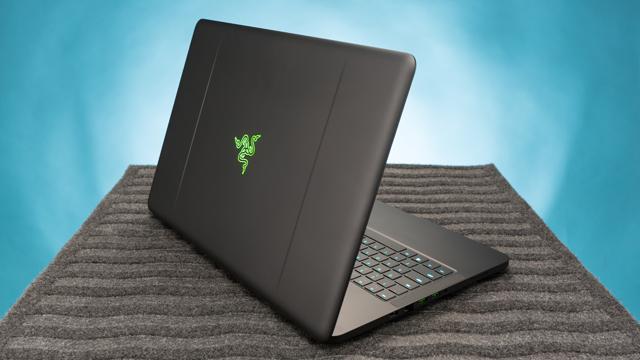
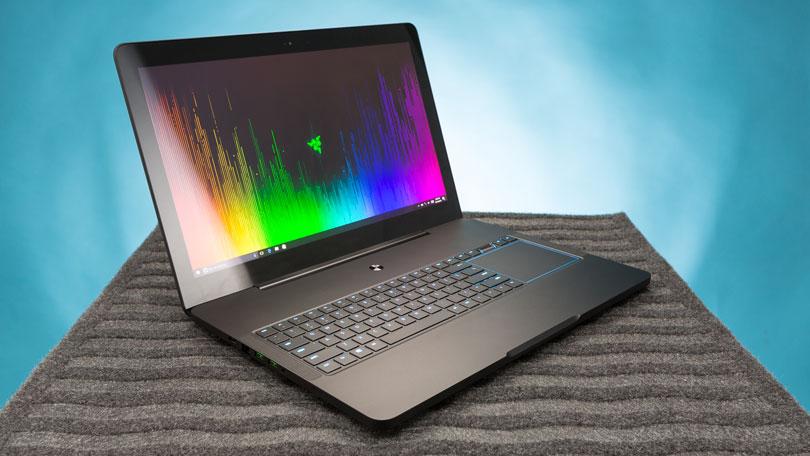
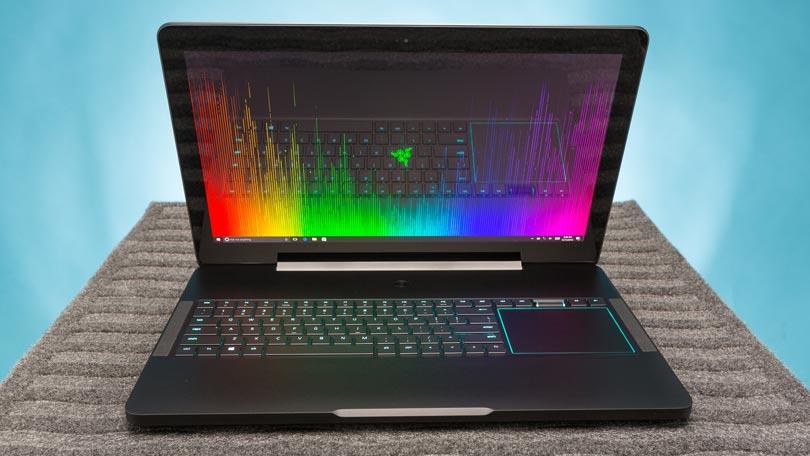
    There’s just something about a Razer laptop that makes the pulse quicken ever so slightly when you see it. Constructed from black CNC aluminum, the Blade Pro follows the Razer design dictates to a T, just on a bigger scale. The center of the laptop’s lid is slightly recessed, creating a pair of subtle ridges that help accentuate the glimmering emerald three-headed snake emblem.

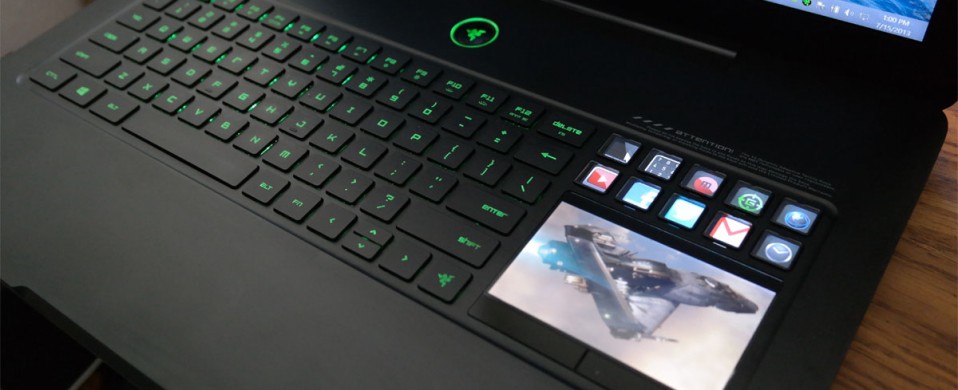
    The system’s interior offers more ebony aluminum, with the center of the deck housing the full-size keyboard and rather large touchpad in a slightly recessed compartment. A power button sits at top center on the device, daring you to press it. At 7.7 pounds, the 16.7 x 11 x 0.89-inch Blade Pro is still the slimmest and lightest 17-inch gaming laptop in the land.

    The Variables


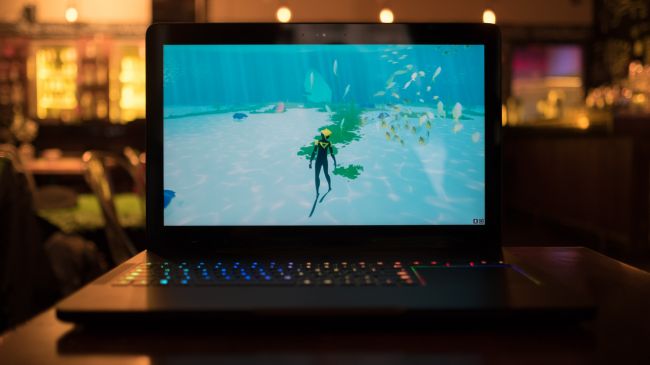
    This system doesn’t seem to struggle at all, even when playing demanding games set to high at its full 4K resolution. Drop your resolution to full HD and you still get playable frame rates with settings at ultra.The Blade Pro can easily replace a desktop, and if that’s your goal, there is an HDMI 2.0 output that handles video and audio. It’s joined by a Thunderbolt 3 port that can also handle display output in addition to three USB 3.0 ports, an SD card slot and Killer E2400 Gigabit Ethernet.
     
    [adSOC]  
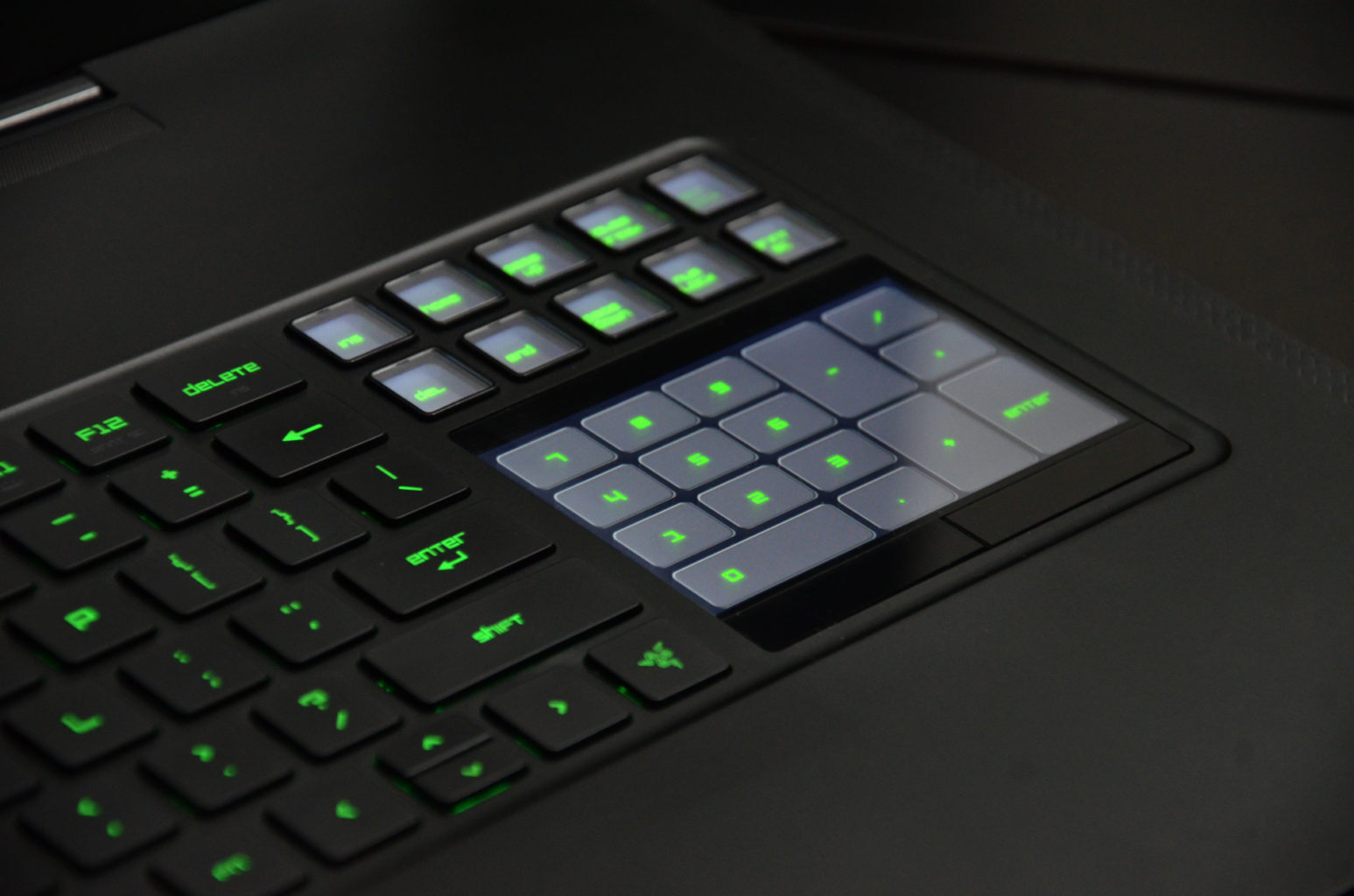
    Rather than positioning the trackpad beneath the keyboard, the Blade Pro’s pointing device is beside it on the right-hand side. More than once, we found ourselves tickling the surface below the keyboard, but it doesn’t take too long to get over this phantom pain. The taller, squarer shape makes scrolling a breeze. It’s an arrangement that feels familiar if you’re used to having your mouse next to a keyboard and it’s also far more convenient to use than a trackpad positioned between the wrist rests.

    What Are The Options


    I had a grand ol’ time reviewing the $3,999 base configuration of the Razer Blade Pro, which has an overclocked 2.9-GHz Intel Core i7-7820HK processor with 32GB of RAM, a pair of 256GB PCIe SSD in RAID 0 configuration and a Nvidia GeForce GTX 1080 GPU with 8GB of VRAM.

    Want more storage? It’s definitely going to cost you. A pair of 512GB PCIe SSD in RAID costs $4,399, while the RAID 0 1TB option brings the price up to $4,899.

    But if you’re looking for a less expensive option, there’s the $2,299 model, which has a 2.8-GHz Intel Core i7-7700HQ CPU, 16GB of RAM, a 256GB PCIe M.2 SSD with a 2TB 7,200-rpm hard drive, an Nvidia GeForce GTX 1060 GPU with 6GB of VRAM and a 1920 x 1080p display.

    The Display


    Staring at the Blade Pro’s 4K panel is like looking into a fever dream of color. The Nvidia G-Sync technology made sure that Geralt’s ashen-white hair cascaded realistically over his broad shoulders as he ran toward a cadre of flesh-eating Ghouls in Witcher 3: Wild Hunt.For gamers who value buttery-smooth graphics over higher resolution, the Blade Pro is also available in full HD (1920 x 1080), a first for this iteration of the desktop replacement. Instead of a super-high resolution, the 1080p panel has a 120Hz refresh rate. It’s not Nvidia’s G-Sync technology, but you should still get some lovely graphics.

    Quick Speck Look

    • CPU: 2.6GHz Intel Core i7-6700HQ (quad-core, 6MB cache, up to 3.5GHz)
    • Graphics: Nvidia GeForce GTX 1080 (8GB GDDR5X VRAM), Intel HD graphics 530
    • RAM: 32GB DDR4 (2,133MHz)
    • Screen: 17.3-inch IGZO UHD (3,840 x 2,160) LED with multi-touch G-Sync
    • Storage: 1TB PCIe SSD
    • Ports: 3 x USB 3.0 port (SuperSpeed), 1 x Thunderbolt 3 (USB-C), HDMI 2.0, SDXC card reader, Killer E2400 Gigabit Ethernet, headset jack
    • Connectivity: Killer DoubleShot Pro Wireless-AC 1535; Bluetooth 4.1
    • Camera: 2MP built-in webcam
    • Weight: 6.76 pounds (3.07kg)
    • Size: 16.8 x 10.9 x 0.88 inches (42.7 x 27.7 x 2.24cm; W x D x H)

    The Final Thought


    Thanks to these features, the Razer Blade Pro lends itself to be just as good at rendering beautiful game worlds as it is for accurately color correcting videos.There’s always been a distinction between gaming laptops and desktop replacement laptops, not any more this is Razor town now, Charlie.
     
    [adSOC]  

  • Laptop Lookout: Huawei Matebook X Pro

    Laptop Lookout: Huawei Matebook X Pro

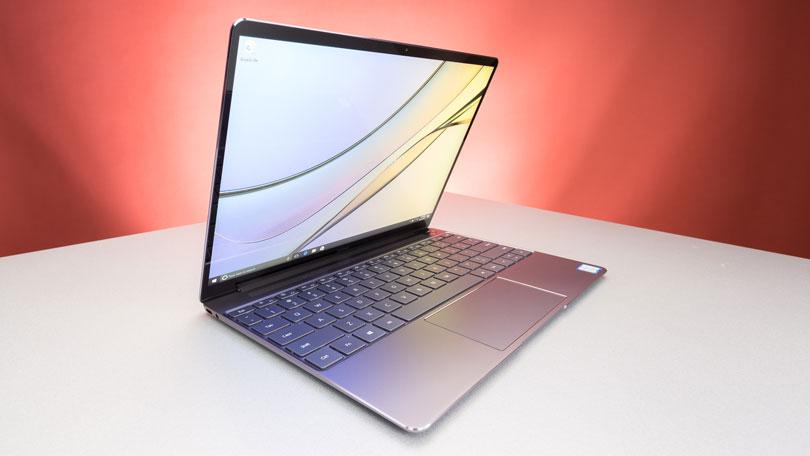
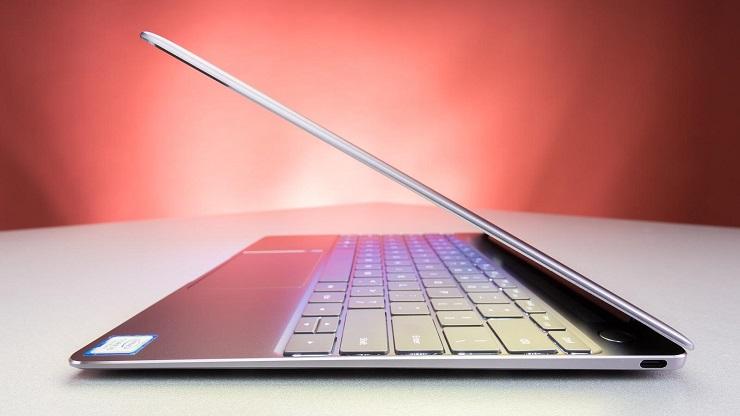
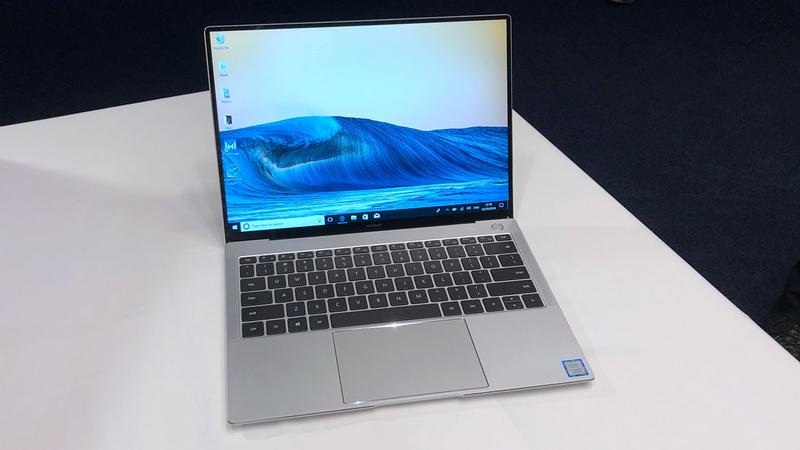
    HUAWEI MateBook X Pro is a ultra-slim notebook with FullView display of 91% screen-to-body ratio. The 3K touchscreen, powerful Intel processor and discrete graphics ensure this is a perfect companion for entertainment and work. With a 3K LTPS display comes with a remarkable 3000 x 2000 resolution, 260 PPI, 100% sRGB color gamut, 450 nits maximum brightness and 1500:1 contrast ratio. Immerse yourself in vivid details when viewing high definition pictures or watching 4K videos.

    The Great

    • Fast performance
    • Exquisite screen
    • Comfortable keyboard
    • Long battery life
    • Both USB Type-C and Type-A ports

    The Not

    • Very limited availability
    • High price
    • No SD card slot
    • Clever webcam is still flawed
    • Mystic Silver is Core i7 only


    The Conclusion

    The Huawei MateBook X Pro is a speedy, long-lasting premium notebook that’s hard to get.


    Chinese tech giant Huawei is not known for making laptops, but its 14-inch MateBook X Pro (tested at $2,350; starting at around $1,855) could change all that. Not only does it pack a gorgeous, high-res display and speedy performance, its battery lasts all day. And while its name and design beg for comparisons to Apple’s MacBook Pro, the MateBook X Pro’s keyboard is far more comfortable. The only things standing between you and its glory are its high price and severely limited availability.


    The Design

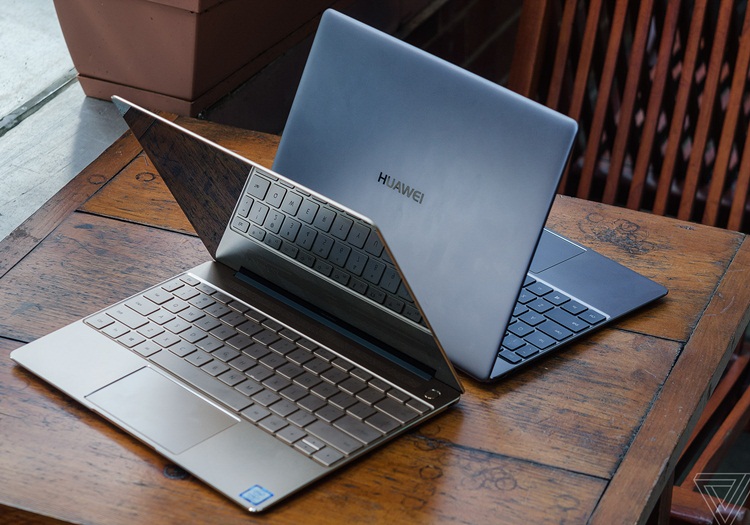
    The aluminum Huawei MateBook X Pro reminds me a lot of Apple’s MacBooks, and that’s a good thing. Not only is it a slim, silver wedge (also made in Space Gray), it’s easy to open its lid with a single hand, a hallmark of Apple’s notebooks. It also sports a shiny beveled edge around its keyboard deck, which the MacBooks do not.

    I still prefer the Apple’s designs in two slight ways: the Huawei logo — which looks like you chopped an Apple into a bunch of wedges — isn’t as elegant. Also, the MateBook X Pro’s lid and edges are flatter, lacking the tapered curves of the MacBook Air.

    The 14-inch MateBook X Pro weighs 2.9 pounds and measures 0.6 inches thick, making it similar in size and heft to the 3-pound, 0.6-inch thick Apple MacBook Pro (13-inch, Touch Bar). The Dell XPS 13 (2.65 pounds, 0.5 inches) is lighter, while the HP Spectre 13 (2.4 pounds, 0.4 inches) is both thinner and lighter.


    The Display

    The MateBook X Pro’s screen produces 124 percent of the sRGB spectrum, which exceeds the 113 percent premium laptop average. The MacBook Pro earned a similar 123 percent and the Spectre 13 measured a lower 111 percent, while the XPS 13’s 1080p screen (117 percent) and its 4K screen (130 percent) straddled the MateBook X Pro’s rates.


    Quick Spec Look

    • CPU: 1.8GHz Intel Core i7-8550U (quad-core, 8MB cache, up to 4.0GHz)
    • Graphics: Intel UHD Graphics 620, Nvidia GeForce MX150 graphics (2GB GDDR5)
    • RAM: 16GB LPDDR3 (2,133 MHz)
    • Screen: 13.9-inch 3K (3,000 x 2,000) LED with touch panel (3:2 aspect; 450 nits; 1,500:1 contrast; 100% sRGB)
    • Storage: 512GB SSD (NVMe PCIe)
    • Ports: 1 x Thunderbolt 3 USB-C, 1 x USB-C 3.1, 1 x USB 3.0, 3.5mm audio jack
    • Connectivity: 802.11ac (2 x 2 MIMO) Wi-Fi, Bluetooth 4.1
    • Camera: 720p webcam with far field microphones
    • Weight: 2.93 pounds (1.33kg)
    • Size: 11.97 x 8.54 x 0.57 inches (304 x 217 x 14.6mm; W x H x D)


    The Final Thought

    This may just be the Tech device that adds Huawei to the major players of Apple, Dell and Samsung to the minds of the american consumer. Welcome to the big leauges boys, we wear caps and sleeves at this level. Frankly, we’re stunned by Huawei’s sophomore effort in the laptop category. In one fell swoop, the MateBook X Pro presents an overwhelming alternative to my favorite laptop, the Dell XPS 13, and the MacBook Pro.

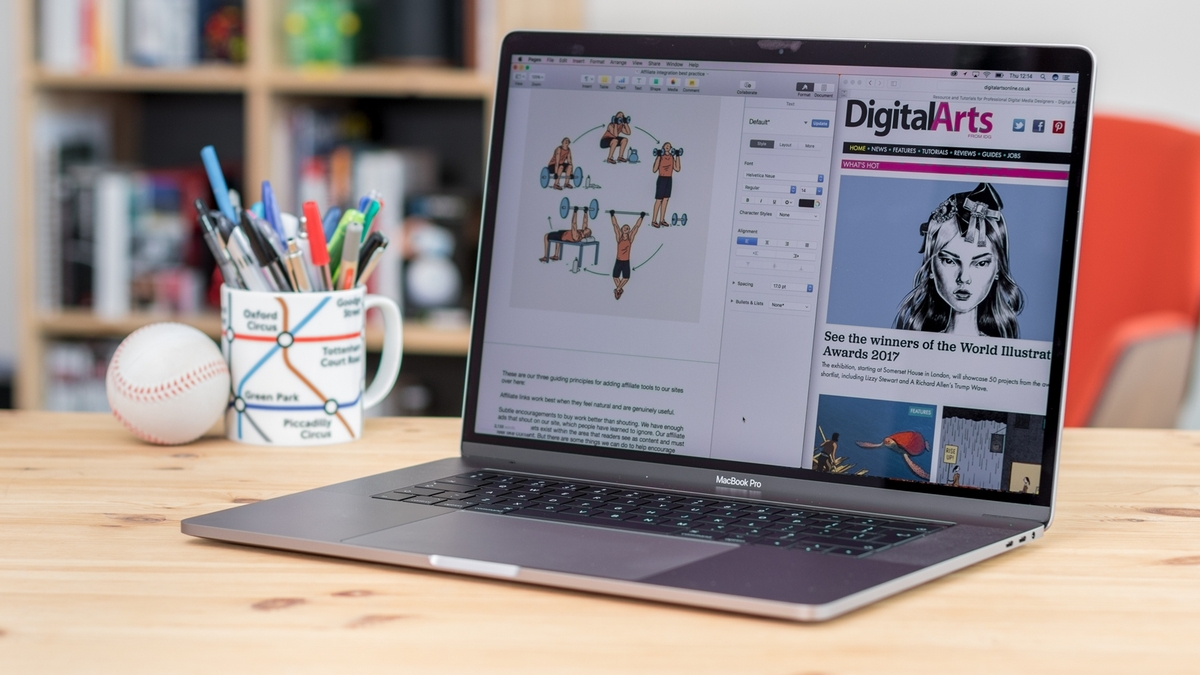
  • Laptop Lookout: MacBook Pro 15

    Laptop Lookout: MacBook Pro 15

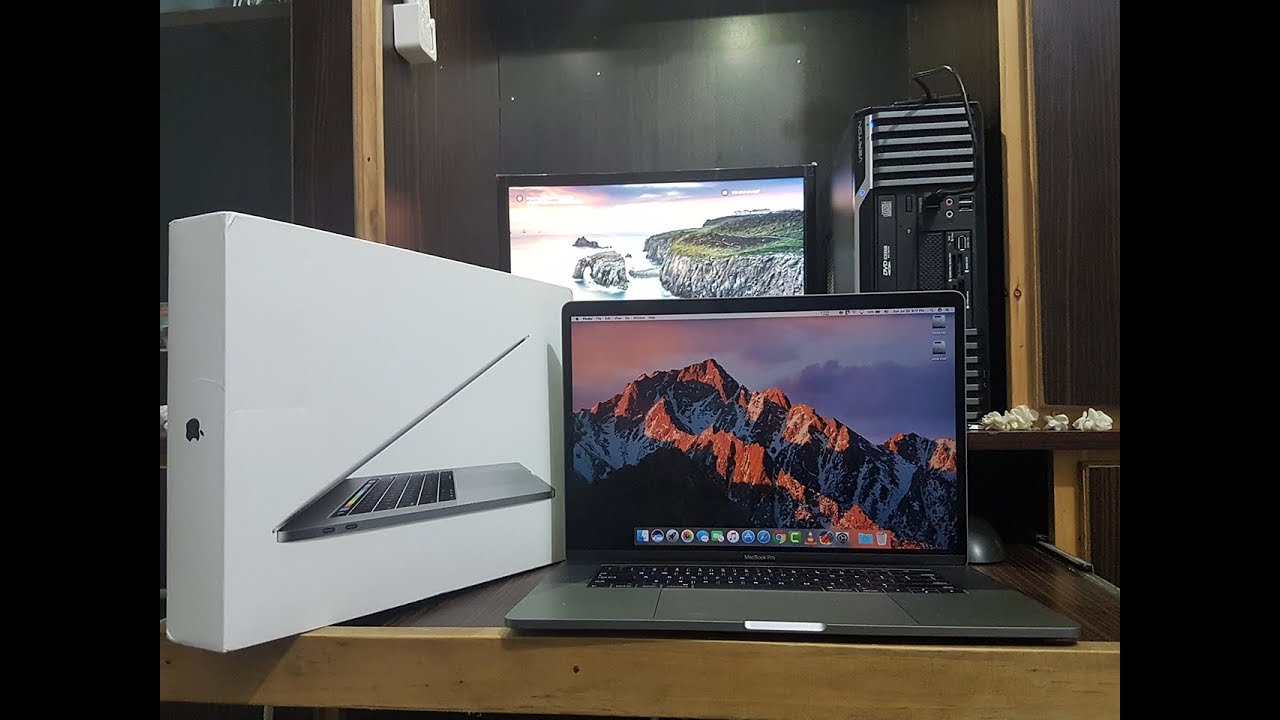
    It’s razor thin, feather light, and even faster and more powerful than before. It has the brightest, most colorful Mac notebook display ever. And it features the Touch Bar — a Multi-Touch enabled strip of glass built into the keyboard for instant access to the tools you want, right when you want them. MacBook Pro is built on groundbreaking ideas.


    The Great

    • Stronger processor
    • Faster RAM
    • Same excellent design

    The Not

    • Subpar battery life
    • Keyboard learning curve
    • Awfully pricey for the parts

    The Conclusion

    It is the standard for which all great laptops are measured and found wanting.


    The Pro status of Apple’s 15-inch MacBook depends on what sort of ‘pro’ you are. Traditionally creative pros would have turned to the Mac for their needs, be it design work, editing photos, working with video and animation, or other jobs that require decent graphic capabilities.


    The Design

    Weighing 4 pounds and measuring 0.61 inches thick, the 2017 15-inch MacBook Pro is lighter and thinner than my personal 2012 model (which is 4.46 pounds and 0.71 inches), but I noticed the thinness a lot more than I noticed the weight, as my bag would feel just as heavy no matter which machine I was lugging.

    Touch Bar Really Useful for Only One Thing

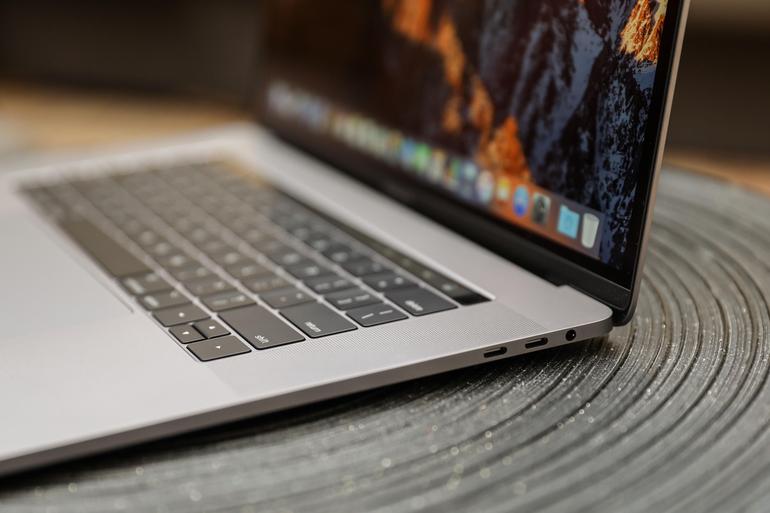
    The biggest innovation in the 2016 MacBook Pro (as well as this 2017 model) is Apple’s sliver of an OLED touch screen, which the company calls the Touch Bar My reaction? I’m sorry, but I want (most of) my effin Fn keys back.


    In my whole month with this MacBook Pro, I found that the Touch Bar was mostly an accident waiting to happen. The majority of my interactions with it happened unintentionally; while typing, I would activate the digital Esc key while trying to hit the ` or 1 keys.

    On the upside, the far right end of the Touch Bar contains a Touch ID sensor, which is my favorite part of the MacBook Pro’s outer body. The convenience it offers, allowing me to unlock my login IDs and passwords from the 1Password utility, is electric, especially when the alternative is typing out my complex, 23-character pass code.

    Though, having Siri as a button for easy, constant access is a major plus, given the wide control it has over macOS in comparison to other digital assistants.


    The Graphics Upgrade

    The 2017 Pro also gets an updated set of graphics hardware options. The integrated graphics chip goes from the Intel HD 530 to the HD 630 (part of that jump to the Kaby Lake platform), and the discrete graphics go from AMD Radeon Pro 450 and 455 parts to — you guessed it — Radeon Pro 555 and 560 options. Every 15-inch MacBook Pro laptop includes an AMD GPU, while the 13-inch models make do with Intel’s built-in graphics.

    If that’s the good news, then the bad news may be that if one or more of the features of the new MacBook Pro design kept you away, (the super-flat keyboard, the Touch Bar, USB-C ports, etc.) then this set of 2017 revisions isn’t going to do anything much to change your mind.


    Quick Spec Look

    • 15.4-inch LED-backlit display with IPS technology, 2880-by-1800 native resolution at 220 pixels per inch
      2.6GHz quad-core sixth-gen Intel Core i7 processor
      AMD Radeon Pro 450 graphics based on the 14-nanometer Polaris architecture
      16GB RAM
      256GB SSD
      4 x Thunderbolt port
      Touch Bar with Touch ID
      Price: $2,399 (up from $1,999 for the previous entry model)
      A fully kitted-out 15-inch MacBook Pro (featuring 2.9GHz quad-core i7, 2TB SSD, and Radeon Pro 460 with 4GB of memory) costs $4,299


    The Final Thought

    The updated 15-inch MacBook Pro gets faster processing and graphics options. It’s still the biggest and most powerful laptop Apple makes. The giant touchpad is easy to use and battery life is excellent. If you are in need of a new laptop look not further you will not find a better example of excellence.