So, you’re looking to start PC gaming? While you probably know how daunting it can be to start out, we’re here to help. From slick looking peripherals to high-end hardware, we’ve got a list of ten must-haves for PC gamers!
A Set of Tools
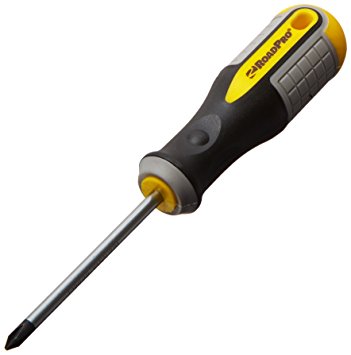
Photo Credit: Amazon
The first thing you’re going to want is a set of tools. Preferably a magnetic screwdriver and an anti-static wristband. Being able to open your rig and troubleshoot is a key aspect of PC ownership. If you spend top dollar for the very best gaming PC, make sure you take care of it! You’ll also probably want a magnetic parts tray so that you don’t lose too many screws. Also, you should get some extra case screws, because you’re going to lose screws.
Canned Air

Photo Credit: Walmart
This is the last boring entry, I swear. Once you open your computer up, you might notice some dust has collected in recesses. It’s best to clean this dust out once a month or so. If you don’t your computer’s performance will suffer as it experiences higher-than-average temperatures. Canned air is also great for cleaning out debris from keyboards!
PC Gaming Chair
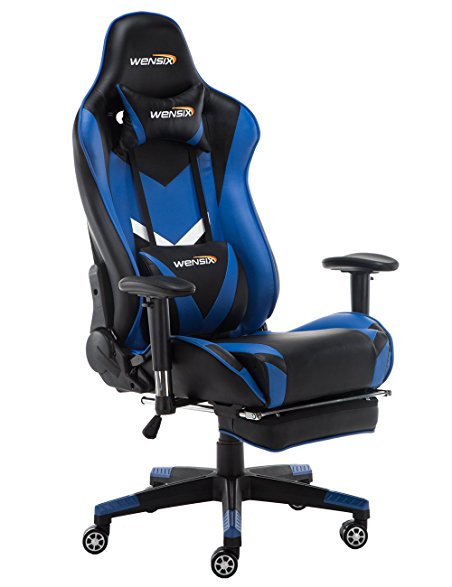
Photo Credit: Amazon
If you intend to sit in front of your computer for a few hours at a time, make sure it’s in a comfortable chair. There are a few well-known brands of gaming chair to choose from. Vertagear and Furmax both make solid options, and there are often good deals on sites like Amazon. Racing-style chairs are particularly popular at the moment with streamers and pro gamers!
RGB Lighting
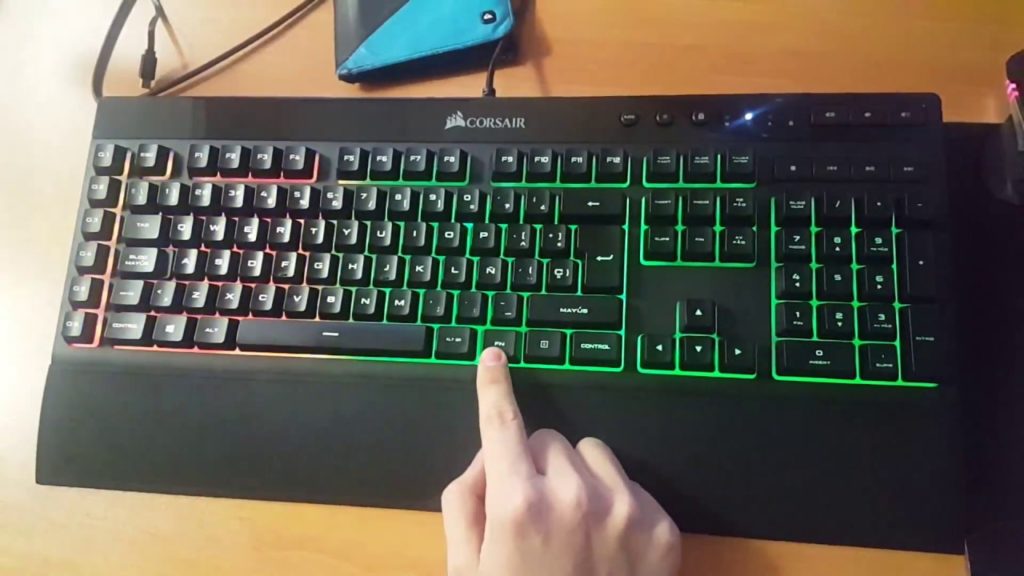
Photo Credit: YouTube
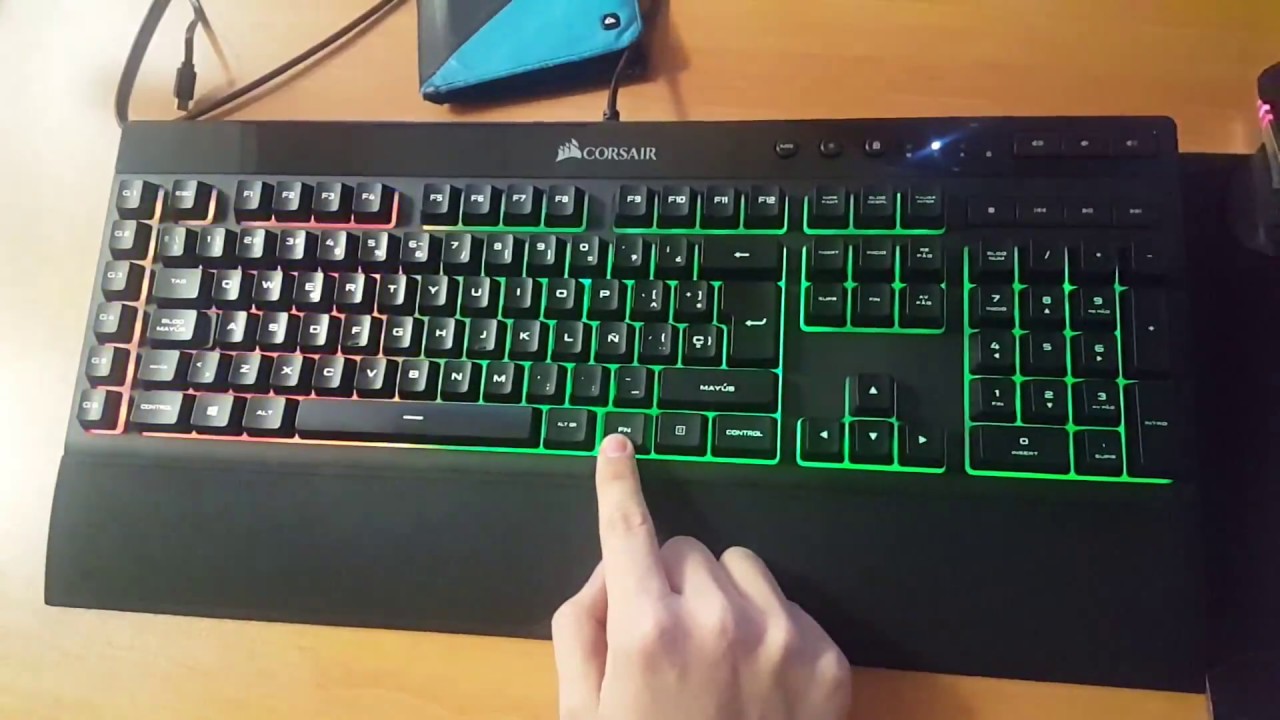
PC gamers love few things more than high-end graphics. One of the things that comes close, though, is glowing keyboard and mouse setups. High-end peripheral makers like Corsair and Razer make most of their ranges with RGB lighting built in. You can then use software to choose what colors and patterns you want your RGB to take on. Many games even offer compatibility, like Overwatch and Fortnite. If you want your setup to look as serious as it is, consider getting some RGB gear!
Gaming Monitor
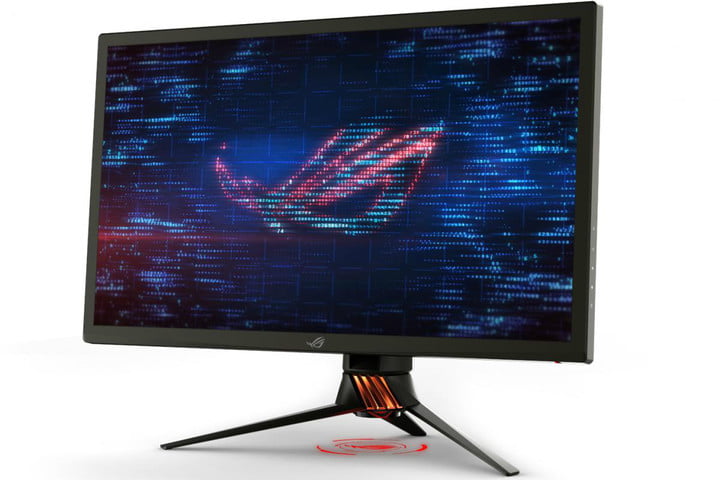
Photo Credit: Digital Trends
What’s the point in having an awesome graphics card if your monitor can’t resolve the images it’s being sent? Springing for a 4K monitor is a must if you want 4K graphics. While there are a ton of options out there, finding the best one for your rig is important. Some people like ultra-wide, curved screens. Others may prefer large, flat monitors. Whatever you pick, make sure it’s something you won’t mind sitting very close to for hours on end!
Second Monitor
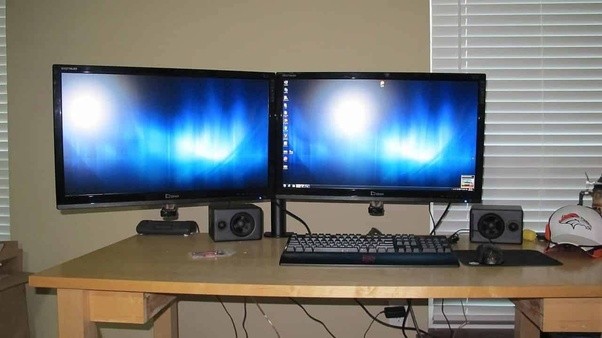
Photo Credit: Quora
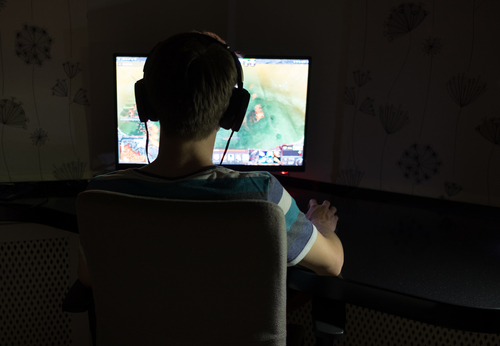
Many PC gamers swear by a two-monitor setup. Odds a good you already have a normal monitor, but not a dedicated gaming monitor. Well, after you upgrade, don’t sell your old monitor just yet! Instead, consider rocking a two-monitor setup. That way you can multitask! Your awesome new gmaing computer surely has enough RAM that you can do two things at once. Stuck in a hard section of a new game? Watch a step-by-step guide on your other screen. Chatting with friends in between boss fights? Use your second monitor! Some people just like throwing YouTube or Netflix up while they grind their favorite games.
Gaming Headset
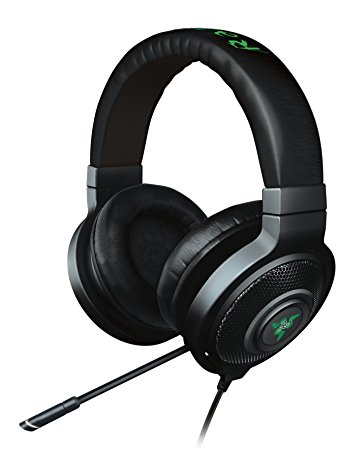
Photo Credit: Amazon
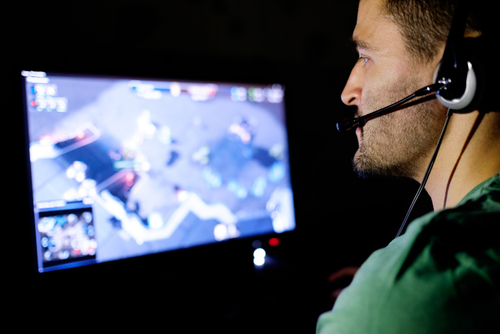
Gaming headsets are a must if you plan on chatting with your team. While some games don’t require them, nearly all games are made better by the surround sound quality of a gaming headset. Not to mention, your team will appreciate how clear your voice is thanks to your awesome mic! This is an expense worth undertaking if you take competitive team games seriously.
DualShock 4 Controller
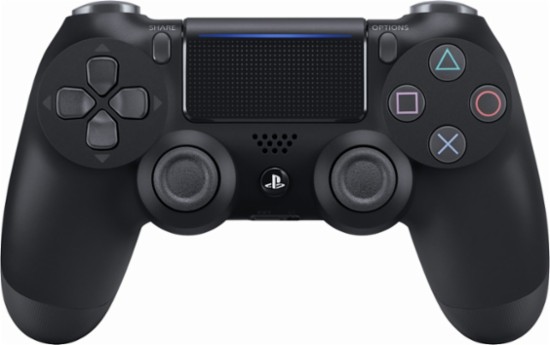
Photo Credit: Best Buy
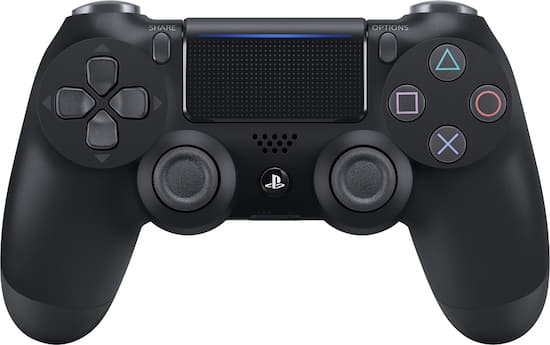
This one probably seems a little out of place. After all, PC gamers are always talking about how awesome keyboard and mouse is! Well, keyboard and mouse controls are great for certain games. Real-time strategy games, first-person shooters and the like were really made to be controlled by keyboard and mouse. Some games were just made for use with a controller, though, and for those, you’ll want a real game pad. Many consider the DualShock 4 to be one of the greatest game pads ever, with its matte finish and ergonomic design. If you’re more inclined to Microsoft’s offset analog sticks, the Xbox One controller is also a fine choice! Both will work with minimal issue and a bit of setup on pretty much every game.
Gaming Mouse
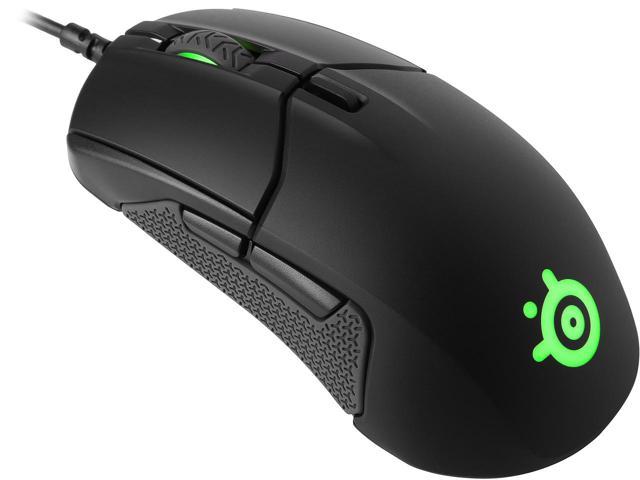
Photo Credit: Newegg
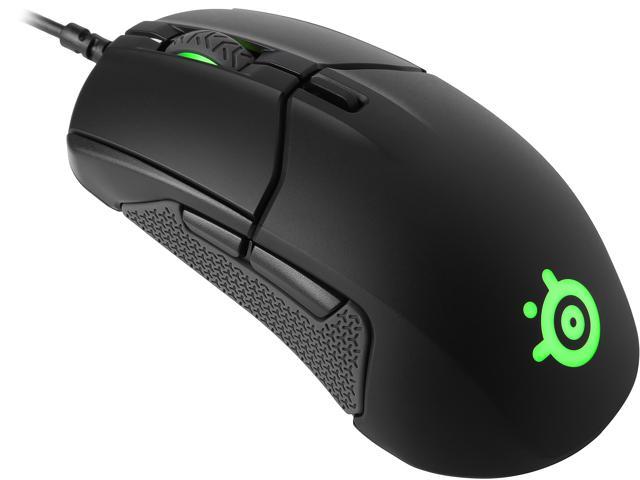
For those times when you need a mouse and keyboard control setup, though, you’re going to want the best. High DPI, performance gaming mice aren’t cheap, but you’ll know the difference right away. Sporting high-precision and buttons right on the mouse, these are the best way to play. You’ll find yourself skipping less pixels, aiming more precisely and binding common tasks to your mouse buttons. If you’re gaming seriously, you’ll want a serious mouse.
The Most Important PC Gaming Peripheral: Mechanical Keyboard
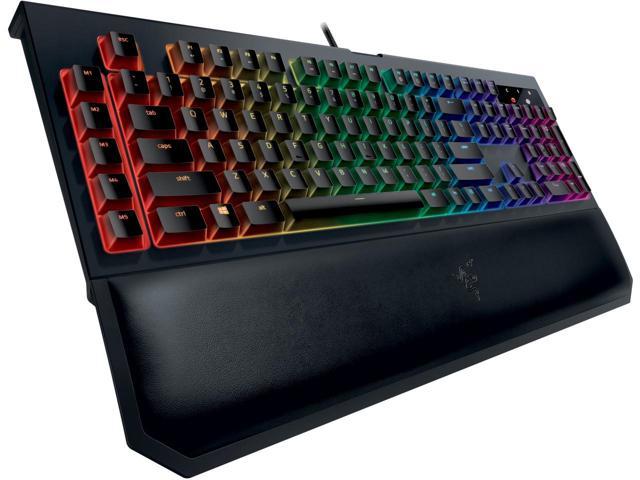
Photo Credit: Newegg
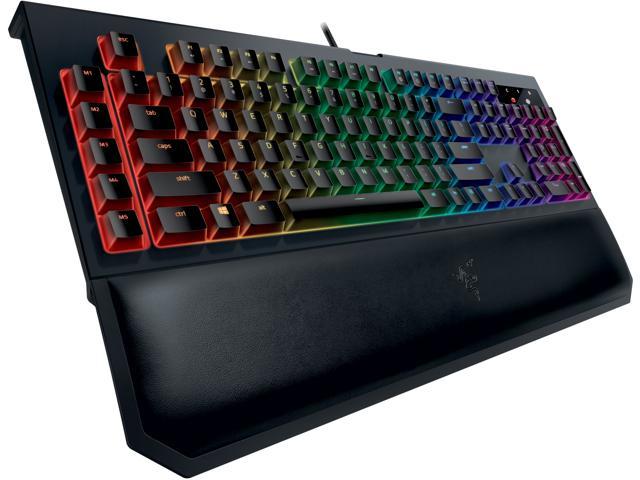
If you intend to play video games from your PC, get a mechanical keyboard, full stop. It might sound absurd, but those loud, clunky keys are a revolution when you first use them. You won’t accidentally hit a key. You’ll know when you press down that your input was read. While they take a bit of getting used to, mechanical keyboards are the best for gaming. They’re not ideal for heavy typing, so keeping a traditional mesh keyboard around for typing tasks isn’t the worst idea. But aside from writing papers or turning in work, mechanical keyboards are the way to go.