Tag: pro

  • Tablet Talk: Microsoft Surface Pro

    Tablet Talk: Microsoft Surface Pro

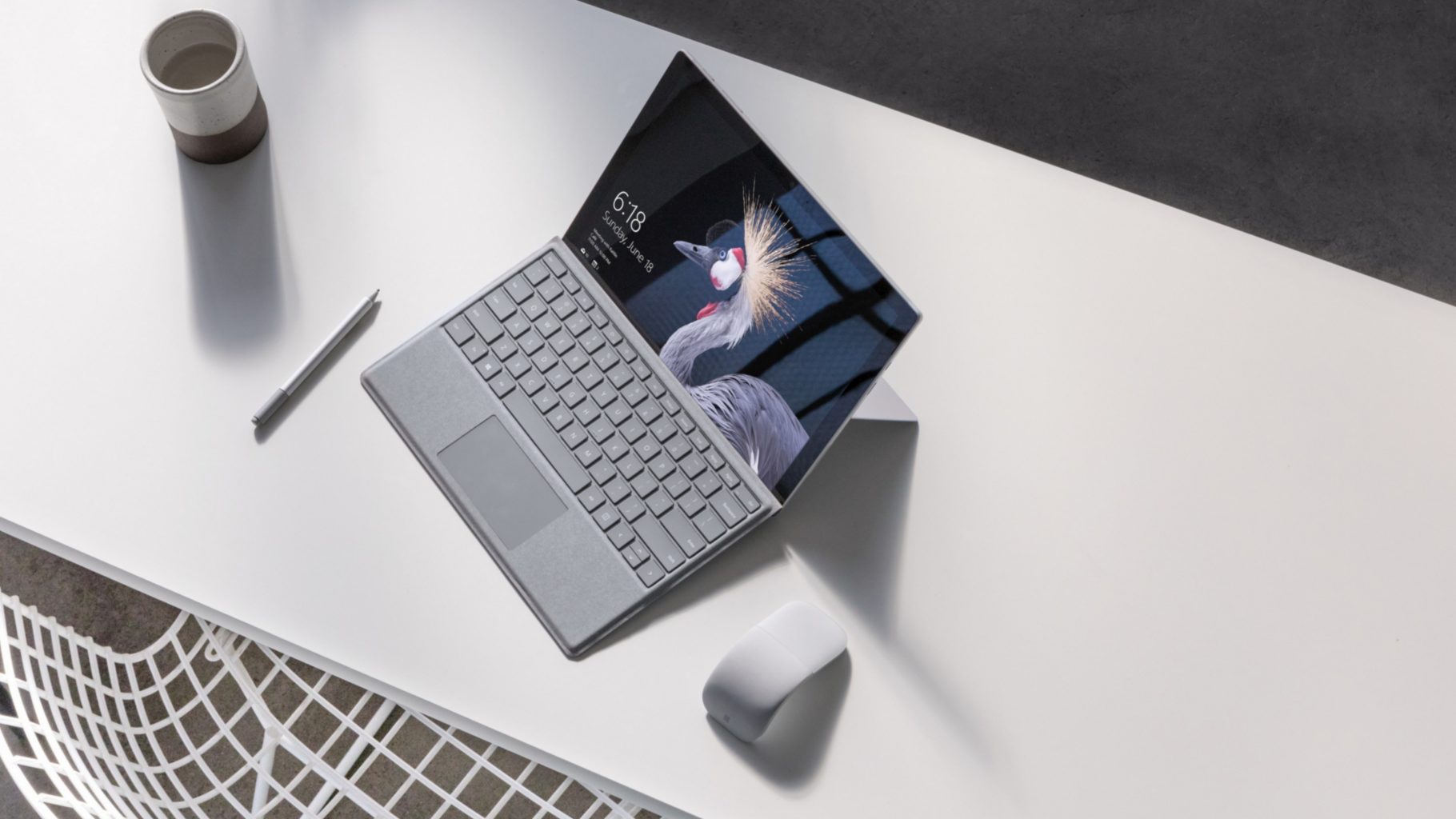
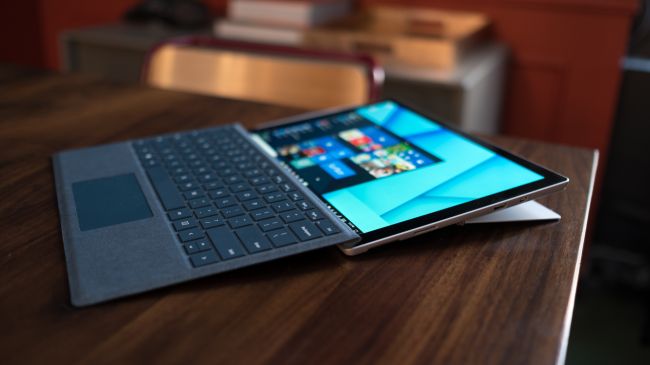
    The Surface Pro has always been the The ultimate laptop with versatility of a studio and tablet. Now its better than ever, the new Surface Pro gives you a best-in-class laptop, plus the versatility of a studio and tablet. The stunning PixelSense Display supports Surface Pen1 and touch, while up to 13.5 hours of battery life2 gives you plenty of juice to work all day and play all night.

    The Great

    • Brilliant PixelSense display
    • Simple, elegant design
    • Improved Type Cover keyboard
    • Fantastic performance


    The Not

    • No USB-C
    • Surface Pen and Type Cover sold separately
    • Better, but still mediocre battery life

    The Conclusion

    With its fantastic PixelSense display, improved Type Cover, faster performance and even better battery life, the Surface Pro is still the king of detachable 2-in-1s.
    The Design

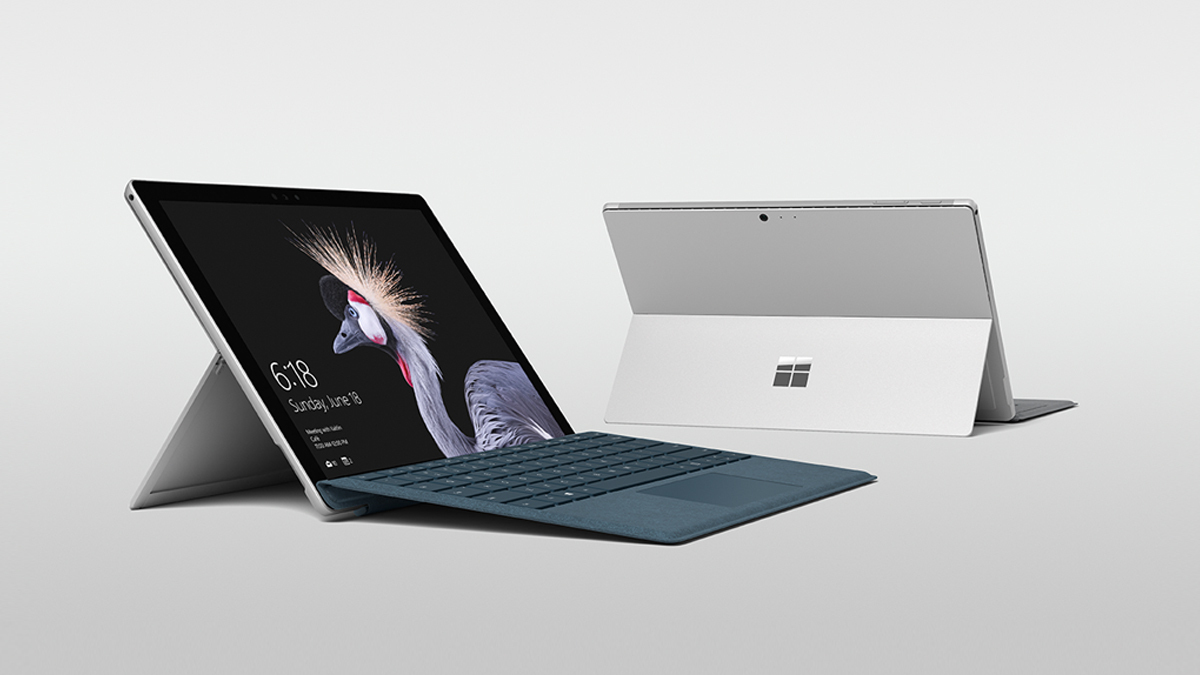
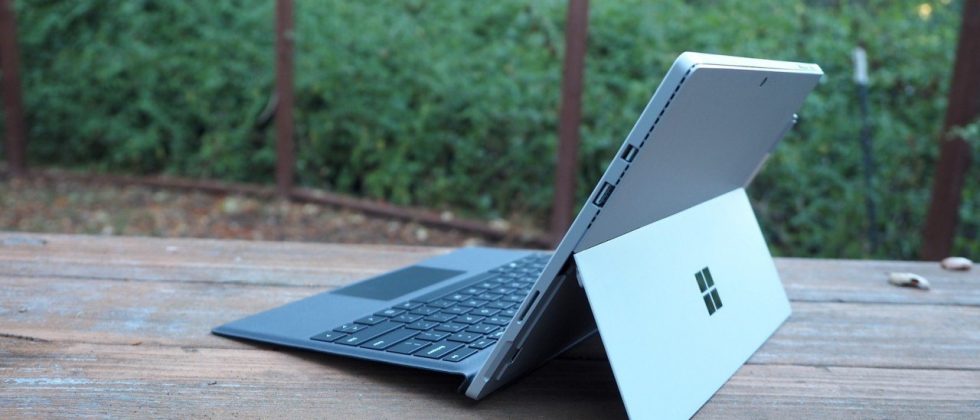
    Not wanting to tempt fate by messing with an exceptional design, Microsoft made the new Surface Pro look almost identical to the previous two models.Sure, the company has rounded off a few edges to make the Surface Pro a little curvier and more pleasant to hold, but all the familiar elements are here, including the kickstand, power button, volume rocker and front-facing speakers.
    The Performance

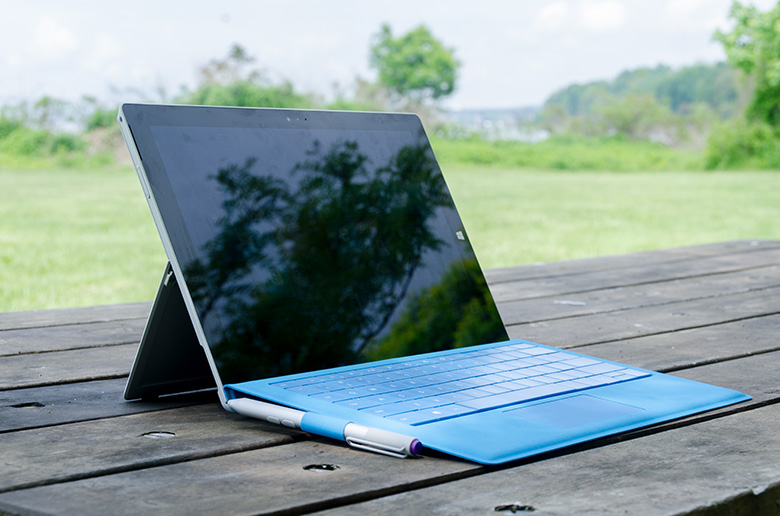
    I  can see why Microsoft is moving away from referring to the Surface Pro as a tablet, given that it’s packed with very laptop-like components. Our review model was equipped with a fast dual-core Intel i7-7660U CPU and 16GB of RAM. The Core i7-7660U is no longer at the cutting edge, as Intel’s 8th-gen Core processors are now available, but it managed respectable performance.

    Surface Pen is Vastly Improved

    Why Microsoft opted not to call this the Surface Pro 5 is beyond us, as you can now see the firm changed practically every facet of the product. The Surface Pen got some of the most meticulous and belabored treatment.

    For one, Microsoft upped the pressure sensitivity of its pen to 4,096 levels of detectable pressure, meaning creators have more control over the width and intensity of their lines in illustrations or designs than before. Perhaps more importantly, the Pen now sports a much lower latency, meaning that the tip of your Pen has a far lower chance of “leading” the ink on the PixelSense display.

    Finally, the Pen also supports tilt detection now, though only through the new Surface Pro – the other current Surface devices will get the support for this feature through a firmware update.
     

    Quick Spec Look

    • CPU: 2.5GHz Intel Core i7-7660U (dual-core, 4MB cache, up to 4GHz with Turbo Boost)
    • Graphics: Intel Iris Plus Graphics 640
    • RAM: 16GB LPDDR3
    • Screen: 12.3-inch, 2,736 x 1,824 PixelSense display (Contrast ratio: 1,300:1, 100% sRGB color, 10-point multi-touch, 3:2 aspect ratio)
    • Storage: 512GB SSD (PCIe 3.0)
    • Ports: 1x USB 3.0, mini DisplayPort, microSDXC card reader (UHS-I), headphone/mic jack
    • Connectivity: 802.11ac Wi-Fi (2 x 2 MIMO), Bluetooth 4.1 (Low Energy)
    • Cameras: 8MP rear-facing, auto-focus camera (1080p HD); 5MP front-facing, 1080p HD camera
    • Weight: 1.73 pounds
    • Size: 11.5 x 7.93 x 0.33 inches (W x D x H)
    The Final Thought

    Nearly five years after Microsoft introduced the device that created the 2-in-1 category, the company’s Surface Pro systems are still the detachables other companies are trying to beat. So how does Microsoft improve upon its class-leading hybrid? By refining its simple tried-and-true design, improving performance, shoring up some concerns about battery life, and creating a new line of enhanced and more colorful Surface accessories.

    I think Microsoft is still playing it a bit too safe in a few areas. While improved, the Surface Pro’s battery life still lags behind those of other ultraportable laptops, and the lack of a USB-C or Thunderbolt 3 port are strange omissions for a premium flagship device. And after three years in which the Surface Pro has had essentially the same aesthetics, I find myself wanting a bit more excitement out of this machine’s design. But if you want the best detachable out there, the Surface Pro is still the one to get.
  • Laptop Lookout: Razer Blade Pro

    Laptop Lookout: Razer Blade Pro

    The new 14” Razer Blade gaming laptop in Full HD or 4K UHD strikes the perfect balance between power and portability. Experience streamlined performance with the latest 7th Gen Intel® Core™ i7 Quad Core processor and smoother, detailed gameplay graphics or connect a VR headset for an even more immersive gaming experience.
     
    [adSOC]  

    The Great

    • Slim, attractive chassis
    • Choice between a 4K Nvidia G-Sync display and 1080p panel with 120Hz refresh rate
    • Great overall and graphics performance
    • Excellent sound
    • 1080p version has a super-comfortable, customizable keyboard

    The Not

    • Expensive
    • SSD not very fast
    • Gets hot when gaming

    The Conclusion

    Razer manages to fit a high-end graphics card into an amazingly thin laptop. Gamers and graphics pros alike will love the performance, but not the loud fans and misplaced touchpad.

    The Design


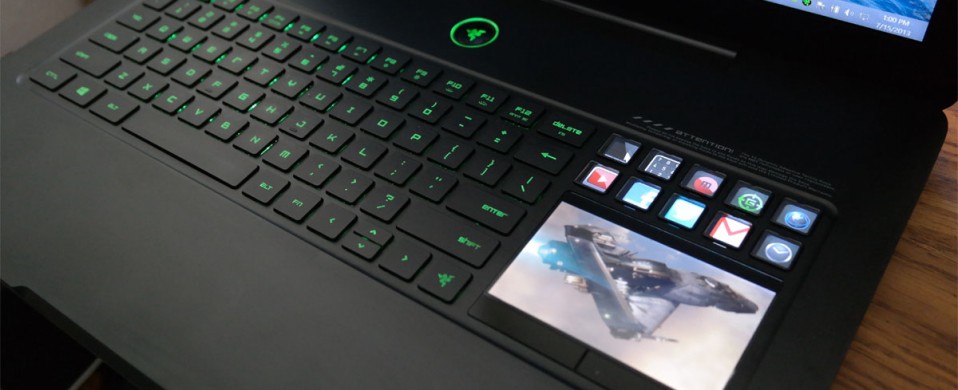
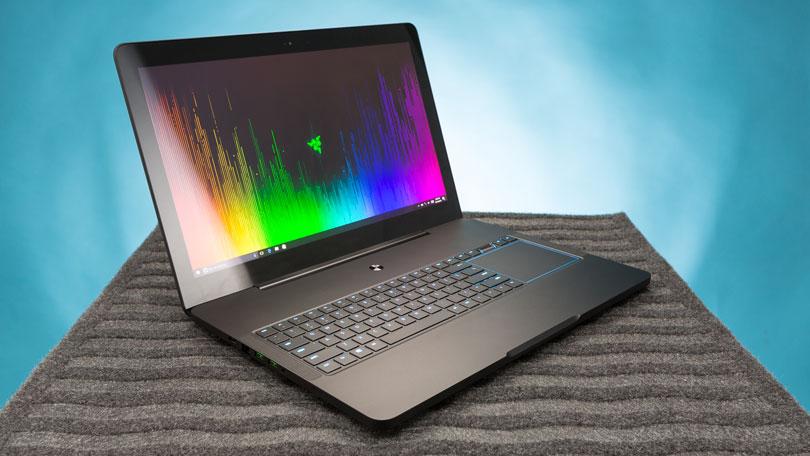
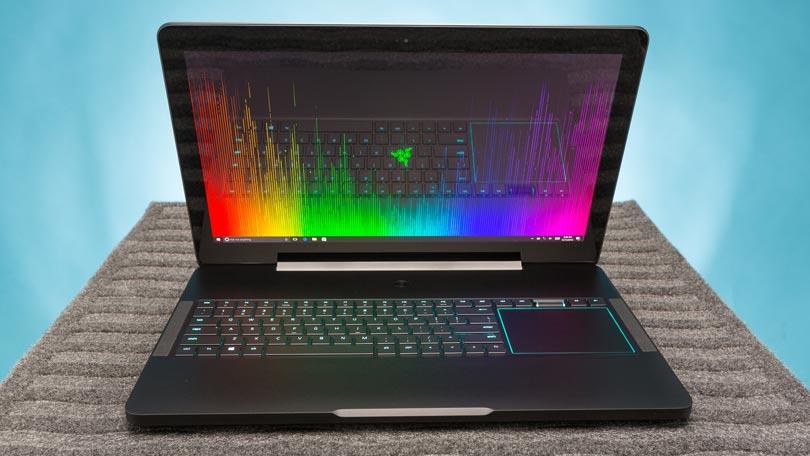
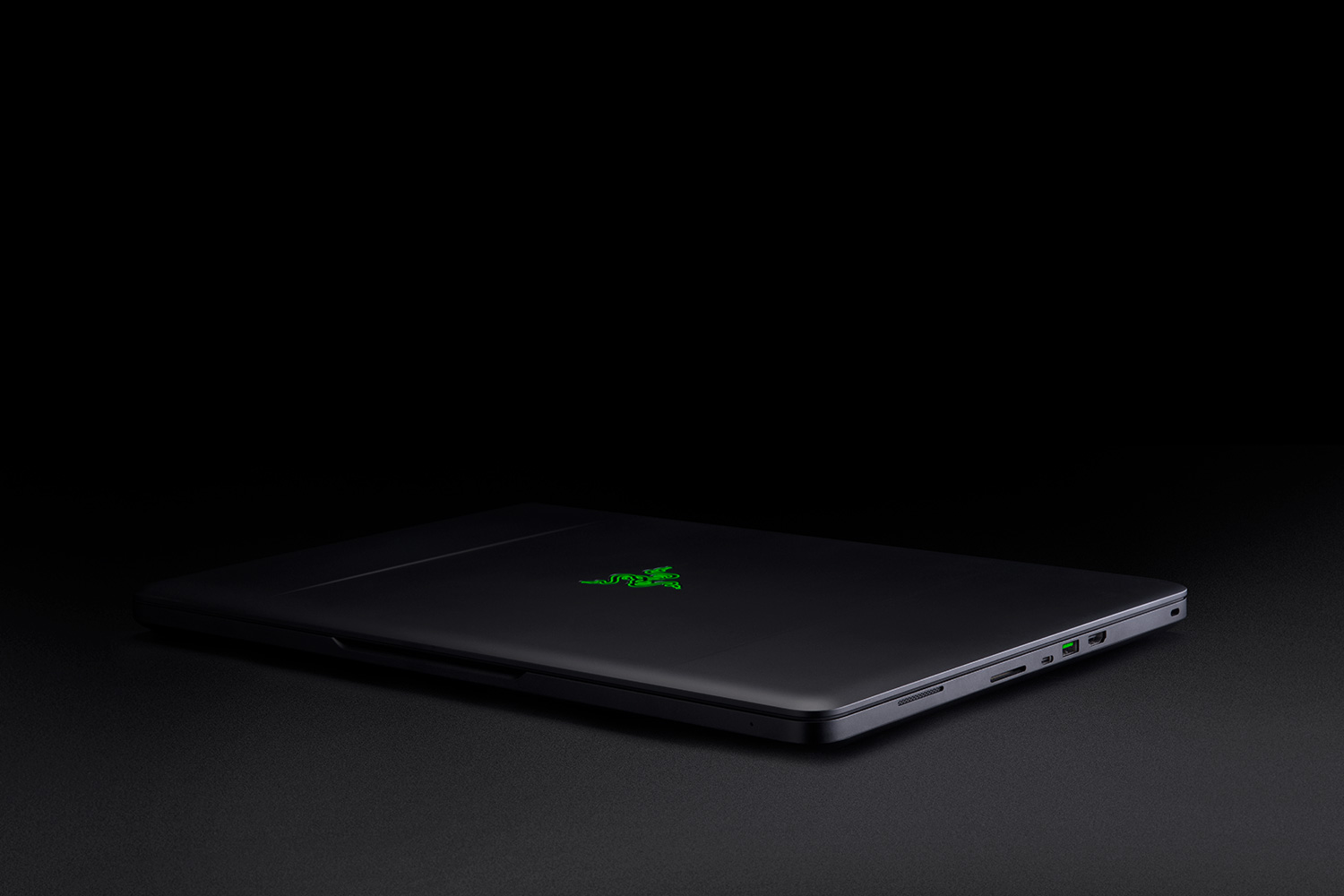
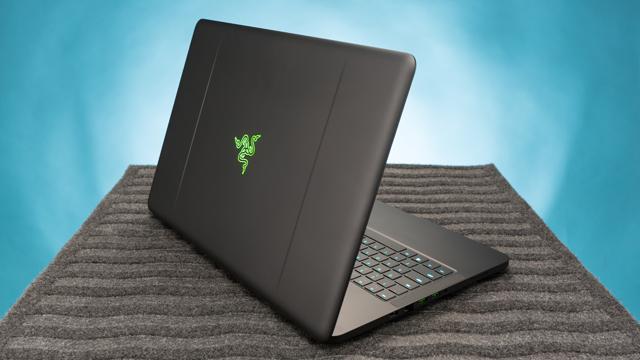
    There’s just something about a Razer laptop that makes the pulse quicken ever so slightly when you see it. Constructed from black CNC aluminum, the Blade Pro follows the Razer design dictates to a T, just on a bigger scale. The center of the laptop’s lid is slightly recessed, creating a pair of subtle ridges that help accentuate the glimmering emerald three-headed snake emblem.

    The system’s interior offers more ebony aluminum, with the center of the deck housing the full-size keyboard and rather large touchpad in a slightly recessed compartment. A power button sits at top center on the device, daring you to press it. At 7.7 pounds, the 16.7 x 11 x 0.89-inch Blade Pro is still the slimmest and lightest 17-inch gaming laptop in the land.

    The Variables


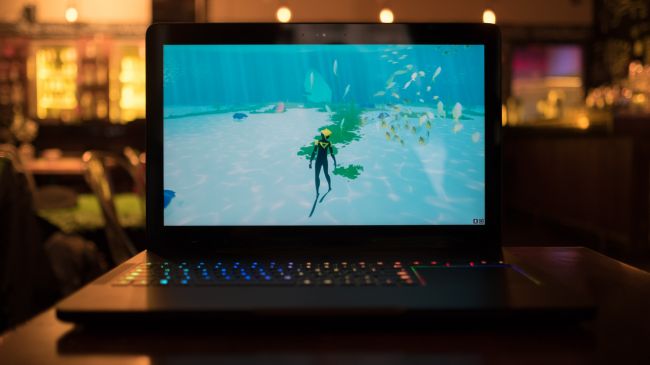
    This system doesn’t seem to struggle at all, even when playing demanding games set to high at its full 4K resolution. Drop your resolution to full HD and you still get playable frame rates with settings at ultra.The Blade Pro can easily replace a desktop, and if that’s your goal, there is an HDMI 2.0 output that handles video and audio. It’s joined by a Thunderbolt 3 port that can also handle display output in addition to three USB 3.0 ports, an SD card slot and Killer E2400 Gigabit Ethernet.
     
    [adSOC]  
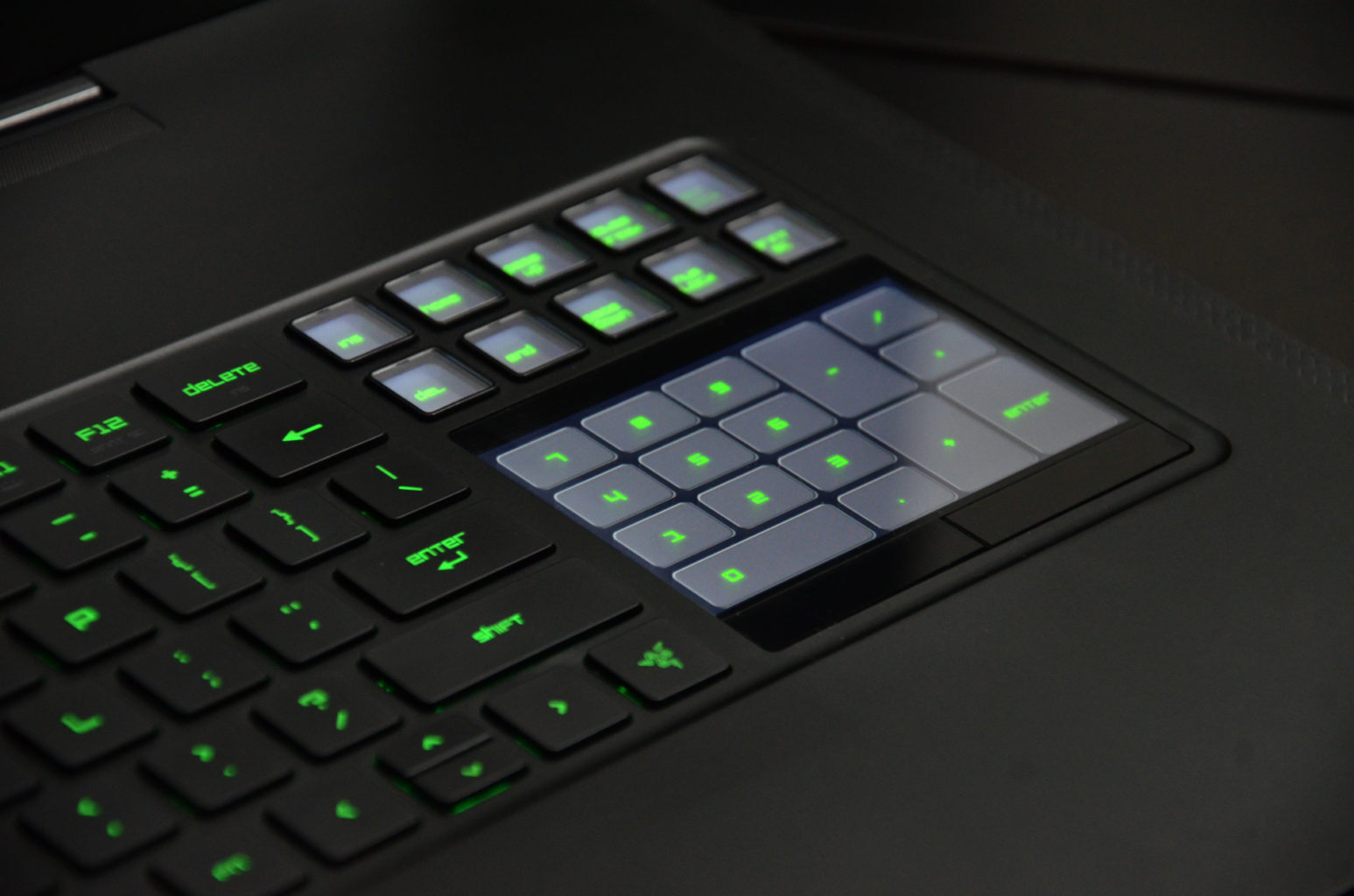
    Rather than positioning the trackpad beneath the keyboard, the Blade Pro’s pointing device is beside it on the right-hand side. More than once, we found ourselves tickling the surface below the keyboard, but it doesn’t take too long to get over this phantom pain. The taller, squarer shape makes scrolling a breeze. It’s an arrangement that feels familiar if you’re used to having your mouse next to a keyboard and it’s also far more convenient to use than a trackpad positioned between the wrist rests.

    What Are The Options


    I had a grand ol’ time reviewing the $3,999 base configuration of the Razer Blade Pro, which has an overclocked 2.9-GHz Intel Core i7-7820HK processor with 32GB of RAM, a pair of 256GB PCIe SSD in RAID 0 configuration and a Nvidia GeForce GTX 1080 GPU with 8GB of VRAM.

    Want more storage? It’s definitely going to cost you. A pair of 512GB PCIe SSD in RAID costs $4,399, while the RAID 0 1TB option brings the price up to $4,899.

    But if you’re looking for a less expensive option, there’s the $2,299 model, which has a 2.8-GHz Intel Core i7-7700HQ CPU, 16GB of RAM, a 256GB PCIe M.2 SSD with a 2TB 7,200-rpm hard drive, an Nvidia GeForce GTX 1060 GPU with 6GB of VRAM and a 1920 x 1080p display.

    The Display


    Staring at the Blade Pro’s 4K panel is like looking into a fever dream of color. The Nvidia G-Sync technology made sure that Geralt’s ashen-white hair cascaded realistically over his broad shoulders as he ran toward a cadre of flesh-eating Ghouls in Witcher 3: Wild Hunt.For gamers who value buttery-smooth graphics over higher resolution, the Blade Pro is also available in full HD (1920 x 1080), a first for this iteration of the desktop replacement. Instead of a super-high resolution, the 1080p panel has a 120Hz refresh rate. It’s not Nvidia’s G-Sync technology, but you should still get some lovely graphics.

    Quick Speck Look

    • CPU: 2.6GHz Intel Core i7-6700HQ (quad-core, 6MB cache, up to 3.5GHz)
    • Graphics: Nvidia GeForce GTX 1080 (8GB GDDR5X VRAM), Intel HD graphics 530
    • RAM: 32GB DDR4 (2,133MHz)
    • Screen: 17.3-inch IGZO UHD (3,840 x 2,160) LED with multi-touch G-Sync
    • Storage: 1TB PCIe SSD
    • Ports: 3 x USB 3.0 port (SuperSpeed), 1 x Thunderbolt 3 (USB-C), HDMI 2.0, SDXC card reader, Killer E2400 Gigabit Ethernet, headset jack
    • Connectivity: Killer DoubleShot Pro Wireless-AC 1535; Bluetooth 4.1
    • Camera: 2MP built-in webcam
    • Weight: 6.76 pounds (3.07kg)
    • Size: 16.8 x 10.9 x 0.88 inches (42.7 x 27.7 x 2.24cm; W x D x H)

    The Final Thought


    Thanks to these features, the Razer Blade Pro lends itself to be just as good at rendering beautiful game worlds as it is for accurately color correcting videos.There’s always been a distinction between gaming laptops and desktop replacement laptops, not any more this is Razor town now, Charlie.
     
    [adSOC]