Tag: universal remote

  • Total Control: Our Favorite Universal Remote

    Total Control: Our Favorite Universal Remote

    If your entertainment center has caused you to collect far too many remote controllers, it’s time for a universal remote. Logitech makes the best in the biz, but Sony has a pretty good entry worth considering too. If you’re looking to streamline your entertainment, look no further: we’ve got our favorites right here for you to check out.  

    Sony RMVLZ620 

    Sony’s universal remote has a catchy, memorable name and a slick design. One of those things is true. Jokes aside, if you want a straight-forward, bare-essentials universal remote, Sony’s is a great choice. At $25 it won’t set you back too much to streamline your living room. You can pair up to eight devices using pre-programmed codes. The one-touch macro buttons are a plus, and the backlit buttons are great for when you’re watching in the dark. If you want a simple, easy-to-use remote, this one is for you. 

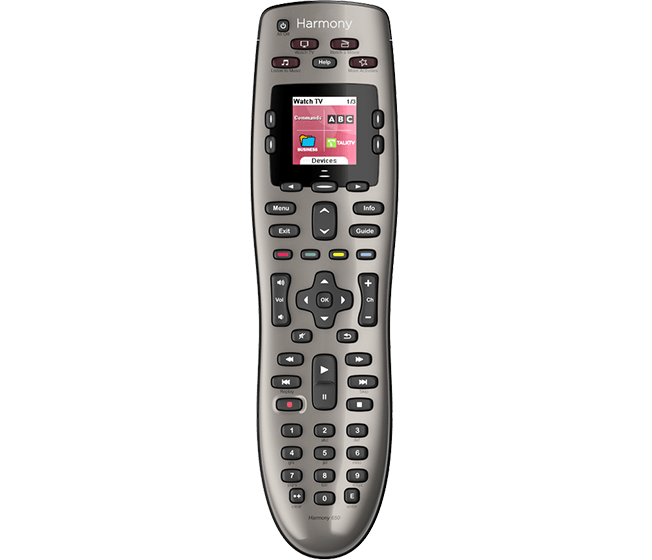
    Logitech Harmony 650 

    The Harmony 650 is the best remote for your buck if you don’t need a crazy suite of features. For those who want full smart-home integration and app uses, check out the Harmony Elite or Companion. For general use, though, the 650 will get everything you need done. The best part about this solid remote is the price tag. It only runs $35, and it’s fairly easy to set up. You just have to set it up through your computer, but once it’s online it can control your whole system with a button press. This remote is fantastically powerful for its price. 

    Our Favorite Universal Remote: Logitech Harmony Companion 

    The Harmony Companion is a fantastic choice if you intend to sync it with your smart home technology. It can control everything from your TV to your Philips Hue lights. The best part of this one is the Alexa integration. While Logitech sells a more-robust Logitech Harmony Elite, that one costs $250. The Companion, however, only costs $135 and offers similar features. If you have Alexa and smart home technology already, the Companion is a great choice at a great price. It even features a smartphone app that can also be used as a remote for the devices that are paired. You can’t go wrong with this winner from Logitech. 
  • Caavo’s Universal Consolidation Remote Control

    Caavo’s Universal Consolidation Remote Control

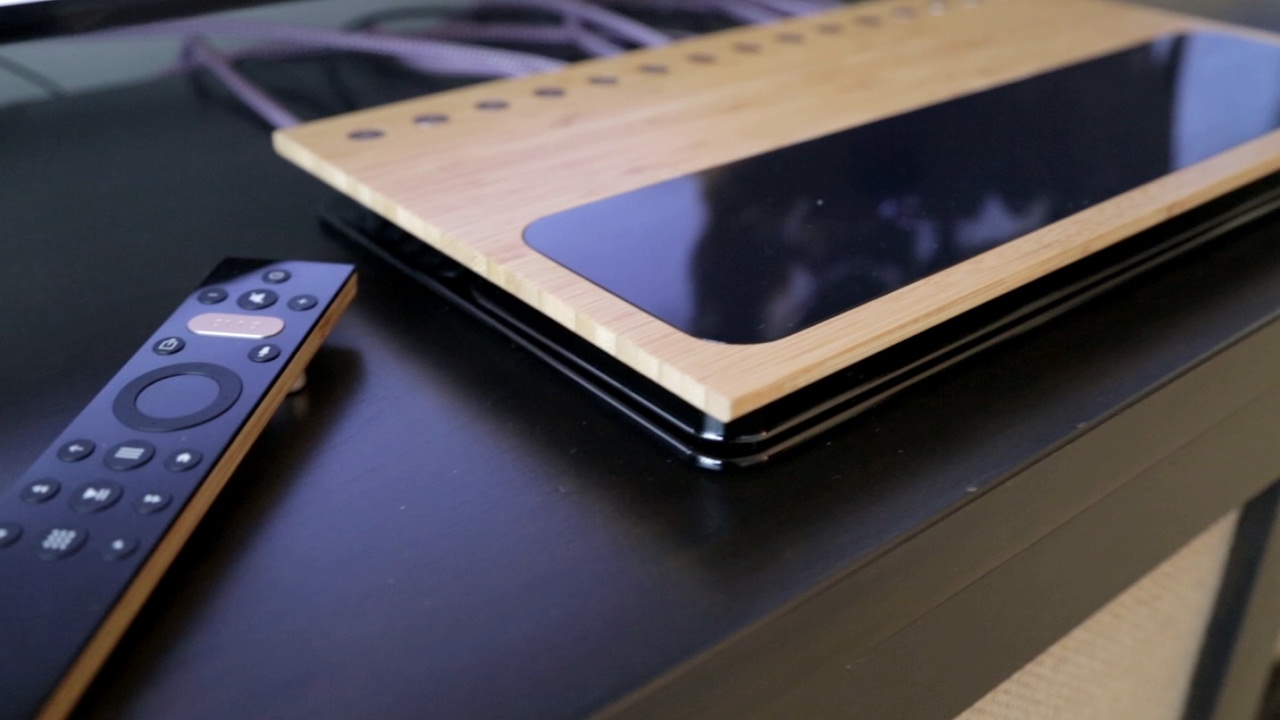
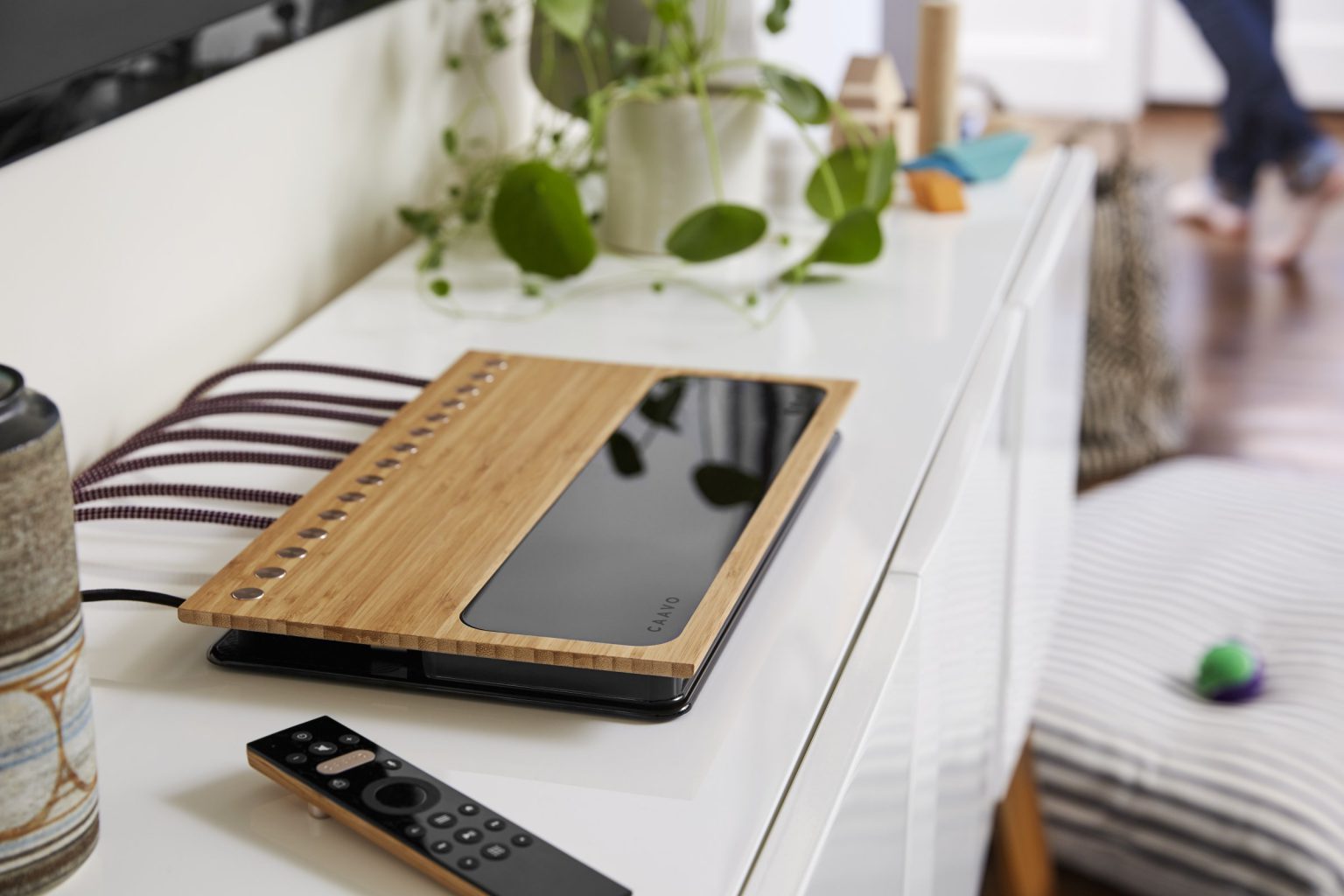
    Caavo’s powerful control system for virtually every streaming, cable, and satellite box makes for the most in depth smart remote available. Caavo is the first smart home entertainment system to unify all your devices, apps and content into a single experience.


    The Great

    • unique universal remote control
    • supports voice commands
    • Consolidates all devices
    • Revolutionary onscreen overlay

    The Not

    • No  support for HDR
    • remote is not back-lit
    • poor customization
    • Advanced functions are an issue for some devices

    The Conclusion

    The Caavo does a great job simplifying the complexity of home theater, I think this is more of the first step then the solution for the masses, this pricey system is doomed for wide adaptation with out HDR support.


    One box to rule them all

    Caavo, the exciting machine vision-powered universal TV control system is being released February 14th. It’s a powerful control system for virtually every streaming, cable, and satellite box out there. It’s not just a simple remote, though: you plug everything into the large Caavo unit, and it uses machine vision, nay Caavo Vision, to intelligently navigate the interface for all of those boxes behind the scenes.

    Unlike all the other remotes that have ever existed that use infrared macros without being able to verify that anything actually happened. The Caavo  watches the interfaces displayed on-screen, allowing it to do things  like create a single search index and watchlist across multiple services and many devices and intelligently navigate on your behalf. Caavo CTO says“We’re solving the universal remote problem, but we want to go beyond that to search,”

    The Setup

     Don’t get me wrong the setup will continuously through a multitude of issues and frustration at you. Think you remember all those passwords, think again. Just remember  Caavo is still a very new, beta product that looks more elegant than it works. I also learned the hard way that with only one HDMI extender, you are not going to get a Roku, Chromecast and Firestick all in.. Why would one need all three? Please, just stop and shut up.

    So Many Wires 

    You just simply Plug everything . All of your cable or satellite, streaming boxes or sticks, gaming consoles, DVD and Blu-ray players into the eight HDMI inputs and connect  one HDMI to your TV. From there, Caavo does the rest. It automatically knows which device to use, searches all your apps, finds what you want, and plays it. It will essentially allow you to use Alexa to control your apple TV… mind blown. You just choose what you want to watch, and you leave it to Caavo to figure out where it may be hiding.

    The Final Thought

    Being the tech guy that I am, my entertainment system now consists of 10 or so devices with 6 or 7 services and a multiple array of speakers, not to mention the extravagant array of remotes and game controllers. Trying to find that one movie where Jonathan Silver says ” come in Tokyo” while twisting fake radio dials has become a real chore. I just want to watch whatever I want as it pops in my head, optimize the sound and enjoy it right now, too much to ask? not any more. As for the astronomical price, looking at my entertainment wall… I’ve already come this far whats another $400.