Category: Android

  • What has Vivo Done Now, The Apex

    What has Vivo Done Now, The Apex


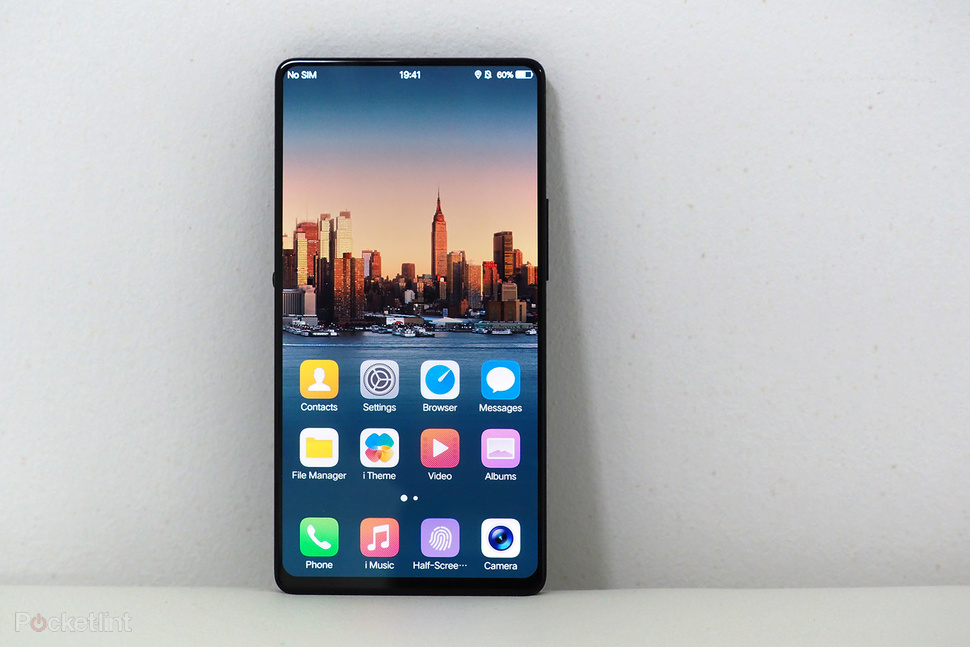
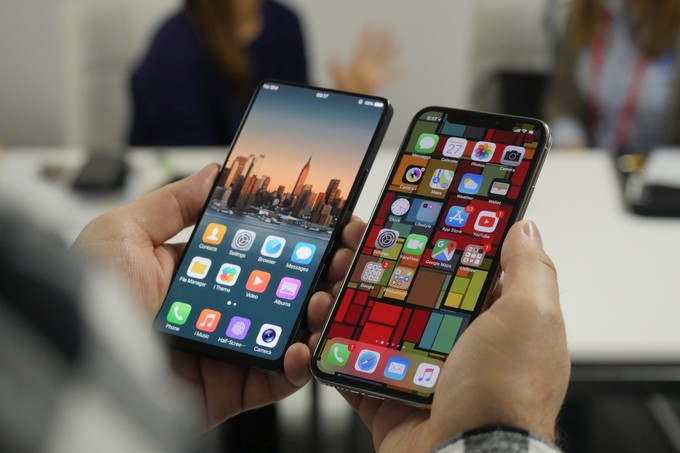
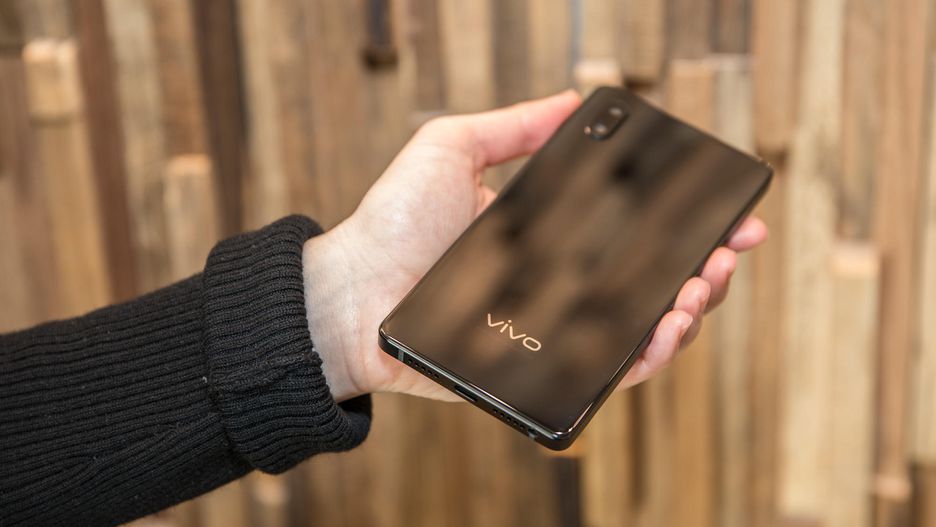
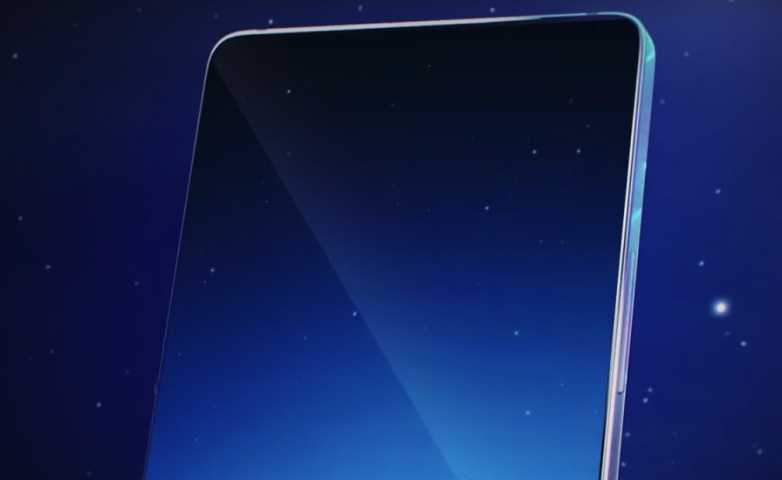
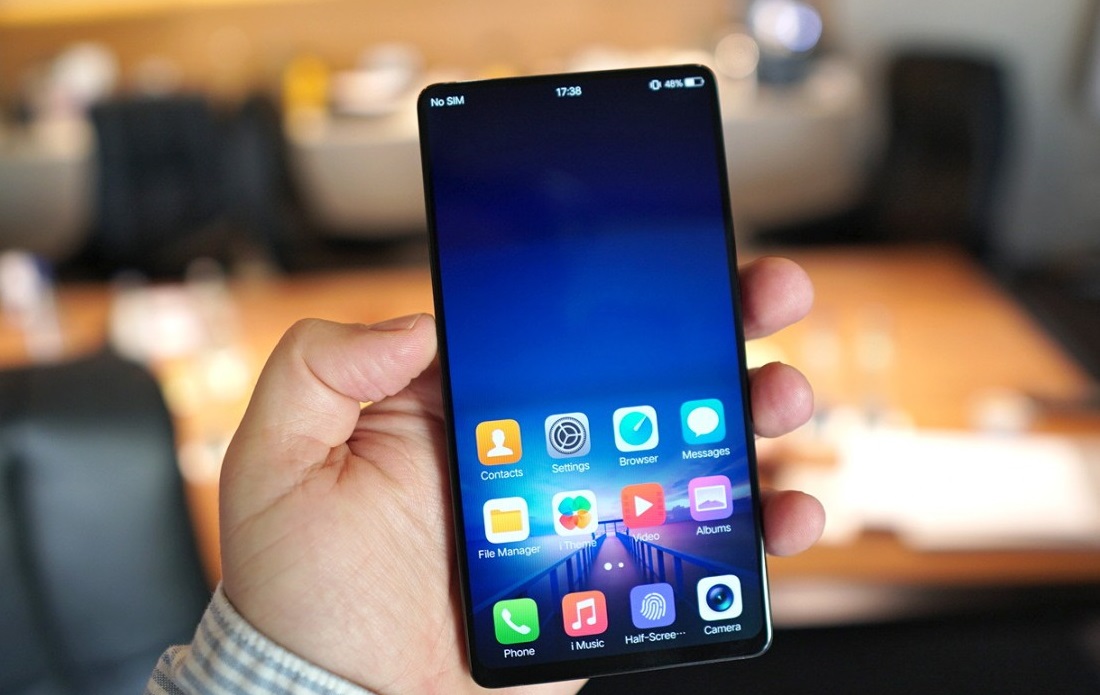
    The Vivo Apex is nothing more than a concept phone right now, but it’s tremendously impressive. Not only are the bezels practically non-existant — 1.8mm on the top and sides, 4.3mm on the chin — but there is no notch at all. It begins with a massive 6-inch screen that has eliminated the bezels to an impossible 1.8mm on three sides and 4.3mm on the bottom.

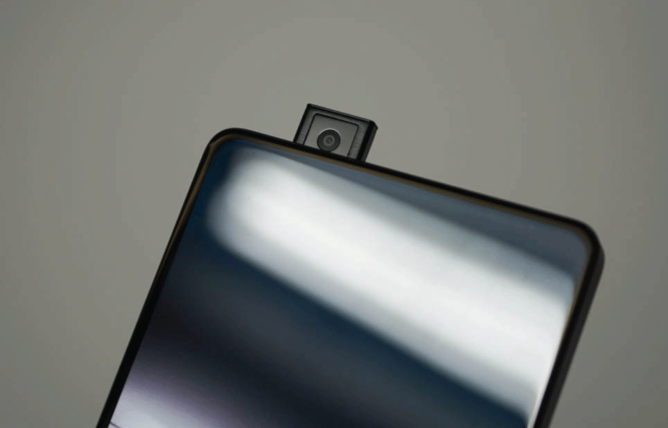
    The Vivo Apex is almost completely bezelless. The frame around the face is so slim, there is no  room for the front-facing camera.Flip over the front-facing camera and in 0.8 seconds an 8-megapixel lens rises up from the phone’s top edge. then wham, there is your selfie camera. The lens rises fairly slowly in the prototype. Im worried about a movable or mechanical piece on my smartphone. It will break somehow.

    To produce in-call sound, the company has developed what it calls Screen SoundCasting Technology. A vibration motor under the display vibrates to produce sound through the screen. Yes you read that correctly,  the Apex OLED panels that vibrate to create the sound for your videos, calls and gaming.  the speakerphone demo  on the prototype sounded loud and rich.

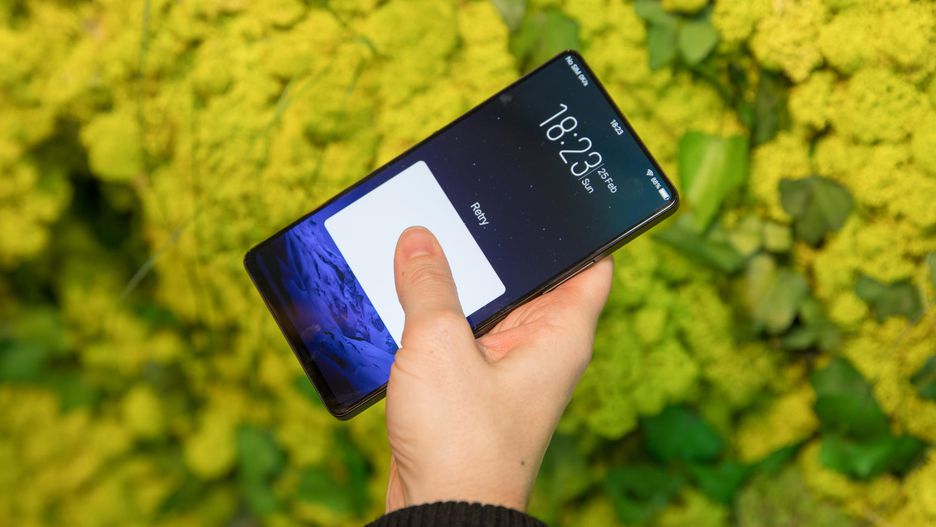
    Vivo showed us at the CES in January an in screen fingerprint reader. Now Vivo has expanded the in-screen fingerprint reader. On the Apex, the target takes up almost half the bottom of the phone, instead of just a small circle. That opens all sorts of doors to simultaneously scan two fingerprints for added security, or place your finger down at any odd angle, instead of hitting it perfectly dead center.

    The last truly impressive thing to take from this is the Vivo Apex  software seems to be a complete copy of iOS, down to the graphics assets on the homescreen and in menus. It would be nice to see another iOS inspired software option. especially in a truly cutting edge phone.

    Quick Specs Look


    • 6-inch edge-to-edge OLED display with 1.8mm bezel on top and sides and 4.3 mm on the bottom.
    • Screen resolution: 2,160×1,080 pixels
    • 8-megapixel front-facing camera
    • In-screen fingerprint reader supports dual fingerprint recognition
    • Dual rear camera
    • Hi-Fi audio chip creates more room for the battery by consolidating the DAC and three amplifiers into one

    The Final Thought

    it’s an incredibly baller phone, but it’s just a concept. That screen shows remarkable engineering and the pop-up camera isn’t as strange as you might think. I’d be happy to spend more time with the device if Vivo ever decides it’s ready for the show. I am anxious to see if the Chinese manufacturer continues innovating to fruition.


  • 5 Things We Found Out About the Galaxy S9

    5 Things We Found Out About the Galaxy S9

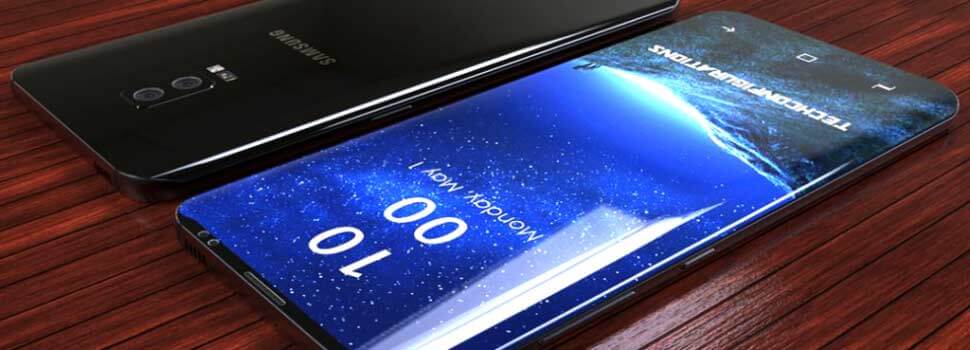
    Think you know everything about the Samsung Galaxy S9 and Samsung Galaxy S9+?  We have been posting, researching, speculating on the next big thing in the android world for a year now. Finally it has be unveiled, and we were mostly correct but here are 5 unsuspected things we were surprised to learn about the S9

    1.The bezels are thinner then the S8, but the phone is more durable

    The top bezel lands at 8.21mm with a 0.39mm reduction, while the bottom bezel measures in at 6.99mm. Impressively, that’s a reduction of 1.01mm. In both cases, the reduction in bezels actually brings the size of the device down by 1.2mm and 1.4mm on the S9 and S9+ respectively. Samsung has made the S9 more durable compared to its predecessor. In short, this comes as the result of using a different type of aluminum.

    2. The camera is quieter and does much better in low light

    I was blown away by how well the S9+ performed in dim conditions, because the variable aperture on the Galaxy S9 and S9+ goes as wide as f/1.5. Samsung says that its new flagships let in 28 percent more light. With the support of a  wider aperture, f/1.7,  that kicks in when the ambient light is 100 Lux or below.  100 Lux is the light you’ll see on overcast day or in most office settings.  At the same time, Samsung added dedicated memory to its camera in order to reduce noise.

    3. Dedicated Fingerprint

    This is a new feature for this year’s flagship phones and is for the Secure Folder element. This folder is a compartment for files and apps that you want to keep separate from the rest of the phone. It uses your Samsung account and you can access it using the same security protocol, fingerprint, passcode, iris recognition etc as you do to unlock your phone. Once you’ve moved files to the Secure Folder, nobody can see them without your passcode, fingerprint or whatever.

    4. We Get to Keep the Headphone Jack

    The S9 and S9 Plus have retained their headphone jacks, unlike other phones in the class, including the iPhone X, 8, and 8 Plus, Pixel 2 XL, or the Huawei Mate 10 Pro. That’s a blessing for audiophiles who just aren’t satisfied with the current state of wireless audio and for people who even have a designated pouch for their dongles but still lose them. Admit it dongles are tiny and easy to misplace.

    5. That Sound Really Bumps

    Dual stereo speakers to the device for the first time . The S9 finally  have Dolby’s surround-sound Atmos technology built-in.  Samsung created a device that offers premium sound experiences with stereo speakers tuned by AKG. Whether users are watching their favorite movie or streaming their favorite artist’s latest album, sounds are clear, crisp and rich in quality.


  • SmartPhone Spotlight: Nokia 8 Sirocco

    SmartPhone Spotlight: Nokia 8 Sirocco

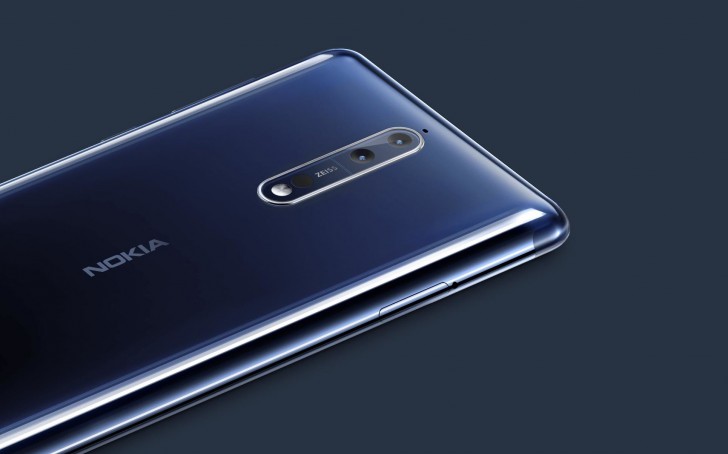
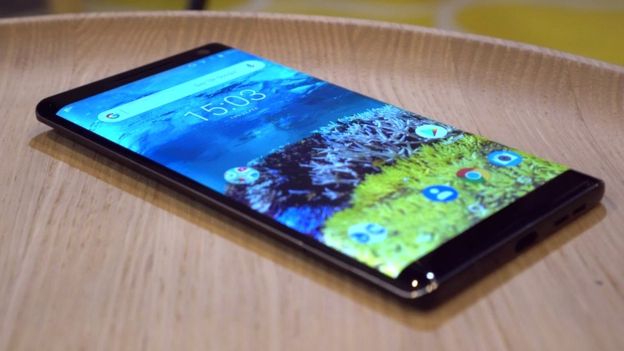
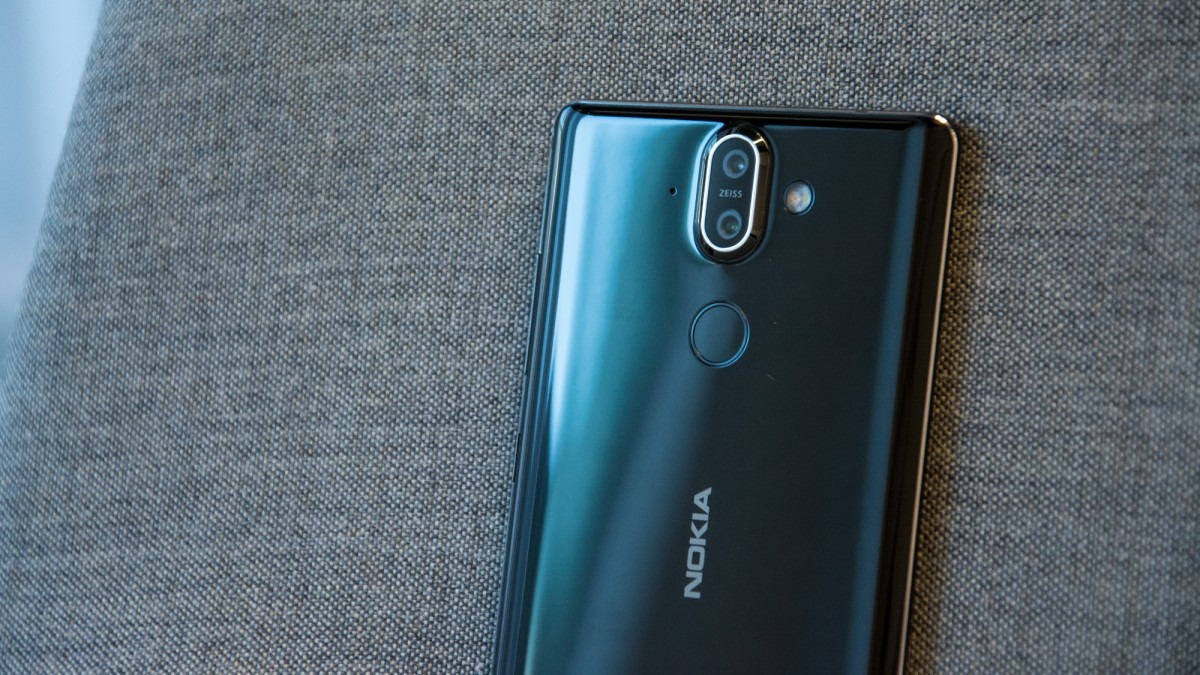
    Nokia has officially launched the Nokia 8 Sirocco  at the MWC 2018, which will be available from April 2018 . In fact, this is the most powerful phone that will support  Android One.

    The Great

    • Premium Line
    • Solid Stainless steel build
    • Qi wireless charging

    The Not

    • No headphone jack
    • Poor battery performance
    • Snap dragon 835 not 845 processor

    The Conclusion

    a Snapdragon 835 chipset, 6GB of RAM, 128GB of storage, dual rear facing camera, a fingerprint sensor, face unlock and Android 8 Oreo onboard – ensuring the Nokia’s 8 Sirocco has a sizable spec sheet to justify a lofty price tag. With a slew of new  android flagship phones launching from every direction, the Sirocco will have its work cut out to steal some of the market share.


    The smartphone is constructed from a single block of stainless steel  a lot like the Apple iPhone X. This makes the Nokia 8 Sirocco a very durable smartphone with stainless steel being much stronger than the Aluminium. It will be  IP67 water and dust resistance. As for size  it measures just 7.5 mm at its thickest point and 2 mm at it thinnest. This will be the first Nokia Android smartphone to support wireless charging as  well.


    Quick Spec Look

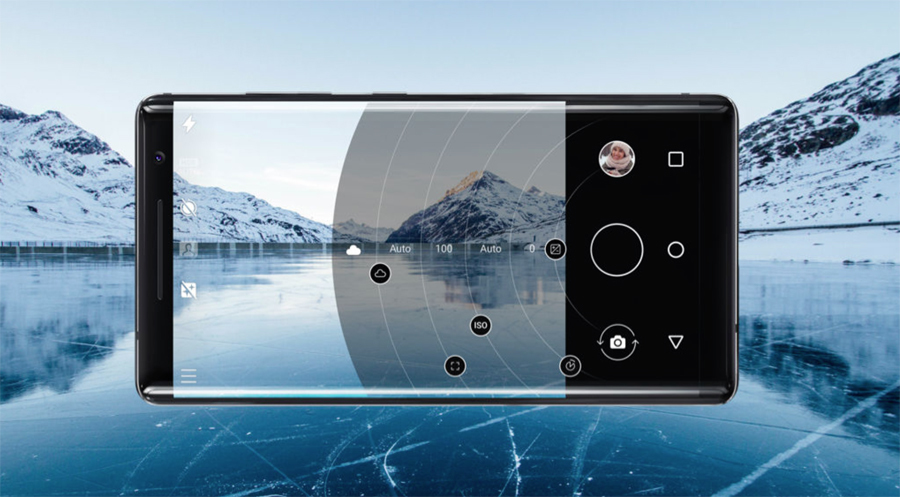
    The Nokia 8 Sirocco has a 5.5 inch pOLED QHD+ 2560 x 1440 px display with 18:9 aspect ratio. The display offers a dual curved design with the vacuum moulding technology with Gorilla Glass 5. The device is powered by Qualcomm Snapdragon 835 chipset with 4GB RAM and 128GB storage.

    The Nokia 8 Sirocco comes with dual primary camera setup, powered by Zeiss. The primary 12 MP sensor has an f/1.75 aperture with 1.4-micron pixel size and the secondary 13 MP telephoto lens has an f/2.6 aperture. The device has a 5 MP front-facing camera with f/2.0 aperture and 1.micron pixel size. In fact, the primary camera setup found on the smartphone is exactly similar to the Nokia 7 Plus’s camera specifications.

    The device does offer additional features like NFC, 4G VoLte, Bluetooth 5.0, and a rear-facing fingerprint scanner. However, this is the first Nokia smartphone to remove the 3.5 mm headphone jack.


    The Final Thought

    Underneath that glossy exterior sits a Snapdragon 835 which enables VR goodness, but is still yesterday’s news compared with the brand new Snap Dragon 845.  This gives one big reason to pass on Nokia’s new bad boy, but nothing stands out as a good selling reason to grab one.

  • The Matrix is Calling from the Nokia 8110 Reboot

    The Matrix is Calling from the Nokia 8110 Reboot

    Nokia has debuted a wide range of promising Android phones across a full pricing spectrum, from the slick Nokia 8 Sirocco at the top to the ultrabudget Nokia 1, which runs the stripped-down Android Go operating system. The most exciting news from Nokia is that they are bringing back the Nokia 8110.

    Morpheus?

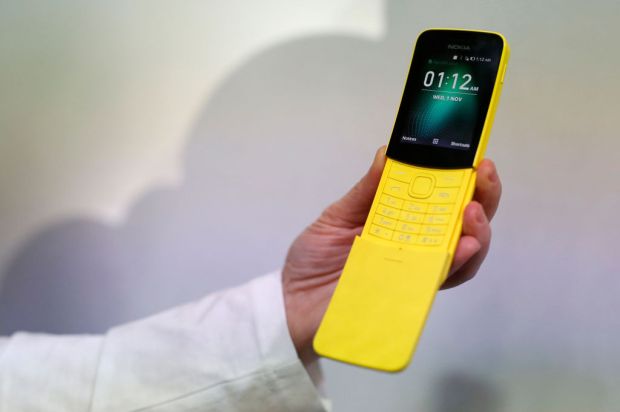
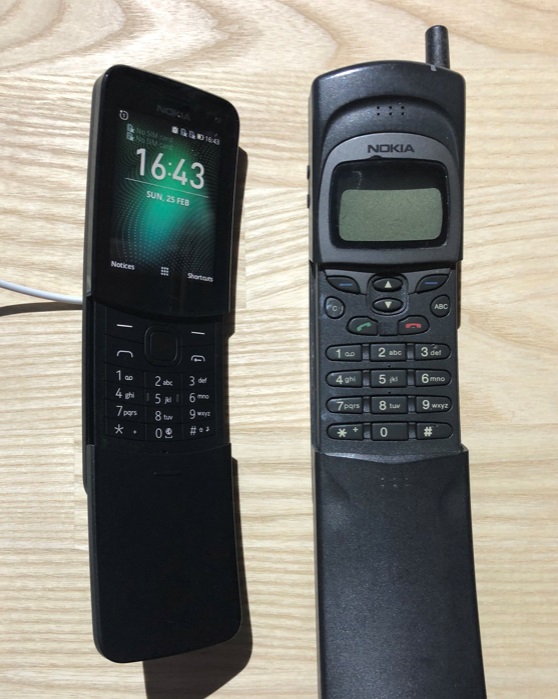
    The original Nokia 8110 popularised the slider phone. You know the one we all wanted from the Matrix. We got our first look at the rebooted classic alongside a slew of new phones from Nokia at the annual phone fiesta MWC in Barcelona.


    Looks like a Banana

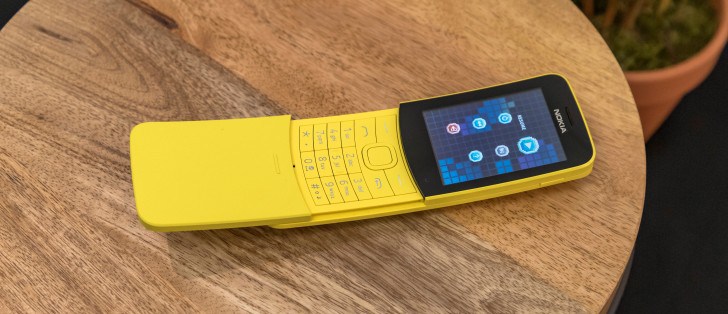
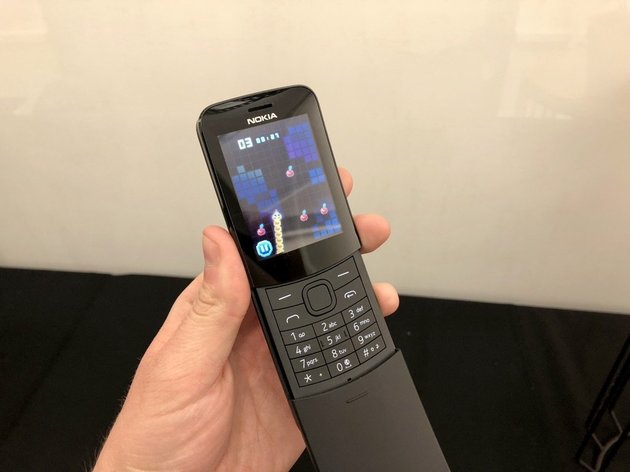
    The classic model’s curved case also earned the nickname the banana which Nokia alludes to in the bright yellow colour of the new model. I’m personally going to go full Keanu and get the black. However it is not spring loaded. When asked Nokia’s Raun Forsyth explained: ‘We looked into it but it was a matter of the complexity and the cost and space it took up. So, the width grew, the thickness grew, there were difficulties of making it reliable and risk-free. In the end we had so many concepts on how to do it: one guy wanted an eject button, then we needed something to dampen the eject and so on. In the end, it came down to that conversation of the sweet spot of being reliable, essential, not over-complicated. The phone’s dimensions are very important. Keeping this to what we consider the perfect size is a real challenge.’


    It’s a blast from the past with a tiny, non-touch screen and a 0-9 keypad. Navigating it is just as hard as you’d expect until you remember you actually owned Nokia devices 15 years ago. Fortunately that unsightly top antenna from the original phone is nowhere to be seen.


    Quick Spec Look

    • Smart Feature OS
    • Dual-core 1.1GHz Qualcomm 205 processor
    • 512MB RAM
    • 4GB internal storage
    •  2.4-inch, 320×240-pixel display
    •  Micro-USB charging port
    • Micro SIM
    • 3.5mm headphone jack
    • 1,500 mAh battery


    The Final Thought

    I’m getting one, for $60 it will be a nice back up and it’s makes me feel like I can still walk in to a blockbuster video or call Trinity. I know shouldn’t even care about this phone’s specs because it isn’t a smartphone, so specs don’t really matter. It’s just at a 2.4-inch display, Snapdragon 205 processor, 512MB of RAM, 4GB of built-in storage, 2-megapixel camera, and 1,500 mAh battery that is removable. Remember removable batteries…. I remembers.


  • Ausu Z5 It Looks like iPhone Acts Like Cheap Android

    Ausu Z5 It Looks like iPhone Acts Like Cheap Android

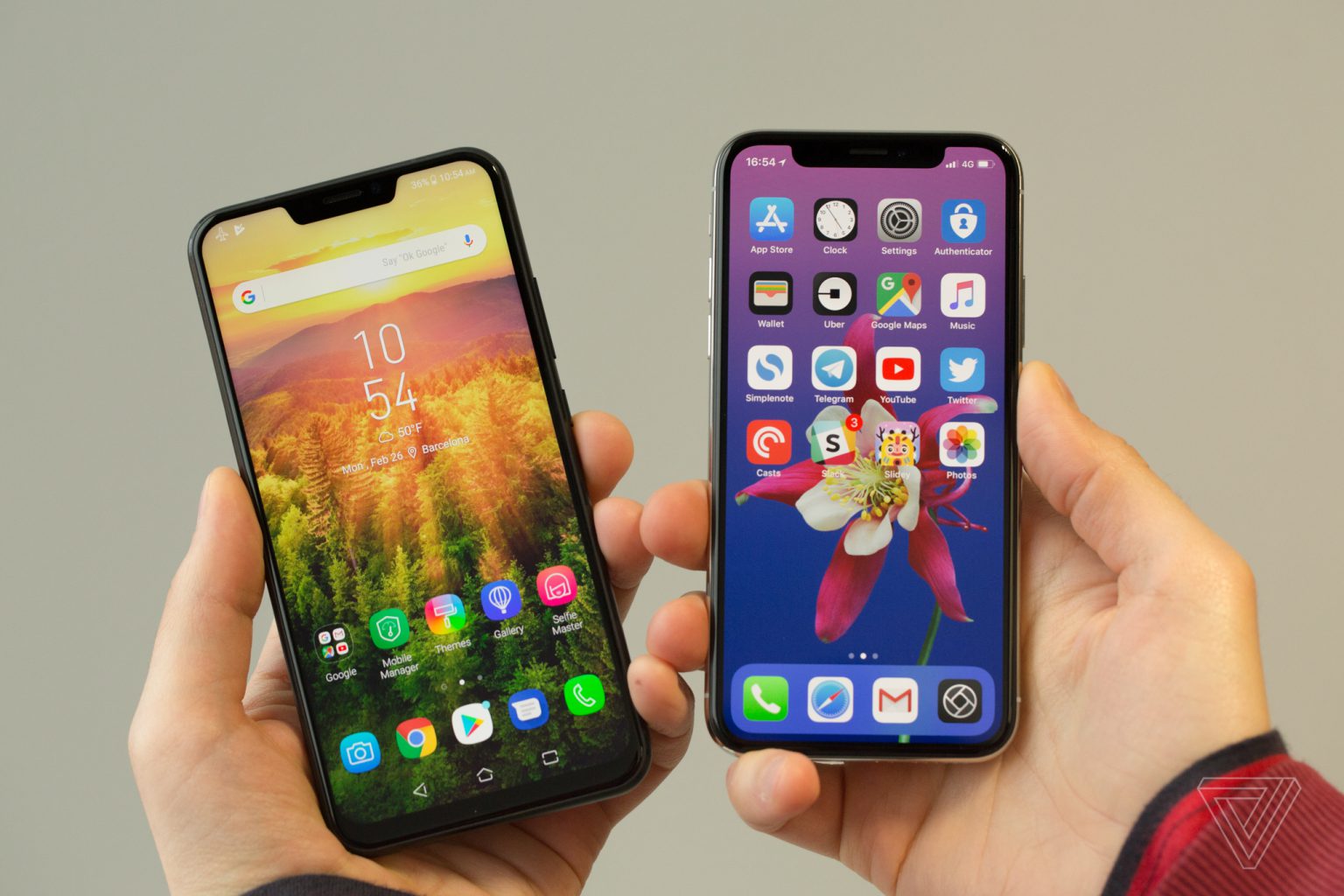
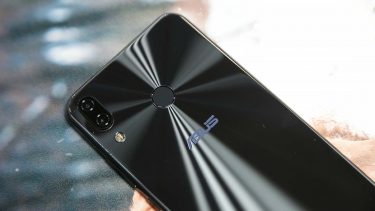
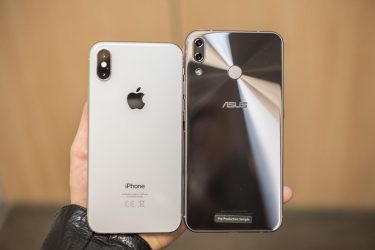
    It was Taiwanese tech company Asus’ turn on Tuesday to unveil its latest flagship phone at Mobile World Congress. While better known for its various PCs and gaming products, Asus has been making smartphones for quite some time. Asus is taking on the iPhone X with a cheap android knock off. The Zenfone 5 is a slim, sleek, attractive device, but the first thought many people had was … this looks like the a cheap iPhone X..


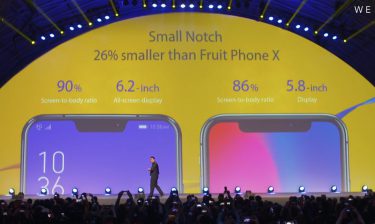
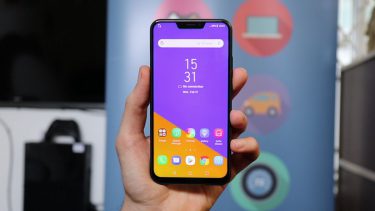
    Available in three different models: The $500 “premium” Zenfone 5Z, the standard Zenfone 5, and the entry-level Zenfone 5 Q  , Asus’ new phones boast specs that read much like those of industry leaders, including dual rear cameras with a 2x zoom, powerful stereo speakers, face unlock, and a bunch of regular features with “AI” tacked in front, like “AI” charging, and an “AI” display with a 90-percent screen-to-body ratio. The Zenfone 5 even has a notch at the top of its screen similar to the new top product from Steve Job’s old company.

    CEO Says its not Fruit Company?

    Asus CEO Jerry Shen sees the Zenfone as a totally different proposition next to Apple’s luxury piece of kit.”Our price will be very affordable and attractive and for everyone to enjoy compared to the fruit company,” Shen said. The company didn’t say how much the Zenfone 5 will cost, but its top-end 5Z phone will be around $590.

    When Asked about the similar Apple notch at the top Shen Stated that Asus needed to include a light sensor and forward-facing camera on the front of the phone. But if it removed the top bezel, these would have to be squeezed in at the bottom of the screen. Shen explained that this would leave the front camera pointing squarely at his chin, demonstrating his selfie pose for us. “From the beauty decision, from the user experience decision, the team decided to use it this way and I agree,” said Shen about the notch. “We do not want to copy, and actually they told me we are thinner, we are nano.”


    Asus has made a major leap forward in design. The Zenfone 5 fits a 6.2-inch display within the same physical footprint as the 5.5-inch Zenfone 4. That’s thanks to a thin-bezel design that results in a 90 percent screen-to-body ratio. In its effort to appear more advanced, Asus accompanies the screen with some spurious AI claims. The company has an automatic adjustment for color temperature — much like Apple’s True Tone on the iPhone X — and a sensor to keep the screen on while you’re looking at it, which it collectively calls AI Display. They use the word AI loosely at Asus.

    Quick Spec Look

    • Processor Qualcomm Snapdragon 636
    • OSAndroid 8.0 (Oreo)
    • Memory 64 GB, 4/6 GB RAM
    • Camera Dual: 12 MP (f/1.8, 24 mm, 1.4 µm)
    • Size 6.2 inches IPS LCD

    The Final Thought

    They Can deny this all they want, this was made to look like the iPhone X, only that is no iPhone. Cheap, Androidy, and nothing special. Down to the lackluster Zenimojis… yeah they went there. They did miss one big feature of all the other androids and the iphones which is water proofing. Asus will release the Zenfone Lite in March, followed by the Zenfone 5 in April and then the Zenfone 5Z in June.


  • SmartPhone Spotlight: BLU R2 PLUS

    SmartPhone Spotlight: BLU R2 PLUS

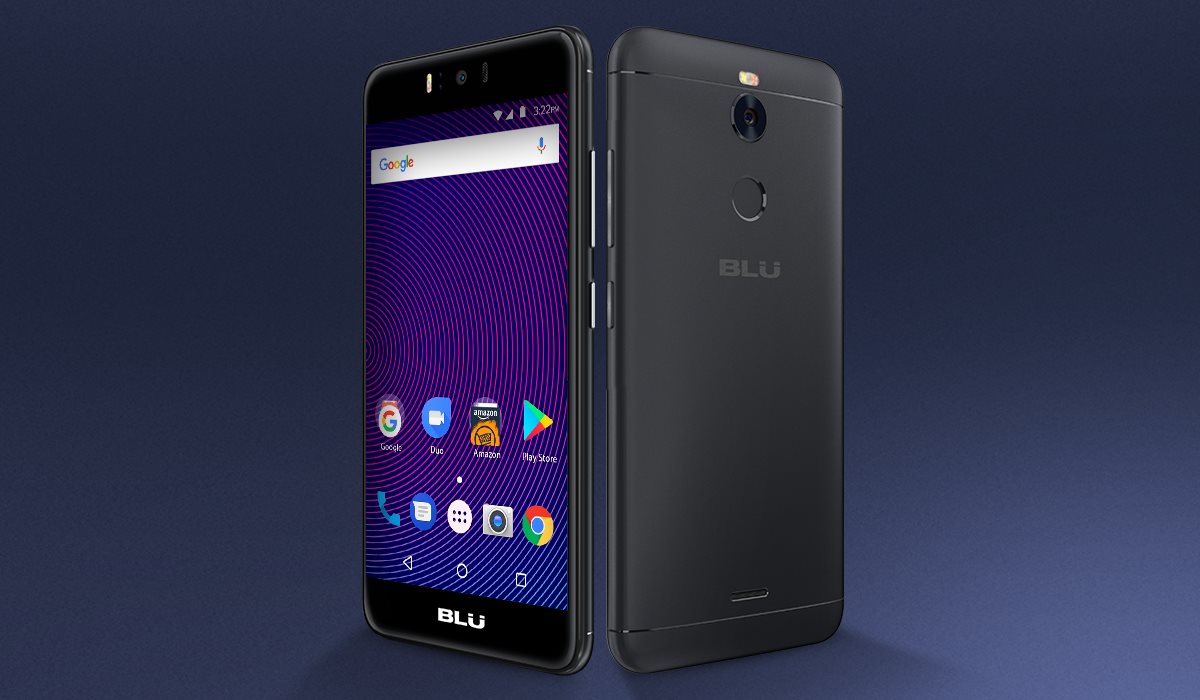
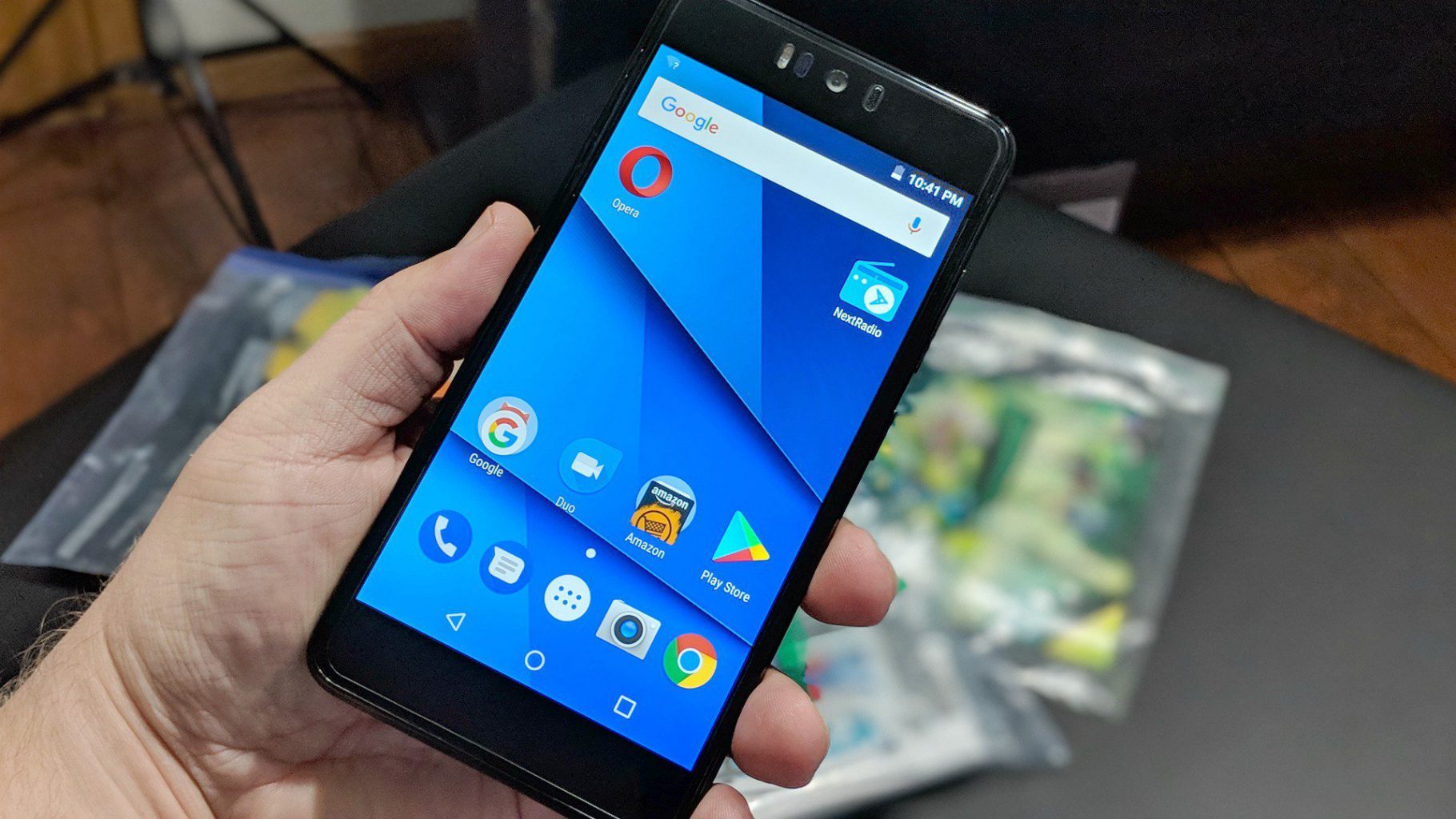
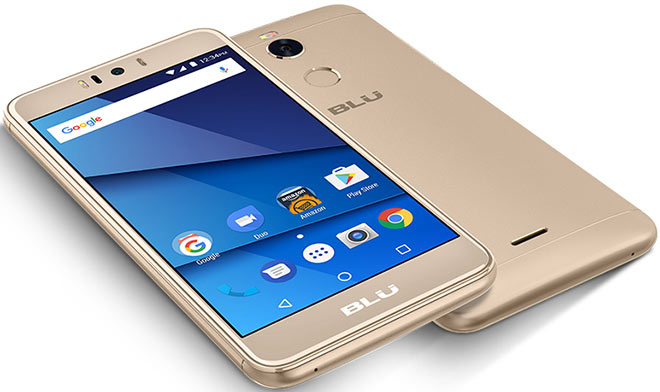
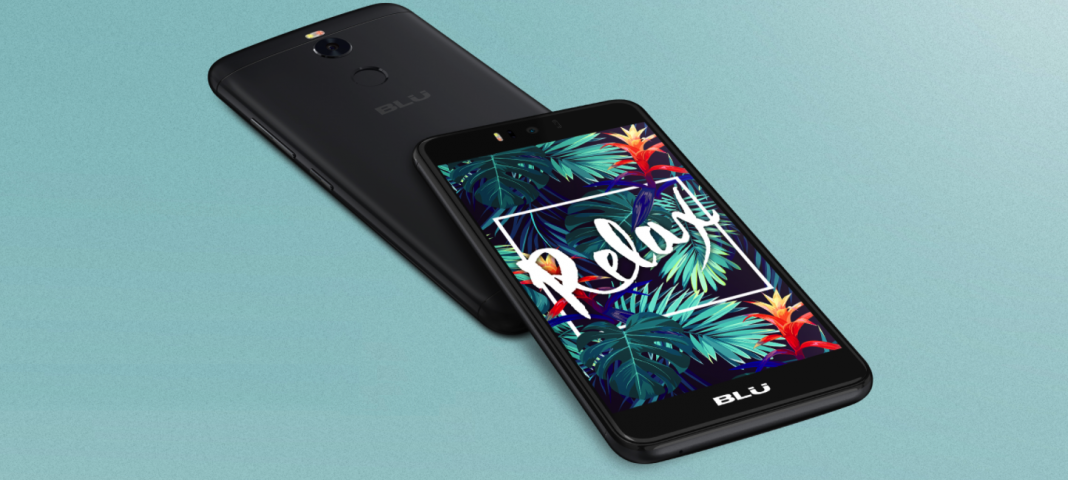
    BLU R2 Plus is a mid-level smartphone that has a good design and build quality. It ships with Android 7.0 and is not for the camera phone junkies. It takes ads to another level by presenting them in the Lock screen.

    The Great

    • Fingerprint sensor
    • Good display
    • Low price
    • Decent cameras for a budget phone

    The Not

    • The Ads
    • Odd design
    • Poor battery life
    • Laggy performance
    • Outdated software


    The Conclusion

    While the budget line gets a timely and worthwhile refresh its still crappy. The phone’s price wows, but that’s about it

    But It Sells

    At $129 unlocked on Amazon, the Blu R2 Plus is one of the least expensive Android phones out there. It supports GSM networks including AT&T, T-Mobile, MetroPCS and Cricket, meaning you can easily take it to one of those carriers, pop in the appropriate SIM card, and enjoy service immediately.

    The display in Blu’s big budget offering notched a peak full-screen brightness of 481 nits, represented 119.2 percent of the sRGB color space, and delivered a Delta-E color accuracy score of 0.38 when we put it through our round of tests. Those are among the best numbers in the budget class, and even more impressive considering how little the R2 Plus costs

    The camera hits and misses, not worthy of any real explanation. Its just cheap and terrible

    Quick Spec Look

    • Unlocked Dual SIM smartphone; Android 7.0 nougat
    • 5.5” Full HD 1080p curved glass display, metal housing design with finger Print scanner
    • 13 MP Main Camera with flash + 13 MP selfie Camera with flash
    • 32GB Internal memory 3GB RAM Micro SD up to 64GB; Mediatek 1.3 GHz Octa core processor with MALI T720 GPU
    • 4G LTE (1/2/3/4/7/12/17/28) 3G(850/900/1700/1900/2100):

    The Final Thought

    Blu is back with a successor, the appropriately named the R2 Plus, which sports a new processor, improved cameras, a fingerprint sensor and a slightly refreshed design. It’s even a bit cheaper, going for just $129 this time around. However, Blu made some sacrifices to hit that more attractive price, which leaves the R2 Plus feeling like a step backward

  • SmartPhone Spotlight: Essential’s Essential Phone

    SmartPhone Spotlight: Essential’s Essential Phone

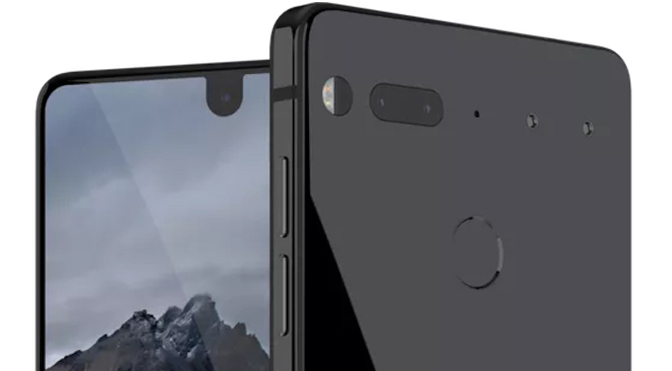
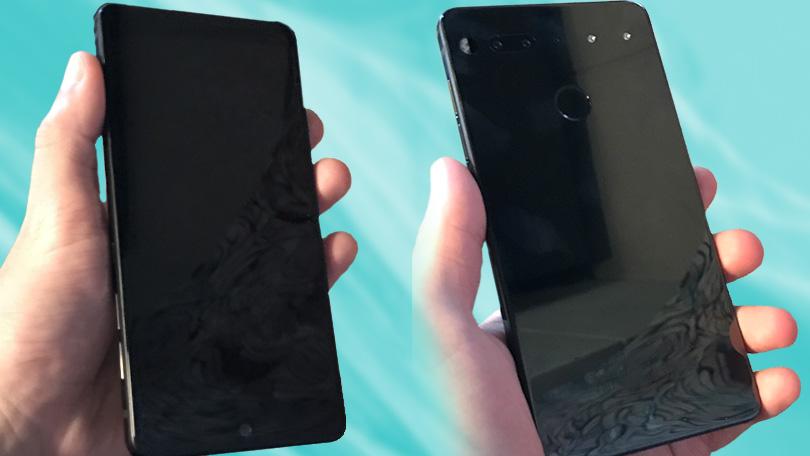
    Essential was founded by Andy Rubin, one of the creators of Android. Essential Phone works on all major carriers incl. Verizon, AT&T, Sprint and T-Mobile and features a beautiful edge-to-edge full display, titanium enclosure and a scratch-resistant ceramic back.


    The Great

    • No logo
    • No pre installed bloatware
    • Stunning design
    • Decent specs

    The Not

    • Accessory port needs to prove itself
    • Missing many features
    • A total fingerprint magnet
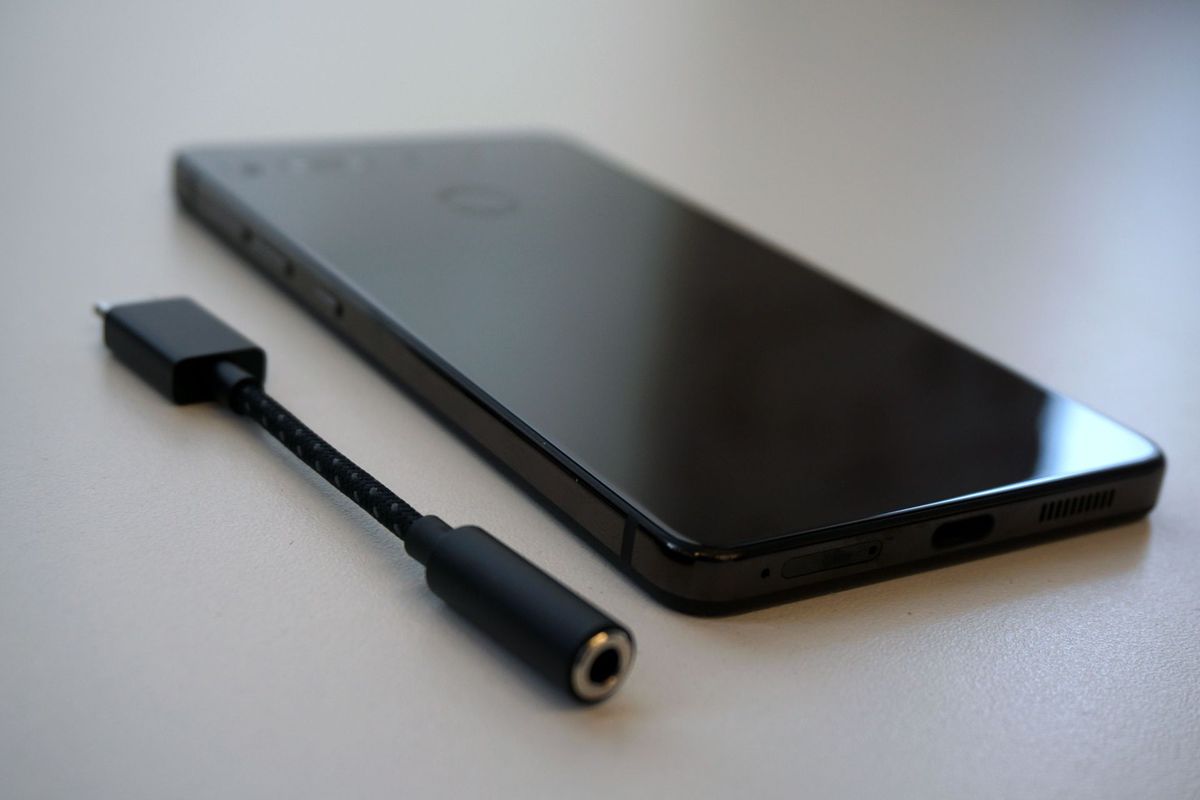
    • No headphone jack
    • Battery life is merely OK
    • No photo or video stabilization

    The Conclusion

    This is a decently powered Android with out all the stuff that makes us roll our eyes at Android. With no logos or identifying markings and a bevels less screen it looks unique. At half the price of most other premium Androids this is a steal at $499


    Andy Rubin, co-founder of Android, made waves earlier this year when he released the $500 Essential Phone. According to Rubin, the purpose of creating the Essential Phone was to address some of the problems people have with smartphones such as getting rid of “planned obsolescence”, having an open ecosystem, and premium build quality without the premium price.

    Its Hipster Cool Design

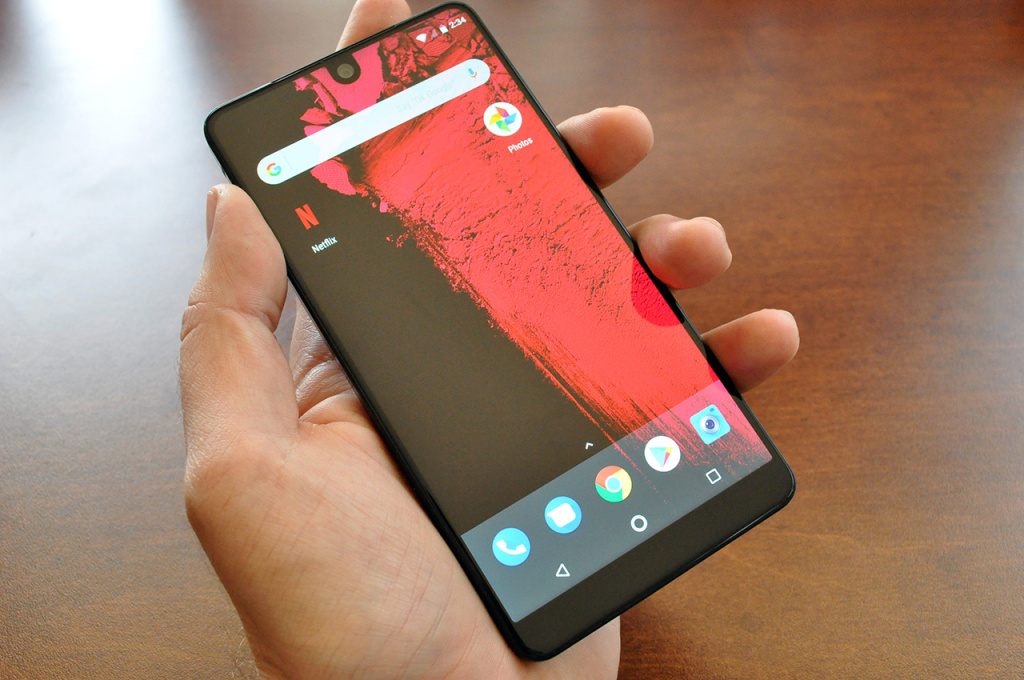
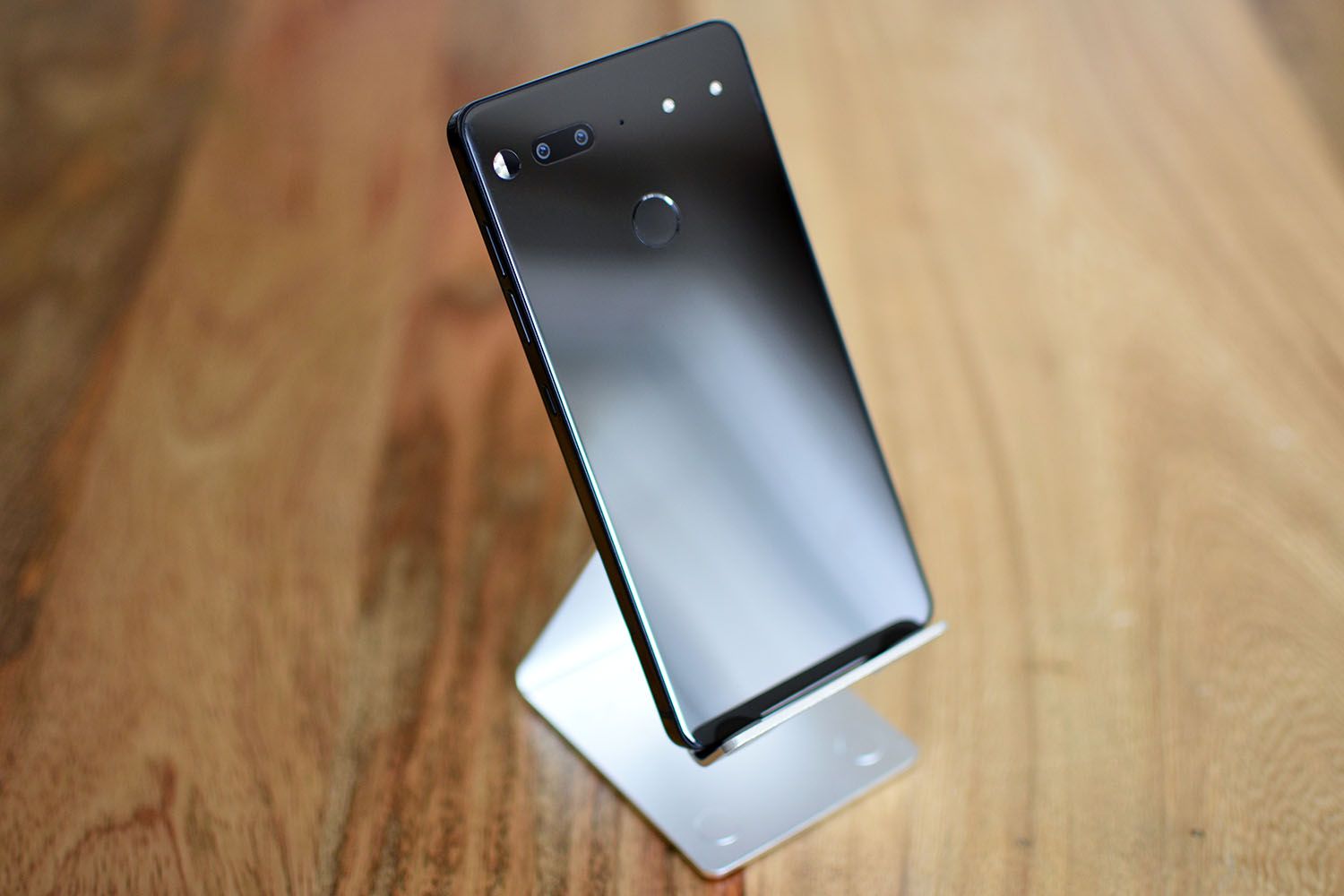
    The titanium body and ceramic back, coupled with this unique all-display front design really do make for an attractive phone. I’m sure some of you still hate that front camera notch at the top, but it has never really bothered me. While there is a solid black block of bezel at the bottom of the phone, the way the display carries all of the way up to the top front curved corners offers a uniqueness that no other phone really does. This is one of those phones that just looks cooler than everyone else’s. With no logo, company or identifiable markings it is the ultimate hipster design and it works.

    The Screen

    Of course, the display is the star of the device. Despite the Essential Phone’s small size, the display is an impressive 5.71-inches in a 19:10 form factor. It has a resolution of 2,560 x 1,312, making it very sharp. It’s a beautiful panel, though it could use a little more brightness. You can’t see individual pixels whatsoever and the colors are vibrant and accurate.The only down note is it has an LCD instead of an OLED display, meaning you’re not getting the same black levels and bright colors as you’re getting with the iPhone X or Galaxy Note8.

    What the Camera Mod

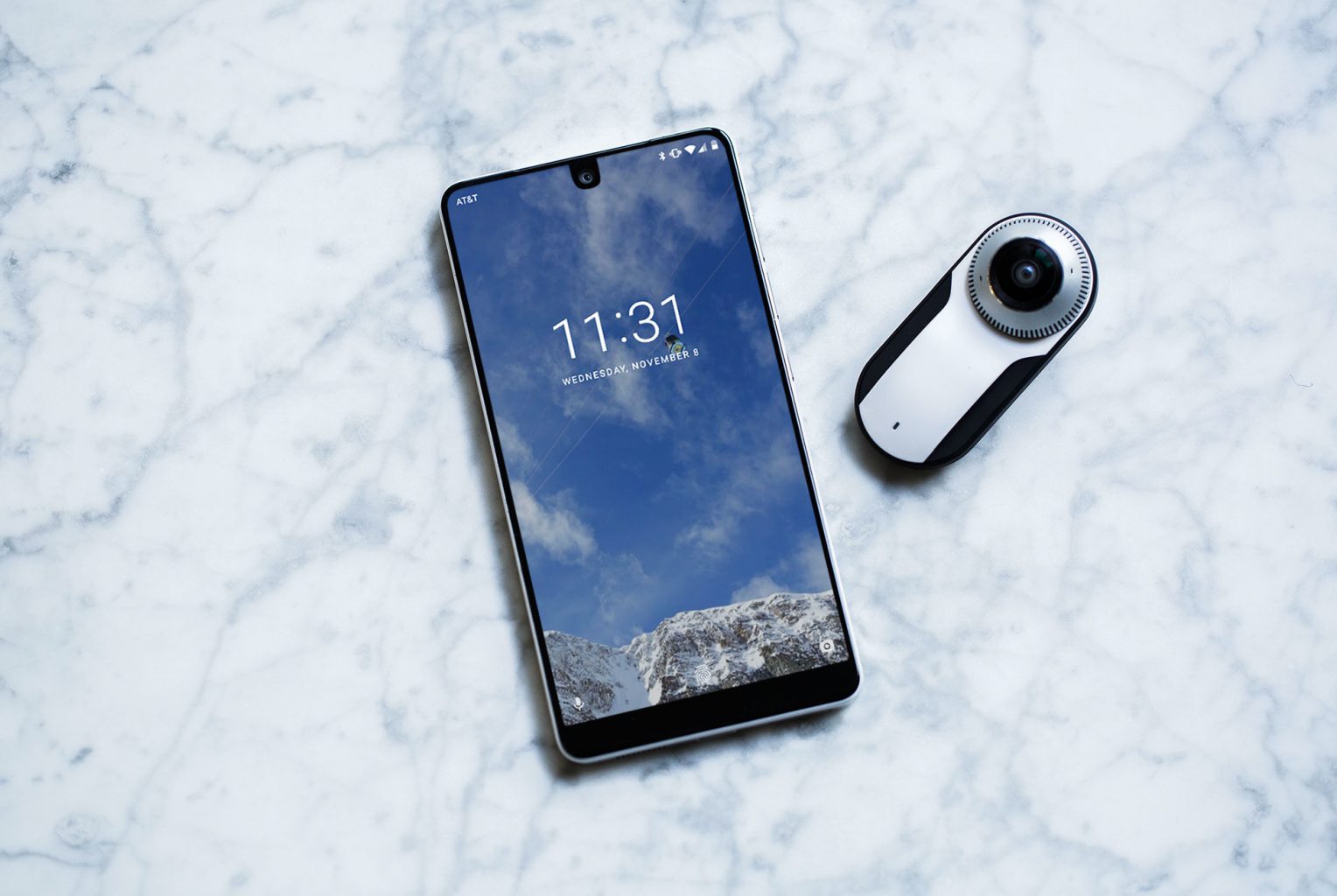
    There is a camera addition you can buy. it lets you capture you world in complete surround with the world’s smallest 4K 360 degree Camera that is powered by the Qualcomm Snapdragon 625 . There is also no need for any dongles or chargers. Connects to Essential phone’s magnetic connector. The modular camera is neat, and magnetically clicks to the phone perfectly, but you have to keep track of it and keep it on you at all times to use it. And chances are you won’t. Also, 360-degree cameras haven’t caught on yet. The biggest thing is that the camera isn’t quite as good as other high-end smartphones. Even if the specs dual 13MP system sounds exciting, it wasn’t that impressive and  there was no setting that resembled a portrait mode, either.

    The Quick Specs

    •  5.71-inch 2,560 x 1,312 19:10 with rounded corners
    • Snapdragon 835
    • 4GB Ram
    • Camera: Dual 13MP rear (RGB + monochrome), f/1.85 lens rear, 8MP front
    • Battery: 3,040mAh, 27W fast charging
    • Operating system: Android 7.1.1 Nougat

    The Final Thought

    The Essential Phone legitimately feels different from any other smartphone I’ve tested in 2017. It’s heavy, in a good way, and has a beautiful edge-to-edge display that’s bigger the iPhone 8 Plus’s. The phone is fast, built with the latest Snapdragon 835 processor, and runs like a top-tier smartphone. Its Android OS is bloatware-free, which, as a lover of the original Google Pixel, I found refreshing.


  • 5 Best Mobile Payment Apps

    5 Best Mobile Payment Apps

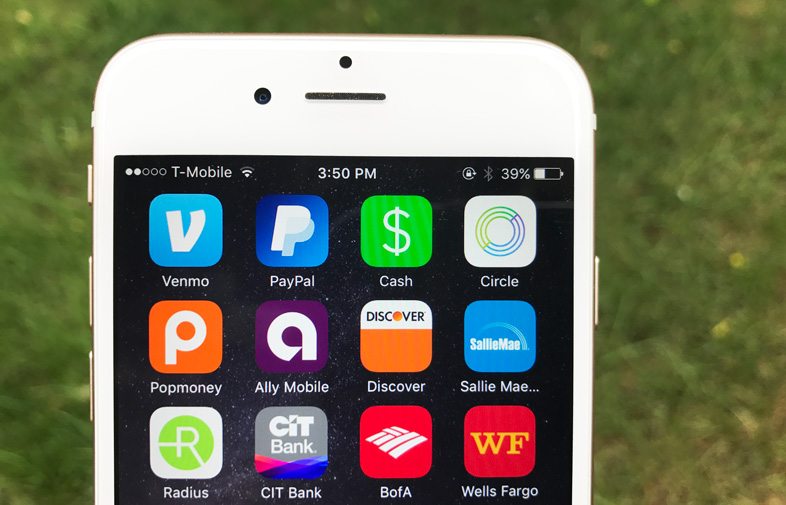
    Thanks to our smartphones, there’s no longer a need to put that drink purchase from a friend on an imaginary tab, or give them an IOU. From PayPal and Venmo to Square Cash, peer-to-peer mobile payment apps are perfect for friends and loved ones who want to exchange relatively small amounts of cash.  If you are looking to download one of these apps but don’t know which one is the best for you we compiled a list of  the top 5 best mobile payment apps today.
    payment apps


    5. Zelle

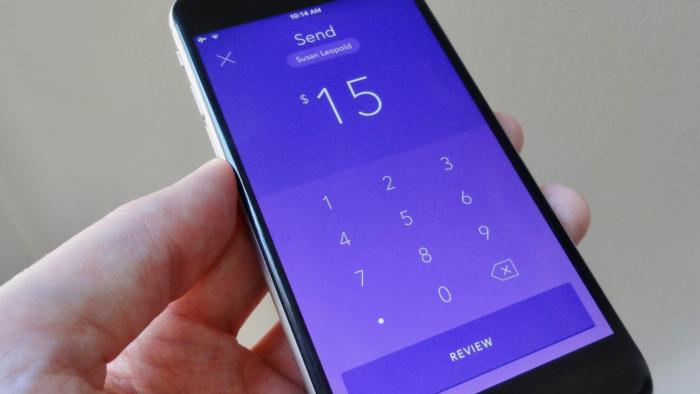
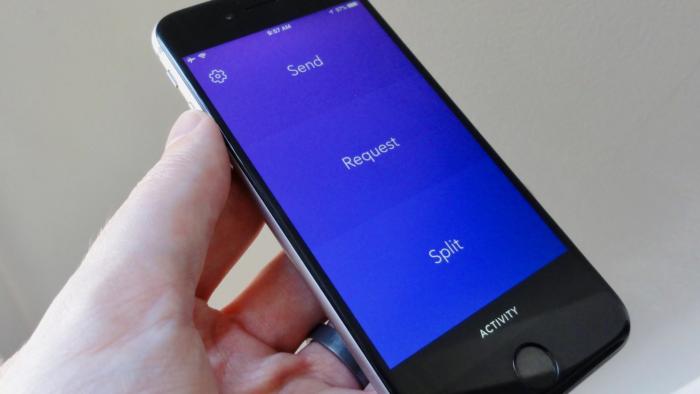
    The Zelle mobile payment app is the major banks’ way of saying they’re not content to sit back and let the red-hot peer-to-peer payment trend pass them by. So some of them banded together to make Zelle, a slick money-sending app that aims to go head-to-head with the likes of Venmo and Square Cash.
    payment apps

    Zelle lacks the cool factor of an app like Venmo, but it’s got an ace up its sleeve: instant and free cash transfers. Enticing, but there’s a catch. You can send money to or request cash from anyone using Zelle, but the recipient will have to jump through a few hoops if they’re not already signed up with the service. If the intended recipient of your cash or money request is a customer of a participating Zelle bank, they’ll need to register using the Zelle app, their bank’s website, or their bank’s mobile app. If your friend’s bank doesn’t work with Zelle yet, they’ll need to download the Zelle app, enter their debit card info, and then wait a day or so for the money to land in their bank account.
    payment apps

    To get free instant transfers, both your bank and the bank of the friend you’re exchanging cash with needs to be partnered with Zelle. If your bank isn’t partnered with Zelle, you’ll also be limited to sending no more than $300 over a rolling seven-day period. The Zelle app gives you the option of using touch ID to sign into the app, a fairly typical feature among the apps in our roundup.


    4. Square Cash

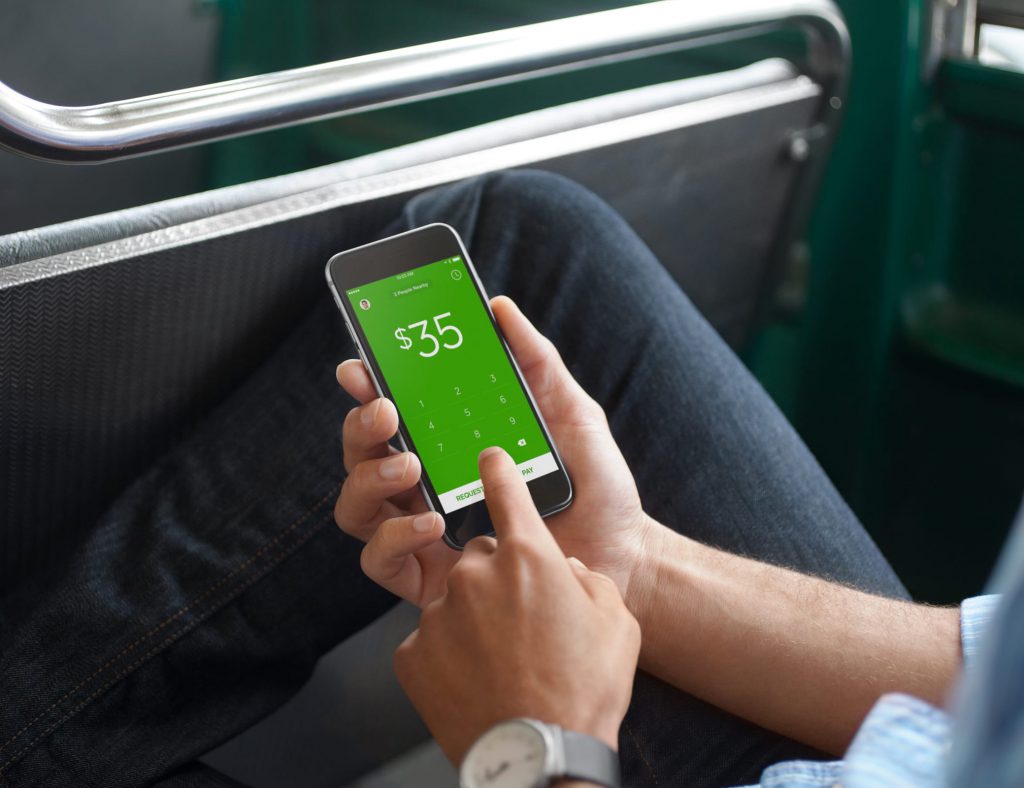
    Most users know Square as the service businesses use to process transactions. Square isn’t just for paying merchants using those little Square readers; it also lets you send personal payments to friends and loved ones, and that’s where Square’s “Cash” app comes in. Square Cash is both more simple and less flashy than Venmo, but it has some clever tricks up its sleeves, and it’s a good choice for users who want to send and receive money from anyone—even those without Square Cash accounts—with a minimum of fuss.
    payment apps

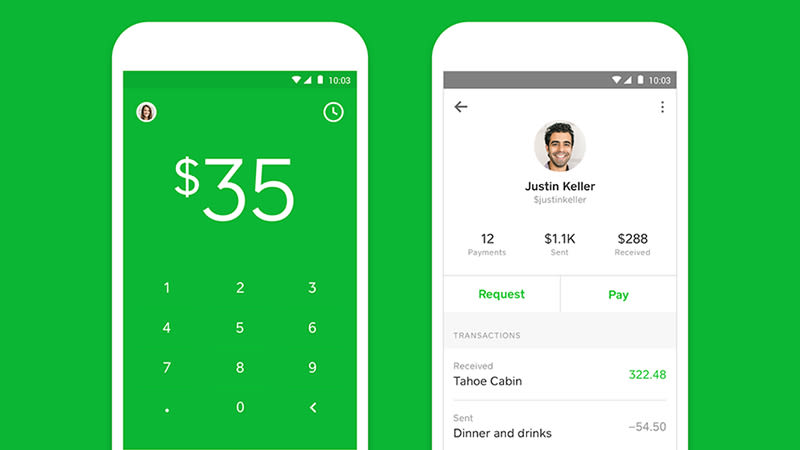
    One of the best benefits of using Square Cash is that the person you’re paying doesn’t need a Square Cash account, so there’s no need for them to install another app or set up another account—all you need is their email address and your debit card. It’s free to use too, unless you’re a business, or you want to use a credit card (a three percent fee applies here).
    payment apps

    Standard deposits show up the next day, while same day deposits cost a small fee (one percent) and you can link your account to a Visa card, MasterCard, or Discover debit card. Square Cash is difficult to beat for simplicity and ease-of-use, and you won’t have any problem keeping track of payments in and out. The app also lets you set up your own “$Cashtag” code that lets you get paid anonymously.


    3. Facebook Messenger

    If you’re a Facebook user and you enjoy chatting with friends using the Facebook Messenger app, you’re just a few taps away from exchanging cash with your Facebook buddies. Sending money through Facebook Messenger is certainly an easy, seamless experience, but you won’t find the robust bill-splitting features available in other apps, and you’ll have to settle for limited payment sources.payment apps
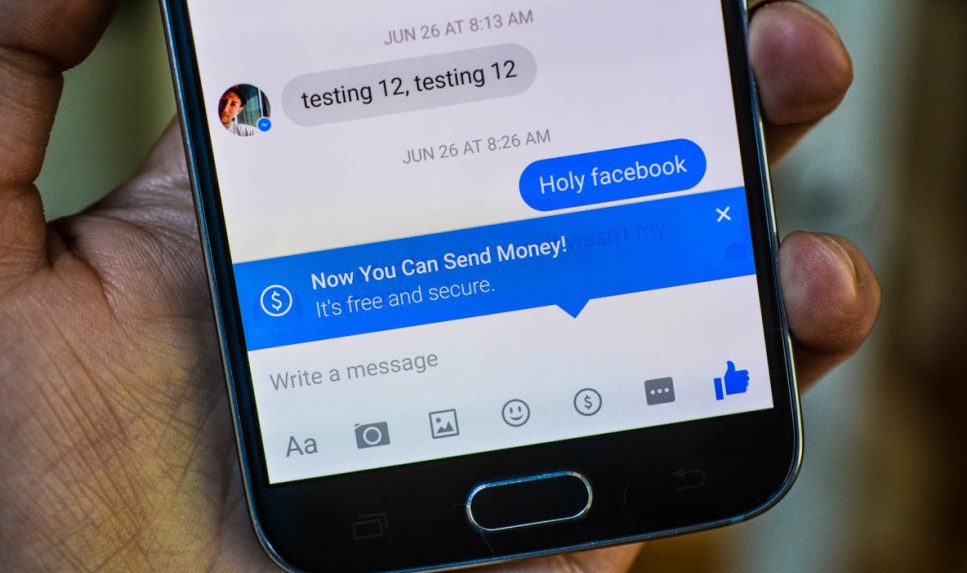
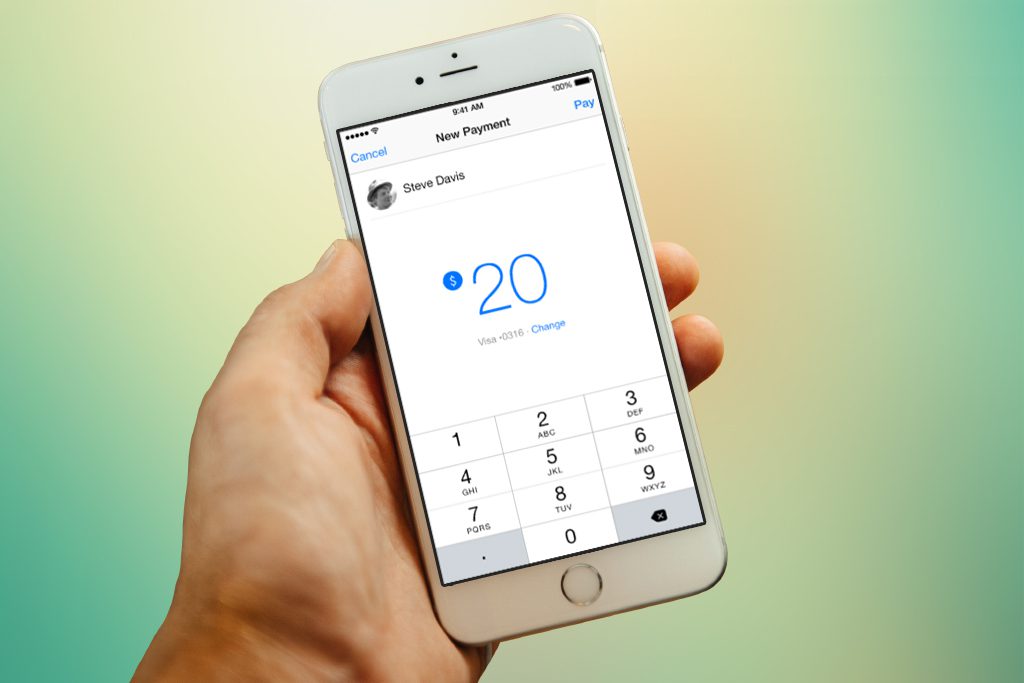
    Paying money is as easy as typing out a dollar sign and an amount in a conversation window—it turns into a hyperlink that can be clicked to make the payment. You need to link a debit card to your Facebook account to send money in Messenger, though the service is free to use. Payments can take up to five days to process, but the obvious benefit is that pretty much everyone you know already uses Facebook (though anyone receiving money needs to enter their debit card details too). So there’s none of the hassle of asking friends to make an account just so you can pay them back for a pizza.
    payment apps

    You can set Messenger to require a PIN or a password before you send cash. Just in case you’re wondering, your Messenger money exchanges aren’t posted publicly on Facebook. Instead, only you and the recipient can see the transaction and amount. If you’re on Facebook and you want to exchange cash with Facebook friends, there’s no easier way to do it than through Facebook Messenger, but those who want to tinker with split amounts or spend with a credit card will need to look elsewhere.


    2. PayPal

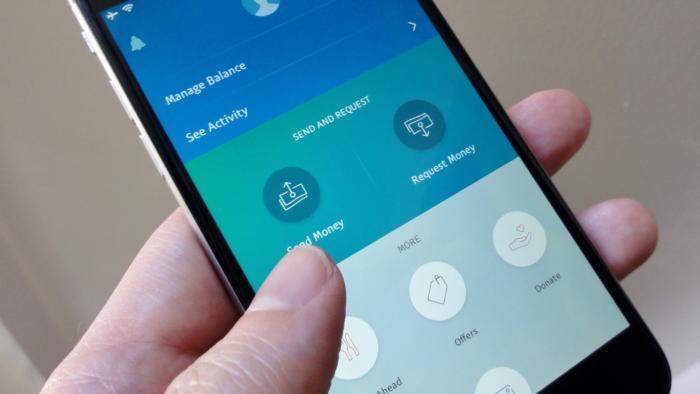
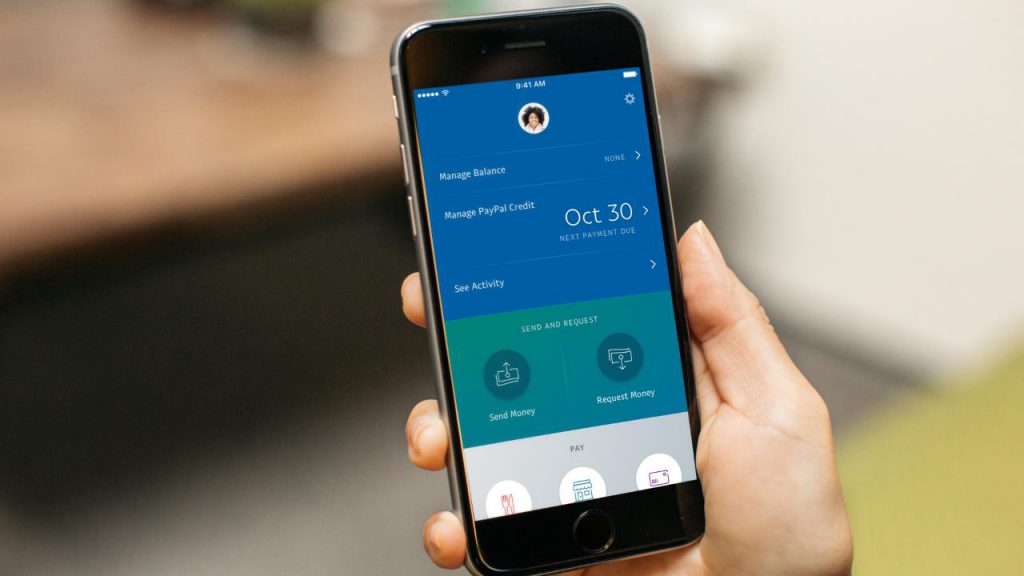
    PayPal, the pioneer of online payments, clearly wants in when it comes to the hip new world of peer-to-peer money transfers—after all, it did acquire Venmo back in 2013. But if you’re not so sure about sharing your personal transactions in Venmo’s social feed, you can still transfer money to friends and family using PayPal’s mobile app. PayPal boasts some distinct advantages compared to the more casual peer-to-peer money-sending apps, chief of which is its lax sending limits and buyer/seller protections for purchasing goods and services from strangers.
    payment apps

    You need to have a bank account or card linked to your PayPal to draw the balance from, or you need a positive PayPal balance in your account, so some preparation is required. Sending money straight from your account or PayPal balance is free of charge, but if you use a linked debit or credit card there’s a fee of $0.30 plus 2.9 percent of the amount. That’s the costliest money transfer fee on this list, but PayPal is also the only app that lets you send money to people who aren’t in the US.
    payment apps

    Similar to Square Cash and it’s “$Cashtag” web pages, PayPal offers public “PayPal.me” pages that let people pay you on the web, no PayPal account needed; all you have to do is share the URL of your PayPal.me page to get paid.  Also, PayPal is currently beta-testing “instant” deposits for users with “eligible” debit cards, meaning your cash could be deposited in your bank account within minutes rather than the usual one to three-day wait. Nice, but there’s a catch: Each instant deposit will cost 25 cents. PayPal’s mobile app makes for one of the more secure ways to send and receive cash from friends or even strangers.


    1. Venmo

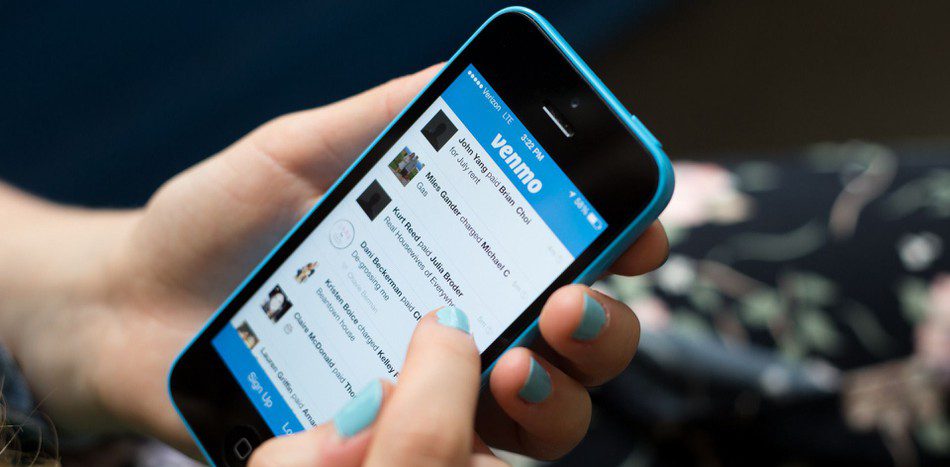
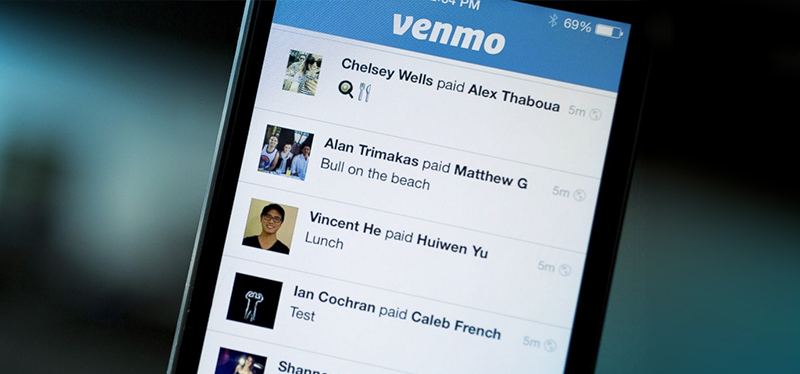
    The Venmo mobile payment app boasts a huge user base, a sleek interface, flexible payment options and agility at splitting bills. Owned by PayPal, it’s the peer-to-peer payment app to beat, as long as you don’t mind getting social about the tabs you’re picking up. Venmo is built around the idea of seamless mobile payments to friends and family, so you would expect it to be pretty good at its job, and it is.
    payment apps

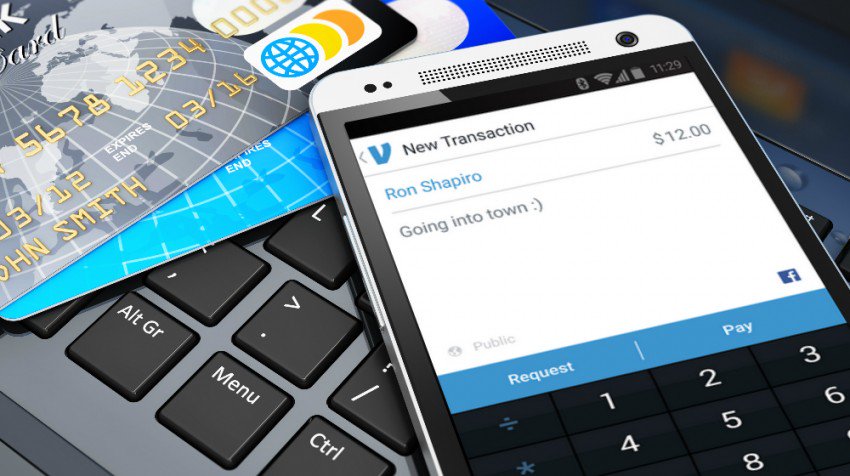
    To send or request cash, just tap the Compose button in the top-right corner of the main Venmo interface, add a name (or names, if you’re questing money from a bunch of lunch pals) from your list of Venmo friends (and given Venmo’s estimated 7 million active monthly users, you’ve probably got plenty), enter an amount, then tap Request or Pay. You can send money or request a payment from anyone, as long as you have their e-mail or phone number. That said, the other party must sign up with Venmo before they can receive money or pay you
    payment apps

    You can send cash to friends from your debit card or bank account for free. If you use a credit card, though, expect to pony up a three-percent fee (unless you’re paying a Venmo-affiliated merchant, in which case the fee will be waived). Venmo has a $299.99 weekly rolling limit for transactions. Once you hit the limit, you can raise it up to $2,999.99 by confirming your identity with the last four digits of your Social Security Number, your ZIP code, and your birthday. You can set Venmo to require a PIN or touch ID before completing a transaction, handy from keeping a phone thief from draining your bank account via the Venmo app.
  • 5 Great Mobile Gaming Apps

    5 Great Mobile Gaming Apps

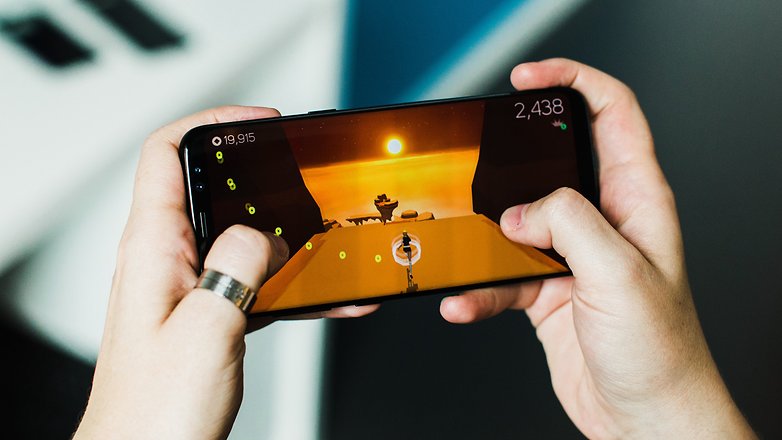
    We all love the mobile games and we all need them to pass a little time here and there. Some are duds, some are expensive, some are just too addicting. Here are some great games that keep you entertained and casually having you coming back for more!

    5. Marvel’s Contest of Champions

    With a long list of all your favorite Marvel Universe characters, this “Arcade-Fighter” game has a lot to offer. It’s visually pleasing animations, smooth fighting mechanics, and fully customizable Marvel superheros will have you playing at length and loving it. Because of its constant additions and challenges, you’ll have this game on your mobile device for quite some time.

    Image result for marvels contest of champions

    4. Plague Inc.

    Do you need your “Destroy the World” fix? Then look no further. Plague Inc. has a plethora of viruses, bacteria, and world ending organisms at your fingertips and it’s up to you how to use your tools to cause a global catastrophe. The object is to keep your deadly pathogens one step ahead of the world governments and CDC in order to end all life on Earth. With the amount of options and routs of evil to achieve your objective, this mobile game will give you hours of twisted fun.

    Related image

    3. Rusty Lake Roots

    This extremely dark and alluring indie-puzzle game is one that you can’t seem to step away from. With intricate puzzles and a twisted plot, Rusty Lake Roots keeps you on the edge of your phone. The animations are simplistic but perfectly capture the creepy factor and suspense that mirrors the dark plot. Follow a man Thomas as he explores his family tree in the abandoned farmhouse that his ancestors left to him.

    Image result for rusty lake roots

    2. Injustice: God’s Among Us

    Quite simply, this is the best arcade-style fighter possibly ever. Mobile, Console, PC or otherwise. The visceral animations, coupled with your favorite DC superheros beating the tar out of each other makes this a very enthralling game. Add on a very simple but sophisticated character upgrading system and, voila! You have an amazing fighter game. I consistently played Injustice for the better part of 2 and half years and never tired of it. I still miss it, but I traded Injustice in for Injustice 2 which is a very good game, but not as good as the original.

    Image result for injustice gods among us

    1. Star Wars: Galaxy of Heroes

    Even if you aren’t a huge fan of the Star Wars universe, this is still a very entertaining and great game. But if you are a fan of SW…oh man is this game for you. Find your favorite Star Wars heroes and villains in this turn based fighter game and pair them up to form an elite fighting squad. Each Star Wars character has their own special set of skills that if teamed up with other characters correctly, can form a deadly fighting squad. Training and upgrading the characters of your choosing is very rewarding and the game challenges are difficult but not to the point of frustration. If you enjoy Star Wars, it’s a borderline perfect game.

    Related image

    Summary

    All these games are great in their own right and have done amazing work. They have each mastered the concept they were looking to achieve and the end results are so satisfying and entertaining. All are available is the IOS App Store and Android Market. Hope you give them a try!

  • Samsung Gear 3 is Still Just a Timepiece

    Samsung Gear 3 is Still Just a Timepiece

    Samsung’s Gear 3 is a boldly designed smartwatch that’s ready for anything and tailored to you. There are two versions with sleep tracking ,multi-day battery life all day calorie tracking , and Samsung Pay it has all the functions and Android smartphone one could hope for.

    The Great

    • Big Bold Design
    • Always-on display
    • Decent Activity Tracking
    • Built-in LTE
    • Samsung Pay
    • OLED display is bright and crisp

    The Not

    • Poor Gps tracking
    • Lacking compatible app
    • Missing intuitive functions

    The Conclusion

    This is an average looking watch and a lack luster smartwatch. While Samsung tried to squeeze a lot into the new Gear S3 its really just not enough.


    More Gear from Samsung

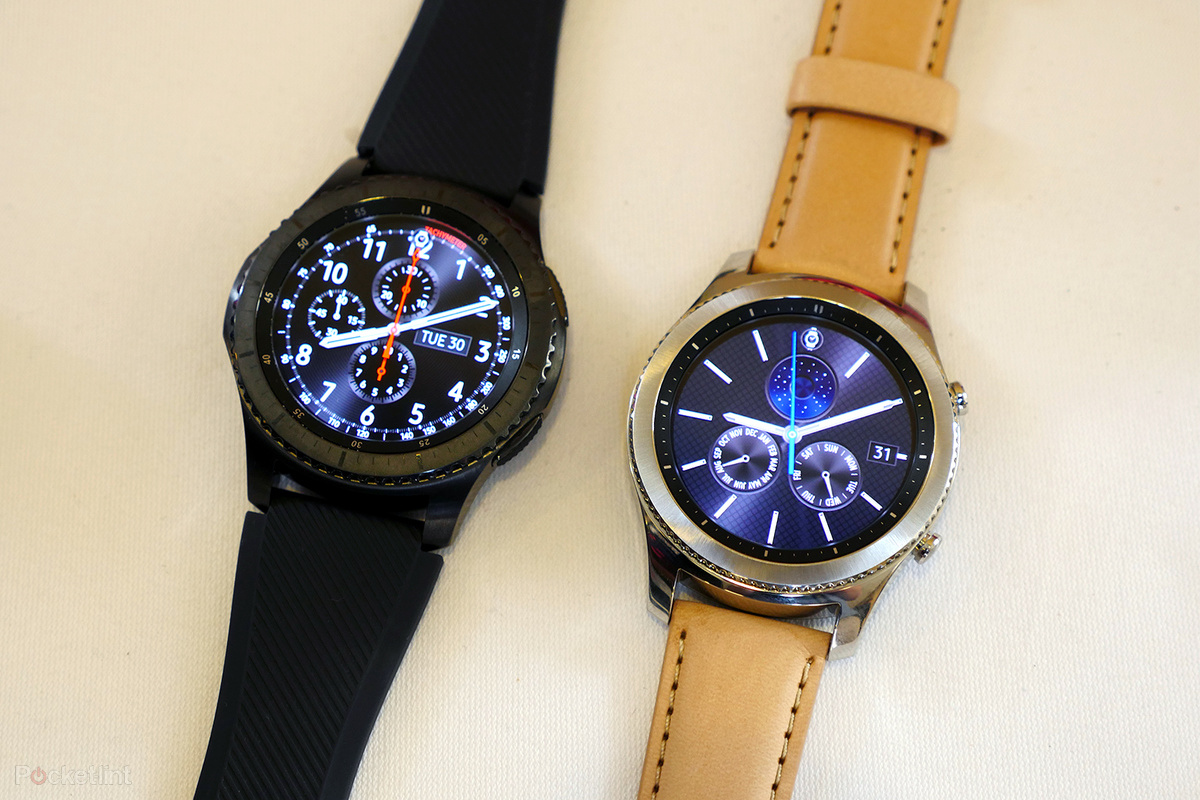
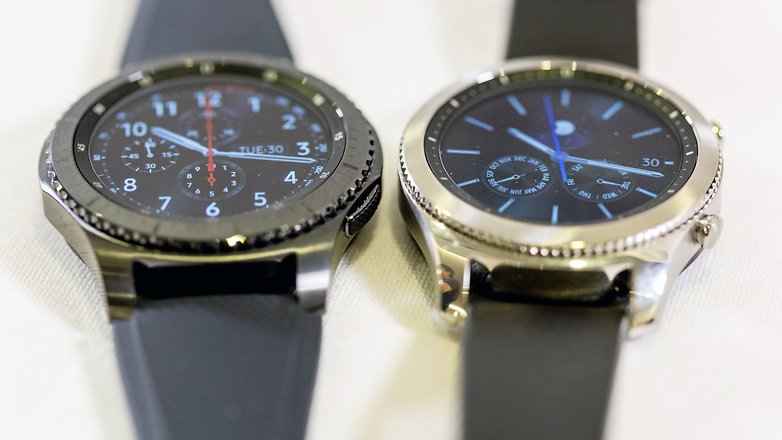
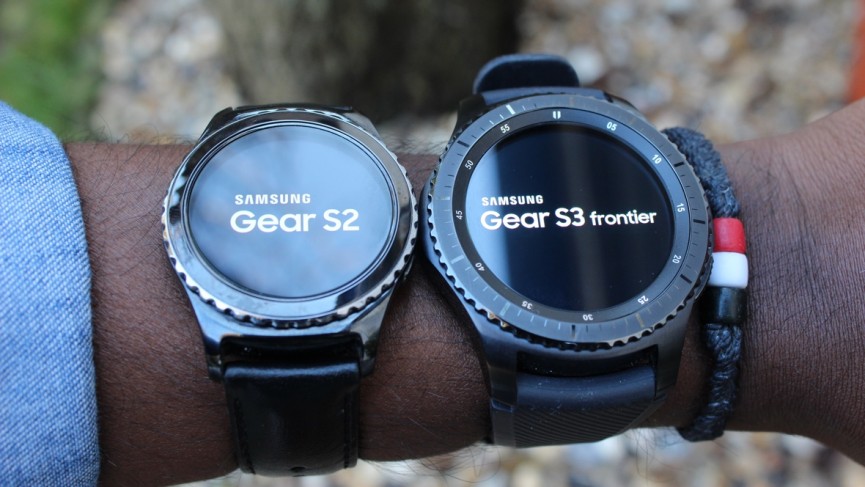
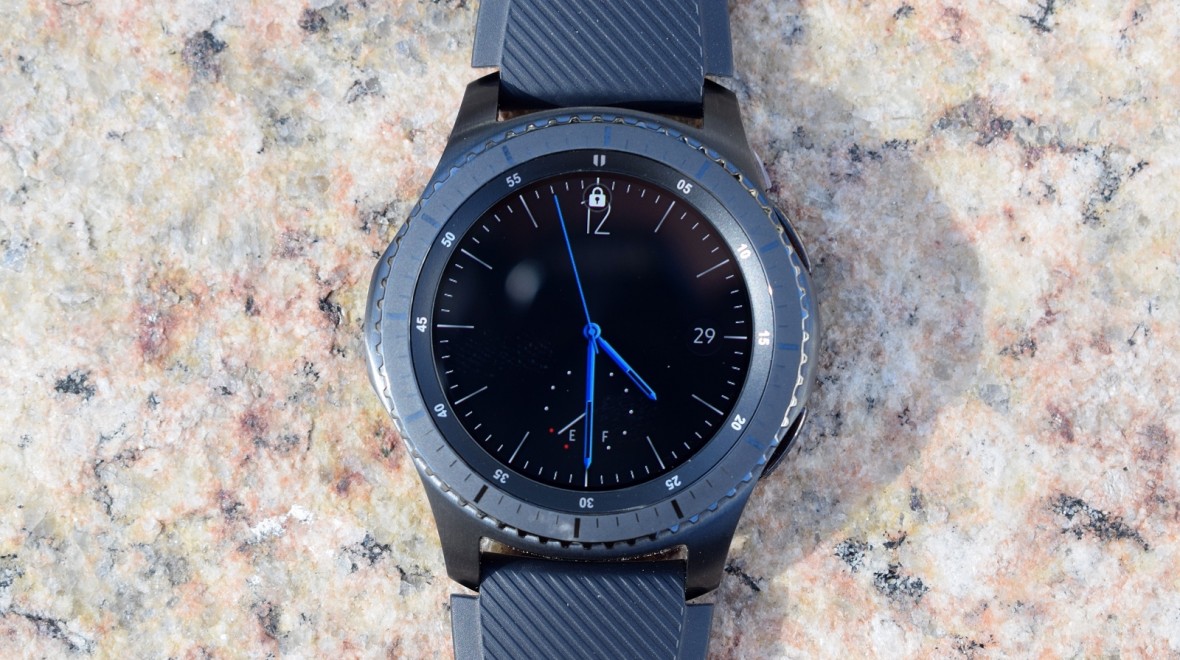
    For the Gear S3, Samsung has decided to offer up two designs. There’s the more rugged Frontier for outdoor types, and the Classic, which aims to be the more luxurious option of the two. Both still run on Samsung’s own Tizen operating system and that rotating bezel makes a welcome return. It can be pair with all samsung and most android smartphones, even and iPhone with reduced functionality. With the LTE model of the Gear S3, you can leave your phone behind and still have complete functionality on the watch. Note: LTE is only avilable on the Frontier model.  The call quality is surprisingly decent if you turn the volume up to the highest level. It’s still weird talking to someone on your watch, but it can be handy sometimes. You can also use it to listen to music, but get some Bluetooth headphones, its not enjoyable from the watch speaker

    Not for the Weak Wristed

    the Gear S3 is a big smartwatch, its a heavy watch, and its beastly.  Its hulking 46mm frame makes it most certainly a more mans man’s watch. It’s also noticeably heavier and thicker as well, probably to house the additional sensors and a larger battery. The Frontier rocks a more  rugged look, with a knurled, rotating bezel, a chunky stainless-steel body design and IP68 certified water resistant.

    The Interface

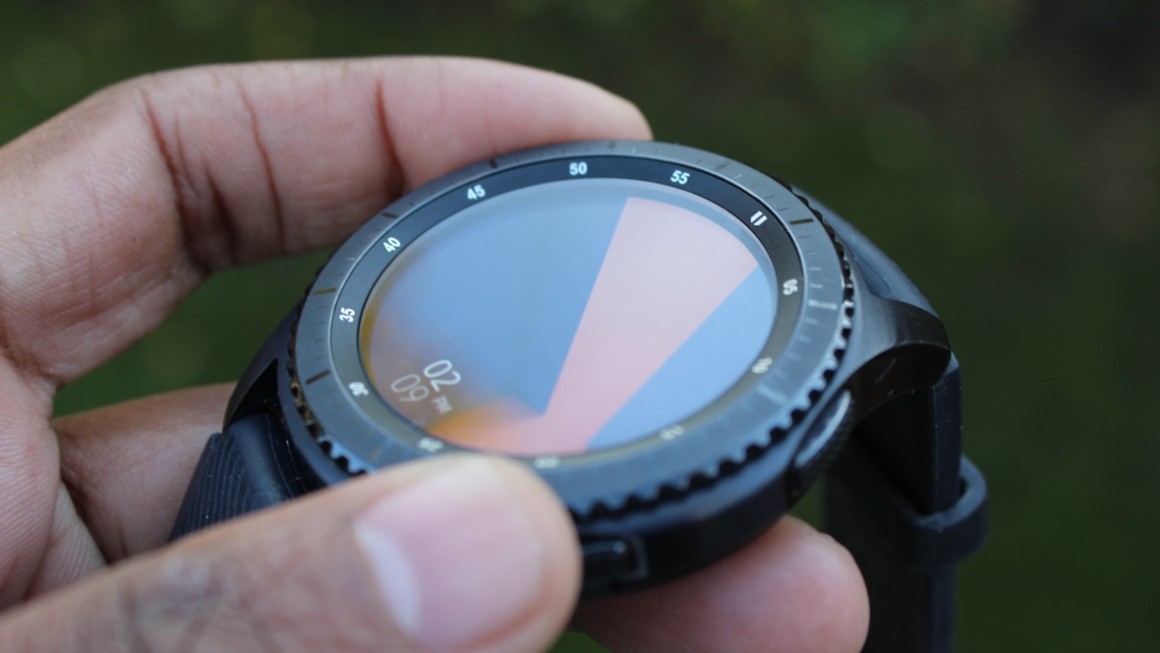
    The Gear S3 runs Tizen, it’s very easily laid out to make the most functionality of the spinning bezel. The highlight that makes the Gear smartwatches unique is the innovative rotating bezel. Crank it clockwise and you’ll get all of your notifications in one place. Spin it the opposite direction to breeze through the widgets you’ve added. The default set up includes thee current weather, favorite contacts, calories burned and what’s up on your calendar. Sadly that is all there is to the Gear S3’s interface.

    The Apps or Lack of Apps

    According to Samsung, there’s something like 10,000 apps in the Tizen Store, but just a fraction of those are tuned for the Gear’s small display.  Whats worse it that most of them are not wort using to begin with. Its as if no developers consider creating apps with Tizen in mind.

    The Final Thought

    All in all the Gear doesn’t excite me as much as I’d have hoped. Though it has a very intuitive interface, complete with a rotating bezel for navigation, many parts of the experience still need more engineering attention, whether that’s the dreadfully useless selection of apps or the irritatingly malfunctions of  S Voice digital assistant. In the p rophetic words of american Idols Randy Jackson, This is gonna be a hard no for me dawg.