Category: Apple

  • 3 Reasons to Update your iPad and 3 Reason to Not

    3 Reasons to Update your iPad and 3 Reason to Not

    So we have all heard and see the reviews of the new iPad. its great, its a new ipad, we get it.  The real question is should you update yours, its it the viable option for anyone looking for a good tablet at a reasonable price? Here are the 3 reason you want the new iPad and the 3 reason you don’t really need it.
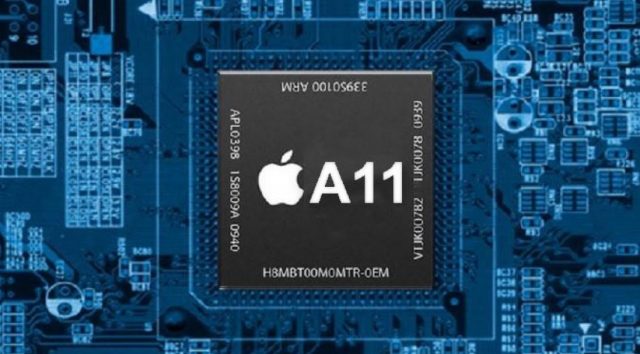


    1. The Processor, A11

    Apple has updated teh processor in its new 9.7 inch ipad. The  A10 Fusion chip inside the new iPad provides a lot of horsepower for multitasking, playing games and running augmented-reality apps. Power for the slew of Augmented reality games and apps coming out is a necessity. This will be big and an ipad or mobile phone with out the power will be a liability. This reason alone makes this iPad a need. If you’re going to be editing video with the iPad, you’ll be glad to know it can churn through clips with ease. It transcoded a 4K clip in just 57 seconds. need
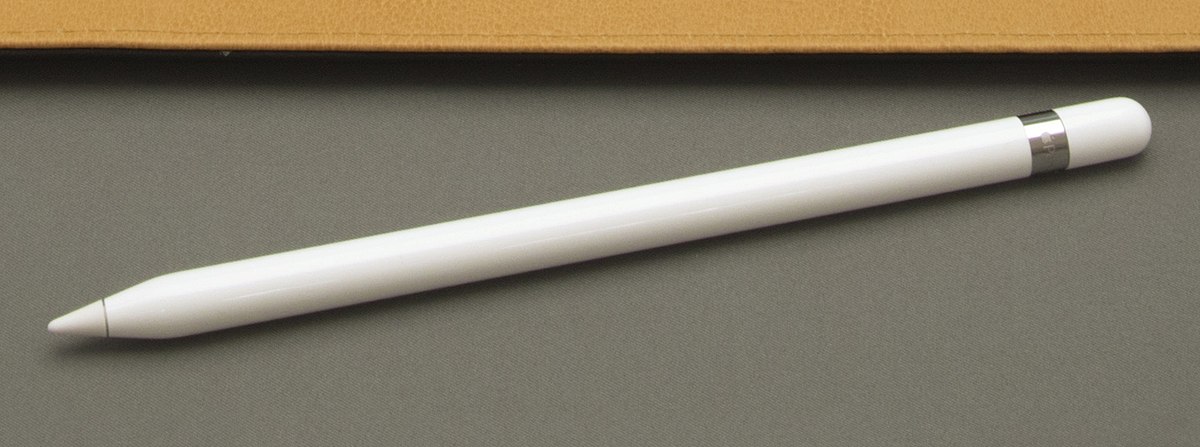
         2. Apple Pencil makes a big difference

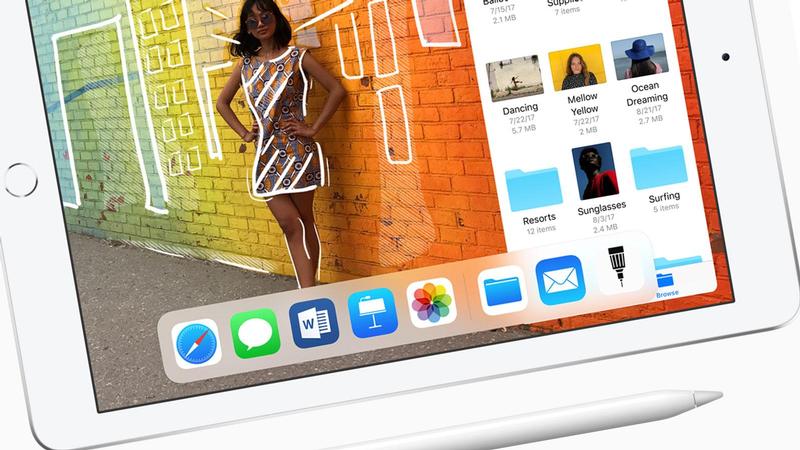
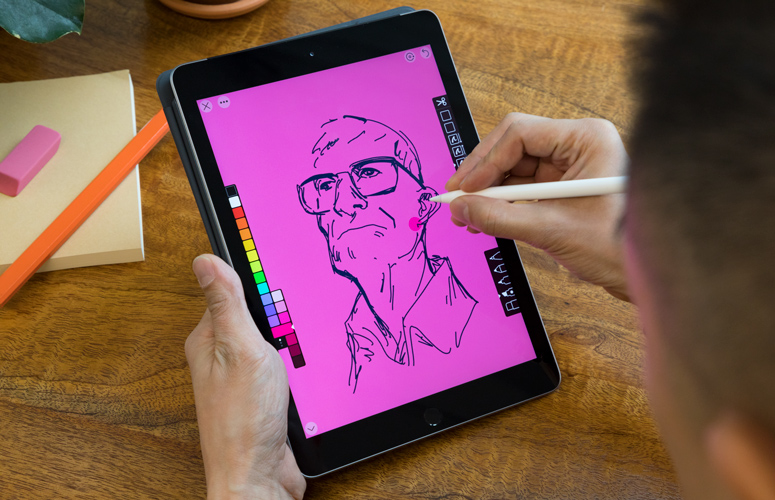
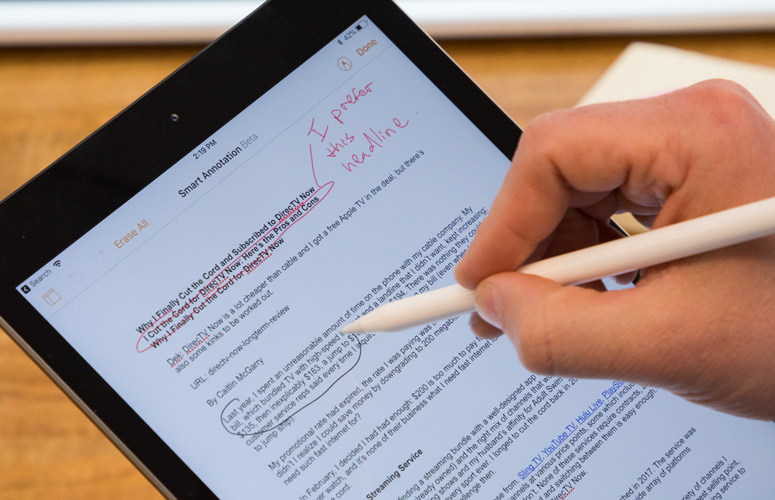
    The Apple Pencil is a worthwhile accessory for taking notes, drawing or marking up documents. It provides remarkable precision without lag, as well as both tilt sensitivity and pressure sensitivity. All of Apple’s iWork apps have been updated to support the Apple Pencil, including Pages, which has a handy new Smart Annotation feature. Its only $99 for schools.
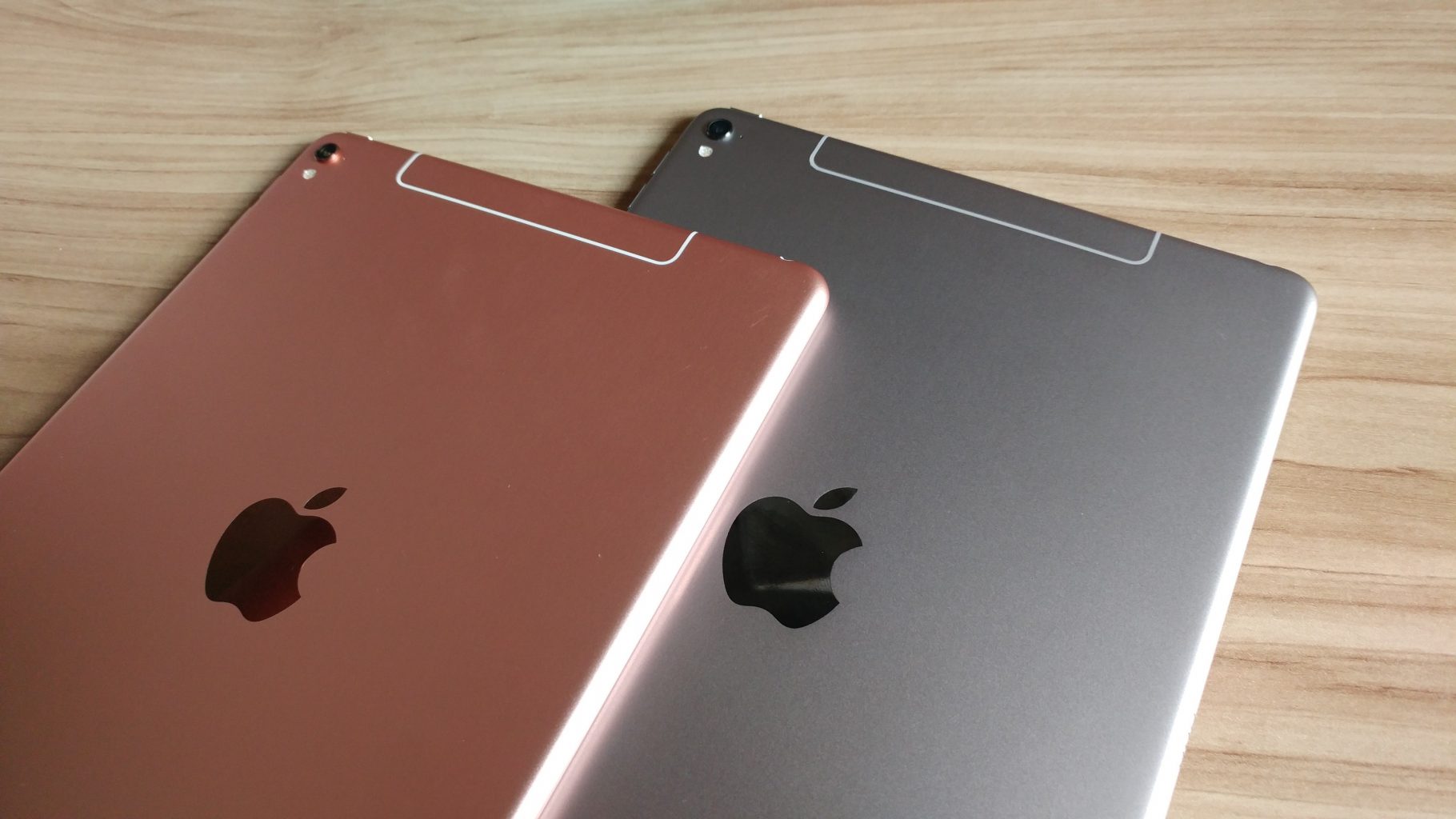
     

         3. Camera And Battery

    The 8-megapixel camera on the back of the 9.7-inch iPad captures sharper-looking photos and smooth 1080p video, which makes it a valuable tool for anyone working on multimedia projects. The Battery has been vastly improves to  lasted just over 10 hours.


    So why would I pass on this less expensive iPad? There are some things you should consider, its not all gravy with the new iPad.
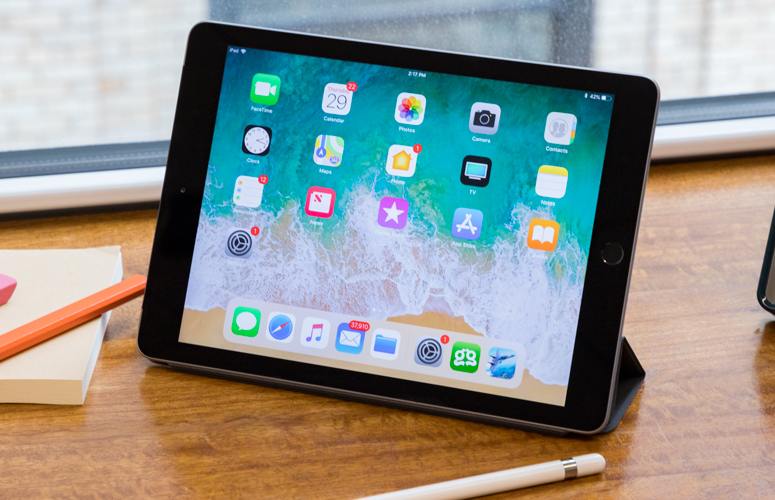
    1. The Design

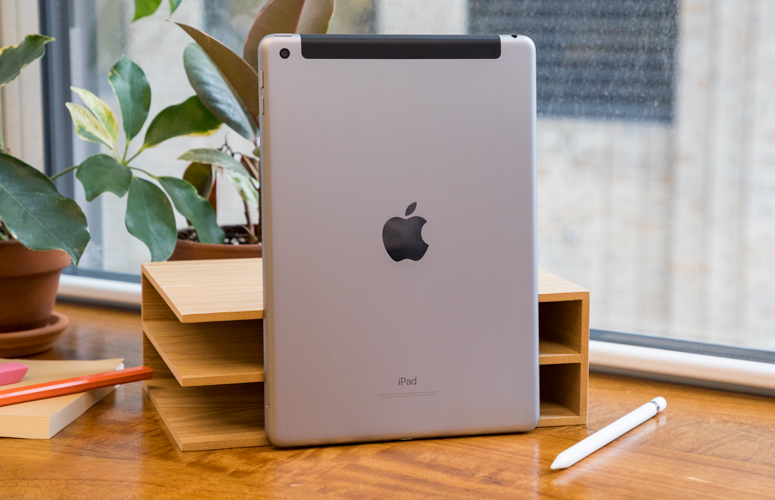
    its the same old, same old looking iPad. No real physical improvements in 3 years now. its not thinner, lighter or more elegant. They even stuck with the home button instead on making the iPhone X jump in design. pass.
     

    2. All the New Accessories

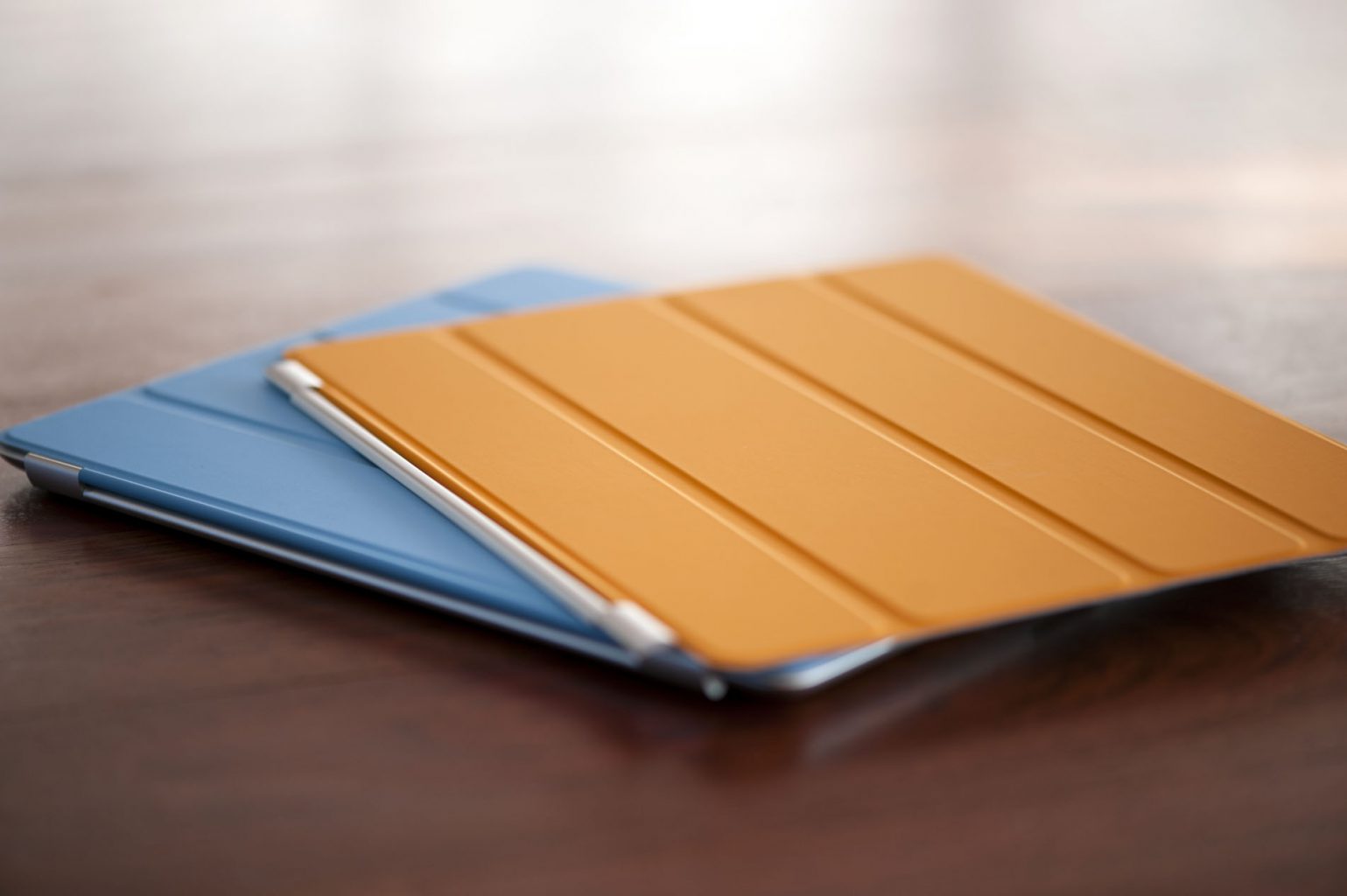
    Toys, gadgets, features and functions all come with a hefty price. The pencil alone is $99, add in the keyboard and iPad Smart Cover you are adding another $150. The $299 price has us all excited but here they come with the add-ons. You’re gonna get add-ons. Oh yeah and the Keyboard wont even work with the new iPad… pass
    3 The Display

    Another big miss on the new iPad is the display. We are stuck with the same LED, it would have made all the sense to go to an OLED like the iPhone X. Instead they just left it alone, no enhancement to the screen at all.  pass..
     

    The Final Thought

    I love the power, I probably wont use the pen.. I mean its cheap enough but Im not rushing to pick one up. I’m just not moved and I need to be moved.
  • Hands On the New iPad

    Hands On the New iPad

    If the computer were invented today, what would it look like? It would be powerful enough for any task. So mobile you could take it everywhere. And so intuitive you could use it any way you wanted — with touch, a keyboard, or even a pencil.1 In other words, it wouldn’t really be a “computer.” It would be the new iPad.


    The Great

    • Fast A10 Fusion performance
    • Works with Apple Pencil
    • Fun augmented-reality apps
    • Good battery life

    The Not

    • Thick bezels
    • Apple Pencil
    • keyboard and cover at additional cost

    The Conclusion

    The new 9.7-inch iPad provides plenty of power, long battery life and Apple Pencil support, all for a really great price. What are you waiting for..? Go update.


    The iPad still packs a sharp, 9.7-inch display into a compact and lightweight aluminum package. But the overall aesthetic is a bit tired in an age of shrinking bezels on phones; the thick black border around the screen feels somewhat antiquated even for the iPad’s relatively low price. The budget iPad from 2017 has been updated – Apple says it’s an iPad for education, but it’s actually a really impressive tablet for the general user who wants to get a great experience – and having the Apple Pencil support on there as well is great


    The Design

    The  design feels solid, and I didn’t feel that much strain when holding the device up to browse the web, check my email and play with AR apps for long stretches. The iPad weighs a very manageable 1.03 pounds for the Wi-Fi version (the LTE model weighs 1.05 pounds), and it measures just 0.29 inches thick.

    The trusty old Home button sits beneath the screen to handle Touch ID for logging in, and there’s a Lightning connector on the bottom for charging and a headphone jack up top

    The 9.7-inch display on the iPad packs 2048 x 1536 pixels, so it’s plenty sharp for watching movies, playing games and working on reports. It’s also bright and colorful; as I watched the trailer for Avengers: Infinity War on this panel, I could make out individual wisps of the Scarlet Witch’s red hair dappled in sunlight, and the details of her leather jacket didn’t get lost in the shadows.


    The Pencil

    The main feature of the new iPad is the fact that it’s Apple Pencil-compatible, something that’s not been seen since the launch of the iPad Pro range. Apple’s entry-level iPad now supports Apple Pencil, which means you can use the $99 accessory to draw, take notes and interact with a growing number of Pencil-enabled apps. This is the first ‘normal’ tablet from Apple to take advantage of the accessory, and it’s designed to give students a chance to ditch the notepad and use only the iPad for class.

    A tool so precise that Disney animators use it, the Apple Pencil felt completely natural to use in my testing. Writing with it will be hard to actually input though, and that’s partly down to the fact that most people have forgotten how to actually write words down, and partly because the feel of the screen under the Apple Pencil still feels too slippery to write properly.

    If you slow down it’s not too bad, but you can’t note-take as fast as with a pen and notepad.


    The Final Thought

    With a power upgrade and the support for the pencil all at a cheaper price whats not to like. The ipad is already best in class, there are tablets then there is the iPad. Speaking as someone who worked the front retail lines in the mobile universe, you cant give tablets away but everyone wants an iPad.


  • iPhone X vs Galaxy S9 Plus

    It seems like smartphones are always improving and new versions are constantly coming out.

    [iFrameGen iframe_type=”Y_iFrame” template_key=”adlist_gfg_green_v7_070102018″ keyword=”new%20samsung%20galaxy%20phones” type_tag=”_gfg-20180808-iphonex-vs-galaxys9-green-top” placement=”_pc1″]

    There are so many options out there and it can be hard to decide on which one is really the best. Below is a comparison of the two most popular smartphone brand’s latest and greatest, Apple iPhone X and Samsung Galaxy S9 Plus.

    Apple iPhone X: $999+

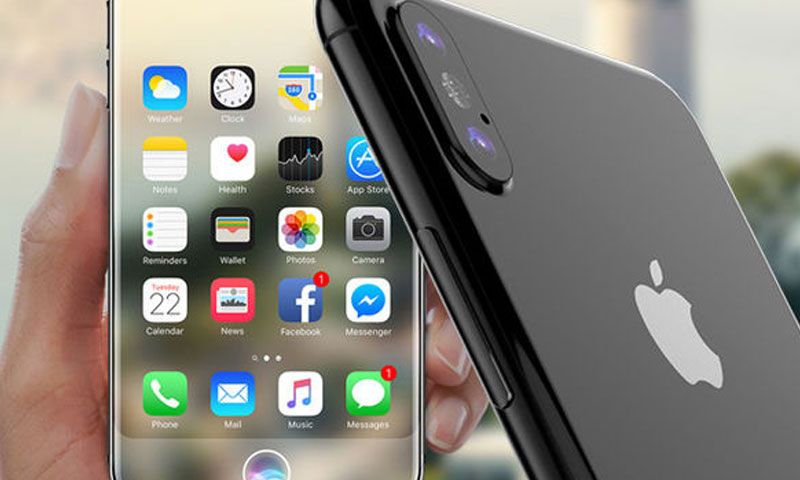
    iPhone is always a top pick when it comes to smartphones. The latest version is a creation to celebrate iPhone’s tenth anniversary. It is almost a whole new phone, not to mention the most expensive phone  ever on the market to date. The major difference everyone is intrigued about in this exclusive new phone, is that Apple has taken away the home button and switched to a face identification feature. Rather than a touch identification to unlock your iPhone, this phone will use a 3D face map to identify you and unlock your phone.

    A few more things to note about this phone:

    • The front and back are glass- so you will definitely want to invest in a protective case.
    • This iPhone supports wireless charging.
    • Like all previous iPhones, the iPhone X also comes with a single nano-SIM card slot.
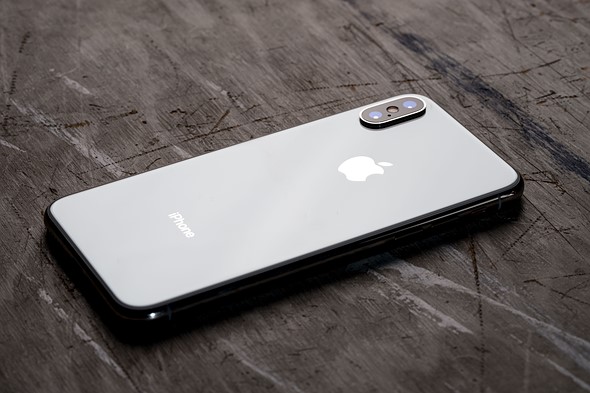
    • The camera placement is vertical rather than horizontal. Both camera sensors get optical image stabilization.
    • There is not a headphone jack, so wireless headphones or an adaptor would be needed.
    [iFrameGen iframe_type=”Y_iFrame_2″ template_key=”adlist_gfg_green_v7_070102018″ keyword=”samsung%20galaxy%20s9″ type_tag=”_gfg-20180808-iphonex-vs-galaxys9-green-center” placement=”_pc2″]

    Samsung Galaxy S9 Plus: $839.99+

    Another popular choice when it comes to choosing a smartphone, the Galaxy S9 Plus has some great updates. It is pretty similar to last year’s S8 Plus…but the main improvements are the cameras and the large screen. The camera take quality photos thanks to the low-light and noise-defeating powers that take this smartphone to the next level. Not only is the new screen bigger, the curved display now takes up 90% of the front of the phone.

    A few more things to note about this phone:

    • The fingerprint sensor has been better-placed and now is aligned in the center on the back of the phone.
    • Wireless charging is an option with this glass phone.
    • This phone features face unlock and iris scanning.
    • Lack of a headphone jack is not an issue with this phone, plug them in!
    • The stereo speakers on this phone are outstanding and loud.
    [iFrameGen iframe_type=”Y_iFrame_3″ template_key=”adlist_gfg_green_v7_070102018″ keyword=”buy%20iphone%20x” type_tag=”_gfg-20180808-iphonex-vs-galaxys9-green-bottom” placement=”_pc3″]

    The Bottom Line

    It all boils down to pricing and preference seeing as both phones have very similar new features. Both phones have a facial identification feature, wireless charging is an option, outstanding cameras and loud, quality speakers. The main differences are the iPhone no longer has a touch identification and you are not able to plug in your headphones directly to the phone. Whichever phone you choose, you’ll be sure to love your new smartphone!

  • Space Grey Accessories are Available Now From Apple

    Space Grey Accessories are Available Now From Apple

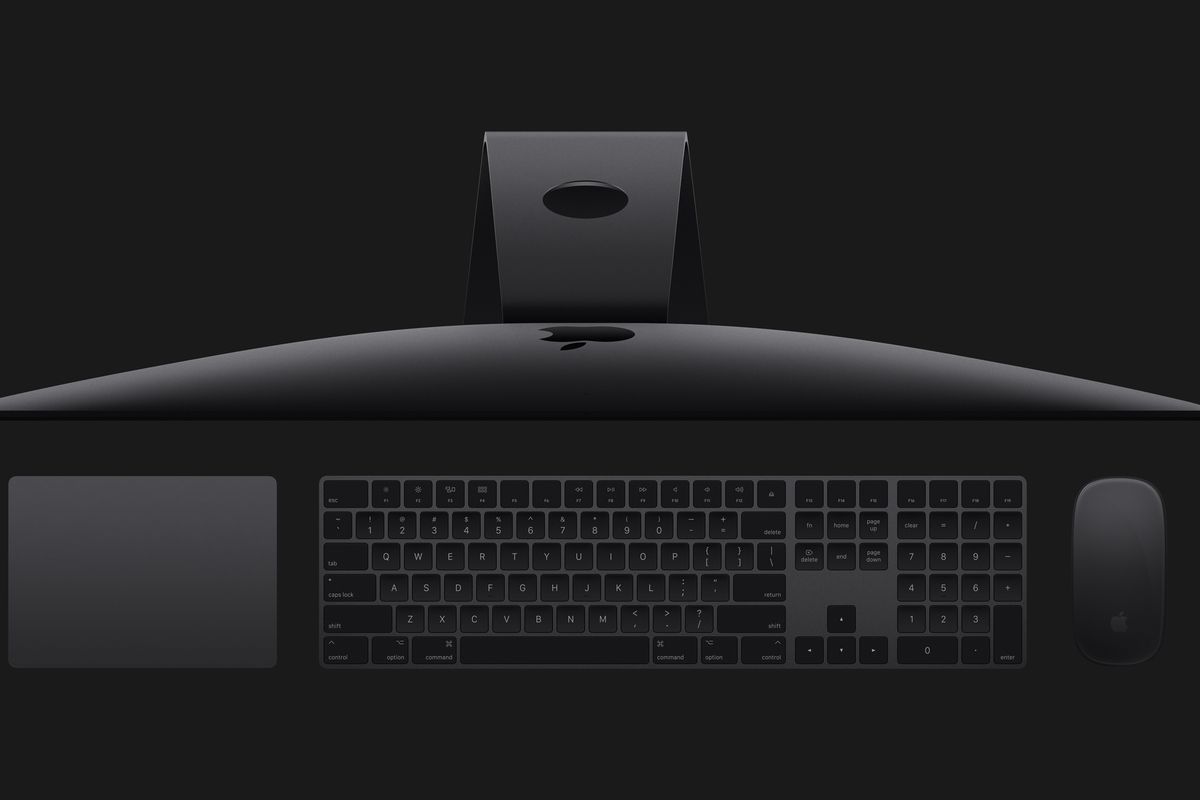
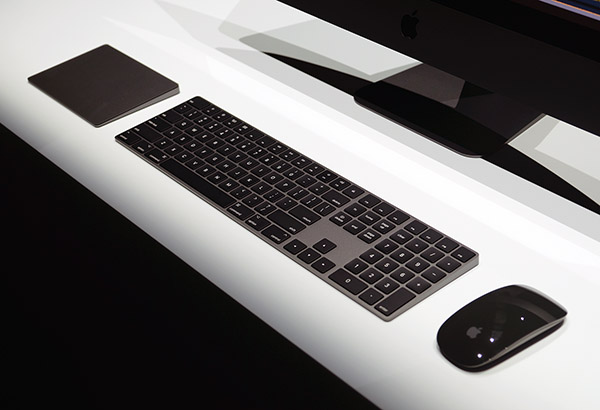
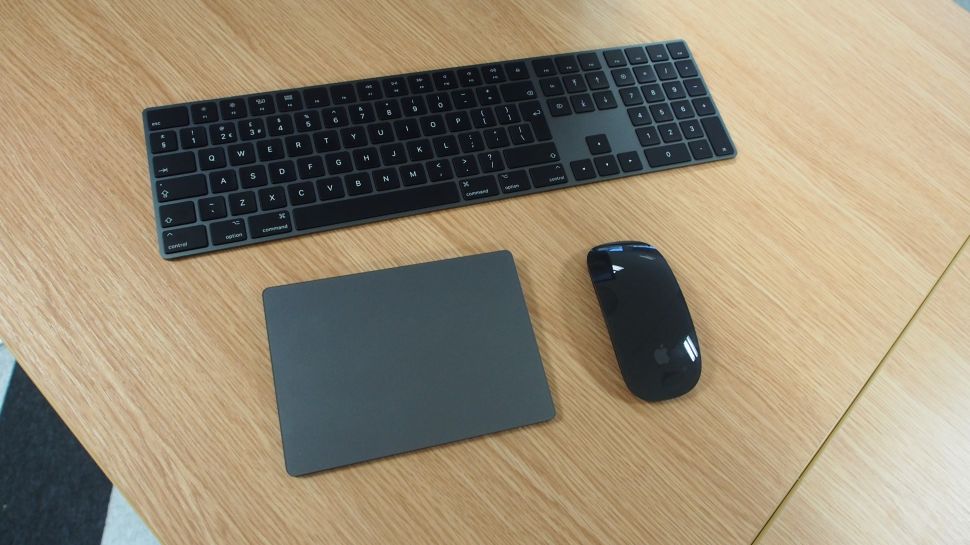
    Previously Apple issues its black out accessories options only with the top of the line iMac Pro. As stunning as they are the space gray Magic Keyboard, Magic Trackpad, and Magic Mouse that debuted alongside the iMac Pro couldn’t be purchased separately. Well for all of us bored with the elegant white the day has finally come.

    The added charge for the darker color of each device is $20, putting both the Magic Keyboard and Trackpad at $149 compared to their usual $129 price. The Magic Mouse is $99 (regularly $79 in white). All of the space gray products are shipping this week and will likely arrive in your local Apple store in standalone form very soon, as well.

    This may seem trivial but options are options and us mac boys take what we can get for our small slivers of customization. Apple has likely just made its aesthetic-obsessed Mac fans very, very happy, with the wireless Magic Mouse 2, Magic Keyboard and Magic Trackpad 2 in its Space Gray color going up for sale on their own. Although I would bet big that they will sell out fairly quickly

    Im sure you remember the sales posting on eBay, with this space grey set going to for up to $1000 in some bids. Id like to think that all those people that purchased those aftermarket are kicking them selves now, but we all know money isnt that much a thing to some of them.

    On a down note the company’s wireless keyboard is still silver-only. Come on Apple, really? I guess Apples attitude is best reflected in an old Rolling Stones song. You cant always get what you want, but if you try some times you can get the space grey Trackpad you need.

  • Low Cost iPad for Students, Gracias Apple

    Low Cost iPad for Students, Gracias Apple

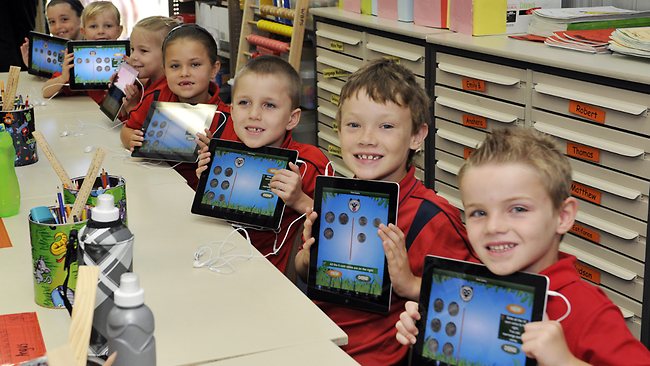
    Big news everybody, Apple has introduced a new 9.7-inch iPad. It supports the Apple Pencil, which means students will be able to take notes, draw and more on a growing array of apps. Starting at $329 ($299 for schools), the 1-pound iPad has an A10 processor that offers faster speeds than Apple’s previous generation slate. At $299 there is no reason any student would buy a different tablet.

    The new 9.7-inch iPad closely resembling the existing iPad Pro It’ll feature 10 hour battery life and LTE support along with an 8-megapixel HD camera, 9.7-inch Retina display, and the same Apple A10 Fusion chip that powers the iPhone 7. They have added a  new dedicated apps for schools, starting with the new Apple School Manager tool that will allow education admins the abilities to manage everything. Apple also teased software features such as smart annotations to help teachers mark up papers, and augmented reality support which will “enable new ways to learn.

    Apple also revealed a series of apps for the classroom, such as Schoolwork, and a progress tool called Apple Teacher, allowing users to see what other teachers are working on in the classroom. Meanwhile, its new ClassKit platform allows developers to create puzzles, tests and lesson plans for students.


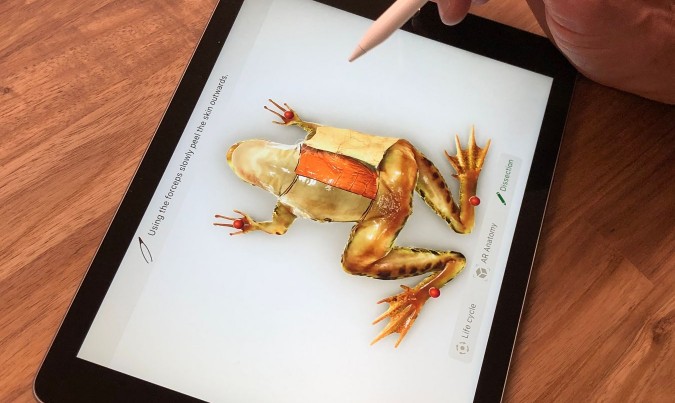
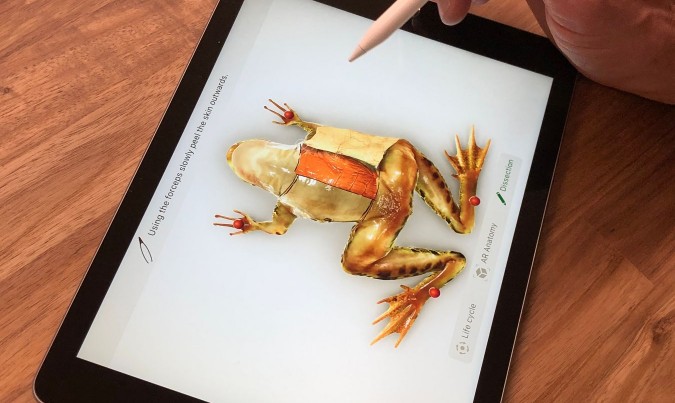
    The new iPad works with the Apple Pencil to support art projects — similar to what comes packaged with the higher-end iPad Pro tablet. “Instead of dissecting frogs … students can dissect frogs with Apple Pencil,” Apple executive Greg “Joz” Joswiak told attendees. This should solve the age old debate and the students holding out in science class once and for all.

    What Did Tim Have to Say

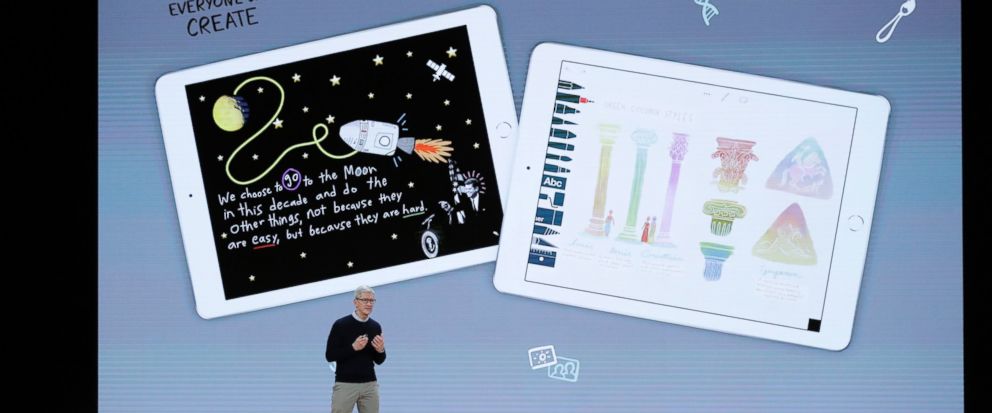
    Tim Cook took to the stage to discuss Apple’s focus on education, saying: “At Apple we care deeply about education because we love kids and we love teachers”.

    Cook said education has been a big part of who Apple is for 40 years. “We had a unique insight into how technology could inspire kids to unleash their creative genius. And we believed that technology could help teachers deliver a unique and personalised learning experience to all kids. We’ve never stopped believe this, and we’ve never stopped working on it.”

    He added: “We know our products can help bring out the creative genius in every kid”.

    In fact, ”Macs and iPads are used throughout schools by students for everything from music to language arts and even advanced robotics”.


    The Final Thought

    All in all this is an exciting announcement and should pay dividend in our school systems for years to come. At $299 a vast majority of america can afford to make this jump to better learning. This could be the start to the overhaul our school systems need.

  • Top 4 of the Best Iphone Deals Avilable

    Top 4 of the Best Iphone Deals Avilable

    SO you have finally decided to make the upgrade and get yourself the newest of the new. Now you have to make the tough decision and decide on the model, size and color. Now to find the best deal possible on your new purchase, everyone wants your iPhone business so lets take a look at the 4 best places to get yours.


    1. T-mobile, Apple iPhone X

    Switching to T mobile may be the best move right now. Instead of shelling out $1000 for the new iPhone X you can bring your number to Tmobile, pay just $304 for the most powerful and breathtaking smartphone ever conceived. The plan will const you $100 a month, but includes unlimited everything and free Netflix. Plus under the right conditions, there is even a buy one get one free option.

    2. Verizon,  iPhone X

    This option I like, If you have an iPhone 6 or above you can get half off the Iphone X. So for 0$ and only 101.79 a month you will get the IPhone X 64 gb and unlimited service from Verizon. I do recommend paying the extra 10$ for the upgrade unlimited service though. With this particular deal it is best to wait out the 2 years as the half off promotion is paid out monthly for 24 months

    3. Best Buy, All iPhones

    Through best buy you can buy 2 iPhone 8 and 8 plus at a buy one get one free when you buy both on AT&T Next. Offer eligible for new or upgraded lines of activation. The nice thing about this offer is if you are an existing AT&T customer, you don’t have to switch to a new service. Little insider tip, buy both and take advantage of the bogo and $200 off. Purchase an AT&T iPad from Best buy as well and move it on to the second iPhone line to decrease the cost monthly to $10 and give you connection on the iPad.


    4. Sprint, Lease option on the iPhone X

    There is a pretty decent option here, Sprint service is greatly improved. Especially if you are in some of their big markets like Orlando, Chicago or Kansas City. For $80 up front you can lease the X. The monthly lease is only $20 a month, added to their $60 unlimited plan and you have your self a pretty great deal.


  • SmartPhone Spotlight: iPhone X

    SmartPhone Spotlight: iPhone X

    Apple wants an iPhone that is entirely screen. One so immersive the device itself disappears into the experience. And so intelligent it can respond to a tap, your voice, and even a glance. With iPhone X, that vision is now a reality. Say hello to the future.

    The Great

    • Everything
    • Great screen
    • Premium, strong design
    • TrueDepth camera is powerful
    • Insanely Powerful

    The Not

    • The most expensive flagship phone around
    • Metal rim can scuff without case

    The Conclusion

    A great blend of handheld comfort and a big, gorgeous OLED screen. Rear telephoto camera outshoots the 8 Plus in low light, and the front camera snaps impressive portrait selfies. Face ID generally works fine. iPhone X is an overdue and winning evolution of the iPhone, but you’ll need to leave your comfort zone to make a jump into the face-recognizing future.


    The X

    It’s ten years since the iPhone was first unveiled and Apple has marked the occasion with a new iPhone that doesn’t just jump one generation, it jumps several. Apple has leapt straight from iPhone 7 all the way to X, or the roman numeral for 10. The iPhone X is the handset we’ve been demanding from Apple for years.


    The Interface

    Gone are the touch ID and home button, this brings about a new interface on the X. One reliant on gestures and swipes. While at first you may think It now takes longer, requires more steps and additional gestures to use and navigate the new user interface of the iPhone X than any of its predecessors, which is a major step backward and the cause of many frustrations. Once you adjust to this interface it is quite intuitive and quick. Jump in and embrace it, it will become second nature.

    That Display and the Notch

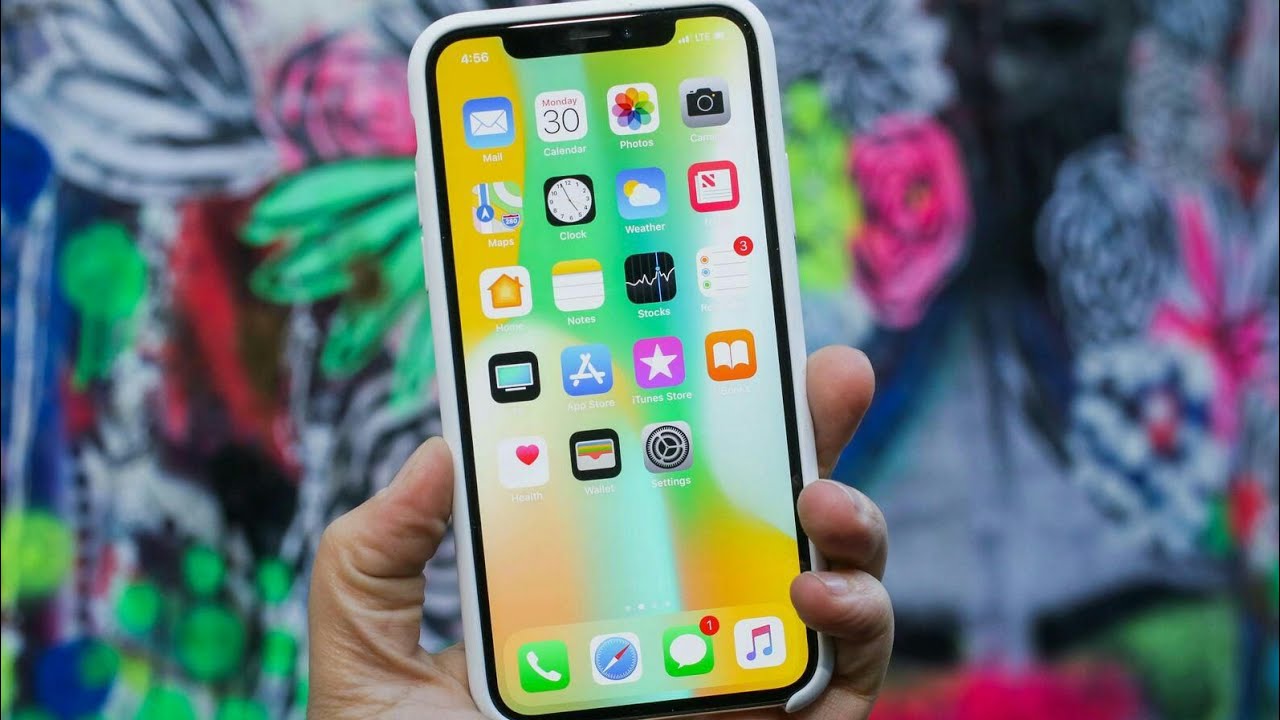
    Turn on the iPhone X, and it’s easy to forget almost every other phone released this year. Apple’s leading the bezel less  smartphone design trend, where the edges around the screen melt away to offer an immersive all-screen experience. Technically, other phones may have slightly smaller bezels, but I like the approach Apple took here. They have upgraded to the OLED screen from LED and it is brighter, more beautiful and needs less power.

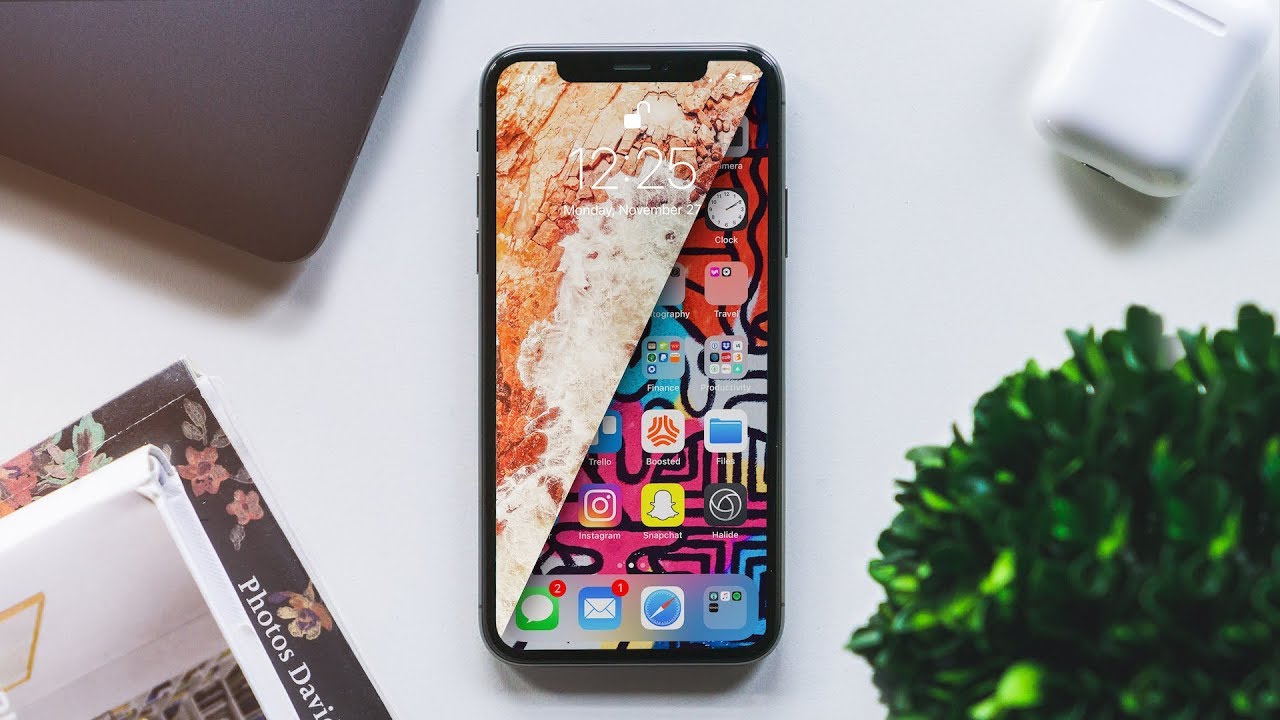
    The notch above the X’s display, which cuts out a small chunk of the upper screen to make room for the phone’s front-facing camera and sensors, doesn’t impact many apps or videos. In fact most I’ve tried put any critical info below that notch by default. But that does mean the effective display area is even smaller, with black bars on the top and bottom. My only issue with the notch is that it now removes the battery percentage icon from the display. Now I have to use the drag down gesture to check the percentage.

    The Camera

    The Camera is insane, Dual cameras and new facial land marking create dramatic studio lighting effects in Portrait mode.  The photos generally turned out great. Low-light gains aren’t as dramatic as I expected compared to the already excellent iPhone 7 Plus, but the photos I’ve been taking have generally looked phenomenal.


    Portrait Mode, which debuted last year, now supports flash photography and HDR. The 8 Plus and the X add a new photo technique called Portrait Lighting, a beta feature that adds simulated 3D lighting to faces and even strips out backgrounds to create a studio-shot effect.
     

    Face Id

    This is the biggest wow on the phone. The X looks at me, verifies I am me and unlocks. It is slightly longer then not using a pass code, but works great. I’m blown away by how well it works when I am wearing glasses or late at night in dark room. The biggest bonus to this is not just the ability to unlock my phone with my face, but sign in to everything with my face. All the apps, websites and verification that constantly need info from me now just input by verifying my face. Its amazing.

    And Animojies. They were fun for like 7 mins.


    The Final Thought


    This is  the Cubans, baby. This is the Cohibas, the MonteCristos. This is the This is my Eiffel Tower. This is the Rachmaninoff’s Third. The Pietà. It’s completely elegant, it’s bafflingly beautiful.


  • SmartPhone Spotlight: iPhone 8 Plus

    SmartPhone Spotlight: iPhone 8 Plus

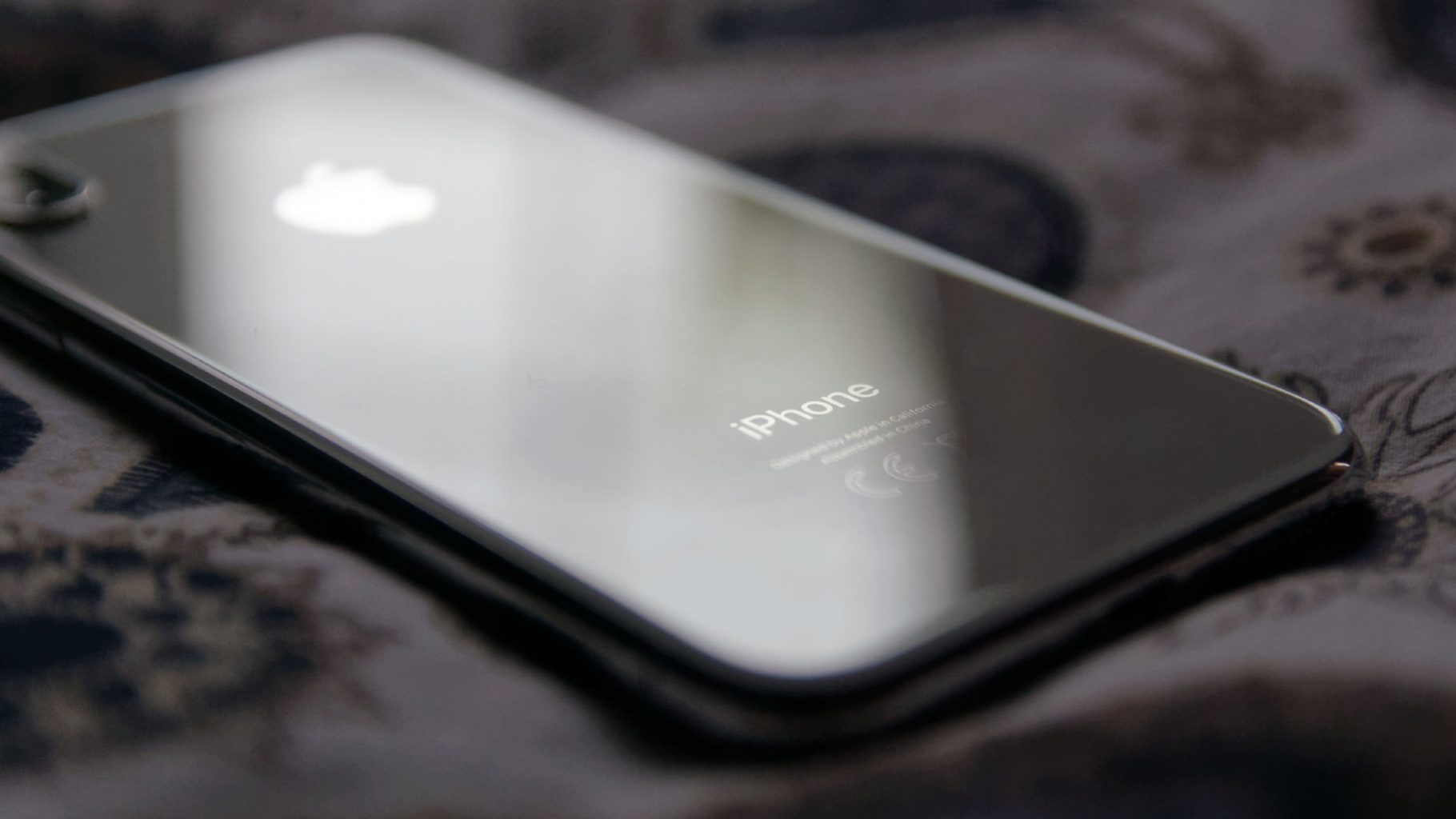
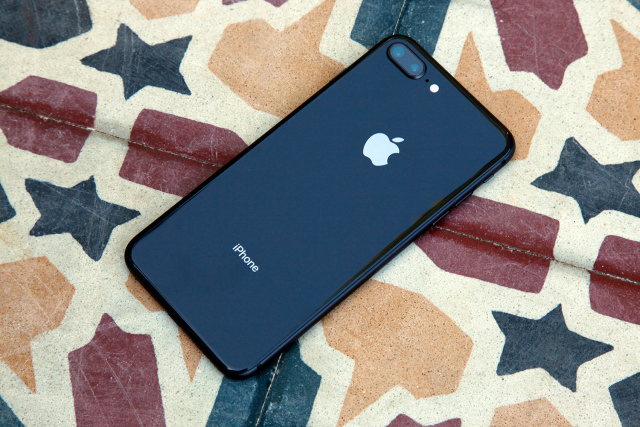
    Phone 8 Plus introduces an all‑new glass design. The world’s most popular camera, now even better. The most powerful and smartest chip ever in a smartphone. Wireless charging that’s truly effortless. And augmented reality experiences never before possible. iPhone 8 Plus . A new bigger generation of iPhone.


    The Great

    • Insane performance
    • Dual Camera, Portrait Mode
    • Excellent, versatile camera
    • Great screen
    • Super speakers
    • Wireless charging is nice to have
    • 3gb of RAM

    The Not

    • Its heavy
    • …come on, its perfect

    The Conclusion

    The iPhone 8 is great, the iPhone 8 plus is better, bigger, and a much better camera


    But the Size

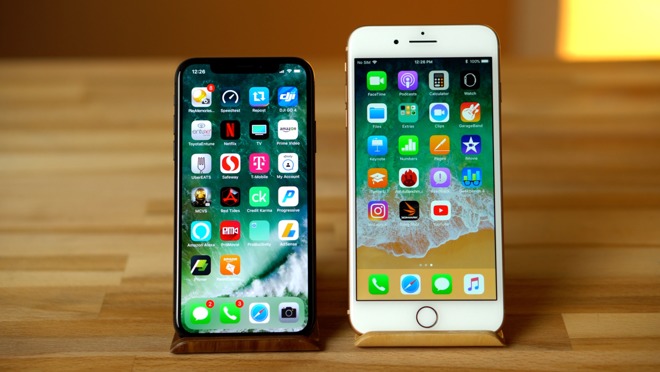
    I know everyone thinks they don’t want to carry a bigger phone in their pocket. Its too big they say. Ill drop it. Calm down, you will adjust to the size in a few hours. Its size is perfect, not a liability. Once you adjust you will feel like you could crush the 8 in your palm because its too puney.

    the iPhone 8 Plus represents a new update on a modern classic. There are nice upgrades to the screen, camera and processor, although nothing that will really make you say ‘wow’. It’s an iPhone 7S Plus but better.


    What Do You Get with a Plus

    There are a few differences with the iPhone 8 plus over the 8 than just the size. One big difference is the extra GB of memory. The iPhone 8 Plus has 3GB of RAM, while the iPhone 8 has 2GB. Battery: A tear down revealed that the iPhone 8 has a 1,821mAh battery, while the iPhone 8 Plus has a 2,675mAh battery. Camera: Both phones have a 12MP rear camera with an f/1.8 aperture and optical image stabilization.

    This Camera

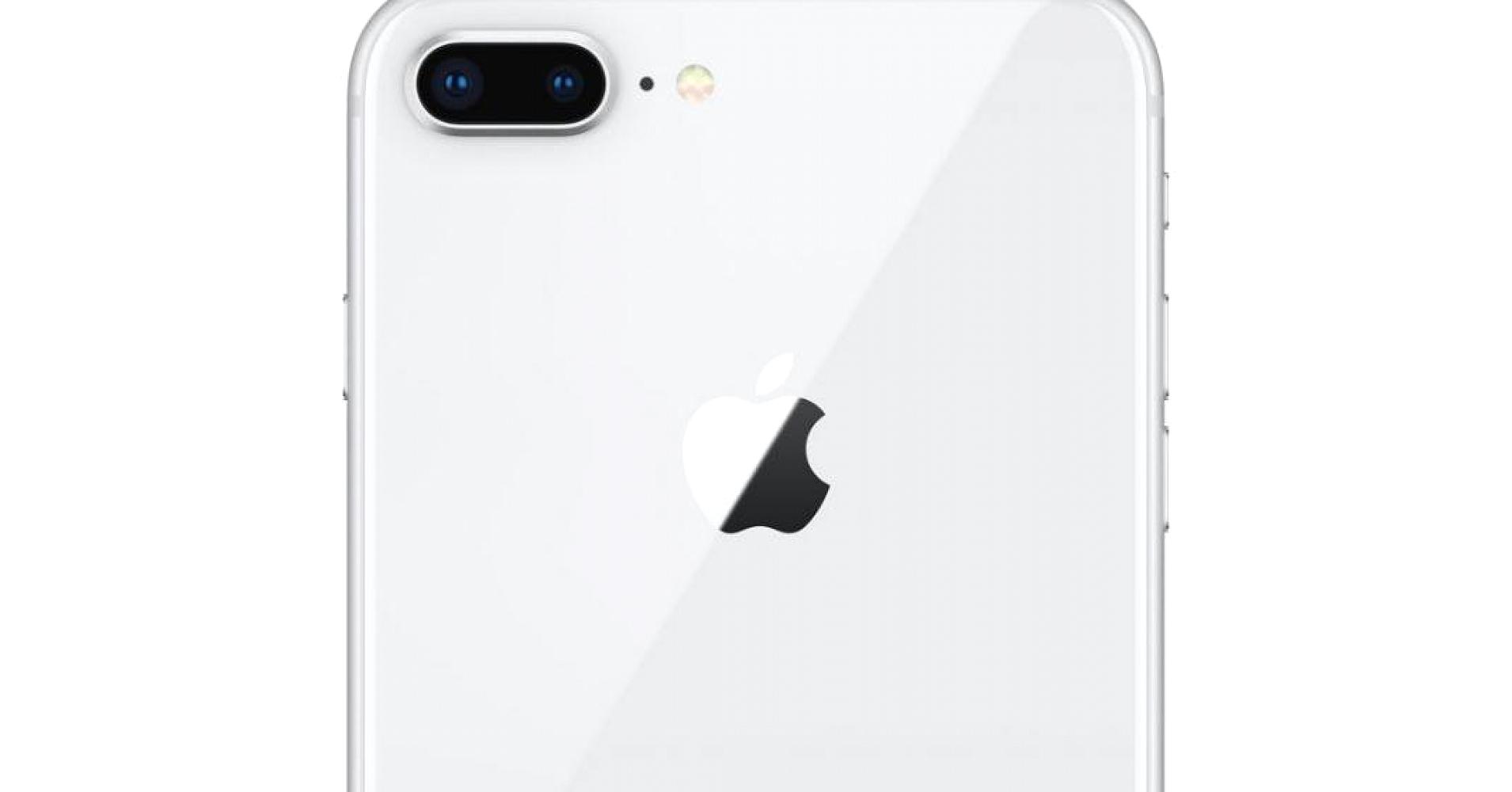
    The major difference is the dual camera on the back. Why do I want two cameras on the back of my phone? Portrait Mode. That is why. Dual cameras and new facial land marking create dramatic studio lighting effects in Portrait mode.  The photos generally turned out great. Low-light gains aren’t as dramatic as I expected compared to the already excellent iPhone 7 Plus, but the photos I’ve been taking have generally looked phenomenal.

    Portrait Mode, which debuted last year, now supports flash photography and HDR. The 8 Plus and the X add a new photo technique called Portrait Lighting, a beta feature that adds simulated 3D lighting to faces and even strips out backgrounds to create a studio-shot effect.
     Quick Spec Look

    • – IP67 certified – dust and water resistant
    • Apple A11 Bionic Chipset
    • 3 gb of Ram
    • Hexa-core (2x Monsoon + 4x Mistral)
    • Apple GPU (three-core graphics
    • 12 MP (f/1.8, 28mm), phase detection autofocus, OIS, quad-LED dual-tone flash,
    • 7 MP, f/2.2, 1080p@30fps, 720p@240fps, face detection, HDR, panorama
    • Wi-Fi 802.11 a/b/g/n/ac, dual-band, hotspot
    • Fingerprint (front-mounted), accelerometer, gyro, proximity, compass, barometer
    • Non-removable Li-Ion 1821 mAh battery (6.96 Wh) 14 hours in uses, 40 hours stand by
    • LED-backlit IPS LCD, capacitive touchscreen, 16M colors
    • 4.7 inches, 60.9 cm2 (~65.4% screen-to-body ratio)

    The Final Thought

    I like the plus, its the iPhone but bigger and better. Its beautiful and powerful, like Vin Deisel. Yes that the best way to put it, its the Vin Deisel of phones. Its the Iphone with More RAM, More Camera, More Screen.

  • SmartPhone Spotlight: iPhone 8

    SmartPhone Spotlight: iPhone 8

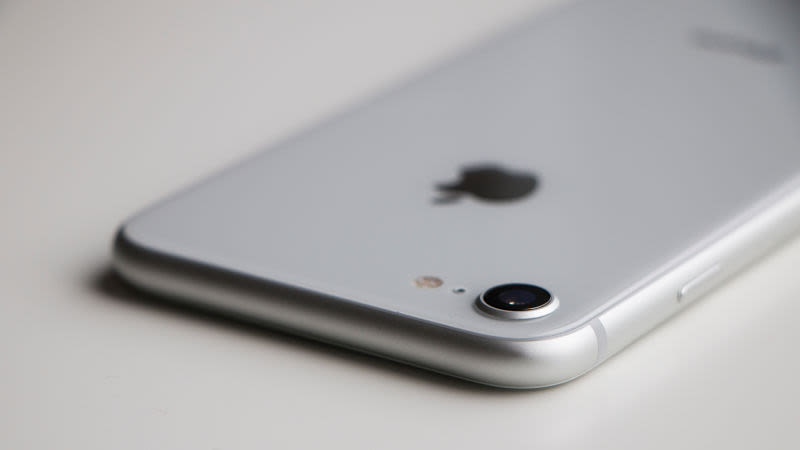
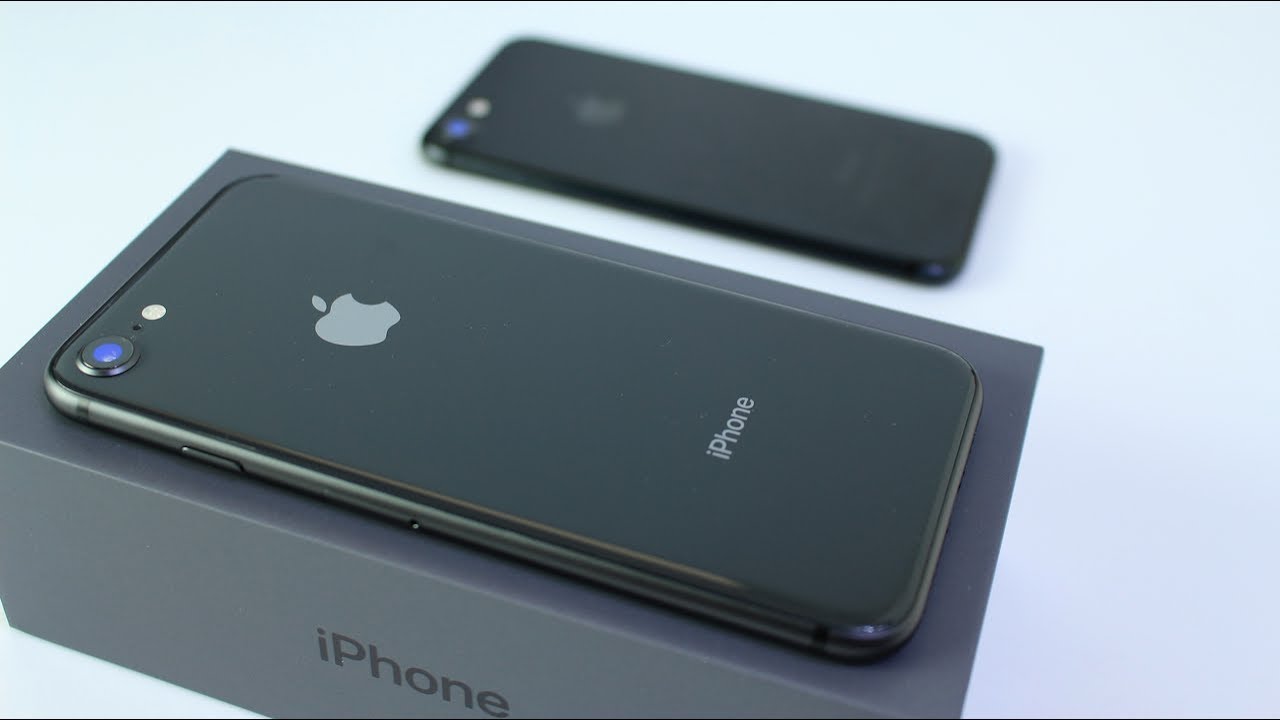
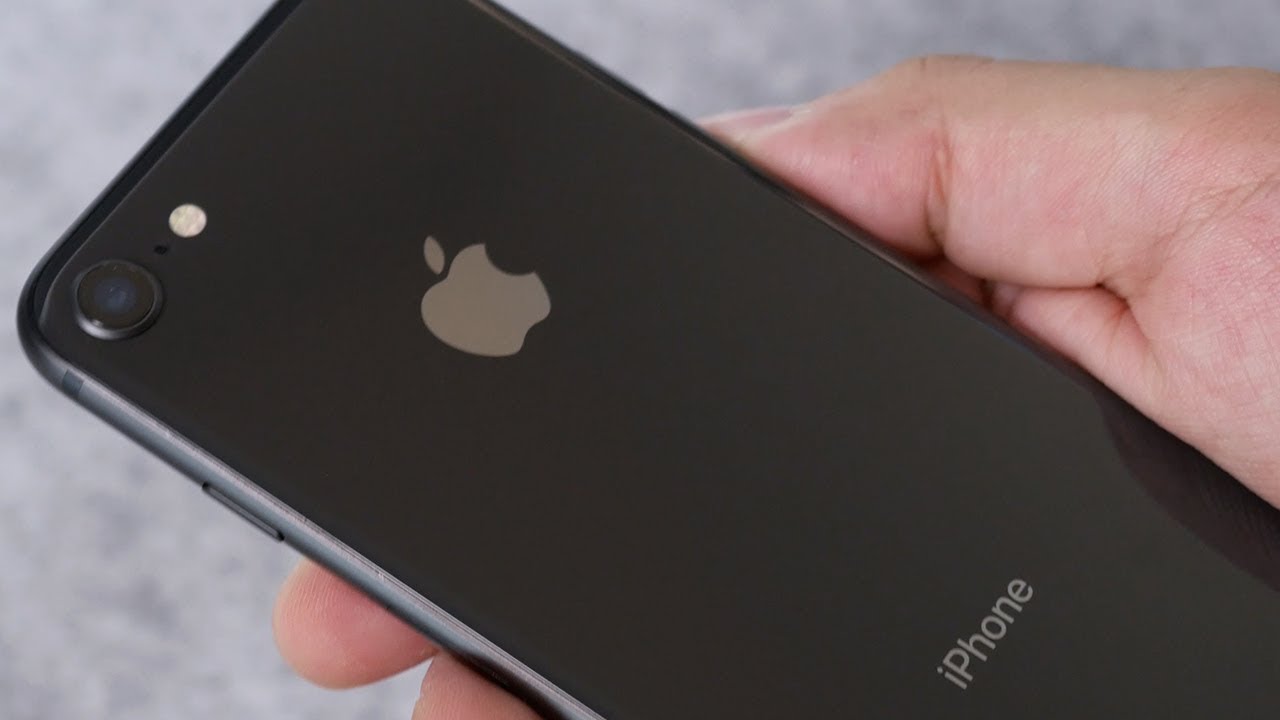
    iPhone 8 introduces an all‑new glass design. The world’s most popular camera, now even better. The most powerful and smartest chip ever in a smartphone. Wireless charging that’s truly effortless. And augmented reality experiences never before possible. iPhone 8. A new generation of iPhone.


    The Great

    • Insane performance
    • Vastly improved cameras
    • Wireless charging
    • Assured, timely software updates

    The Not

    • ….

    The Conclusion

    Its not the iphone v android, its what model iPhone do you want? It has been reigning king for 10 years. Only question to ask your self is what color.


    The Look

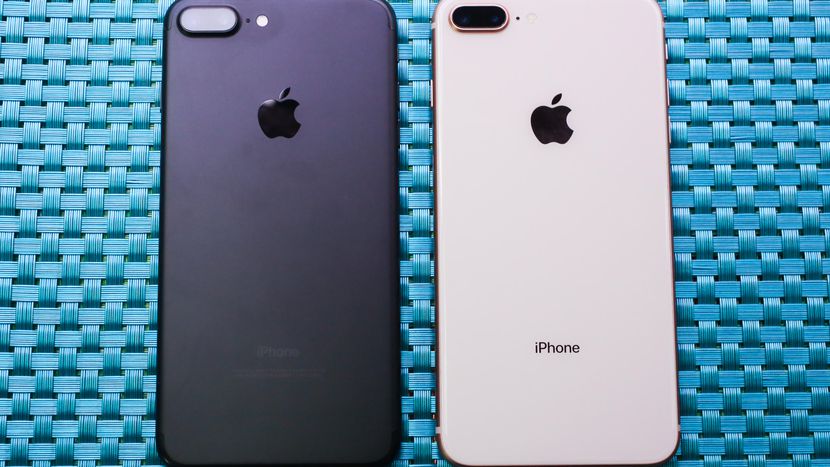
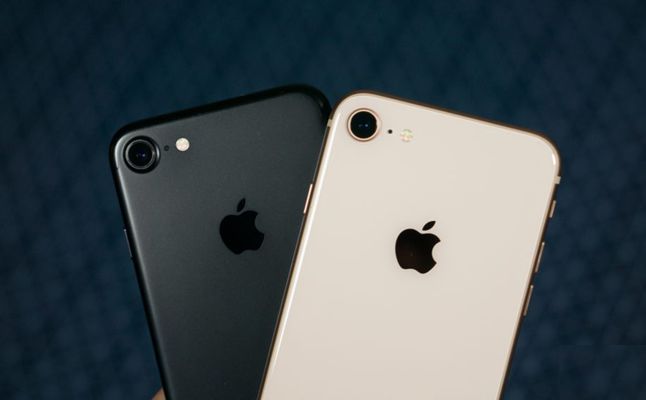
    This is the same design ans size as the previous model. you have seen it, you know it. How do you tell the difference between the 8 and the 7 physically? you want other people to know you are rocking the latest model of the iPhone, don’t you? The glass back design is a dead give away you are a true baller and have the iPhone 8.

    Whats New

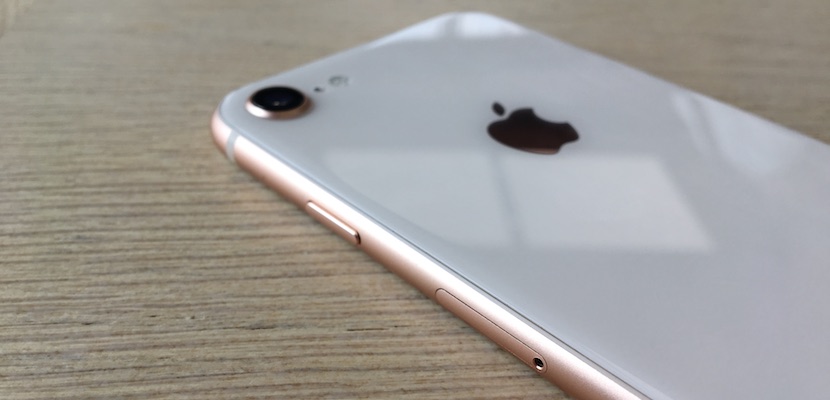
    iPhone 8 Plus has an all-new glass-backed design, along with the same color-matching, 7000 Series aluminum edges and glass front as iPhone 7 Plus. Apple says the rear glass is the strongest glass in any smartphone, with a 50 percent deeper strengthening layer.

    A Quicker Performance Boost.

    iPhone 8 Plus has Apple’s latest A11 Bionic chip. It has two performance cores that are 25 percent faster, and four high-efficiency cores that are 70 percent faster, than the A10 chip in iPhone 7 Plus. The A11 chip also has a neural engine and a more powerful M11 motion coprocessor vs. M10.


    Wireless Charging

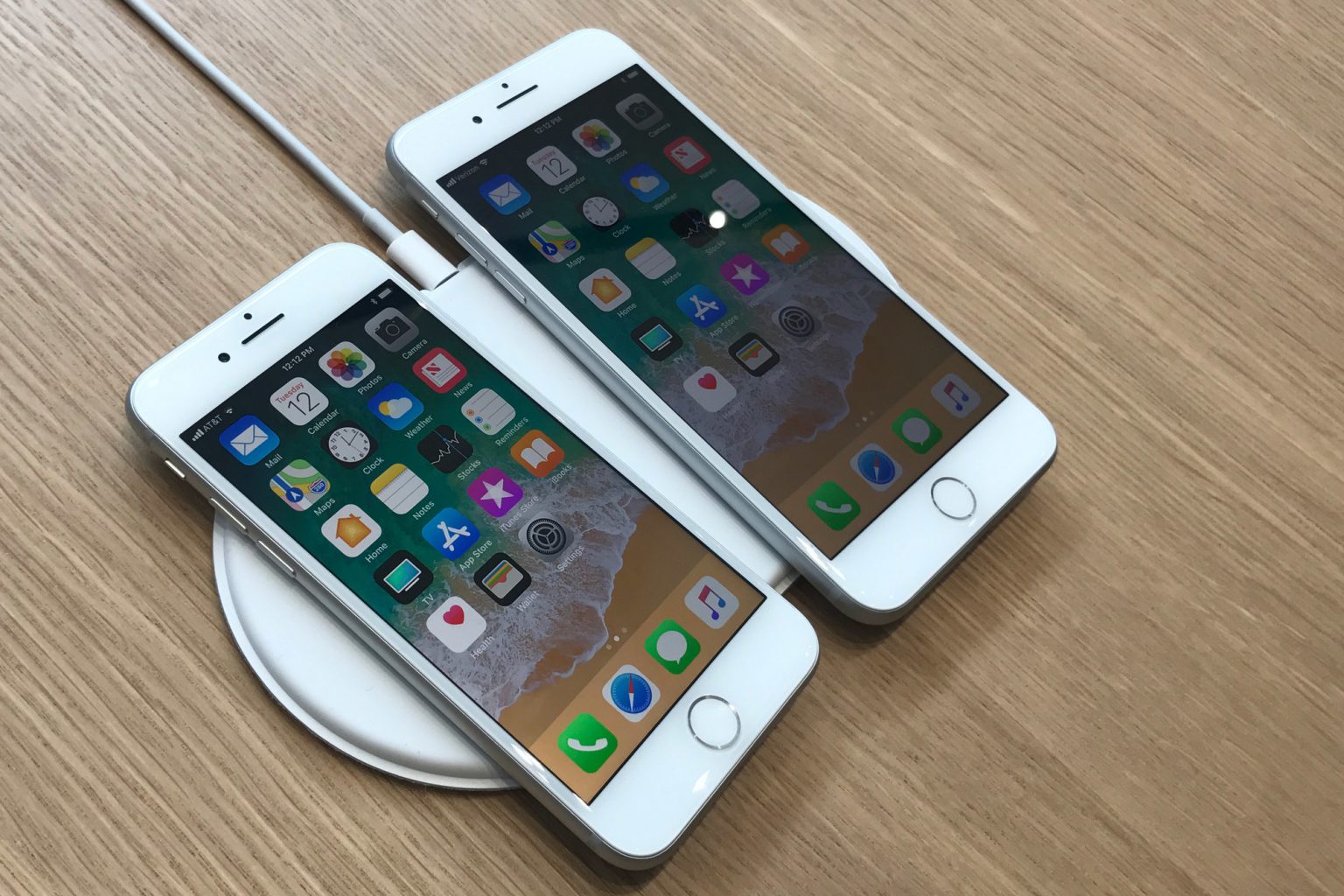
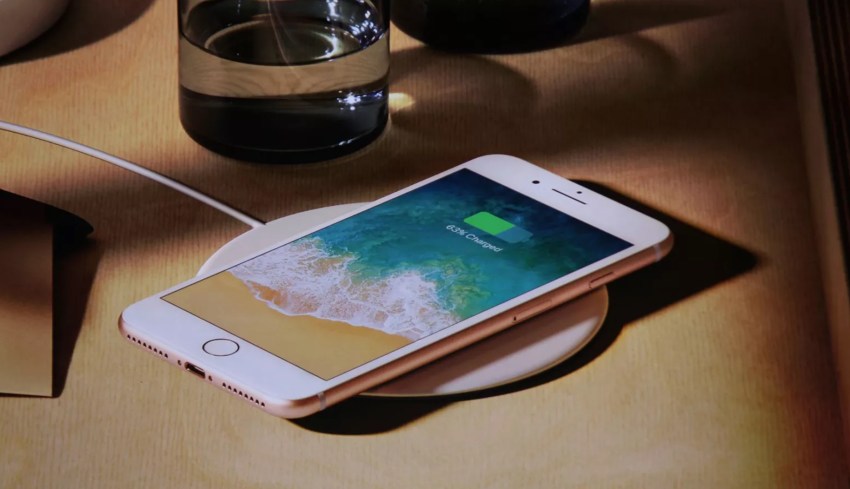
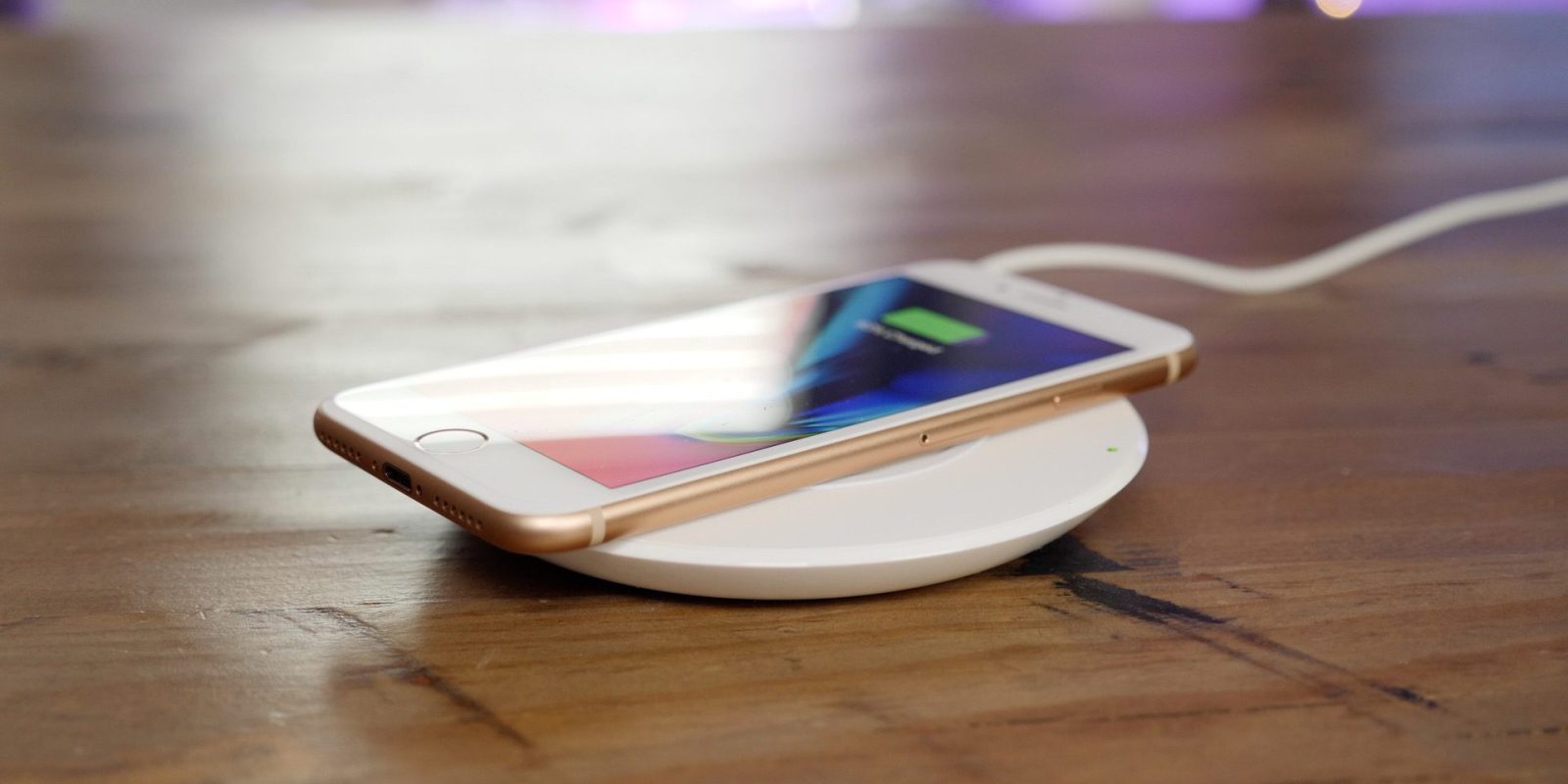
    iPhone 8 Plus supports wireless charging based on the Qi standard. The device can charge by being placed on an inductive charging pad, such as Apple’s upcoming AirPower mat or third-party options from accessory makers such as Mophie, Belkin, and Incipio. It will not support the non Qi wireless charging systems.. this is not an issue unless you use the Duracell power mat. I will note even on the fastest of wireless chargers its still much faster on the plug, but life is nice when you have options.

    Quick Spec Look

    • – IP67 certified – dust and water resistant
    • Apple A11 Bionic Chipset
    • Hexa-core (2x Monsoon + 4x Mistral)
    • Apple GPU (three-core graphics
    • 12 MP (f/1.8, 28mm), phase detection autofocus, OIS, quad-LED dual-tone flash,
    • 7 MP, f/2.2, 1080p@30fps, 720p@240fps, face detection, HDR, panorama
    • Wi-Fi 802.11 a/b/g/n/ac, dual-band, hotspot
    • Fingerprint (front-mounted), accelerometer, gyro, proximity, compass, barometer
    • Non-removable Li-Ion 1821 mAh battery (6.96 Wh) 14 hours in uses, 40 hours stand by
    • LED-backlit IPS LCD, capacitive touchscreen, 16M colors
    • 4.7 inches, 60.9 cm2 (~65.4% screen-to-body ratio)

    The Final Thought

    All in all, those features make the iPhone 8 Plus a considerable upgrade over the iPhone 7 Plus, which is perhaps why Apple skipped over calling it the iPhone 7s Plus. Alongside the iPhone X, it’s an option worth having.


  • Apple Adds Magazines, Buys Texture

    Apple Adds Magazines, Buys Texture

    Just Today Apple has announced that it signed an agreement to acquire the digital magazine service Texture, which serves articles from more than 200 magazines digitally on iOS, Windows, Amazon, and Android devices for a flat monthly fee.

    Apple has acquired the entire company, including staff, and has assured users that the Android version of the app will still be supported. The price of the acquisition was not disclosed.

    What is Texture

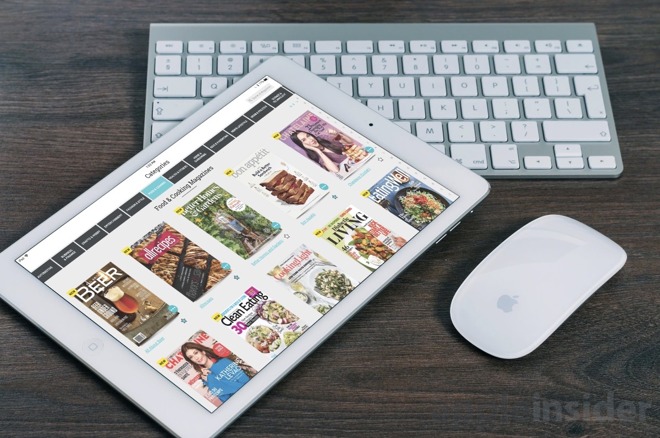
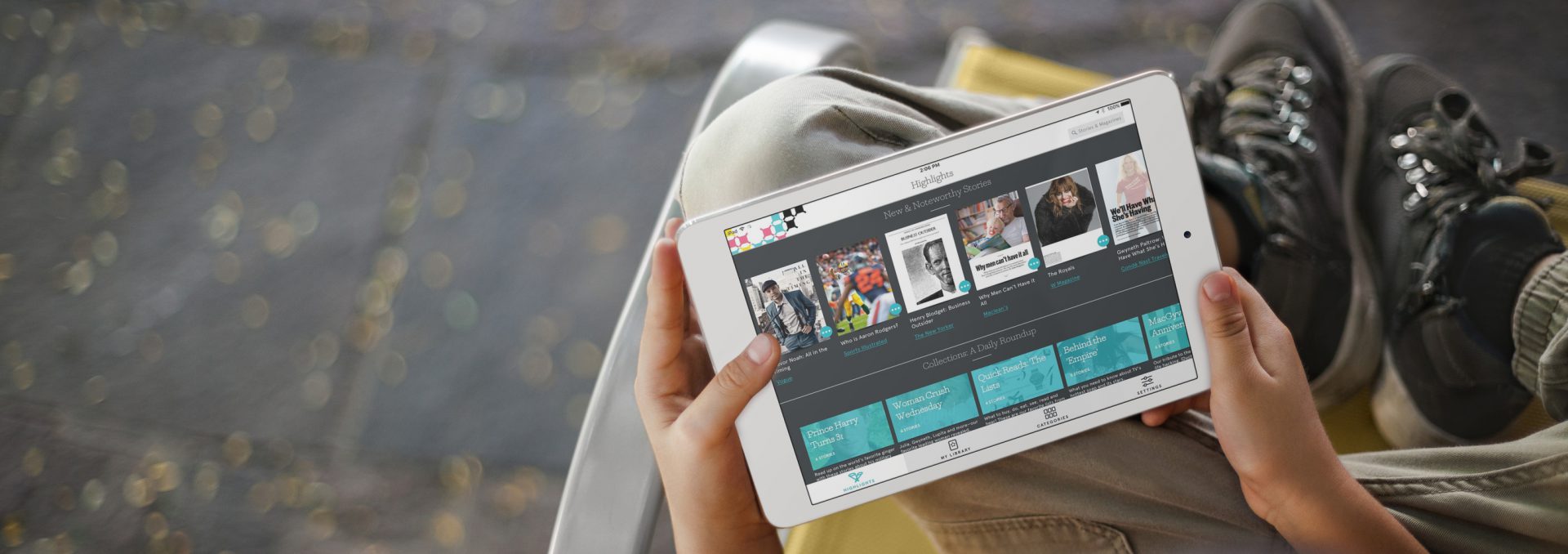
    Texture is an app that gives you instant access to both new, and legacy issues of some of the most popular publications. Formerly known as Next Issue, it was one of the very first subscription apps avilable on the app store. Currently you can try Texture free for 7 days when downloading the app. Texture would be boring and unmentionable if it were not for its surprisingly great readability. The digital reading experience is always a headache waiting to happen, but not with Texture. It is smooth, even more please than an actually magazine.

    Navigation is easy, with the actual magazine taking up the largest portion of your display, and only an ellipsis in the bottom left corner to bring up the controls. Individual pages/images can be zoomed in on with an outward pinch, something you clearly can’t do in the print edition.


    Texture  CEO John Loughlin  Says “I’m thrilled that Next Issue Media and its award-winning Texture app are being acquired by Apple. The Texture team and its current owners, Condé Nast, Hearst, Meredith, Rogers Media, and KKR, could not be more pleased or excited with this development. We could not imagine a better home or future for the service.” IM sure there was a nice percentage buy in to apple that will make him an insanely rich man.


    While we don’t know much about the acquisition some of the details where revealed In a statement from apple ” We’re excited Texture will join Apple, along with an impressive catalog of magazines from many of the world’s leading publishers. We are committed to quality journalism from trusted sources and allowing magazines to keep producing beautifully designed and engaging stories for users.”


    The Final Though

    Apple has shocked and bewildered us before with acquisitions, like beats. Whats a head for Texture? no idea. leave it to apple to blow our minds with a medium we all thought went the way of the Bloackbuster.