Category: How To

  • Uber vs Lyft: Ridesharing App Showdown

    Uber vs Lyft: Ridesharing App Showdown


    Unless you’ve been living under a rock for the past two years, you’ve likely heard about, seen, or experienced ridesharing apps.

    uber vs lyft

    While ridesharing has been around for quite some time, it has just recently exploded, and is really catching on worldwide. The ridesharing revolution began harmlessly enough but has quickly become an essential tool for many to commute to work or school, get home from a night out or simply run errands.  Today, the question of choosing Uber vs. Lyft is a debate many face each time they need a ride. To properly compare the two ridesharing apps, we’ll evaluate each based on 4 categories :

    • Pricing

    • The App/Booking a Ride

    • Coverage Areas

    • Vehicle Types/Options

    Pricing

    Uber and Lyft compete heavily on pricing, attempting to lure customers away from each other by constantly offering lower prices than the other.  A more in-depth look at the actual pricing we find that for the most part, the companies charge about the same prices, although prices can vary from city to city.

    uber vs lyft

    Another pricing factor to consider is surge pricing when there is a very high demand for transportation.

    Both companies use some form of price surging – meaning fare prices are raised when rider demand is greater than normal. Uber increases their price about 7X or 8X what the original price would have been, while Lyft tends to increase their prices 2X.

    Since both companies charge about the same on a normal day, most use whichever service is closer and can pick them up first. During times of high demand riders tend to get better pricing when they use Lyft.

    Winner: Lyft

  • Top 5 Premium Headphones for Audiophiles

    Top 5 Premium Headphones for Audiophiles

    After hearing the audio recently in a $4k pair of wired headphones I realized I am the know nothing John Snow of headphones. I have been quite content, even pious, thinking my Beats Solo and Bose Bluetooth Noise Reducing earphones where of high quality. I was wrong, so very, very wrong. It takes a lot to admit ones’ wrong, in this case these 5 blow your hair back, kiss your eardrums good bye headphones have indeed humbled me..


    1. Audeze LCD 4-$3999.99

    These High-performance planar magnetic headphones are truly the best of the best. The California-based sound experts have been on the cutting edge of planar magnetic headphone research, design, and development. Along the way, they’ve earned a stellar reputation among serious headphone enthusiasts for both their high-tech approach and high-fidelity results. The brilliant Audeze LCD-4 headphones are the result of all their hard work. Wait, what is planar mangetics? Just another fancy word for good? No, planar magnetic drivers offer low distortion, enhanced dynamics, and detailed sound.


    2. Final Audio – Sonorous X Headphones- $4999.00

    The Sonorous X is beautiful, and my favorite design among the top 5. Despite the more attractive appearance and truly amazing sound quality these head phones are taking home the silver. My first impressions was that Final  has got things nailed with its range-topping headphones, the Sonorous X. These arrived in an immaculately made fur-lined wooden box, bonus.  As I dug, in I found comparing it to the others on the list, mainly the LCD 4. To tell you the truth its sound lacks some drive and dynamic nuance.  My final opinion was  These headphones are excellent in many respects but don’t have the all-round ability required at this level to win the gold.. But Silver is yours Final Audio. 

    3. HiFiMAN – SUSVARA – Audiophile Headphones- $6000

    With a Similar look to the Audeze, the SUSVARA looks like a hand crafted beauty with a through back to the origins of 1900s radio. The advanced magnet design used for the first time on the SUSVARA is acoustically transparent, dramatically reducing wave diffraction turbulence which degrades the integrity of the sound waves.  The result is reduced distortion, yielding a purer, more harmonious sound that is audibly so. Detailed like an electron microscope, mostly flat frequency response, excellent sound stage height/depth/width, layering and instrument separation, incisive speed without excess, impeccable attack and decay, its like being there.The SUSVARA is perhaps the most revealing and neutral sounding headphones I have experienced, with a soundstage that is coherent yet open and spacious. The dynamics of the SUSVARA and its ability to respond to small signal changes depicting spontaneous fine gradation of sound differentiates itself from the competition. Its outstanding imaging and separation capabilities makes listening to well-mastered albums like St. Vincent a joy on the SUSVARA. However, there are areas for improvements to the accessories that came with the box as well as the overall finishing and workmanship of the headphones to make the asking price more, which is why it is taking the Bronze

     4. Focal Utopia Reference High-Fidelity- $3999.00

    These are the very Headset that set me on this quest for the ultimate sound, not thinking I would find any better. Yet here we are. The Focal Utopia Reference High-Fidelity contain full-range loudspeakers with unusual M-shaped domes made from pure beryllium. They’re designed in such a way that they can adjust to the size and contours of almost any head, offering supreme comfort.

     5. Sennheiser HD800- $1099

    Designed with a tight, closed-back ear covering intended to give you listening privacy when you take these cans out into the world. Their planar magnetic drivers produce a high-quality sound that should please the majority of listeners. Top-notch engineering and build quality; highly accurate sound; super comfy over-the-ear design; detachable headphone cable.The HD 800s sound a bit less like headphones and more like high-end speakers than any headphones I’ve heard. While they don’t have the same nostalgic, handcrafted feel of the others on the list at $1099 the best bang for the buck.

    The Final Thought

    For the purpose of this review, I  have selected the 4 album  by  musicians Led Zeppelin to compare all headphones because, why not?  These five headphones are the best of the best, they are the Olympiads of premium Headphones. Test with caution, nothing will ever sound as good after.

  • Do’s and Don’ts When Using Shopping Apps

    Do’s and Don’ts When Using Shopping Apps

    By LAUREN SCHWAHN, NerdWallet

    Retailers such as Target and Amazon are embracing shopping apps to help consumers save money and time with features like digital wallets and augmented reality. When used strategically, apps can streamline in-store trips and online purchases, but shoppers could also find that convenience comes with a risk: impulsive decisions and overspending.

    “Now shopping can be anytime, anywhere, multiple times a day, which is great for customers who value convenience,” said Casey Taylor, a partner in the Atlanta office of Bain and Company, a management consulting firm. “But for customers on a budget, what I would share as the primary caution is that it makes it very easy — almost too easy.”

    Here’s how to get the most out of retail apps, while avoiding the downsides.
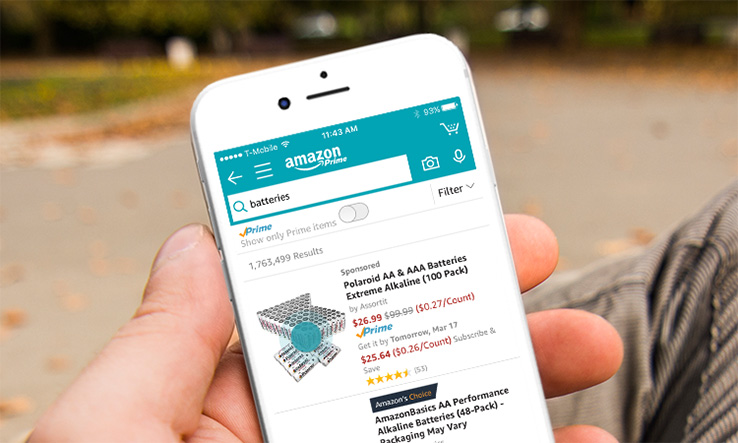
    Shopping App Amazon

    DON’T ENABLE NOTIFICATIONS

    Push notifications — alerts that pop up on your phone — and emails tend to “catch people at vulnerable moments,” enticing them to spend money on things they otherwise wouldn’t, said Marshal Cohen, chief industry analyst at the NPD Group, a market research company.

    Data show that 9.6 times more users make a purchase when an app sends a promotional push notification compared with those who didn’t receive one, according to Leanplum, a mobile marketing platform. Notifications also increase the amount an average shopper spends 16 percent.

    A quick fix: Turn off notifications in the app or your device’s settings and opt out of retailers’ emails if they’re too tempting to resist overspending.
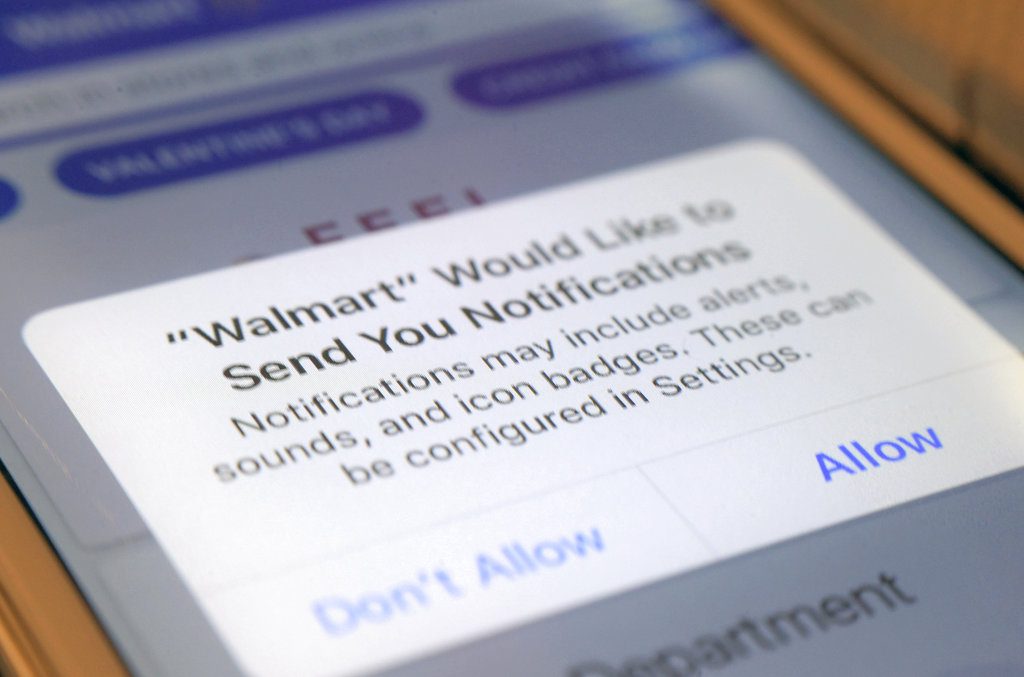
    Shopping App Notification

    DO MAKE A SHOPPING LIST

    Take inventory and make a list of what you need. Shopping lists can deter impulse purchases by keeping specific merchandise top-of-mind. Most retailer apps make it easy to view and edit lists on your device.

    For example, the app for Kohl’s enables shoppers to set a budget , and then automatically deducts the price of each item on the list. Other merchants, like The Home Depot, include maps or aisle numbers to help customers track down products on their lists at local stores.
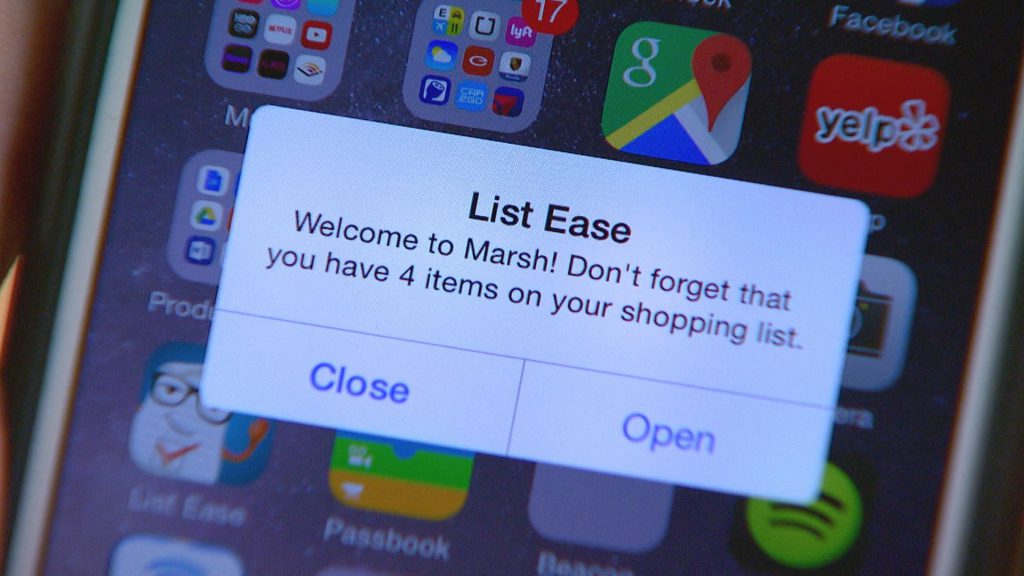
    shopping apps list

    DON’T KEEP PAYMENT INFORMATION ON FILE

    Although storing shipping and billing information speeds up the checkout process, it can also smooth the way for frivolous purchases. Researchers have found that compared with cash, behind-the-scenes payment methods make shoppers feel detached from their money — and more likely to spend.

    “Now with technologies where you can just use your fingerprint, or you just take a photo of your credit card, it makes payment incredibly simple,” Taylor said.

    Instead, enter payment information each time, rather than saving credit card numbers or linking to a PayPal account. The extra step makes the exchange of money feel more real.

    At the very least, “take a breath before tapping ‘checkout’ to make sure that your purchase is as much about you really needing that item versus the fact that the shopping experience has become more entertaining and has become very easy,” Taylor said.
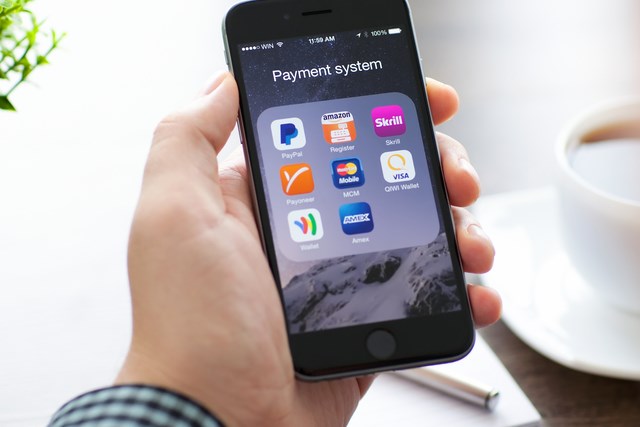
    shopping apps payment

    DO USE YOUR CAMERA

    Use the camera feature within apps to read product details and customer reviews.

    “It allows you to have a greater usage of knowledge of what those products you’re purchasing can do,” Cohen said.

    Some apps surface product information when an item’s bar code is scanned with the camera. Beauty retailer Sephora’s app incorporates augmented reality, which allows shoppers to virtually try on makeup products and colors as they look into their device’s camera.

    As well, cameras can summon savings: Snap a picture of your receipt in Walmart’s app, and its Savings Catcher tool will match a competitor’s lower advertised price — even after your purchase. Walmart refunds the difference on an electronic gift card. Target’s app checks for manufacturer coupons and in-store deals on scanned items.

    DON’T FOCUS ON ONE RETAILER
    shopping app retailers

    Through exclusive offers and built-in loyalty programs, “individual retailers’ shopping apps intend to lock-in shoppers,” Jie Zhang, professor of marketing at the University of Maryland’s Robert H. Smith School of Business, said in an email. For example, the wallet feature on the J.C. Penney app lets shoppers see and redeem rewards, coupons and gift cards in one place.
    But using only one retailer’s app could mean missing out on opportunities to save money.

    “Yeah, there might be a 20 percent-off sale, but it could be really easy to go get 35 percent off somewhere else for the same exact product,” Cohen said.

    Use a price comparison tool, like ShopSavvy or Google Shopping, to locate the best price across multiple merchants.

     

  • Cutting the Cord? 5 Best Streaming Services in 2018

    Cutting the Cord? 5 Best Streaming Services in 2018

    The days of having to tune in live, buy discs or subscribe to expensive cable/satellite packages in order to watch your favorite shows and movies are gone.  Streaming services started as an add-on to DVD and digital download offerings with a trickle of second-run movies and TV shows. But speedier internet connections, an abundance of dedicated streaming video devices, and an explosion of mobile video has allowed services like Netflix and Amazon to bulk up their streaming libraries, invest millions in original content, and give traditional pay TV providers a run for their money. These services have grown up from their days as cable TV adjuncts; they’re now full-fledged cable replacements for cord cutters. If you are looking to cut the cord, here are the 5 best streaming services in 2018.

    1. Netflix

    $11 per month

    cutting the cord netflix

    The great-granddaddy of streaming services remains the best. As you probably know, Netflix provides unlimited streaming of TV shows, movies, comedy specials and original programming (including Orange Is the New Black, Stranger Things, Master of None and the fourth season of Arrested Development) for one monthly subscription fee. No other service has yet given Netflix an honest-to-goodness run for its money in terms of selection, quality and performance consistency. You can even create up to five different profiles on a single account to make sure that your favorite content doesn’t mess up recommendations for your friends and loved ones.

    2. Hulu

    $8 per month

    cutting the cord hulu

    If you want to keep current with the latest network TV shows but don’t feel like investing in a cable subscription or an HD antenna, Hulu is the best solution. This service provides access to most major network shows (aside from CBS’ programs) and a handful of cable shows the day after they air. It also lets subscribers access a show’s current season — or often all of the program’s seasons. In addition, the service hosts a number of original shows (including joint ventures with the BBC, like The Wrong Mans and season 4 of The Thick of It), a selection of offbeat movies and a surprising amount of classic anime series. Even with a paid subscription, you have to sit through commercials, but far fewer than if you watched the same shows on cable.

    [adInArticle]  

    3. Amazon Video

    $99 a year or $8.99 per month

    cutting the cord amazon video

    For those who do most of their shopping online, Amazon Prime is a no-brainer. For $99 per year, you get free two-day shipping on your purchases, a free Kindle book each month, and unlimited access to both Amazon Music and Amazon Prime Instant Video. Like Netflix, Amazon Video is a veritable buffet of movies, television and original programming, like Alpha House, Transparent and Mozart in the Jungle. Thanks to a deal with Viacom — which controls Comedy Central, MTV and Nickelodeon — Amazon Prime arguably has a better selection of comedy and children’s programming than its competitors. The service also offers unlimited access to an extensive collection from HBO’s back catalog of classics such as The Sopranos and The Wire. The separate Amazon Video provides easy access to current movies, but it’s an à la carte service.

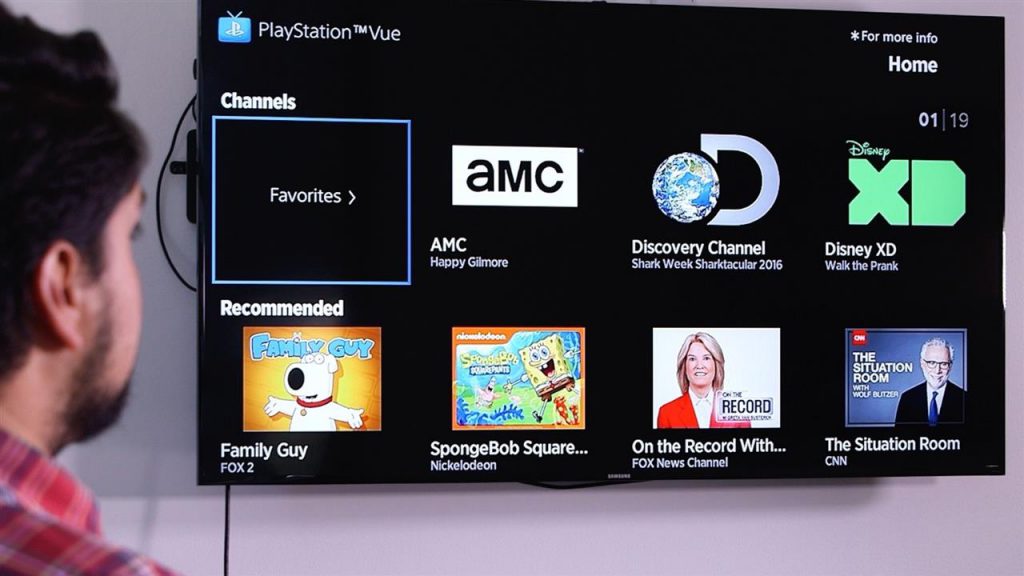
    4. PlayStation Vue

    $35 per month

    cutting the cord playstation vue

    PlayStation Vue is about as close as you can get to a cable subscription without actually getting a cable company involved. The service, which is available on a wide variety of systems, is Sony’s first foray into delivering live TV to its customers. Choose from four different packages: Access ($50 per month), which gives you basic channels, Core ($55 per month), which adds sports, Elite ($65 per month), which adds niche programming and Ultra ($75 per month), which adds certain premium channels. Although the service is expensive, it provides up to 90 live channels – including local sports and news – and lets you record your favorite shows.

    5. Sling TV

    $20 per month                                                                                                                                                           

    cutting the cord sling tv

    If you like the idea of a cable subscription but feel it’s just too expensive and offers more content than you want, Sling TV might provide a happy medium for you. On paper, Sling sounds a lot like a traditional cable service: Pay a monthly subscription fee in exchange for about thirty real-time channels. But there’s no contract and no set-top box rental fee. Sling is especially handy for sports fans, as it offers a variety of ESPN channels. For cord-cutting sports fans, this alone is worth the price. Other popular networks, like NBC, BBC America, CNN, Cartoon Network, TBS and the Food Network, sweeten the deal. If you sign up for Sling Blue, which is the service’s multi-stream option, and bundle it with the more bare-bones Orange, the combo will cost you $40 per month.

    [adInArticle]  

    Conclusion

    Let’s face it, cable tv is dead. It had a solid run and lived a long and fruitful existence but now – sorry to say – the time has come to cut the cord.  If you are ready to cut the cord, this rundown has the most popular services. Which one is best for you?

  • 3 Ways to Use Your Phone with No Signal

    3 Ways to Use Your Phone with No Signal

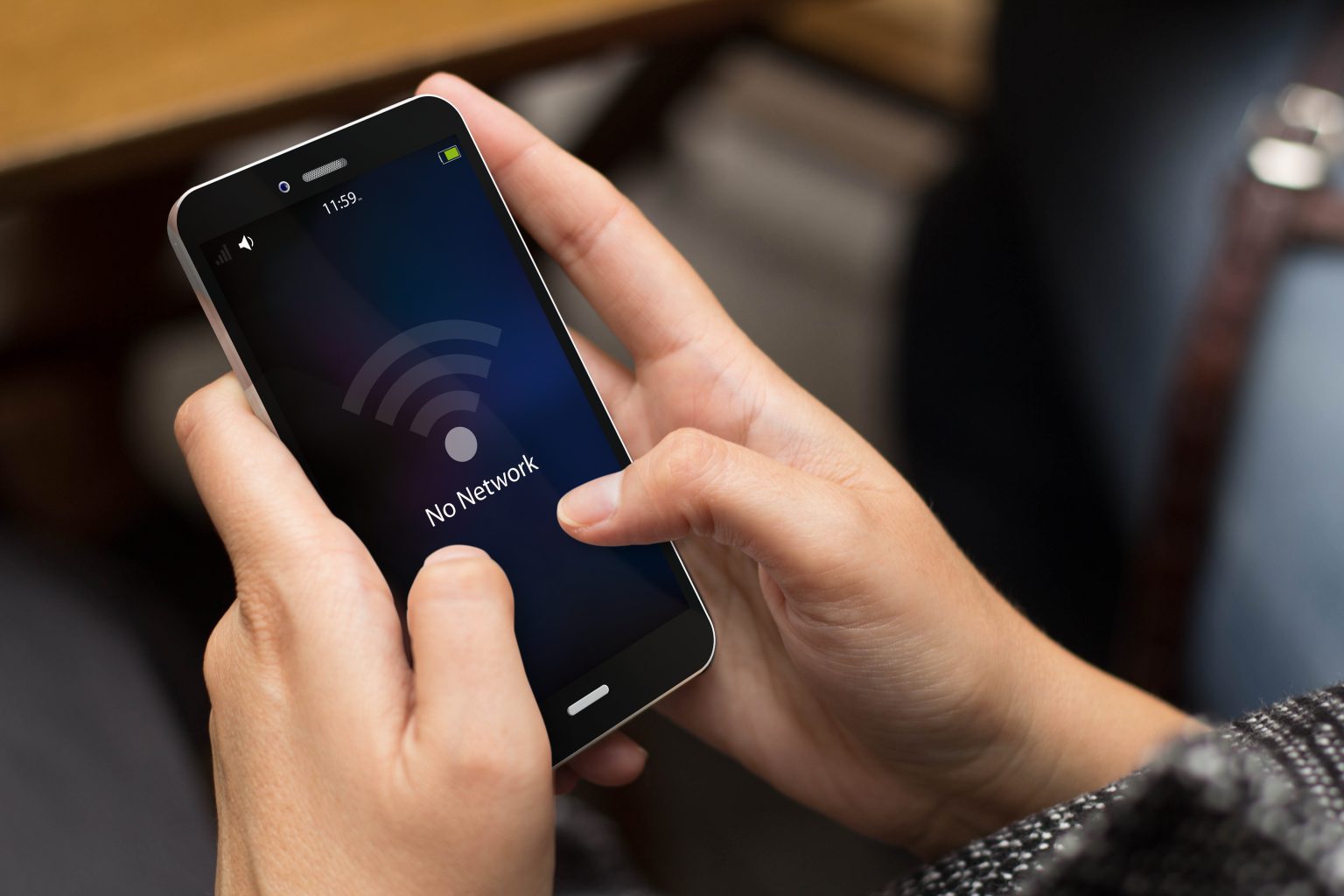
    Cell coverage is great these days, but what happens if you find yourself with the dreaded “no signal” at the top of your phone?  Here are five things you can still do with your phone while cut off from the world.

    1. Go for a Run

    Most smartphones’ GPS will work even if your not connected to the internet.  This means you can use apps like TrackMyRun or Runkeeper even if you have no signal.  You’ll need to reconnect for some advanced features, but you will still be able to track your run or hike when the bars read zero.

    2. Offline Maps

    You can store maps offline so that you’ll be able to navigate even with no signal.  Pro-tip: this also works really well for when your in a roaming zone (like another country) and don’t want to be charged those expensive roaming fees!

    We’re still waiting for Apple to add this feature to their maps app, so for now Google is your best bet – but dont’t forget to download the offline version before you loose signal!

    Check out how do download maps offline Google Maps

    3. Check up on Old Emails

    Get that inbox down to zero by finally going through all those unread emails.  You won’t be able get any new emails, but all your replies will be queued up for the next time you connect.

  • PC’s…Build or Buy?

    PC’s…Build or Buy?

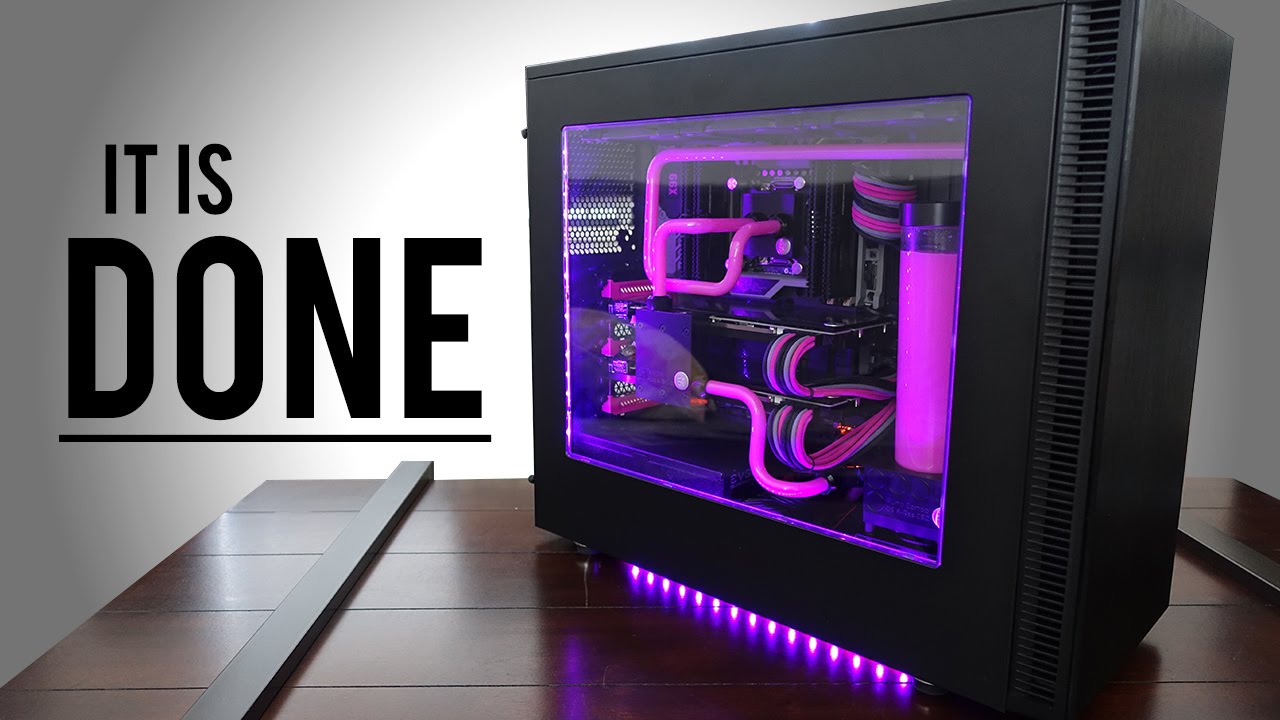
    Image result for PC build

    Pros to Building a PC

    • Full customization of PC’s interior and Exterior looks and funtions
    • Advances in PC tech, make building a PC relatively easy for intermediate users
    • With proper shopping, building can be a much cheaper option.

    Cons to Building a PC

    • High chance for PC software bug if not built right
    • Can be a laborious and frustrating practice at times
    • Ensuring that all parts are compatible and will function together is a task in itself

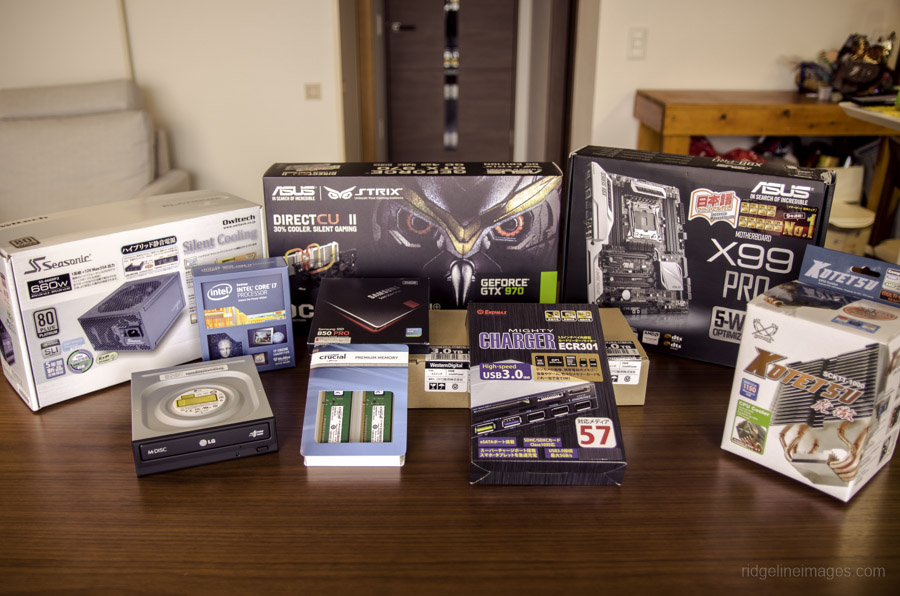
    Related image

    Conclusion

    PC building is a beauty in the eye of the beholder. Completing a fully custom, kick-butt, gaming PC can be a lot of fun with a rewarding product afterwards. But with great PC names such as Alienware, is it better to just spend the money and call it a day? If you have the time, I say build. With all PC parts easily available online at Amazon, and all the fun extras you can attach, making your own PC is almost an art nowadays. But prepare for frustration…

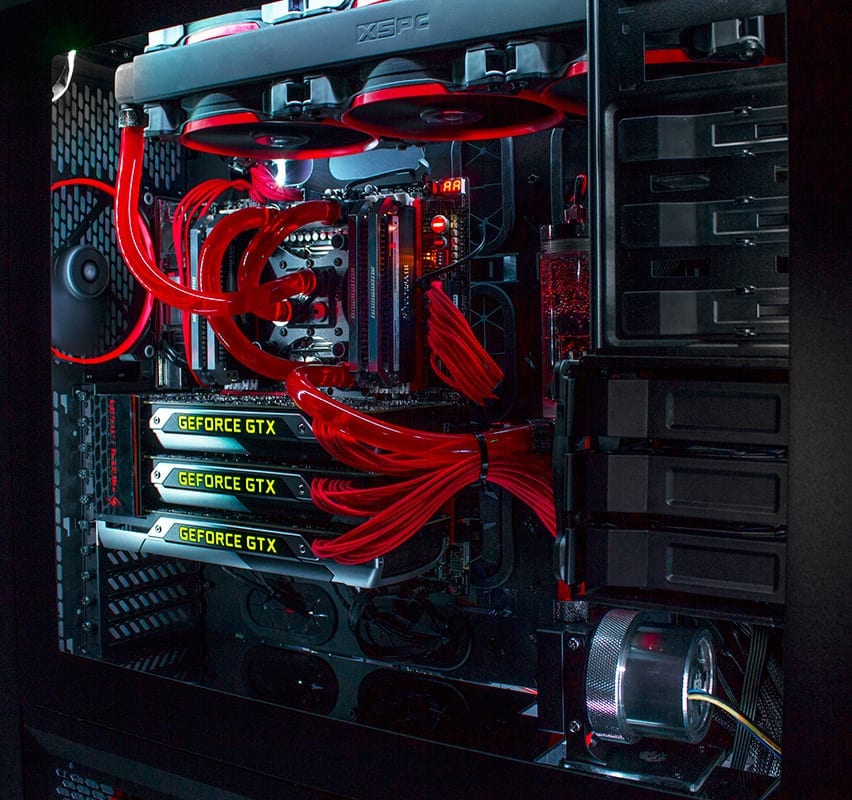
    Image result for PC build

    The build

    At first it seems like an overwhelming amount of work, but after a while all the parts your ordered and purchased seem to click in place and the PC is starting to come together. Fully customized to your liking with color schemes, attachments, and paint jobs, there is no end to what you can do to your custom PC. But is it cheaper than buying a big name PC? On average with all your high-end graphics cards, processors, memory, and motherboard, you cost can easily creep to $2,000.00. On top of the rising cost, you have to make sure all parts are compatible, get all software up and running together, and get past a sometimes long bug fixing period. I see why folks, to walk down to the outdoor Sunday computer market and grab something they know they can just plug in and go. But those big market gaming computers can cost around $5,000.00 and come equipped with essentially the exact same parts that you can buy and build for $2,000.00.

    Image result for PC build

    Final thoughts

    Ultimately, building you own PC is fun, cheaper, and the end result is building something you can be proud of. Complete with customized LED lights, personalized motherboards, fans, and graphics cards. But prepare yourself for frustrating moments and know it’ll take some time. But you’ll get through it and at the end of the day, you’ll call that PC your baby.