Tag: adobe

  • Adobe Wants to Recruit Lifelong Fans with Huge K-12 Discount

    Adobe Wants to Recruit Lifelong Fans with Huge K-12 Discount

    Do you want access to the Adobe Creative Suite for $5 a year? Then you’re in luck…as long as you’re under 18. Adobe hopes that their latest promotion will introduce a whole new generation to their design tools.

    Major Discount for Kids

    Adobe announced that, starting May 15, students in the US will be able to use its full suite of creative tools—including Photoshop, Muse, Dreamweaver, Illustrator, and more—for just $5 a year. That’s a massive drop from the previous educational discount of $240 per year.

    Kids will be able to use all of the Adobe products through the Creative Cloud. The cloud-based system allows users to log in from home or school and access their files anywhere. Even after they age out of the program, students will be able to keep their files from the cloud.

    Training the New Generation

    As smartphones and web-based apps dominate the market, especially for younger generations, Adobe has seen its popularity begin to wane. To stay competitive and bring in new users as early as possible, Adobe is also revamping its training tools and tutorials to make their products easier to use.

    Considering that software like Photoshop can be challenging even for industry professionals to master, it will be interesting to see how the company can make its complex products more user friendly.

    No Break for College Students

    Unfortunately for students over 18, the new price drop stops at the end of high school. College students can still take advantage of a slight discount for access to the Creative Cloud ($420 per year, compared to the full price of $600).

    Although the deal is only available to schoolchildren in the US, Europe, Japan, New Zealand, and India right now (albeit with slightly different pricing for different territories), an Adobe spokesperson says that the company plans to expand to other countries soon.
  • Laptop Lookout: HP ZBook X2

    Laptop Lookout: HP ZBook X2

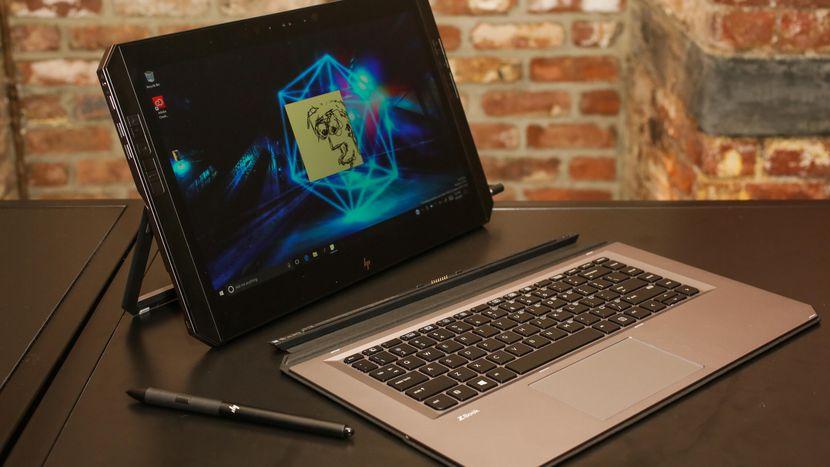
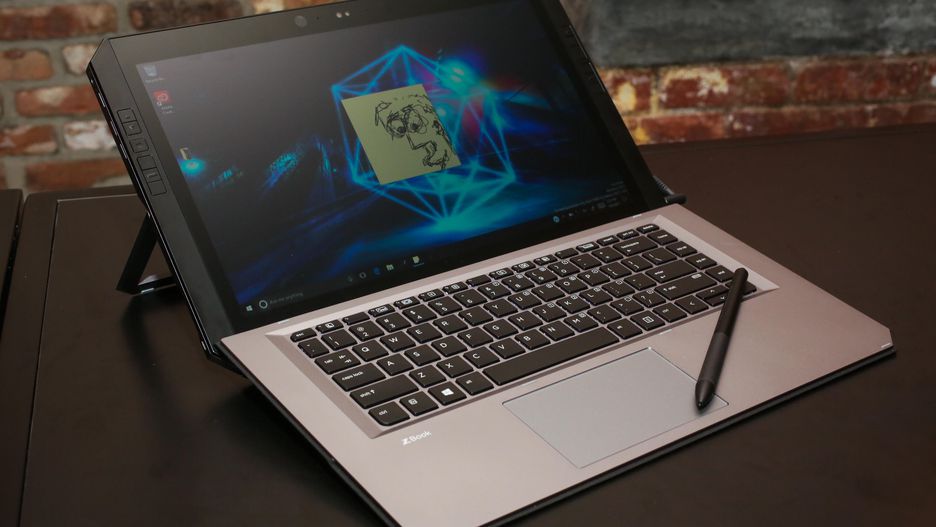
    Its not a Notebook, barely a laptop but it a great PC solution. Hp is Introducing the world’s most powerful detachable PC with remarkable performance and versatility to push your favorite Adobe applications to the limit. Yes it’s a full-performance workstation-class laptop experience with full-sized keyboard and integrated stand. With HP Quick Keys, keep working in your Adobe® apps without the use of a keyboard. The full-sized Bluetooth® keyboard stays active when detached, so you can keep working.


    The Good

    • Adobe featured
    • great stylus
    • Great shortcut OS features
    • Good Keyboard


    The Not

    • Battery-life not great
    • Lacks graphic performance
    • Overpriced


    The Conclusion

    I cant call it a 2 in 1, its barley a laptop but much more then a notebook or tablet. Really its everything and does it all pretty well but is a master of none.


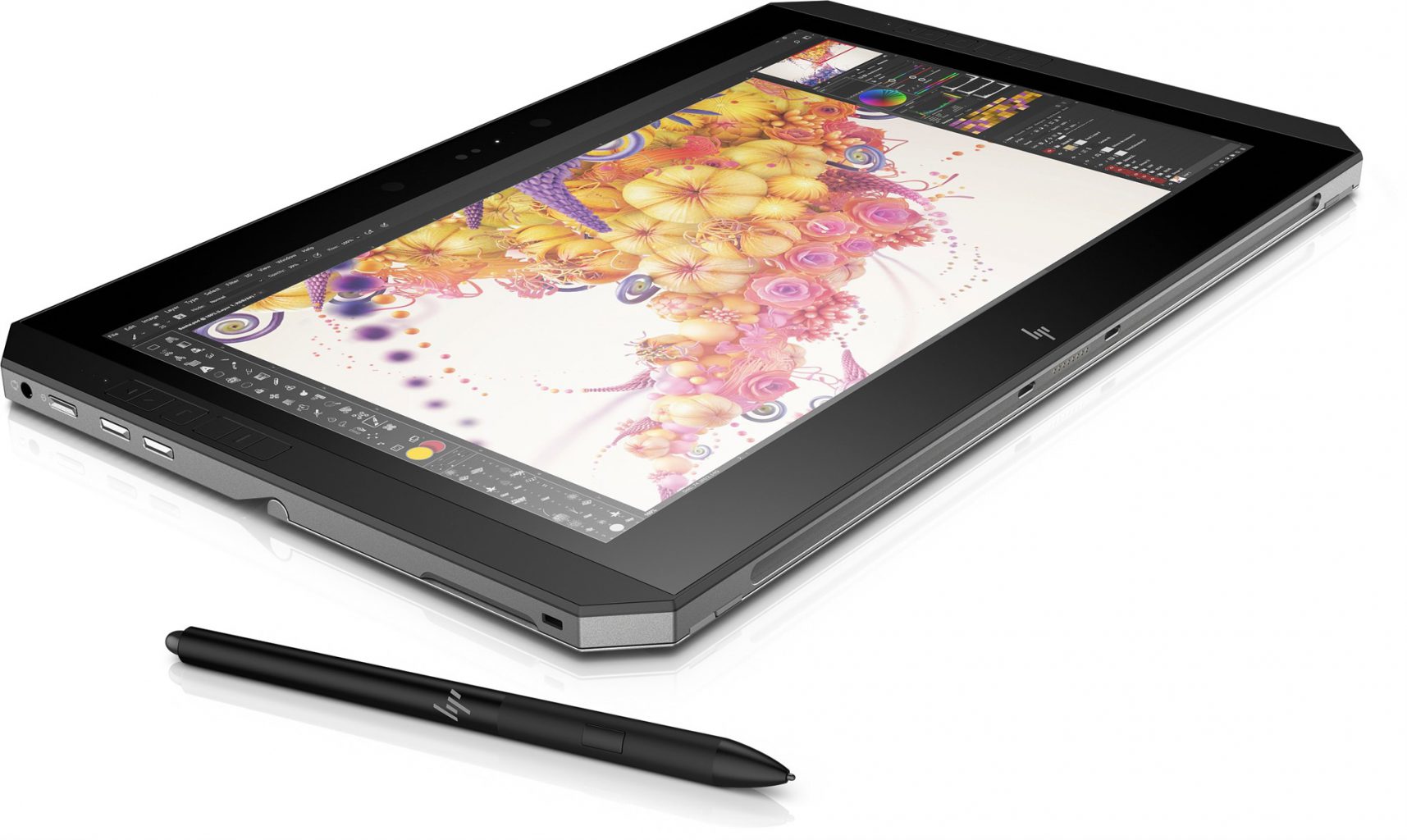
    This is no notebook. This is  a specialized tool designed to serve as a complete solution for digital artists, photographers and other creatives. It’s massive, but designed to provide easy access to shortcuts. It also has a professional-grade stylus and a matte 4k display that feels as if you’re drawing on paper.


    The Design

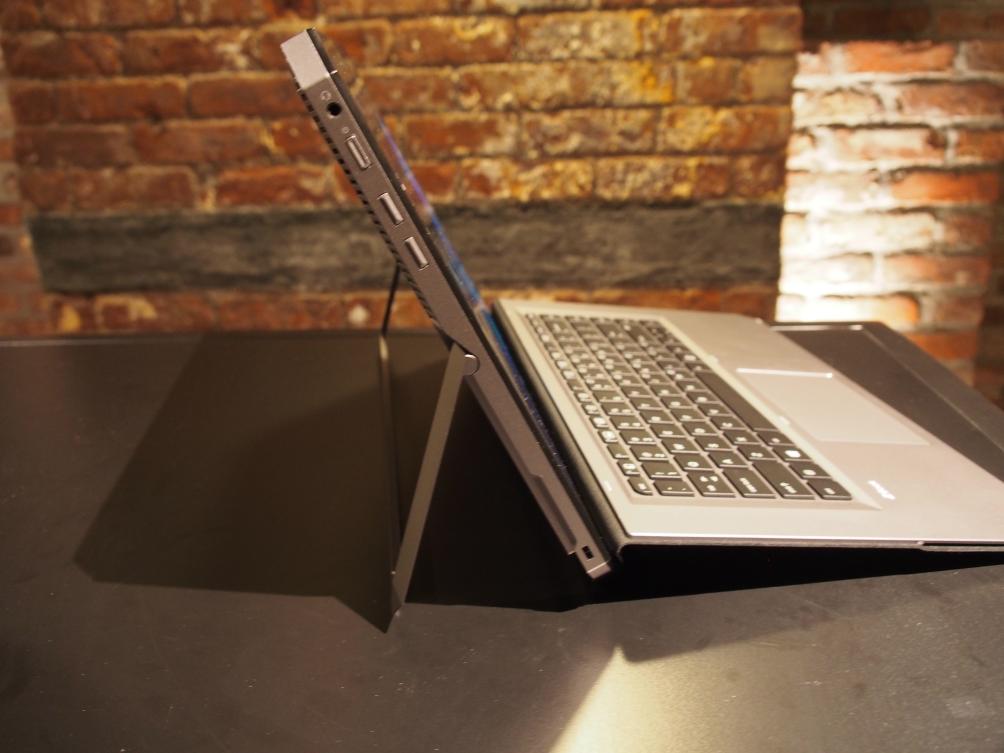
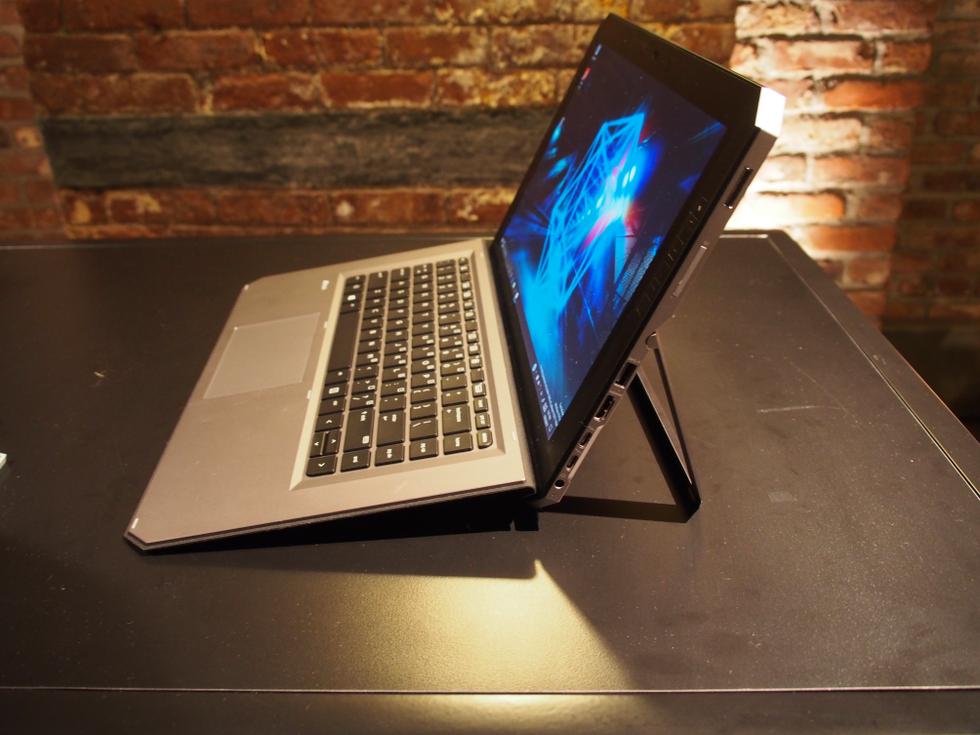
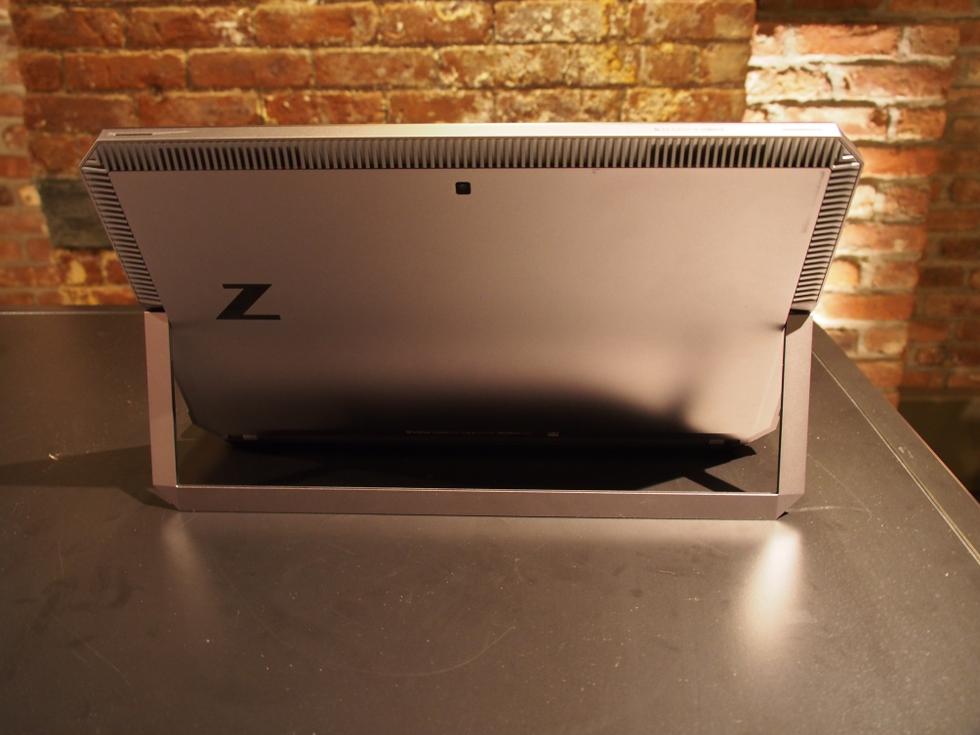
    You’ve never seen a laptop like this before. The ZBook is industrial in a way that looks powerful. It’s a large octagon of metal. The back is a very plain gunmetal gray with a reflective Z logo and a whole bunch of vents for cooling. The pull-out kickstand could use a little more to put you fingers in the small notches on the side, but it pulls out almost flat, up to 165 degrees.


    With a 4k Display and only a 14 inch bezel surrounding it makes it very attractive to look at. Windows Hello is in place with an infrared camera and webcam stuffed in the top. The best part of the design is the 12 programmable shortcut buttons built down the sides. Down the right side you will find  a fingerprint reader, an SD card slot, a USB 3.0 port, an HDMI output, a pair of Thunderbolt ports and a barrel-shaped charging jack.Its a big heaver then the others in its class at 4.9lbs but it feels much more rugged and sturdy. The metal body helps this.


    The Power

    It has the power,  it has all the specs of a workstation PC: a quad-core i7 processor (from Intel’s Kaby Lake-R line), an Nvidia Quadro M620 graphics card, and up to 32GB of RAM and a 2TB SSD in a versatile desgin. These are the top line specs so you are gonna have to pay more to get the juice. It also rocks a  Wacom EMR-enabled and battery-free stylus with 4,096 levels of pressure, comparable to many of Wacom’s gaphics tablets. Then there’s the four modes that the detachable 2-in-1 can be used in. That includes a docked mode where the device can connect to two external 4K displays simultaneously and a “detached” mode where the keyboard functions as a Bluetooth keyboard.


    The Final Thought

    Its got some neat, unique features and functions. The short-cut keys, the kickstand. Its got the versatility being a tablet, 2-1, and powerful PC. Yes its the most powerful detachable pc tablet laptop but at what cost?  It’s a good fit for for artists, 4K videographers, and anyone who needs massive power in a versatile form…