Tag: Computers

  • Top Password Managers for 2019

    Top Password Managers for 2019

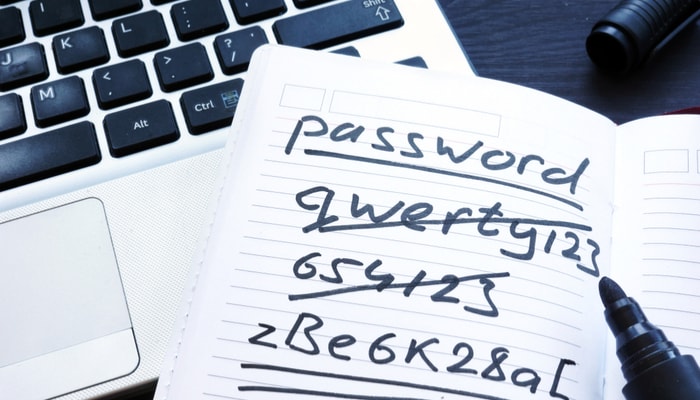
    If you’re anything like us, you’ve got a ton of passwords to keep up with. Whether it’s social media, work-related sites or entertainment, you’re going to need to keep up with a large number of logins. When it comes to memorization, we can barely remember our own birthdays, let alone complex logins. And writing it down is right out: we’re just as likely to lose the paper it’s all written down on, or be unable to read our own handwriting. The best option is to use one of these awesome password managers!

    Top Password Managers for 2019

    Why Use a Password Manager?

    Even if you’re not a forgetful type like we are you’re going to find a lot of great uses for a password manager. For one thing, password managers will generate very strong passwords that hackers are unlikely to guess or happen upon. Further, most password managers protect your info behind a powerful wall of encryption software.

    Another strong upside to using a password manager is that it can also help streamline your online experience by storing your payment information. This is hugely helpful for frequent online shoppers, as it keeps you from having to constantly re-enter your credit card number. This frees up not only your time but also your worry. As these services are encrypted, you don’t need to worry about a hacker stealing your card info.

    What Makes for a Good Password Manager?

    Ideally, you want a password manager that is easy to use, gives you lots of security options, and uses multi-factor login. Also, generally, the best password managers are going to include encryptions that work locally as well. This means that if a hacker gets into your device without providing multi-factor login, they’re going to end up with jumbled, encrypted and unusable gibberish instead of your personal information. Likewise, the best password managers will have their central databases encrypted in this same way.

    Blur

    One of the most all-inclusive and affordable password management options comes in the form of the Blur product. This product is also a suite of protection software for users, insulating them against the worst of hackers and malicious online thieves. They offer a robust suite of online protections for passwords, credit card numbers and more.

    One of their more appealing features is the way that Blur can store your information locally, via an encryption, over the cloud or both. It can autofill passwords for you, avoiding keystroke detection, and it can also generate strong passwords with one click. Further, the service is capable of generating throwaway, single-use credit card numbers and phone numbers, keeping your real numbers safe from prying eyes.

    This password manager will run you around $40 per year for the full version, though a free version also exists.

    Sticky Password

    The odd name belies this excellent password manager’s great strengths. Sticky Password also, interestingly, donates a portion of its license fees to the Save the Manatee foundation. So, if you’re a fan of manatees, this is the password manager for you!

    As for features that you might find useful, Sticky Password is full of them. While the app doesn’t provide any virtual wallet features, it more than makes up for that with its strong form-filling capabilities. If you’ve ever loathed filling out forms online, you’ll love how intuitive and quick this app’s auto-fill is. You’ll rarely find yourself entering your personal info: Sticky Password has you covered.

    These guys offer a low license fee of around $30 per year. That’s not too bad!

    Keeper

    Another great option, Keeper works on iOS, Mac, Android and Windows. It has Duo integration, allowing for one-tap authentication, as well as the single sign-on enterprise feature. It also supports biometric logins from phones, such as fingerprint scanners and facial recognition software. These encryption methods are very difficult to hack into, making them ideal for people who want to keep their passwords as safe as possible.

    Interestingly, Keeper allows for a legacy contact to inherit your passwords. In case you’re worried about what will happen to your data after you’re gone, Keeper has you covered. This feature would see your data being passed to a trusted legacy contact, ensuring your information isn’t forever sealed behind a passcode that can’t be determined without you around.

    Additionally, Keeper can import saved passwords from built-in browser-based password managers. These includes the ones found in Chrome, Firefox and Opera, meaning your existing password storage gets to stick with you! This manager will run you around $26 per year.
  • GeForce RTX 2080 and GeForce RTX 2080 Ti Review Roundup

    GeForce RTX 2080 and GeForce RTX 2080 Ti Review Roundup

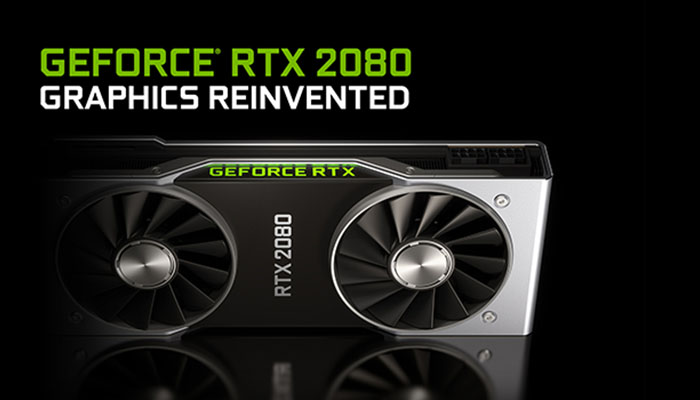
    Way back in the distant era of mid-2016, Nvidia dropped the GeForce 10 series of graphics cards. Those cards largely cost more now than they did when they were introduced, thanks to Bitcoin miners, of course. However, their primary use, as gaming cards, has been their biggest selling point. However, the 10 series isn’t top dog anymore: the 20 series is here. How do the GeForce RTX 2080 and GeForce RTX 2080 Ti stack up? Are they worth their price? Let’s get into it!

    GeForce RTX 2080 and GeForce RTX 2080 Ti Review Roundup

    geforcertx
    Nvidia

    Technical Specs

    These new cards run on Turing GPU architecture, which is a bleeding-edge three-pronged approach. This provides a huge benefit to performance and efficiency, using three separate centers. Namely, this new architecture allows the cards to incorporate deep learning AI functions into real-time graphics. While this has been seen in workstation GPUs, it’s brand new to commercial gaming cards. And yes, you can bet that means these suckers are pricey.

    The other big benefit granted by this new architecture is ray tracing. Put simply, ray tracing is a new way to render lighting, shading and reflections. Between ray tracing and the deep learning, or DLSS, these are set to be the defining features of the 20 series. Most games don’t have a way to use this bleeding edge tech yet, but many are coming down the line.

    Bottom Line

    When it comes to practical testing, the verdict is in: these cards are bananas. The RTX 2080 blows the 1080 Ti out of the water across the board. The 2080 Ti, of course, is the absolute cutting edge of high-end graphics. Overclocking is a breeze with these cards, bringing a great amount of future-proofing to these 4K-capable cards.

    That said, if 4K is your focus, you’re going to want a 2080 Ti. That’s going to se you back: the 2080 Ti has a $1,000 MSRP, and the Founders Edition is $1,200. The 2080, while not as great for 4K, is still capable of ray tracing and DLSS. It’s a great option for those looking to stay current without breaking the bank. It retails at $700, or $800 for the Founders Edition.

    For the time being, these cards are likely overkill for most users. However, if you are currently running middling hardware and want to upgrade, consider getting a 20 series card. Additionally, if you’re building a bleeding-edge rig for future-proofing your gaming experience, these are absolutely the best of the best for the time being.

  • Which Budget Gaming Laptop has the Most Bang for your Buck?

    Which Budget Gaming Laptop has the Most Bang for your Buck?

    Everyone loves to throw down with a great video game! What’s even better is getting to game on the go. What’s the best is saving money on a budget gaming laptop! Today we’re looking at the best gaming laptops that won’t break the bank.

    Lenovo Legion Y530

    Lenovo’s laptops are generally well-built, sturdy computers that don’t disappoint. Starting at $750 for a configuration that sports GTX 1050 graphics, or $840 for 1050Ti, it’s a solid price. If you just need a simple, sturdy laptop to play games on, this one is a solid pick. It’s got a minimalist design, a back-lit keyboard and a good display. This is an all-around solid pick and you can’t go wrong with Lenovo.

    Asus TUF Gaming FX504GD

    Asus is renowned for their balance of performance and price, and this one doesn’t disappoint. This laptop sports a comfortable, durable keyboard that’s great for gaming and will last for millions of keystrokes. In our opinion, the best configuration of this one is the $899 one with a 1050Ti GPU, a six cored i7 processor and a great display. It also boasts an edgy, industrial design that screams “awesome gaming laptop.”

    Acer Nitro 5

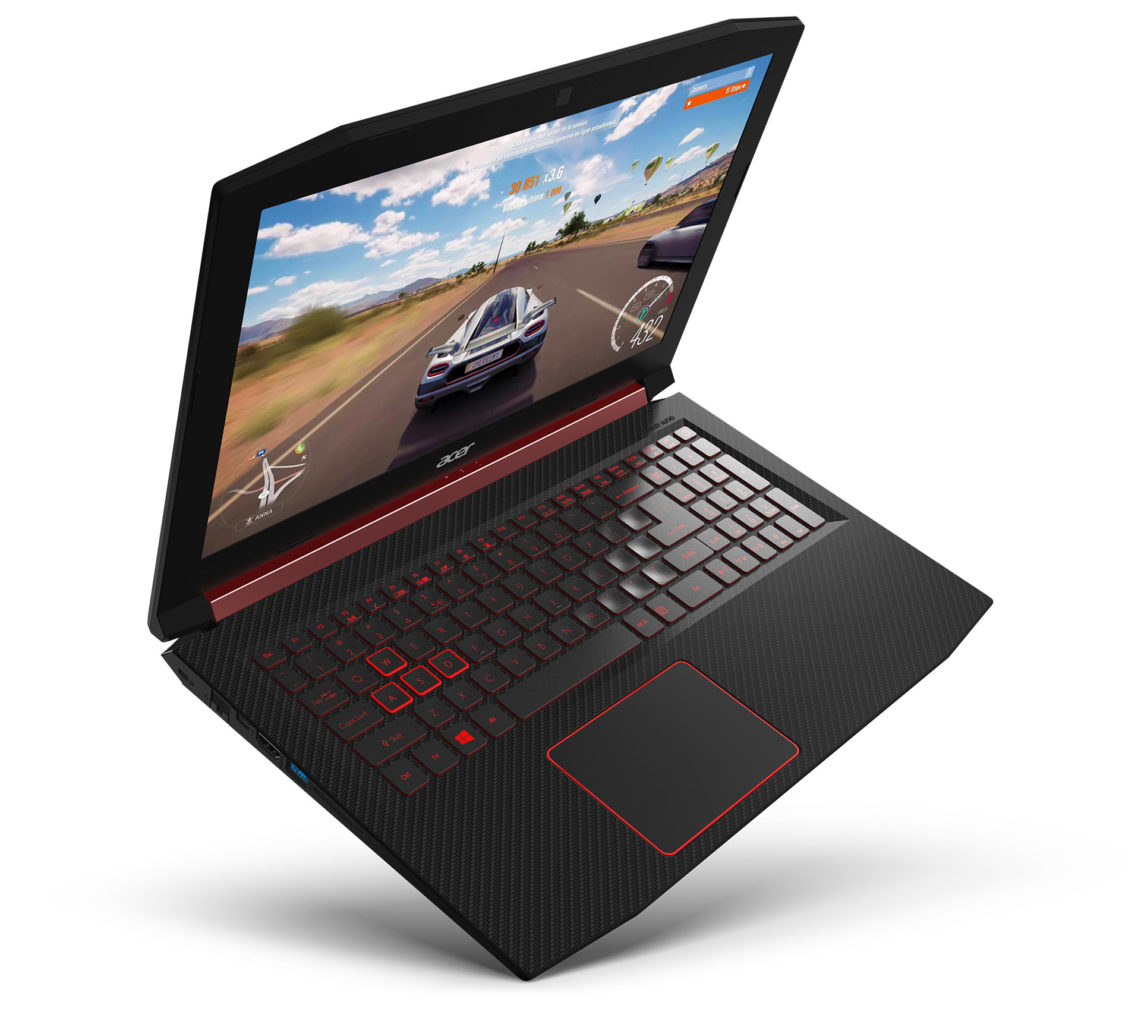
    The Acer Nitro 5 is a great budget gaming laptop for those who want a ton of performance on a small budget. For $650, you get GTX 1050 graphics, which is a really great deal, dollar-for-dollar. For a sight more, at $730, you get 1050Ti, which is also a great deal and can even put out images on par with most gaming desktop rigs. If you want a really solid balance of power and cost, this is it. The Nitro 5 is a bit lacking in some other areas, and it could be considered a slightly cumbersome machine. That said, it’s still an amazing value for the power under the hood.

    Best Overall Budget Gaming Laptop: Dell Inspiron 15 7000/G5 15

    If you’re really looking to make your money stretch, the durable and reliably Dell Inspiron 15 is right for you. There are a number of various models available in this range, and configuration for any budget and gaming taste exist. If you’re trying to keep the budget low, the G3 15 Gaming configuration comes in under $700 and has GTX 1050 graphics under the hood. Alternatively, if you want a more high-end experience, the GTX 1060 Max Q enabled rig runs for $999. All that power, and it still comes in under $1000! Not bad, huh?