Tag: ios 12

  • Feature Roundup: iOS 12 Now Live

    Feature Roundup: iOS 12 Now Live

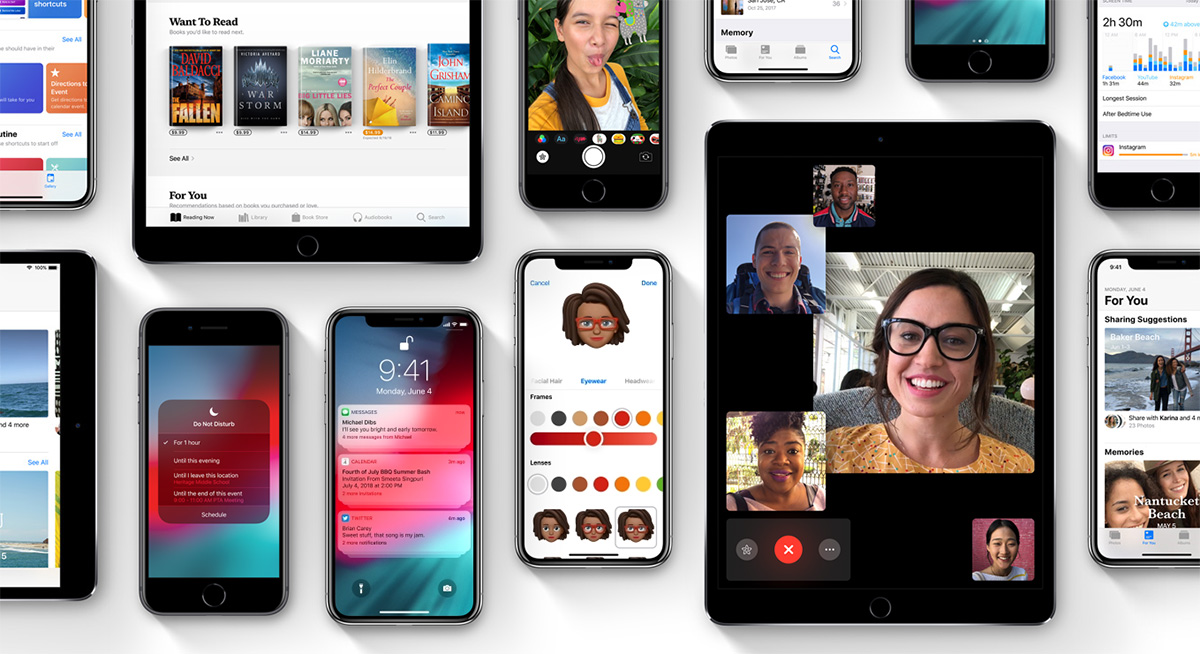
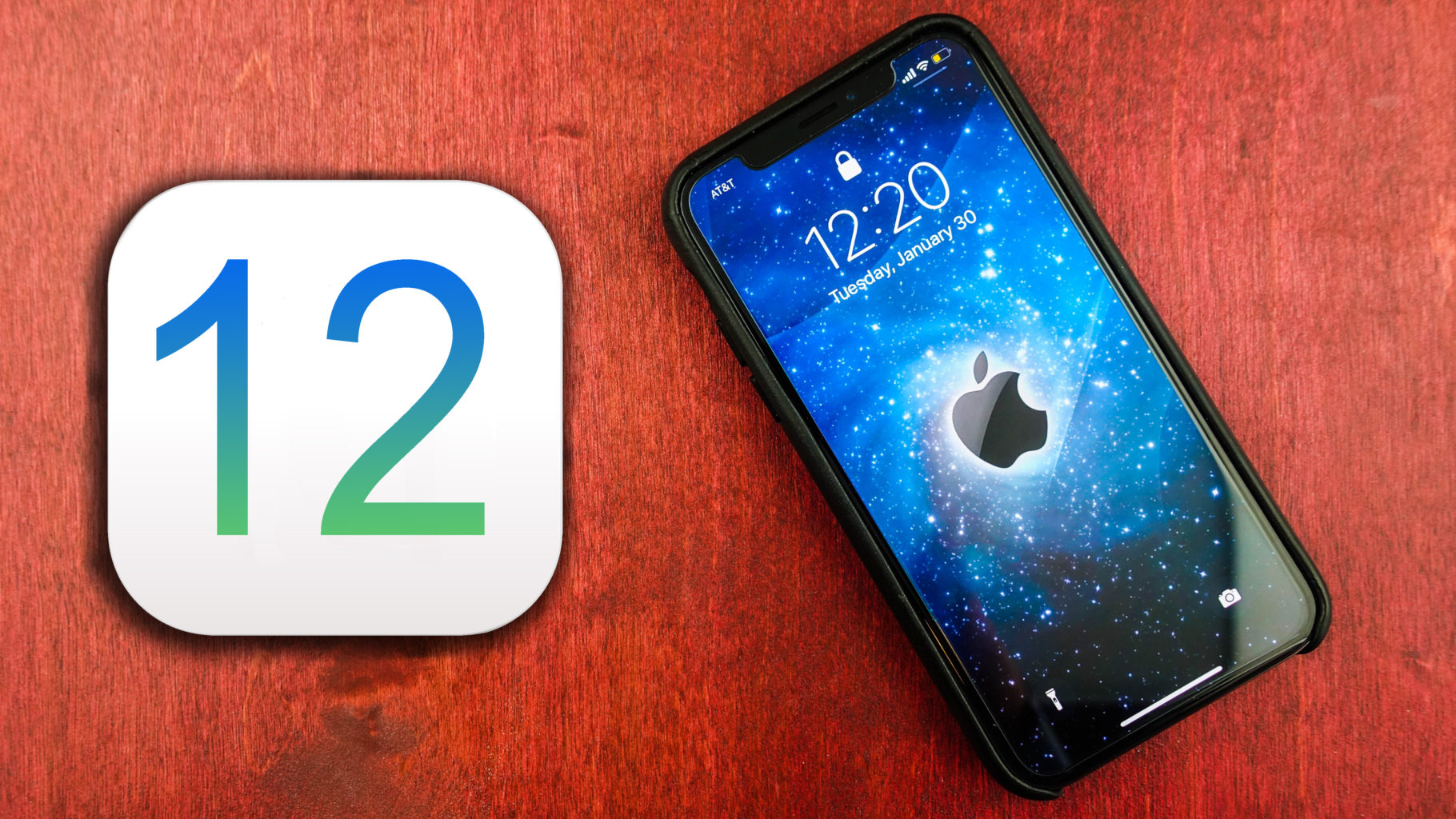
    The long-awaited update for iOS, iOS 12, has finally arrived! If you haven’t yet, you can download it now. And we highly advise it: it’s awesome! If you’ve already got the update and wondering what new features there are to play with, we’ve got a quick roundup for you. Here’s some of the coolest new features in iOS 12!

    iOS 12 Feature Roundup

    ARKit 2

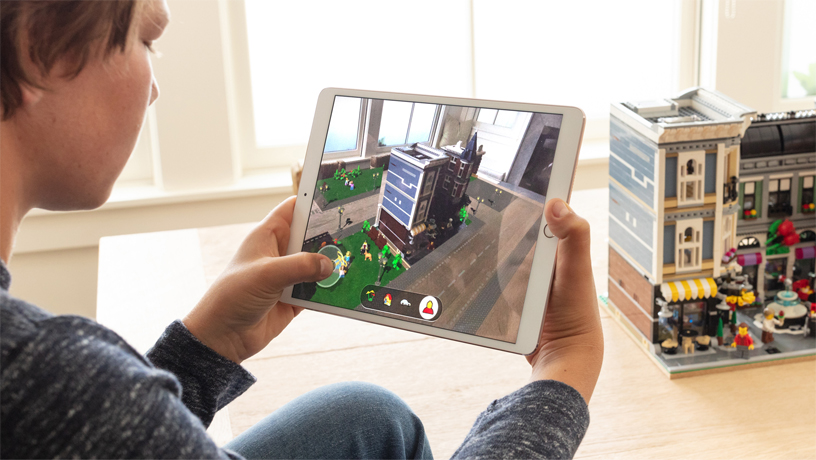
    The new implementation of augmented reality is all over iOS 12. Namely, ARKit 2, a new developer’s kit, has been activated in this version of iOS. It allows for things like messages and News to even implement AR! It seems Apple is convinced that AR is the future, and they’re really pushing for it to take off.

    Photo Features

    Photos will now attempt to perform more intelligently, thanks to AI-enhanced technology. Things like examining which shots look best and which look shareable will be sorted by your phone automatically. Also new to this iOS update is the photo search function, allowing you to sort your photos by tons of criteria. Things like date, location and more will be searchable!

    Screen Time

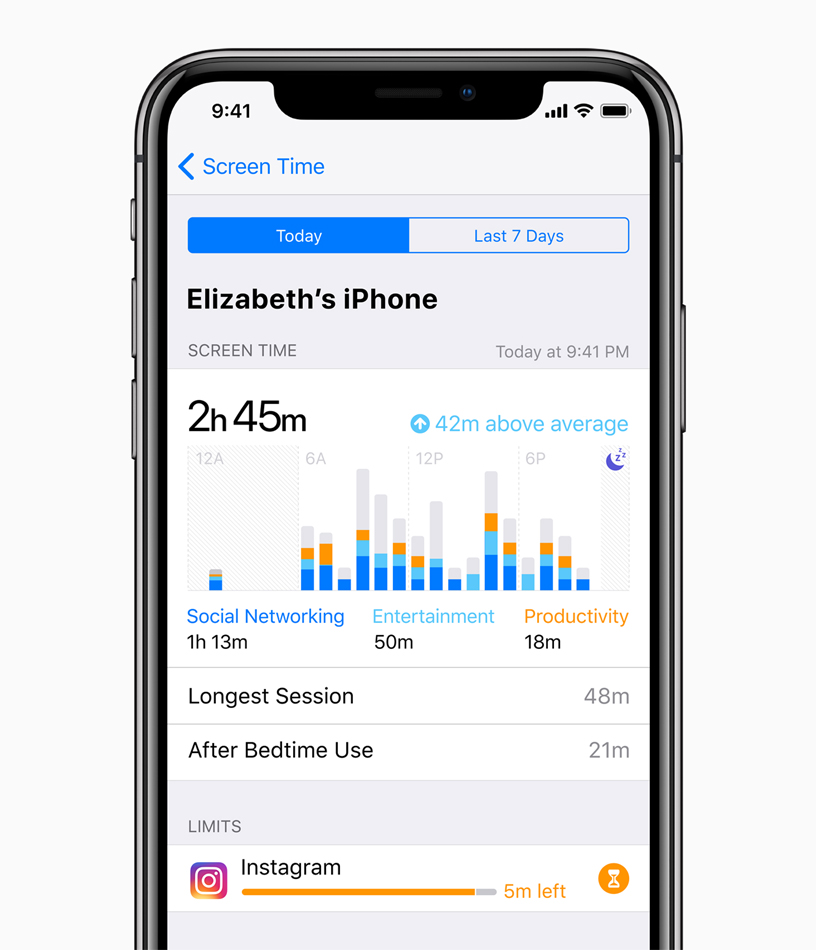
    A lot of phone makers are starting to make moves that they understand the dangers of tech addiction. After all, everyone could stand to spend less time on their phones. As such, initiatives like Screen Time are great to see! Apple’s Screen Time functionality allows you to monitor your app usage and see what you’re spending the most time on. That’s rather healthy, actually!

    You’ll also be able to limit use of certain apps, having the iOS tell you when it’s time to quit. You can even set Do Not Disturb setting for certain times of day, or at certain locations.

    Memoji

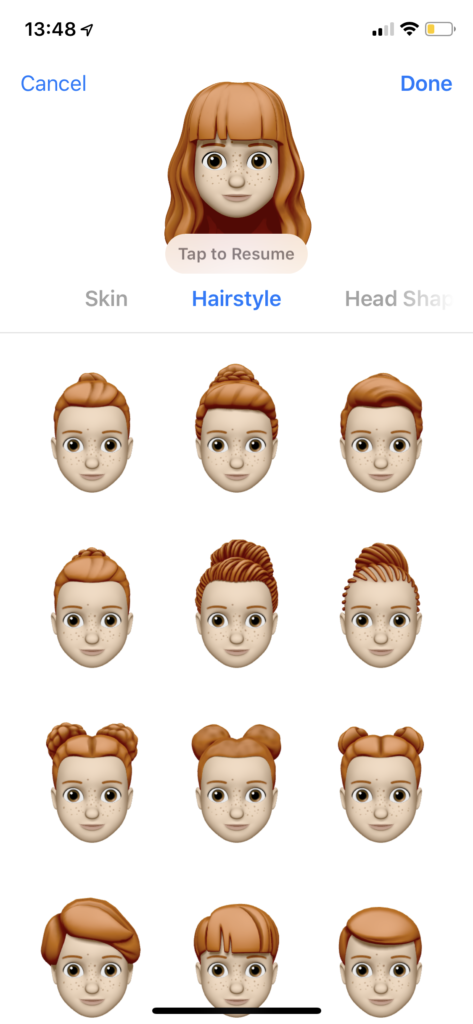
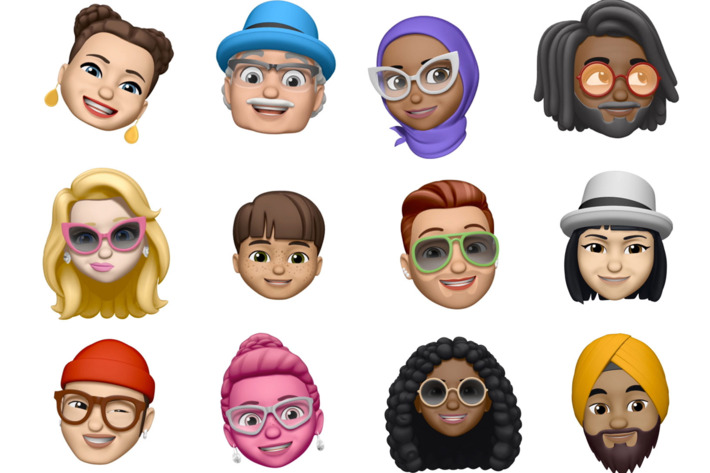
    The new Memoji feature will allow you to create a custom Animoji that looks like you! It’s a fun use of the iPhone X’s Face ID technology. Tracking your face to create the moving emoji is a fun time-waster at worst, and a cute way to communicate at best!

    Siri Shortcuts

    Siri just got a bit more useful! The Siri Shortcuts feature allows you to program shortcuts into Siri. Creating shortcuts essentially allows Siri to perform a variety of functions from one keyed phrase. Setting up “take me home” could have Siri turn on your music and navigate to home, for instance. This works all the better with Apple’s iHome smart home tech!

  • Ten Takeaways from iOS 12 Beta

    Ten Takeaways from iOS 12 Beta

    The public beta for iOS 12 is here! That means it’s time to dig in and talk shop. First things first, remember this is a beta, so don’t go installing it on your main phone. Grab an old iPad or something if you wanna try it out. That said, we’ve got a list of the top ten takeaways from the iOS 12 beta for those without a device to try it out with. From what’s awesome to what’s not, to what’s flat-out missing, we’ve got you covered. Alright, let’s get into it! 

    The Good Stuff: 

    Memoji 

    Photo Credit: Mashable 

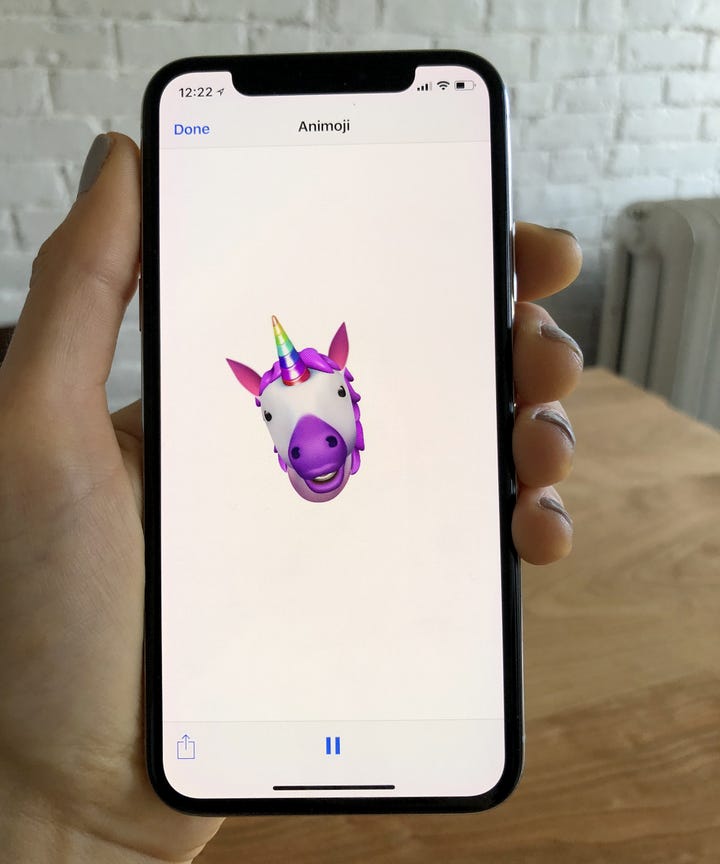
    Let’s kick it off with some of the coolest features in the beta. The Memoji is available on iPhone X, and it’s great. It’s sort of like the Mii feature from Nintendo, where you can create a personal cartoon avatar. Then you can use that avatar in different apps to represent you, and you can type in to people in messages. It’s adorable, it’s meaningless and you know you want it. 

    Animoji

    Photo Credit: Refinery29 

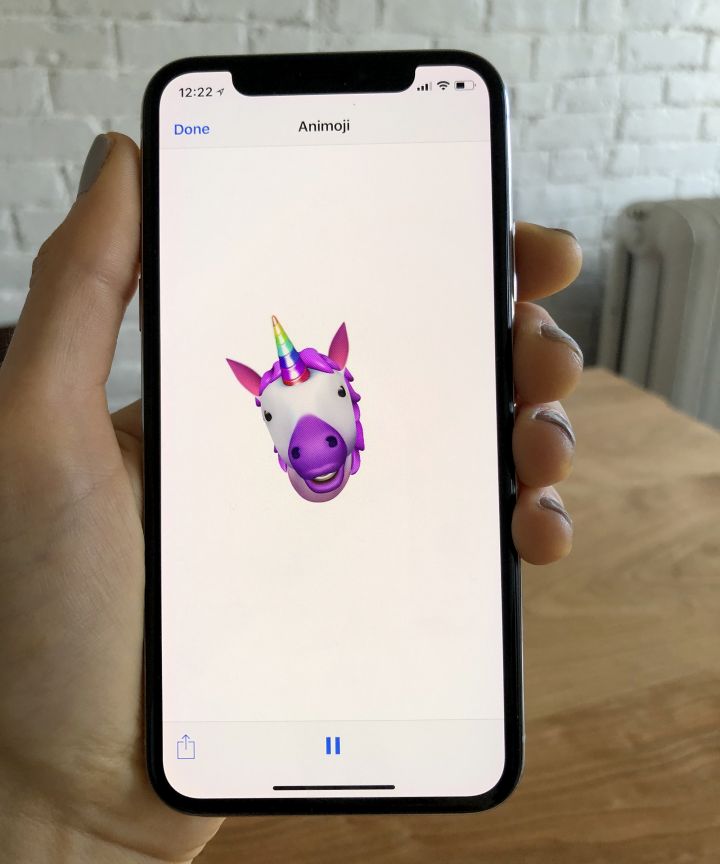
    On the topic of meaningless adorable emoji things, new Animoji are also available on iPhone X with this update. If you already didn’t love this feature, this isn’t going to blow you away. That said, if you liked it, there’s some new ones to play with soon! There’s a new koala, a tiger cub, a dinosaur and even a ghost! Kids, especially, will love this. 

    Screen Time

    Photo Credit: Apple 

    This new feature aims to help you use your phone less. Screen time allows you to see how much time you’re spending on various apps, and you can even set time limits. If you want to create Downtime, as iOS 12 calls it, the phone discourages you from using apps at certain times. There’s also a new feature that allows parents to lock certain apps or time gate them for their kids. If your little one is staying up all night playing Fortnite, this is a great addition. 

    The Changes: 

    Notification Changes

    Photo Credit: 9to5 Mac 

    This one is a pretty great overall quality of life change. Now, like notifications will be grouped together, making it easier to parse what notifications you’re getting. This is great for cutting down on clutter. You can also mass-silence notifications of different type with a tap. More advanced Do Not Disturb options are also available for those who want to get picky with their notifications. 

    Voice Memos App

    Photo Credit: iTunes 

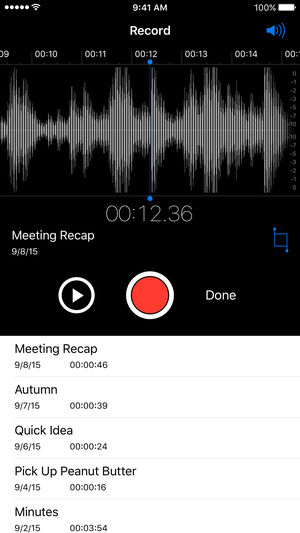
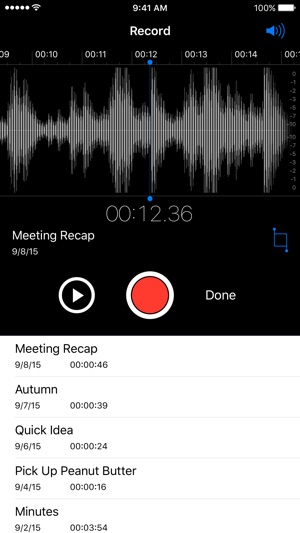
    Some changes to the voice memos app are welcome. They include fast forwarding and rewind controls, which are great. They also added iCloud storage for your voice memos. If you use this fucntionality a lot, you’ll be really happy to see these changes. Nothing major, just great to see. 

    Photos Search and Suggestions

    Another general quality of life change, this beta has introduced new functionality to the Photos App. The first is a new photo suggestion mode that suggests which pictures you may like to share with others via social media. The other is a new suite of search terms to help find your pictures. If you use Instagram a lot and take tons of pictures, these are awesome new features! 

    Group FaceTime

    Photo Credit: AppleInsider 

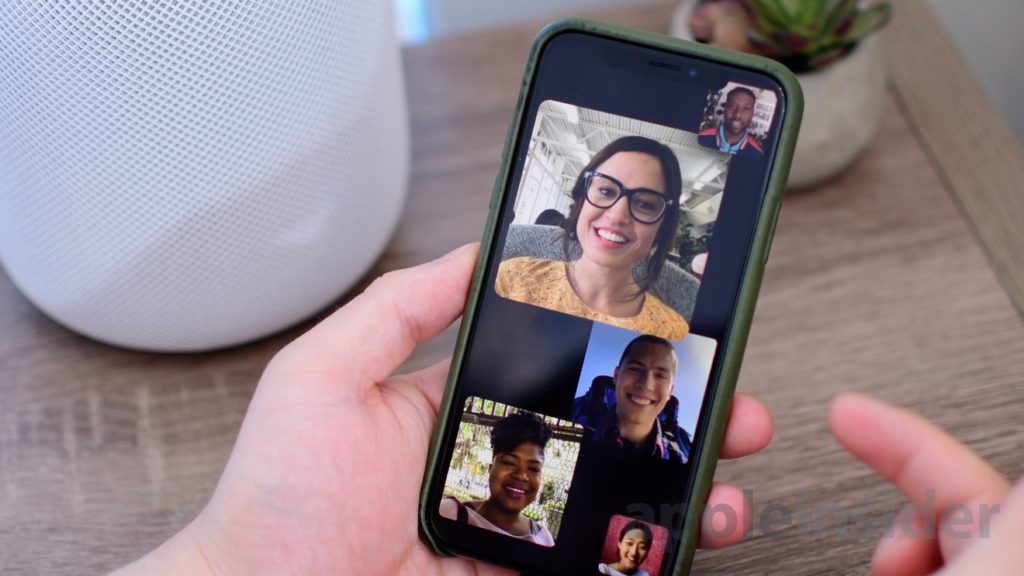
    FaceTime now supports up to 32 users at once. Awesome! It also now switches focus based on who’s talking which makes this great for meetings or more informal conversations. Speaking of informal, you can also add your Animoji or Memoji to these massive group conversations. Sounds chaotic, wacky and fantastic! 

    What’s Missing?

    ARKit 2

    Photo Credit: Apple 

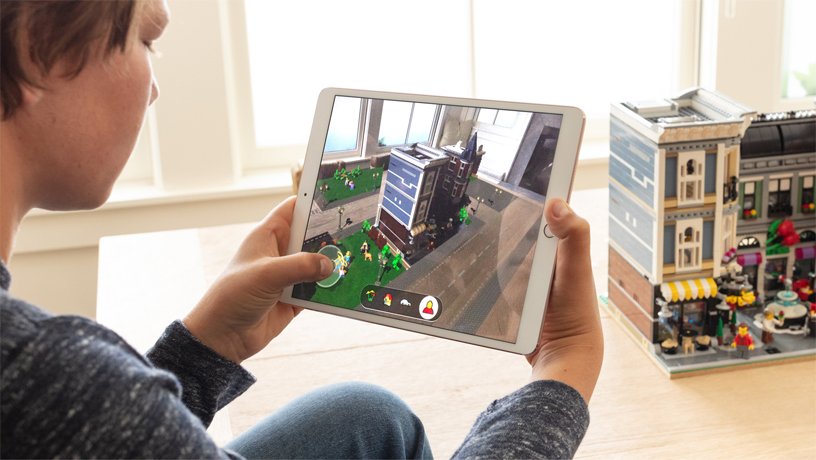
    Apple’s big push for augmented reality isn’t present in the beta. While the Measure app uses the new augmented reality functions, other apps that do this already exist. We’ll have to wait until the third party apps that support the new ARKit ship when the OS launches. 

    Siri Shortcuts

    Photo Credit: 9to5 Mac 

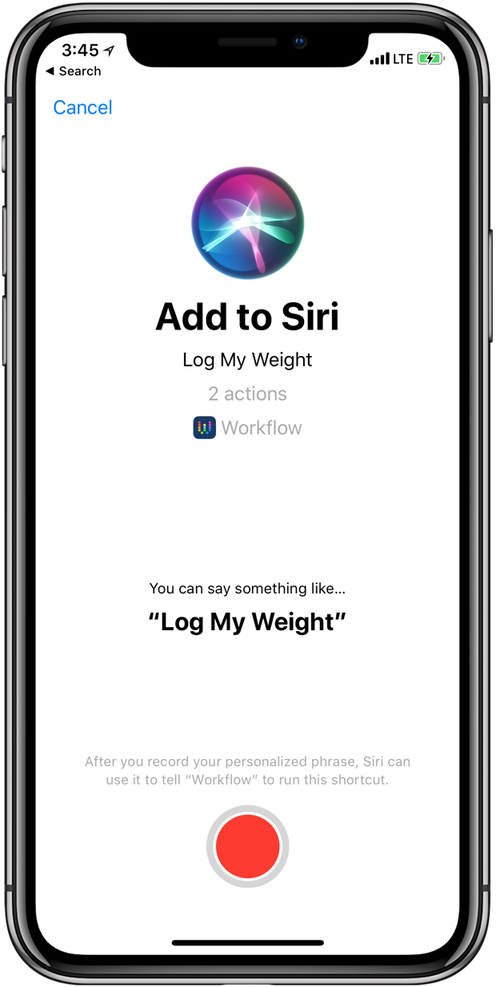
    This feature currently works haphazardly with a few different first-party apps. Third-party support for the new Siri functionality hasn’t launched yet, though. Creating your own shortcuts for Siri is likely to be one of the biggest draws to the new OS when it launches. Apple has been trying to keep up with Alexa and Google Assistant, but Siri has been lagging behind. Seeing these features aren’t ready for full beta-testing yet doesn’t exactly inspire confidence.  

    What We Wanted in the iOS 12 Beta: Better Siri Overall 

    Siri was the first virtual voice assistant, but she’s changed little since she launched seven years ago. When Siri launched, phones didn’t have biometric scanners and smart homes sounded like a sci-fi future. Apple hasn’t rolled out the kinds of changes to Siri we’d have liked to see in this beta. Hopefully they have more changes, and more uses, coming later in the beta. For now though, we’re disappointed to see this cutting edge company lagging behind in this field. 

    Feature Image Credit: Apple

  • Android P vs iOS 12: Which Tech Giant is Leading the Future of Smartphones?

    Android P vs iOS 12: Which Tech Giant is Leading the Future of Smartphones?

    Both Apple and Google have announced their upcoming smartphone OS updates. On the Apple side, we have iOS 12, a largely iterative and incremental update. Android P, on the other hand, is an OS playing catch-up. It represents Google’s attempt to replicate Apple-like functionality on their open, developer-first platform. Which of them has the edge from what we’ve seen so far? Let’s break down the proposed features of each and find out! 

    When Are They Launching? 

    Firstly, let’s discuss release. It’s most likely that we’ll see both iOS 12 and Android P in September. Both will likely launch alongside their flagship phones. Android P’s beta is going on now, while iOS 12’s is set to come later this summer. So, neither gets an edge, as the two are coming right around the same time. 

    Voice Assistants 
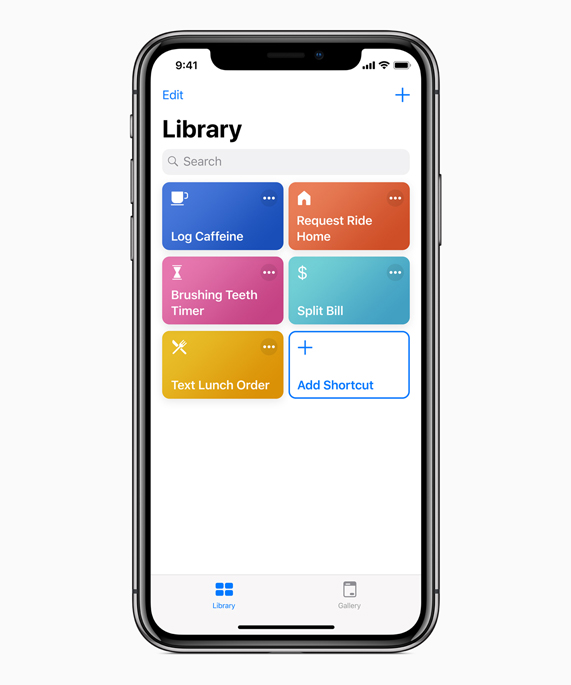
    Photo Credit: Apple 

    Siri is kind of a joke now, sadly. While Google Duplex is making phone calls for you and taking strings of commands at once, Siri doesn’t recognize her own name. Jokes aside, Apple launched the virtual assistant technology in 2011. They’ve had so much time to perfect the tech, to make it awesome, and they haven’t. Instead they were content with a just-OK assistant and let Amazon and, importantly, Google catch up. Now they’ve thrown their lead and have to play catch-up. 

    Siri Shortcuts, coming in iOS 12, is their latest push for the virtual assistant. It’s something of a low-tech answer to Google Assistant. It puts the hard work on the user, having them program action in response to command words. For instance, saying “Going to work,” could pull up your morning news podcast and navigate you past high-traffic routes. This is somewhat lame, considering Google Assistant has similar functions just programmed in by the developers. Google gets the edge, here. 

    Face Unlock 
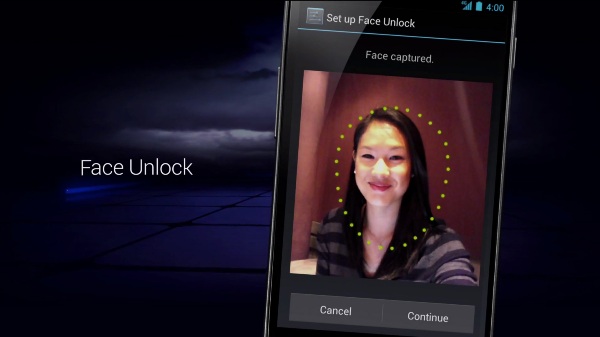
    Photo Credit: Android Authority 

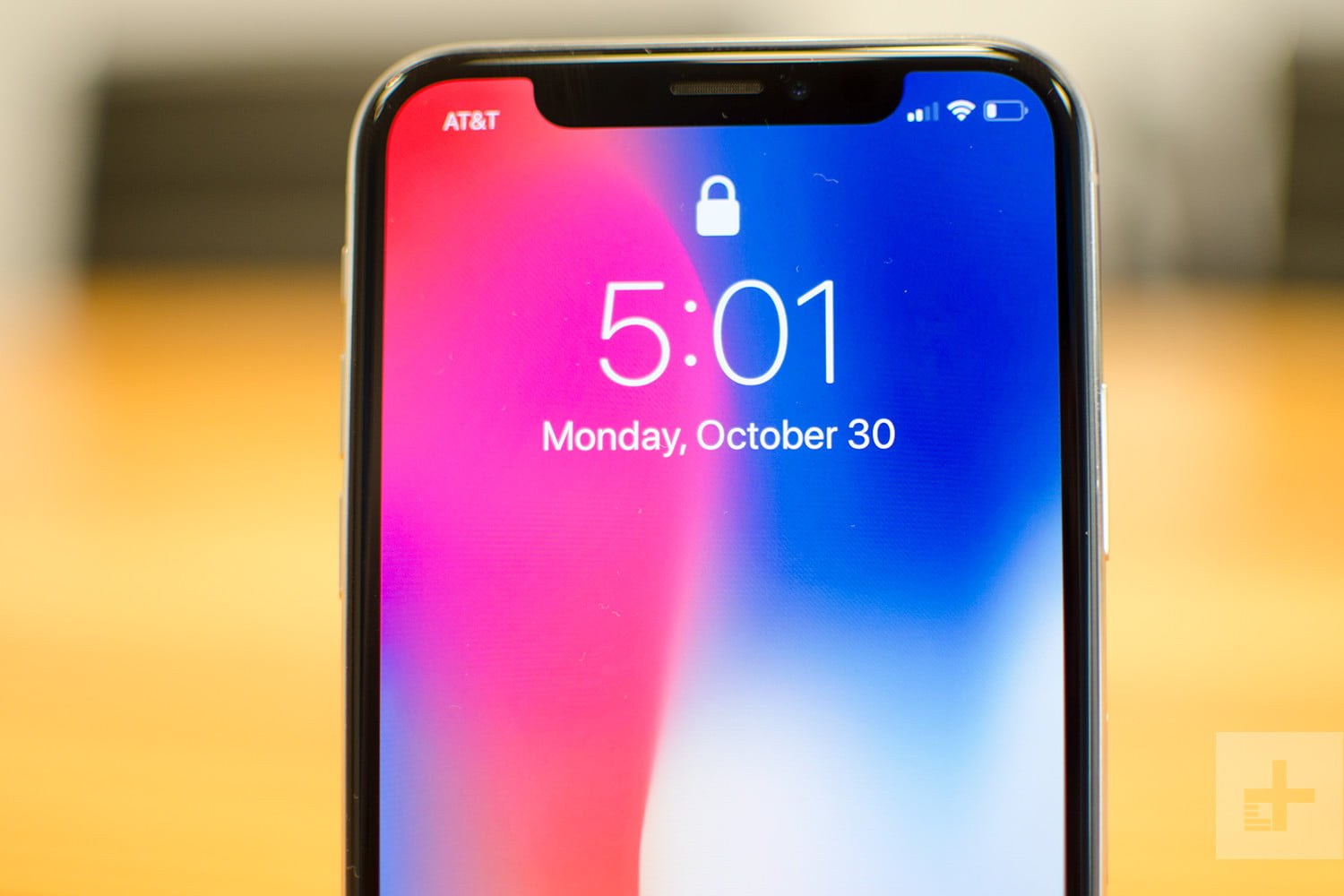
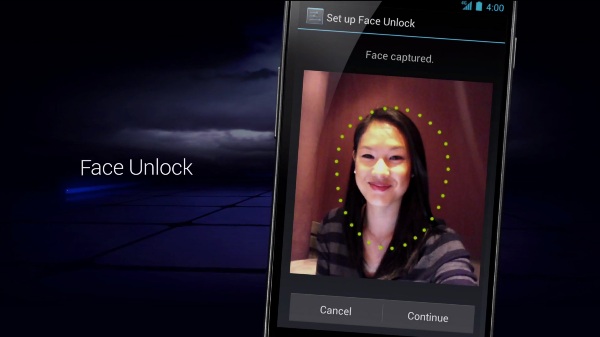
    Face unlock tech was popularized by the iPhone X as an alternative biometric to fingerprint scanning. The iPhone X has a 3D front-facing camera, making its Face ID an incredibly secure, trustworthy locking function. Android’s, by comparison, is noted for its “convenience.” As Google can’t guarantee all phones that use Android have powerful, front facing 3D cameras, they can’t promise strong facial recognition. As such, Android P’s face scanner was famously fooled by a printout of someone’s face. 

    The edge easily goes to Apple. Apple’s Face ID seems like a fully-fledged security feature. Google’s Face Unlock seems like a cash-in on a fad.  

    Messaging Apps 
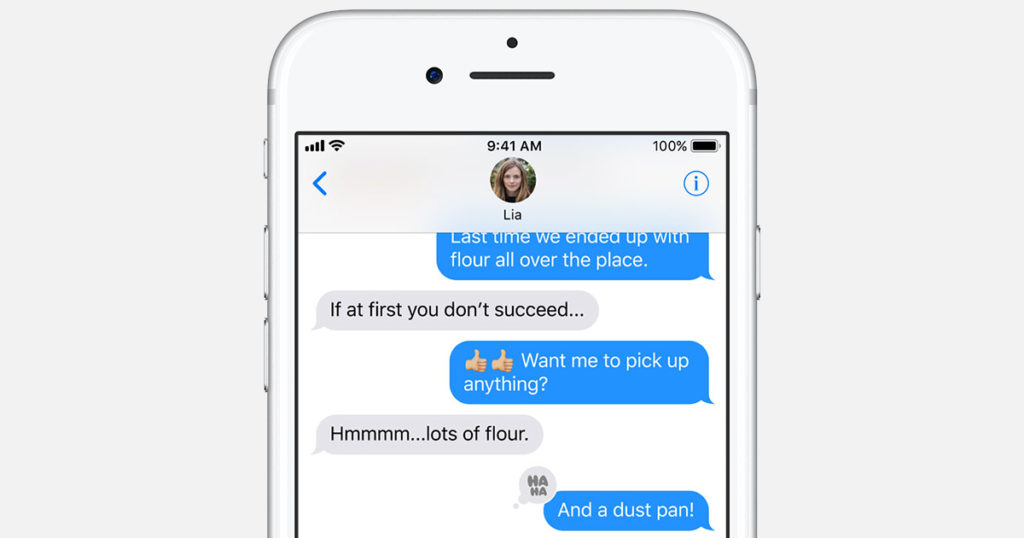
    Photo Credit: Apple 

    Apple’s iMessage wins this one. Google doesn’t even have a proper infrastructure for their messaging app. Google Hangouts is super disappointing when you look at how many things iMessage has going for it. For one, you can FaceTime and do peer-to-peer payments from within the app. You have Animojis and Memojis in iMessage, which are adorable, and you have Wi-Fi messaging to other iPhone users.  

    The edge here easily goes to Apple. Google has some catching up to do with messaging apps. 

    Shared AR 
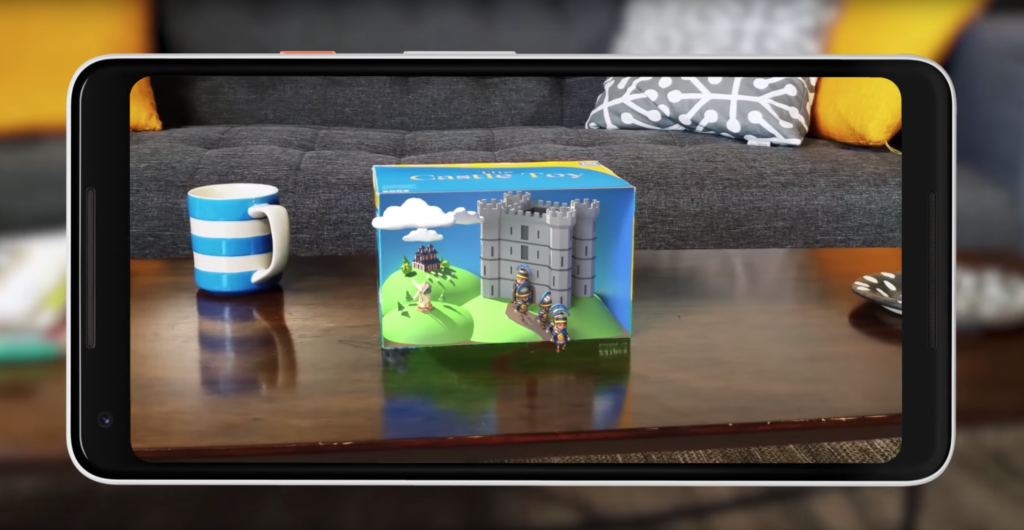
    Photo Credit: Engadget 

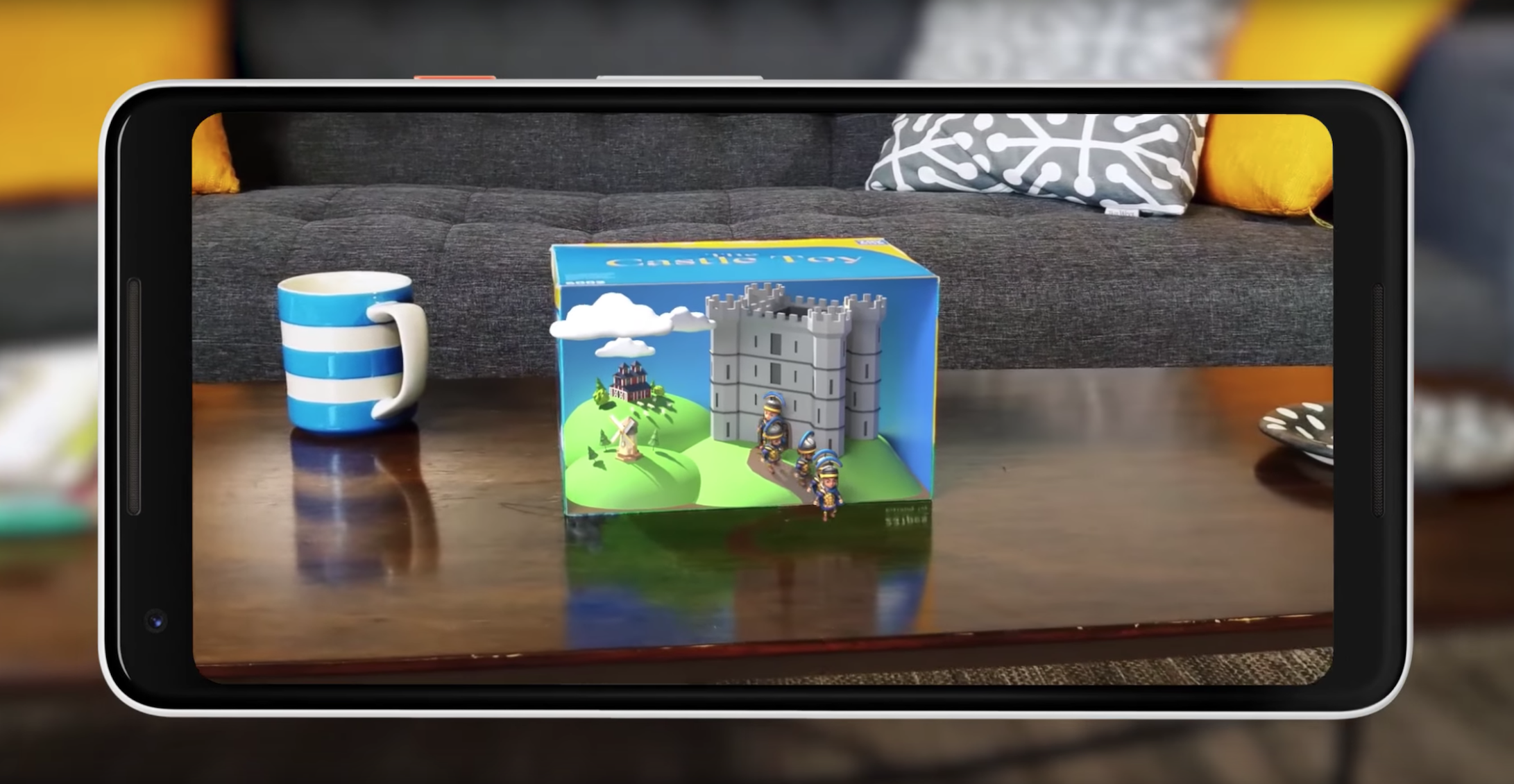
    Shared augmented reality is coming to both operating systems. However, iOS 12’s version is limited to just other iPhones. Meanwhile, Google’s Cloud Anchors work across platforms for any phone. That’s really awesome! Shared AR has a lot of neat applications, like playing games or learning in a classroom. This is tech to watch. 

    Google’s Cloud Anchors have the edge here for sheer breadth of usability. Good show, Google. 

    Maps 
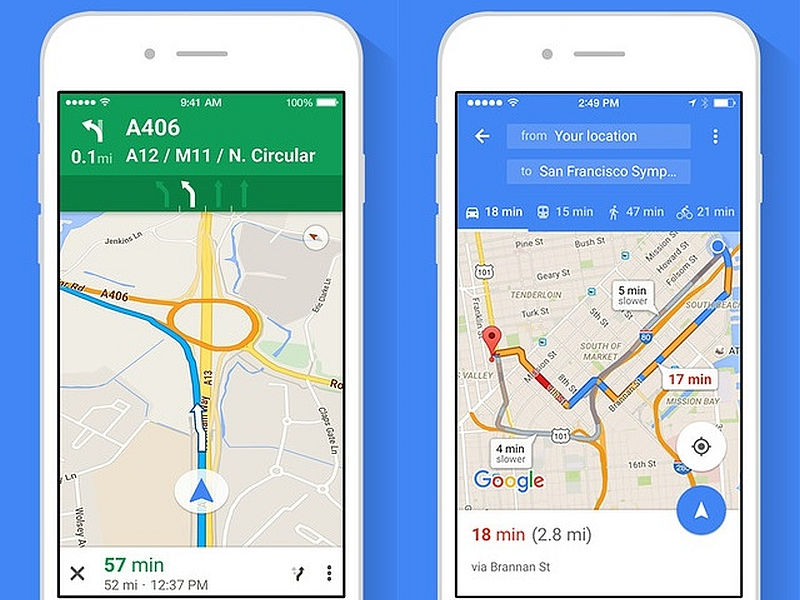
    Photo Credit: NDTV Gadgets 

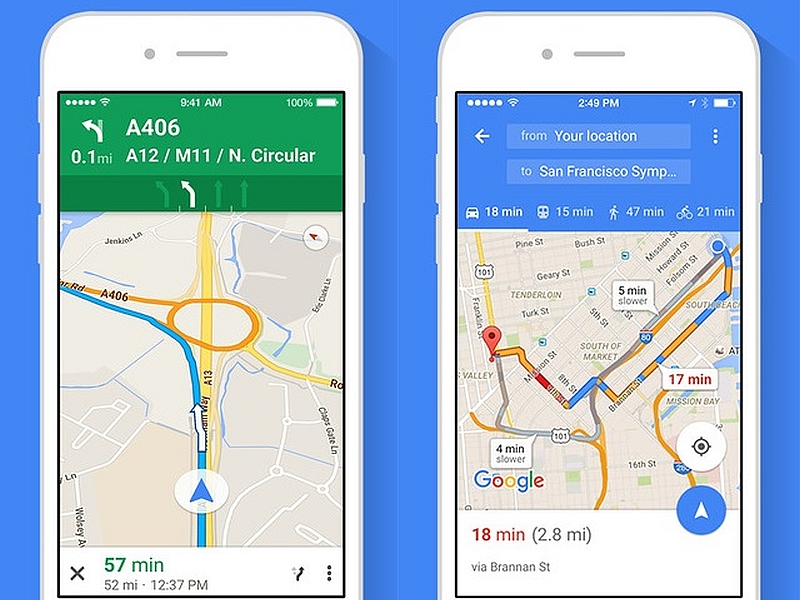
    There’s not a whole lot to say here. Google Maps is still the better app. It’s much deeper and more fleshed-out than Apple Maps. Apple’s map app is fine for surface-level navigation and that’s about it. Thankfully you can just download Google Maps on your iPhone.  

    The edge goes to Google for having a deep, highly-detailed map app. 

    Screen Time Management 
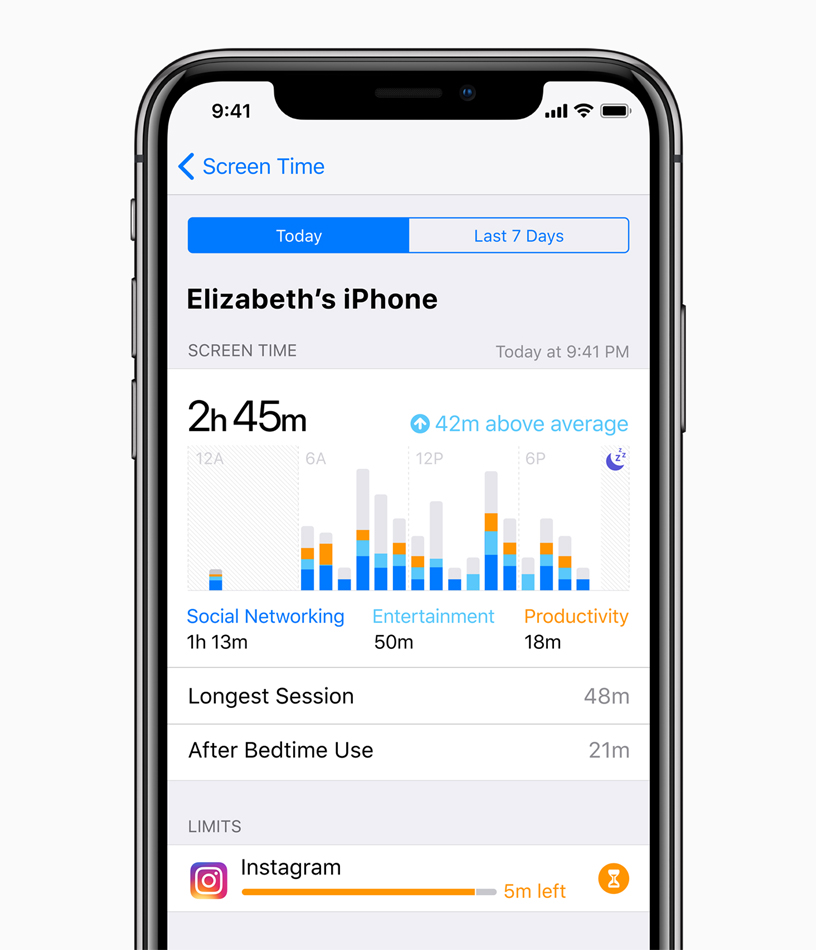
    Photo Credit: Apple 

    This is brand new to both Android P and iOS 12. Both operating systems come with ways to manage your time spent using various apps. This is ostensibly to help manage smartphone addiction. The addition of such responsible software is a good sign. However, as both are brand new and neither have been seen, we’ll have to reserve judgment.  

    Neither side gets the edge here, as we haven’t seen enough of either feature. 

    Gesture Navigation 
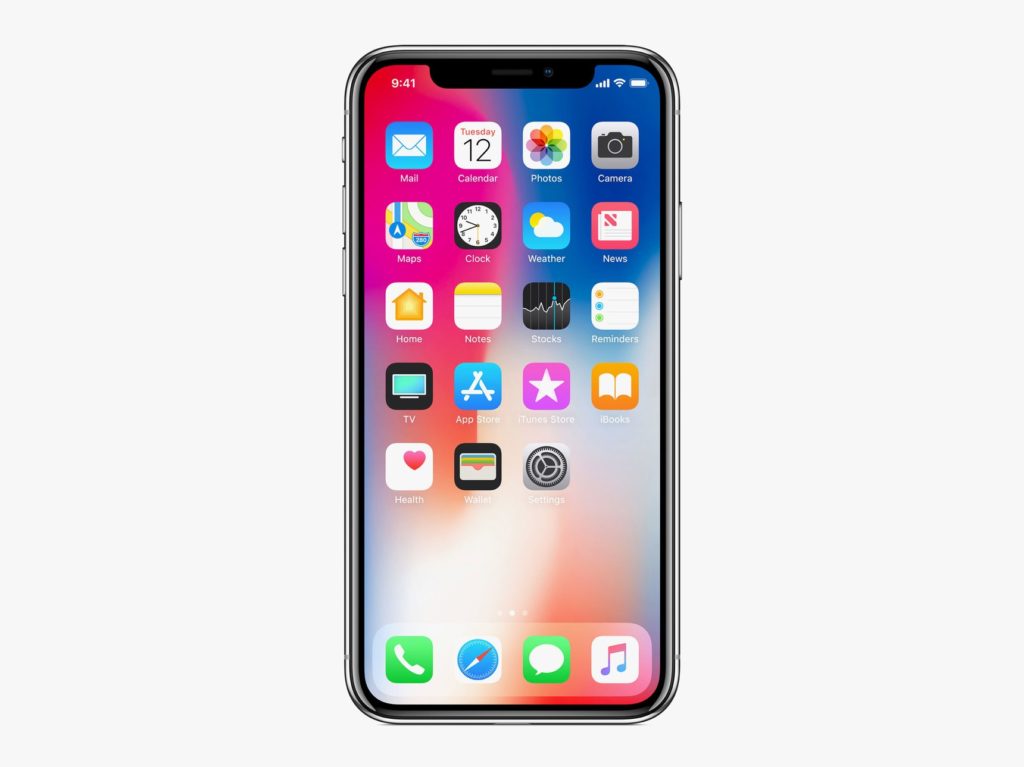
    Photo Credit: Apple 

    The iPhone X popularized gesture-based navigation, forgoing physical or onscreen buttons. It takes some getting used to, but it’s intuitive and responsive. It’s fairly seamless, so it makes sense that Android P would hop on the bandwagon and try their hand at gestures. However, the operating system still relies on a back button for some navigation. Additionally, Google’s hands-off design philosophy means that app developers are free to use gestures or buttons. This fragmentation is the Achilles Heel of Google’s Android platform as a whole. 

    The edge in this one goes to Apple, for their closed-ended, tightly focused OS. Gesture navigation is so much better when it’s across the whole ecosystem. 

    Android P and iOS 12: Who has the Edge? 

    We do. The competition between Google and Apple keeps heating up, and the two massive companies are deadlocked. They keep one-upping one another, and it’s great for consumers. We keep getting better and better phones and better features. It’s still early, in terms of the new OS’s, to tell who’s winning. Both companies have some heavy-hitting features. Apple has the edge in security with their closed-ended platform. Google has Apple on shared AR and the excellent Google Assistant software.  

    Bottom Line 

    Time will tell who wins this cycle. However, Google and Apple being neck-and-neck with one another is sort of status quo now. Their continuous competition keeps driving them both to new heights, which means we keep getting better and better phones. No matter which side you’re on, you’re in for some cool new features come this September. 
  • Coolest Things Coming to iOS 12

    Coolest Things Coming to iOS 12

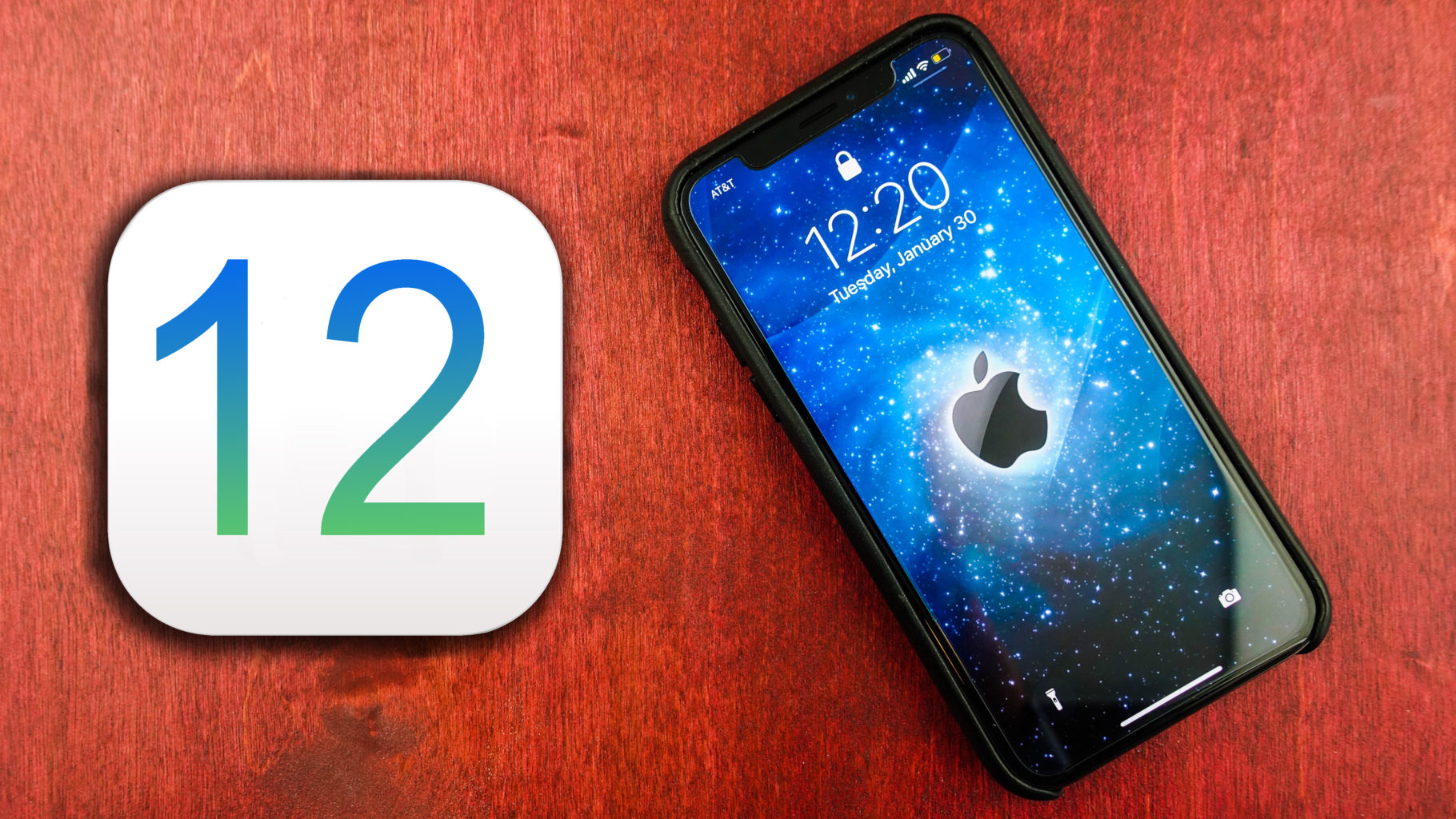
    At WWDC 2018, Apple unveiled tons of new info about the upcoming iOS 12. We’re compiling a quick list of the coolest features we know so far, including release date and features. While this isn’t the biggest software change Apple’s ever brought, it’s iterative and responsible. The changes, for what it’s worth, are also all quite welcome. Let’s get into it! 

    Augmented Reality with Other Players 

    Apple promises iOS 12 will sport tons of new features for developers to build multiplayer games. Specifically, Apple showcased how the ARKit 2 software will allow developers to build shared AR experiences. This means that users can both see the same Augmented Reality object from their device, and changes made by one user will be seen by the other. A simple example would be drawing on a virtual chalkboard and your friend seeing it.  
    While this sounds fun for games at first, it also would be huge in the classroom. Imagine the students watching as their teachers shows them a diagram of a cell, pointing and changing things in real time. Then they could all have their own models to toy with, and the teacher could help them locate parts of the cell. Even testing could change to accommodate this more hands-on learning! 

    Backward Compatibility 

    Apple has stated they intend for this iOS update to focus on not leaving older model phones behind. Specifically, the update will support phones from the 5S forward, and iPads from the iPad mini 2 and forward. According to Apple, iOS 12 well help older devices pull up the camera and keyboard functions faster, and just be smoother overall. 

    This is a wise move on the part of Apple. Most smartphone users are keeping their phones longer as technology in the sector plateaus. Despite flashy new phones drawing in plenty of users, a sizable base of Apple users won’t be flocking to buy an iPhone X anytime soon. Keeping support for the older model phones for longer is a smart move on Apple’s part.  

    Upgrades to Siri 

    Siri is now set to be more responsive and generally useful. This update will introduce Siri shortcuts, which allow you to program certain actions to certain words. For instance, you could shortcut “I’m lost,” to pull up the map app and navigate home. This change might seem small at first glance, but it’s actually a huge help. Alexa and Google Assistant are so useful because they’re so smart and responsive. Siri, by contrast, is sort of clunky and you have to use exact phrases to get her to act. Hopefully this update will address this and bring her up to speed with the competition.  

    iOS 12 Release Date 

    The developer beta for iOS 12 started on June 4th, but there is a public beta on the way! The public beta will likely begin on June 26th, if the iOS 11 beta is anything to base things off of. Finally, sometime in September, when the new line of iPhones release, we can expect to see the final version. While iOS 12 isn’t the most exciting or flashy update ever, it’s a much needed one. Siri is in big need of an overall, and older phones have not fared well with iOS 11. Apple’s likely making strides in the right direction. 

  • iOS 12, What We Got at the WWDC Today

    iOS 12, What We Got at the WWDC Today

    Its here! The World Wide Developer Conference is here! In its first day Apple (AAPL) unveiled iOS 12, the next major software update for iPhones and iPads. Here what we are getting in the September update.

    iOS 12 Speed Increase

    Apple Senior Vice President of Engineering Craig Federighi emphasized that with iOS 12, its all about speed. “For iOS 12, we’re doubling down on performance,” said Federighi. We know Craig, we have the need for speed, its important, its inherent, there is nothing we can do about it. Apparently this speed increase will extend to older iOS device users as well.

    Federighi said iPhone users can generally expect apps to get 40% faster, with the Camera launching up to 70% faster.
     

    AR Updates

    I predicted this was coming in my what to expect from the WWDC article earlier last month. I knew as we all dis that the iOS 12 update would include updates to Apple’s augmented reality software tools. Dubbed ARKit 2.0, the upgrades add the ability for multiplayer AR games on separate devices. In other words, both players will see the same scenario through their phones’ displays.

    Also announced by Apple is that USDZ as part of ARKit 2.0. USDZ is  a new AR-focused file format Apple developed in partnership with Pixar that lets users share 3-D models. Abhay Parasnis, CTO of Adobe (ADBE), took the stage to announces USDZ support across Adobe Creative Cloud. Its good to see these two getting along since the ugly adobe flash debates of the late 2000’s.  Parasnis locked in all in by saying.“With Creative Cloud, designers will be able to use apps they’re familiar with to create amazing AR content,”. That is all I needed to hear.


    Memoji

    Yeah, who didn’t see this coming. Now you will have the ability to emoji your self to an Animoji of yourself, dubbed Memoji. Sometimes people facetime me before I’ve have my morning coffee, not cool and highly invasive, I say. Now I can respond with my beautiful half me, half Elvis Memoji. Problems solved.  Apple says it will let users create their own personalized Animoji, or animated emoji, down to that new hairdo and sunglasses.

    Yeah more Animojis too,  including a ghost, a koala, and freaking T-Rex! I don’t know why that excites me so much but just let me have this moment people.


    Group FaceTime

    Well this scares me to pieces. When group text hit it drained my battery life for years to come, with constant, insistent banter from mild acquaintances grouped with my closest and most despised friends. It wasn’t uncommon in 2013 before group chat etiquette was willed in to existence that one would received 60-70 messages in the 15 minute span that weren’t staring at their phone.   braces yourself people for group facetime…

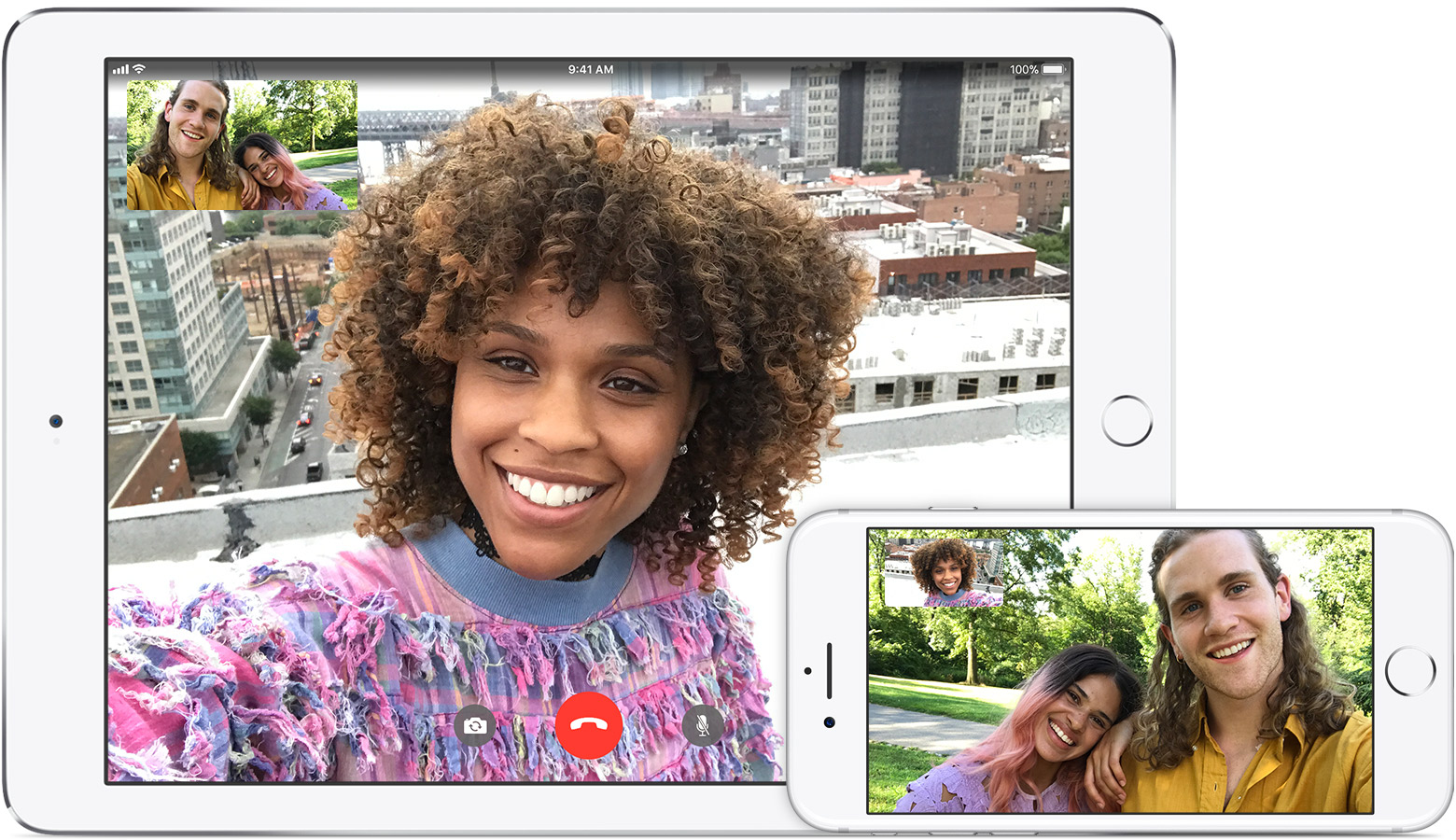
    Group FaceTime, which will work on iPhone, iPad, Mac, with audio available for the Apple Watch, takes the idea of group video chat to a whole new annoying  level for iOS 12. This will let up to 30 people all participate in the same FaceTime.

    Federighi demonstrated how group FaceTime works, with a row of tiles at the bottom displaying all the FaceTime participants. As someone speaks, a video window above that row of that speaker enlarges.


    The Final Thought

    Its the first day people. we still got lots more to come. I just wanted  to share a little bit of what I was excited about and some of the things that will breed new technological nightmares… Ill keep you updated daily with the best from the WWDC. See you tomorrow…maybe..


  • Ten Features We Want to See Most in iOS 12!

    Ten Features We Want to See Most in iOS 12!

    On June 4th, at the Worldwide Developers Conference, Apple is set to unveil their new iOS 12. Before then, though, we can only guess what kinds of new functionality are on their way. In the meantime, though, we certainly know the features we want to see! Read on to find out which new features we’re hoping make it to iOS 12. 

    Dark Mode 

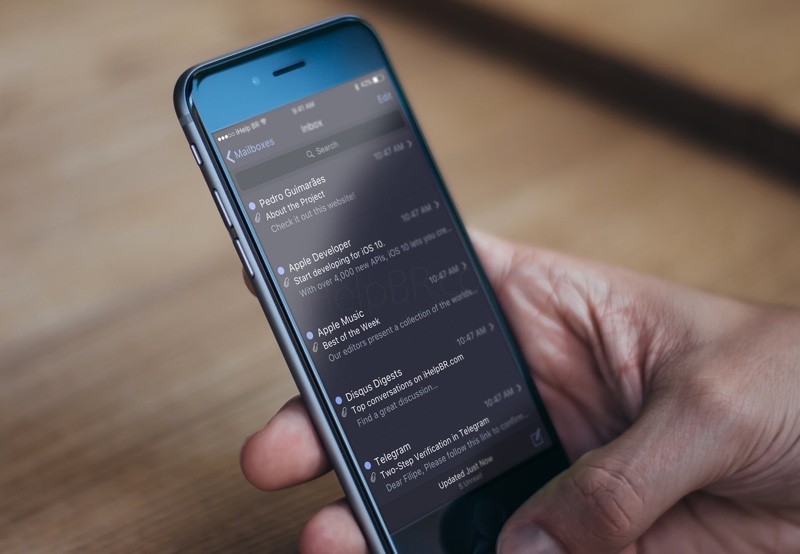
    Photo Credit: iHelpBR 

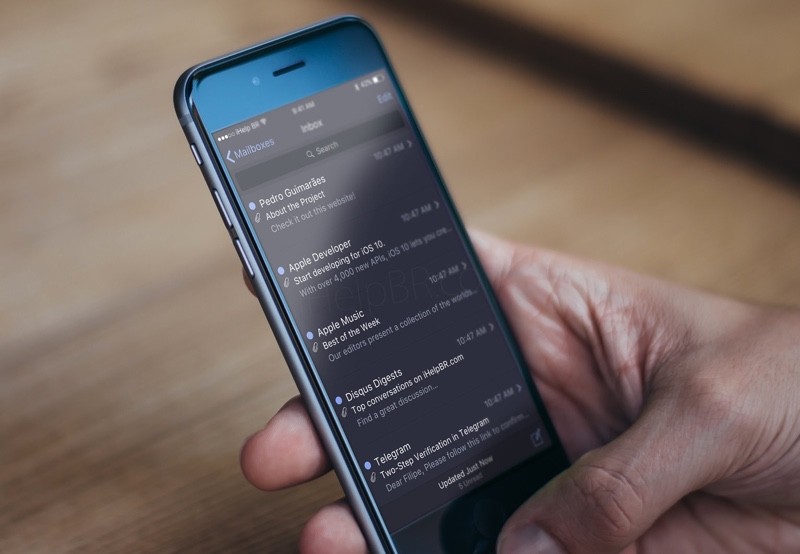
    iPhone users have been asking for a system-wide dark mode for quite some time. While Android has been sporting this feature for quite some time, it has yet to be implemented on iOS. Many users prefer the aesthetic of darker menus with white text, but only certain apps support dark modes on iOS. With luck, it will be a feature unveiled at WWDC! 

    Group Facetime 

    Photo Credit: Apple Support 

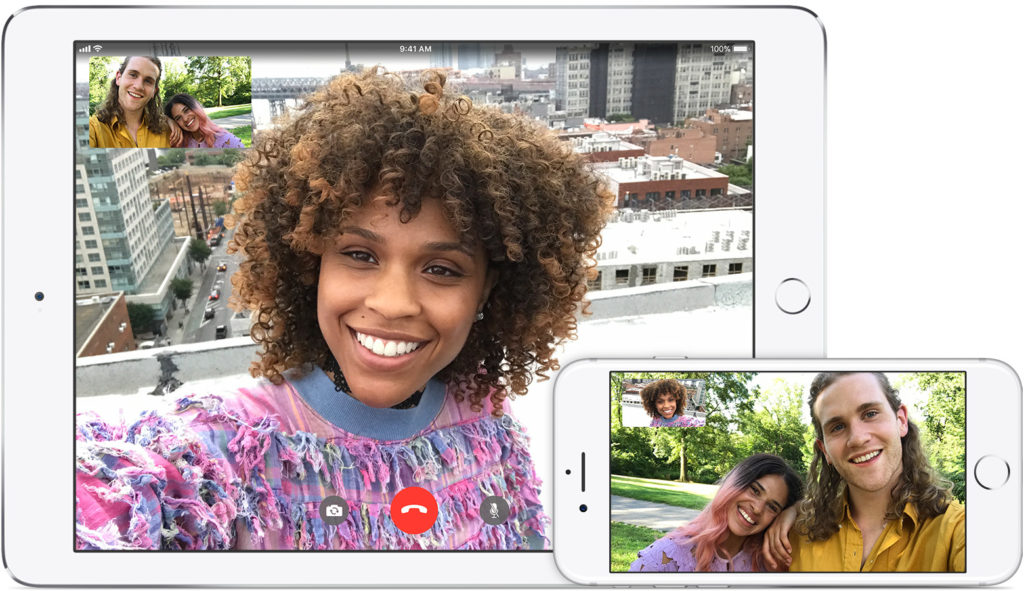
    Another much-requested feature, many are hoping for the ability to Facetime more than one person at a time. Many similar video chat apps have this functionality, such as third-party apps like Skype and WhatsApp. It would only make sense for apple to follow suit with iOS 12. 

    Split Screen Functionality 

    Photo Credit: Mi Community 

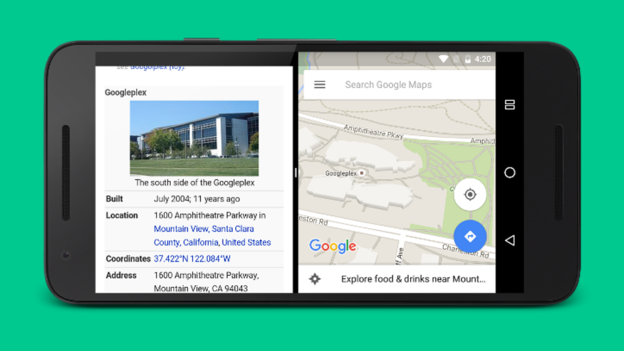
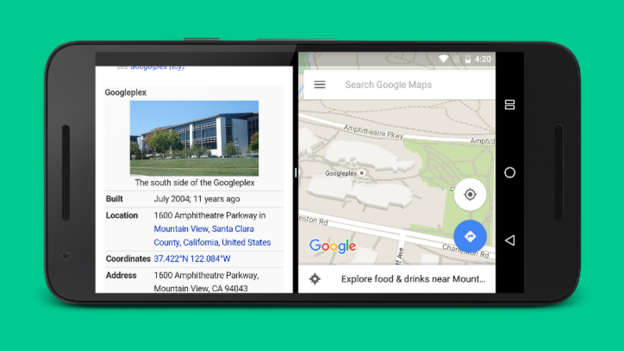
    An option to run two apps side-by-side simultaneously would be awesome! Android has had this for a while, and it’s great for multitasking. Looking at a restaurant menu while navigating to it! Looking up recipes while running a cooking timer! The combinations are endless. Apple’s phones are certainly powerful enough to handle this functionality, it’s just a matter of coding the infrastructure. It would be nice to see Apple catch up with the competition in this aspect. 

    That Volume Icon 

    Photo Credit: Lotus Bud 

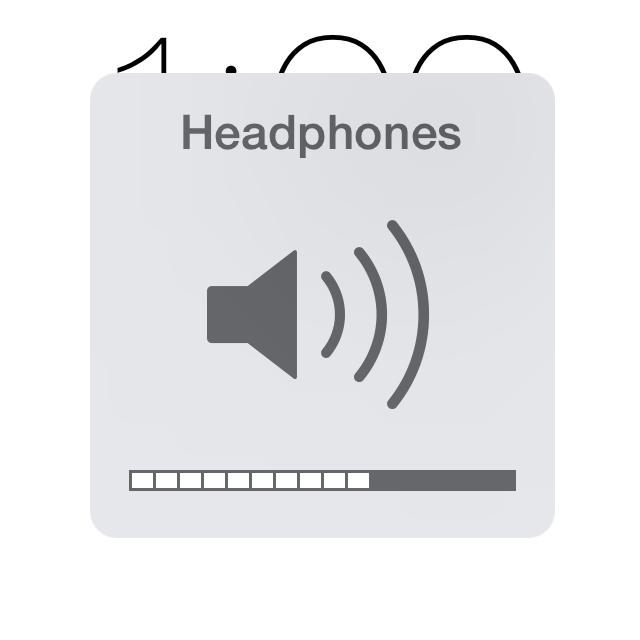
    The only notably ugly thing about the iOS interface is that big, hideous, intrusive volume button. It would be really nice if Apple redesigned the volume indicator to be less noticeable and sleeker. This one is simple, but it might not be high on their list of changes to focus on. Here’s hoping the designers hate this ugly icon as much as I do! 

    Tighter Camera Controls 

    Photo Credit: Gear Patrol 

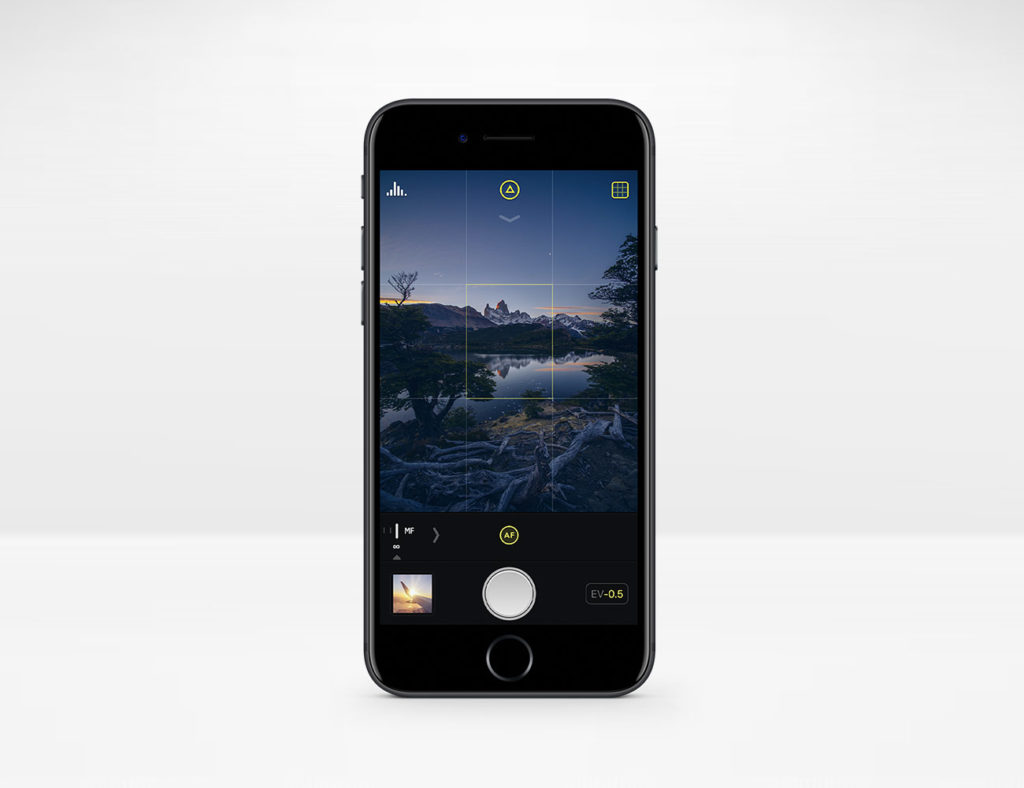
    The iPhone camera has precious few manual controls over things like shutter speed and exposure. These functions are in plain sight and easy to use on Android. It would be excellent to see better camera functionality on iOS 12 without resorting to third party apps like Camera+. 

    App Wish List Return 

    Photo Credit: iDownload Blog 

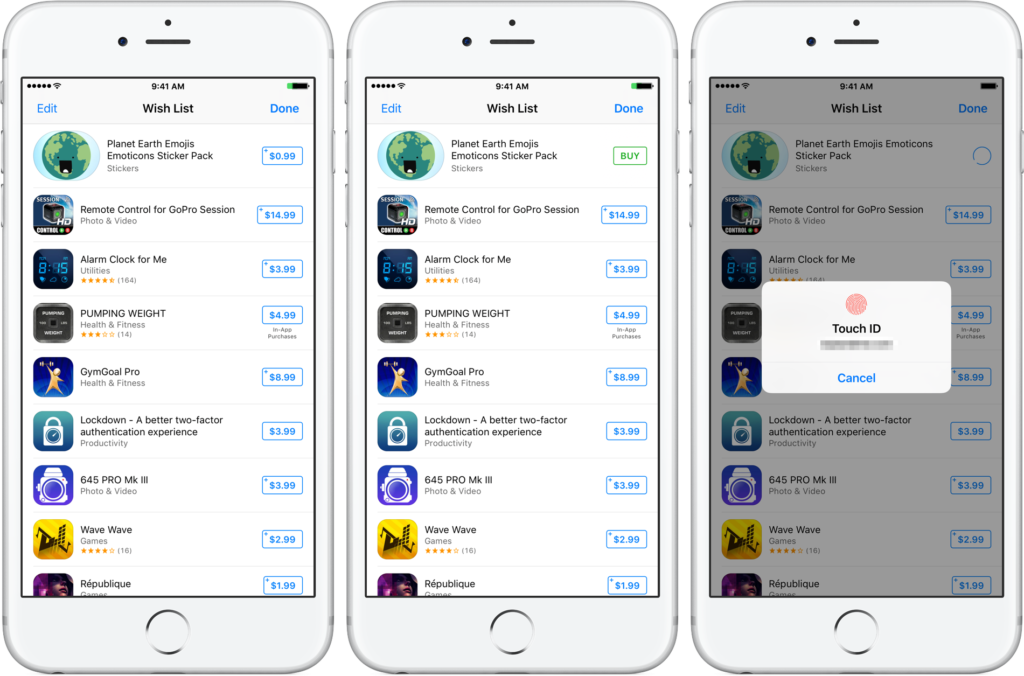
    With the release of iOS 11, the App Store was completely reworked. With this rework came the removal of app wish lists. The wish lists were sorely missed by users who like having their short list of apps they wanted. Hopefully Apple hears the requests of wish list fans and brings it back with iOS 12! 

    Always-on Screen for iPhone X 

    Photo Credit: Switch 

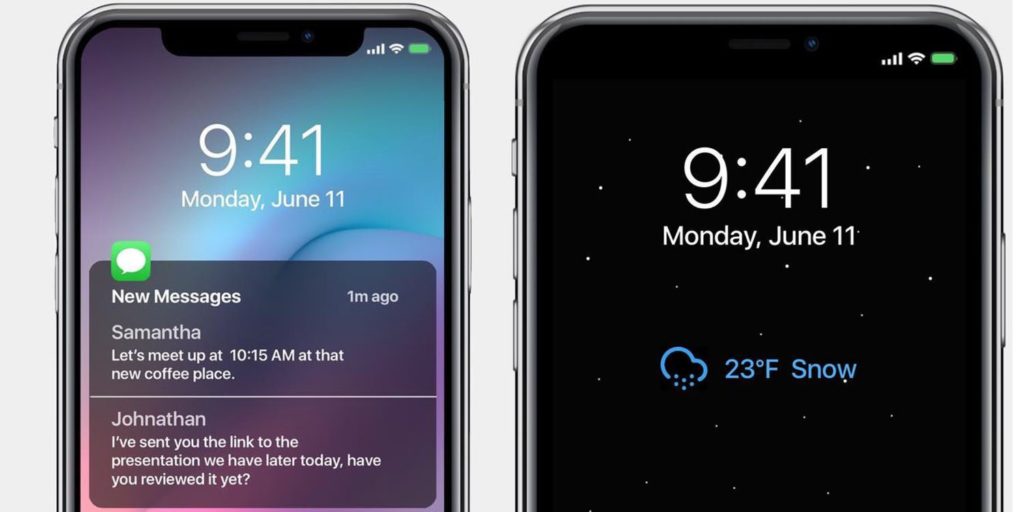
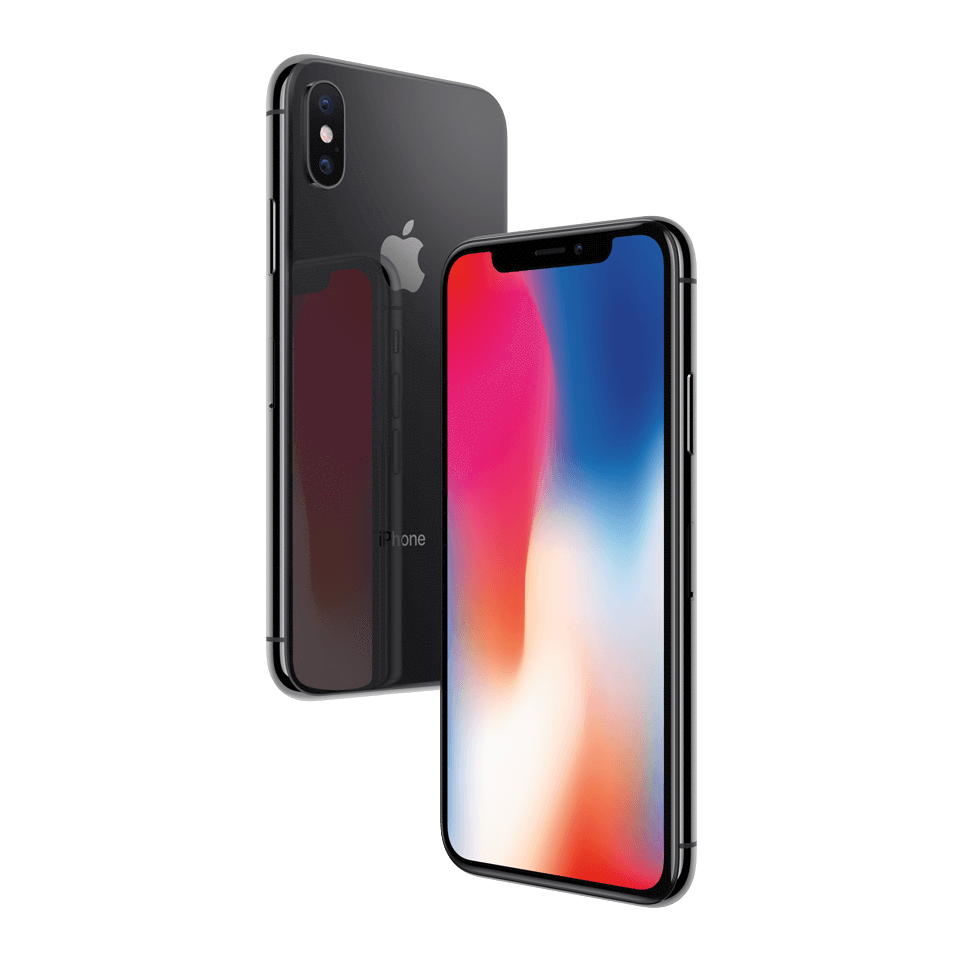
    The iPhone X features a battery-saving OLED, much like common Android phones that sport always-on displays. This would be cool functionality to add to the newest iPhone, for display of the time or notifications. It does somewhat go against Apple’s aesthetic, but then again, so did the iPhone X! 

    Siri Improvements 

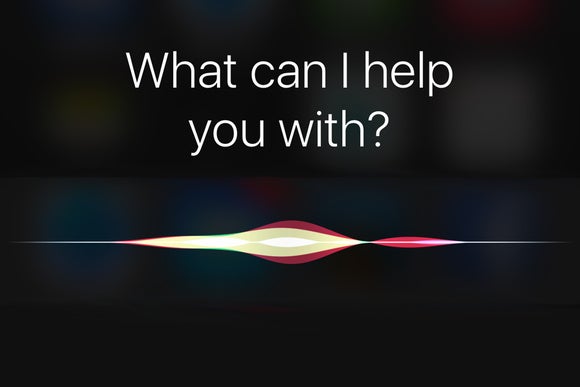
    Photo Credit: Macworld 

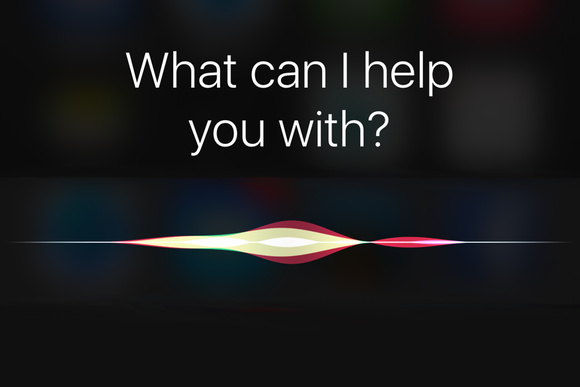
    Siri was one of the first mass-market personal assistant AIs, but her age is starting to show. It would be great to see some updates to her that make her more responsive and smarter, like Alexa. Heck, even Google Assistant (!) is smarter than Siri these days. Also, how hard would it be to enable some Spotify functionality with Siri? Ball’s in your court, Apple! 

    Messages Improvements 

    Photo Credit: iSource 

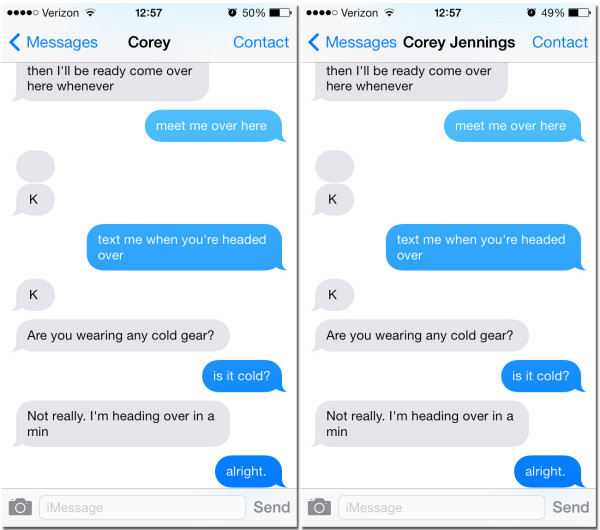
    Improved functionality for things like archiving and searching messages would be awesome. Apple’s current messaging infrastructure is great for just shooting messages but trying to find messages more than a few days old is difficult. An option for searching and sorting messages would be greatly appreciated! 

    Our Biggest Hope for iOS 12: Smart Orientation 

    Photo Credit: Apple Support Communities 

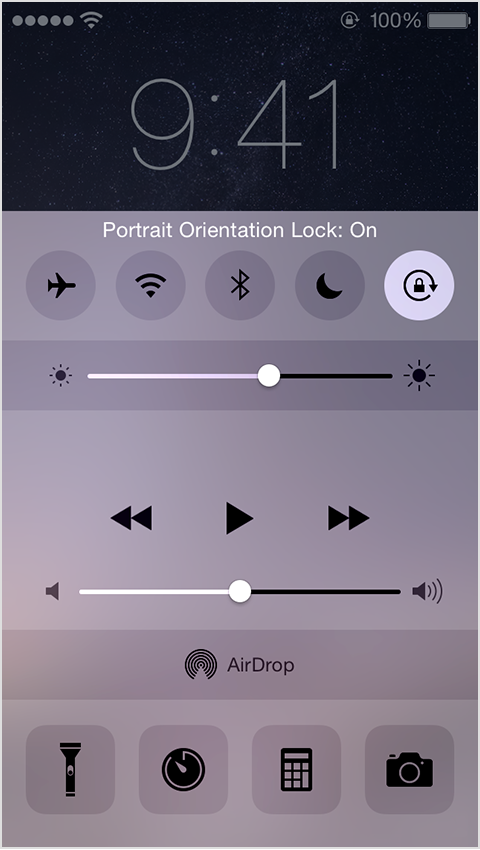
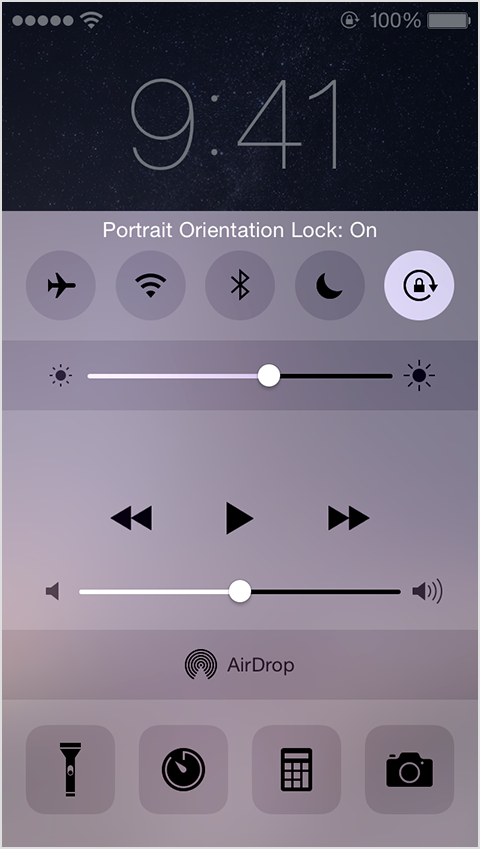
    Please. Apple, please. Stop making me open my control panel to lock and unlock portrait orientation every time I want to watch a video. YouTube sort of lets you bypass this by pressing the enlarge button. I just want to see functionality like this across all apps. Put an option in for “portrait lock except videos” or something. Just do this one thing and I’ll be happy, seriously.