Tag: macbook

  • MacBook Deals: Why are They so Cheap Right Now?

    MacBook Deals: Why are They so Cheap Right Now?

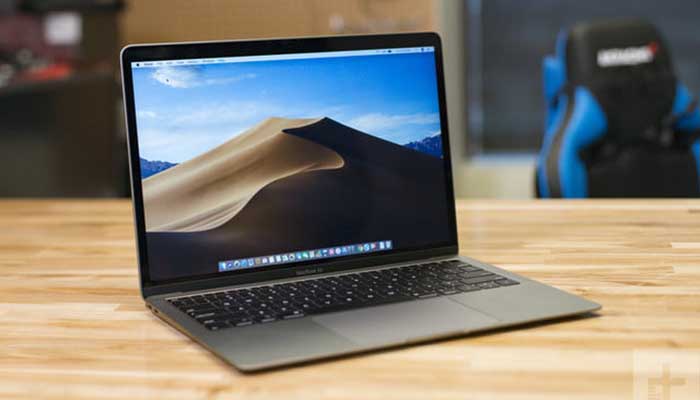
    It’s back to school season, which means it’s time to get all the best supplies. If you’ve been holding out for great deals on back-to-school tech like laptops, then the recent price trends of the 2019 MacBook Air and MacBook Pro should have you excited. Both devices have seen steep price cuts only a few weeks after hitting the market. But why is that, and how can you take the best advantage of it? Let’s take a closer look.

    MacBook Deals: What’s Going On?

    The Deals

    The newest MacBook Air, which dropped in July of this year, started off at $1,100. However, over the weekend, the device has been spotted on sale for as low as $900, and that’s before even considering back-to-school events that could help you save even more. Likewise, the 2019 MacBook Pro, which started around $1,900, can be found on sale for up to $300 off at several retailers. Again, this is before factoring in back-to-school sales.

    MacBooks are ideal for college students, as they are both easy-to-use and well-tuned for creative endeavors. The sleek interface is top-notch, the software is snappy and reliable, and you don’t have to worry about any viruses sneaking into the airtight Mac OS. As such, if you’ve been holding out to pick up a new laptop for heading off to college, the MacBook is the one you want, especially in light of these deals.

    Why the Price Cuts?

    Apple isn’t exactly a budget brand, so many are wondering what exactly is going on with these price slashes. After all, the 2019 MacBook Air landed just five weeks ago, and it’s already seeing serious price cuts. What gives? Is something wrong with these laptops?

    Well, there are a few factors at play. Firstly, Apple is seeing their products sitting on store shelves for longer than retailers would like. The company shipped a lot more MacBooks to retailers than they normally would for a first shipment in order to get out ahead of projected tariffs on goods assembled in China. Keep in mind, tariffs apply on the import date, not the sale date.

    Since retailers have tons of these MacBooks on shelves, they’re eager to move some units. However, as we’ve established, Apple products are really expensive. So expensive, in fact, that many people would just as soon buy a Windows laptop or a Chromebook of similar build quality for several hundred dollars less. Low demand and high supply tends to have the effect of squeezing the price of a product down.

    Why This is a Big Deal?

    Apple’s products don’t usually go on sale at all. If you were lucky enough to find a discounted Apple product, it would be an older model that a retailer was trying to offload. It’s almost entirely unheard of to see brand-new Apple products getting $300 price cuts. One could compare Apple to Nintendo, another company who’s products almost never see price cuts until they’re obsolete, or Disney, who sells eighty-year-old movies for full retail prices.

    While some may argue that Apple’s products should start out closer to this price point, it’s hard to deny the superb build quality and excellent user interface of MacBooks. The perfect storm of economic pressures and unusual political climates have made for a great moment for buyers. Whether you’ve used a MacBook before or you’re just looking for a great laptop to carry off to school with you, there’s never been a better moment to snap up a brand-new Mac.
  • Wishlist Roundup: Ways We Wish Apple Would Update Mac

    Wishlist Roundup: Ways We Wish Apple Would Update Mac

    WWDC has come and gone without a whiff of a new design for Apple’s iconic Mac brand of computers. While there were many incremental changes to iOS teased, it’s still disappointing to see one of the world’s leading tech brands leave questions unanswered. When will they address some of the most pressing issues plaguing the current generation of Macs? That all said, what issues are we talking about? What aspects of Apple’s MacBook line need addressing? 

    The Butterfly Keyboard 

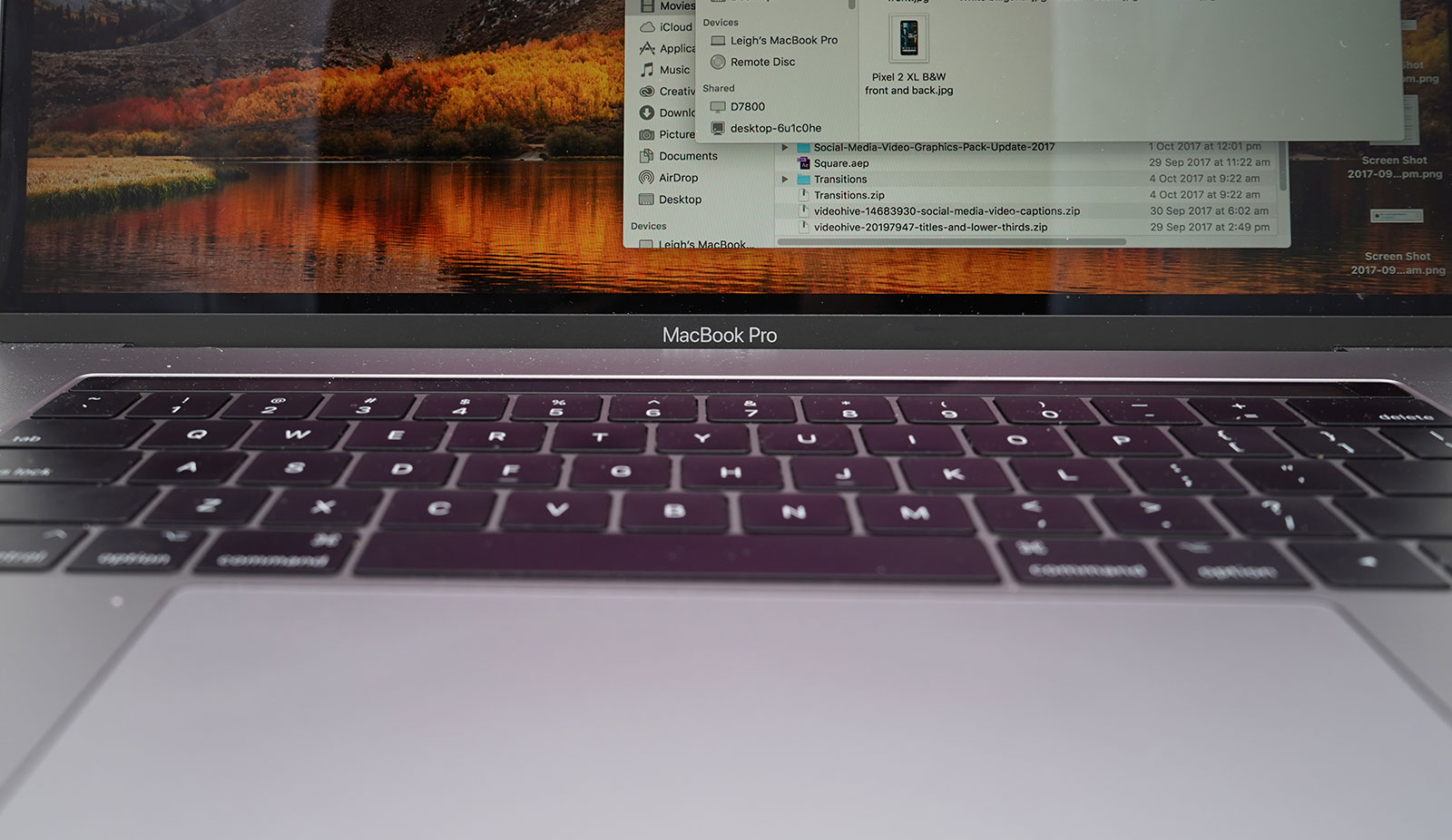
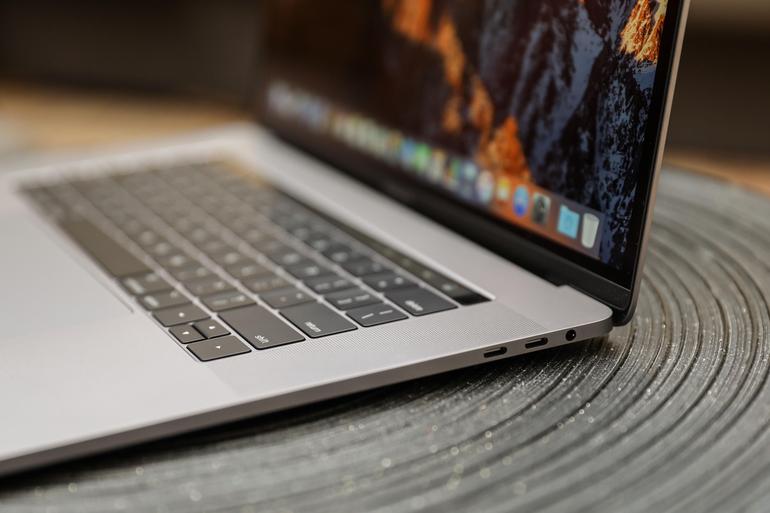
    The current keyboard design is just straight-up bad. If you get the slightest crumb or piece of debris in the keyboard it can cause a stuck key. Those stuck keys are incredibly difficult to correct and often require taking the MacBook in for costly repairs. This issue seems to have cropped up only recently with the “butterfly” design keyboards. 

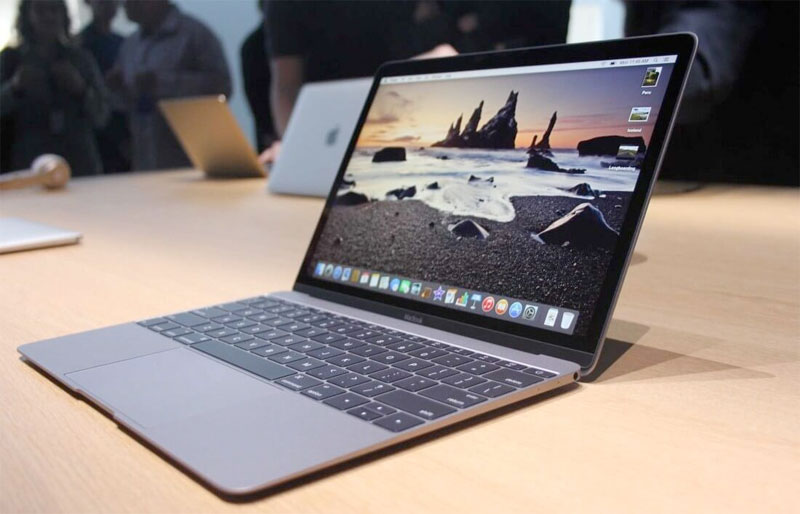
    Even when they aren’t sticking, the keys are notoriously hard to type on. Their small size and incredibly short travel time make it very easy to make typos, and they are quite noisy. Hopefully Apple gives their MacBook keyboards a full redesign soon. 

    Just a Few USB-A Ports, Apple, Please 

    The USB-C port is a wonder, we get it. Google and Apple both swear by it, and for good reason. It’s a wonderful advancement, capable of handling tons of roles and sporting a reversible design so that you don’t bend pins by trying to slot it in upside-down. But the new MacBooks having only USB-C ports is downright absurd. Plenty of people still have thumb drives and accessories that use USB-A.  

    Sure, there are companies that sell reasonably-price USB-A to USB-C dongles. But it’s a step we shouldn’t have to take to use basic functionality on our computers. Come through on this one, Apple! 

    Optional Touch Bar 

    While the 13-inch MacBook has the option for Touch Bar or not, the 15-inch has no such choice. The 13-inch without the Touch Bar costs a full $500 less than the Touch Bar-sporting version, which is quite a bit for a glowing AMOLED bar. Handy as it is, it should be treated as an optional design, not a mandatory part of high-end MacBooks. If Apple were to offer a less-expensive, Touch Bar-free 15-inch Macbook, they would certainly earn some goodwill. And certainly some new customers, to boot! 

    Better Mac Pro Support 

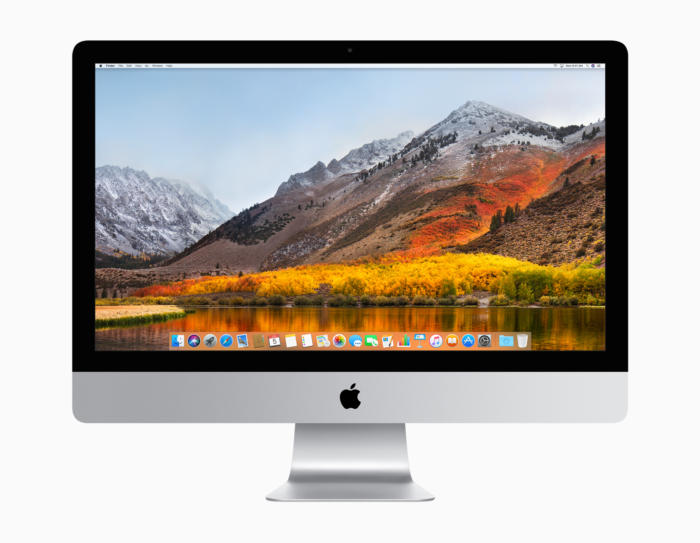
    Not every Mac user has a laptop. There are dozens of desktop Mac users! Dozens, I tell you! Unfortunately for them, the Mac Pro hasn’t seen any substantial updates since 2013. What was meant to be the high-end for Mac has ended up being a disappointment. Serious video/photo editing, graphic design and other creative tasks are handled well by Mac. However, professionals who once turned to Mac are now opting for PC’s instead. 

    What could Apple do to reverse this? Well, they could start by acting more like normal computer manufacturers and allow users to customize their own rig. This could also allow them to sell lower-priced, entry-level Macs and appeal to a wider audience. As it stands, Apple’s closed-ended design is great for phones but a hindrance for their computers. 

  • Laptop Lookout: MacBook Pro 15

    Laptop Lookout: MacBook Pro 15

    It’s razor thin, feather light, and even faster and more powerful than before. It has the brightest, most colorful Mac notebook display ever. And it features the Touch Bar — a Multi-Touch enabled strip of glass built into the keyboard for instant access to the tools you want, right when you want them. MacBook Pro is built on groundbreaking ideas.


    The Great

    • Stronger processor
    • Faster RAM
    • Same excellent design

    The Not

    • Subpar battery life
    • Keyboard learning curve
    • Awfully pricey for the parts

    The Conclusion

    It is the standard for which all great laptops are measured and found wanting.


    The Pro status of Apple’s 15-inch MacBook depends on what sort of ‘pro’ you are. Traditionally creative pros would have turned to the Mac for their needs, be it design work, editing photos, working with video and animation, or other jobs that require decent graphic capabilities.


    The Design

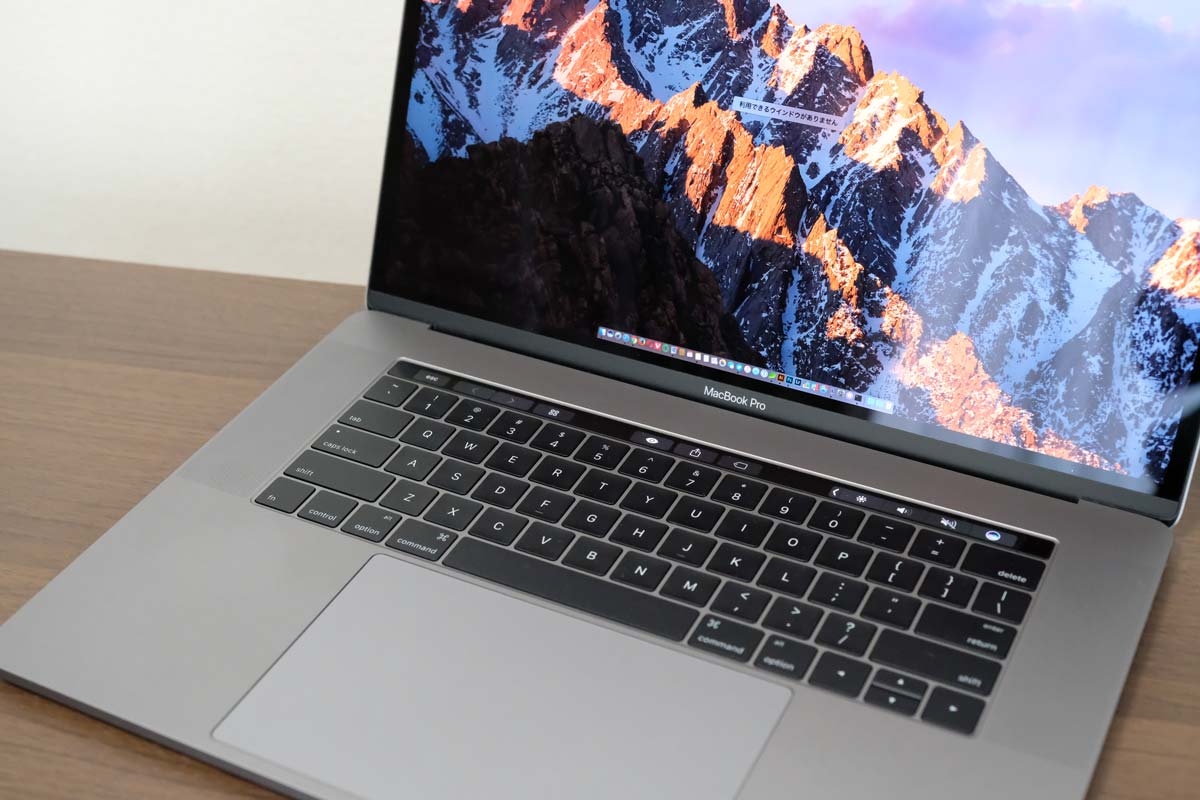
    Weighing 4 pounds and measuring 0.61 inches thick, the 2017 15-inch MacBook Pro is lighter and thinner than my personal 2012 model (which is 4.46 pounds and 0.71 inches), but I noticed the thinness a lot more than I noticed the weight, as my bag would feel just as heavy no matter which machine I was lugging.

    Touch Bar Really Useful for Only One Thing

    The biggest innovation in the 2016 MacBook Pro (as well as this 2017 model) is Apple’s sliver of an OLED touch screen, which the company calls the Touch Bar My reaction? I’m sorry, but I want (most of) my effin Fn keys back.


    In my whole month with this MacBook Pro, I found that the Touch Bar was mostly an accident waiting to happen. The majority of my interactions with it happened unintentionally; while typing, I would activate the digital Esc key while trying to hit the ` or 1 keys.

    On the upside, the far right end of the Touch Bar contains a Touch ID sensor, which is my favorite part of the MacBook Pro’s outer body. The convenience it offers, allowing me to unlock my login IDs and passwords from the 1Password utility, is electric, especially when the alternative is typing out my complex, 23-character pass code.

    Though, having Siri as a button for easy, constant access is a major plus, given the wide control it has over macOS in comparison to other digital assistants.


    The Graphics Upgrade

    The 2017 Pro also gets an updated set of graphics hardware options. The integrated graphics chip goes from the Intel HD 530 to the HD 630 (part of that jump to the Kaby Lake platform), and the discrete graphics go from AMD Radeon Pro 450 and 455 parts to — you guessed it — Radeon Pro 555 and 560 options. Every 15-inch MacBook Pro laptop includes an AMD GPU, while the 13-inch models make do with Intel’s built-in graphics.

    If that’s the good news, then the bad news may be that if one or more of the features of the new MacBook Pro design kept you away, (the super-flat keyboard, the Touch Bar, USB-C ports, etc.) then this set of 2017 revisions isn’t going to do anything much to change your mind.


    Quick Spec Look

    • 15.4-inch LED-backlit display with IPS technology, 2880-by-1800 native resolution at 220 pixels per inch
      2.6GHz quad-core sixth-gen Intel Core i7 processor
      AMD Radeon Pro 450 graphics based on the 14-nanometer Polaris architecture
      16GB RAM
      256GB SSD
      4 x Thunderbolt port
      Touch Bar with Touch ID
      Price: $2,399 (up from $1,999 for the previous entry model)
      A fully kitted-out 15-inch MacBook Pro (featuring 2.9GHz quad-core i7, 2TB SSD, and Radeon Pro 460 with 4GB of memory) costs $4,299


    The Final Thought

    The updated 15-inch MacBook Pro gets faster processing and graphics options. It’s still the biggest and most powerful laptop Apple makes. The giant touchpad is easy to use and battery life is excellent. If you are in need of a new laptop look not further you will not find a better example of excellence.