Month: February 2018

  • SmartPhone Spotlight: BLU R2 PLUS

    SmartPhone Spotlight: BLU R2 PLUS

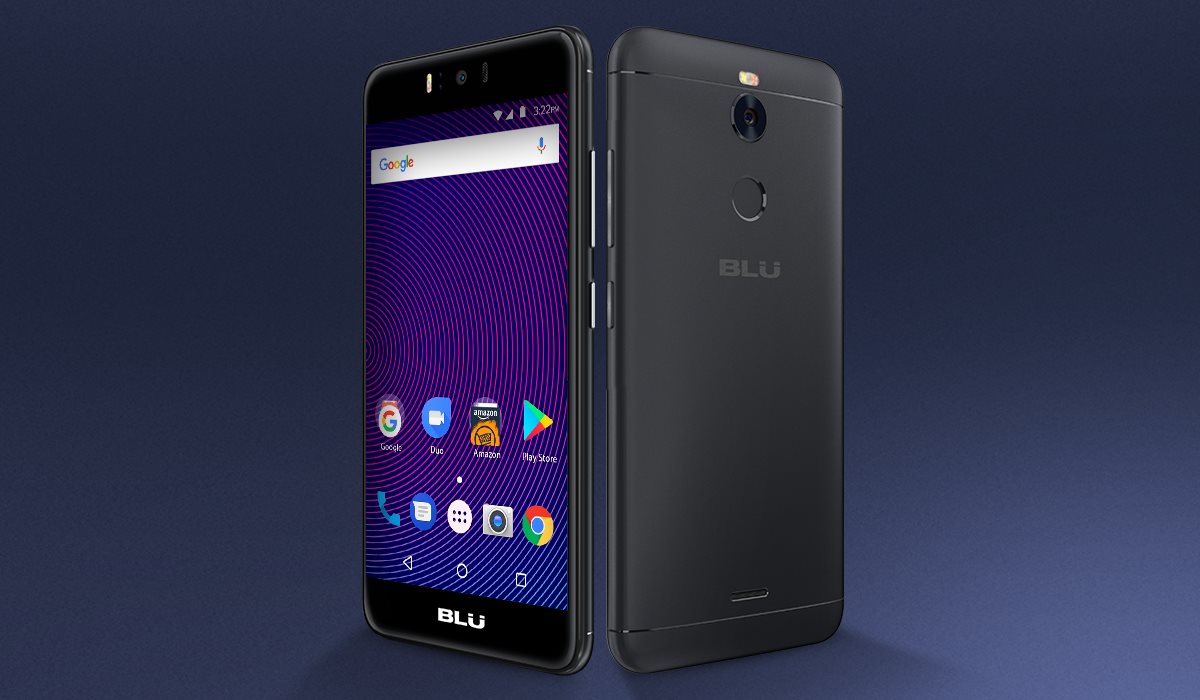
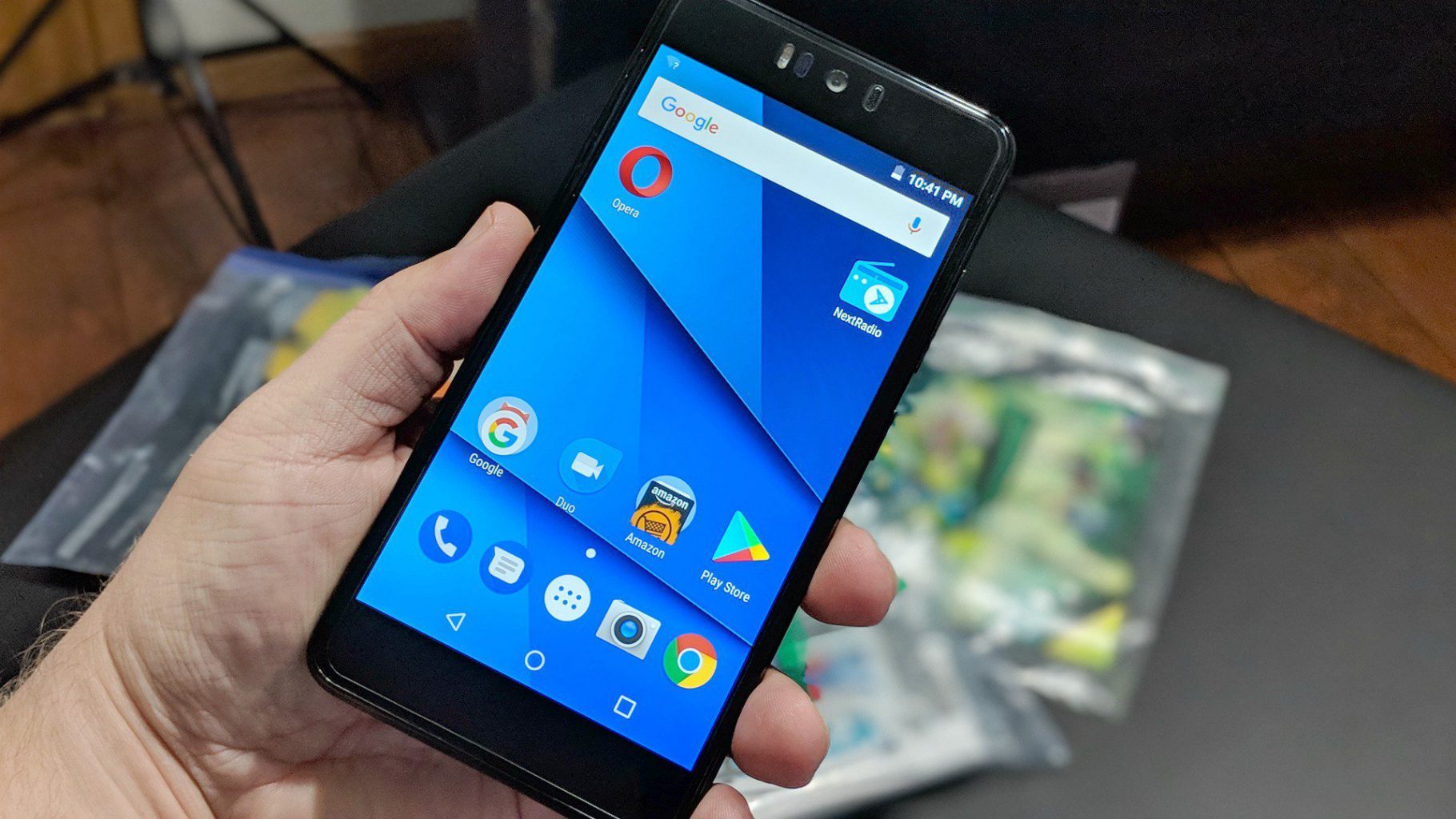
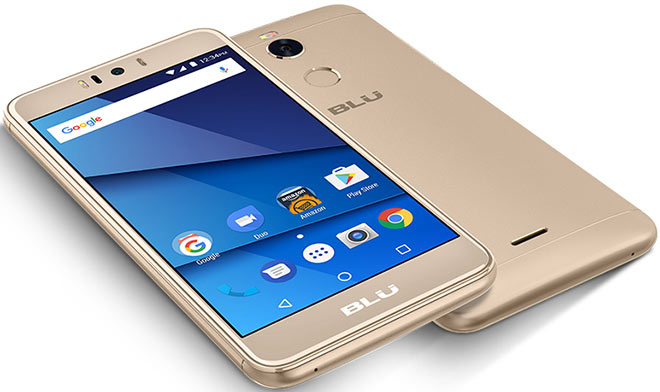
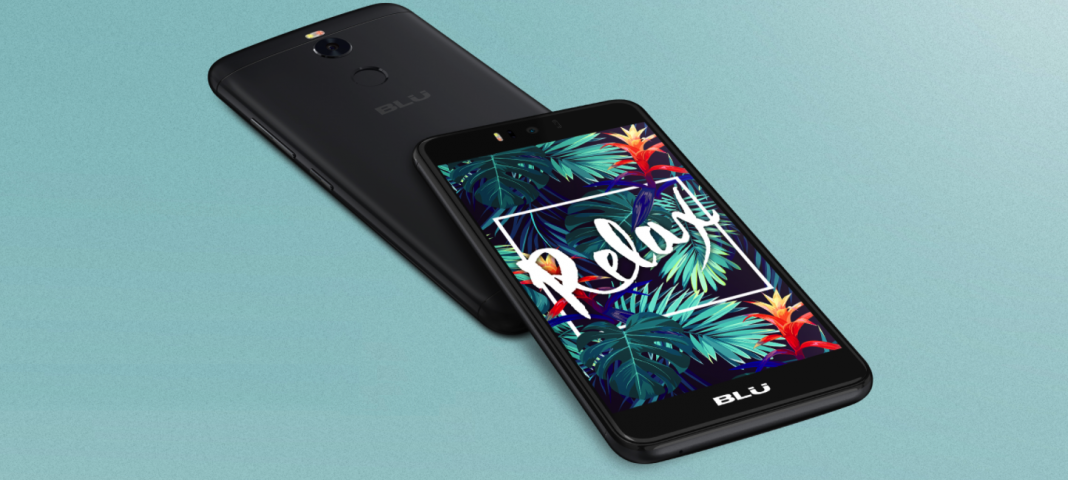
    BLU R2 Plus is a mid-level smartphone that has a good design and build quality. It ships with Android 7.0 and is not for the camera phone junkies. It takes ads to another level by presenting them in the Lock screen.

    The Great

    • Fingerprint sensor
    • Good display
    • Low price
    • Decent cameras for a budget phone

    The Not

    • The Ads
    • Odd design
    • Poor battery life
    • Laggy performance
    • Outdated software


    The Conclusion

    While the budget line gets a timely and worthwhile refresh its still crappy. The phone’s price wows, but that’s about it

    But It Sells

    At $129 unlocked on Amazon, the Blu R2 Plus is one of the least expensive Android phones out there. It supports GSM networks including AT&T, T-Mobile, MetroPCS and Cricket, meaning you can easily take it to one of those carriers, pop in the appropriate SIM card, and enjoy service immediately.

    The display in Blu’s big budget offering notched a peak full-screen brightness of 481 nits, represented 119.2 percent of the sRGB color space, and delivered a Delta-E color accuracy score of 0.38 when we put it through our round of tests. Those are among the best numbers in the budget class, and even more impressive considering how little the R2 Plus costs

    The camera hits and misses, not worthy of any real explanation. Its just cheap and terrible

    Quick Spec Look

    • Unlocked Dual SIM smartphone; Android 7.0 nougat
    • 5.5” Full HD 1080p curved glass display, metal housing design with finger Print scanner
    • 13 MP Main Camera with flash + 13 MP selfie Camera with flash
    • 32GB Internal memory 3GB RAM Micro SD up to 64GB; Mediatek 1.3 GHz Octa core processor with MALI T720 GPU
    • 4G LTE (1/2/3/4/7/12/17/28) 3G(850/900/1700/1900/2100):

    The Final Thought

    Blu is back with a successor, the appropriately named the R2 Plus, which sports a new processor, improved cameras, a fingerprint sensor and a slightly refreshed design. It’s even a bit cheaper, going for just $129 this time around. However, Blu made some sacrifices to hit that more attractive price, which leaves the R2 Plus feeling like a step backward

  • SmartPhone Spotlight: Essential’s Essential Phone

    SmartPhone Spotlight: Essential’s Essential Phone

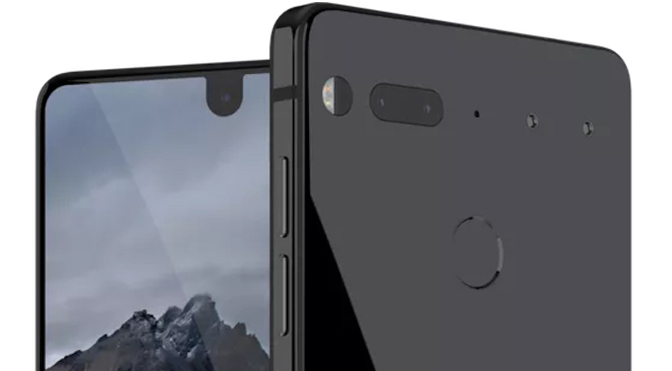
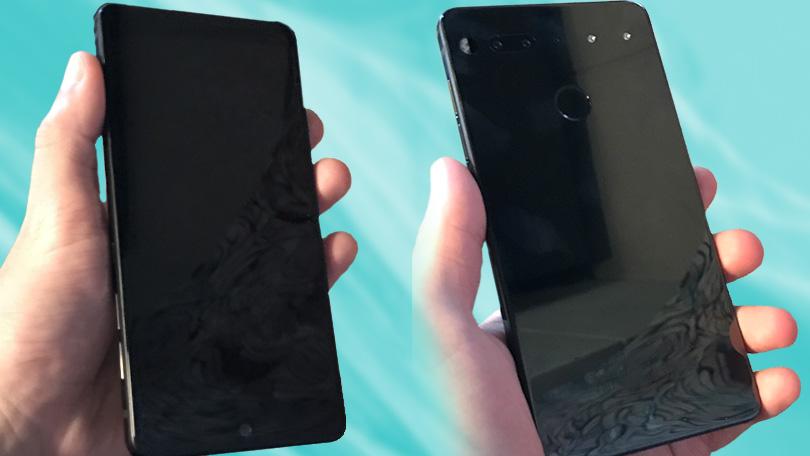
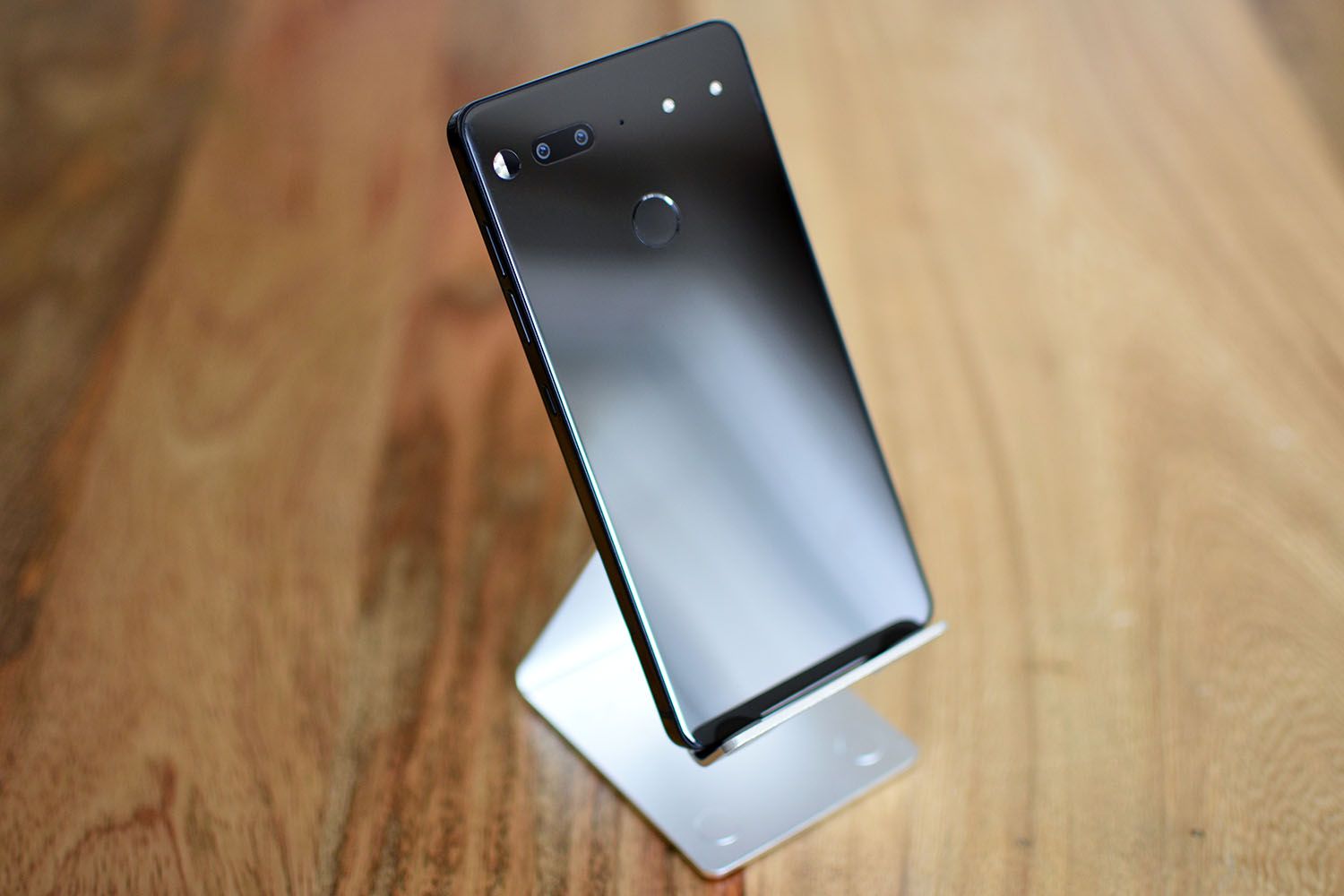
    Essential was founded by Andy Rubin, one of the creators of Android. Essential Phone works on all major carriers incl. Verizon, AT&T, Sprint and T-Mobile and features a beautiful edge-to-edge full display, titanium enclosure and a scratch-resistant ceramic back.


    The Great

    • No logo
    • No pre installed bloatware
    • Stunning design
    • Decent specs

    The Not

    • Accessory port needs to prove itself
    • Missing many features
    • A total fingerprint magnet
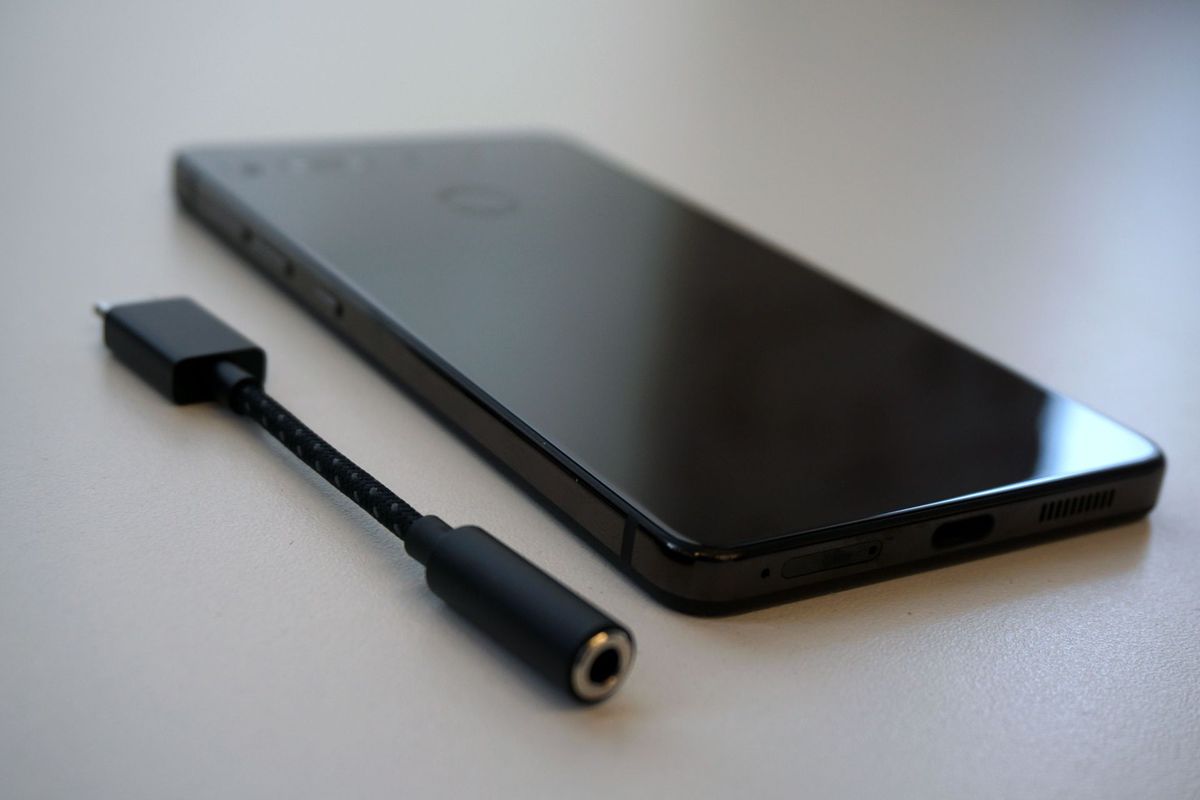
    • No headphone jack
    • Battery life is merely OK
    • No photo or video stabilization

    The Conclusion

    This is a decently powered Android with out all the stuff that makes us roll our eyes at Android. With no logos or identifying markings and a bevels less screen it looks unique. At half the price of most other premium Androids this is a steal at $499


    Andy Rubin, co-founder of Android, made waves earlier this year when he released the $500 Essential Phone. According to Rubin, the purpose of creating the Essential Phone was to address some of the problems people have with smartphones such as getting rid of “planned obsolescence”, having an open ecosystem, and premium build quality without the premium price.

    Its Hipster Cool Design

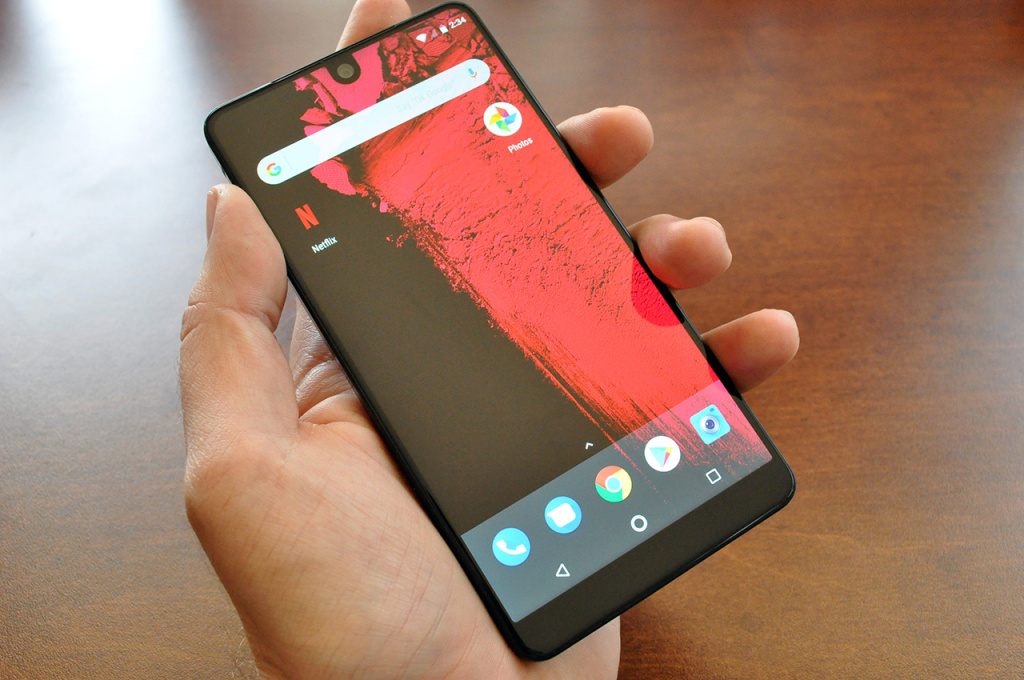
    The titanium body and ceramic back, coupled with this unique all-display front design really do make for an attractive phone. I’m sure some of you still hate that front camera notch at the top, but it has never really bothered me. While there is a solid black block of bezel at the bottom of the phone, the way the display carries all of the way up to the top front curved corners offers a uniqueness that no other phone really does. This is one of those phones that just looks cooler than everyone else’s. With no logo, company or identifiable markings it is the ultimate hipster design and it works.

    The Screen

    Of course, the display is the star of the device. Despite the Essential Phone’s small size, the display is an impressive 5.71-inches in a 19:10 form factor. It has a resolution of 2,560 x 1,312, making it very sharp. It’s a beautiful panel, though it could use a little more brightness. You can’t see individual pixels whatsoever and the colors are vibrant and accurate.The only down note is it has an LCD instead of an OLED display, meaning you’re not getting the same black levels and bright colors as you’re getting with the iPhone X or Galaxy Note8.

    What the Camera Mod

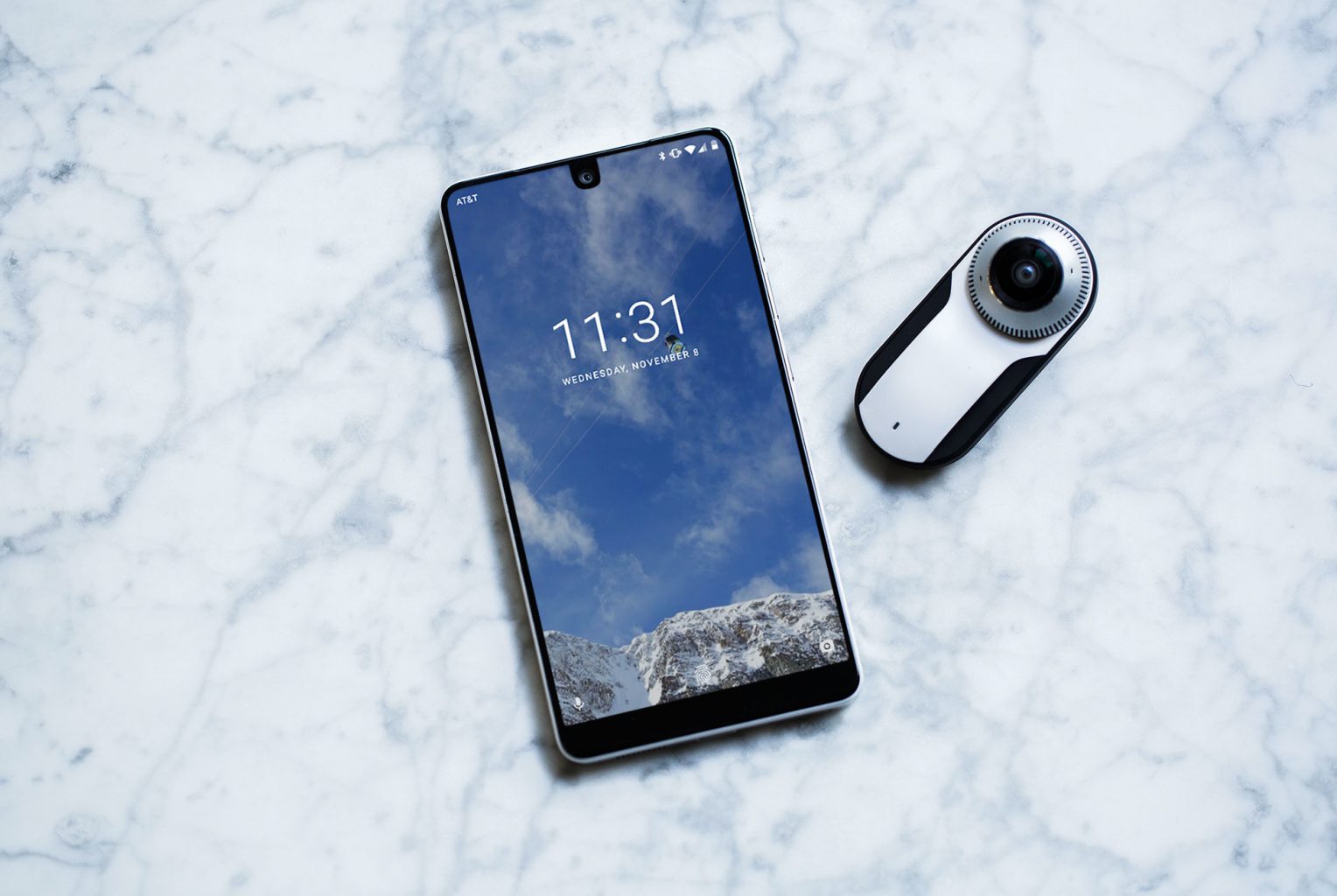
    There is a camera addition you can buy. it lets you capture you world in complete surround with the world’s smallest 4K 360 degree Camera that is powered by the Qualcomm Snapdragon 625 . There is also no need for any dongles or chargers. Connects to Essential phone’s magnetic connector. The modular camera is neat, and magnetically clicks to the phone perfectly, but you have to keep track of it and keep it on you at all times to use it. And chances are you won’t. Also, 360-degree cameras haven’t caught on yet. The biggest thing is that the camera isn’t quite as good as other high-end smartphones. Even if the specs dual 13MP system sounds exciting, it wasn’t that impressive and  there was no setting that resembled a portrait mode, either.

    The Quick Specs

    •  5.71-inch 2,560 x 1,312 19:10 with rounded corners
    • Snapdragon 835
    • 4GB Ram
    • Camera: Dual 13MP rear (RGB + monochrome), f/1.85 lens rear, 8MP front
    • Battery: 3,040mAh, 27W fast charging
    • Operating system: Android 7.1.1 Nougat

    The Final Thought

    The Essential Phone legitimately feels different from any other smartphone I’ve tested in 2017. It’s heavy, in a good way, and has a beautiful edge-to-edge display that’s bigger the iPhone 8 Plus’s. The phone is fast, built with the latest Snapdragon 835 processor, and runs like a top-tier smartphone. Its Android OS is bloatware-free, which, as a lover of the original Google Pixel, I found refreshing.


  • Top Five Cable Tv Providers

    Top Five Cable Tv Providers

    As hard as we try to cut the cord, go to a entertainment on demand premise we still need that live cable goodness. Streaming CNN or ESPN makes you fell like your behind the actual breaking updates. Not to mention the constant and consistent back round noise that cable TV can provide. I just want to watch something I can ignore. The final and one of the biggest necessities of cables is it give you the option to watch something when you don’t know what you want to watch.  I know, I know even as I am writing this I just keep thinking ooooh shut up with your first world problems, and since these are my concerns my only conclusion is its a wonderful time to be alive in America.  Lets take a look at the Top Cable options, some of these are location based and you may not be lucky enough to be in their footprint… uhg again with the first world problems. These are the best for cable TV options.

    1.At&t Uverse

    While this can be one of the more pricer options and only available to a limited footprint in limited areas, if you are lucky enough to fall in the Uverse green zone you have the best option available. With four TV packages to choose from with a selection of 200–550 channels. It uses a fiber optic network, which makes the service more reliable than satellite or cable TV. U-verse’s pricing is more competitive if you bundle it with Internet and/or phone service, but on its own, it’s priced higher than competing packages. Big benefits of Uverse is the standard whole home DVR, advanced interface, and no degradation on bandwidth. At&t has since decided it has more lucrative options for its Fiber network so it has begun aggressively switching all its uverse users to Directv.


    2.Spectrum

    This one was quite a surprise to jump to number 2 and take the silver. With the Charter/Time Warner merger the T-1000 of internet cable providers have Spectrum offering an affordable 100 Mbps internet options, with quality cable for a reasonable price. They offer all the latest features like whole home DVR and VOIP telephone options with on screen caller ID. While its great they do not make you sign a long term contract, there are installation fees and the price does jump from time to time.


    3.Verizon Fios

    This is a great service that has dropped to bronze due to Verizon cutting off expansion plans for Fios and their fiber game.Verizon’s Fios internet service is one of the best money can buy. It’s lightning fast, and thanks to its fiber infrastructure, it’s also reliable. Add in customer service that exceeds the expectations you have a top tier cable option, if you are lucky to be in the footprint. The company has established areas,  but it’s mostly major cities with no further plans to expand.  They have an array of customizable  plans to fit your needs and budgets. They have the speed, channel lineup, on-demand and features and functions that you could want. Did I mention they offer Gbps? a gigabit!!!


    4.Optimum

    This was another surprise from a traditional cable provider. One of the smaller guys offers the best bang for you buck. Optimum has the 100Mbps, full channel lineups, great interface all the basics are there. Where they stand out is there whole home DVR allows you to record 15 shows at once. This is nice for the prime-time Sunday nights. They are even offering up to 400Mbps in some areas and at a great price.


    5. DriecTV

    You cant count Directv out, and being the focus of At&t’s cable service they are adding more and more features and functions you see in the Uverse system constantly. The Sunday NFL package is legendary and a necessity for all die hard football fans. The downsides are still the contract, the hardware and the outages when it rains, additionally you still have to bring your own internet connection.


    The Worst: Comcast Xfinity

    Billing its self as a premium provider but sorely missing on features function and execution Comcast Xfinity is by leaps and bound the worst dollar spent in the cable business. With constant freezes, reboots, outages and interface lock downs it is a frustrating mess. Just this morning I was forced to watch the Talented Mr Ripply when the menu on Infinity froze forbidding me to change the channel until it has performed its 5 min interface reboot sequence. Nope, just nope.


  • New Apple AirPods 2

    New Apple AirPods 2

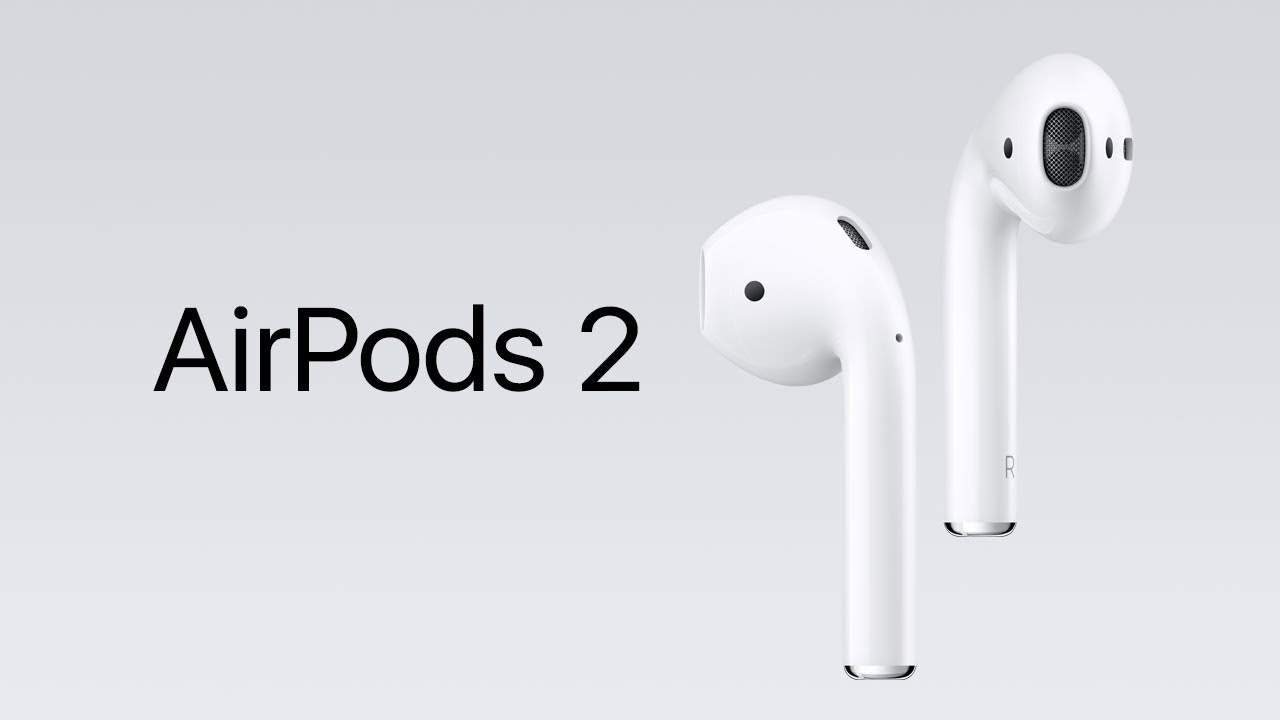
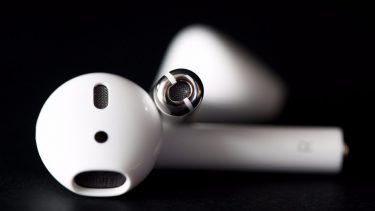
    In another update release for March 2018 is that we will see an update to the Airpods. There are 3 main updates to the Airpods, lets take a look at each of them

    New Chip

    The AirPods 2 will get a chipset upgrade from the W1 to the W2. The updated wireless 2 chip is already in place on the new versions of the apple watch and in the AirPods will make the connection between phone and headphones can be a little more time-consuming than you’d like. This was the main complaint with AirPod users is the connection was too slow when trying to answer a phone call. This new chip should make a significant difference in that overall AirPod experience.


    Water Resistant

    This is a biggie, as big a deal as the Watch 2 being water resistant. I’m not looking to go snorkeling with these, that would be cool, but I do need sweat and water proofing. It will be nice not to have to disconnect my AirPods just because its raining. This was a need and big upgrade.

    Hey Siri

    There will be a wireless addition to Siri for connecting with out hitting the button. Just the HomePods the Hey Siri function in to the AirPods will now launch the digital assistant. I mean why not? It is everywhere else, this just seems logical and convenient. While this will be a welcomed function I don’t think this will be a big reason to trade up for the Airpods 2.


    Bonus

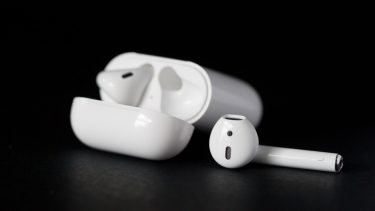
    We know there will be an upgrade to the battery case. The Airpods 2 will have a wireless charging battery case. This will be another bonus and probly the deciding factor for anyone looking to update their Airpods. Considering Apple is releasing its multi device Charging mat very soon, this will be other big feature boost to the 2.


    In Black?

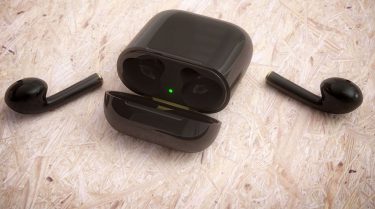
    Nope. while there are rumors we will see a black colored Airpods 2 it is highly unlikely. Henry Ford use to place a purple light in the brake lights of the Model T just so he could see who was driving his cars on the road. Steve Jobs has a similar thought on the iPod earbuds, he wanted an identifiable white earphones so everyone would know it was an iPod. This has stuck through apples earphone to EarPod to AirPod lines and there is no indication that it is changing.

  • New iPads this March!

    New iPads this March!

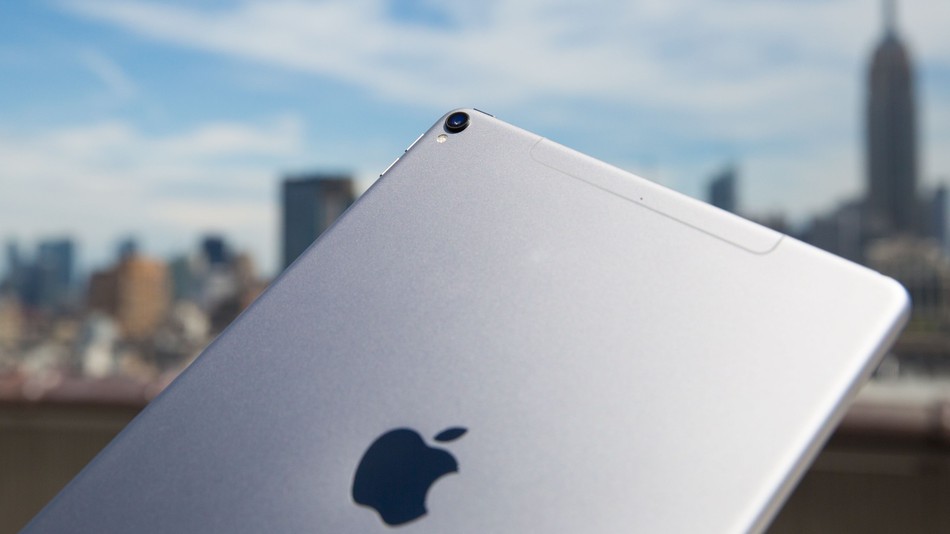
    Good News Everybody, the highly top secret Apple company has leaked a little bit of news. IT looks like we will be seeing two new iPads in march. While the details are still fuzzy here is what we know and what we can gather.

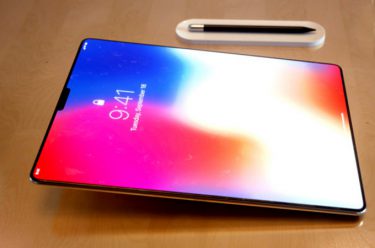
    A  product filing from app was discovered this week that received approval from the Eurasian Economic Commission on two devices codenamed A1954 and A1893, The product description in the filing was labeled as ‘tablet computers’. The codes are in line with Apples current product ID’s. Apple is working on new iPads that it could announce in March. Those reports say that the design will be slimmer and have less bevel on the screen, similar to that of the iPhone X. Additionally, Apple could be planning to deliver the Face ID options we have in the iPhone X in the iPads.

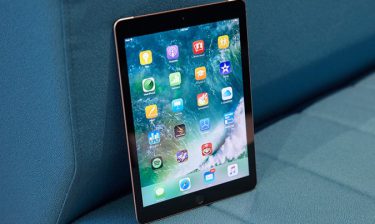
    In the past we have seen a release event or announcement on the iPhones and recently AirPods two weeks after a similar EEC approvals. My guess is we will see the event March 6th, with it featuring two new iPads, but not the iPad Pros. Replacement for the current, consumer-level 9.7-inch iPad seems likely, and judging from the product numbers I would guess they are both the same device with one of them being a cellular model.

    Probably nothing earth shattering here but its always cool to get new toys from Apple, but maybe just maybe it will be. iPad X?


  • Which Marvel Character Are You? – Outcome Quiz

    Which Marvel Character Are You? – Outcome Quiz

    Ever wondered which Marvel Character you were?

    Now you can find out with our short quiz! Just click on the answers that apply the most to you and see what your Marvel Match is! Afterwards, share your results in the comments down below!


    Looking for more Marvel?

    Read some of our articles on the latest Marvel movie, Black Panther here:

    Black Panther Smashes Biggest Monday Records

    Celebrities are Raving about Black Panther

  • Celebrities are Raving about Black Panther

    Celebrities are Raving about Black Panther

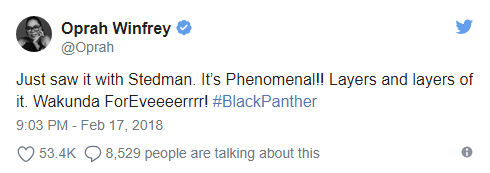
    Celebrities including Oprah Winfrey, Ellen DeGeneres, and Michelle Obama are praising the new Marvel film.

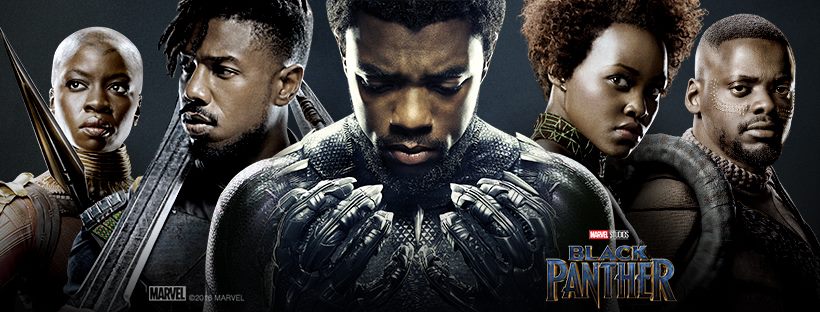
    This past week, Black Panther hit the big screen and it hit hard, smashing past President’s Day Weekend records with a $235 million debut. Here’s what celebrities high and low are saying about the latest Marvel action flick.

    [rev_slider alias=”bptweets20180220″][/rev_slider]


    For one pair of viewers on a budget, they were willing to go to even greater lengths to get into the movie theater. Take a look:


    Kids Attempt Trenchcoat Trick at Black Panther Viewing


    View the full video here: https://t.co/SFlJ7o9b3i


    According to this article by Essence, here are some of the milestones Black Panther has reached:

    Milestones

    1. Biggest February Debut Ever
    2. Fifth Film to Debut with over $200M
    3. Second Biggest Marvel Movie Opening
    4. Second Best Sunday Opening Ever
    5. Biggest Global Debut Ever for a Predominantly Black Cast
    6. Biggest Domestic Debut Ever for a Predominantly Black Cast

    Do you think Black Panther is just another Marvel action rehash or an incredible cultural phenomenon? Leave your thoughts in the comments below!

    For more, check out trending tweets at https://twitter.com/hashtag/blackpanther and Instas at https://www.instagram.com/explore/tags/blackpanther/. You can also read more on our article about all the records the movie has set here: Black Panther Smashes Biggest Monday Records


    Ever wondered which Marvel Character you were? Take our Marvel Character Quiz today and find out!

    Which Marvel Character Are You? – Outcome Quiz

  • Black Panther Smashes Biggest Monday Records

    Black Panther Smashes Biggest Monday Records

    Black Panther Smashes past Deadpool, Star Wars, and other blockbusters with a massive President’s Day Monday

    By JAKE COYLE, AP Film Writer
    NEW YORK (AP) — With a massive $40.2 million in ticket sales Monday, “Black Panther” has set another box-office record: biggest Monday ever.

    The Walt Disney Co. again raised its box-office estimates for the Marvel sensation on Tuesday. The film’s updated Monday performance — $7 million higher than Disney earlier forecast — narrowly topped the previous record, set by “Star Wars: The Force Awakens” in 2015 with $40.1 million.

    The higher Monday figure gives “Black Panther” the second biggest four-day weekend, behind only the $288.1 million of “The Force Awakens.” With $242 million over the Presidents’ Day weekend, “Black Panther” moves ahead of December’s “Star Wars: The Last Jedi” in the ranks of four-day starts.

    Ryan Coogler’s film, starring Chadwick Boseman, is the first big-budget tent pole release featuring a nearly all-black cast. The movie’s three-day gross of $201.8 million ranks fifth highest of all time, not accounting for inflation.

    Internationally, “Black Panther,” which cost $200 million to make, is also outperforming earlier estimates. It has made $184.6 million overseas thus far, giving it a worldwide total of $426.6 million.


    More Stats

    Here are some more records Black Panther smashed:

    Record for Largest…

    • February Opening Weekend – $202M

      • (Previously held by Deadpool at $132.4M)
    • Winter Season Opening Weekend – $202M

      • (Previously held by Deadpool at $132.4M)
    • President’s Day Weekend Opening – $242.2M

      • (Previously held by Deadpool at $152.2M)
    • February Thursday Preview – $40M

      • (Previously held by Deadpool at $12.7M)

    Source: BoxOfficeMojo.com


    Could Black Panther Join the Marvel Big 4?

    With these numbers, it’s definitely possible to see Black Panther join Marvel’s top movies of all time, joining the likes of The Avengers ($1.51 billion), Age of Ultron ($1.41 billion), Iron Man 3 ($1.22 billion), and Captain America: Civil War ($1.15 billion). Interestingly enough, like the aforementioned movies which all featured the incredibly popular Iron Man character to some extent, the protagonist of Black Panther follows in some of the same footsteps.

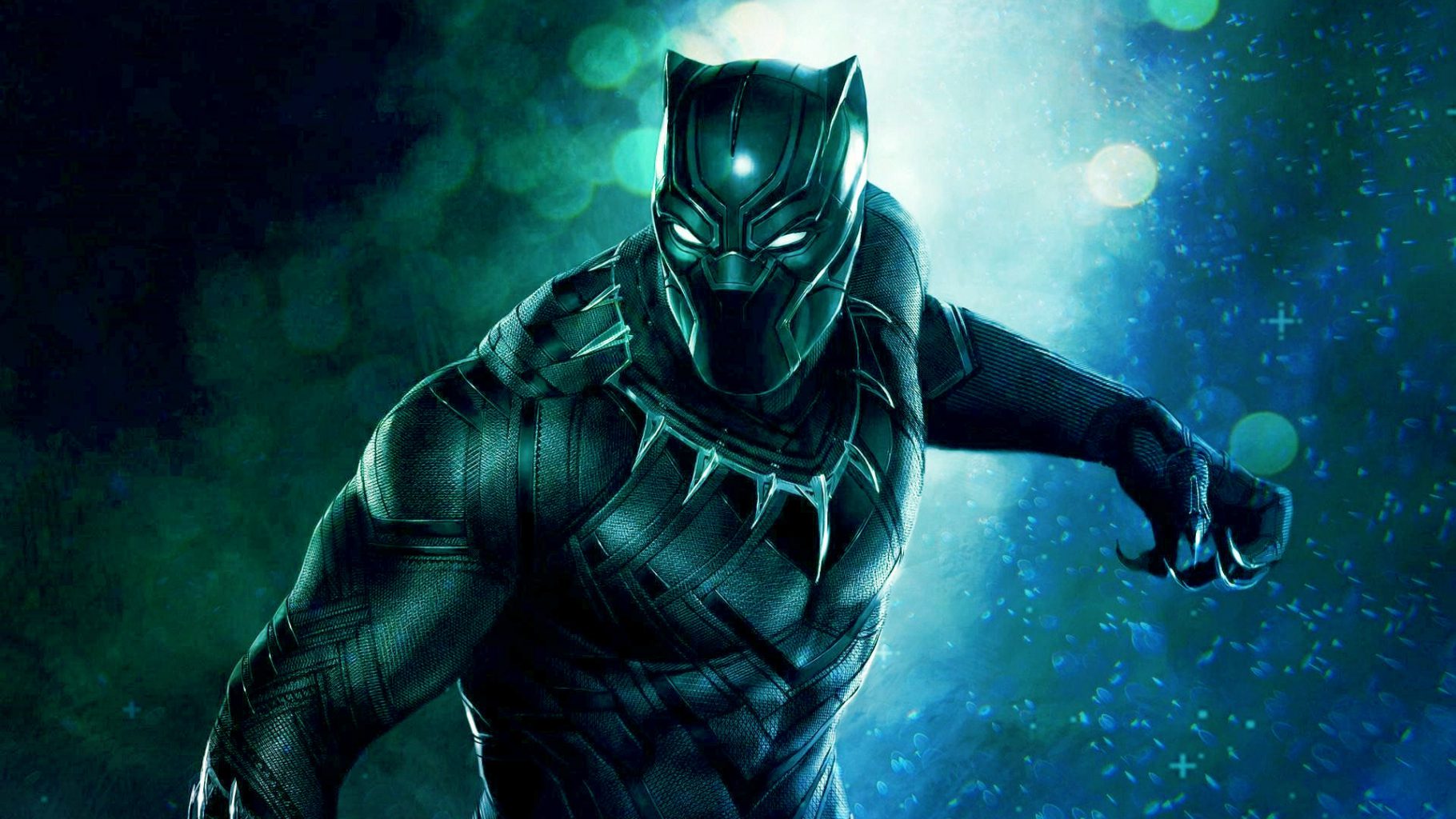
    Born into a position of power? Check. Incredible genius-level talent? Check. Has an awesome exosuit? Check. Let’s hope that Black Panther follows through with even more movies as well!

    If you watched the movie, what did you think of it? Was Black Panther all the hype made it out to be? Leave your thoughts in the comments below!

    Read what others are saying about Black Panther here:

    Celebrities are Raving Over Black Panther
    Celebrities are Raving Over Black Panther


    Read our article on the rave reviews Celebrities are giving Black Panther here

    Also read the NYTimes article on Black Panther here


    Ever wondered which Marvel Character you were? If so, then you can find out by taking our Marvel Character Quiz here!

    Which Marvel Character Are You? – Outcome Quiz

  • Bose SoundSport Free are Spot On

    Bose SoundSport Free are Spot On

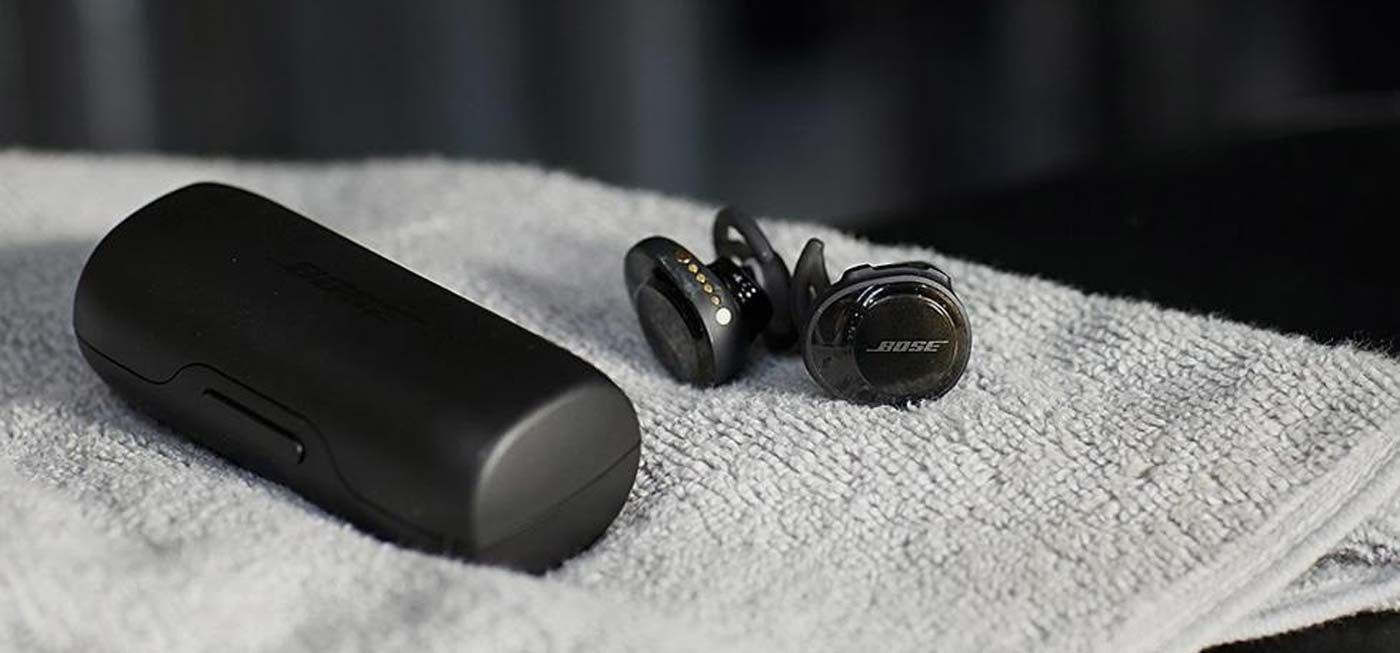
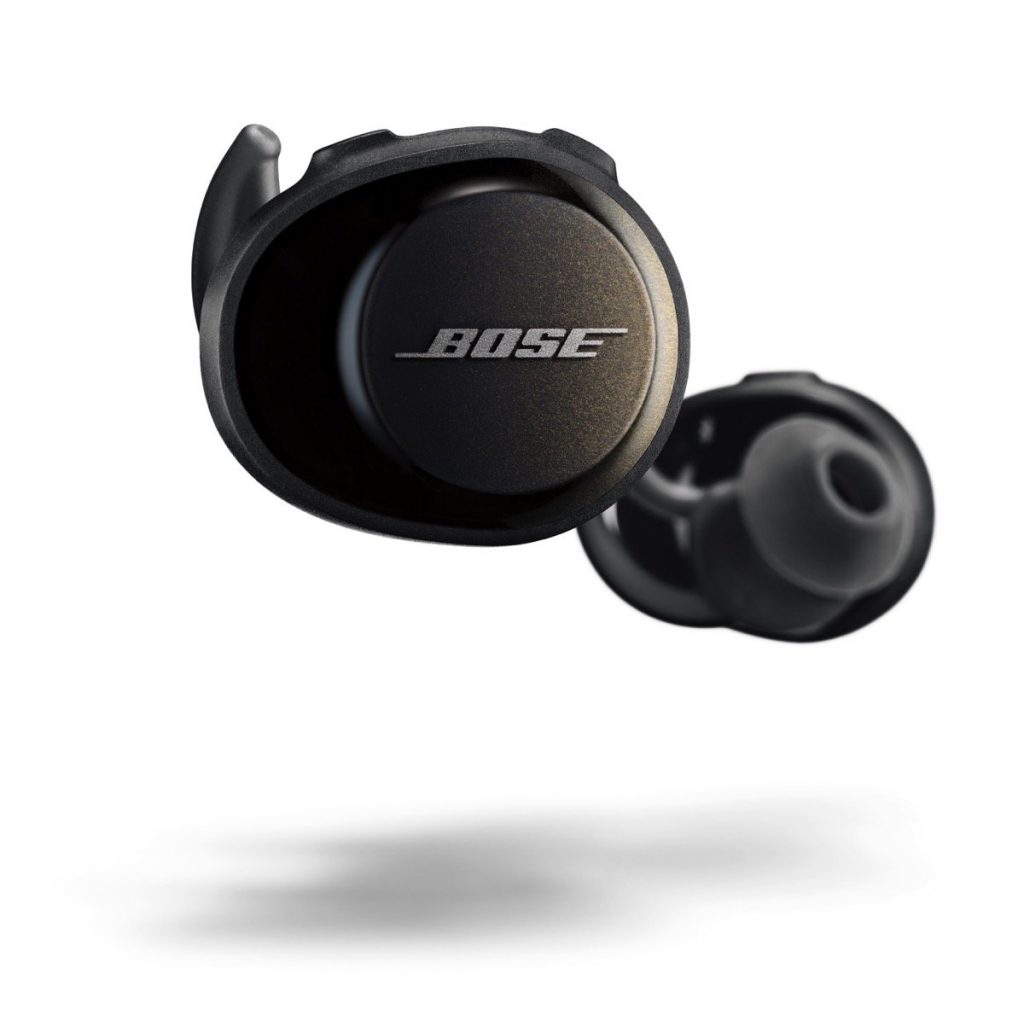
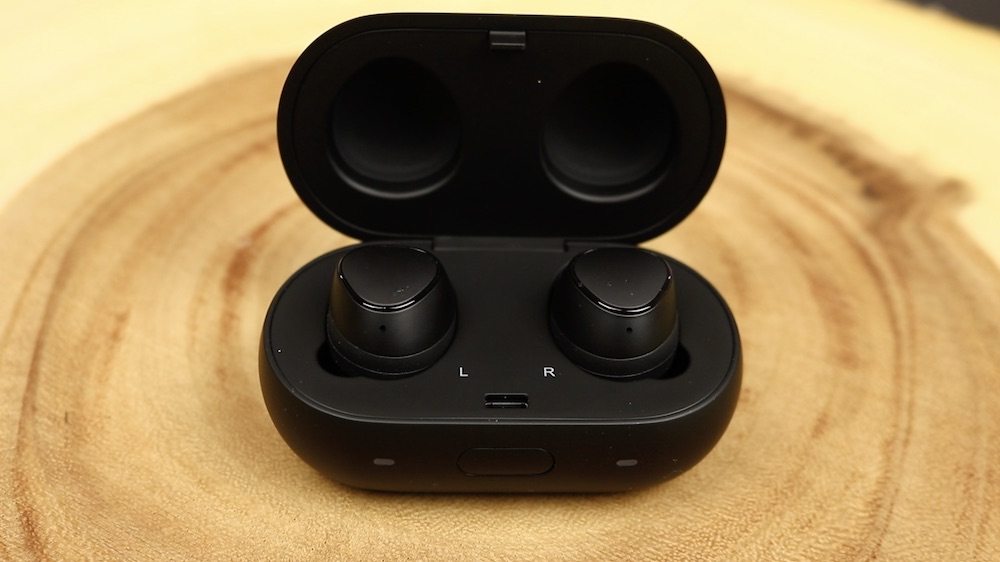
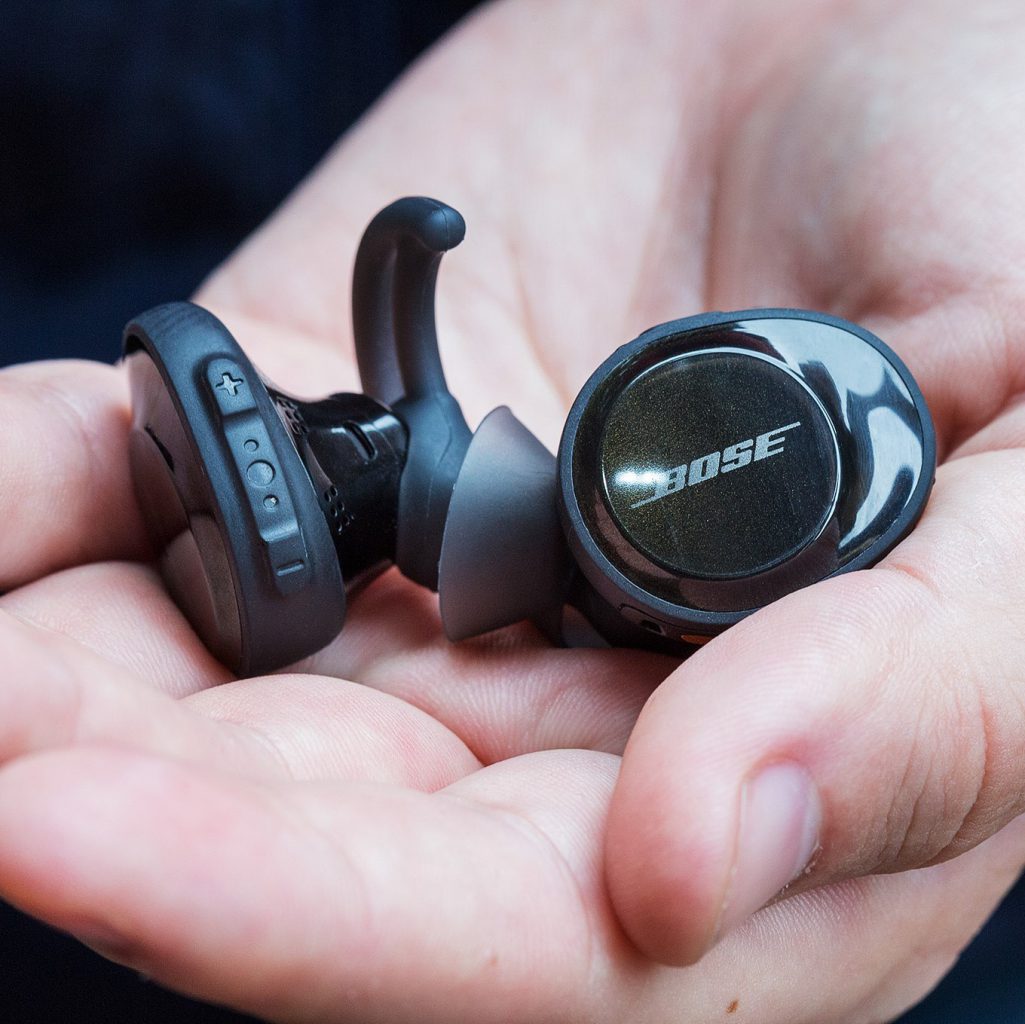
    The Bose SoundSport Free are the the companies first exclusively wireless earbuds. They have a lightweight body with an IPX4 rating for water resistance, a seamless fit, and up to a rather impressive five hours of battery life. The bundled battery case provides an additional 10 hours of wireless tunes. Users can also connect the SoundSport Wireless to a mobile app and tweak their sonic experience. 


    The Great

    • Noise canceling
    • Wireless
    • Water resistant
    • Quality Bose Sound
    • Charging carrying case
    • 15 total hours use with case


    The Not

    • electronic interference
    • left bud drops connectivity

    The Conclusion

    These headphones have an unmatched combination of comfort and stability. They sound great, stay in place in all activities. The volume-optimized EQ and Bose digital signal processing make music sound full and balanced at any volume. They are great Wireless headphone, if that is what you need.


    The Bose  SoundSport Free have a compact and comfortable design. They fit nice in the ear and Im not insecure they will fall out while exercising. The sound in fantastic, its Bose, you cant go wrong with Bose and they never disappoint with sound quality. Set up is easy and they have a very nice charging/carrying case that add to an overall pleasant usability.  Lets take a look at some of the little things if you want to nit pick.

    Battery

    I gave it a full charge out of the box before pairing. It has since been a few weeks since I first started the test.  while generally the batterlife is good, I found that occasionally even though you leave both not-fully-charged-earbuds in the case that supposedly charges your Bose earbuds, it actually does not. Even after sufficient time, the earbuds do not fully charged.

    Noise Cancelling

    As far as I am aware there are not any true noise cancelling bluetooth earbuds. To do proper noise cancelling you need a signal processing module that in the QC20’s is in the external controller and in the QC 25’s is in the ear cans. There are bluetooth noise cancelling cans but I haven’t found any that both have good noise cancelling and excellent music quality. For example, the Bose bluetooth QC35 music quality is inferior to the wired QC25’s and the Sennheiser Momentum’s have good music quality but inferior noise cancelling.

    Connectivity

    This is the most significant issue Ive come across. It occasionally drops the connectivity between the left and right earbuds without apparent reason. This is massively irritating.  I have had quite a few instances where, for no apparent reason, the left has gotten disconnected from the right. At that point the only way to reconnect them is to put them both into the case, which essentially means that they have to go thru the bluetooth disconnected/connected.

    The Final Thought

    These are easily the most comfortable, best-sounding truly wireless earbuds to date. In the wireless earbud landscape the little things are non issues and the buds will do exactly what you need and do it well.

  • 5 Best Mobile Payment Apps

    5 Best Mobile Payment Apps

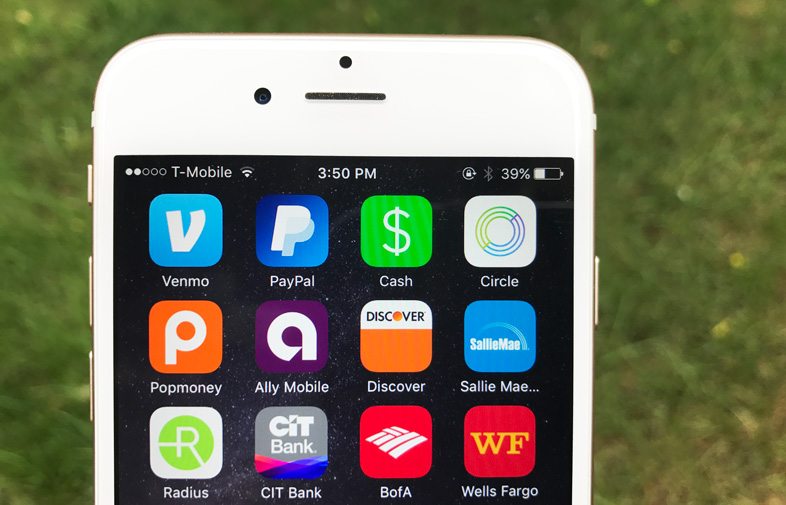
    Thanks to our smartphones, there’s no longer a need to put that drink purchase from a friend on an imaginary tab, or give them an IOU. From PayPal and Venmo to Square Cash, peer-to-peer mobile payment apps are perfect for friends and loved ones who want to exchange relatively small amounts of cash.  If you are looking to download one of these apps but don’t know which one is the best for you we compiled a list of  the top 5 best mobile payment apps today.
    payment apps


    5. Zelle

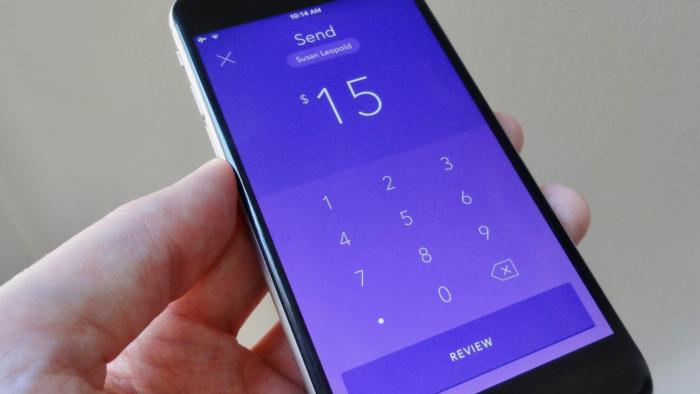
    The Zelle mobile payment app is the major banks’ way of saying they’re not content to sit back and let the red-hot peer-to-peer payment trend pass them by. So some of them banded together to make Zelle, a slick money-sending app that aims to go head-to-head with the likes of Venmo and Square Cash.
    payment apps

    Zelle lacks the cool factor of an app like Venmo, but it’s got an ace up its sleeve: instant and free cash transfers. Enticing, but there’s a catch. You can send money to or request cash from anyone using Zelle, but the recipient will have to jump through a few hoops if they’re not already signed up with the service. If the intended recipient of your cash or money request is a customer of a participating Zelle bank, they’ll need to register using the Zelle app, their bank’s website, or their bank’s mobile app. If your friend’s bank doesn’t work with Zelle yet, they’ll need to download the Zelle app, enter their debit card info, and then wait a day or so for the money to land in their bank account.
    payment apps

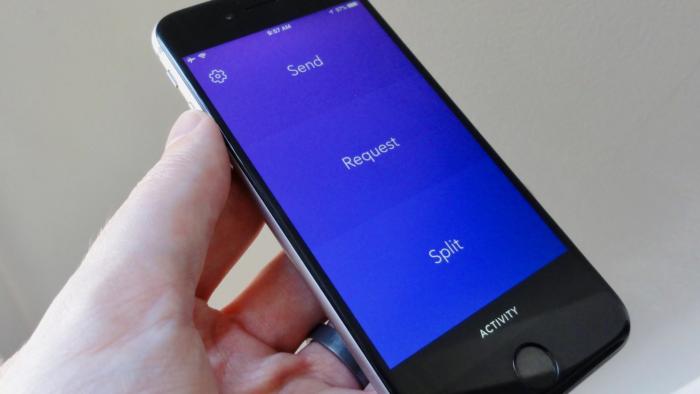
    To get free instant transfers, both your bank and the bank of the friend you’re exchanging cash with needs to be partnered with Zelle. If your bank isn’t partnered with Zelle, you’ll also be limited to sending no more than $300 over a rolling seven-day period. The Zelle app gives you the option of using touch ID to sign into the app, a fairly typical feature among the apps in our roundup.


    4. Square Cash

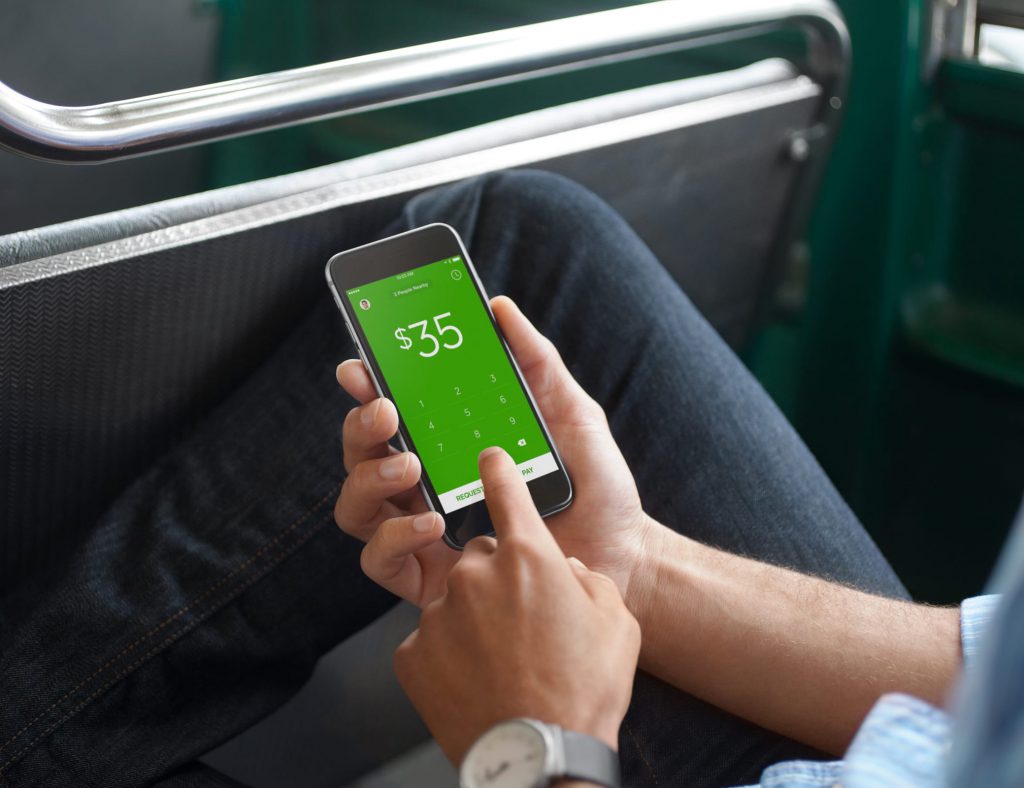
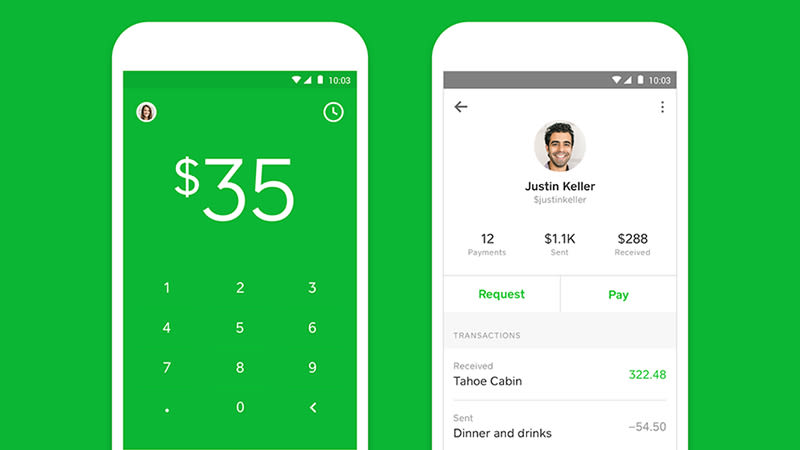
    Most users know Square as the service businesses use to process transactions. Square isn’t just for paying merchants using those little Square readers; it also lets you send personal payments to friends and loved ones, and that’s where Square’s “Cash” app comes in. Square Cash is both more simple and less flashy than Venmo, but it has some clever tricks up its sleeves, and it’s a good choice for users who want to send and receive money from anyone—even those without Square Cash accounts—with a minimum of fuss.
    payment apps

    One of the best benefits of using Square Cash is that the person you’re paying doesn’t need a Square Cash account, so there’s no need for them to install another app or set up another account—all you need is their email address and your debit card. It’s free to use too, unless you’re a business, or you want to use a credit card (a three percent fee applies here).
    payment apps

    Standard deposits show up the next day, while same day deposits cost a small fee (one percent) and you can link your account to a Visa card, MasterCard, or Discover debit card. Square Cash is difficult to beat for simplicity and ease-of-use, and you won’t have any problem keeping track of payments in and out. The app also lets you set up your own “$Cashtag” code that lets you get paid anonymously.


    3. Facebook Messenger

    If you’re a Facebook user and you enjoy chatting with friends using the Facebook Messenger app, you’re just a few taps away from exchanging cash with your Facebook buddies. Sending money through Facebook Messenger is certainly an easy, seamless experience, but you won’t find the robust bill-splitting features available in other apps, and you’ll have to settle for limited payment sources.payment apps
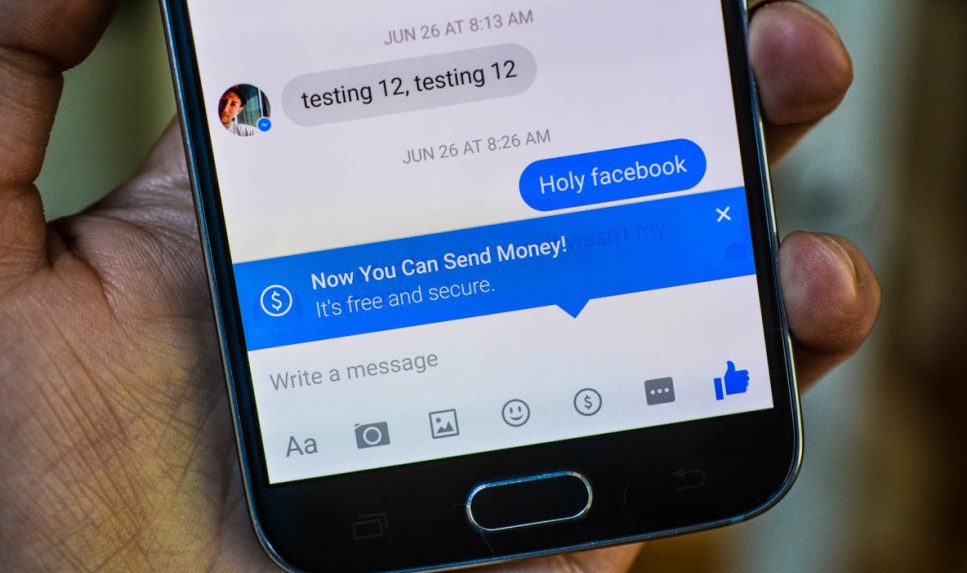
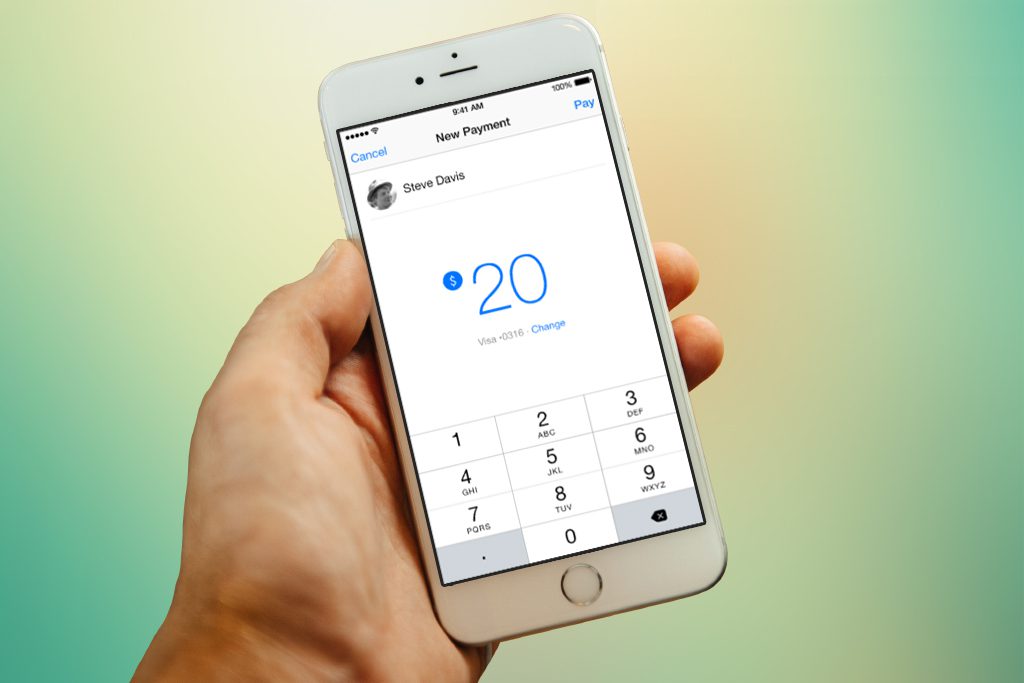
    Paying money is as easy as typing out a dollar sign and an amount in a conversation window—it turns into a hyperlink that can be clicked to make the payment. You need to link a debit card to your Facebook account to send money in Messenger, though the service is free to use. Payments can take up to five days to process, but the obvious benefit is that pretty much everyone you know already uses Facebook (though anyone receiving money needs to enter their debit card details too). So there’s none of the hassle of asking friends to make an account just so you can pay them back for a pizza.
    payment apps

    You can set Messenger to require a PIN or a password before you send cash. Just in case you’re wondering, your Messenger money exchanges aren’t posted publicly on Facebook. Instead, only you and the recipient can see the transaction and amount. If you’re on Facebook and you want to exchange cash with Facebook friends, there’s no easier way to do it than through Facebook Messenger, but those who want to tinker with split amounts or spend with a credit card will need to look elsewhere.


    2. PayPal

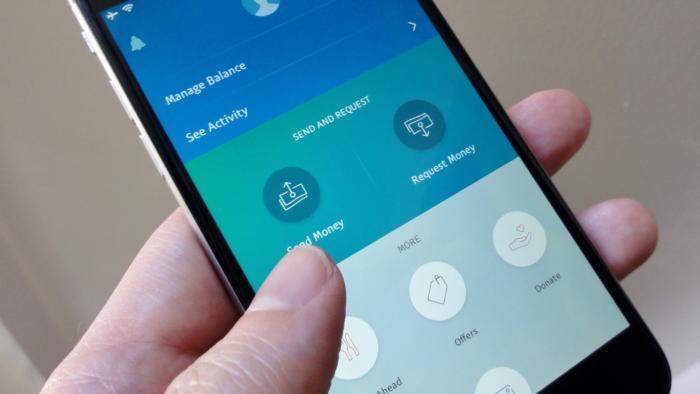
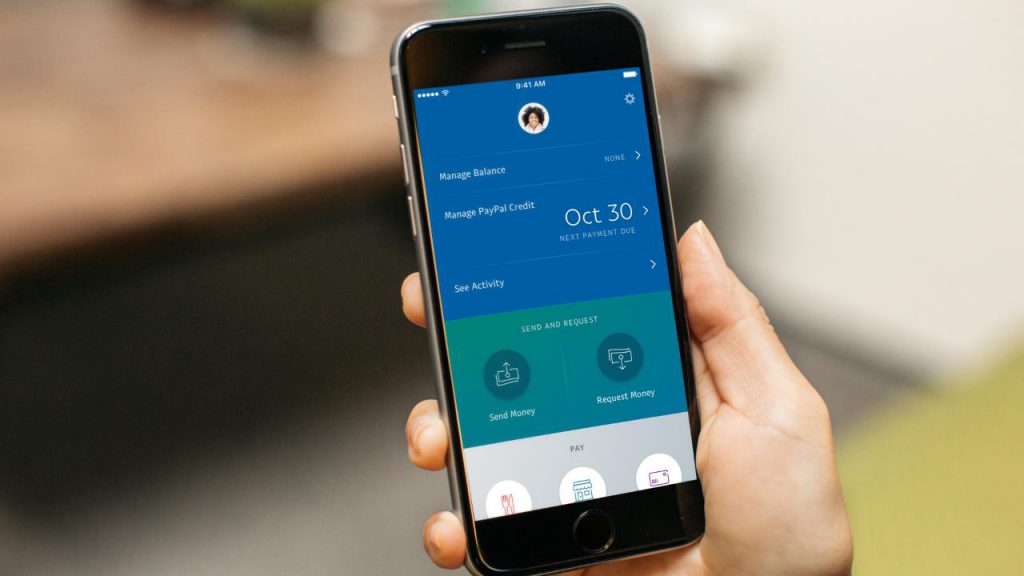
    PayPal, the pioneer of online payments, clearly wants in when it comes to the hip new world of peer-to-peer money transfers—after all, it did acquire Venmo back in 2013. But if you’re not so sure about sharing your personal transactions in Venmo’s social feed, you can still transfer money to friends and family using PayPal’s mobile app. PayPal boasts some distinct advantages compared to the more casual peer-to-peer money-sending apps, chief of which is its lax sending limits and buyer/seller protections for purchasing goods and services from strangers.
    payment apps

    You need to have a bank account or card linked to your PayPal to draw the balance from, or you need a positive PayPal balance in your account, so some preparation is required. Sending money straight from your account or PayPal balance is free of charge, but if you use a linked debit or credit card there’s a fee of $0.30 plus 2.9 percent of the amount. That’s the costliest money transfer fee on this list, but PayPal is also the only app that lets you send money to people who aren’t in the US.
    payment apps

    Similar to Square Cash and it’s “$Cashtag” web pages, PayPal offers public “PayPal.me” pages that let people pay you on the web, no PayPal account needed; all you have to do is share the URL of your PayPal.me page to get paid.  Also, PayPal is currently beta-testing “instant” deposits for users with “eligible” debit cards, meaning your cash could be deposited in your bank account within minutes rather than the usual one to three-day wait. Nice, but there’s a catch: Each instant deposit will cost 25 cents. PayPal’s mobile app makes for one of the more secure ways to send and receive cash from friends or even strangers.


    1. Venmo

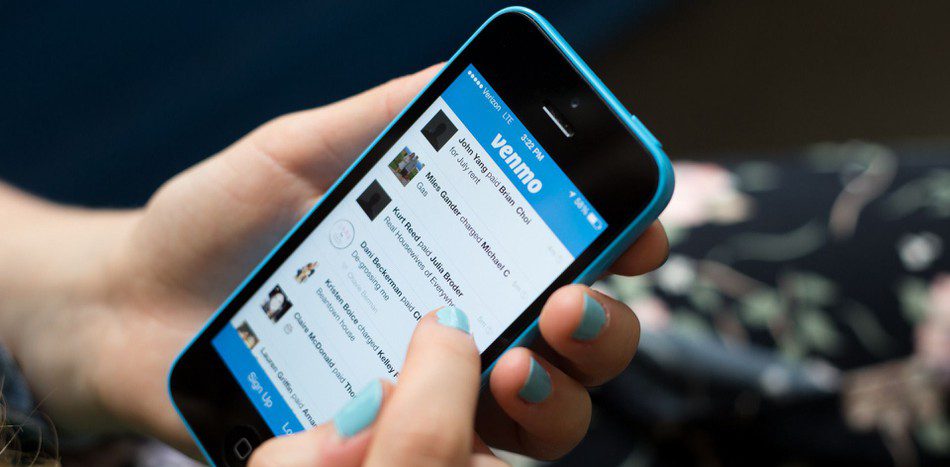
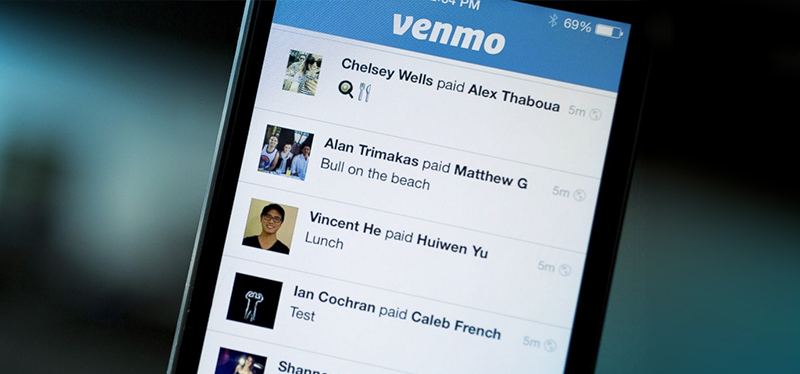
    The Venmo mobile payment app boasts a huge user base, a sleek interface, flexible payment options and agility at splitting bills. Owned by PayPal, it’s the peer-to-peer payment app to beat, as long as you don’t mind getting social about the tabs you’re picking up. Venmo is built around the idea of seamless mobile payments to friends and family, so you would expect it to be pretty good at its job, and it is.
    payment apps

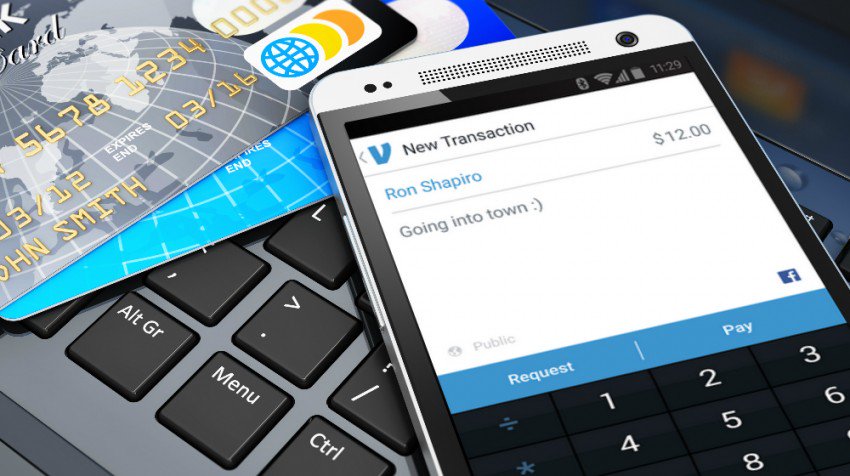
    To send or request cash, just tap the Compose button in the top-right corner of the main Venmo interface, add a name (or names, if you’re questing money from a bunch of lunch pals) from your list of Venmo friends (and given Venmo’s estimated 7 million active monthly users, you’ve probably got plenty), enter an amount, then tap Request or Pay. You can send money or request a payment from anyone, as long as you have their e-mail or phone number. That said, the other party must sign up with Venmo before they can receive money or pay you
    payment apps

    You can send cash to friends from your debit card or bank account for free. If you use a credit card, though, expect to pony up a three-percent fee (unless you’re paying a Venmo-affiliated merchant, in which case the fee will be waived). Venmo has a $299.99 weekly rolling limit for transactions. Once you hit the limit, you can raise it up to $2,999.99 by confirming your identity with the last four digits of your Social Security Number, your ZIP code, and your birthday. You can set Venmo to require a PIN or touch ID before completing a transaction, handy from keeping a phone thief from draining your bank account via the Venmo app.