Author: Nick McLane

  • When to Buy and When to Sell: Stock Basics

    When to Buy and When to Sell: Stock Basics

    While everyone knows the tropes of some Wall Street banker screaming “Sell! Buy! No, sell!” into a telephone, not everyone understands the basics of the stock market. Essentially, the stock market is a way to invest in shares of a publicly traded company. Investing in the stock market can be quite lucrative, assuming you know how to buy and sell like a pro.

    Today we’re going over some basic rules of thumb to help guide your purchasing and selling. Remember, past performance is never a direct indicator of future changes. However, understanding historical patterns is a big step towards understanding what current trends could indicate. Let’s get into some tips and advice.

    Stock at Low Prices

    Investors are notoriously skittish. When stock prices start hitting lows, the average stock investor steers clear of it. The ample supply and low demand often means that the stock maintains its low price until confidence is restored. This often makes low stock prices ample times to buy in on the cheap. If the stock never bounces back, you’re not out much. If it does bounce back to its previous highs, you make out like a bandit.

    This might sound like a cliché, but it’s an old truth. You should always buy when the stocks are low, and sell when they’re high. Doing anything else is playing a scared, defeatist strategy in a world won by the boldest operators.

    Knowing When to Buy

    For each stock you’ve got your eye on, make sure you know what range you’d be comfortable buying it at. That’s not to say you mark down a hard dollar amount, above which you’d never buy it. Instead, look at a price range. If a stock has been high for years but then drops closer to your range, you might wait to see if it falls further. Once it shows signs of resurgence, though, you should go ahead and snap it up so you can ride that momentum.

    Do Your Research

    It’s important that you do your research. There are ample resources online that can help you learn more about how to value stocks. Notably, figuring out when stocks are under- or over-valued is important when you’re making your buying decisions. The main way to find out whether a stock is undervalued is by using valuation techniques. These can be somewhat complex and involved, but here are some of the basics.

    Essentially, valuation techniques are ways that financial advisors and stock managers look at given company’s stock prices and compares them to the company’s projected profits. These formulas are strictly speculative, of course, as no one can tell the future. However, these formulas tend to be time-tested and bear out over longer time periods and across wide sample sizes. When a stock is undervalued, that’s the time you should buy it.

    Patience in Selling

    It’s a rookie mistake to sell out of a stock right as it begins to shoot up in price. Maybe you bought stocks in a company that just posted three profitable quarters in a row and had its stock prices double. It can be tempting to go ahead and cash out, getting a return on your investment and a contented feeling of success. However, this is usually not the case.

    Typically, an undervalued stock could take years to begin trading at its true value. While analysts might project it will go up, that doesn’t mean it’s trading where you want it yet. As such, riding out the stock for a few years and waiting for it to grow naturally is your best bet before you sell out of it.

  • Largest Bike Sharing Service in the US!

    Largest Bike Sharing Service in the US!

    Lyft has recently acquired the largest bike sharing service (yeah, that’s a thing, apparently) in the US for $250 million. If that’s got you scratching your head, don’t worry, we are too. Jokes aside, the bike company, called Motivate, operates a number of bike rental services in urban centers that use bikes instead of cars. The offered bike rentals around the city are a combination of novel and useful. For one thing, they’re just neat: you go to a docking station and grab a bike! Additionally, the usefulness of not having to lug a bike downtown is a big draw to customers.

    Ride Sharing’s Interest in Bike Sharing

    Similarly, Uber recently purchased New York-based Jump Bikes. Lyft and Uber’s sudden interest in the bike sharing market may seem odd at a glance, but it makes sense. The primary income for both companies comes from densely-packed urban centers. Those same urban centers are a prime location for using a bike to get around. And, what better way to dig into Uber and Lyft than offering cheap bike rentals?

    In order to head off this potential thorn in their side, the companies did the thing they do best, and threw money at the problem. In this case, it worked out pretty well: they both possess significantly more bikes now than they did, and the competition is gone.

    That said, Lyft seems to have come out on top, as Motivate currently operates in dozens of cities in the US. This marks the first time the ride sharing company considered second-fiddle to Uber has come out on top in a bid for supremacy. This can only spell good things for customers: increased competition leads to better, cheaper services. If you find yourself in a large metropolis looking for a good way to get around, keep your eyes peeled for a Lyft sign over a bike station. You might just be able to drop some quarters and grab a two-wheeled ride!


  • Learn How to Cash in on Amazing Rewards From These 4 Credit Cards

    Learn How to Cash in on Amazing Rewards From These 4 Credit Cards

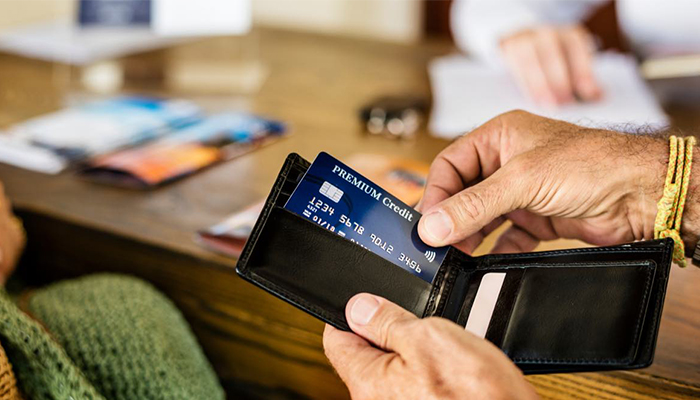
    Saving money is incredibly important for any family. You want to be able to make the holidays memorable, but gift shopping gets expensive. That’s why it’s essential to explore all options to make the most of your money. One of the easiest ways to save money and get cash rewards is by getting a credit card. There are tons to choose from with all different types of rewards. That’s why we’re here to help.

    What Do You Want Most?

    Deciding what’s most important to you for your credit card is the first step to making the right choice. Do you want a credit card that will give you cashback on your most frequent purchases? Do you want a card that gives you frequent flyer points so that your next airplane ticket is discounted (or free?) Or do you enjoy staycations? Whatever you want to focus on there’s a credit card to match.

    You’re a world traveler

    Traveling new places is a great thing to be able to do. For some people it can be an expense they can’t quite afford though. That’s why it’s helpful to enlist your credit card company to foot the bill.

    The first place to start is with a broad credit card like the Capital One Venture Rewards Credit Card. The card offers double miles on all purchases and has a promotion where you can earn ten times the miles when staying at certain hotel brands. Importantly, there are no blackout dates with this card, and the points can be redeemed at any airline or hotel. There aren’t any expiration dates on your miles, and there’s no limit to how many you can earn. You can also transfer your miles across to other loyalty programs.

    Frequent Travel Pays Off

    The Chase Sapphire Preferred Card is a highly sought-after credit card for airline miles for a number of reasons. Firstly, the intro bonus is very generous. If you spend $4,000 through the card in the first three months of owning it, you get 60,000 bonus points. That translates to about $750 in travel rewards, which is a lot to earn just for using your credit card. You also get reimbursed for the $85 TSA precheck fee or $100 Global Entry fee. Add all this together and the card can easily pay for itself.

    Dining and Entertainment

    For those of you who don’t have the time to jet off to new locations, there’s a credit card to fit you too. The Capital One SavorOne card is the one for you. It will reward you with 3% cashback on dining and entertainment, 2% at grocery stores and 1% on all other purchases. There’s no annual fee and you can earn a $150 bonus if you spend $500 in purchases in the first 3 months. Another great benefit is that your cashback rewards don’t expire. That way you can use them when you need them.

    Just Give Me the Cash

    If you don’t want a card with a fancy rewards system, but you wouldn’t mind a little cashback in your wallet, you aren’t alone. The Discover it Cash Back Card would be an excellent choice. With this card, Discover will match all the cashback you’ve earned at the end of the first year automatically. They also offer different killer deals each quarter. They choose a popular category and offer you 5% cashback (up to $1500.) Once you’ve hit that cap, which isn’t difficult, they then offer you 1% on all your purchases in that category.


  • Is Your Card This Good? Best Credit Cards with No Annual Fees

    Is Your Card This Good? Best Credit Cards with No Annual Fees

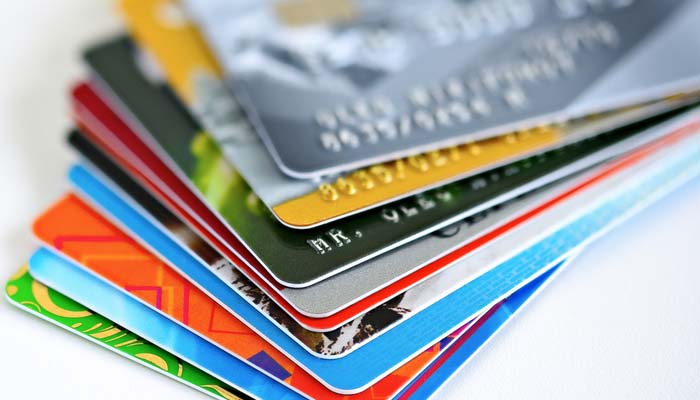
    It can be hard to build your credit. Credit cards come in so many varieties. How can you figure out which one is the best for you? To help you decide we’ve rounded up a selection of some of the best credit cards with no annual fees. These are some of the best credit cards you’ll find for building credit!

    Best Credit Cards with No Annual Fees

    Discover it Cashback Match Card

    This no-fee cashback card is an interesting one. You get one percent cashback on all purchases, which is standard for cashback. However, each quarter a new category of five percent cashback is in effect. For example, some quarters will have restaurants as a five percent category while others will have gas stations in that slot.

    While the quarterly bonus rewards are nice, the best part is the introductory period. For the first 14 months the card has zero interest! After that it reverts to between 13.49 percent and 24.49 percent APR.

    Citi Simplicity Card

    This straightforward no-fee credit card is great if you just want a simple card for daily use. It offers an 18-month period of zero interest and has no annual fees. To get accepted for the card it’s recommended that you have credit between 690 and 850. Overall, this card is a fantastic deal. On the downside, there are no rewards associated and the rates are somewhat high after the introductory period.

    That said, this card is worth it for the introductory period alone. No annual fees and no interest for 18 months is a hard deal to beat!

    Citi Double Cash Card

    This Citi card has no annual fees and is one of the best cashback cards you can get. It’s recommended you have between 690 and 850 for your credit score to get approved for the card. This card charges zero interest for the first 18 months, which makes it very attractive for new cardholders.

    The card gives you one percent cashback on all purchases. While it doesn’t have rotating cashback categories, you do get the awesome 18 months of no interest. Additionally, there is no limit on the amount of rewards you can receive. After the introductory period, the card reverts to between 14.99 percent to 24.99 percent APR.


  • Back to School Tips: What to Buy and How to Save

    Back to School Tips: What to Buy and How to Save

    When you’re shipping your little ones off to school, the last thing you want is for them to be underequipped. In the modern classroom, things are fast-paced, interconnected and competitive. Getting high marks is harder now than ever before, so making sure your kids are outfitted with the best gear is a must to help them stay competitive. Today we’re going over the must-have tech and best deals you can find on back-to-school gear.

    Back to School Tips

    Only Shop Deals

    Between buying back-to-school clothes, school supplies and new tech the kids might need for school, you might find yourself spending a lot of money on them. This is why we highly recommend you only shop for deals this time of year. If you just buy the first thing you see every time you walk into a store, you’re going to find yourself seriously strapped for cash in no time.

    Make sure you’re getting deals on all school supplies that start around at least 40% off. For clothes, buy either steep discounts, like 30% off or better, or buy secondhand clothes that are significantly cheaper than brand-new. When it comes to tech, it’s okay to buy laptops or tablets that are a few generations behind to save a few hundred bucks. Make sure you make that cash last!

    Don’t Get Distracted

    There are tons of gadgets and gizmos that you might think the kids could need for school. Things like e-readers might seem like sensible purchases until you realize that a tablet does the same thing, but can also double as a notepad and research aid. Don’t let marketing hype trick you into buying tons of stuff that your kid doesn’t actually need for school.

    Another example of this is stores selling back to school clothes in big “sales events” without actually offering significant discounts. Remember, there are tons of stores you can go to in order to find deals on clothes. If you go to a department store and see absurdly high “sale” prices on clothes, it’s best to leave and look for better deals elsewhere.

    Power vs Convenience

    If you plan to buy your kid a laptop for school or for college, it’s best to know what you’re looking at. A lot of high-end laptops might look like they’re great for students, but think critically. How much power does a student really need to write research papers and type notes? A super high-end processor and a 4K screen might be a bit of overkill on a device meant to help with studies.

    We recommend prioritizing a smaller laptop, something like a Chromebook or a netbook. These are less expensive than high-end gaming laptops, offer a smaller, more portable profile, and don’t guzzle battery charge as quickly. These things all make them ideal for putting in a school bag and carrying from class to class to take notes. Your tech-savvy youngster might be begging for a super-powered laptop with tons of RAM and great graphics, but they’ll appreciate not lugging that heavy beast all over campus.

    Fitness Tracker

    If you’re sending a kid off to college and they seem interested in fitness, it might be worth looking into getting them a fitness tracker. Examples like the FitBit and Apple Watch are great for keeping track of time spent exercising and calories burned. They can also serve as handy ways to keep from opening the smartphone and scrolling ad infinitum when it’s study time!

    Many people who use smart watches or fitness trackers that pair with their phones have noted their time saving functionality. Since you don’t have to open your phone to see the time or check an incoming message, you don’t have the same desire to start scrolling through your social media feeds. This frees up that much more time to study and do schoolwork!


  • Which Galaxy Phone Is Right For You?

    Which Galaxy Phone Is Right For You?

    Samsung has been pretty busy making smartphones in their Galaxy family of phones. No fewer than nine Galaxy devices are new for this year, so it might be difficult deciding which is right for you. Thankfully, we’ve got the lowdown for you: here’s our guide to the Galaxy family of phones.

    Samsung Galaxy Guide

    Samsung Galaxy S10

    For starters, the Galaxy S10 is the flagship phone of the Galaxy line. It offers the most standard-style experience, with a medium screen size, solid build quality, great battery life and a sharp display. Lots of unique features, like the in-display fingerprint scanner and the ability to wirelessly charge, aren’t quite as new and flashy as they once were.

    However, just because its family of phones offers some of its cool features elsewhere doesn’t mean you should write off the S10: at $900, it represents a great price for the mainline Galaxy phone lineup. For those looking for a great, standard-style handset with the best build quality and don’t mind a high price tag, the S10 is one of the best Android phones out there.

    Galaxy S10 Variants

    The S10E is the budget version of the Galaxy S10, occupying a similar space to the iPhone XR and Pixel 3A. Unlike its bigger brother, the S10E retails for only $750, and it sports a smaller overall display and handset size. If you’re looking for a phone with a lot of features and a smaller profile that fits easily in a pocket, the S10E is a good option. However, if you love massive displays and cutting-edge tech, consider looking into the full-fledged S10 line.

    On the other end of the spectrum from the budget S10E is the S10 Plus, a $1,000 smartphone with a 6.4-AMOLED screen that looks downright amazing. Fans of huge screens and long battery life should consider the S10 Plus a must-buy, as it offers both in abundance. If you can swing the huge price, this is easily the best S-line Galaxy phone that Samsung has yet made, though its massive size might be a bit of a drawback for those who prefer smaller handsets. A 5G-enabled version of the S10 Plus is also available for $1,300.

    Samsung Galaxy Note 10 Line

    The Note line of phones popularized the massive “phablet” size handsets that are commonly sold as “Plus” or “XL” models of other flagship lines. Ironically, despite the note being the “plus size” Galaxy phone, the Galaxy S10 Plus offers a bigger screen than the Note 10. The main difference, however, is that the Note sports the excellent S Pen, a productivity aid that doubles as a Bluetooth trigger for the camera. Coming in at $950, the Note 10 actually slots comfortably between the S10 Plus and the standard S10.

    Samsung Galaxy Note 10 Plus sports an extremely massive 6.8-inch display that easily bests every other Galaxy device (barring, of course, the Galaxy Fold). It retails for $1,100, making it the most expensive non-folding Galaxy device as well as the largest. Unlike the standard Note 10, the Plus offers expandable memory with an SD card. There is also a 5G-enabled Note 10 Plus, retailing for $1,300.

    Samsung Galaxy A50

    The discount-priced Galaxy A50 is one of our favorite budget Android phones. The A50 sports an in-display fingerprint scanner, a big 6.4-inch screen and three great cameras. For the old-school users, this phone also sports a conventional 3.5mm headphone jack! For only $350, this is a great entry-level, budget smartphone. If you’re looking for something with lots of new bells and whistles, though, the A50 might not be the best choice for you.

    Samsung Galaxy Fold

    The yin to the Samsung Galaxy A50’s yang, the Galaxy Fold will retail for $1,980 and offers a tremendous 7.3-inch, tablet-like inner display. The front face of the folded device is only 4.6 inches, though its far from the main attraction on this stylish and futuristic phone. If you’re looking for the fanciest and craziest smartphone in the world, the Fold is what you’re after. That is, of course, if you can swing the two thousand bones to buy the thing.


  • Need a Divorce? Save BIG With These Tips

    Need a Divorce? Save BIG With These Tips

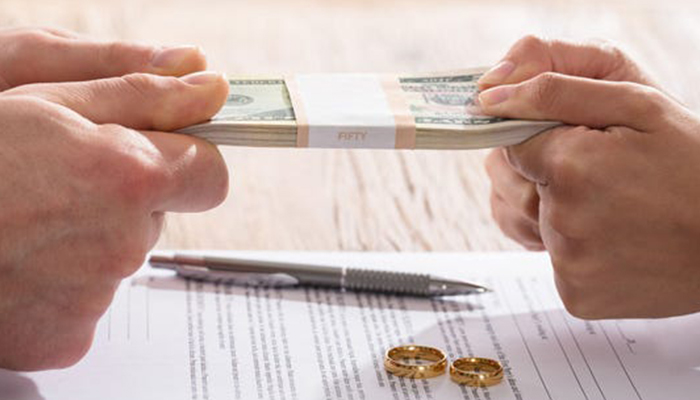
    The first decision is the hardest. You and your partner have decided to get a divorce. There are now a multitude of important life-defining decisions to be made. You don’t want to rely on a simple Google search and luck to find your lawyer. Your divorce attorney is going to handle multiple components of your divorce. They’re going to act as your advisor, spokesperson, negotiator and trusted confidant. They are going to be the person you rely on the most to advise you of your rights and the best course of action in your divorce.

    Start with research

    A simple google search is a great place to start. But nothing replaces a real face to face meeting. You want to be able to get a feel for the person and not rely on the opinions of others. Your gut instincts are more reliable than you might think. If the lawyer doesn’t advertise how long they’ve been practicing divorce law, that’s a good sign that they’re not very experienced.

    Find a good fit

    It’s nearly impossible to tell if a lawyer’s disposition matches what you’re looking for from a web search. Before deciding, you should think about what you want from them. Do you want a lawyer who’s empathetic to your plight? Do you want a lawyer who will be extremely aggressive in fighting for you? Do you want a lawyer who understands both sides and finds it important to have a cordial resolution? Do you want a law office with deep resources that can untangle a complicated situation?

    Talk to friends

    Some people prefer to keep their divorce a completely private matter. However, asking friends who’ve gone through a divorce for advice can be very beneficial. It’s important to remember that everyone’s experience and desired outcomes are different during a divorce.

    Knowing the right questions

    finally, when you sit down to interview lawyers to represent you, make sure to have in-depth questions ready. You should already have answers concerning their background. Typical questions like, “How many cases have you won,” aren’t particularly pertinent in a divorce case.

    Ask things like:

    How do you view the division of assets?

    What do you find the most challenging part of the divorce?

    What do you view as the best possible outcome for my specific situation?

    Communication is key

    You want a lawyer that makes you feel like you’re a priority. If your prospective lawyer is difficult to get ahold of early in the decision process that’s a strong indicator that you may want to look elsewhere. Your lawyer is not going to magically become more responsive once they have your money.

    Attention to detail

    Whenever you’ve made the decision to hire your lawyer make sure to pay special attention to your contract. Many lawyers will have minimum fees that’ll be charged for services even if you don’t take advantage of them. So, take out that red pen and come to an agreement about specific fees before you sign your name on the dotted line. Never be afraid to ask questions about certain parts of their contract.


  • Do’s and Don’ts When Using Shopping Apps

    Do’s and Don’ts When Using Shopping Apps

    Retailers such as Target and Amazon are embracing shopping apps to help consumers save money and time with features like digital wallets and augmented reality. When used strategically, apps can streamline in-store trips and online purchases, but shoppers could also find that convenience comes with a risk: impulsive decisions and overspending.

    “Now shopping can be anytime, anywhere, multiple times a day, which is great for customers who value convenience,” said Casey Taylor, a partner in the Atlanta office of Bain and Company, a management consulting firm. “But for customers on a budget, what I would share as the primary caution is that it makes it very easy — almost too easy.”

    Here’s how to get the most out of retail apps, while avoiding the downsides.

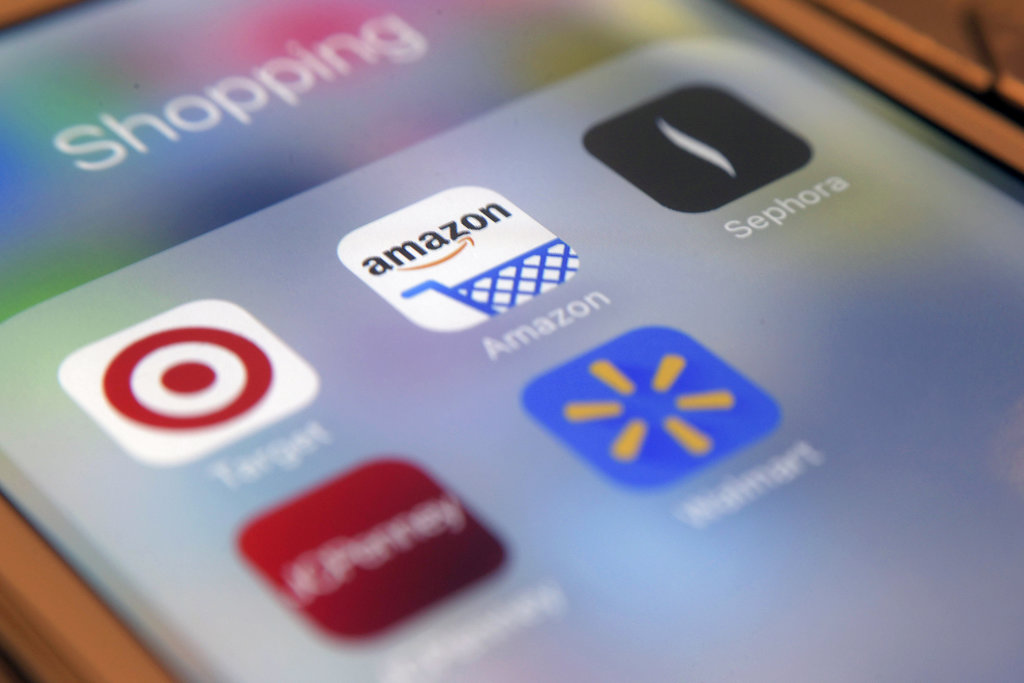
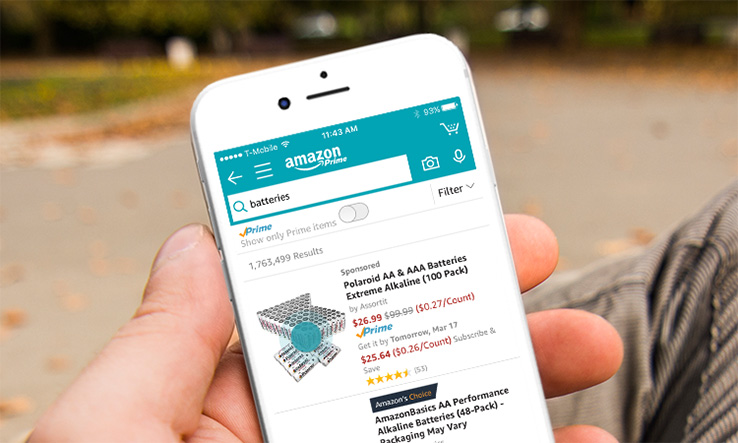
    Shopping App Amazon

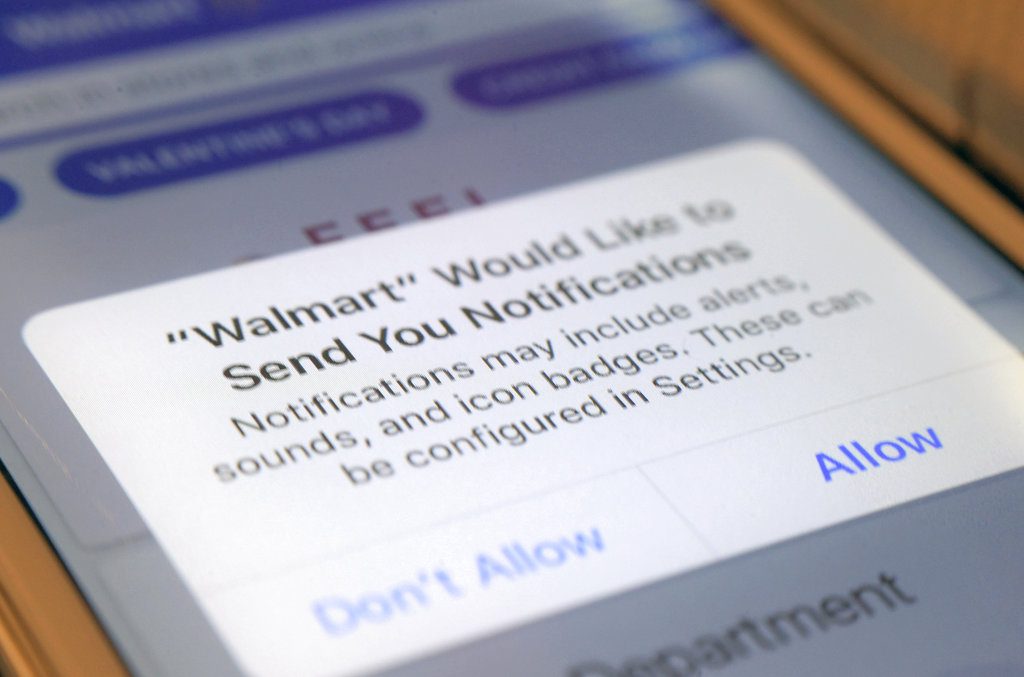
    DON’T ENABLE NOTIFICATIONS

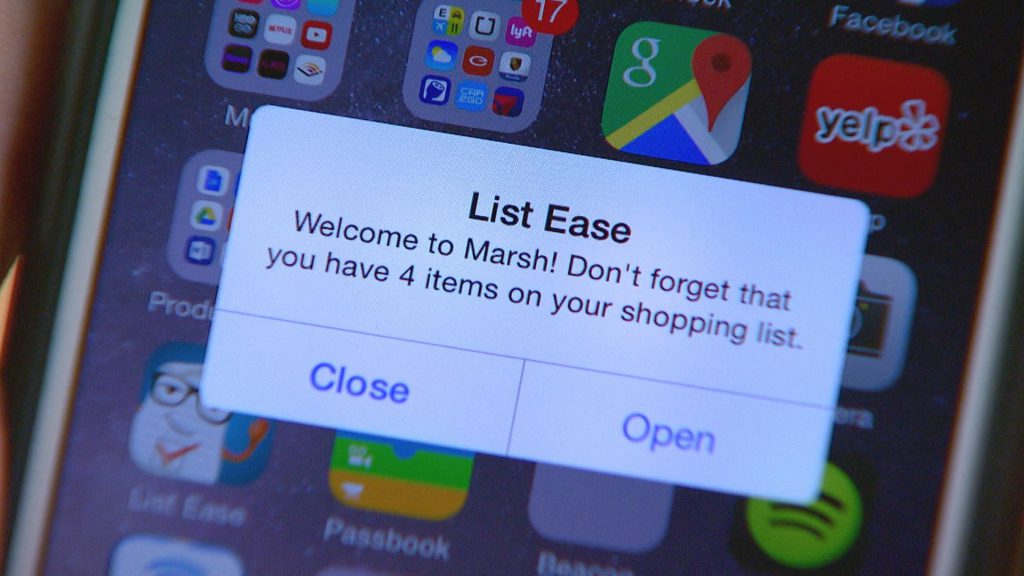
    Push notifications — alerts that pop up on your phone — and emails tend to “catch people at vulnerable moments,” enticing them to spend money on things they otherwise wouldn’t, said Marshal Cohen, chief industry analyst at the NPD Group, a market research company.

    Data show that 9.6 times more users make a purchase when an app sends a promotional push notification compared with those who didn’t receive one, according to Leanplum, a mobile marketing platform. Notifications also increase the amount an average shopper spends 16 percent.

    A quick fix: Turn off notifications in the app or your device’s settings and opt out of retailers’ emails if they’re too tempting to resist overspending.

    Shopping App Notification

    DO MAKE A SHOPPING LIST

    Take inventory and make a list of what you need. Shopping lists can deter impulse purchases by keeping specific merchandise top-of-mind. Most retailer apps make it easy to view and edit lists on your device.

    For example, the app for Kohl’s enables shoppers to set a budget , and then automatically deducts the price of each item on the list. Other merchants, like The Home Depot, include maps or aisle numbers to help customers track down products on their lists at local stores.

    shopping apps list

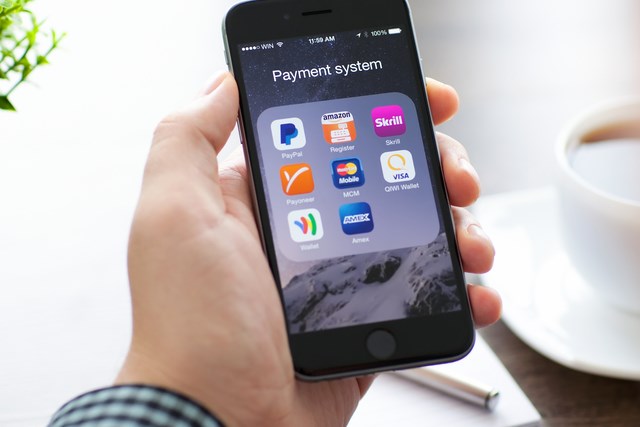
    DON’T KEEP PAYMENT INFORMATION ON FILE

    Although storing shipping and billing information speeds up the checkout process, it can also smooth the way for frivolous purchases. Researchers have found that compared with cash, behind-the-scenes payment methods make shoppers feel detached from their money — and more likely to spend.

    “Now with technologies where you can just use your fingerprint, or you just take a photo of your credit card, it makes payment incredibly simple,” Taylor said.

    Instead, enter payment information each time, rather than saving credit card numbers or linking to a PayPal account. The extra step makes the exchange of money feel more real.

    At the very least, “take a breath before tapping ‘checkout’ to make sure that your purchase is as much about you really needing that item versus the fact that the shopping experience has become more entertaining and has become very easy,” Taylor said.

    shopping apps payment

    DO USE YOUR CAMERA

    Use the camera feature within apps to read product details and customer reviews.

    “It allows you to have a greater usage of knowledge of what those products you’re purchasing can do,” Cohen said.

    Some apps surface product information when an item’s bar code is scanned with the camera. Beauty retailer Sephora’s app incorporates augmented reality, which allows shoppers to virtually try on makeup products and colors as they look into their device’s camera.

    As well, cameras can summon savings: Snap a picture of your receipt in Walmart’s app, and its Savings Catcher tool will match a competitor’s lower advertised price — even after your purchase. Walmart refunds the difference on an electronic gift card. Target’s app checks for manufacturer coupons and in-store deals on scanned items.

    DON’T FOCUS ON ONE RETAILER

    shopping app retailers

    Through exclusive offers and built-in loyalty programs, “individual retailers’ shopping apps intend to lock-in shoppers,” Jie Zhang, professor of marketing at the University of Maryland’s Robert H. Smith School of Business, said in an email. For example, the wallet feature on the J.C. Penney app lets shoppers see and redeem rewards, coupons and gift cards in one place.
    But using only one retailer’s app could mean missing out on opportunities to save money.

    “Yeah, there might be a 20 percent-off sale, but it could be really easy to go get 35 percent off somewhere else for the same exact product,” Cohen said.

    Use a price comparison tool, like ShopSavvy or Google Shopping, to locate the best price across multiple merchants.
    By LAUREN SCHWAHN, NerdWallet


  • Protect Your Identity Online With These Tools

    Protect Your Identity Online With These Tools

    Whether it’s another big data breach or someone trying to steal your passwords, there’s always something to watch out for online. However, there are a number of tools you can use to protect your identity and browse without worrying. Today we’re taking a closer look into some of these tools to help you understand what you need to surf the web worry-free.

    Protect Your Identity Online

    VPN

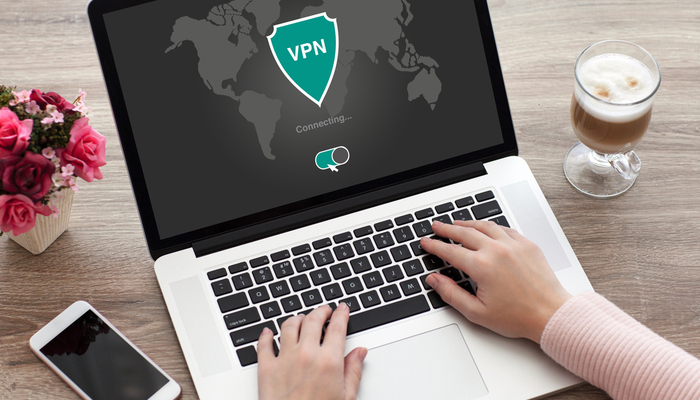
    A VPN, or a virtual private network, is a fancy-sounding name for a relatively simple service. Originally created to allow people to access their work intranet while working from home, a VPN allows you to “tunnel” your internet traffic to an external server. Essentially, a VPN hides who you are when you’re browsing online by making it look like traffic from your computer is coming from somewhere else. By tunneling your traffic to another server, your traffic can appear to be coming from a distant country, and your identity is hidden from websites you visit.

    This offers you some unique benefits. For instance, it allows you to access websites that might be blacked out in your area. You can sidestep local blackouts on sites like Netflix, on regional sports teams you want to watch and even on banned content in your area. While doing this is technically against the user agreement of the sites in question, the ethics of doing so are left for you to decide for yourself. In either case, a VPN is a great way to hide your identity online and protect your activity from prying eyes.

    Password Manager

    Everyone knows the first rule of making passwords for your online accounts is that you need to make each site have a different password. If you’ve got tons of logins for various websites, such as online banking, paying bills and social media, it can be hard to keep track of all your passwords, though. That’s where cloud password managers come in. These convenient and time-saving services are also incredibly good at securing your online information.

    A password manager service allows you to hide all of your passwords on a remote server that you access with one master password. This allows you to keep track of all of your passwords easily, while also hiding them from potential keystroke-monitoring programs or simply people watching your fingers while you input them. While it might sound risky to keep all of your platforms saved on one server, it’s actually much safer to keep them encrypted in this way than to store them in a text file on your computer, or on a physical piece of media that can be stolen.

    Careful Browsing

    Scammers and phishers are everywhere online. The illusion of anonymity emboldens con men and grifters to try to steal your information, your credit and your money. As such, you need to be careful when you’re browsing online. Even a strong VPN and encrypted passwords can’t keep your identity safe if you fall for a phishing scam. Make sure you’re vigilant about the sites you visit, and never input your personal information into a site you don’t trust.

    If you get an email or see an offer online that’s too good to be true, it is. Never give someone your password, you Social Security number or your credit card information online. The only exceptions to this are verified government websites, sites you pay your bills through and known online sellers like Amazon or eBay. A fishy site with a strange domain name and broken English in all of the item descriptions is probably not the site you should be shopping on. Remember: if it looks suspect online, don’t input any personal information.