Category: Apple

  • Jurrasic Park Alive is the AR Game We Deserve

    Jurrasic Park Alive is the AR Game We Deserve

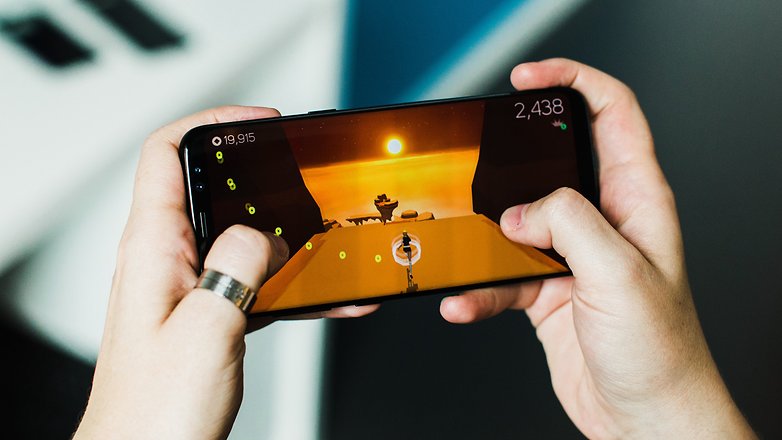
    In the key of Pokemon Go, Jurassic World Alive is the AR game we have been waiting for. This game is set to explode in the same way Pokemon Go took over the summer of 2016. Alive is the latest  franchise to try their hand on the Pokémon Go formula. Yes, we finally we get dinosaurs unleashed around our local neighborhood.

    The Dinosaur Hunt

    Jurassic World Alive puts players in the role of a new recruit in the Dinosaur Protection Group (DPG). Players are tasked with saving dinosaurs from another extinction by tracking them, collecting DNA samples and creating new hybrid species in a lab. Those man-made dinosaurs can be assembled into a team and fight in player-versus-player arena battles, which kind of seems counterproductive to the whole dinosaur protection thing.

    “Players discover dinosaurs by locating them on a map and deploying an in-game drone to collect DNA samples,” developer Ludia explains. You’ll also be able to snap a photo with your favorite dinosaurs, level up the beasts you capture, and, unlike in Pokémon Go, you’ll be able to battle them with other players. The game’s map screen, as shown in the debut trailer, even looks a lot like Niantic’s Pokémon AR game. Ludia previously developed a pair of park management-style Jurassic Park games for mobile.

    When Can We Play?


    Alive is expected to come to both Android and iOS in the spring, putting its release very close to the new film Jurassic World: Fallen Kingdom, which debuts on June 22nd.


    The Final Thought

    I hope this is the game that can reach the success in the AR platform. We have all been waiting for the true AR gaming standard and would love to hunt dinosaurs in real simulation.  I am overly excited to play this game, more then any grown man should be. I wont be as embarrassed to be walking around playing this as I was Pokemon Go and I know My 4 year old nephew and myself will have hours of fun with this. Lets hope they as John Hammond would say “spared no expense” in the development of this monster and it lives up to the hype.

  • What has Vivo Done Now, The Apex

    What has Vivo Done Now, The Apex


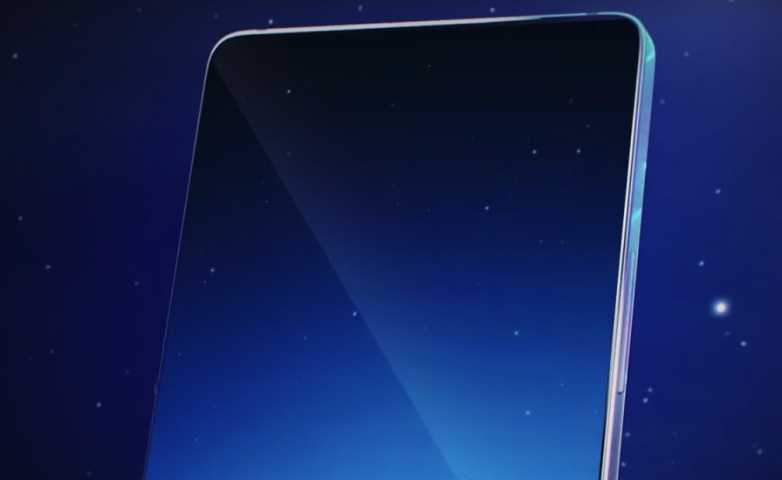
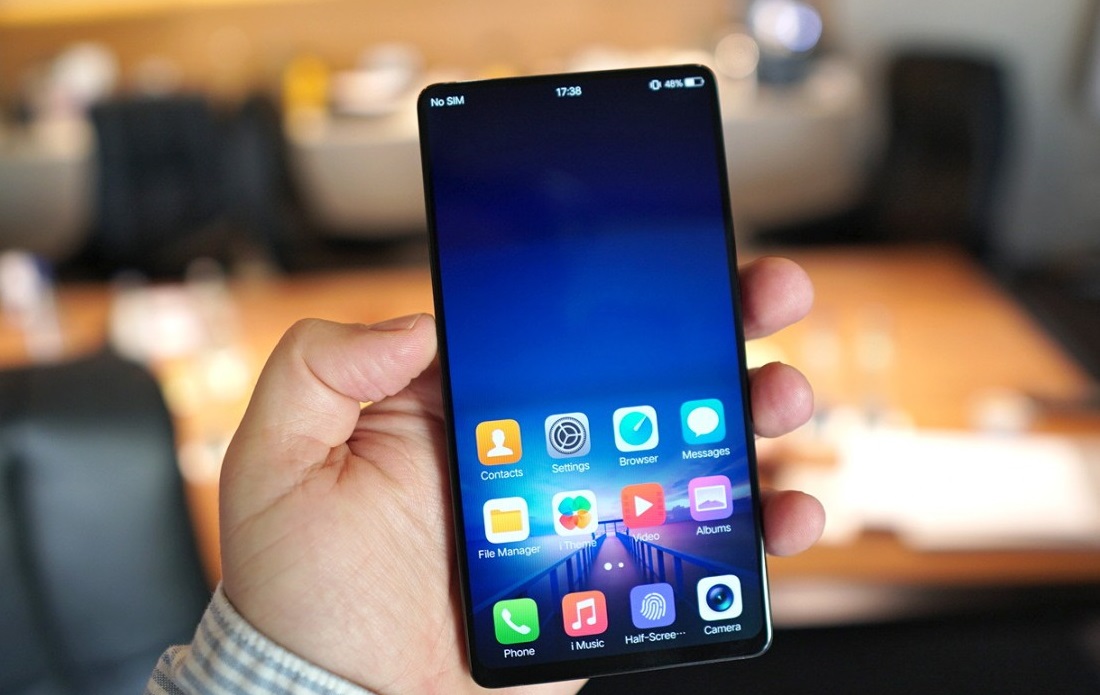
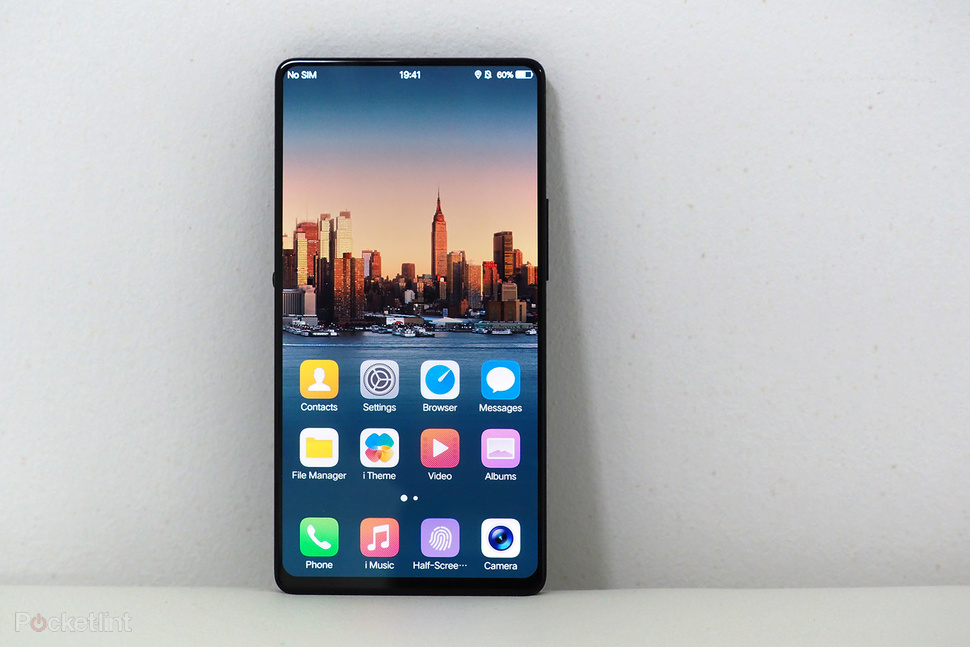
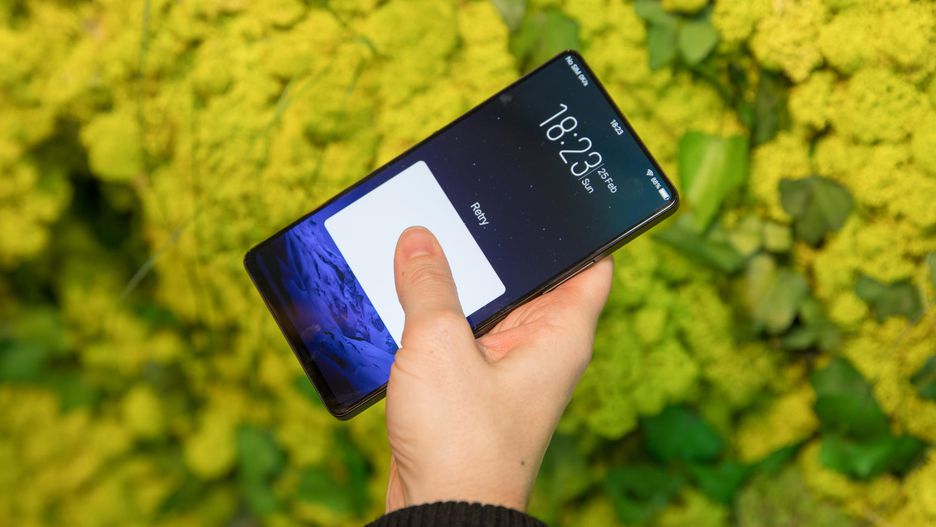
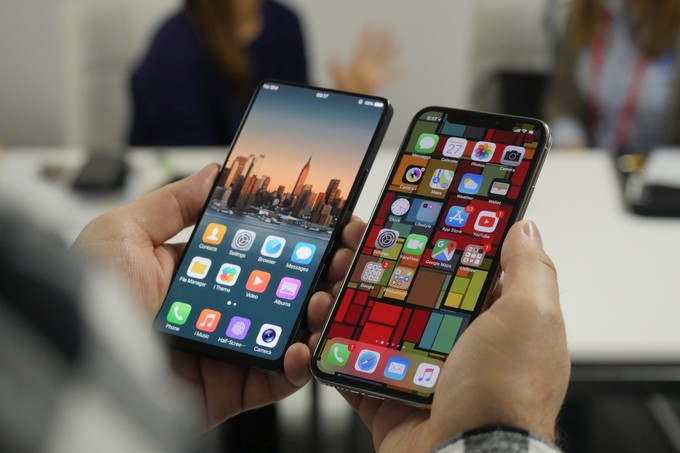
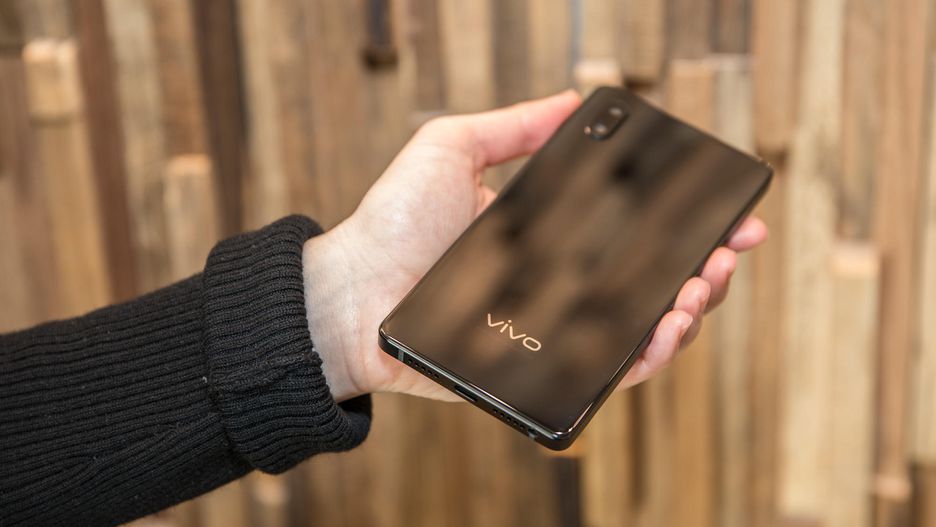
    The Vivo Apex is nothing more than a concept phone right now, but it’s tremendously impressive. Not only are the bezels practically non-existant — 1.8mm on the top and sides, 4.3mm on the chin — but there is no notch at all. It begins with a massive 6-inch screen that has eliminated the bezels to an impossible 1.8mm on three sides and 4.3mm on the bottom.

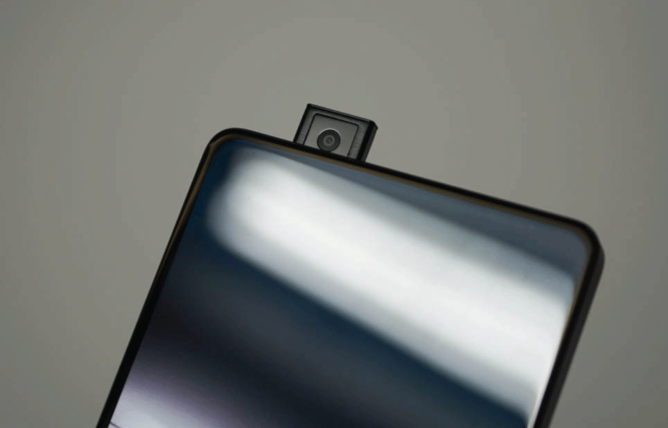
    The Vivo Apex is almost completely bezelless. The frame around the face is so slim, there is no  room for the front-facing camera.Flip over the front-facing camera and in 0.8 seconds an 8-megapixel lens rises up from the phone’s top edge. then wham, there is your selfie camera. The lens rises fairly slowly in the prototype. Im worried about a movable or mechanical piece on my smartphone. It will break somehow.

    To produce in-call sound, the company has developed what it calls Screen SoundCasting Technology. A vibration motor under the display vibrates to produce sound through the screen. Yes you read that correctly,  the Apex OLED panels that vibrate to create the sound for your videos, calls and gaming.  the speakerphone demo  on the prototype sounded loud and rich.

    Vivo showed us at the CES in January an in screen fingerprint reader. Now Vivo has expanded the in-screen fingerprint reader. On the Apex, the target takes up almost half the bottom of the phone, instead of just a small circle. That opens all sorts of doors to simultaneously scan two fingerprints for added security, or place your finger down at any odd angle, instead of hitting it perfectly dead center.

    The last truly impressive thing to take from this is the Vivo Apex  software seems to be a complete copy of iOS, down to the graphics assets on the homescreen and in menus. It would be nice to see another iOS inspired software option. especially in a truly cutting edge phone.

    Quick Specs Look


    • 6-inch edge-to-edge OLED display with 1.8mm bezel on top and sides and 4.3 mm on the bottom.
    • Screen resolution: 2,160×1,080 pixels
    • 8-megapixel front-facing camera
    • In-screen fingerprint reader supports dual fingerprint recognition
    • Dual rear camera
    • Hi-Fi audio chip creates more room for the battery by consolidating the DAC and three amplifiers into one

    The Final Thought

    it’s an incredibly baller phone, but it’s just a concept. That screen shows remarkable engineering and the pop-up camera isn’t as strange as you might think. I’d be happy to spend more time with the device if Vivo ever decides it’s ready for the show. I am anxious to see if the Chinese manufacturer continues innovating to fruition.


  • Ausu Z5 It Looks like iPhone Acts Like Cheap Android

    Ausu Z5 It Looks like iPhone Acts Like Cheap Android

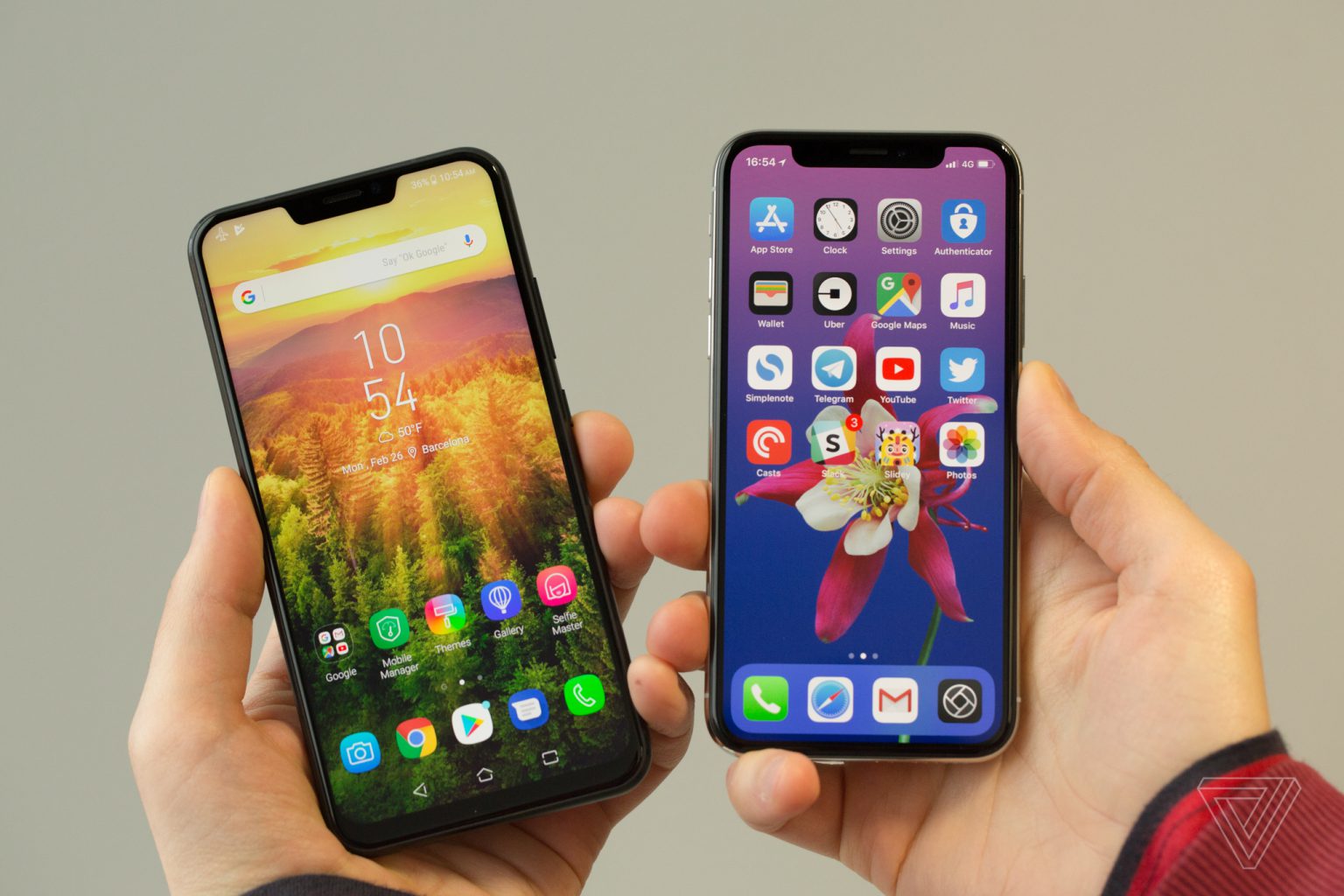
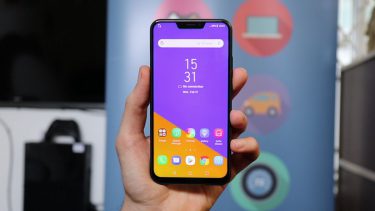
    It was Taiwanese tech company Asus’ turn on Tuesday to unveil its latest flagship phone at Mobile World Congress. While better known for its various PCs and gaming products, Asus has been making smartphones for quite some time. Asus is taking on the iPhone X with a cheap android knock off. The Zenfone 5 is a slim, sleek, attractive device, but the first thought many people had was … this looks like the a cheap iPhone X..


    Available in three different models: The $500 “premium” Zenfone 5Z, the standard Zenfone 5, and the entry-level Zenfone 5 Q  , Asus’ new phones boast specs that read much like those of industry leaders, including dual rear cameras with a 2x zoom, powerful stereo speakers, face unlock, and a bunch of regular features with “AI” tacked in front, like “AI” charging, and an “AI” display with a 90-percent screen-to-body ratio. The Zenfone 5 even has a notch at the top of its screen similar to the new top product from Steve Job’s old company.

    CEO Says its not Fruit Company?

    Asus CEO Jerry Shen sees the Zenfone as a totally different proposition next to Apple’s luxury piece of kit.”Our price will be very affordable and attractive and for everyone to enjoy compared to the fruit company,” Shen said. The company didn’t say how much the Zenfone 5 will cost, but its top-end 5Z phone will be around $590.

    When Asked about the similar Apple notch at the top Shen Stated that Asus needed to include a light sensor and forward-facing camera on the front of the phone. But if it removed the top bezel, these would have to be squeezed in at the bottom of the screen. Shen explained that this would leave the front camera pointing squarely at his chin, demonstrating his selfie pose for us. “From the beauty decision, from the user experience decision, the team decided to use it this way and I agree,” said Shen about the notch. “We do not want to copy, and actually they told me we are thinner, we are nano.”


    Asus has made a major leap forward in design. The Zenfone 5 fits a 6.2-inch display within the same physical footprint as the 5.5-inch Zenfone 4. That’s thanks to a thin-bezel design that results in a 90 percent screen-to-body ratio. In its effort to appear more advanced, Asus accompanies the screen with some spurious AI claims. The company has an automatic adjustment for color temperature — much like Apple’s True Tone on the iPhone X — and a sensor to keep the screen on while you’re looking at it, which it collectively calls AI Display. They use the word AI loosely at Asus.

    Quick Spec Look

    • Processor Qualcomm Snapdragon 636
    • OSAndroid 8.0 (Oreo)
    • Memory 64 GB, 4/6 GB RAM
    • Camera Dual: 12 MP (f/1.8, 24 mm, 1.4 µm)
    • Size 6.2 inches IPS LCD

    The Final Thought

    They Can deny this all they want, this was made to look like the iPhone X, only that is no iPhone. Cheap, Androidy, and nothing special. Down to the lackluster Zenimojis… yeah they went there. They did miss one big feature of all the other androids and the iphones which is water proofing. Asus will release the Zenfone Lite in March, followed by the Zenfone 5 in April and then the Zenfone 5Z in June.


  • New Apple AirPods 2

    New Apple AirPods 2

    In another update release for March 2018 is that we will see an update to the Airpods. There are 3 main updates to the Airpods, lets take a look at each of them

    New Chip

    The AirPods 2 will get a chipset upgrade from the W1 to the W2. The updated wireless 2 chip is already in place on the new versions of the apple watch and in the AirPods will make the connection between phone and headphones can be a little more time-consuming than you’d like. This was the main complaint with AirPod users is the connection was too slow when trying to answer a phone call. This new chip should make a significant difference in that overall AirPod experience.


    Water Resistant

    This is a biggie, as big a deal as the Watch 2 being water resistant. I’m not looking to go snorkeling with these, that would be cool, but I do need sweat and water proofing. It will be nice not to have to disconnect my AirPods just because its raining. This was a need and big upgrade.

    Hey Siri

    There will be a wireless addition to Siri for connecting with out hitting the button. Just the HomePods the Hey Siri function in to the AirPods will now launch the digital assistant. I mean why not? It is everywhere else, this just seems logical and convenient. While this will be a welcomed function I don’t think this will be a big reason to trade up for the Airpods 2.


    Bonus

    We know there will be an upgrade to the battery case. The Airpods 2 will have a wireless charging battery case. This will be another bonus and probly the deciding factor for anyone looking to update their Airpods. Considering Apple is releasing its multi device Charging mat very soon, this will be other big feature boost to the 2.


    In Black?

    Nope. while there are rumors we will see a black colored Airpods 2 it is highly unlikely. Henry Ford use to place a purple light in the brake lights of the Model T just so he could see who was driving his cars on the road. Steve Jobs has a similar thought on the iPod earbuds, he wanted an identifiable white earphones so everyone would know it was an iPod. This has stuck through apples earphone to EarPod to AirPod lines and there is no indication that it is changing.

  • New iPads this March!

    New iPads this March!

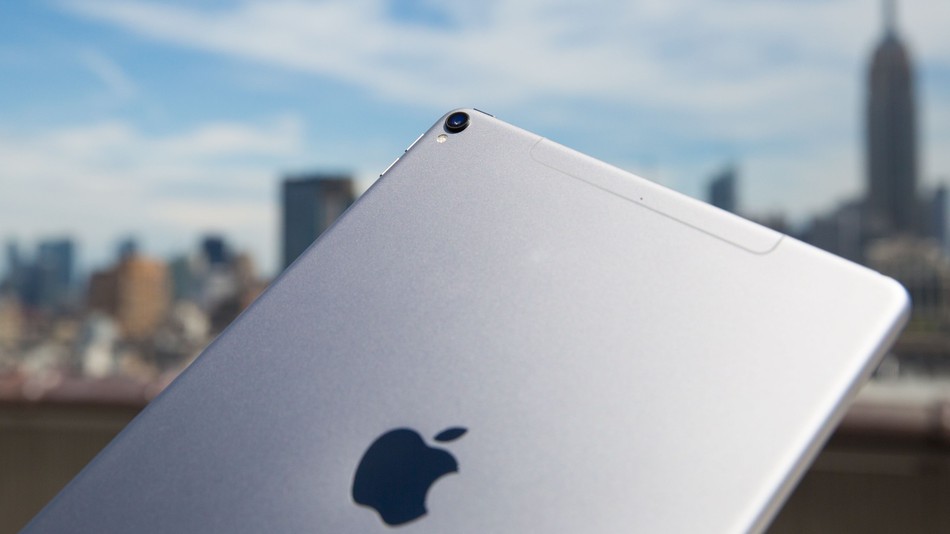
    Good News Everybody, the highly top secret Apple company has leaked a little bit of news. IT looks like we will be seeing two new iPads in march. While the details are still fuzzy here is what we know and what we can gather.

    A  product filing from app was discovered this week that received approval from the Eurasian Economic Commission on two devices codenamed A1954 and A1893, The product description in the filing was labeled as ‘tablet computers’. The codes are in line with Apples current product ID’s. Apple is working on new iPads that it could announce in March. Those reports say that the design will be slimmer and have less bevel on the screen, similar to that of the iPhone X. Additionally, Apple could be planning to deliver the Face ID options we have in the iPhone X in the iPads.

    In the past we have seen a release event or announcement on the iPhones and recently AirPods two weeks after a similar EEC approvals. My guess is we will see the event March 6th, with it featuring two new iPads, but not the iPad Pros. Replacement for the current, consumer-level 9.7-inch iPad seems likely, and judging from the product numbers I would guess they are both the same device with one of them being a cellular model.

    Probably nothing earth shattering here but its always cool to get new toys from Apple, but maybe just maybe it will be. iPad X?


  • 5 Best Mobile Payment Apps

    5 Best Mobile Payment Apps

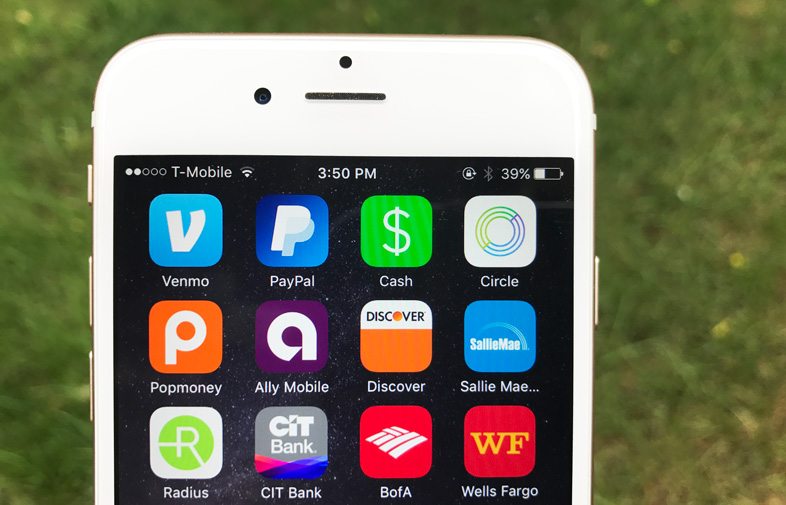
    Thanks to our smartphones, there’s no longer a need to put that drink purchase from a friend on an imaginary tab, or give them an IOU. From PayPal and Venmo to Square Cash, peer-to-peer mobile payment apps are perfect for friends and loved ones who want to exchange relatively small amounts of cash.  If you are looking to download one of these apps but don’t know which one is the best for you we compiled a list of  the top 5 best mobile payment apps today.
    payment apps


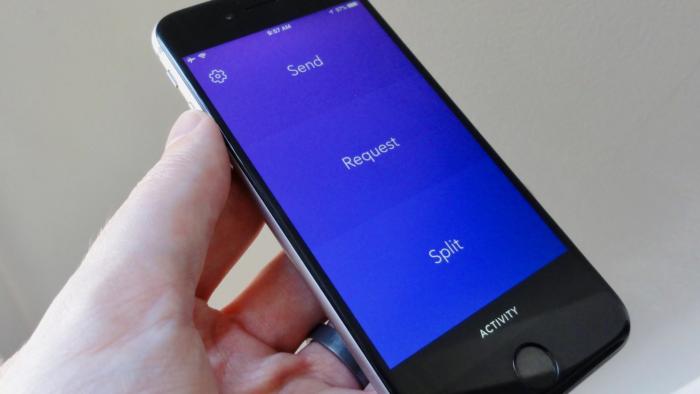
    5. Zelle

    The Zelle mobile payment app is the major banks’ way of saying they’re not content to sit back and let the red-hot peer-to-peer payment trend pass them by. So some of them banded together to make Zelle, a slick money-sending app that aims to go head-to-head with the likes of Venmo and Square Cash.
    payment apps

    Zelle lacks the cool factor of an app like Venmo, but it’s got an ace up its sleeve: instant and free cash transfers. Enticing, but there’s a catch. You can send money to or request cash from anyone using Zelle, but the recipient will have to jump through a few hoops if they’re not already signed up with the service. If the intended recipient of your cash or money request is a customer of a participating Zelle bank, they’ll need to register using the Zelle app, their bank’s website, or their bank’s mobile app. If your friend’s bank doesn’t work with Zelle yet, they’ll need to download the Zelle app, enter their debit card info, and then wait a day or so for the money to land in their bank account.
    payment apps

    To get free instant transfers, both your bank and the bank of the friend you’re exchanging cash with needs to be partnered with Zelle. If your bank isn’t partnered with Zelle, you’ll also be limited to sending no more than $300 over a rolling seven-day period. The Zelle app gives you the option of using touch ID to sign into the app, a fairly typical feature among the apps in our roundup.


    4. Square Cash

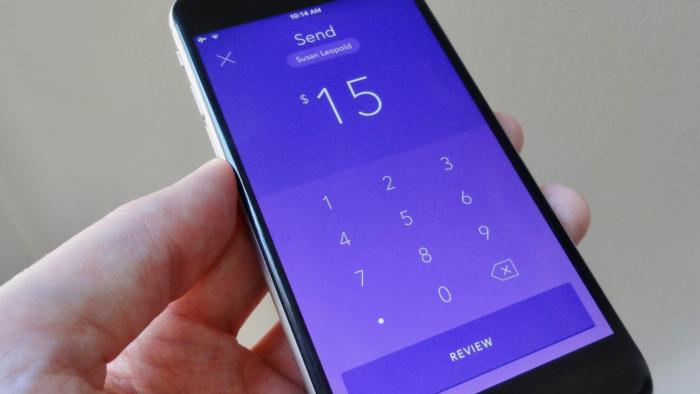
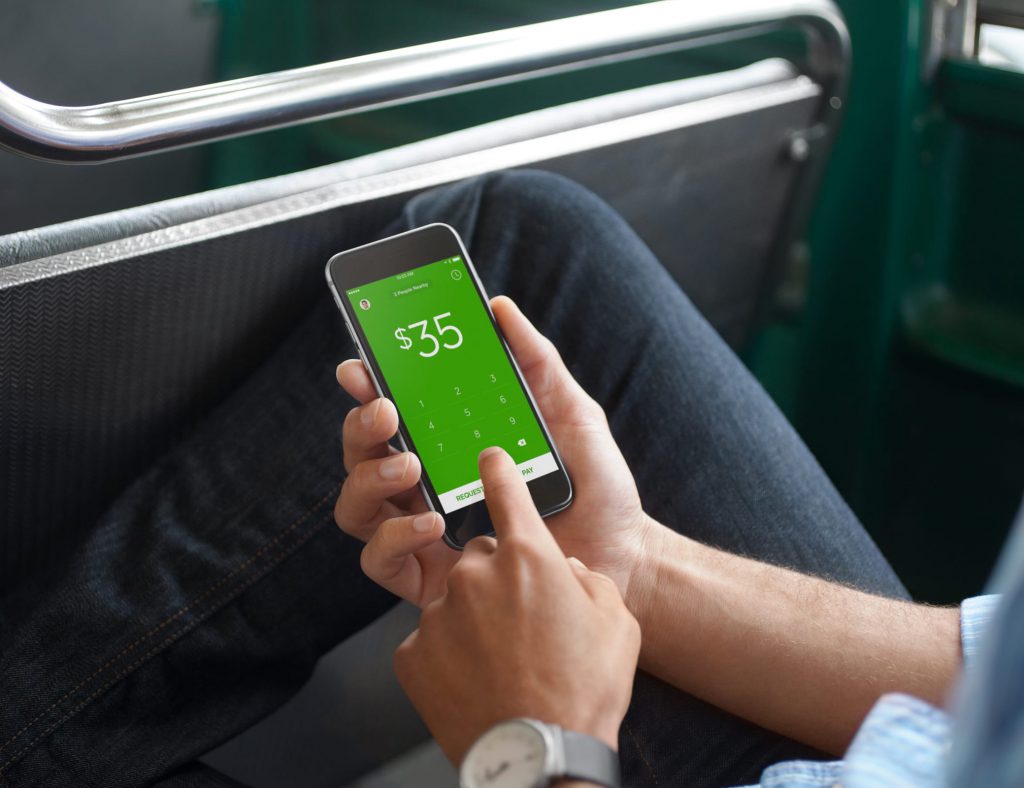
    Most users know Square as the service businesses use to process transactions. Square isn’t just for paying merchants using those little Square readers; it also lets you send personal payments to friends and loved ones, and that’s where Square’s “Cash” app comes in. Square Cash is both more simple and less flashy than Venmo, but it has some clever tricks up its sleeves, and it’s a good choice for users who want to send and receive money from anyone—even those without Square Cash accounts—with a minimum of fuss.
    payment apps

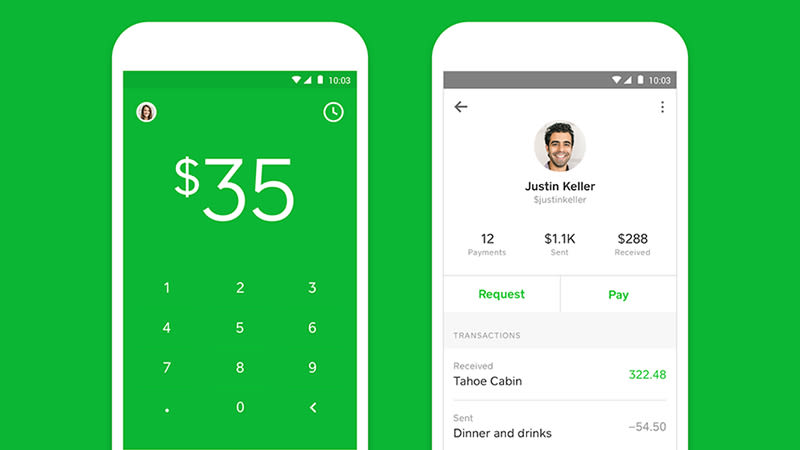
    One of the best benefits of using Square Cash is that the person you’re paying doesn’t need a Square Cash account, so there’s no need for them to install another app or set up another account—all you need is their email address and your debit card. It’s free to use too, unless you’re a business, or you want to use a credit card (a three percent fee applies here).
    payment apps

    Standard deposits show up the next day, while same day deposits cost a small fee (one percent) and you can link your account to a Visa card, MasterCard, or Discover debit card. Square Cash is difficult to beat for simplicity and ease-of-use, and you won’t have any problem keeping track of payments in and out. The app also lets you set up your own “$Cashtag” code that lets you get paid anonymously.


    3. Facebook Messenger

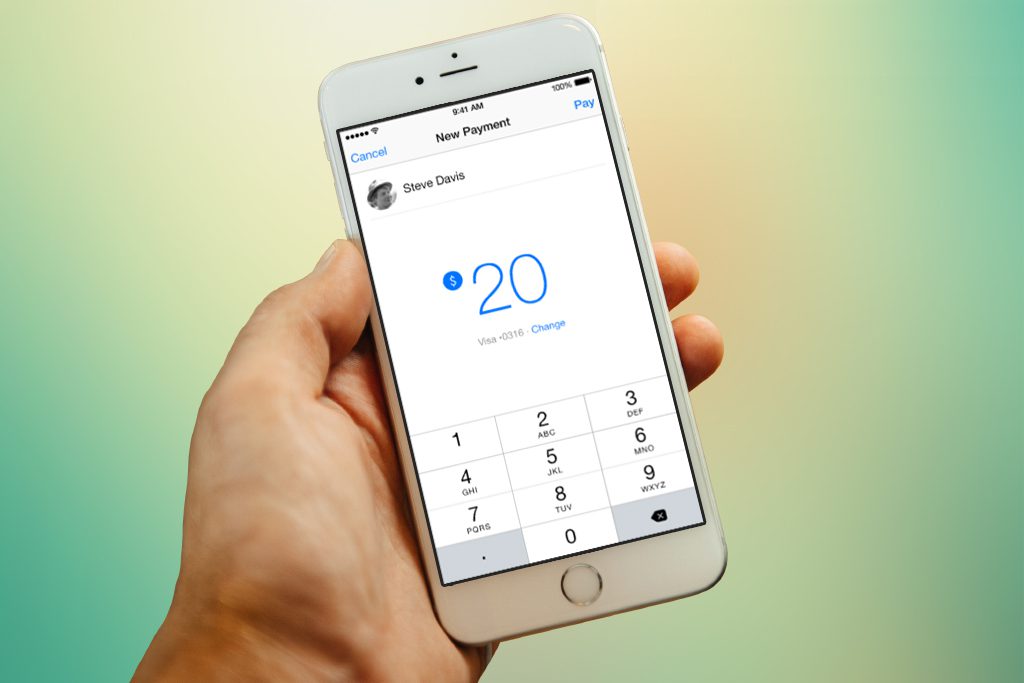
    If you’re a Facebook user and you enjoy chatting with friends using the Facebook Messenger app, you’re just a few taps away from exchanging cash with your Facebook buddies. Sending money through Facebook Messenger is certainly an easy, seamless experience, but you won’t find the robust bill-splitting features available in other apps, and you’ll have to settle for limited payment sources.payment apps
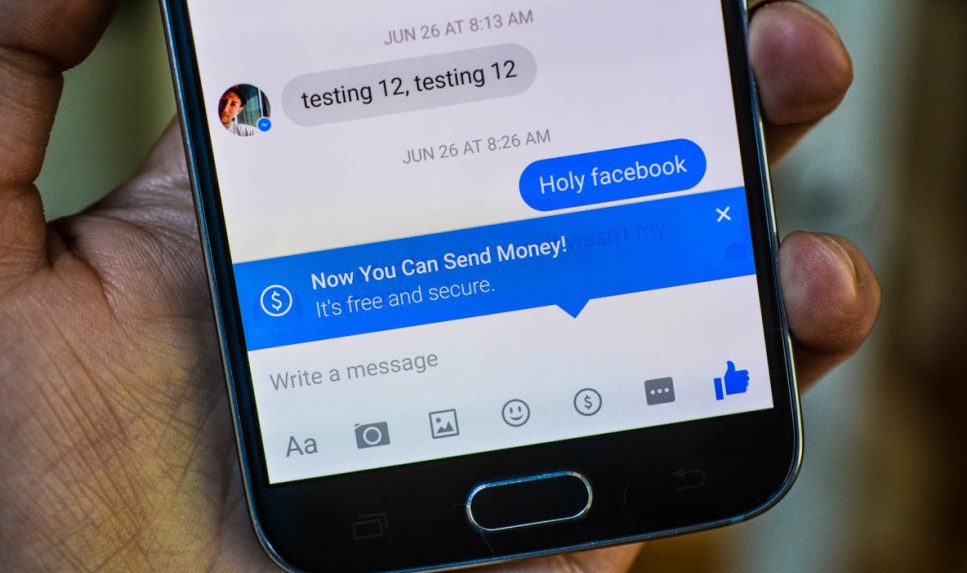
    Paying money is as easy as typing out a dollar sign and an amount in a conversation window—it turns into a hyperlink that can be clicked to make the payment. You need to link a debit card to your Facebook account to send money in Messenger, though the service is free to use. Payments can take up to five days to process, but the obvious benefit is that pretty much everyone you know already uses Facebook (though anyone receiving money needs to enter their debit card details too). So there’s none of the hassle of asking friends to make an account just so you can pay them back for a pizza.
    payment apps

    You can set Messenger to require a PIN or a password before you send cash. Just in case you’re wondering, your Messenger money exchanges aren’t posted publicly on Facebook. Instead, only you and the recipient can see the transaction and amount. If you’re on Facebook and you want to exchange cash with Facebook friends, there’s no easier way to do it than through Facebook Messenger, but those who want to tinker with split amounts or spend with a credit card will need to look elsewhere.


    2. PayPal

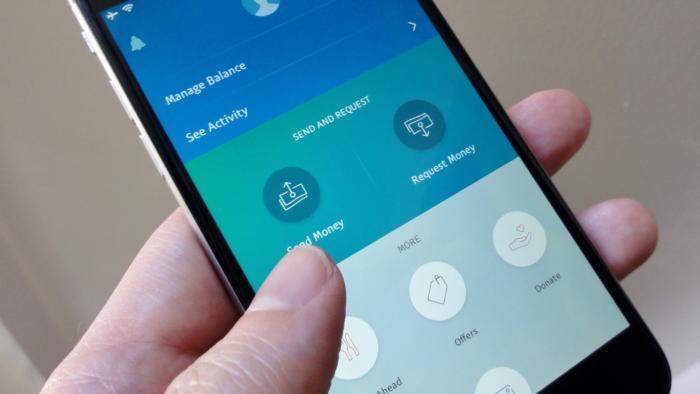
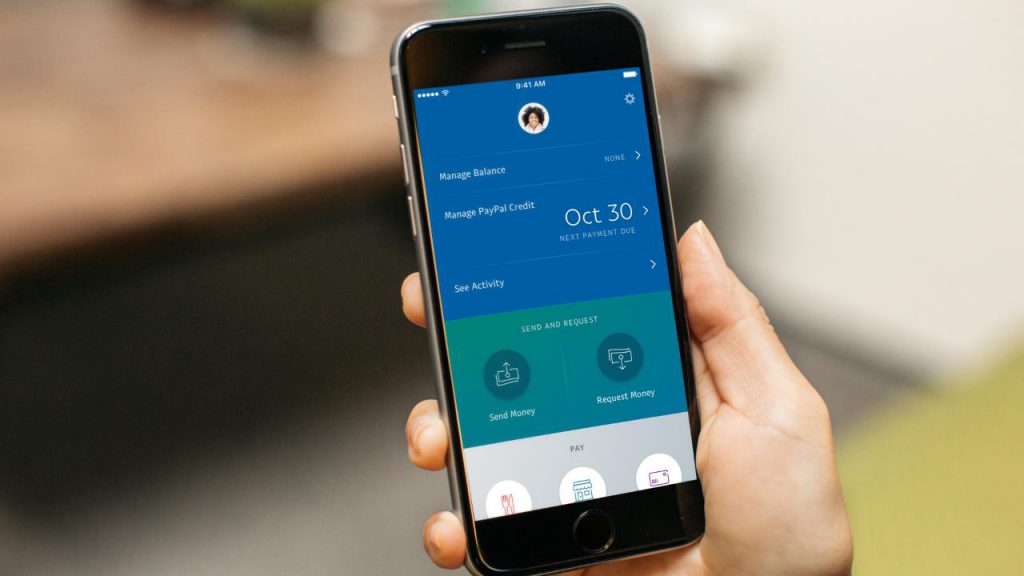
    PayPal, the pioneer of online payments, clearly wants in when it comes to the hip new world of peer-to-peer money transfers—after all, it did acquire Venmo back in 2013. But if you’re not so sure about sharing your personal transactions in Venmo’s social feed, you can still transfer money to friends and family using PayPal’s mobile app. PayPal boasts some distinct advantages compared to the more casual peer-to-peer money-sending apps, chief of which is its lax sending limits and buyer/seller protections for purchasing goods and services from strangers.
    payment apps

    You need to have a bank account or card linked to your PayPal to draw the balance from, or you need a positive PayPal balance in your account, so some preparation is required. Sending money straight from your account or PayPal balance is free of charge, but if you use a linked debit or credit card there’s a fee of $0.30 plus 2.9 percent of the amount. That’s the costliest money transfer fee on this list, but PayPal is also the only app that lets you send money to people who aren’t in the US.
    payment apps

    Similar to Square Cash and it’s “$Cashtag” web pages, PayPal offers public “PayPal.me” pages that let people pay you on the web, no PayPal account needed; all you have to do is share the URL of your PayPal.me page to get paid.  Also, PayPal is currently beta-testing “instant” deposits for users with “eligible” debit cards, meaning your cash could be deposited in your bank account within minutes rather than the usual one to three-day wait. Nice, but there’s a catch: Each instant deposit will cost 25 cents. PayPal’s mobile app makes for one of the more secure ways to send and receive cash from friends or even strangers.


    1. Venmo

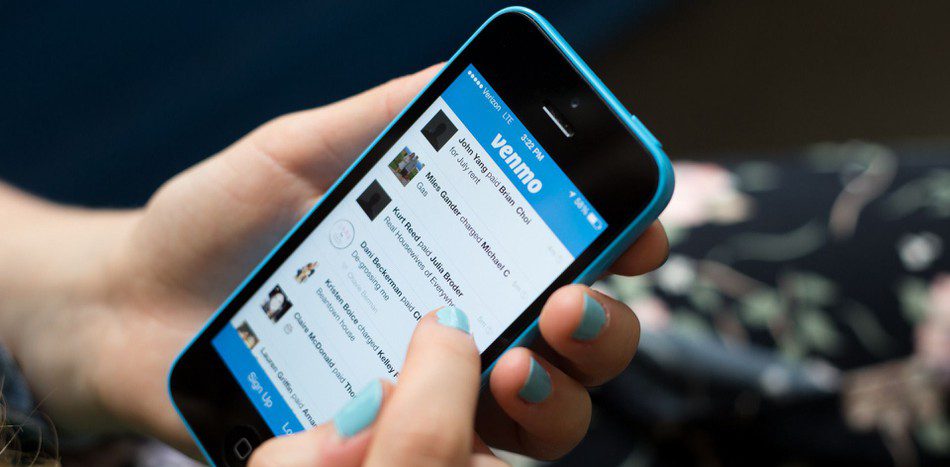
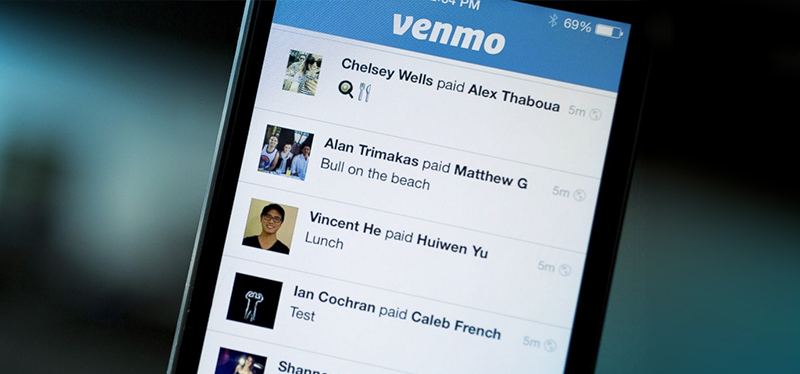
    The Venmo mobile payment app boasts a huge user base, a sleek interface, flexible payment options and agility at splitting bills. Owned by PayPal, it’s the peer-to-peer payment app to beat, as long as you don’t mind getting social about the tabs you’re picking up. Venmo is built around the idea of seamless mobile payments to friends and family, so you would expect it to be pretty good at its job, and it is.
    payment apps

    To send or request cash, just tap the Compose button in the top-right corner of the main Venmo interface, add a name (or names, if you’re questing money from a bunch of lunch pals) from your list of Venmo friends (and given Venmo’s estimated 7 million active monthly users, you’ve probably got plenty), enter an amount, then tap Request or Pay. You can send money or request a payment from anyone, as long as you have their e-mail or phone number. That said, the other party must sign up with Venmo before they can receive money or pay you
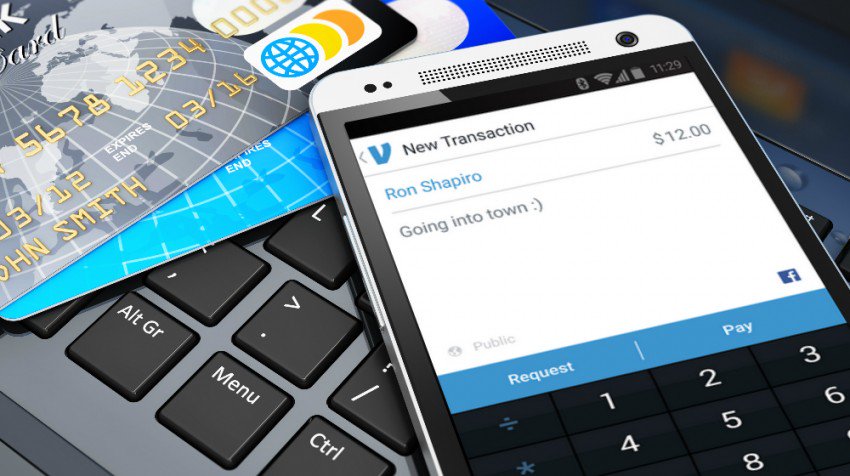
    payment apps

    You can send cash to friends from your debit card or bank account for free. If you use a credit card, though, expect to pony up a three-percent fee (unless you’re paying a Venmo-affiliated merchant, in which case the fee will be waived). Venmo has a $299.99 weekly rolling limit for transactions. Once you hit the limit, you can raise it up to $2,999.99 by confirming your identity with the last four digits of your Social Security Number, your ZIP code, and your birthday. You can set Venmo to require a PIN or touch ID before completing a transaction, handy from keeping a phone thief from draining your bank account via the Venmo app.


  • Top 5 Augmented Reality Apps for iOS

    Top 5 Augmented Reality Apps for iOS

    We have all been hit with an augmented reality buzz on all our apps. From Pokémon go to every shopping app, we are being given the ability to use our camera to bring a whole new layer to our lives. Here are the top five out of the box and interesting applications for augmented reality

    1. Miratia City Treasure Hunts

    Miratia is smartphone treasure hunt games played live outdoors.Miratia games are played live on the streets of your current city. Become your own Indiana Jones and set up a treasure hunt with historical places through out all your sight seeing visits. This is endless fun, and adds a whole new dimension of traveling and exploring new cities. Finally Paris is interesting,  and Budapest will never be the same.  

  • 5 Great Mobile Gaming Apps

    5 Great Mobile Gaming Apps

    We all love the mobile games and we all need them to pass a little time here and there. Some are duds, some are expensive, some are just too addicting. Here are some great games that keep you entertained and casually having you coming back for more!

    5. Marvel’s Contest of Champions

    With a long list of all your favorite Marvel Universe characters, this “Arcade-Fighter” game has a lot to offer. It’s visually pleasing animations, smooth fighting mechanics, and fully customizable Marvel superheros will have you playing at length and loving it. Because of its constant additions and challenges, you’ll have this game on your mobile device for quite some time.

    Image result for marvels contest of champions

    4. Plague Inc.

    Do you need your “Destroy the World” fix? Then look no further. Plague Inc. has a plethora of viruses, bacteria, and world ending organisms at your fingertips and it’s up to you how to use your tools to cause a global catastrophe. The object is to keep your deadly pathogens one step ahead of the world governments and CDC in order to end all life on Earth. With the amount of options and routs of evil to achieve your objective, this mobile game will give you hours of twisted fun.

    Related image

    3. Rusty Lake Roots

    This extremely dark and alluring indie-puzzle game is one that you can’t seem to step away from. With intricate puzzles and a twisted plot, Rusty Lake Roots keeps you on the edge of your phone. The animations are simplistic but perfectly capture the creepy factor and suspense that mirrors the dark plot. Follow a man Thomas as he explores his family tree in the abandoned farmhouse that his ancestors left to him.

    Image result for rusty lake roots

    2. Injustice: God’s Among Us

    Quite simply, this is the best arcade-style fighter possibly ever. Mobile, Console, PC or otherwise. The visceral animations, coupled with your favorite DC superheros beating the tar out of each other makes this a very enthralling game. Add on a very simple but sophisticated character upgrading system and, voila! You have an amazing fighter game. I consistently played Injustice for the better part of 2 and half years and never tired of it. I still miss it, but I traded Injustice in for Injustice 2 which is a very good game, but not as good as the original.

    Image result for injustice gods among us

    1. Star Wars: Galaxy of Heroes

    Even if you aren’t a huge fan of the Star Wars universe, this is still a very entertaining and great game. But if you are a fan of SW…oh man is this game for you. Find your favorite Star Wars heroes and villains in this turn based fighter game and pair them up to form an elite fighting squad. Each Star Wars character has their own special set of skills that if teamed up with other characters correctly, can form a deadly fighting squad. Training and upgrading the characters of your choosing is very rewarding and the game challenges are difficult but not to the point of frustration. If you enjoy Star Wars, it’s a borderline perfect game.

    Related image

    Summary

    All these games are great in their own right and have done amazing work. They have each mastered the concept they were looking to achieve and the end results are so satisfying and entertaining. All are available is the IOS App Store and Android Market. Hope you give them a try!

  • Apple’s New Speaker Making an Unwelcome Mark

    Apple’s New Speaker Making an Unwelcome Mark

    By MICHAEL LIEDTKE, AP Technology Writer

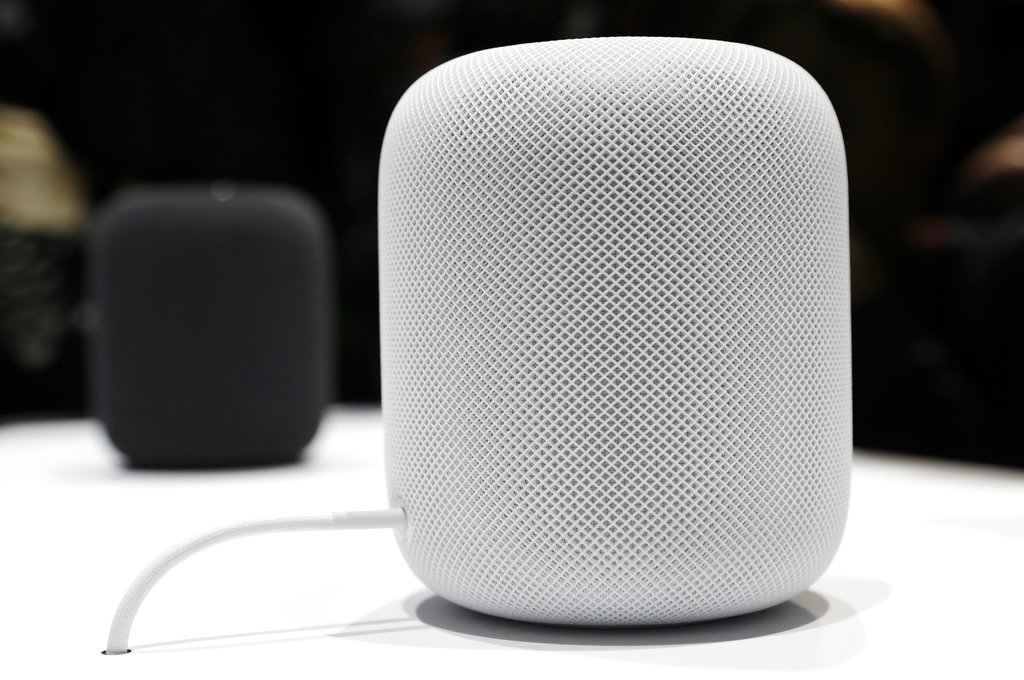
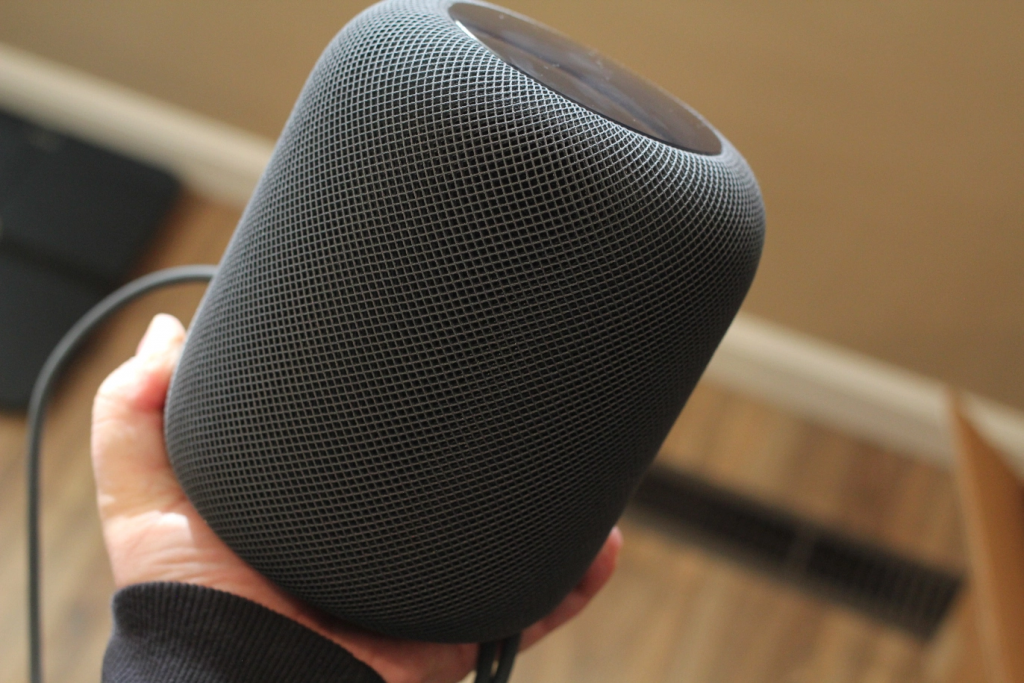
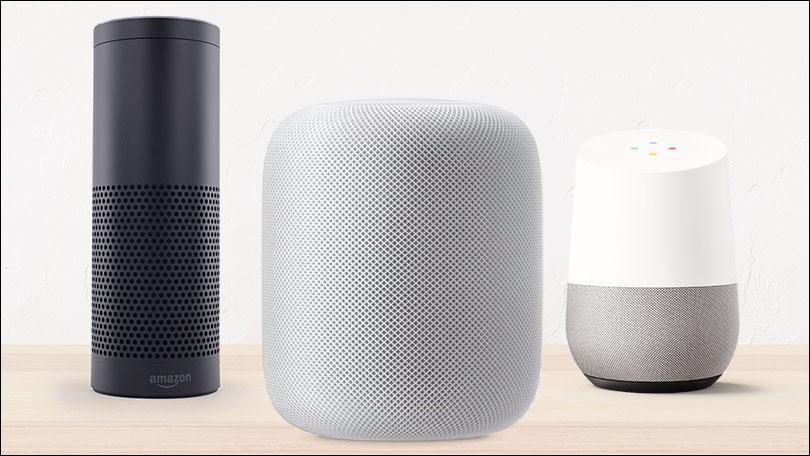
    SAN FRANCISCO (AP) — Apple’s new internet-connected speaker is proving to be more appealing to the ears than to the eyes, depending on where the device is placed.

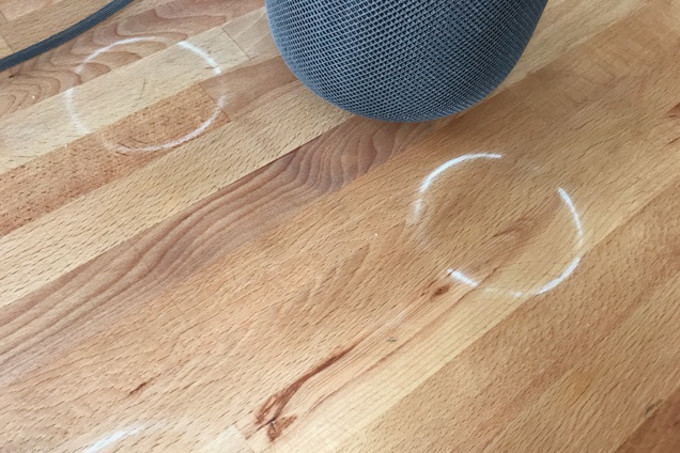
    Some people who bought the just-released $349 speaker, dubbed the HomePod, are reporting that it leaves a white ring on the surfaces of wooden furniture.

    Apple HomePod

    In an explanation posted Wednesday, Apple said the problem occurs with speakers that, like the HomePod, are equipped with a silicon base to minimize vibration. The company said the marks will often “go away” after a few days if you move the speaker somewhere else.

    Apple HomePod

    If they don’t, it recommends wiping wood tarnished by the HomePod with a soft or damp cloth, or cleaning the surface “with the furniture manufacturer’s recommended cleaning process.”

    The marks left by the HomePod threaten to stain Apple’s reputation for designing iPhones, iPads and Mac computers that are frequently prized as much for how they look as for how they work. Though it’s still too early to tell whether the HomePod’s blemishes on wood will dampen the device’s sales. If so, that could hamper Apple’s efforts to catch up to less expensive internet-connected speakers from Amazon and Google that had a head start in the still nascent market.

    Apple HomePod

    Both Amazon and Google designed their speakers primarily to serve as digital hubs that manage peoples’ homes and lives via voice-activated assistants. Apple, by contrast, is marketing the HomePod as a high-fidelity speaker programmed to learn listeners’ tastes and automatically select songs from the company’s music-streaming library.

    Apple HomePod

    In the process, Apple hopes to build upon its 36 million Apple Music subscribers and to establish a toehold in people’s homes that will give it more opportunities to peddle its services. The HomePod also features Apple’s assistant Siri, which is still catching up to Amazon’s Alexa and Google’s eponymous Assistant in responsiveness and versatility.

  • Caavo’s Universal Consolidation Remote Control

    Caavo’s Universal Consolidation Remote Control

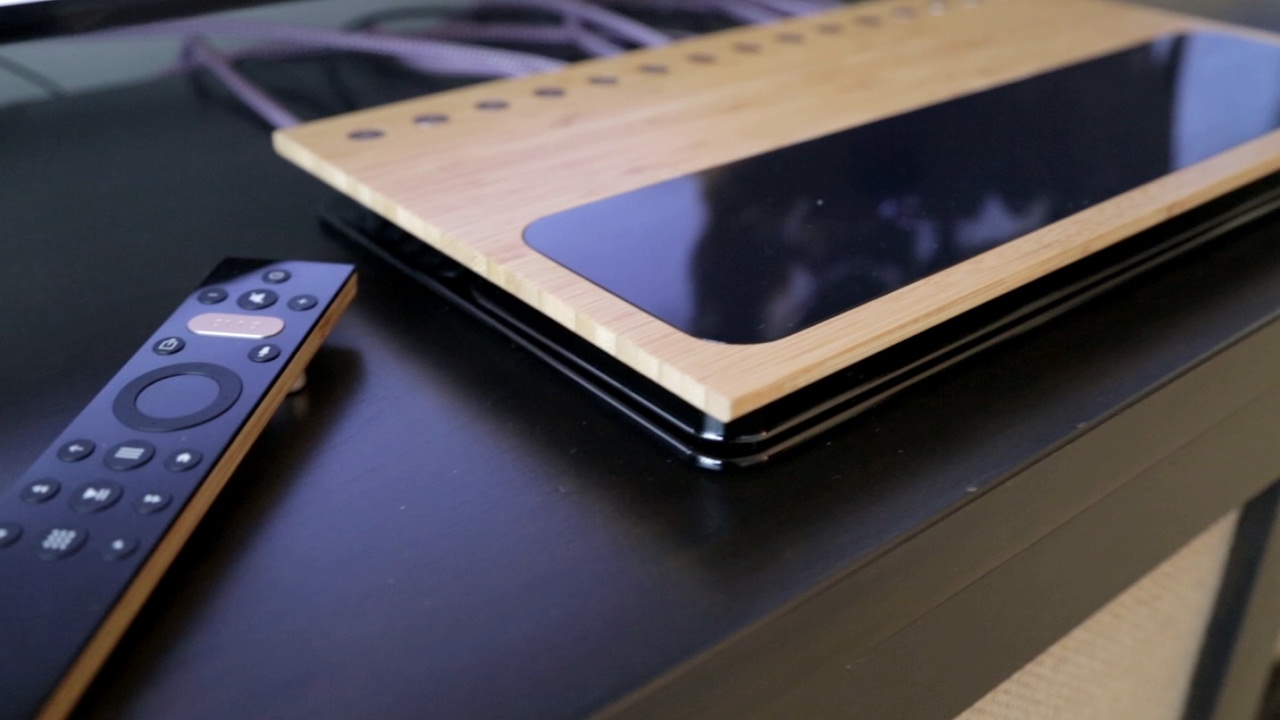
    Caavo’s powerful control system for virtually every streaming, cable, and satellite box makes for the most in depth smart remote available. Caavo is the first smart home entertainment system to unify all your devices, apps and content into a single experience.


    The Great

    • unique universal remote control
    • supports voice commands
    • Consolidates all devices
    • Revolutionary onscreen overlay

    The Not

    • No  support for HDR
    • remote is not back-lit
    • poor customization
    • Advanced functions are an issue for some devices

    The Conclusion

    The Caavo does a great job simplifying the complexity of home theater, I think this is more of the first step then the solution for the masses, this pricey system is doomed for wide adaptation with out HDR support.


    One box to rule them all

    Caavo, the exciting machine vision-powered universal TV control system is being released February 14th. It’s a powerful control system for virtually every streaming, cable, and satellite box out there. It’s not just a simple remote, though: you plug everything into the large Caavo unit, and it uses machine vision, nay Caavo Vision, to intelligently navigate the interface for all of those boxes behind the scenes.

    Unlike all the other remotes that have ever existed that use infrared macros without being able to verify that anything actually happened. The Caavo  watches the interfaces displayed on-screen, allowing it to do things  like create a single search index and watchlist across multiple services and many devices and intelligently navigate on your behalf. Caavo CTO says“We’re solving the universal remote problem, but we want to go beyond that to search,”

    The Setup

     Don’t get me wrong the setup will continuously through a multitude of issues and frustration at you. Think you remember all those passwords, think again. Just remember  Caavo is still a very new, beta product that looks more elegant than it works. I also learned the hard way that with only one HDMI extender, you are not going to get a Roku, Chromecast and Firestick all in.. Why would one need all three? Please, just stop and shut up.

    So Many Wires 

    You just simply Plug everything . All of your cable or satellite, streaming boxes or sticks, gaming consoles, DVD and Blu-ray players into the eight HDMI inputs and connect  one HDMI to your TV. From there, Caavo does the rest. It automatically knows which device to use, searches all your apps, finds what you want, and plays it. It will essentially allow you to use Alexa to control your apple TV… mind blown. You just choose what you want to watch, and you leave it to Caavo to figure out where it may be hiding.

    The Final Thought

    Being the tech guy that I am, my entertainment system now consists of 10 or so devices with 6 or 7 services and a multiple array of speakers, not to mention the extravagant array of remotes and game controllers. Trying to find that one movie where Jonathan Silver says ” come in Tokyo” while twisting fake radio dials has become a real chore. I just want to watch whatever I want as it pops in my head, optimize the sound and enjoy it right now, too much to ask? not any more. As for the astronomical price, looking at my entertainment wall… I’ve already come this far whats another $400.