Category: Reviews

  • Three of Our Favorite 4K Projectors

    Three of Our Favorite 4K Projectors

    There’s no denying that televisions can provide a great viewing experience. But if you want the true movie theater feel in your home, then you need a projector. Projectors can also be very handy for easier portability, so if backyard viewing is your thing, then a projector trumps a large television any day of the week!

    Here are some of our picks for the best 4K projectors available. Enjoy some ultra-HD goodness!

    Optoma UHD60 4K Ultra UD Home Theater Projector – $1,799

    Not only does the Optoma offer the stunning 4K resolution that you would expect, it also supports HDR10 color technology. This means the blacks are blacker and the colors are more vivid than ever (if the source film supports HDR).

    With 3,000 lumens and a contrast ratio of 1,000,000:1, the Optoma is able to deliver razor sharp images that you can see in 4K detail from up to 10 feet away. 1.6X zoom and 1.30 to 2.22 throw ratio means you can fit your images in various spaces 140 inches and up. The Optoma features a single DLP chip system for easy set up.

    Vivitek HK2288-WH 2000 Im Bright Ultra HD 4K DLP – $1,425

    This is the best budget 4K projector you can buy currently. At this price point, there is no competition!

    This Vivitek features a 2,000 lumen bulb and a 1,000,000:1 contrast ratio. Like the Optoma, it supports HDR10 for enriched brightness and beautiful color reproduction.

    Also, like the Optoma, this Vivitek features a DLP chip system.

    Epson Home Cinema 5040UB – $2,299

    The Epson 5040UB features a 3-chip design which ensures that there is never a rainbow effect to your picture. It also supports HDR10 high dynamic range and high contrast. Like the others, it features a 1,000,000:1 contrast ratio for better brights and darker darks.

    At 2,500 lumens, it lands between the Vivitek and the Optoma on the bulb output. You can set up to 10 positions for motorized focus, zoom and lens shift.

    Another great feature is the Bright 3D Drive which allows for 3D projection.

  • Smartphone Spotlight: Razor Phone

    Smartphone Spotlight: Razor Phone

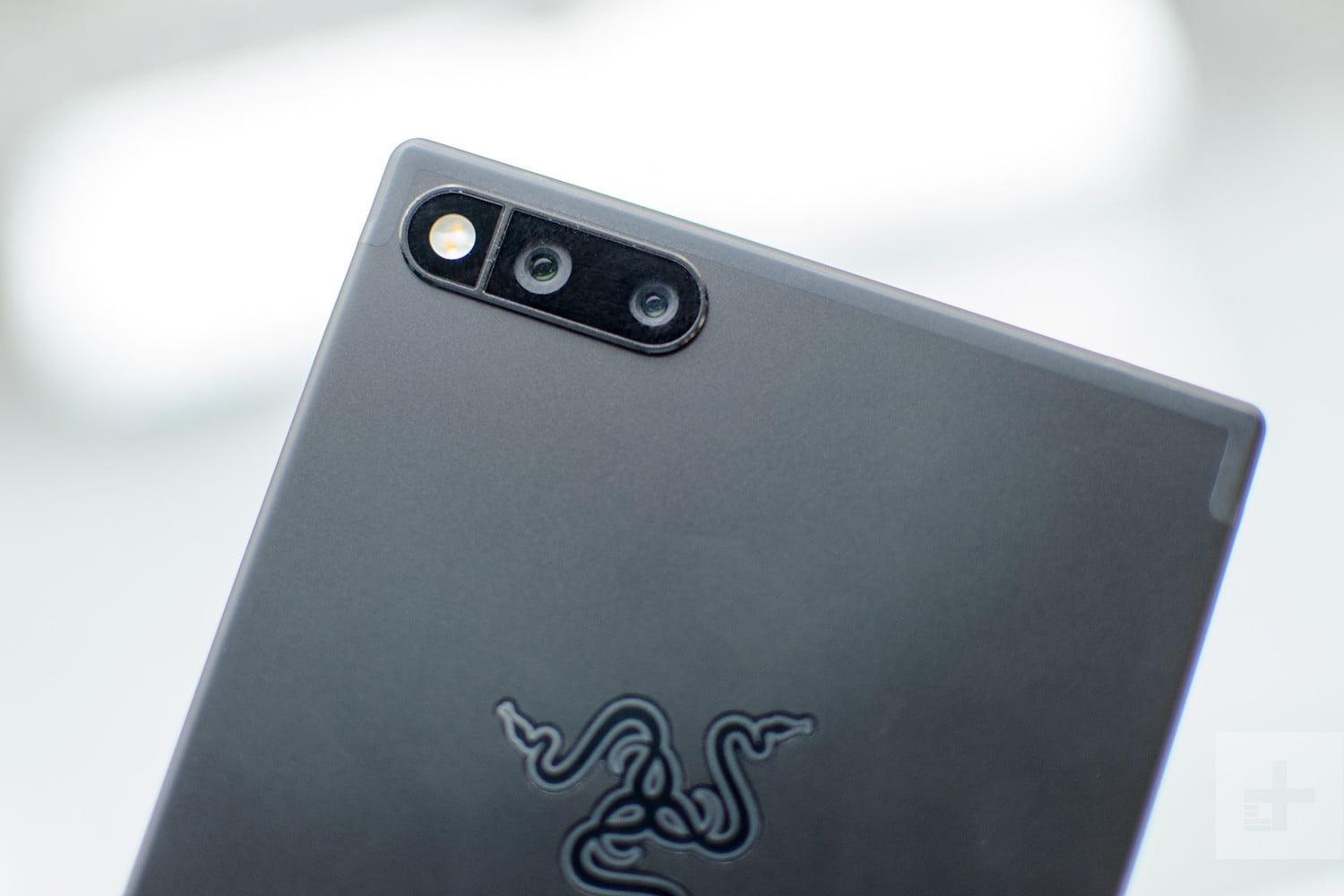
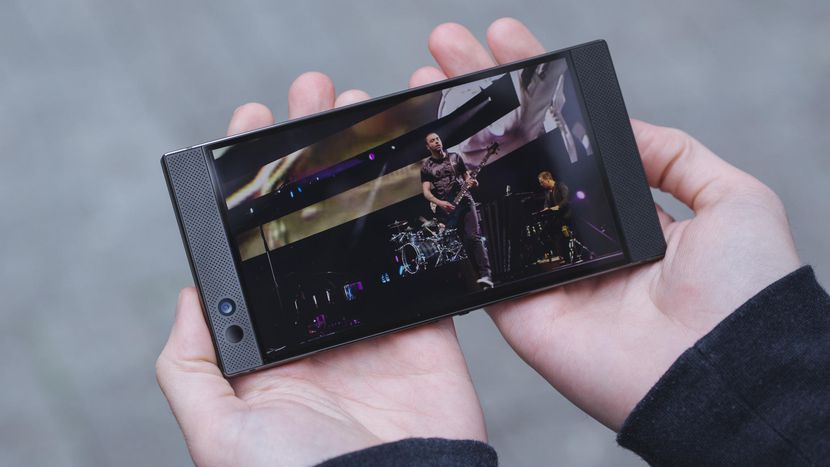
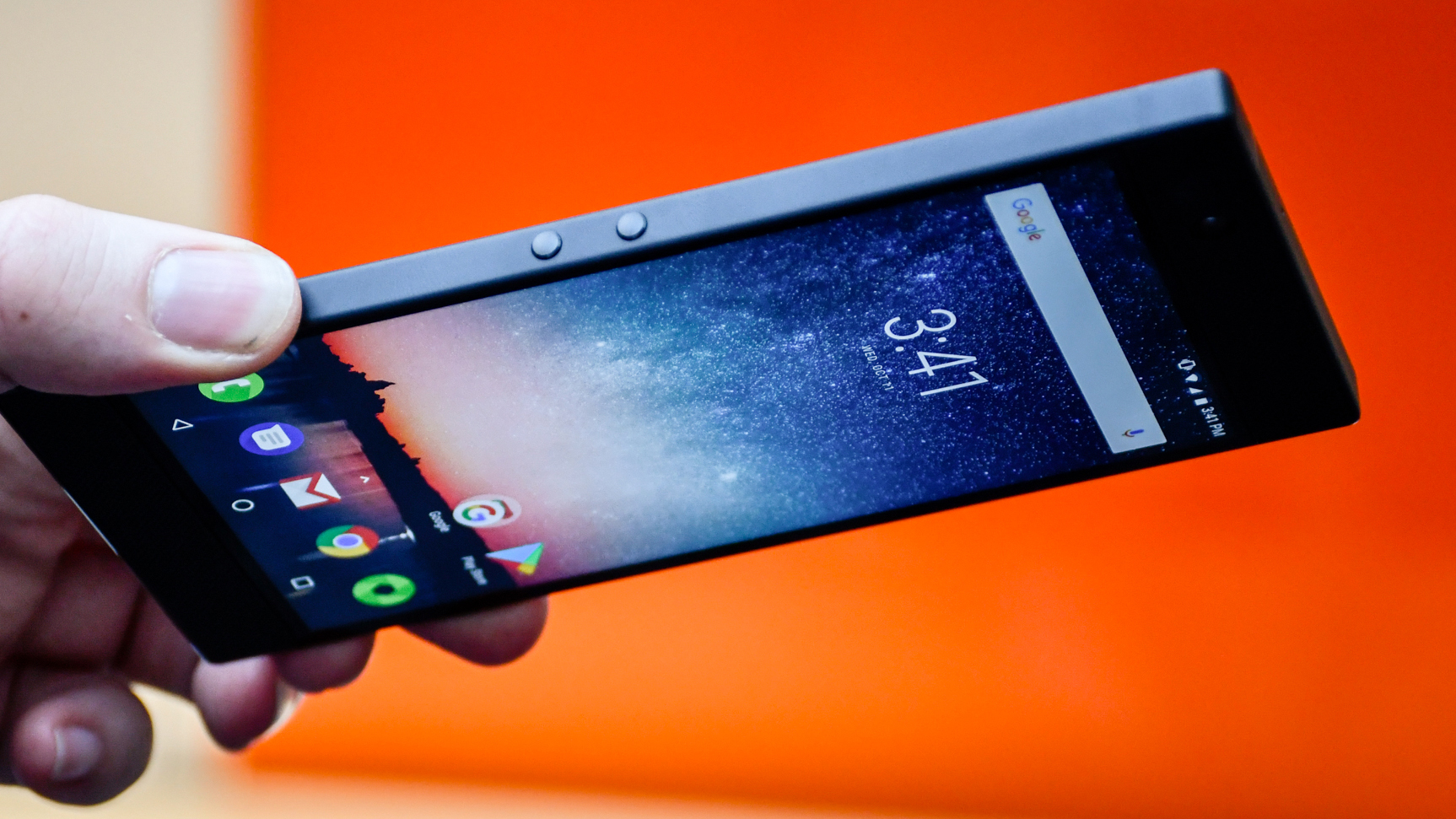
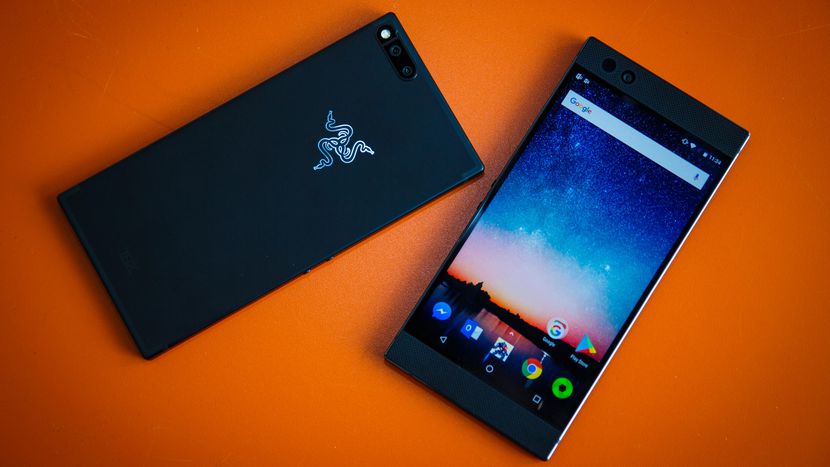
    No no the the Motorola Razr phone you are thinking of, The Razor Phone.  Razor phone set the standard in mobile gaming with the Razer Phone: the world’s first 120Hz screen on a mobile phone. Powered by UltraMotion™ technologyand accurate touch response, you get zero lag or stutter—just fluid, buttery smooth motion for all your games.

    The Great

    • Dolby Atmos Surround Sound
    • Unique, handsome design
    • Display and Ultramotion are gorgeous
    • Top-notch performance
    • 24-bit DAC built into USB Type-C adapter
    • Loudspeaker is LOUD
    • 120 Hz Refresh Rate

    The Not

    • Terrible photography experience
    • Display could be brighter
    • Too big for one-handed use
    • No headphone jack
    • Battery life only average

    The Conclusion

    The question is, does it do anything another high-powered smartphone can’t? I’ve found the camera to be lackluster, but this is a phone that certainly has some standout features.


    This Is a big for with minimalist in mind. Lets start with the the LCD 5.7-inch screen size and resolution aren’t what make the Razer Phone’s screen special. Rather, it’s the first phone with a screen that offers a 120Hz refresh rate. This means it’s able to show you more frames on the screen per second. It’s especially helpful when gaming, as it makes playing games smoother and more visually impressive.

    This is a gamers phone, built with gamers in mind. It shows with the 120 hz rate. Now the differences in day-to-day use between 60Hz — the standard in smartphones — and 120Hz is like spotting the differences between 1080p and 1440p. They’re there, but only visible in some situations to the eagle-eyed. You can choose your preference of refresh rate (between 60, 90, or 120Hz) in the Razer Phone’s settings, and scrolling through your Twitter feed in 60Hz and 120Hz reveals only a small change in smoother scrolling.

    It’s the same when scrolling around the Android operating system. You’ve got to want to see differences to spot them, and we couldn’t find many differences between the experience on it and a Samsung s9

    Biggest Weakness is the Camera

    Speaking of being less than stellar, the camera isn’t great. Put lightly, it’s a bit of a mess. We already had our caution hats on after the hands-on over a month ago, when we saw that the dual camera set up was lacking features, or even a slider to show which lens you’re using. Despite all the time that’s passed since then, it’s a shame to see Razer hasn’t added much optimization, speed, or features. Dual 12 MP cameras provide either normal or telephoto zoom levels. The regular focal length lens pumps in light at f/1.8 aperture compared to the other’s f/2.6. And without OIS, the camera is already a bit behind its competition.

    Responsive Android Software

    This is due in part to the screen and the third-party Nova launcher software, but the Razer Phone has a really smooth and responsive user experience. Everything loads quickly thanks to the Qualcomm Snapdragon 835 chip and a limited amount of bloatware.

    Switching between apps or even using two at the same time in side-by-side mode is never a sluggish experience. Even my recent Samsung Galaxy S8+ started getting bogged down quickly after I got it, and that’s not something I’ve had to deal with on the Razer Phone.


    The Final Thought

    After using the Razer Phone for the last  month, I’m comfortable calling it an amazing smart device. It is available now for $700, and it easily competes with other high-end phones in that price range with one glaring exception. Do you want to trade your camera for a better refresh rate? Kinda, I like Netflix.

  • SmartPhone Spotlight: OnePlus 5T

    SmartPhone Spotlight: OnePlus 5T

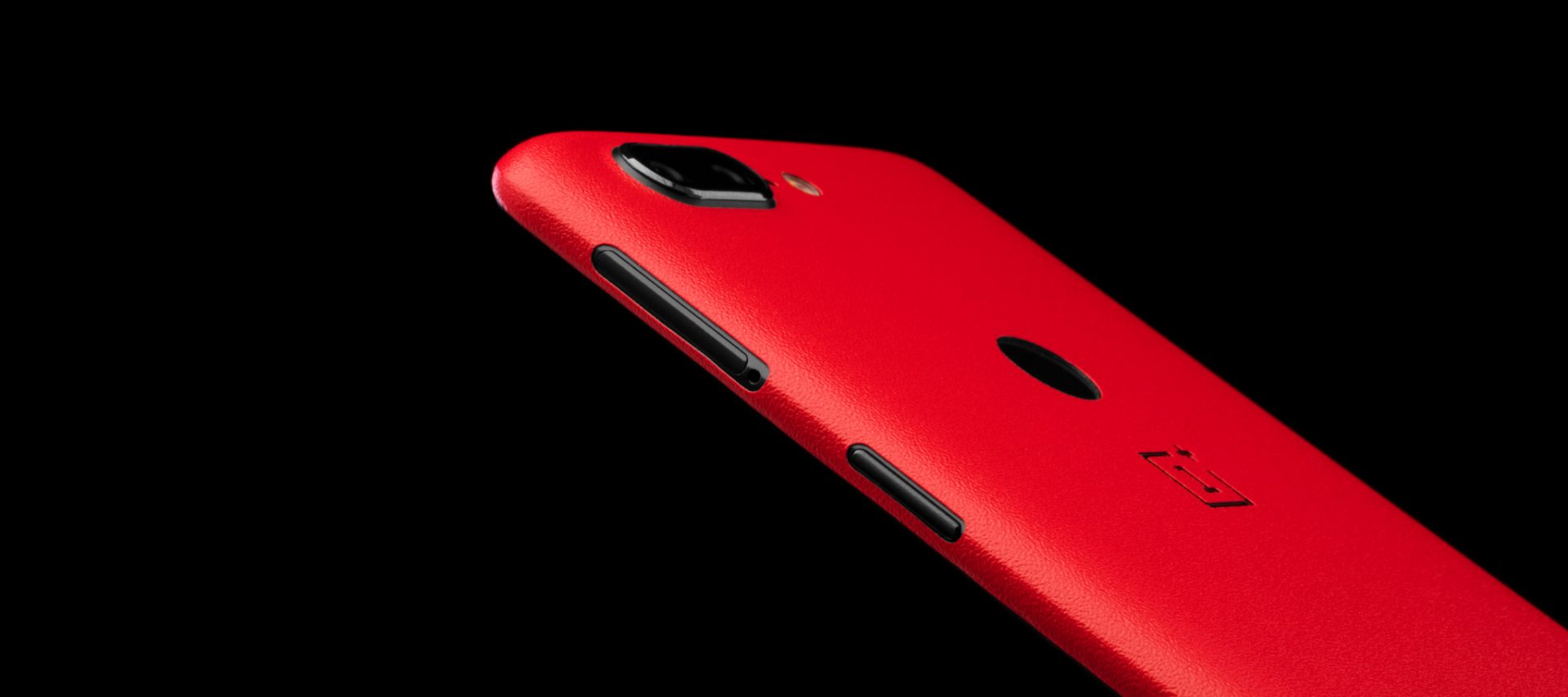
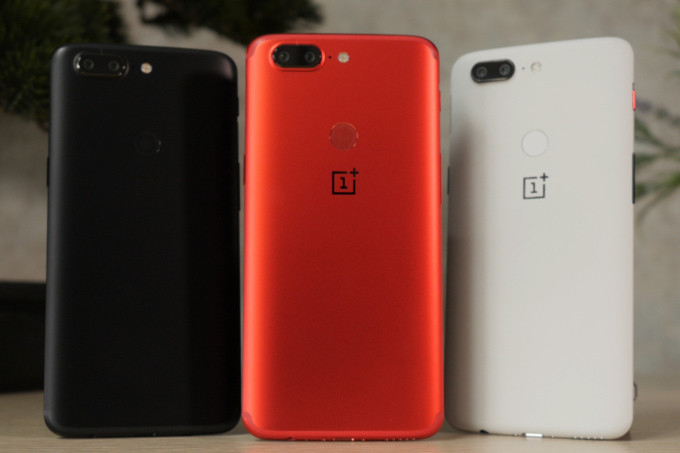
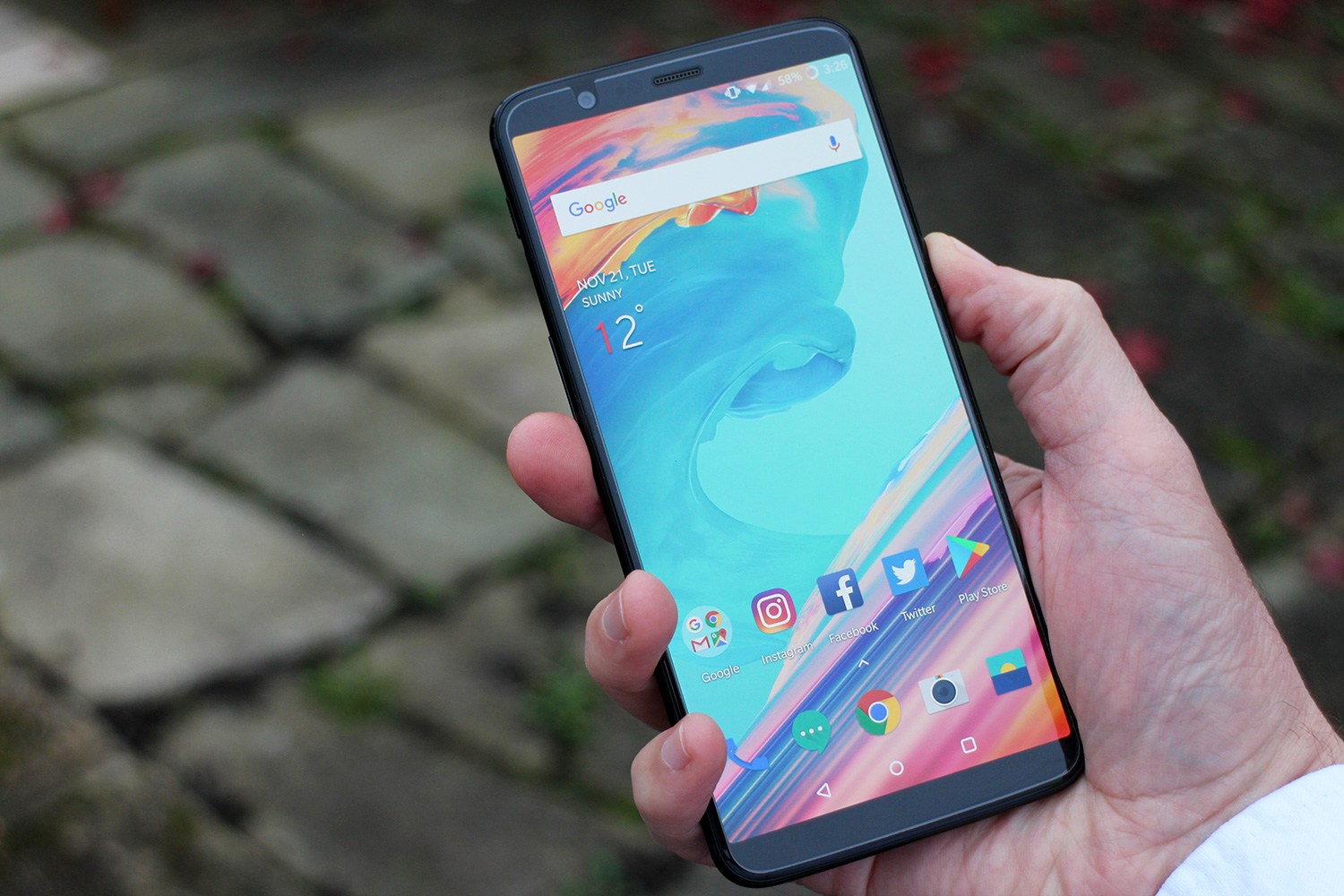
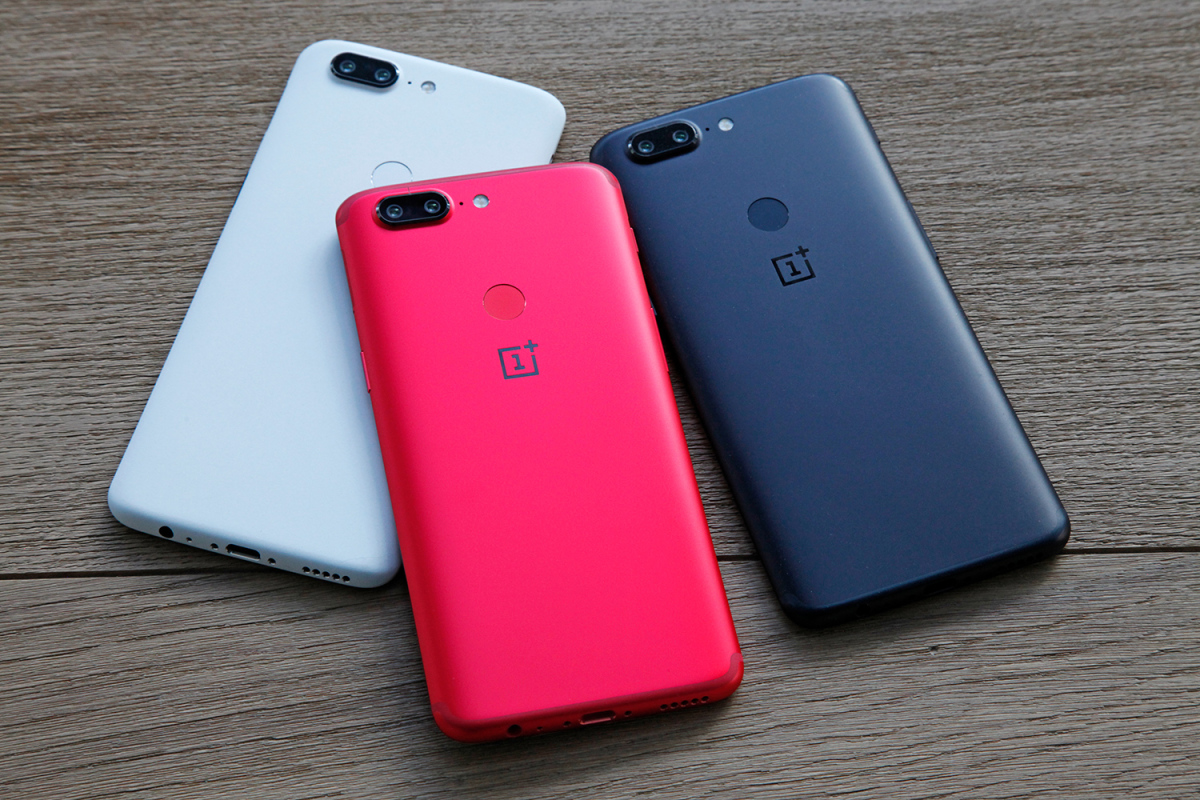
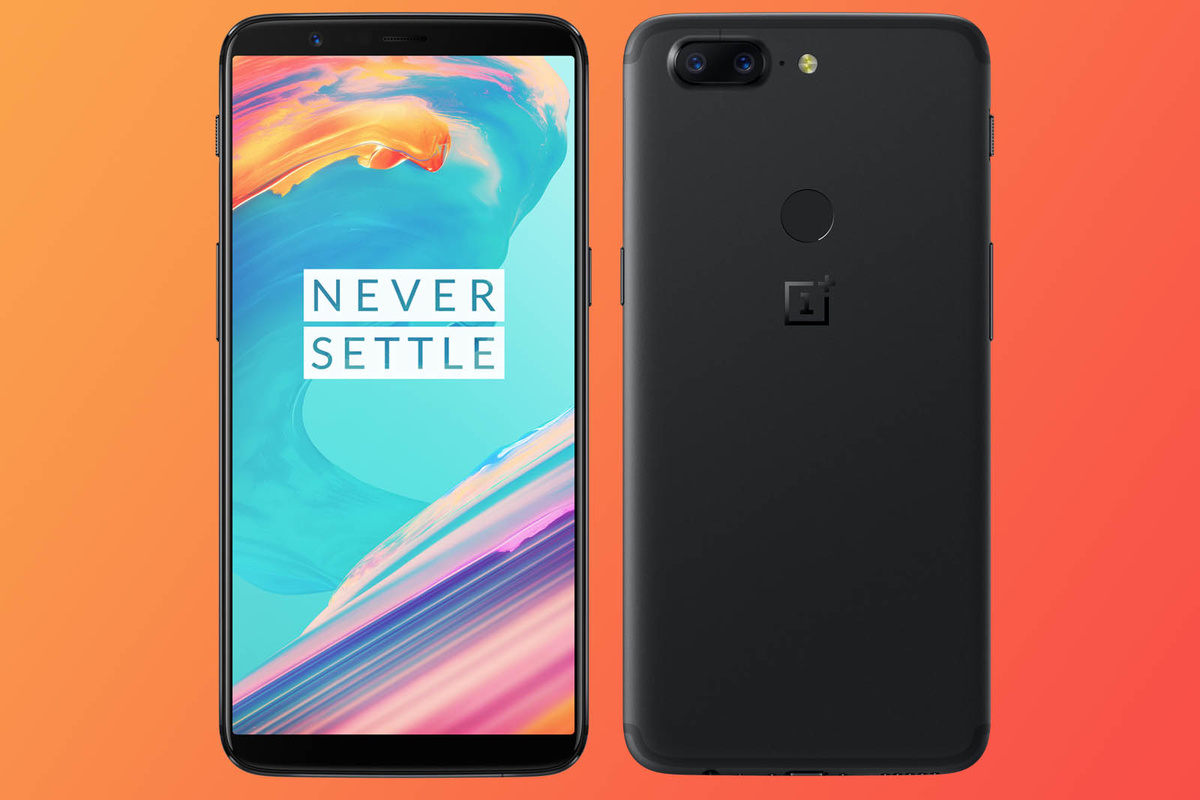
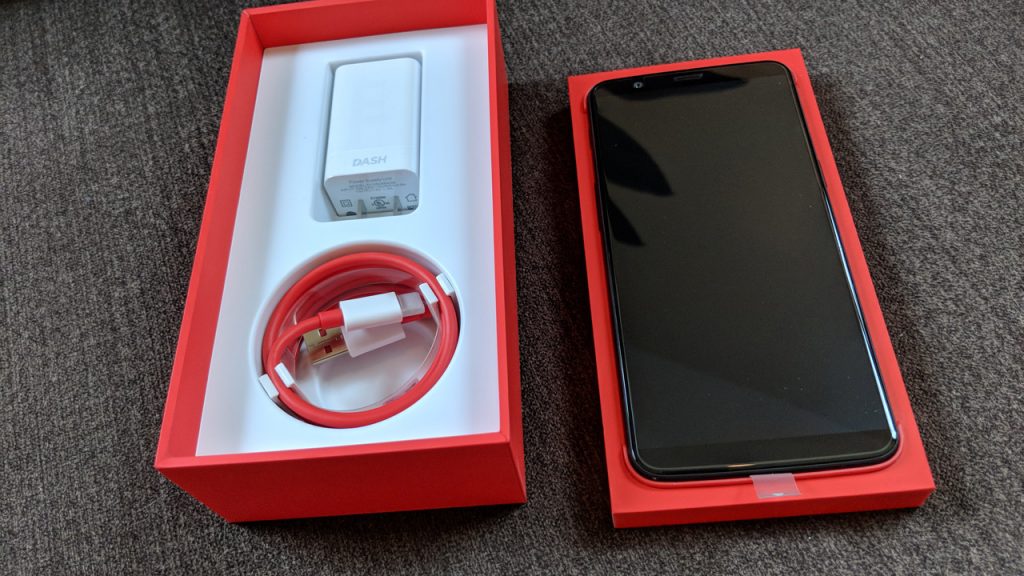
    OnePlus’s deal has always been offering flagship-level internals coupled with minimalist software, all for significantly less than similarly-specced devices. The OnePlus 5T has all the right stuff you’d expect for late 2017: a Qualcom Snapdragon 835 processor, SoC, a 6-inch, 18:9 screen, and a dual-camera. Is the the smartphone you deserve?

    The Great

    • Beautiful Screen
    • Blistering performance
    • Great battery life
    • Flagship-caliber cameras
    • Very fast charging:
    • Amazing value

    The Not

    • No wireless charging or microSD slot
    • Lacks optical zoom
    • Not water resistant

    The Conclusion

    If you’re willing to put up with a few small compromises then you could argue the OnePlus 5T could be even further up this list. One thing is for sure though: in terms of value for money it won’t disappoint.


    If it’s an affordable flagship you’re after, well, see what theThe OnePlus 5T has to offer. It’s bringing facial recognition, a 6-inch 18:9 display, dual rear cameras, a premium metal body and the latest power under the hood, all for a price that comfortably undercuts Apple, Samsung and friends.


    Screen:

    The 6-inch AMOLED display on the OnePlus 5T is fantastic, especially given the low price tag. It’s the best screen ever seen in a OnePlus handset and features the same 18:9 aspect ratio seen on the other Android flagship phones.


    Battery life:

    Solid all-day battery life is what you’ll get out of this phone. So it fits nicely in with the competition then – not as good as the LG V30 but comfortably as good as the Galaxy S9 and the rest.


    Camera:

    The camera, again, is decent without being standout. You won’t have any problems with it and you’ll be able to take some amazing photos with it. It’s not as good as the Pixel 2 but the far cheaper price tag will explain why.


    Quick Spec Look

    • Release date: November 2017
    • Weight: 162g
    •  Dimensions: 156.1 x 75 x 7.3mm
    •  OS: Android 7.1
    • Screen size: 6-inch
    • Resolution: 1080 x 2160
    •  CPU: Snapdragon 835
    •  RAM: 6/8GB
    • Storage: 64GB/128GB
    • Battery: 3,300mAh
    •  Rear camera: 20MP + 16MP
    • Front camera: 16MP


    The Final Thought

    If you are seriously looking at this phone, you shouldn’t be. This is the phone you get when your parents got a buy one get one free deal at their local cell phone shop. IF you are looking for a quality android, this has the specks but there are better options, go grab the LG V30.

  • Best 5 Laptops Under $500 in 2018

    Best 5 Laptops Under $500 in 2018

    Laptops are very essential these days- for school, work, or just personal use. The price of a premium new laptop can cost up to $1,000, which is pricey for anyone. Numerous companies have made laptops more affordable while keeping the quality and capabilities of more expensive laptops.

    You don’t have to feel like you’re settling when shopping for a laptop under $500. There are value-priced notebooks that include full-HD displays, solid performance and long battery life, plus all the ports you need. We picked all the best all-purpose laptops in $500 price range which we think are best laptops to suit the wide range of requirements of people. Here is a list of the best five laptops under $500!

    1. Dell Inspiron i3567 Laptop

    The latest version of this Dell laptop has a powerful system in place with 8GB of memory and a 128GB hard drive and a Intel Core i3-7100U 2.4GHz processor. It has a professional feel in it’s all black look with a 15.6-inch laptop with a screen resolution of 1366 x 768. The operating system runs smoothly with Windows 10 and is backed with a 12 month warranty, with 12 months of tech support.

    • A new, powerful hardware system
    • Has many ports and slots to use your external devices
    • 8 GB Ram
    • 7th Gen Intel Core i5 processor
    • It is not backlit enabled
    • Battery life up to 5 hours

    2. Acer Aspire A515-51-50RR Laptop

    The Acer Aspire 5 is one of the best budget full-size laptops you can find in stores today. It checks most of the right boxes: well built, slim and fairly light, gets a decent keyboard, an IPS screen and modern hardware, performs well, runs cool and quiet and lasts for a long while on a charge. This slim and sleek laptop is a great all round performing laptop, especially for the price. The visuals are spot on with vivid, bright colors.

    • LCD display and is backlit
    • 2.50 GHz Intel Core i5-7200U processor
    • Storage: 1TB hard disk
    • Intel HD 620 graphics
    • Battery life up to 7 hours
    • All-plastic chassis

    3. HP 15-ay191ms Laptop

    The HP 15-ay191ms, a signature edition laptops that comes with a seventh-generation Intel Core i3 processor, 8GB DDR4 system memory, 1TB of storage and a touchscreen, but still remains insanely affordable. It’s one of those laptops you’d buy without a second thought if you find inexpensive chromebook attractive, but really, really need Windows. If you love touchscreen, this one’s for you! This laptop contains the Kaby Lake processor which makes this laptop consume little power. Apps are not an issue here, they all run very smoothly.

    • Touchscreen
    • Intel Core i3-7100U processor
    • 8GB RAM
    • 1TB hard drive
    • Lag-free performance
    • Battery life up to 6 hours

    4. Dell Inspiron i3567-5185BLK Laptop

    Yet another Inspiron made this list! This version comes in different color options and a textured finish.  Packed with a large 15.6 Inches display and a decent 7th Gen Intel Core i5-7200U up to 3.1GHz CPU processor. This Dell laptop model would work well for portability with its 4.85 Pounds lightweight design and sleek black look. Great for school work or the family computer. A huge bonus with this laptop is it doesn’t heat up much!

    • 2.4 GHz Intel Core i3-7100U processor
    • 8GB RAM
    • TB hard drive
    • LED display with a built-in webcam and mic
    • Battery life is up to 6 hours

    5. ASUS Chromebook Flip

    This is one of the best convertible laptops on the current market. The Asus Chromebook Flip C302 is worthy of its premium stature with a gorgeous screen, tactile keyboard and a classy design that’s equally as comfortable to use in tablet mode or as a traditional laptop. The screen is a full HD touchscreen and can be converted from a laptop to a tablet by turning the screen. A top pick for a college student!

    • Intel Core m3 processor
    • 4GB RAM
    • 64GB of SSD storage
    • Battery life of up to 10 hours

  • SmartPhone Spotlight: Sony Xperia XZ

    SmartPhone Spotlight: Sony Xperia XZ

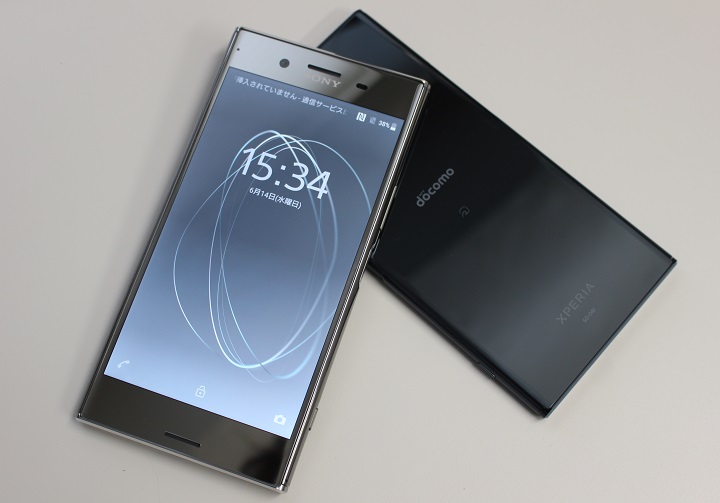
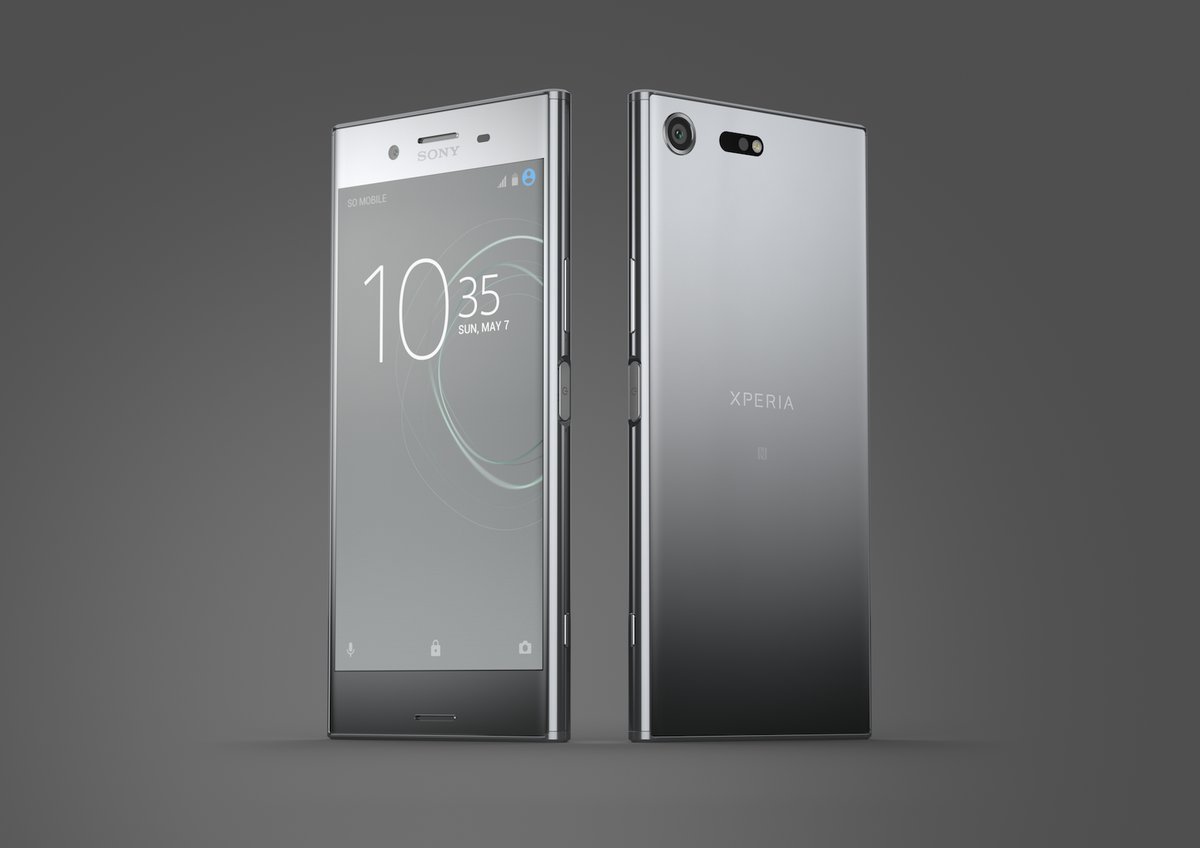
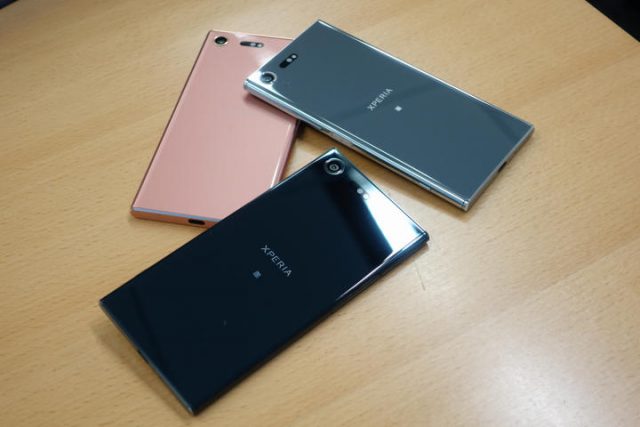
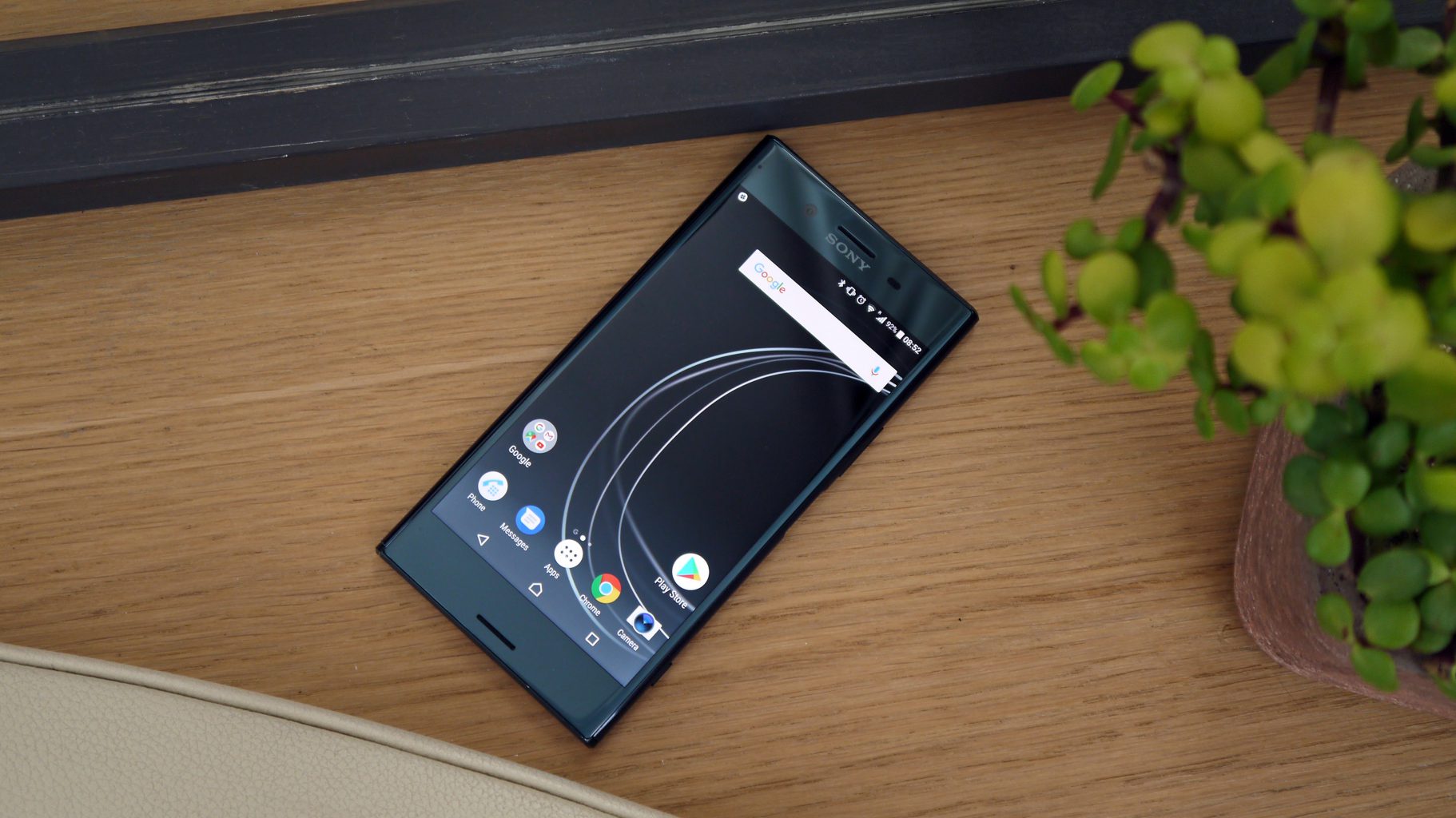
    The Xperia XZ Premium features the new Motion Eye a camera so advanced it captures motion that the human eye can’t see. And with its unified design, astonishing 4K HDR display, and intelligent features, it’s Sony’s most groundbreaking smartphone to date.


    The Great

    • Nice HDR Screen
    • Good Power


    The Not

    • No 4k Content
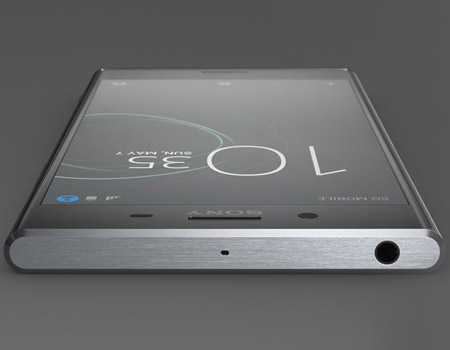
    • Lot of Bezels
    • Poor design


    The Conclusion

    The square corners won’t appeal to everyone but if you want to watch 4K video and review your photos in as much detail as possible, this is a great phone.


    Sony’s 4K-screened phone sounds like a gimmick, but the display is packed with so much technology that it impresses despite that. The color reproduction and pixel quality is superb, and the camera really rewards those that make an effort to get the best out of it.


    Battery life

    The XZ Premium does pretty well given how many pixels it’s driving on that 4K screen. It’ll last you a full day with a little more to spare on moderate use, thanks to some dynamic screen technology that actively alters how much is being used.


    Camera

    Sony’s got this new camera gimmick called the Motion Eye. The Motion Eye™ camera with Super slow motion records video at 960 frames per second, for playback four times slower than any other smartphone. Predictive Capture stays one step ahead of the action, as it starts buffering images even before you press the button. I will say the pictures are impressive


    Screen

    This is the only phone out there with a full-blown 4K screen, and it also comes with HDR tech. The amount of HDR content for mobiles is increasing all the time, but even without that this screen makes even the most mundane image look brighter and more colorful, and the rest of the phone is impressively powerful.


    Quick Spec Look

    •  Weight: 195g |
    • Dimensions: 156 x 77 x 7.9mm
    • OS: Android 7
    • Screen size: 5.5-inch
    • Resolution: 3840 x 2160
    •  CPU: Snapdragon 835
    • RAM: 4GB
    • Storage: 64GB
    •  Battery: 3,230mAh
    • Rear camera: 19MP
    • Front camera: 13MP


    The Final Thought

    This is one of the top 20 smartphones on the market for 2018. It has its moments of wow, it also falls short in every category next to an iPhone or even top tier android. If a deal and a steal comes your way, Sony’s new phone won’t disappoint and will take you through the next year and half but upgrading will always be on your mind.

  • Smartphone Spotlight: Galaxy Note 9

    Smartphone Spotlight: Galaxy Note 9

    The 128GB Galaxy Note 9 can be purchased through carriers including AT&T, Sprint, T-Mobile, U.S. Cellular, Verizon Wireless and Xfinity, along with Best Buy, Costco, Sam’s Club, Straight Talk Wireless, Target, Walmart, Samsung.com and the ShopSamsung app.

    The Great

    • Slamtastic Screen
    • Instalike worthy camera
    • Adequate long battery
    • Interesting new S-Pen tricks
    • All the Specs needed

    The Conclusion

    The Galaxy Note 9 is Samsung’s Ultimate cry for tech geek attention. It has all the specs, a gigantic, magnificent, Fortnite worthy screen, a Bluetooth-powered S Pen, and a headphone jack… you know just all the essentials on the checklist for the kind of Android user that Samsung is targeting with a Note update. It’s a Phablets lover’s dream come true!

    I’m sure we all remember the note 7 scandle, but that is all history for the Galaxy Note brand. That was two years ago, this is the Note 9 we are talking about today.

    Galaxy Note 9 puts powerful technology in the hands of the tech geeks and gamers who demand more powerful and more screen from their smartphones. It certainly boast Innovative features and design make it the only phone to keep up with the next generation of users. Yes the rumors we have been telling you are true. Packed with a huge battery, a massive screen, and a powerful stylus, the Note 9 has more of everything than any other phone on the US market.

    How does it look and feel

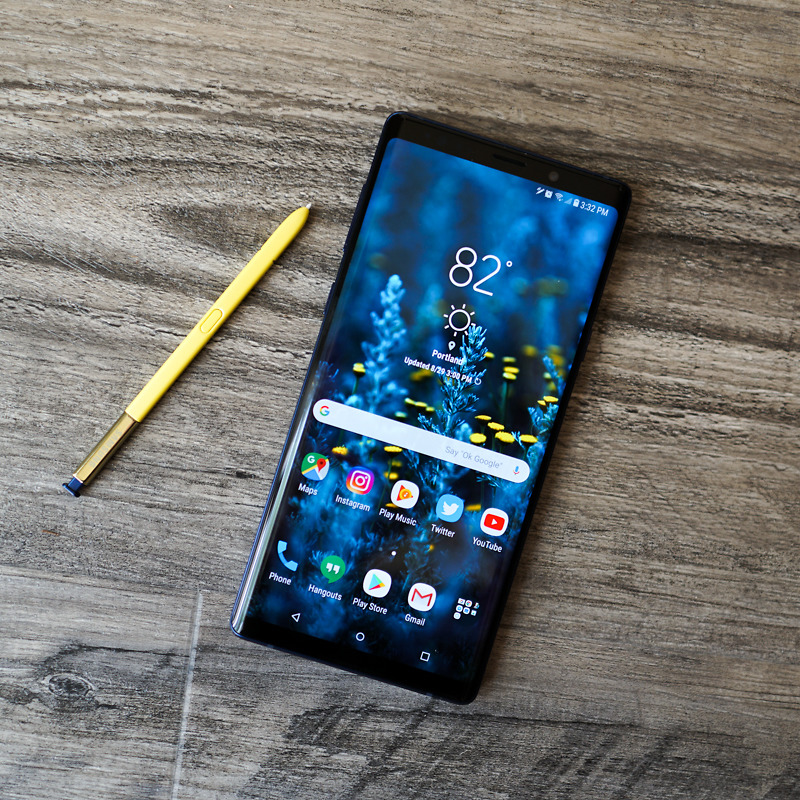
    It’s large, I mean this phone is obscenely large. And when you put it in a case, it will become a liability. This is not a one-handed phone for any but the largest hands. Samsung moved the fingerprint sensor so no longer will the Note 9 fit into Note 8 case. On the bright side no more inadvertently smudging the camera lens.

    The Galaxy Note 9 has a 6.4-inch quad HD Super AMOLED curved screen, and USB-C and standard headphone jacks, it is IP68 Waterproof. We have been through this, the checklist of required wants and needs are covered. Not only that but it is stunning, think Charlene Theron on the red carpet elegant.

    No 5g on The Galaxy Note 9

    We have talked about 5G coming next year, Don’t get hung up on that; it will be another year before 5G is widespread and before chipset makers work out the power-management kinks that come with new wireless data systems. Yes write that down you are hearing it here first. Next year’s Note 10 will be 5G. Wanna wait that long? Anyways, The existing X20 modem get speeds up to 700Mbps with the right carrier setup, showing there’s still plenty of room in 4G. That’ll do, That’ll do just fine.

    Sounds and Stuff

    The Note 9 brings the S9+’s dual speakers to the Note line. The two speakers are by the earpiece, and along the bottom. Compared to the previous Note 8’s single bottom speaker, the speakers here aren’t much louder but clarity and treble are off the charts. Outside of the iPhone X I don’t think I have heard a better device speaker.

    The Biggest Difference

    The Galaxy Note 9’s biggest upgrade is its enhanced and gargantuan 4,000mAh battery hit it with a 10-hour battery test video. Yes you know the one where I leave it on the10 hour loop of He-Man singing 4 non blondes “what’s going on”. Results, 13% left, astounding. This leads me into projecting screen-on battery life out to 12 and half hours. That Destroys all other flagship smartphone on the market. The battery is significantly larger than the one in the Galaxy S9+ (3,500mAh, 10+ hours), the Galaxy Note 8 (3,300mAh, 6 hours), or the Galaxy Note 5 (3,020mAh, 8 hours and 30 minutes).

    Quick Speck Look

    • Graphics Mali-G72 MP18
    • Processor Octa core (2.7 GHz, Quad core, M3 Mongoose + 1.7 GHz, Quad core, Cortex A55)
    • Architecture 64 bit
    • Ram 6 GB
    • Audio Features Dolby Atmos, Dolby Digital, Dolby Digital Plus
    • Display Type Super AMOLED
    • Aspect Ratio 18.5:9
    • Screen Size 6.4 inches (16.26 cm)
    • Screen Resolution 1440 x 2960 pixel

    The Final Thought

    If this thing doesn’t explode in our face we have a monster here. The screen alone will improve your Fortnite results instantly giving you an unfair advantage over any other player on a regular smartphone. It’s the battery though, it’s just too good to be true. Add in their shaky past and it’s something to be weary off.


  • 3 Reasons to Update your iPad and 3 Reason to Not

    3 Reasons to Update your iPad and 3 Reason to Not

    So we have all heard and see the reviews of the new iPad. its great, its a new ipad, we get it.  The real question is should you update yours, its it the viable option for anyone looking for a good tablet at a reasonable price? Here are the 3 reason you want the new iPad and the 3 reason you don’t really need it.


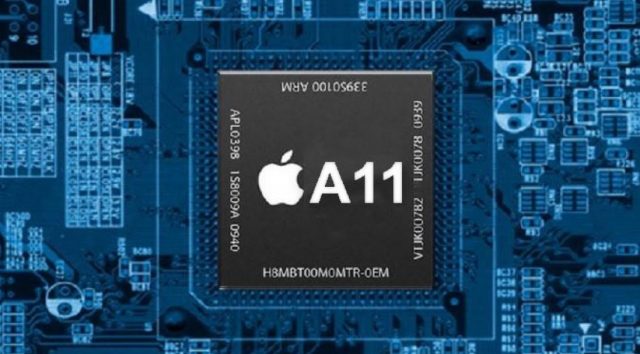
    1. The Processor, A11

    Apple has updated teh processor in its new 9.7 inch ipad. The  A10 Fusion chip inside the new iPad provides a lot of horsepower for multitasking, playing games and running augmented-reality apps. Power for the slew of Augmented reality games and apps coming out is a necessity. This will be big and an ipad or mobile phone with out the power will be a liability. This reason alone makes this iPad a need. If you’re going to be editing video with the iPad, you’ll be glad to know it can churn through clips with ease. It transcoded a 4K clip in just 57 seconds. need

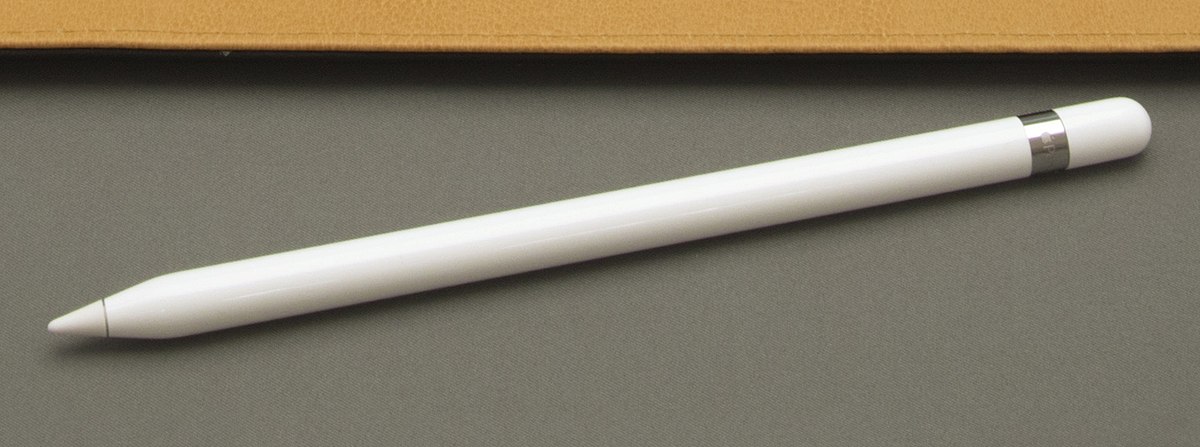
         2. Apple Pencil makes a big difference

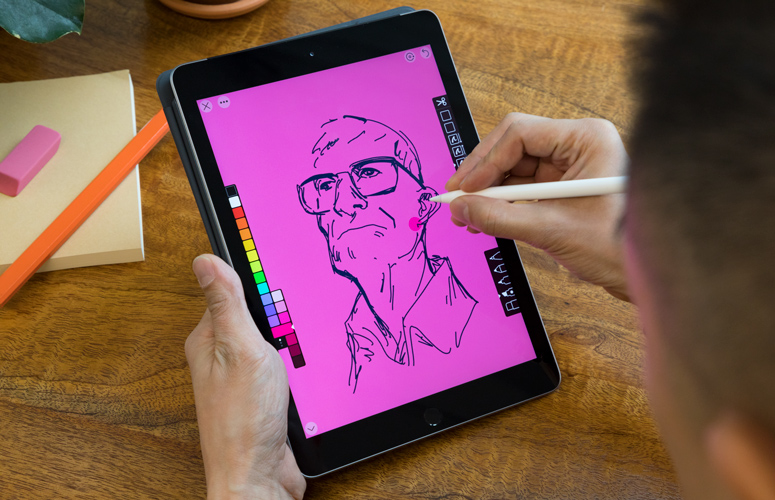
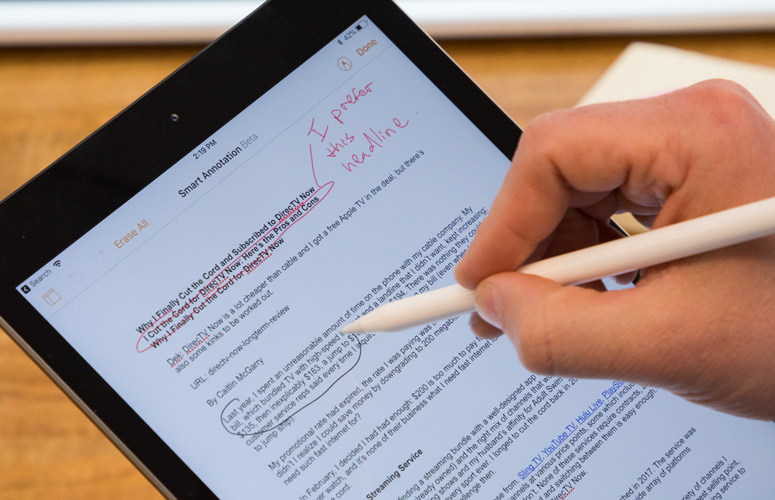
    The Apple Pencil is a worthwhile accessory for taking notes, drawing or marking up documents. It provides remarkable precision without lag, as well as both tilt sensitivity and pressure sensitivity. All of Apple’s iWork apps have been updated to support the Apple Pencil, including Pages, which has a handy new Smart Annotation feature. Its only $99 for schools.


         3. Camera And Battery

    The 8-megapixel camera on the back of the 9.7-inch iPad captures sharper-looking photos and smooth 1080p video, which makes it a valuable tool for anyone working on multimedia projects. The Battery has been vastly improves to  lasted just over 10 hours.


    So why would I pass on this less expensive iPad? There are some things you should consider, its not all gravy with the new iPad.

    1. The Design

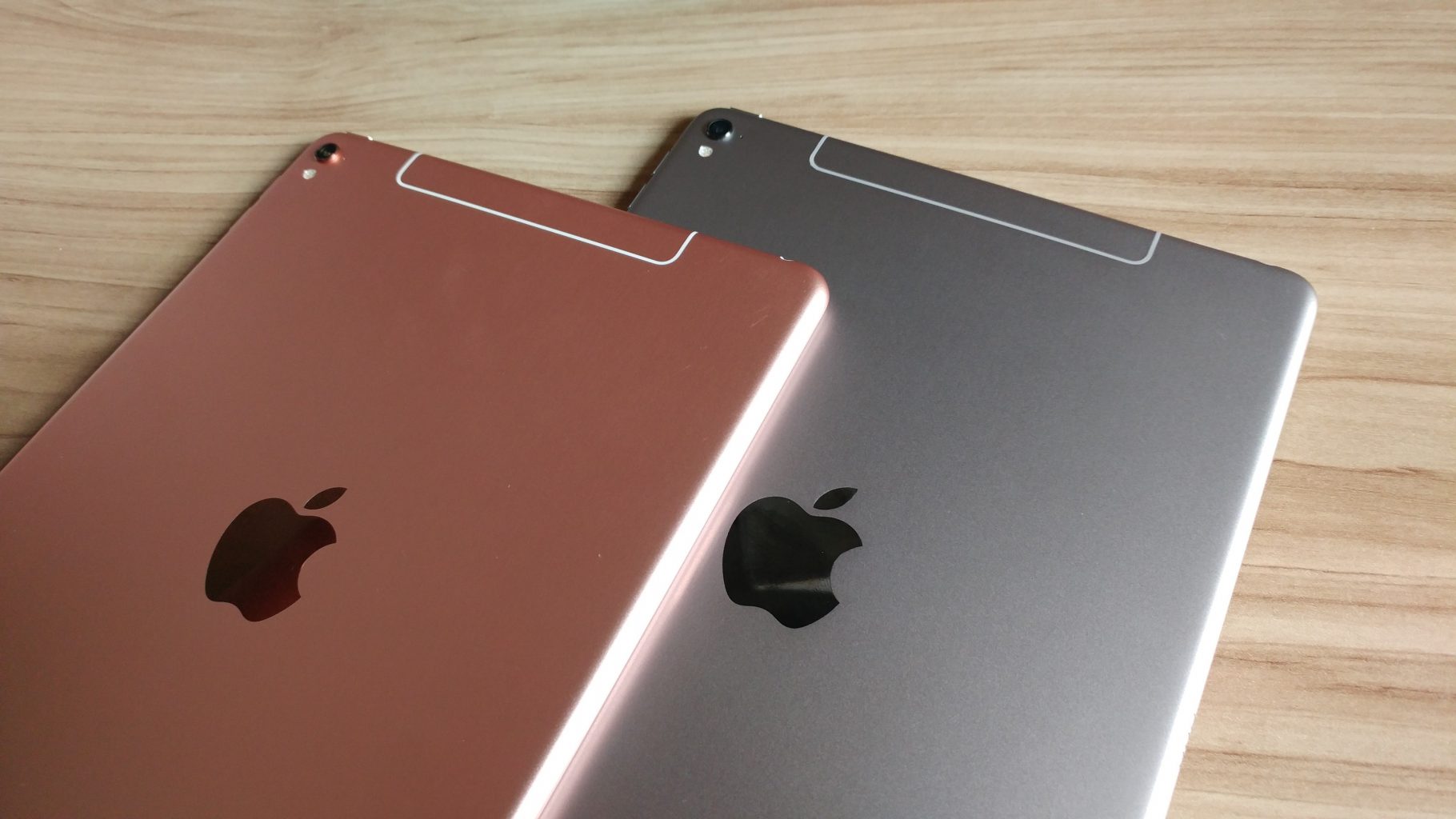
    its the same old, same old looking iPad. No real physical improvements in 3 years now. its not thinner, lighter or more elegant. They even stuck with the home button instead on making the iPhone X jump in design. pass.


    2. All the New Accessories

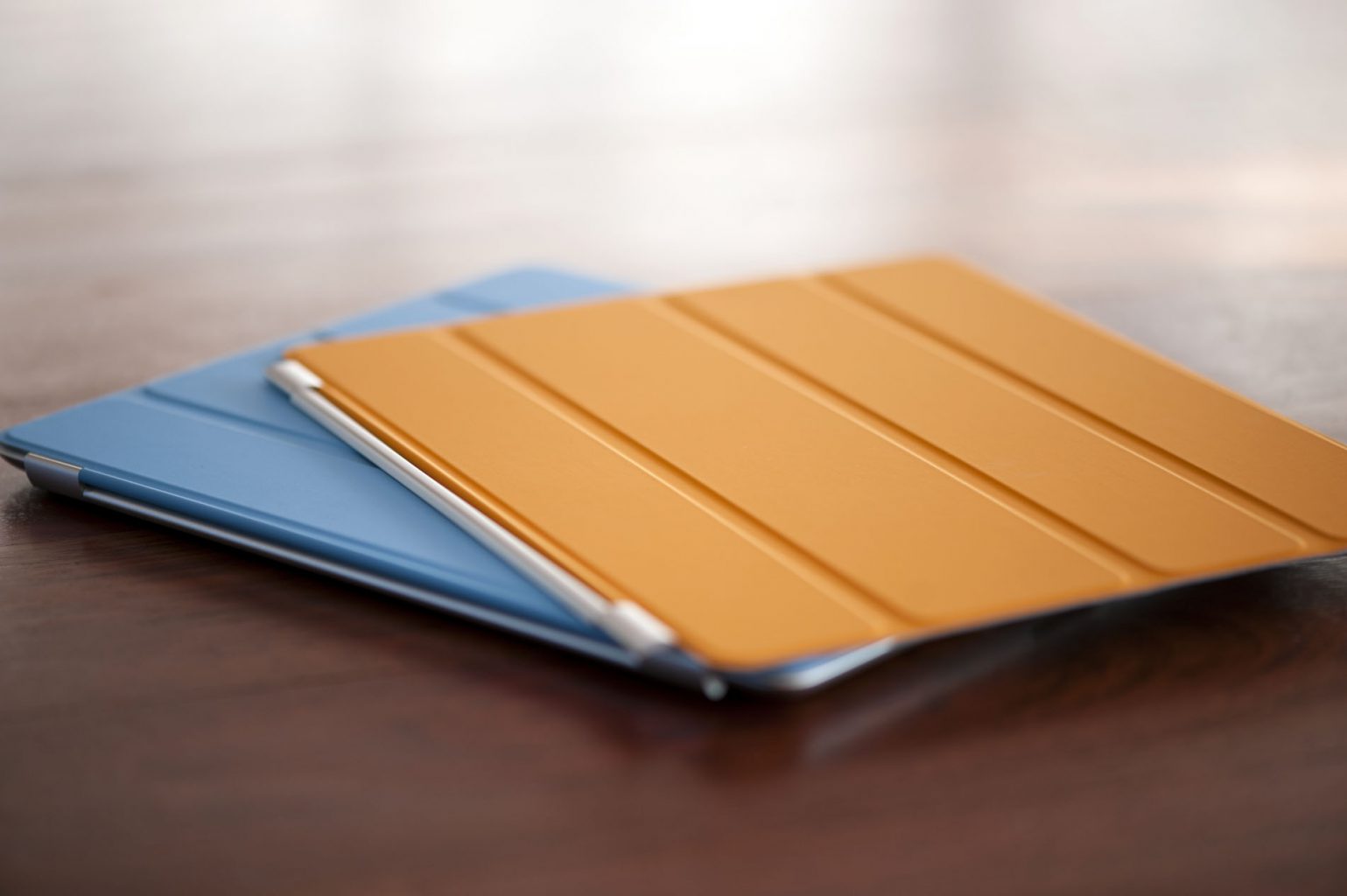
    Toys, gadgets, features and functions all come with a hefty price. The pencil alone is $99, add in the keyboard and iPad Smart Cover you are adding another $150. The $299 price has us all excited but here they come with the add-ons. You’re gonna get add-ons. Oh yeah and the Keyboard wont even work with the new iPad… pass

    3 The Display

    Another big miss on the new iPad is the display. We are stuck with the same LED, it would have made all the sense to go to an OLED like the iPhone X. Instead they just left it alone, no enhancement to the screen at all.  pass..


    The Final Thought

    I love the power, I probably wont use the pen.. I mean its cheap enough but Im not rushing to pick one up. I’m just not moved and I need to be moved.

  • Hands On the New iPad

    Hands On the New iPad

    If the computer were invented today, what would it look like? It would be powerful enough for any task. So mobile you could take it everywhere. And so intuitive you could use it any way you wanted — with touch, a keyboard, or even a pencil.1 In other words, it wouldn’t really be a “computer.” It would be the new iPad.


    The Great

    • Fast A10 Fusion performance
    • Works with Apple Pencil
    • Fun augmented-reality apps
    • Good battery life

    The Not

    • Thick bezels
    • Apple Pencil
    • keyboard and cover at additional cost

    The Conclusion

    The new 9.7-inch iPad provides plenty of power, long battery life and Apple Pencil support, all for a really great price. What are you waiting for..? Go update.


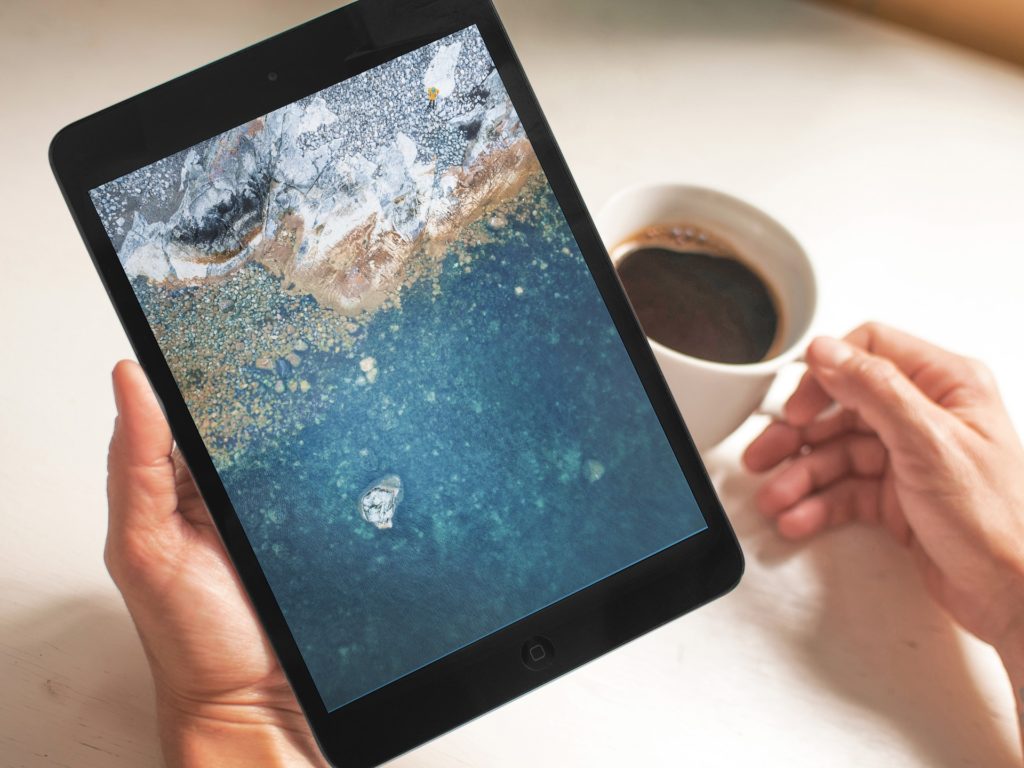
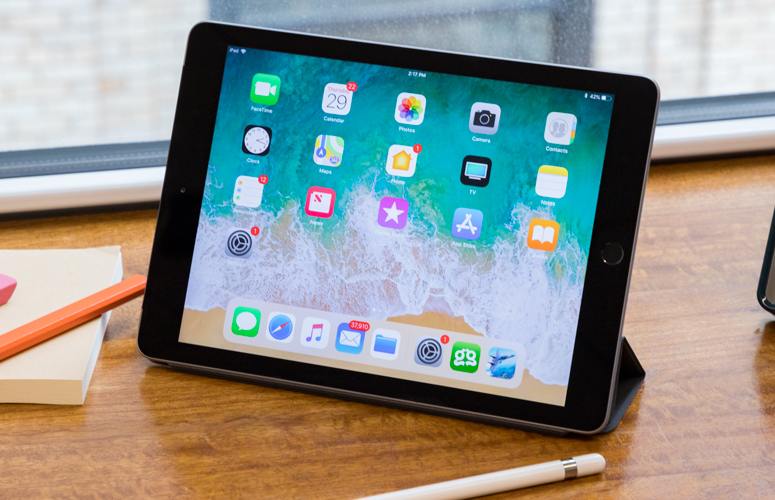
    The iPad still packs a sharp, 9.7-inch display into a compact and lightweight aluminum package. But the overall aesthetic is a bit tired in an age of shrinking bezels on phones; the thick black border around the screen feels somewhat antiquated even for the iPad’s relatively low price. The budget iPad from 2017 has been updated – Apple says it’s an iPad for education, but it’s actually a really impressive tablet for the general user who wants to get a great experience – and having the Apple Pencil support on there as well is great


    The Design

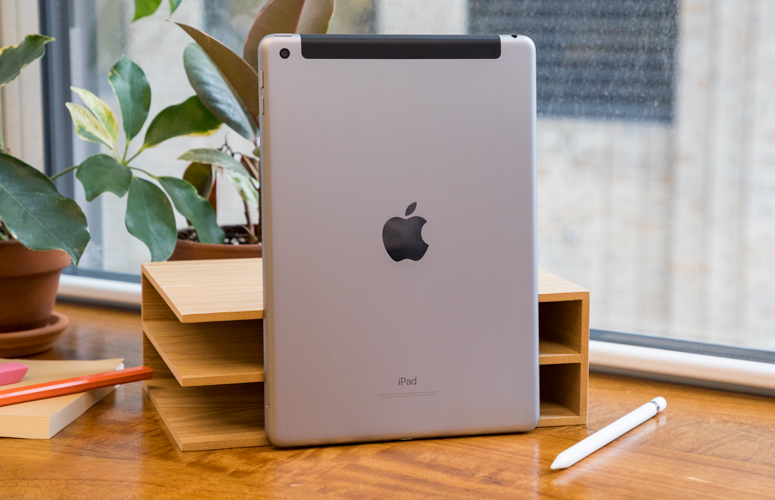
    The  design feels solid, and I didn’t feel that much strain when holding the device up to browse the web, check my email and play with AR apps for long stretches. The iPad weighs a very manageable 1.03 pounds for the Wi-Fi version (the LTE model weighs 1.05 pounds), and it measures just 0.29 inches thick.

    The trusty old Home button sits beneath the screen to handle Touch ID for logging in, and there’s a Lightning connector on the bottom for charging and a headphone jack up top

    The 9.7-inch display on the iPad packs 2048 x 1536 pixels, so it’s plenty sharp for watching movies, playing games and working on reports. It’s also bright and colorful; as I watched the trailer for Avengers: Infinity War on this panel, I could make out individual wisps of the Scarlet Witch’s red hair dappled in sunlight, and the details of her leather jacket didn’t get lost in the shadows.


    The Pencil

    The main feature of the new iPad is the fact that it’s Apple Pencil-compatible, something that’s not been seen since the launch of the iPad Pro range. Apple’s entry-level iPad now supports Apple Pencil, which means you can use the $99 accessory to draw, take notes and interact with a growing number of Pencil-enabled apps. This is the first ‘normal’ tablet from Apple to take advantage of the accessory, and it’s designed to give students a chance to ditch the notepad and use only the iPad for class.

    A tool so precise that Disney animators use it, the Apple Pencil felt completely natural to use in my testing. Writing with it will be hard to actually input though, and that’s partly down to the fact that most people have forgotten how to actually write words down, and partly because the feel of the screen under the Apple Pencil still feels too slippery to write properly.

    If you slow down it’s not too bad, but you can’t note-take as fast as with a pen and notepad.


    The Final Thought

    With a power upgrade and the support for the pencil all at a cheaper price whats not to like. The ipad is already best in class, there are tablets then there is the iPad. Speaking as someone who worked the front retail lines in the mobile universe, you cant give tablets away but everyone wants an iPad.


  • Roku Streaming Stick Plus: Yay or Nay?

    Roku Streaming Stick Plus: Yay or Nay?

    We all know how pricey television services have become, which is why many people are opting out and choosing streaming services instead.  Who can blame them considering how much money you can save in return? Today’s generation has taken interest in using streaming services instead. Roku is among the most popular! 

    The Roku has especially been a strong leader in the streaming box market since it has the capability to support literally every streaming service you can think of – such as Netflix, Hulu and Amazon.  The latest version is the Streaming Stick Plus, which runs for about $70. Not too much has changed with the stick vs the prior version, but let’s review the good and the not so good.


    The Good

    • Easy installation, just plug it in!
    • Remote can control the TV power and volume- win, win! 
    • 4K HDR video
    • Dolby Atmos Audio- the best of the best! 
    • Voice search available- no more trying to figure out what content is in which app!


    The Not So Good

    • The actual stick itself is a bit lengthy.  Depending on your TV location, you may need an HDMI adaptor for it to fit correctly.
    • Lack of Dolby Vision support
    • The format of apps hasn’t changed much since Roku first came out.  This may be a good thing depending on how you look at it. (It is very user friendly this way!)


    The Bottom Line

    If you’re considering transitioning to using streaming services, you should absolutely go for the Roku Streaming Stick Plus. The good far outweighs the bad and being able to save a little money is always a plus!

  • Best 5 Laptops Under $500 in 2018

    Best 5 Laptops Under $500 in 2018

    Laptops are very essential these days- for school, work, or just personal use. The price of a premium new laptop can cost up to $1,000, which is pricey for anyone. Numerous companies have made laptops more affordable while keeping the quality and capabilities of more expensive laptops.

    You don’t have to feel like you’re settling when shopping for a laptop under $500. There are value-priced notebooks that include full-HD displays, solid performance and long battery life, plus all the ports you need. We picked all the best all-purpose laptops in $500 price range which we think are best laptops to suit the wide range of requirements of people. Here is a list of the best five laptops under $500!

    1. Dell Inspiron i3567 Laptop

    The latest version of this Dell laptop has a powerful system in place with 8GB of memory and a 128GB hard drive and a Intel Core i3-7100U 2.4GHz processor. It has a professional feel in it’s all black look with a 15.6-inch laptop with a screen resolution of 1366 x 768. The operating system runs smoothly with Windows 10 and is backed with a 12 month warranty, with 12 months of tech support.

    • A new, powerful hardware system
    • Has many ports and slots to use your external devices
    • 8 GB Ram
    • 7th Gen Intel Core i5 processor
    • It is not backlit enabled
    • Battery life up to 5 hours

    2. Acer Aspire A515-51-50RR Laptop

    The Acer Aspire 5 is one of the best budget full-size laptops you can find in stores today. It checks most of the right boxes: well built, slim and fairly light, gets a decent keyboard, an IPS screen and modern hardware, performs well, runs cool and quiet and lasts for a long while on a charge. This slim and sleek laptop is a great all round performing laptop, especially for the price. The visuals are spot on with vivid, bright colors.

    • LCD display and is backlit
    • 2.50 GHz Intel Core i5-7200U processor
    • Storage: 1TB hard disk
    • Intel HD 620 graphics
    • Battery life up to 7 hours
    • All-plastic chassis

    3. HP 15-ay191ms Laptop

    The HP 15-ay191ms, a signature edition laptops that comes with a seventh-generation Intel Core i3 processor, 8GB DDR4 system memory, 1TB of storage and a touchscreen, but still remains insanely affordable. It’s one of those laptops you’d buy without a second thought if you find inexpensive chromebook attractive, but really, really need Windows. If you love touchscreen, this one’s for you! This laptop contains the Kaby Lake processor which makes this laptop consume little power. Apps are not an issue here, they all run very smoothly.

    • Touchscreen
    • Intel Core i3-7100U processor
    • 8GB RAM
    • 1TB hard drive
    • Lag-free performance
    • Battery life up to 6 hours

    4. Dell Inspiron i3567-5185BLK Laptop

    Yet another Inspiron made this list! This version comes in different color options and a textured finish.  Packed with a large 15.6 Inches display and a decent 7th Gen Intel Core i5-7200U up to 3.1GHz CPU processor. This Dell laptop model would work well for portability with its 4.85 Pounds lightweight design and sleek black look. Great for school work or the family computer. A huge bonus with this laptop is it doesn’t heat up much!

    • 2.4 GHz Intel Core i3-7100U processor
    • 8GB RAM
    • TB hard drive
    • LED display with a built-in webcam and mic
    • Battery life is up to 6 hours

    5. ASUS Chromebook Flip

    This is one of the best convertible laptops on the current market. The Asus Chromebook Flip C302 is worthy of its premium stature with a gorgeous screen, tactile keyboard and a classy design that’s equally as comfortable to use in tablet mode or as a traditional laptop. The screen is a full HD touchscreen and can be converted from a laptop to a tablet by turning the screen. A top pick for a college student!

    • Intel Core m3 processor
    • 4GB RAM
    • 64GB of SSD storage
    • Battery life of up to 10 hours