Tag: apple

  • Aloe Bud Is the Self-Care App You Need Now

    Aloe Bud Is the Self-Care App You Need Now

    Do you ever feel stressed out? Well, there’s an app for that.

    Aloe Bud offers push notifications to remind you to be kind to yourself. You can configure notifications for everything from drinking more water, taking deep breaths, to getting up from your desk to move, and many other options.

    Millennial Mindfulness

    With its quirky design and cheerful retro graphics, the Aloe Bud app is clearly designed with Millennials in mind. The oft-maligned generation is more open to incorporating practices like yoga and meditation into their daily routines. Not only that, but they’re willing to shell out a few bucks at a time to get the latest mindfulness app.

    Self-care is a thriving business, and with an increased focus on wellness pervading almost every industry, it’s easy to get cynical about the whole thing. However, there is real value in being reminded to take a moment out of your day to look after your wellbeing. Aloe Bud makes it easier to do just that.

    Easy-to-Use App

    Aloe Bud is unusual in that it doesn’t require a ton of personal information to create an account—no sign-up process that gathers your name and address, and no Facebook link to turn self-care into a competitive sport.

    The interface is straightforward, with a grid of boxes containing a cute graphic and intuitive label for each type of self-care activity. You can choose to get alerts for any of these activities throughout your day. The app is also useful for tracking your good habits!

    Deceptively Simple

    Developer Amber Discko created the app based on her own need to de-stress and take better care of her wellbeing. Working with a mental health professional, her team carefully chose language that was positive, encouraging, and respectful of common triggers for anxiety.

    The app is free from the Apple store, although there is a $4.99 expansion pack of new texts to keep things fresh.

  • The Best Tablets for Kids

    The Best Tablets for Kids

    Screen-time for kids may be a controversial topic, but plenty of parents have discovered fun, educational ways to integrate technology into their children’s lives. We’ve rounded up the best tablets for kids of different ages so that you can make an informed decision about which one to purchase.

    Why Buy a Kids’ Tablet?

    Unlike “grown-up” tablets and smartphones made by Samsung or Apple, devices designed for kids have more robust designs to withstand rough handling and more options for parental controls to limit or block certain functions. Many kids’ tablets come pre-loaded with age-appropriate apps; for example, the kid editions of the Amazon Fire tablets are bundled with a subscription to FreeTime.

    Best Tablets for Ages 3 to 6

    For the littlest ones, a kid-friendly tablet like those made by Leapfrog is your best bet. The LeapFrog Epic is tough but basic, with an intuitive Android OS that can run either the premium proprietary apps from LeapFrog or third-party apps from Amazon. One downside to the Epic is the battery life, which only lasts about five hours. If you’re planning a trip and need to keep the kiddos entertained, make sure to bring the tablet’s charger!

    Best Tablet on a Budget

    Although it doesn’t have as many bells and whistles as the newest model, the Amazon Fire 7 Kids Edition is the best value on the market. We love the sturdy, bright case that comes with the Kids Edition, as well as the year-long subscription to Amazon’s FreeTime Unlimited, which is stocked with plenty of games, books, videos, and other digital delights. Best of all, Amazon offers a two-year replacement plan, so if accidents happen—and with kids, they often do—you will be covered.

    Best Tablet for Work and Play

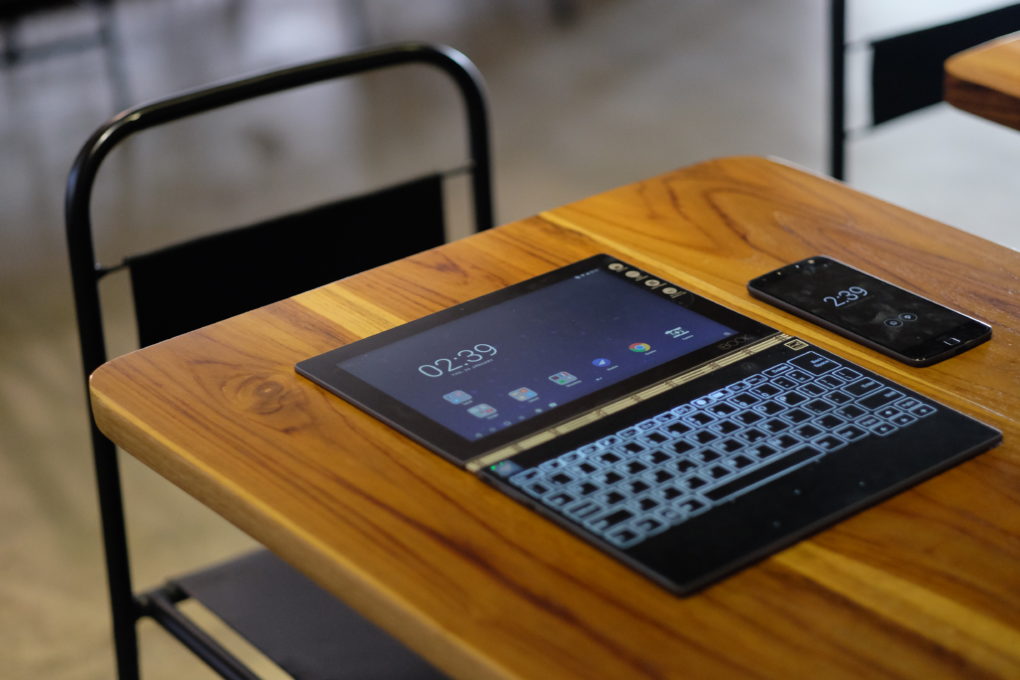
    The Kurio Smart is an interesting hybrid of kids’ tablet and basic laptop. The detachable keyboard and Windows 10 operating system lets the Kurio Smart function more like a simple laptop, which is great for kids who need to browse the internet and use Microsoft Office products for schoolwork. It performs equally well as a tablet for reading and games once the homework is done.

    Best Tablet to Grow with the Child

    If you have the budget for it, the iPad Mini is the most versatile tablet on the market. While we wouldn’t recommend it for toddlers, elementary school kids can get years of use out of an iPad as their educational and entertainment needs change. Though more fragile than the tablets made just for kids, the iPad Mini can also do a lot more. Great display, long battery life, and top-notch support from Apple make the iPad Mini a worthwhile investment. Just make sure you also purchase a kid-friendly plastic case and a screen protector—you’ll want this tablet to last!

  • Top 5 Laptop Brands

    Top 5 Laptop Brands

    So its time to purchase a new laptop. There are so many options to consider, size,weight, screen size, power and batteryand dont forget which brand to buy. All Laptops Brands will give you the plethora of build and model options to customize so starting with the brand of laptop is probably the best place to start. Whether you’re purchasing a $1,500 gaming laptop or a $200 Chromebook, the brand matters. That’s why we rate the top 5 laptop brands each year, based on their support, design, innovation, value/selection and, most of all, product quality.
    [adTextOnly]

    1. Lenovo  (8.6/10)

    For 2018, Lenovo retained its place for a second year as the best laptop vendor, but it just barely edged out second-place Dell and third-place HP. Apple, which used to dominate this contest, fell all the way to fourth place, down from second last year.

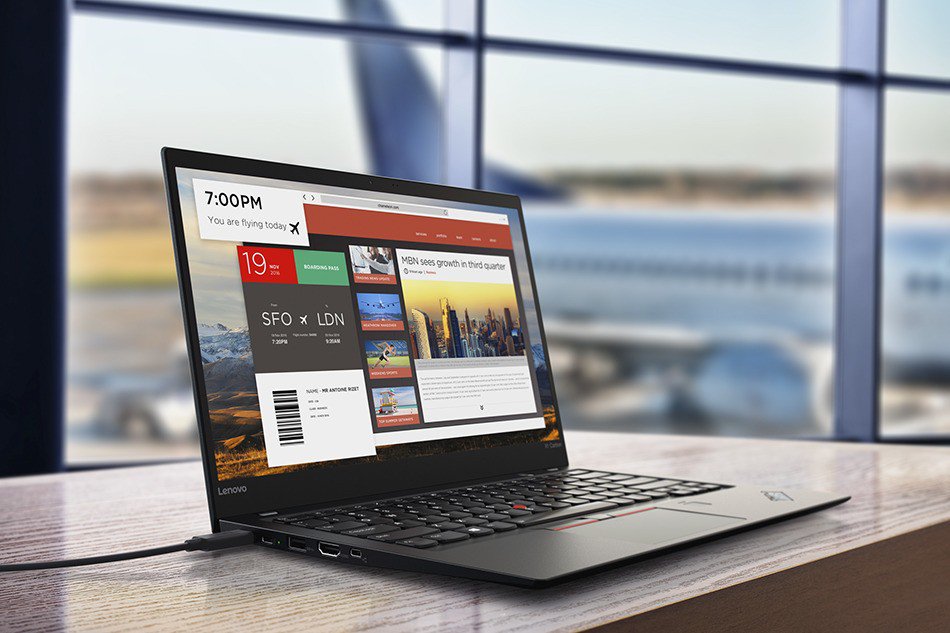
    Lenovo takes first place again this year, on the strength of the company’s fantastic product lineup. From the beautiful ThinkPad X1 Carbon, which was the only product to get a perfect, 5-star review in the past year, to the versatile Yoga 920, Lenovo’s laptops earned the most Editors’ Choice awards of any brand. And a full 53 percent of the company’s laptops scored 4 or higher. However, Lenovo’s tech support scores declined from last year, and stiff competition from HP and Dell made this a nail-bitingly close race.

    [adTextOnly]


  • Update to the iPhone SE line Could Be Coming

    Update to the iPhone SE line Could Be Coming

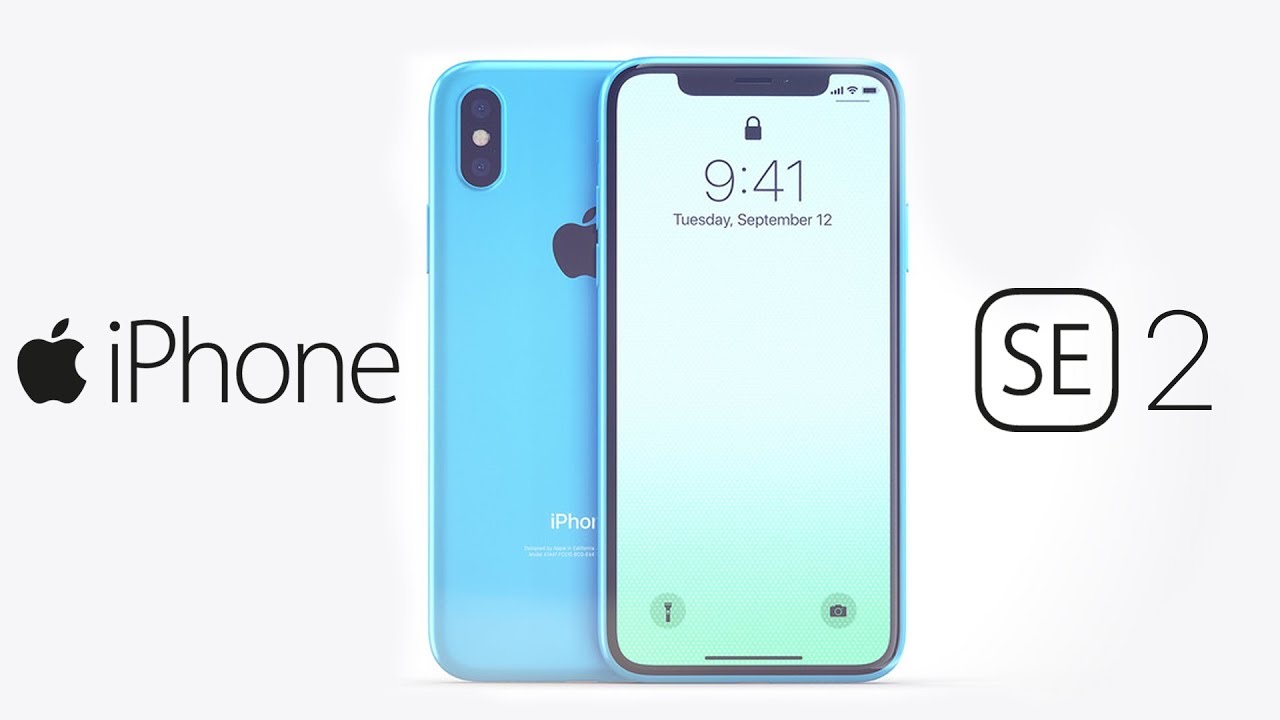
    A new hint has surfaced to support the rumor that Apple will release an iPhone SE 2 in the near future, but it’s a roundabout one, so bear with us. I promise, this will all make sense. Apple recently registered several unreleased iPhone model numbers with the Eurasian Economic Commission (EEC), a Russian-language regulatory organization.

    The filing by the Eurasian Economic Commission (EEC), which authorizes devices for a number of countries including Russia and Armenia, shows it has given the all-clear for a number of iPhones to go on sale. The information in the filing does not specify model names, but rumors and the timing of the filing strongly point to another iPhone SE launch.

    Found by Consomac, the devices are identified with the model numbers A1920, A1921, A1984, A2097, A2098, A2099, A2101, A2103, A2014, A2015, and A2016. None of the iPhones Apple has previously launched use these model numbers, indicating them to be brand new devices.

    Few other bits of useful information are offered in the filing, but it is noted the listed iPhones will ship running iOS 11. It is likely this is shorthand to refer to iOS’ main generational release, and the iPhones themselves will ship with a more recent version, such as iOS 11.3.

    But before you start celebrating the thought of 11 new iPhones, keep in mind that Apple sometimes uses different model numbers for the same type of iPhone.  However, there is a chance that at least a few of those model numbers could belong to the rumored iPhone SE 2, which is overdue for a refresh. As iPhones become larger and quite possibly more expensive, the smaller, scaled-back iPhone SE is Apple’s one phone that can compete with an army of cheaper Androids.


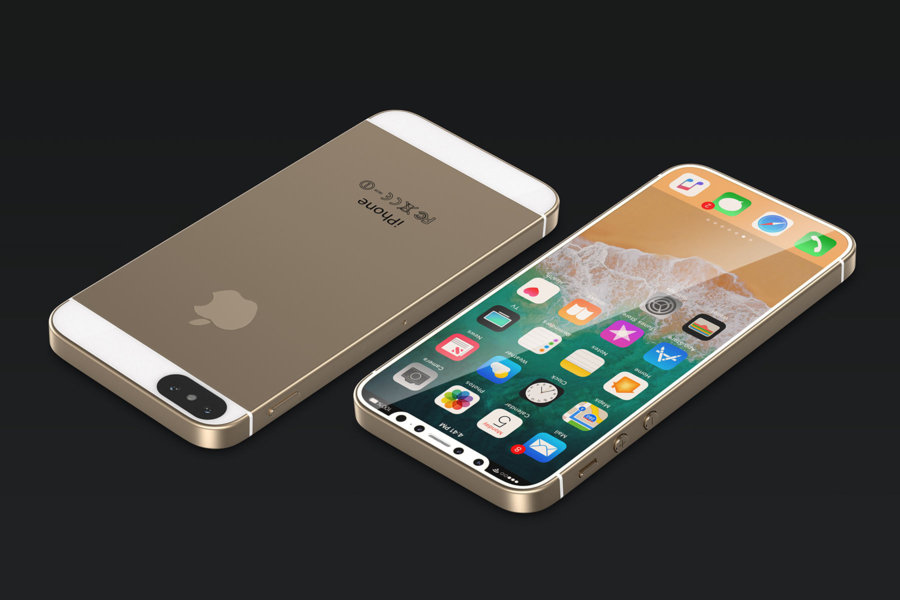
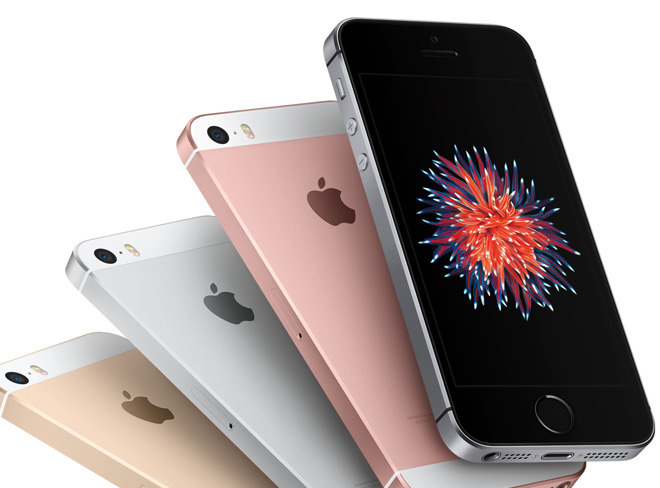
    Apple released the original iPhone SE in March 2016, then released it again with more storage a year later. But besides that, there haven’t been any major upgrades to the iPhone SE line. The iPhone SE is unlike other iPhones because of its small 4-inch size and its lower price tag. Rumors about an “iPhone SE 2” started cranking up in November, with allegations that it would ship in the first half of 2018 and be manufactured by Wistron in India. More recently, reports suggested that the device would have a glass back, to facilitate Qi charging, like the iPhone 8 family and iPhone X.


    The Fin

    al Thought

    Why be surprised, why even bother looking forward to a SE release. Its definitely time to update the se, which is essentially an iPhone 5. The update will in all likenesses be a cheap version of the 6. Its cheap but at least its an iPhone is what my father would say..

  • 4 Improvements We Need in iOS 12

    4 Improvements We Need in iOS 12

    Apple’s iPhone X is not only the most impressive iPhone Apple has ever made, it’s also the most controversial. It’s a completely reimagining of the iPhone, and much of what users have grown accustomed to over the years has changed. Of course, it goes without saying that many people don’t like change, especially with regards to a device that is such an integral part of our lives.

    The iPhone X is Apple’s first iPhone that doesn’t have a home button, which means users have to learn new navigation gestures. Most people seem to like them, but there are also people who do not — and that’s the least controversial of the major changes in Apple’s iPhone X. The infamous “notch” at the top of the phone’s display continues to be a point of content, and the wounds left by the removal of Apple’s beloved Touch ID fingerprint scanner are nowhere close to healing.

    There are 4  things I would like to see improved in Junes announcement of iOS 12

    1. Grouped notifications

    Apple’s notification system in iOS continues to be a major pain point among many, many iPhone users. We’ve discussed it a million times before here on the site, so we’re not going to dive back into all the ways it’s annoying. Suffice it to say the notification system in iOS needs a lot of work.


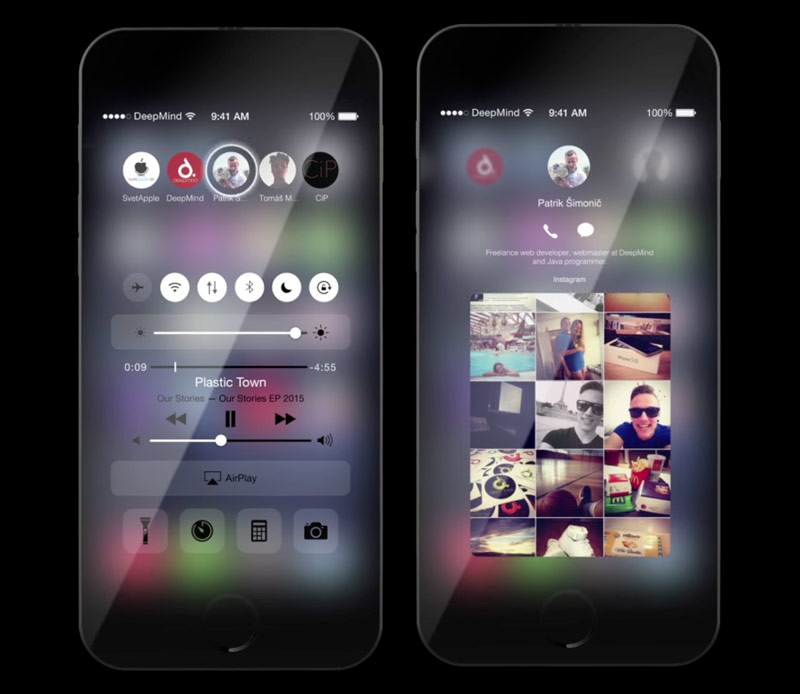
    They could solve this by creating notification groups. This way instead of having notifications from each app spread throughout the list, each individual app’s notifications are displayed in a group, one on top of the other. A simple 3D Touch would then expand any app’s notifications. simple problem simple solutions


    2.Improved widgets

    Apple’s widget implementation in iOS is somewhat useful, but Estefad has a way to improve it in iOS 12. In addition to a single page where multiple app widgets can reside, as is the case now, this iOS 12 concept allows app developers to create widgets that are displayed when the user 3D Touches an app icon. So instead of just an action menu that almost no one uses or even remembers is available, a 3D Touch on an app icon would give users access to key info and features without having to actually open an app.


    3. Mode of Darkness

    This one needs no introduction. iPhone users have been clamoring for a dark mode in iOS for years. The difference with iOS 12 is that a dark mode would finally make a lot of sense. Beyond being easier on the eyes at night, a dark mode on devices with OLED displays like the iPhone X would save battery life.


    4. New pull-down menu for apps

    For a long period of time, iOS was all about uniformity. As the years passed with more and more new features being added, things have gotten far less organized. App settings is one area where there is no continuity in iOS. Some settings are accessible within each app itself, though there are a million different places where one might find the settings menu. Then there’s a section in iOS’s main Settings app where additional settings are located for third-party apps. Ugh.

    In this iOS 12 concept, there’s a great hidden pull-down menu that creates a single, uniform location for key features and a shortcut to app settings. Adding a nifty additional piece to the puzzle is a great feature at the top of that pull-down menu: a way to secure each app behind Touch ID (or Face ID on the iPhone X) at the system level. Many apps include Touch ID and Face ID implementation, but why leave it up to developers?


    The Final Thought

    Reality strikes ands Apple will likely release a much more tame upgrade with iOS 12 at WWDC this year after reports of Apple putting some major iOS features on hold to focus more on reliability and performance. I can dream though and mabye someone will read this and think, yeah that could work.

  • Laptop Lookout: MacBook Pro 15

    Laptop Lookout: MacBook Pro 15

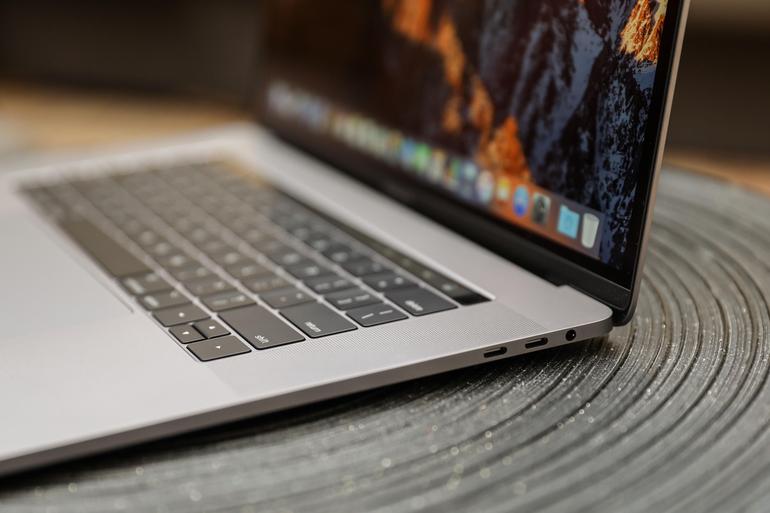
    It’s razor thin, feather light, and even faster and more powerful than before. It has the brightest, most colorful Mac notebook display ever. And it features the Touch Bar — a Multi-Touch enabled strip of glass built into the keyboard for instant access to the tools you want, right when you want them. MacBook Pro is built on groundbreaking ideas.


    The Great

    • Stronger processor
    • Faster RAM
    • Same excellent design

    The Not

    • Subpar battery life
    • Keyboard learning curve
    • Awfully pricey for the parts

    The Conclusion

    It is the standard for which all great laptops are measured and found wanting.


    The Pro status of Apple’s 15-inch MacBook depends on what sort of ‘pro’ you are. Traditionally creative pros would have turned to the Mac for their needs, be it design work, editing photos, working with video and animation, or other jobs that require decent graphic capabilities.
     

    The Design

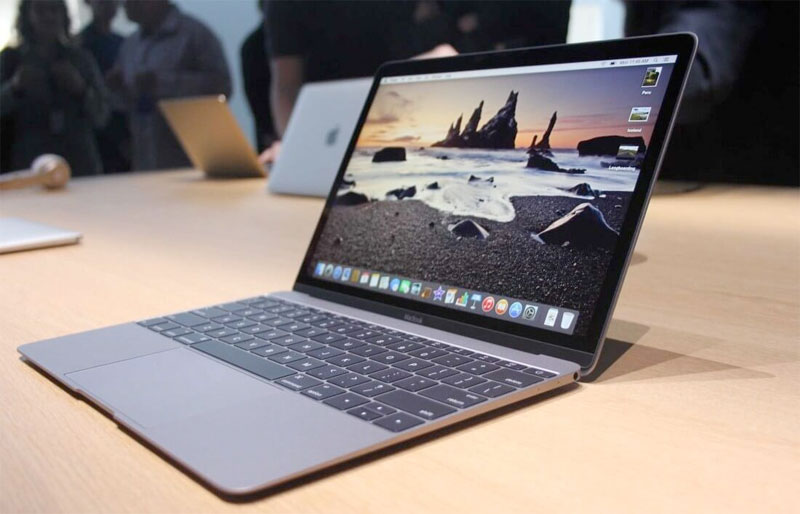
    Weighing 4 pounds and measuring 0.61 inches thick, the 2017 15-inch MacBook Pro is lighter and thinner than my personal 2012 model (which is 4.46 pounds and 0.71 inches), but I noticed the thinness a lot more than I noticed the weight, as my bag would feel just as heavy no matter which machine I was lugging.
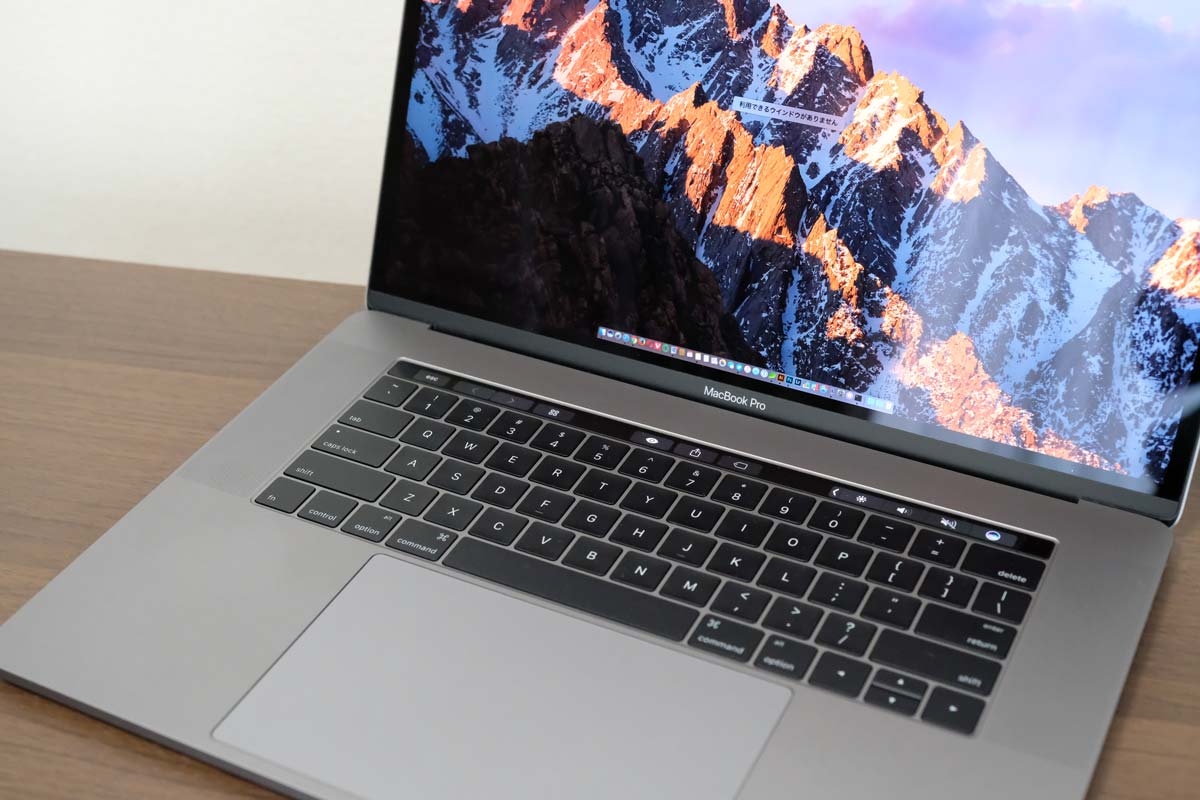
    Touch Bar Really Useful for Only One Thing

    The biggest innovation in the 2016 MacBook Pro (as well as this 2017 model) is Apple’s sliver of an OLED touch screen, which the company calls the Touch Bar My reaction? I’m sorry, but I want (most of) my effin Fn keys back.


    In my whole month with this MacBook Pro, I found that the Touch Bar was mostly an accident waiting to happen. The majority of my interactions with it happened unintentionally; while typing, I would activate the digital Esc key while trying to hit the ` or 1 keys.

    On the upside, the far right end of the Touch Bar contains a Touch ID sensor, which is my favorite part of the MacBook Pro’s outer body. The convenience it offers, allowing me to unlock my login IDs and passwords from the 1Password utility, is electric, especially when the alternative is typing out my complex, 23-character pass code.

    Though, having Siri as a button for easy, constant access is a major plus, given the wide control it has over macOS in comparison to other digital assistants.
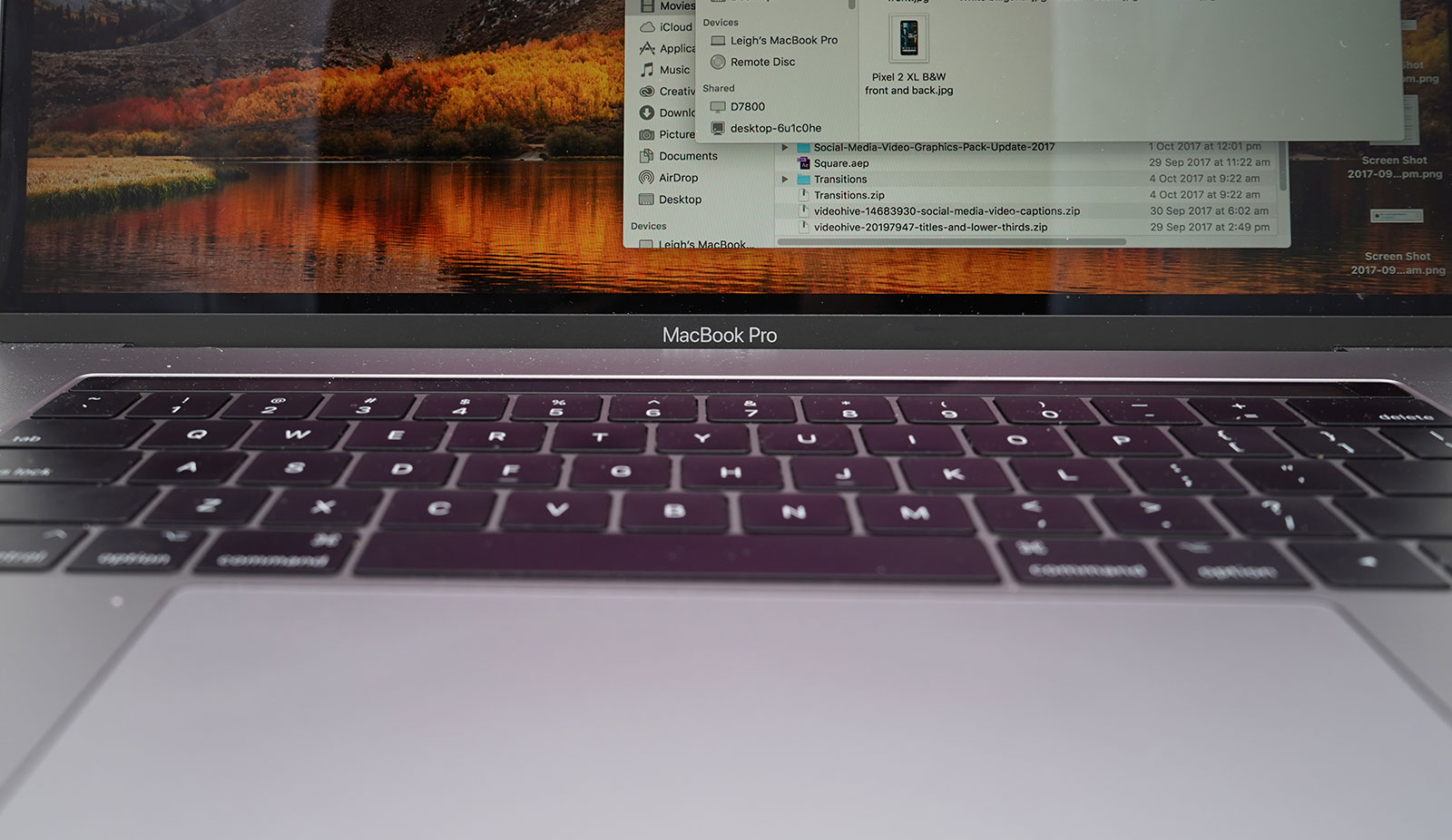
     

    The Graphics Upgrade

    The 2017 Pro also gets an updated set of graphics hardware options. The integrated graphics chip goes from the Intel HD 530 to the HD 630 (part of that jump to the Kaby Lake platform), and the discrete graphics go from AMD Radeon Pro 450 and 455 parts to — you guessed it — Radeon Pro 555 and 560 options. Every 15-inch MacBook Pro laptop includes an AMD GPU, while the 13-inch models make do with Intel’s built-in graphics.

    If that’s the good news, then the bad news may be that if one or more of the features of the new MacBook Pro design kept you away, (the super-flat keyboard, the Touch Bar, USB-C ports, etc.) then this set of 2017 revisions isn’t going to do anything much to change your mind.
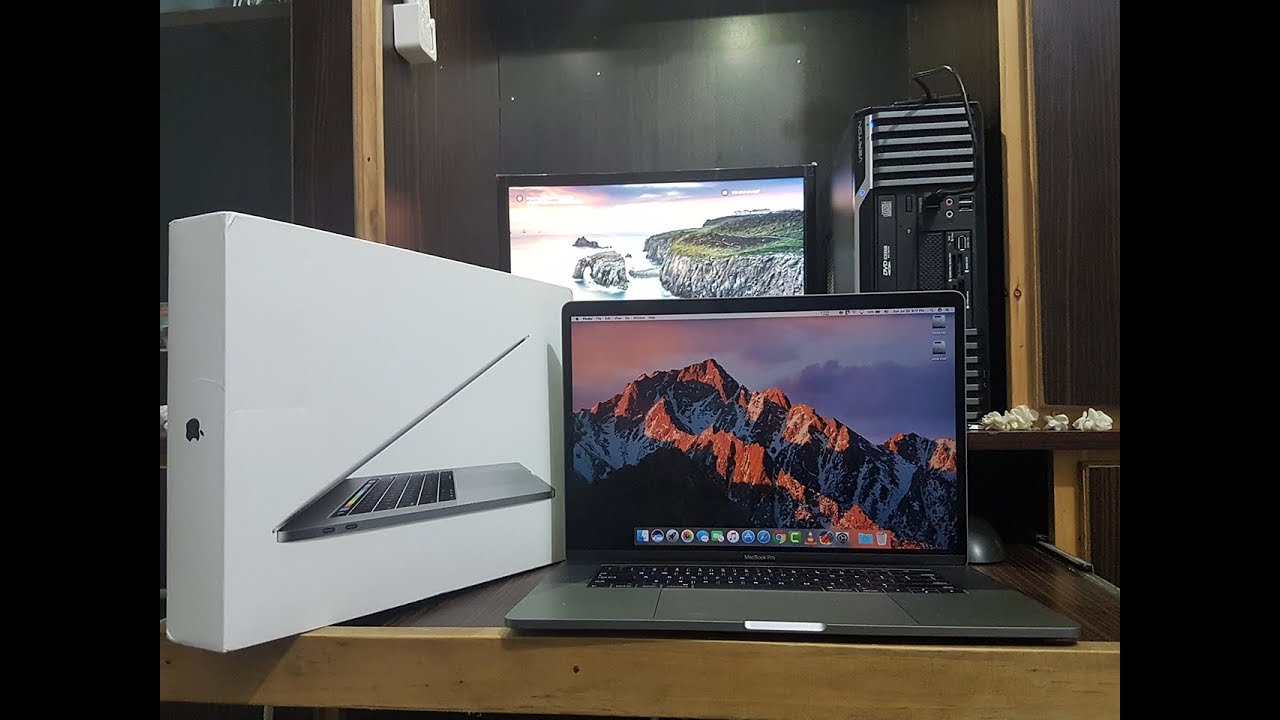


    Quick Spec Look

    • 15.4-inch LED-backlit display with IPS technology, 2880-by-1800 native resolution at 220 pixels per inch
      2.6GHz quad-core sixth-gen Intel Core i7 processor
      AMD Radeon Pro 450 graphics based on the 14-nanometer Polaris architecture
      16GB RAM
      256GB SSD
      4 x Thunderbolt port
      Touch Bar with Touch ID
      Price: $2,399 (up from $1,999 for the previous entry model)
      A fully kitted-out 15-inch MacBook Pro (featuring 2.9GHz quad-core i7, 2TB SSD, and Radeon Pro 460 with 4GB of memory) costs $4,299
     

    The Final Thought

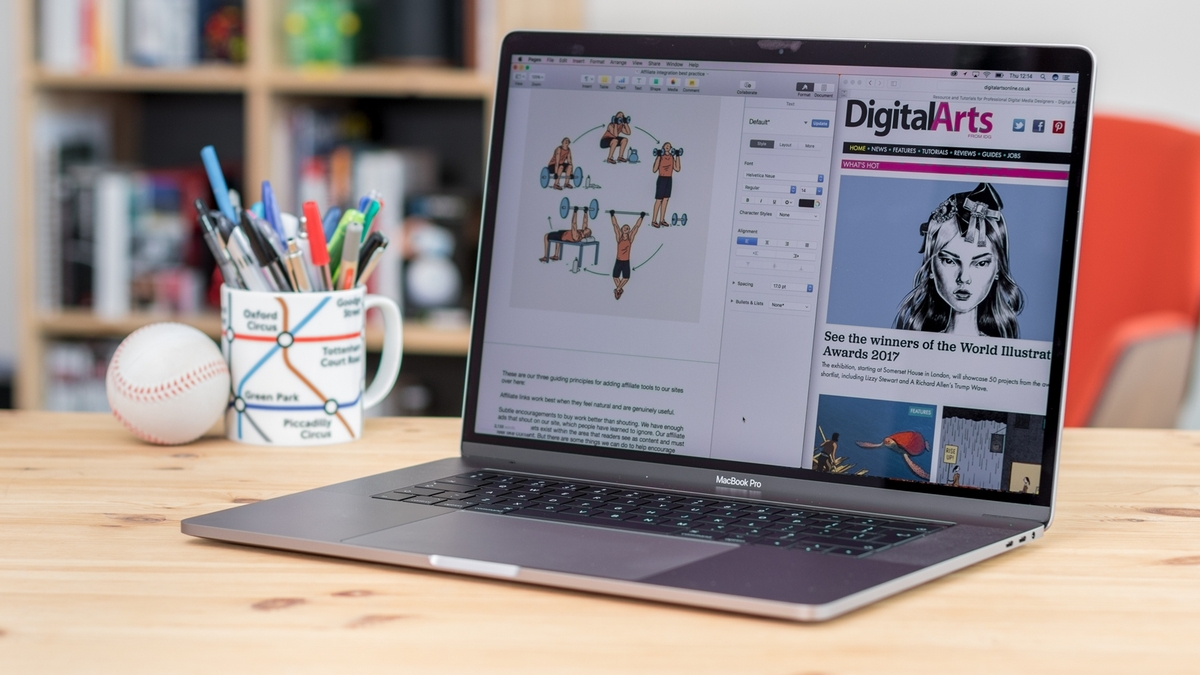
    The updated 15-inch MacBook Pro gets faster processing and graphics options. It’s still the biggest and most powerful laptop Apple makes. The giant touchpad is easy to use and battery life is excellent. If you are in need of a new laptop look not further you will not find a better example of excellence.

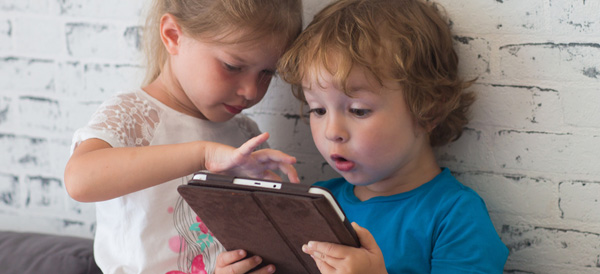
  • Passwords Are Soon Going the Way of the Blockbuster

    Passwords Are Soon Going the Way of the Blockbuster

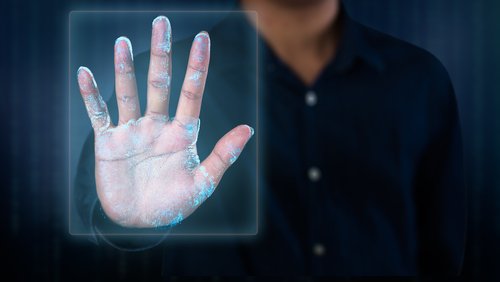
    Passwords, I cant remember, I try to develop a system to keep track. I have tried to use the same one for everything, then a variation, I tried to use the same word and change the last number. I spend half of my life resetting passwords. Well good news everybody, the password may soon be a thing of the past, yesterdays problem, and something ill write a tech throwback about in 15 years. A welcomed goodbye and welcome to biometric ID.


    Announced in a press release today (April 10) by the FIDO (Fast IDentity Online) Alliance and the World Wide Web Consortium (W3C), the new Web Authentication (WebAuthn) standard will let users move to biometric logins or verification via a USB security key.

    The new standard aims to lure users away from current password-based systems, which leave users open to phishing attacks and other ways of abusing stolen login credentials.

    The press release notes that “Google, Microsoft and Mozilla have committed to supporting the WebAuthn standard in their flagship browsers and have started implementation for Windows, Mac, Linux, Chrome OS and Android platforms.”A development status page for WebAuthn in Chrome shows that it is slated to be enabled by default in version 67, two major releases from the current version 65. The standard is already supported by Firefox, and Edge will be gaining support in the coming months.
    Login via USB security keys is already widely supported for products such as the Yubikey by major websites such as Facebook, Google and Bank of America

    Face ID and Apple

    Apple has already embraced this and has been implementing it slowly for several years, it started with the finger print sensor in the iPhone 5s. Now the iPhone X and FaceId are taking it to the next level. I havent entered a password on my iPhone X since I got it in November. It even remembers passwords from years ago before I started using the fingerprint reader for my password Chain.

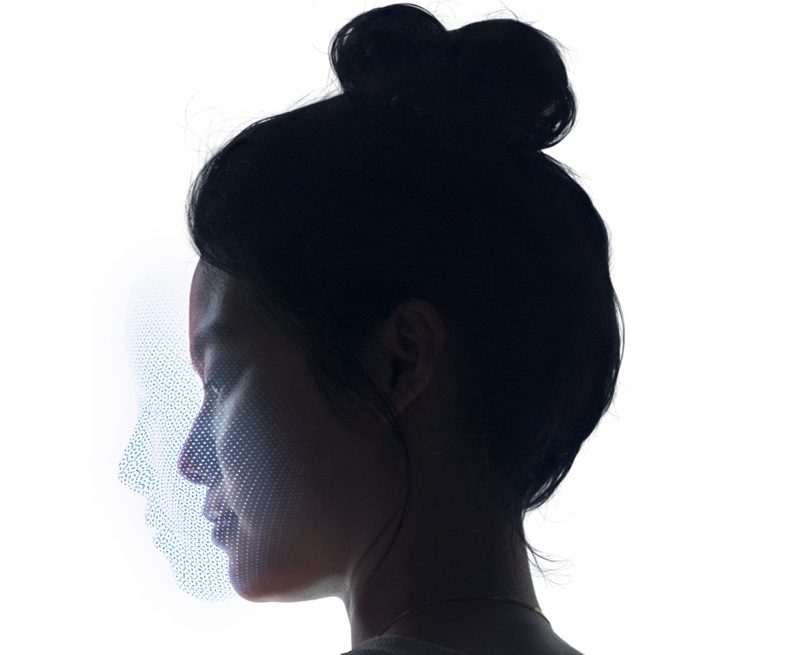
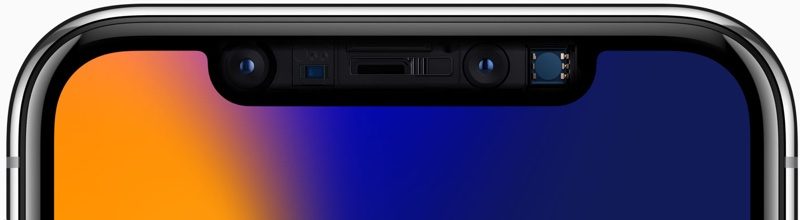
    Face ID is enabled through a TrueDepth front-facing camera on the iPhone X, which has multiple components. A Dot Projector projects more than 30,000 invisible dots onto your face to map its structure.

    The dot map is then read by an infrared camera and the structure of your face is relayed to the A11 Bionic chip in the iPhone X and transformed into a mathematical model. The A11 chip then compares your facial structure to the facial scan stored in the iPhone X during the setup process.
     

    The Final Thought

    Biometric Identification is the path to the future, we have seen it in every future set movie we have ever watched. The time is coming and we are making great progress to it. Apple alone has this nearly set with FaceID, adopt it in to multiple devices in a year or two and its set. Im glad to see all the big tech establishments embracing this and setting a standard for biometric ID. See you in the funny papers, Passwords.

  • You Can Preorder a Red iPhone 8 or 8 Plus Today!

    You Can Preorder a Red iPhone 8 or 8 Plus Today!

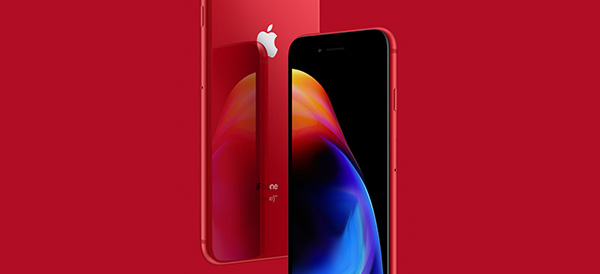
    Apple announced a new color option for the iPhone 8 and 8 Plus. Working with HIV/AIDS charity Product (RED), Apple has released stunning deep red versions of the iPhone for the same price as existing models.

    Product (RED) Models

    Now positioned alongside of the existing space gray, silver and gold models of the iPhone 8 and 8 Plus is the Product (RED).

    This is just the latest collaboration between Apple and Product (RED). Since 2006, Apple has donated more than $160 million to Global Fund.

    Last year, Apple released red versions of the iPhone 7 and 7 Plus models. They were only available for purchase for about half a year. The new 8 models may follow the same pattern, so don’t wait too long if you are hoping to get one.

    Preorders Open

    Preorders open up on Tuesday, so head over to the Apple store and see if you are lucky enough to snag one. They will begin showing up in stores on Friday.

    The red 8 and 8 Plus start at $699 and $799 for the 64 GB model. For 256 GB of storage, the prices are $849 and $949 for the 8 and 8 Plus models.

    A portion of the proceeds will be donated to Global Fund HIV/AIDS grants to provide testing, counseling, treatment and prevention programs. There is a special focus on eliminating the transmission of HIV/AIDS from mothers to their babies.

    What About the iPhone X?

    While there isn’t a special edition of the iPhone X available in red, Apple is selling a red leather folio for the phone. You can order it for $99 with proceeds going to the same charity.

  • Is the New Apple iPad Worth It?

    Is the New Apple iPad Worth It?

    Whether the newly released Apple iPad is a worthy purchase depends on a few factors, but there is no denying that the 2018 iPad is the best tablet you can buy for under $500.

    Education Push

    It’s clear that Apple wants iPads in every classroom. After establishing a foothold years ago, Google swept in with its Chromebook computers and has come to dominate school systems around the country.

    Apple wants their new classroom software to be the magic bullet in retaking the classroom, but time will tell. The new iPad, $329 for retail and $299 with an educational discount, is still pricier than many Chromebook models.

    Apple Pencil

    One great feature the new iPad has going for it is the ability to use the Apple Pencil. It uses the same touch sensor that the first iPad Pro used, which should be a very satisfying user experience. Since the Apple Pencil will set users back another hundred bucks, the adaptation rate for a budget-friendly tablet remains to be seen.

    Hardware

    The design can probably now be called “classic” as the new iPad looks identical to last year’s model and can trace its lineage back to 2013. It’s 7.5mm thick and weighs just over a pound.

    As far as processors go, the new iPad uses Apple’s A10 Fusion chipsets – the same kind that the iPhone 7 and 7 plus used.

    Pros and Cons

    For the price, the new iPad is a great value and you’ll have access to an incredible number of curated apps. The Apple Pencil support is also a fantastic feature if you can swing the extra hundred bucks.

    However, the classic design is pretty long in the tooth and the new iPad is thicker than some of the other iPads. The 8 megapixel camera on the back is decent for snapshots, but not much for creativity. And finally, although the price-to-value ratio is solid, $299 may still be too expensive for many schools looking to put a device in all of their students’ hands.

  • Tech Throwback: The Newton

    Tech Throwback: The Newton

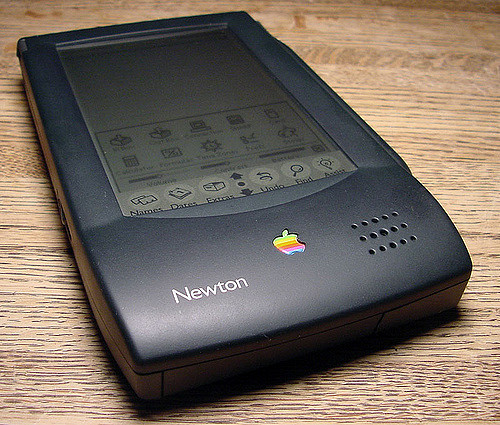
    I like to take a look at where I’ve been to evaluate where Im going. Technology is cyclical after all… wait no its not. That said I still like all the feels that come rushing back like a flood of nostalgia every time I get my hand on the tech I grew up with. Im going to go back periodically and take a looking at the stuff that used to blow our hair back and get our minds rolling. Some of these device blew up and changed the world, some where ahead of their time and some just fell flat and became colossal failures. Today I’m powering up the old Apple Newton..


    Give Me The Back Story

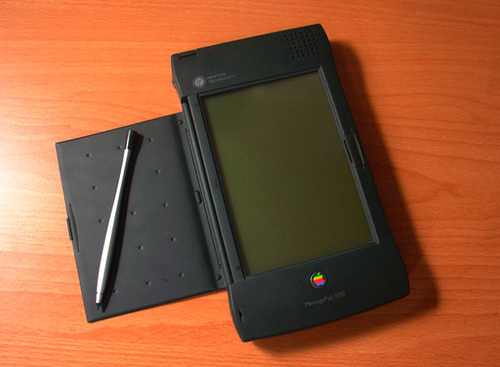
    The Newton is a series of personal digital assistants, PDAs as i like to call them, But that term wasent used and adopted till years after the Newton. It was developed and marketed by Apple Computer, Inc. An early device in the PDA category – the Newton originated the term “personal digital assistant” – it was the first to feature handwriting recognition. Apple started developing the platform in 1987 and shipped the first devices in 1993. Production officially ended on February 27, 1998. Newton devices run on a proprietary operating system, Newton OS; examples include Apple’s MessagePad series and the eMate 300, and other companies also released devices running on Newton OS. Most Newton devices were based on the ARM 610 RISC processor and all featured handwriting-based input.

    The Newton was considered innovative at its debut, but it suffered from its high price and problems with the handwriting recognition element, its most anticipated feature. The handwriting software was barely ready by 1993 and its tendency to misread characters was widely derided in the media. I my hands on one the first time when I was 12, almost 35 years later im ready to dive back in.


    Powering this up, shocked it still works. picked this working newton off eBay, with the flash card and assured it would turn on for $150. Yes its abit much for the actual functionality but that is not why I bought it. The Nice this is it runs off of AAA batteries, got to change them pretty frequently and you lose all your data each time they die but I’m able to pick them up at any store so the device will never die completely.
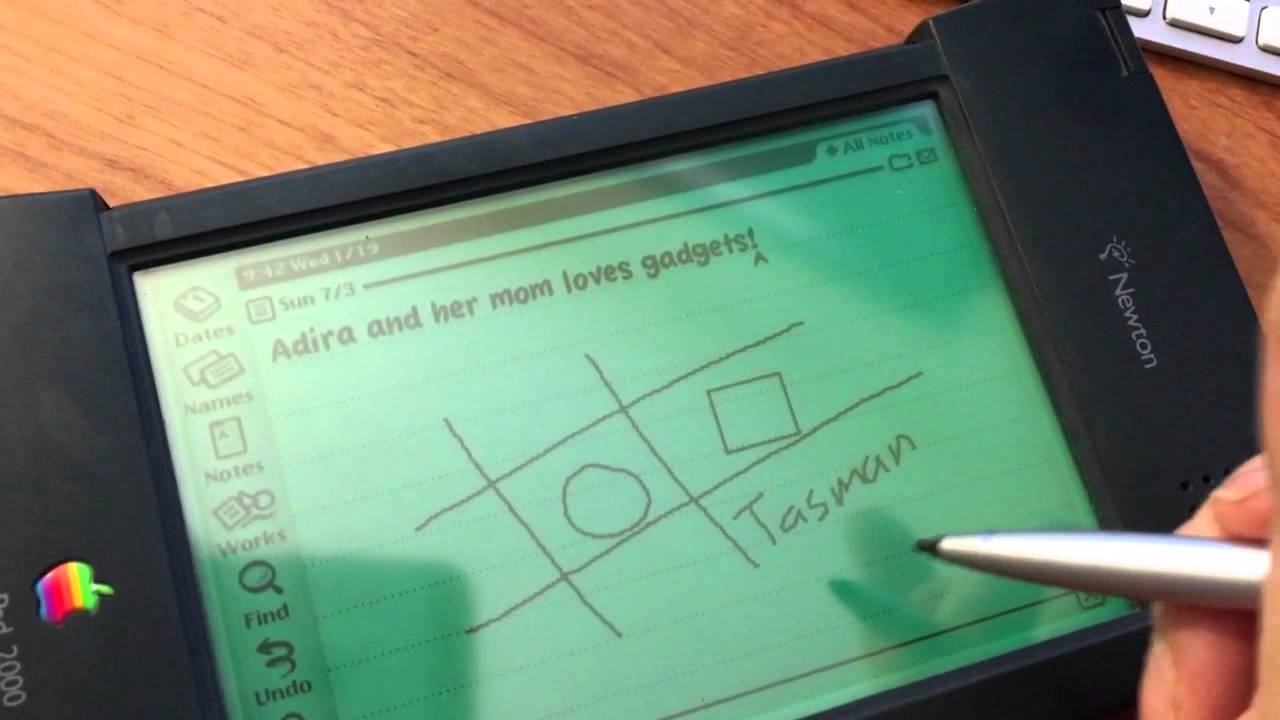
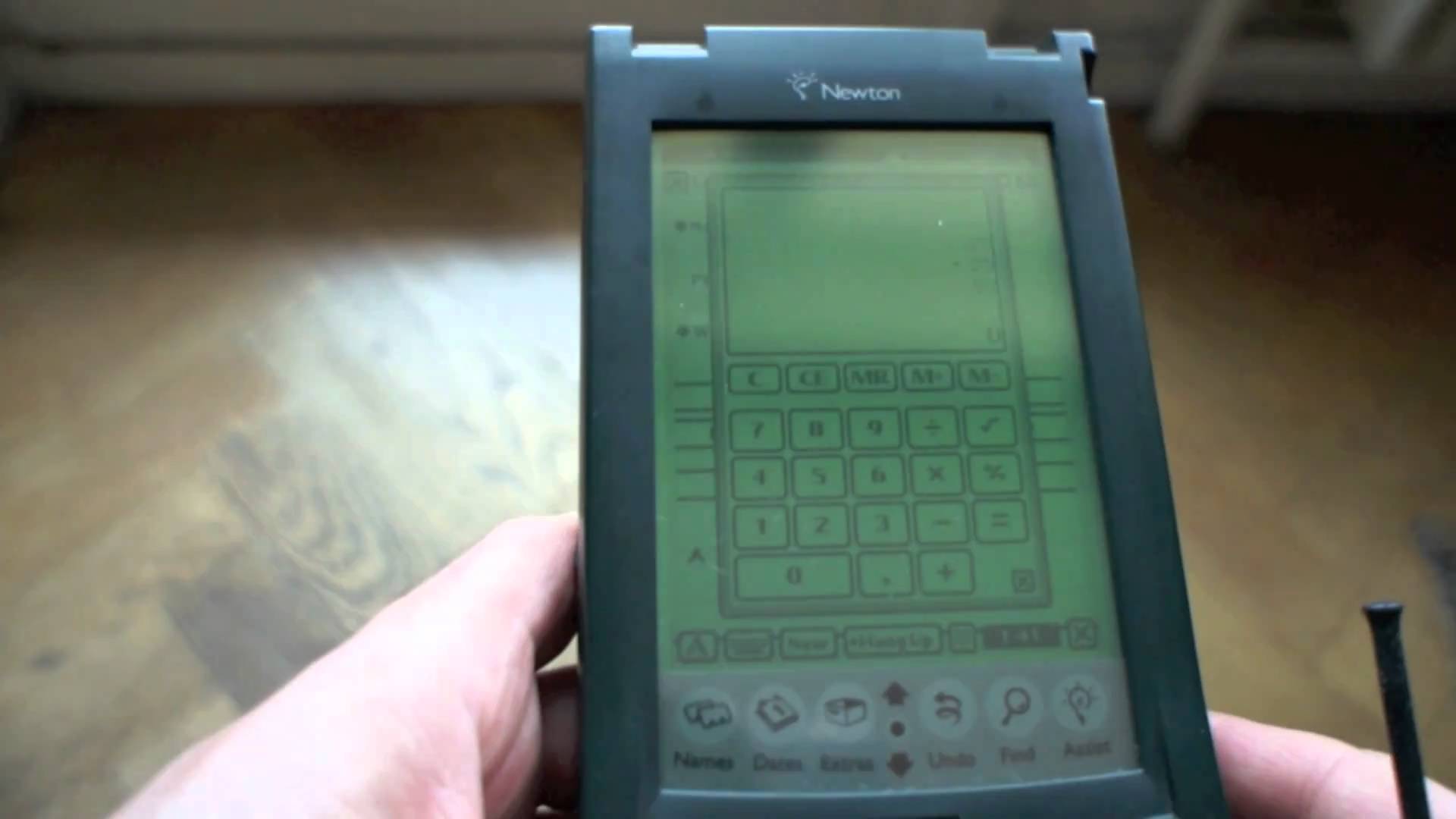
    Its pretty bulky I cant fathom how at the time they thought this was compact enough to carry around. its is a little over an inch thick and 7 inchs tall. Meanwhile I complain my phablet is to big.

    What’s This One Do

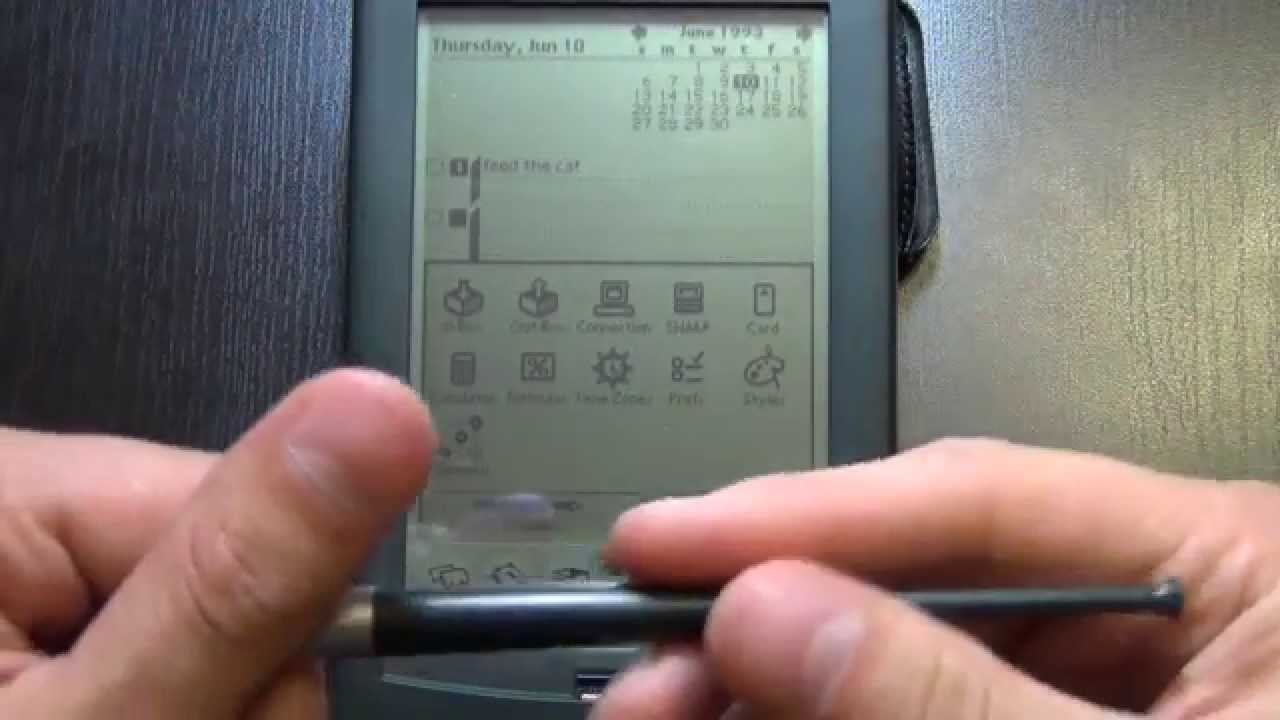
    It literally does nothing and I can barley see the green screen, its only functions are a contacts applications and a notepad,  a calendar,  calculator, currency converter and a timezone map. All the things I use on a daily bases, would be completely useless with out, and take for granted on a daily bases.  I do remember being able to get software application for it on a 3.5 floppy disk though.

    You can get up to a 4mb flash memory card for storage to prevent the battery erasing issue, a 4 mb card would store about 200 note, 250 contacts, 500 calendar events.  I do have to note that the flash memory seriously slowed down the processing power. So about 3 weeks worth of info for me.

    As much as I’ m laughing at this technological failure, it truly was ground breaking and revolutionary. We would see viable tech like it for almost 10 years and even still they hadn’t made much advancement on it. It really was ahead of its time and paved the way for the iPhone that would be released 20 years later. It was the first affordable device to compute handwriting, the first pocket touch screen, we still weren’t seeing full sized touch screen and wouldn’t for many years.  I think the commercial failure of this device dragged technology back a decade and had it been a corporate success who know where we would be today.


    The Final Thought

    Its magically revolutionary and fantastically simple. Its is the true prototype of our world today, it set the table for us and we ignored it. If Apple could have just crammed in a beeper, we could have had a primitive text messaging device. Im keeping it and will put a back up of info on it just in case of a tech apocalypse.