Tag: throwback

  • Tech Throwback: iMac 20th anniversary

    Tech Throwback: iMac 20th anniversary

    I like to take a look at where I’ve been to evaluate where Im going. Technology is cyclical after all… wait no its not. That said I still like all the feels that come rushing back like a flood of nostalgia every time I get my hand on the tech I grew up with. Im going to go back periodically and take a looking at the stuff that used to blow our hair back and get our minds rolling. Some of these device blew up and changed the world, some where ahead of their time and some just fell flat and became colossal failures. Today we are going to talk about the original iMac on its 20th anniversary
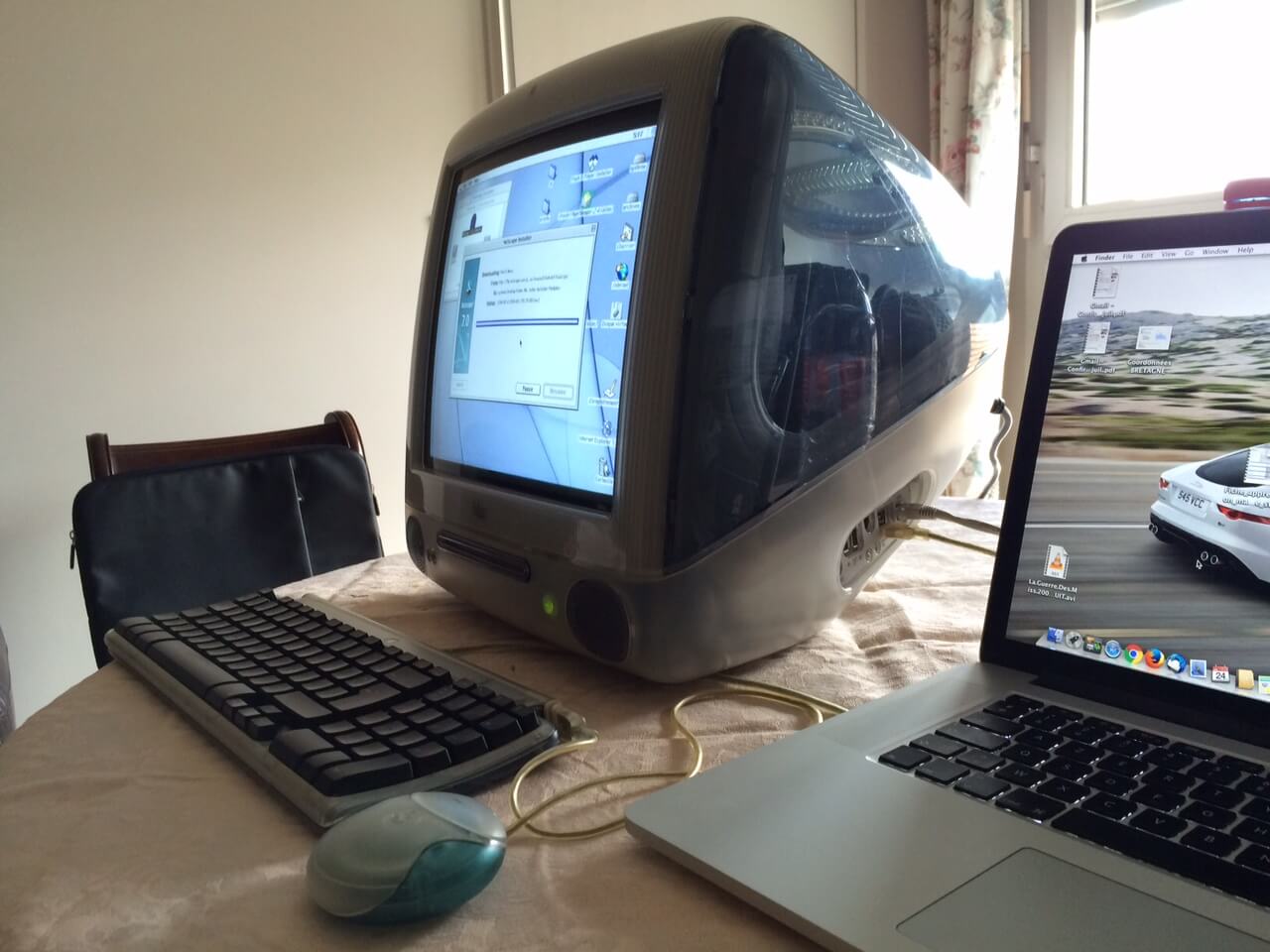


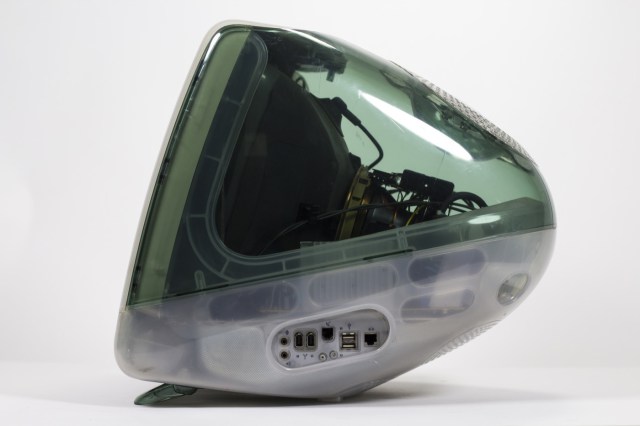
    Its been twenty whole years since  Steve Jobs introduced iMac on May 6th, 1998. It was a truly ambitious new Mac, with a very specific Internet  access ease-ability. It not only redefined the design and styling of tech products but charted a strategic course that would take Apple from being a that one PC maker from the 80s to the world’s most valuable  company. This computer set the path for apple to become more valuable then all but 17 countries in the world. Most importantly, iMac had an impact because it courageously made bold decisions that conventional thinking assumed to be wrong. The iMac, take aim at a broader market of individuals who wanted a practical, easy way to get on the Internet. What can you say about Steve Jobs that hasn’t already been said, the man just got us.


    Before unveiling the new iMac, Jobs outlined how it would be different. For starters, Apple was using a modern 233MHz G3 processor, the same chip it had used in its entry-level Pro Power Mac G3 just six months prior at a price $300 higher. That new generation Power PC chip boasted a performance edge “up to twice as fast” as Intel’s Pentium II processors at similar clock speeds. I had forgotten about the G3 processors, but this gives me a lot of anticipatory feelings for the next line of iMacs that apple is set to make there own chips again for starting next year.


    At a time when PCs generally needed an external modem to connect to the Internet over phone lines, the new iMac built in both its relatively fast modem (making it easy to connect by only plugging in a phone cord) and 100Mb Ethernet.USB ports had already appeared on PCs, but it generally sat unused because device makers kept building slightly cheaper products using RS-232 serial ports, PS/2 cables for keyboards and mice and Centronics Parallel ports on printers and disks. The new iMac also included IrDA, a way to beam (like a TV remote) data using invisible light. It wasn’t nearly as fast as the wireless technology Apple would roll out in the future, including Bluetooth and WiFi, but it offered an early way to transmit photos and other basic data without requiring cables at all.
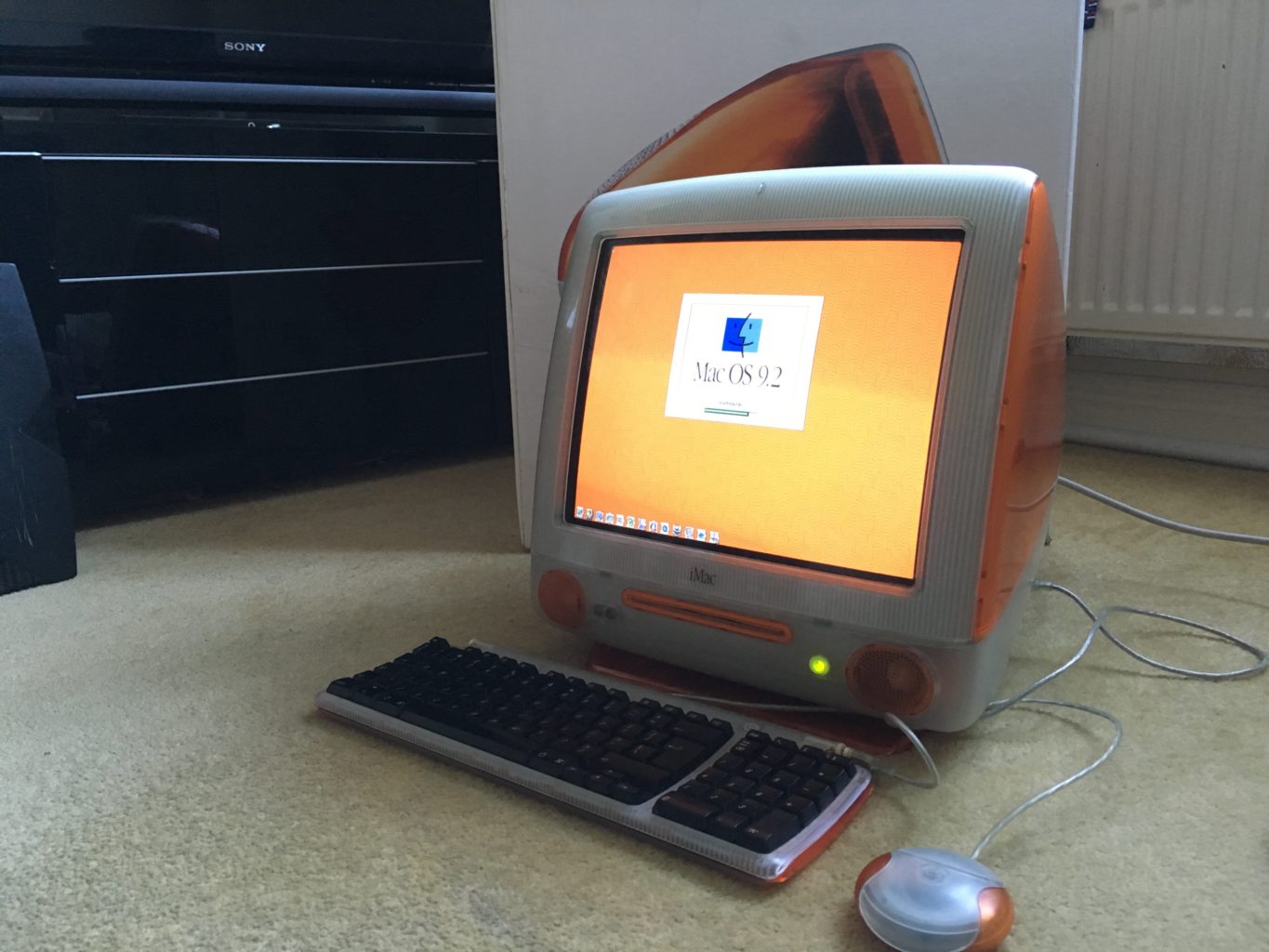
    Quick Spec Look

    • Screen Size 15 inches
    • Processor 0.35 GHz PowerPC G3
    • RAM 32 MB
    • Hard Drive 20 GB
    • Graphics Coprocessor ATI Rage 128 Ultra
    The Final Thought

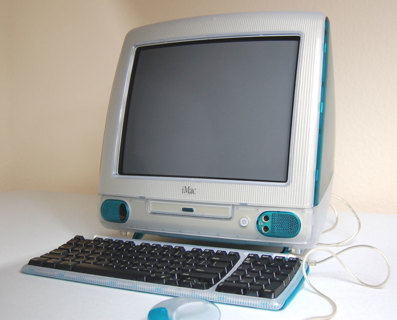
    It’s hard to overstate the importance of the iMac G3. The iMac G3 ushered Apple in to the future, and on its translucent back, Steve Jobs rebuilt the company. It was the end of the beige computer and everything we thought computers had to be. The i in iMac stood for 5 things, internet, individual, instruct, inform, and inspire, it most certainly did all off those things for the last 20 years.


  • Tech Throwback: Motorola Bravo Pager

    Tech Throwback: Motorola Bravo Pager

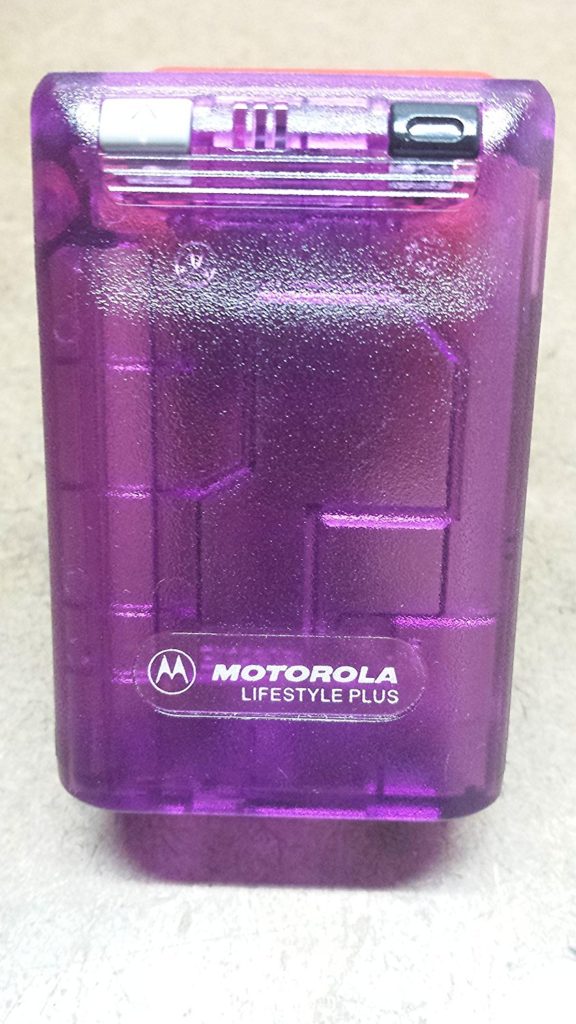
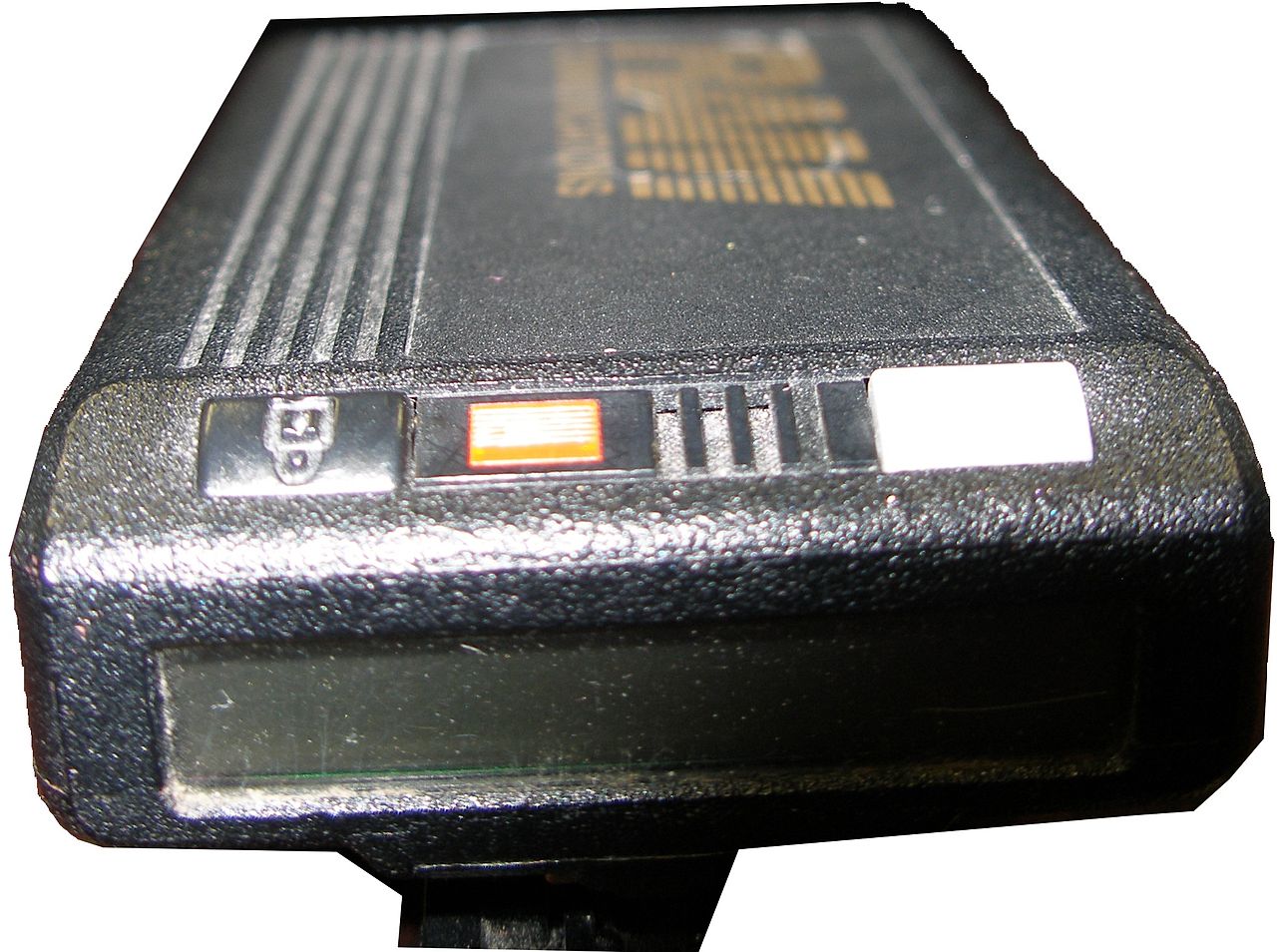
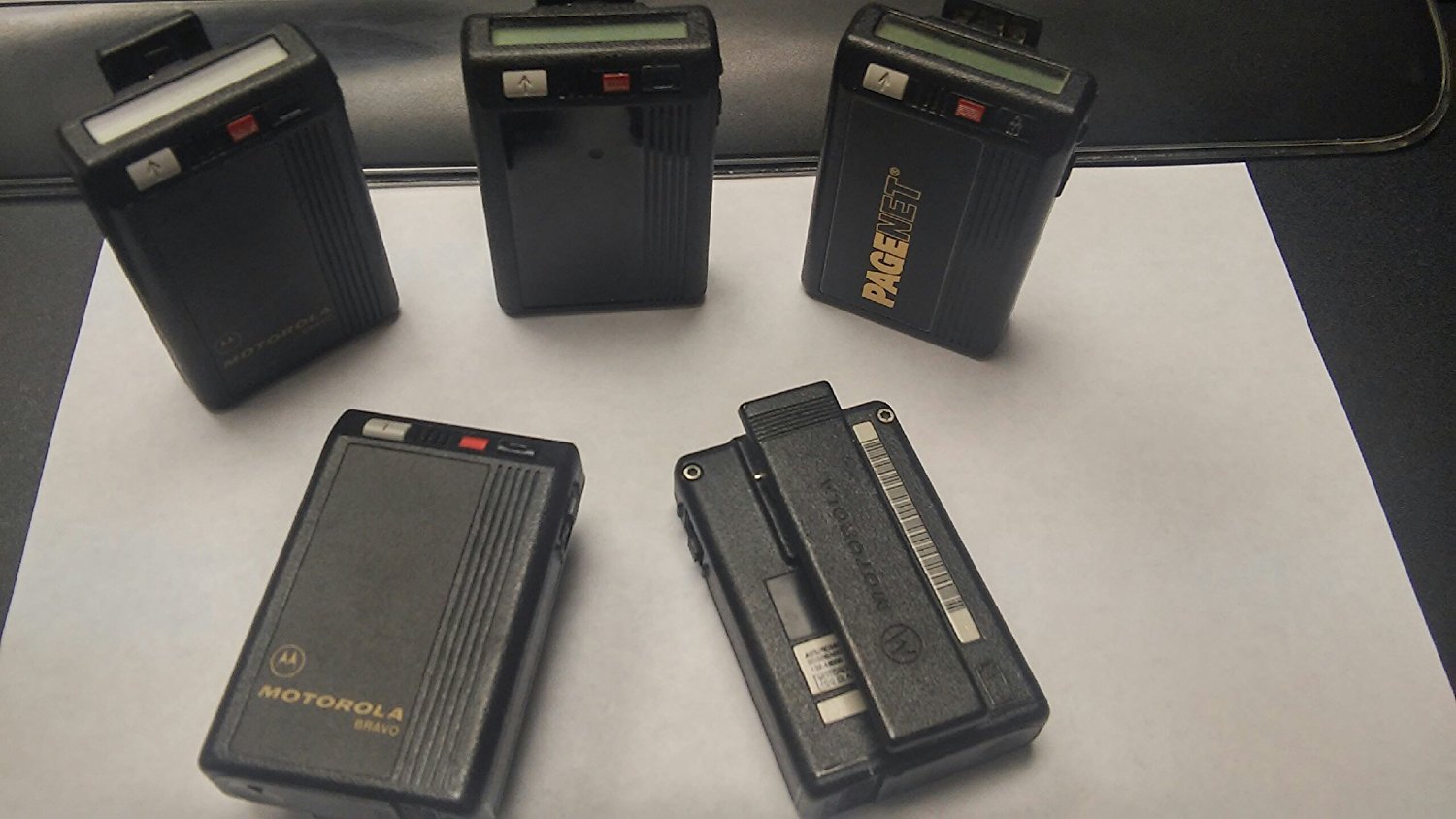
    I like to take a look at where I’ve been to evaluate where Im going. Technology is cyclical after all… wait no its not. That said I still like all the feels that come rushing back like a flood of nostalgia every time I get my hand on the tech I grew up with. Im going to go back periodically and take a looking at the stuff that used to blow our hair back and get our minds rolling. Some of these device blew up and changed the world, some where ahead of their time and some just fell flat and became colossal failures. Today I’ve got my hands on the old Motorola Bravo Pager, beep beep


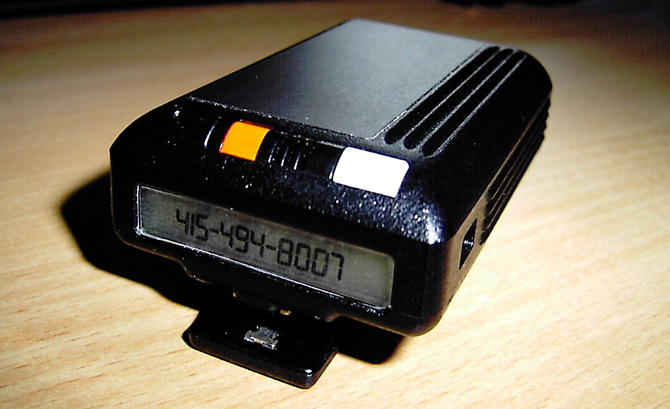
    A pager (also known as a beeper) is a wireless telecommunications device that receives and displays alphanumeric messages and/or receives and announces voice messages. The Motorola Bravo pager was the king of all one way pagers. Yes one way..One-way pagers can only receive messages.

    I had one, Your mom had one and every doctor on the planet had one. Amazon still sells them, but purchased mostly by people looking for the quintesenintal Halloween accessory.   They are iconic and just looking at one brings back memories of short coding your friends a party invite.

    How Did It Work

    In 1999, 45 million Americans had pagers. They were an equal-opportunity technology, owned by drug dealers, whores, doctors and CEOs—and new college students whose parents couldn’t drop the leash.All one had to do was simple dial the phone number associated with said pager, then enter in up to 16 numbers from your touchtone phone to deliver a call back number. simple. genius. reliable.


    At least there was the code.There was also an accepted system of sending numbers so that, when written together, looked vaguely like letters. We’d grown up getting adults to spell “BOOBLESS” on calculators by typing in the elements of a story about Dolly Parton and then holding the calculator upside down. From there, it was an easy jump to many other words. Hello was 07734. That was one of the easiest ones. We said “Hello” a lot.  Then 3838-07734 (hello baby) or 17-31707-1( I love you). However my personal fav and constant go to was the old 187 (your dead).

    The Final Thought

    They functioned without coverage, with out fail. Never did I ever say legitimately ” i didnt get that page”. It was the most reliable and widely accepted form of mobile communication for over 40 years. While Motorola announced the end of its new pager manufacturing in 2001, pagers remain in use today in places where mobile phones typically cannot reach users, and also in places where the operation of the radio transmitters contained in mobile phones is problematic or prohibited. In places like hospitals, rural emergency response ares you can still spot the endangered species know as the Motorola pager.


  • Tech Throwback: The HTC 8125

    Tech Throwback: The HTC 8125

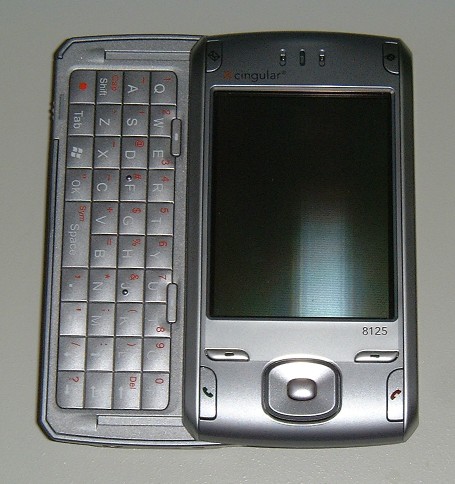
    I like to take a look at where I’ve been to evaluate where Im going. Technology is cyclical after all… wait no its not. That said I still like all the feels that come rushing back like a flood of nostalgia every time I get my hand on the tech I grew up with. Im going to go back periodically and take a looking at the stuff that used to blow our hair back and get our minds rolling. Some of these device blew up and changed the world, some where ahead of their time and some just fell flat and became colossal failures. Today I’m powering up the HTC 8125 first commercial pocket PC and phone


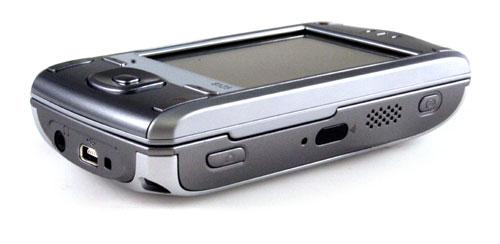
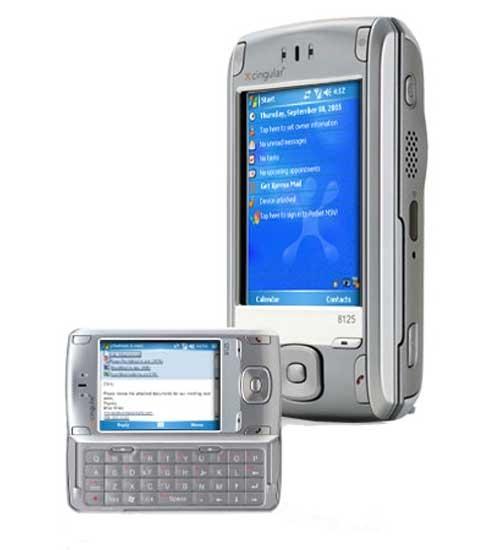
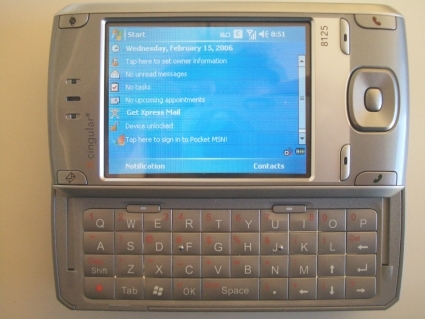
    The HTC 8125  is an Internet-enabled Windows Mobile Pocket PC PDA designed and marketed by High Tech Computer Corporation of Taiwan. It has a touchscreen with a left-side slide-out QWERTY keyboard. The 8125’s functions include those of a camera phone and a portable media player in addition to text messaging and multimedia messaging. It also offers Internet services including e-mail (including Microsoft’s DirectPush push e-mail solution, as well as BlackBerry services with applications provided by BlackBerry-partnered carriers), instant messaging, web browsing, and local Wi-Fi connectivity. It is a quad-band GSM phone with GPRS, and EDGE, and a single/dual band UMTS phone with HSDPA. It is a part of the first line of PDAs directly marketed and sold by HTC.


    Reintroducing

    Cingular’s 8125 has the right idea when it comes to hardware and software specs. But this hybrid PDA/cell phone’s design and usability disappoint.

    The thing that blew my mind 13 years ago is the 8125 is its built-in Wi-Fi. The device’s side panel includes a shortcut button that launches an on-screen Communication Manager menu. From here, you can enable or disable Wi-Fi, Bluetooth, PC Sync, and even the phone. I also liked how easy it was to set up the 8125 to access IMAP, POP3, and Microsoft Exchange e-mail accounts.

    When the keyboard is stowed away, the 8125 is chunky–and its thickness made it awkward to use for phone calls. In my hands-on trials, I could easily adjust call volume, thanks in large part to the tactile volume control on the side panel, but at times I couldn’t hear the person on the other end. Several people I called told me that I sounded far away
     

    The Final Thought

    This was the first Smartphone on the market, It was the first smartphone I owned. It was slow and unresponsive, but I had internet at a dial up speed anywhere I went. The sight and thought of its potential blew people mind and opened conversations. Once this phone was release mankind was off to the races. Thank you HTC for picking up where the newton fell and setting up the future.

  • Tech Throwback: Nokia N-Gage

    Tech Throwback: Nokia N-Gage

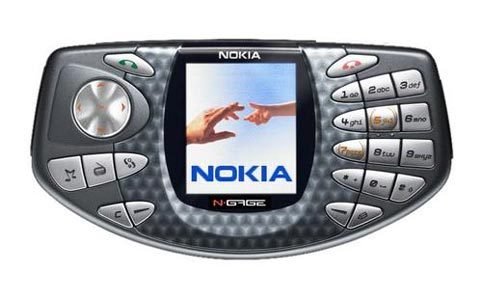
    I like to take a look at where I’ve been to evaluate where Im going. Technology is cyclical after all… wait no its not. That said I still like all the feels that come rushing back like a flood of nostalgia every time I get my hand on the tech I grew up with. Im going to go back periodically and take a looking at the stuff that used to blow our hair back and get our minds rolling. Some of these device blew up and changed the world, some where ahead of their time and some just fell flat and became colossal failures. Today I’ve got my hands on the old Nokia N-Gage


    Around 2000, gamers increasingly carried both mobile phones and handheld game consoles. Nokia spotted an opportunity to combine these devices into one unit. Nokia announced in November 2002 that they would develop the N-Gage, a device that integrated these two devices. Instead of using cables, multiplayer gaming was accomplished with Bluetooth or the Internet (via the N-Gage Arena service). The N-Gage also included MP3 and Real Audio/Video playback and PDA-like features into the system.


    The original phone’s taco-shaped design was considered clumsy: to insert a game, users had to remove the phone’s plastic cover and remove the battery compartment as the game slot was next to it. Another clumsy feature was the speaker and microphone being located on the side edge of the phone. This often resulted in many describing it as talking into a “taco phone” or “Sidetalking”, or simply that they had one very large ear, because the user held the edge of the phone against the cheek in order to talk into it. Usual for a phone, but unusually for a game system, it had a screen taller than it was wide, with a size of 2.1′ and resolution of 176 X 208, giving an aspect ratio of 11:13; most televisions and portable game screens were 4:3.

    We all thought the N-Gage would define the mobile gaming market: a device that can serve as a mobile game platform, a tri-band GSM phone, an MP3 player, an FM tuner, an e-mail client, and a personal information manager. Unfortunately, several design flaws severely limited the device’s usefulness, and t the N-Gage went down in history as a poorly implemented great idea.


    Hands On 15 years Later

    The original lithium battery on this device has failed but i was able to find a fresh replacement at a pretty reasonable price on eBay. It powers up just like you remember all Nokias did, it has that heavy toy feel as well. I got approximately 6 hours of game time and a few hours of music time. When I spent 5 hours playing games and listening to music, however, the battery died shortly after.

    Its Got Games

    The main purpose for this was to open up the mobile gaming market. We were all dieing to play video games where ever we went in the early century but their just wasn’t the options. Game boys and Sega had games but for a young adult wanted more those were for kids. I’ve been able to locate a copy of Civilization II ans Spider-man 2 and have been playing them all day. The N-Gage is the first place I played Civilization and started a long hobby over many tech devices since. Snake, some Xmen game and a few Tom Clancy games where available as well. Im sure as you all remember the games all came on a MMC card. I tried to condense all the games to one larger card but have been unsuccessful. Playing games on the N-Gage is kinda difficult, mostly because the buttons designed for a phone, are not well-suited for gaming.


    The Final Thought

    It was a leap forward, this was the device that got people thinking my phone can do more, it can be more then just a phone. The PDA functions and bluetooth synchronization lead to a big main stream increase in data being held on a phone. Before this I would only keep 40 or so contacts in my Nokia phones because they wouldn’t transfer from phone to phone. You have to re enter them all over again. I enjoyed my few hours with the phone but finished through everything it offered in a few hours and could imagine needing to revisit it again.