Category: Smart Devices

  • Speak Up For a Cause with Amazon’s Alexa

    Speak Up For a Cause with Amazon’s Alexa

    Your favorite smart assistant, Amazon’s Alexa, has a new skill and it’s going to benefit great causes! Using Amazon Pay, you can now ask Alexa to donate to a number of charities. Alexa Donations is as easy as telling her to play your favorite song.

    There are only 48 charities and non-profit organizations that you can currently donate to using Alexa Donations. You are able to donate to ones like the American Cancer Society, the American Red Cross, and some internet-oriented groups as well. Amazon says this list is going to grow! Donations can be anywhere from $5 up to $5,000.

    You may be wondering, how exactly does donating with Alexa work?

    Donating is as simple as anything Alexa can do, you use your voice! You could say, “Alexa, donate $10 to the American Red Cross” or whichever charity you choose. Another option would be to say “Alexa make a donation” and the virtual assistant would then prompt you to tell her which organization and how much you would like to donate. If you are not sure what organization to donate to, she can help with that, too! Can it get any easier than that?!


    Next question, is Alexa going to keep credit card information safe?

    The charity you donate to may have access to your name and email. But have no fear, absolutely NO credit card information is shared with any of the charities. Amazon claims that the company has already had over a million people make donations using Amazon Pay, so it is very trustworthy!


    All in all, Alexa can do virtually anything! Which organization will you donate to first?

  • Google’s Wear OS Watch Previewed.

    Google’s Wear OS Watch Previewed.

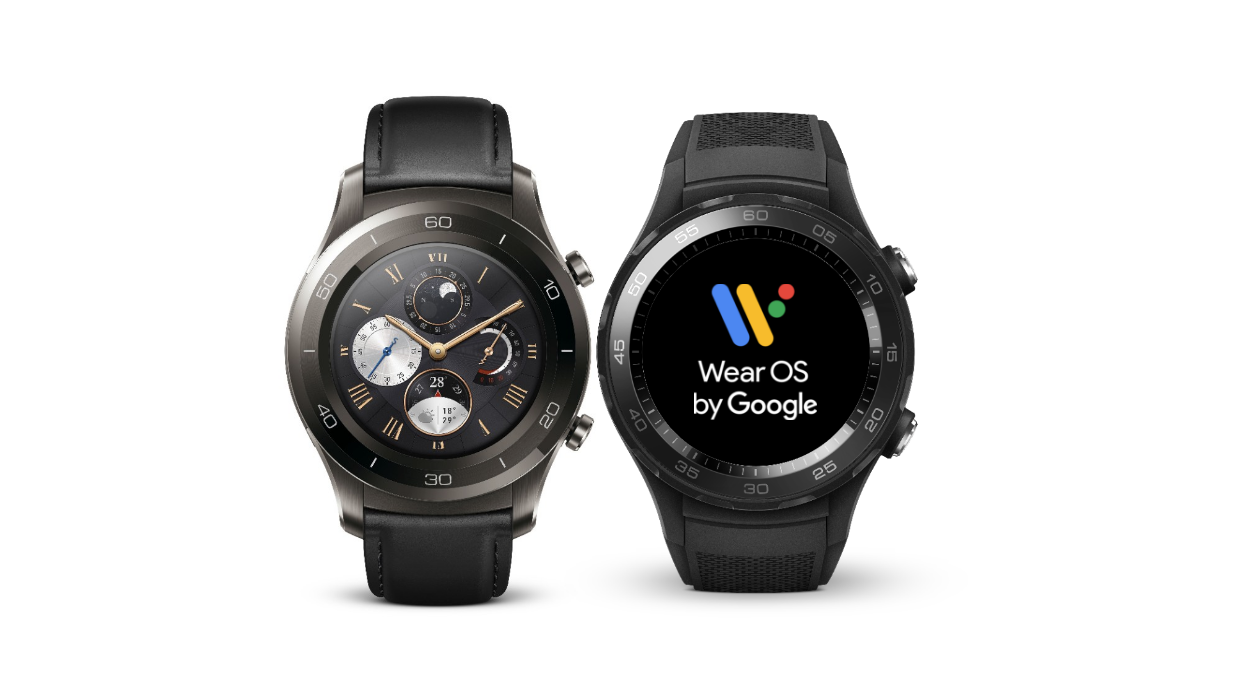
    Weeks after Google changed the name from Android Wear to Wear Os, a developer preview for Wear OS is out. One of the major changes that the preview brings to Android wearables is it’s efforts to preserve battery life. Until now, Wear OS, had no battery consumption patterns or give the user ability to manual preserve the battery. However, that’s all soon to change with the upcoming update.

    Image result for google wear os

    The New News.

    Google unveiled the first preview of its new Wear OS wearables which is set to replace the Android Wear brand mentioned earlier this month. Along with preserving device battery life, the re-brand also brings the software in line with the new functions of Android P, the newest update to Google’s MOS, coming in later 2018. Other major changes include restricted Wi-Fi while the watch is not connected to any Bluetooth device. The new update also features Limited background activity along with Low-power mode. With the Wear OS, the background activity of apps will be restricted. In its developers’ blog, Google explains, “To improve power, apps will no longer be allowed to run in the background unless the watch is on the charger.” This is all an effort to increase and extend the battery life a little longer.

    Image result for google wear os

    Having cell/data connection or Bluetooth switched on over extended period can also lower the battery on smartwatches. After the new update, Wear OS will automatically turn off Bluetooth, WiFi, and cellular connection when users are not wearing the smartwatch. The watch is programmed to know when it is not being worn by the consumer and will automatically shutdown after a short period. Google has not specified the exact time lapse before the feature kicks in, but we can probably assume within a few minutes or less.  The Wear OS will restrict smartwatches from immediately switching on WiFi connection after Bluetooth is switched off by users. It will connect to WiFi only if users want to or when it is being charged. This is actually a great little feature to further assist the lazy consumer or the one who forgets to be attentive to such things.

    The Summary.

    Google will release the finalized version of the Wear OS in the fourth quarter of 2018 and hopefully all the kinks and issues can be resolved by then. Im interested to see exactly how user friendly can get the software. Who knows, could be a real home run for the company on this ambitious new endeavor.

  • 3 Reasons to Update your iPad and 3 Reason to Not

    3 Reasons to Update your iPad and 3 Reason to Not

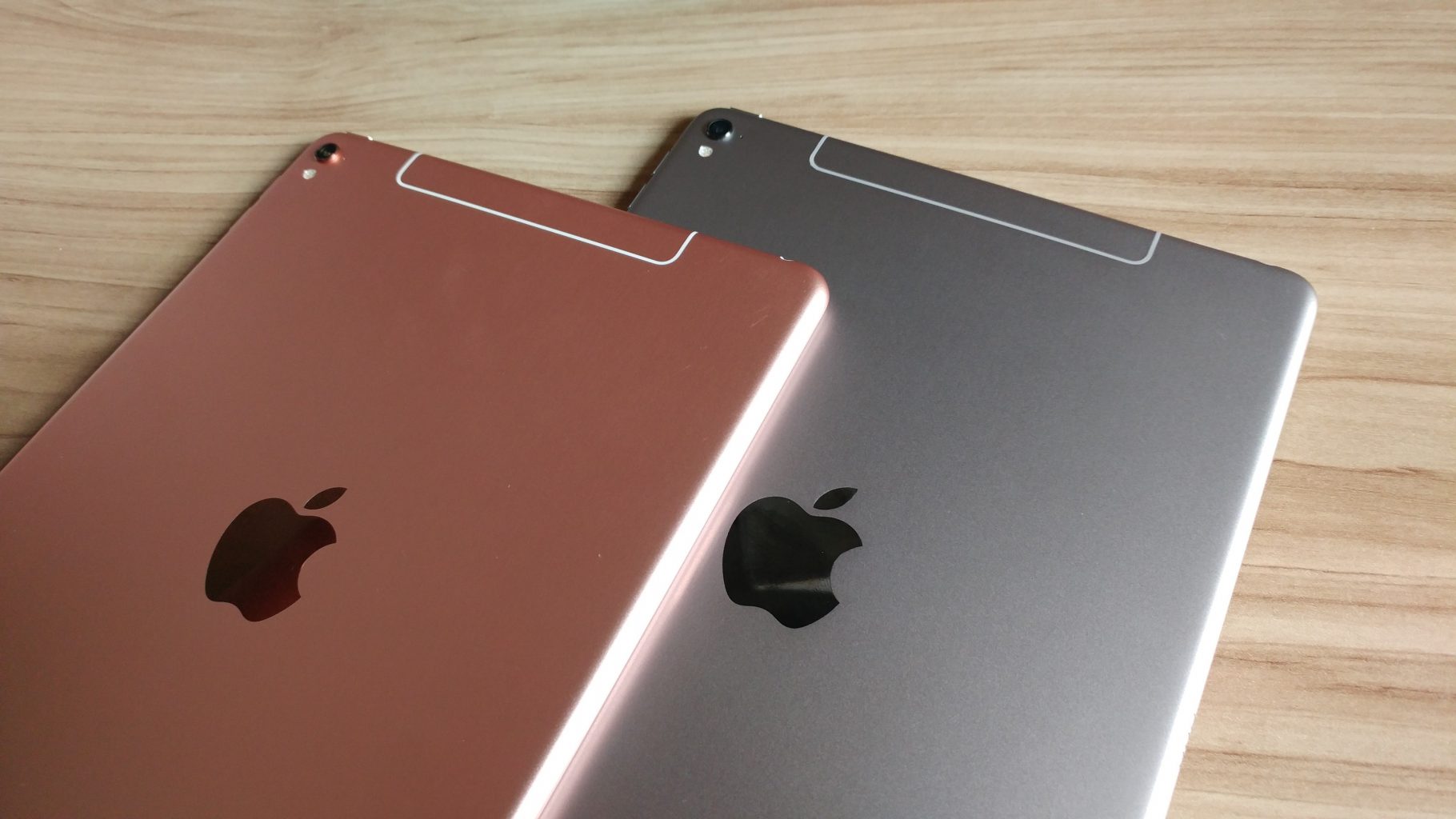
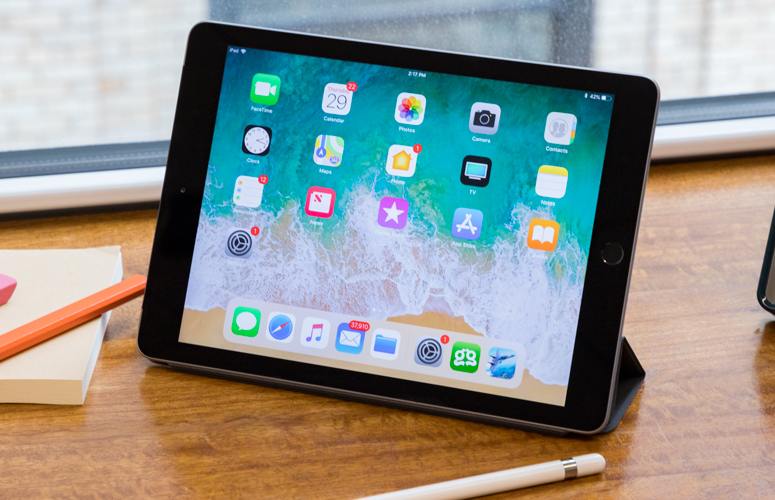
    So we have all heard and see the reviews of the new iPad. its great, its a new ipad, we get it.  The real question is should you update yours, its it the viable option for anyone looking for a good tablet at a reasonable price? Here are the 3 reason you want the new iPad and the 3 reason you don’t really need it.


    1. The Processor, A11

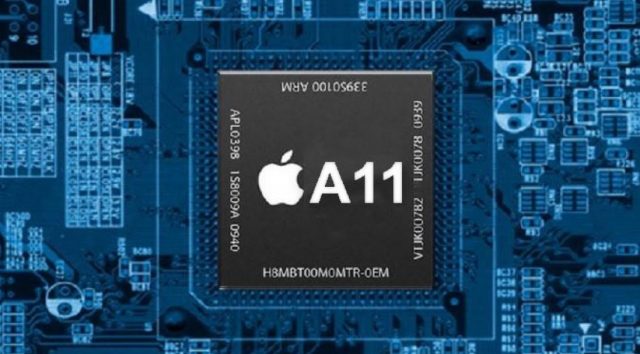
    Apple has updated teh processor in its new 9.7 inch ipad. The  A10 Fusion chip inside the new iPad provides a lot of horsepower for multitasking, playing games and running augmented-reality apps. Power for the slew of Augmented reality games and apps coming out is a necessity. This will be big and an ipad or mobile phone with out the power will be a liability. This reason alone makes this iPad a need. If you’re going to be editing video with the iPad, you’ll be glad to know it can churn through clips with ease. It transcoded a 4K clip in just 57 seconds. need

         2. Apple Pencil makes a big difference

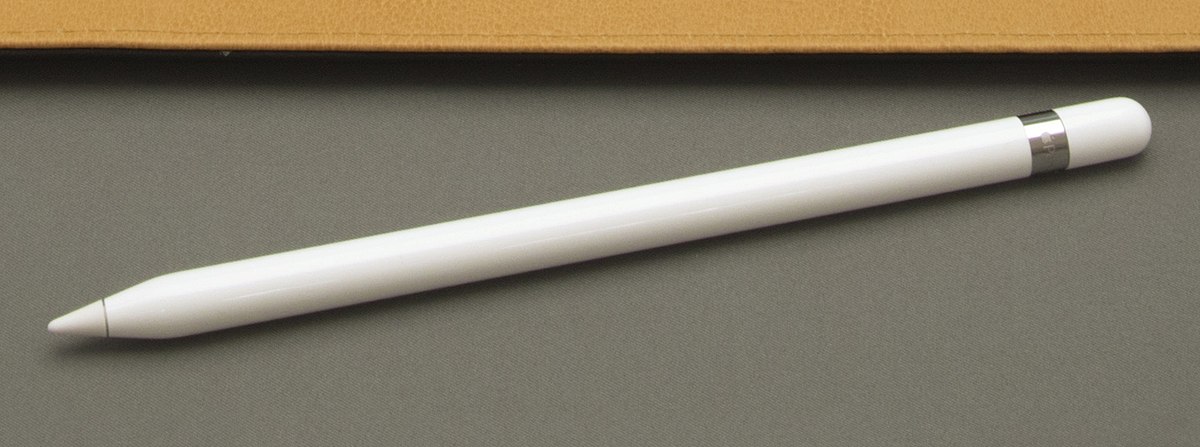
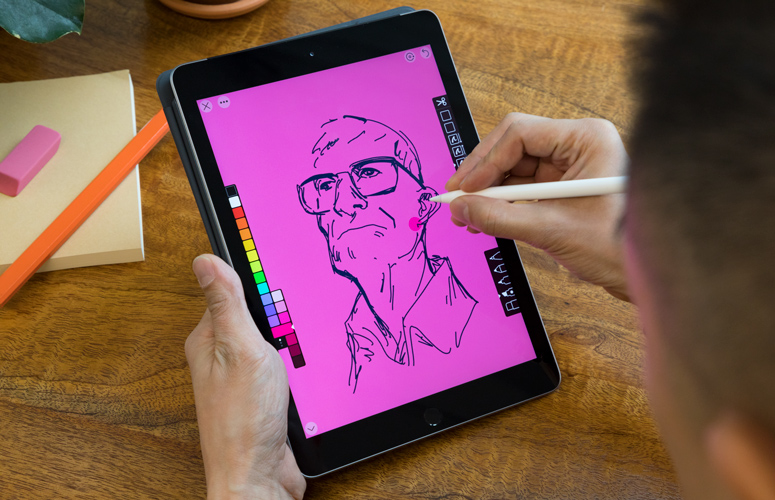
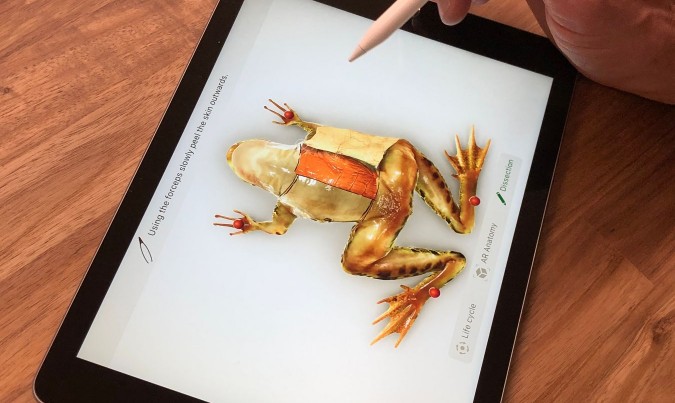
    The Apple Pencil is a worthwhile accessory for taking notes, drawing or marking up documents. It provides remarkable precision without lag, as well as both tilt sensitivity and pressure sensitivity. All of Apple’s iWork apps have been updated to support the Apple Pencil, including Pages, which has a handy new Smart Annotation feature. Its only $99 for schools.


         3. Camera And Battery

    The 8-megapixel camera on the back of the 9.7-inch iPad captures sharper-looking photos and smooth 1080p video, which makes it a valuable tool for anyone working on multimedia projects. The Battery has been vastly improves to  lasted just over 10 hours.


    So why would I pass on this less expensive iPad? There are some things you should consider, its not all gravy with the new iPad.

    1. The Design

    its the same old, same old looking iPad. No real physical improvements in 3 years now. its not thinner, lighter or more elegant. They even stuck with the home button instead on making the iPhone X jump in design. pass.


    2. All the New Accessories

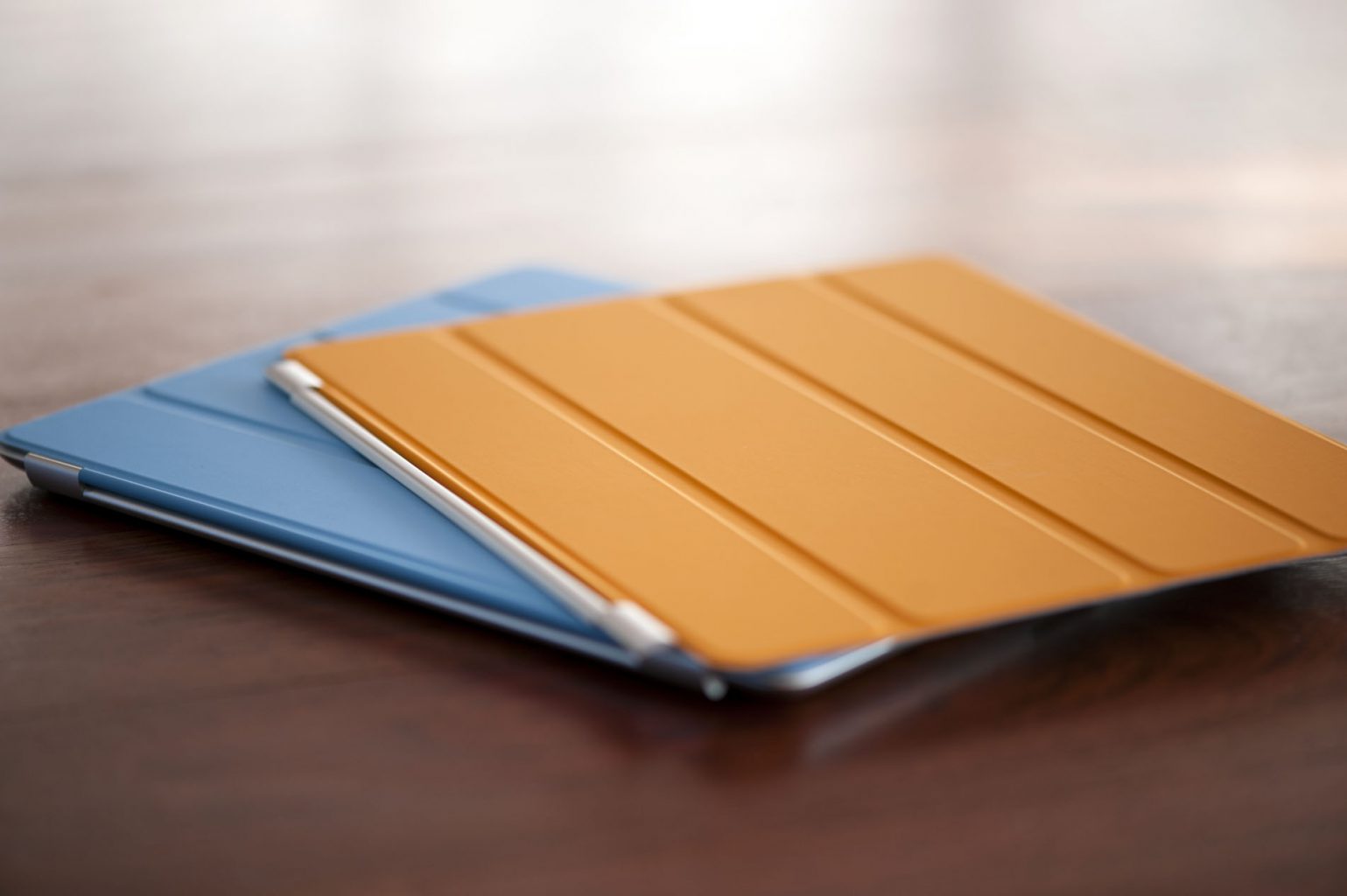
    Toys, gadgets, features and functions all come with a hefty price. The pencil alone is $99, add in the keyboard and iPad Smart Cover you are adding another $150. The $299 price has us all excited but here they come with the add-ons. You’re gonna get add-ons. Oh yeah and the Keyboard wont even work with the new iPad… pass

    3 The Display

    Another big miss on the new iPad is the display. We are stuck with the same LED, it would have made all the sense to go to an OLED like the iPhone X. Instead they just left it alone, no enhancement to the screen at all.  pass..


    The Final Thought

    I love the power, I probably wont use the pen.. I mean its cheap enough but Im not rushing to pick one up. I’m just not moved and I need to be moved.

  • iPhone X vs Galaxy S9 Plus

    It seems like smartphones are always improving and new versions are constantly coming out.

    [iFrameGen iframe_type=”Y_iFrame” template_key=”adlist_gfg_green_v7_070102018″ keyword=”new%20samsung%20galaxy%20phones” type_tag=”_gfg-20180808-iphonex-vs-galaxys9-green-top” placement=”_pc1″]

    There are so many options out there and it can be hard to decide on which one is really the best. Below is a comparison of the two most popular smartphone brand’s latest and greatest, Apple iPhone X and Samsung Galaxy S9 Plus.

    Apple iPhone X: $999+

    iPhone is always a top pick when it comes to smartphones. The latest version is a creation to celebrate iPhone’s tenth anniversary. It is almost a whole new phone, not to mention the most expensive phone  ever on the market to date. The major difference everyone is intrigued about in this exclusive new phone, is that Apple has taken away the home button and switched to a face identification feature. Rather than a touch identification to unlock your iPhone, this phone will use a 3D face map to identify you and unlock your phone.

    A few more things to note about this phone:

    • The front and back are glass- so you will definitely want to invest in a protective case.
    • This iPhone supports wireless charging.
    • Like all previous iPhones, the iPhone X also comes with a single nano-SIM card slot.
    • The camera placement is vertical rather than horizontal. Both camera sensors get optical image stabilization.
    • There is not a headphone jack, so wireless headphones or an adaptor would be needed.
    [iFrameGen iframe_type=”Y_iFrame_2″ template_key=”adlist_gfg_green_v7_070102018″ keyword=”samsung%20galaxy%20s9″ type_tag=”_gfg-20180808-iphonex-vs-galaxys9-green-center” placement=”_pc2″]

    Samsung Galaxy S9 Plus: $839.99+

    Another popular choice when it comes to choosing a smartphone, the Galaxy S9 Plus has some great updates. It is pretty similar to last year’s S8 Plus…but the main improvements are the cameras and the large screen. The camera take quality photos thanks to the low-light and noise-defeating powers that take this smartphone to the next level. Not only is the new screen bigger, the curved display now takes up 90% of the front of the phone.

    A few more things to note about this phone:

    • The fingerprint sensor has been better-placed and now is aligned in the center on the back of the phone.
    • Wireless charging is an option with this glass phone.
    • This phone features face unlock and iris scanning.
    • Lack of a headphone jack is not an issue with this phone, plug them in!
    • The stereo speakers on this phone are outstanding and loud.
    [iFrameGen iframe_type=”Y_iFrame_3″ template_key=”adlist_gfg_green_v7_070102018″ keyword=”buy%20iphone%20x” type_tag=”_gfg-20180808-iphonex-vs-galaxys9-green-bottom” placement=”_pc3″]

    The Bottom Line

    It all boils down to pricing and preference seeing as both phones have very similar new features. Both phones have a facial identification feature, wireless charging is an option, outstanding cameras and loud, quality speakers. The main differences are the iPhone no longer has a touch identification and you are not able to plug in your headphones directly to the phone. Whichever phone you choose, you’ll be sure to love your new smartphone!

  • Top 4 of the Best Iphone Deals Avilable

    Top 4 of the Best Iphone Deals Avilable

    SO you have finally decided to make the upgrade and get yourself the newest of the new. Now you have to make the tough decision and decide on the model, size and color. Now to find the best deal possible on your new purchase, everyone wants your iPhone business so lets take a look at the 4 best places to get yours.


    1. T-mobile, Apple iPhone X

    Switching to T mobile may be the best move right now. Instead of shelling out $1000 for the new iPhone X you can bring your number to Tmobile, pay just $304 for the most powerful and breathtaking smartphone ever conceived. The plan will const you $100 a month, but includes unlimited everything and free Netflix. Plus under the right conditions, there is even a buy one get one free option.

    2. Verizon,  iPhone X

    This option I like, If you have an iPhone 6 or above you can get half off the Iphone X. So for 0$ and only 101.79 a month you will get the IPhone X 64 gb and unlimited service from Verizon. I do recommend paying the extra 10$ for the upgrade unlimited service though. With this particular deal it is best to wait out the 2 years as the half off promotion is paid out monthly for 24 months

    3. Best Buy, All iPhones

    Through best buy you can buy 2 iPhone 8 and 8 plus at a buy one get one free when you buy both on AT&T Next. Offer eligible for new or upgraded lines of activation. The nice thing about this offer is if you are an existing AT&T customer, you don’t have to switch to a new service. Little insider tip, buy both and take advantage of the bogo and $200 off. Purchase an AT&T iPad from Best buy as well and move it on to the second iPhone line to decrease the cost monthly to $10 and give you connection on the iPad.


    4. Sprint, Lease option on the iPhone X

    There is a pretty decent option here, Sprint service is greatly improved. Especially if you are in some of their big markets like Orlando, Chicago or Kansas City. For $80 up front you can lease the X. The monthly lease is only $20 a month, added to their $60 unlimited plan and you have your self a pretty great deal.


  • SmartPhone Spotlight: iPhone X

    SmartPhone Spotlight: iPhone X

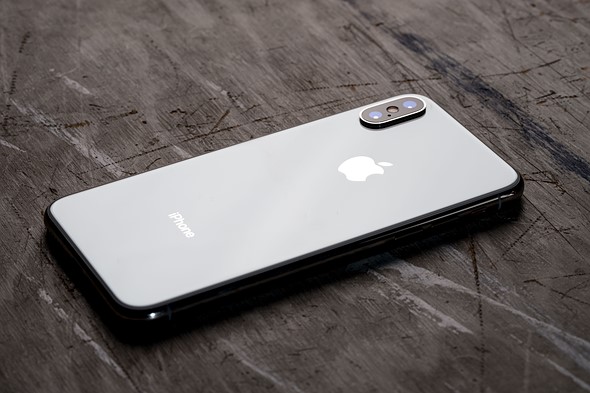
    Apple wants an iPhone that is entirely screen. One so immersive the device itself disappears into the experience. And so intelligent it can respond to a tap, your voice, and even a glance. With iPhone X, that vision is now a reality. Say hello to the future.

    The Great

    • Everything
    • Great screen
    • Premium, strong design
    • TrueDepth camera is powerful
    • Insanely Powerful

    The Not

    • The most expensive flagship phone around
    • Metal rim can scuff without case

    The Conclusion

    A great blend of handheld comfort and a big, gorgeous OLED screen. Rear telephoto camera outshoots the 8 Plus in low light, and the front camera snaps impressive portrait selfies. Face ID generally works fine. iPhone X is an overdue and winning evolution of the iPhone, but you’ll need to leave your comfort zone to make a jump into the face-recognizing future.


    The X

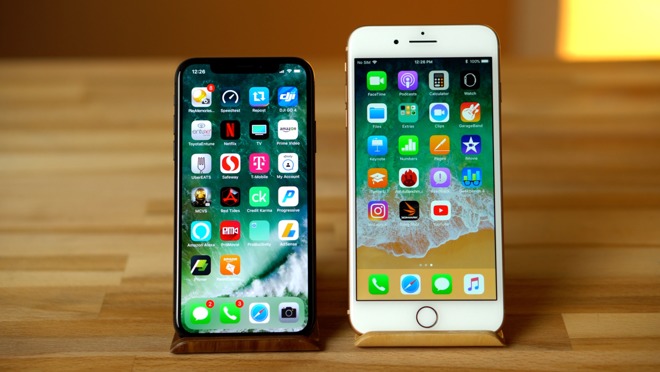
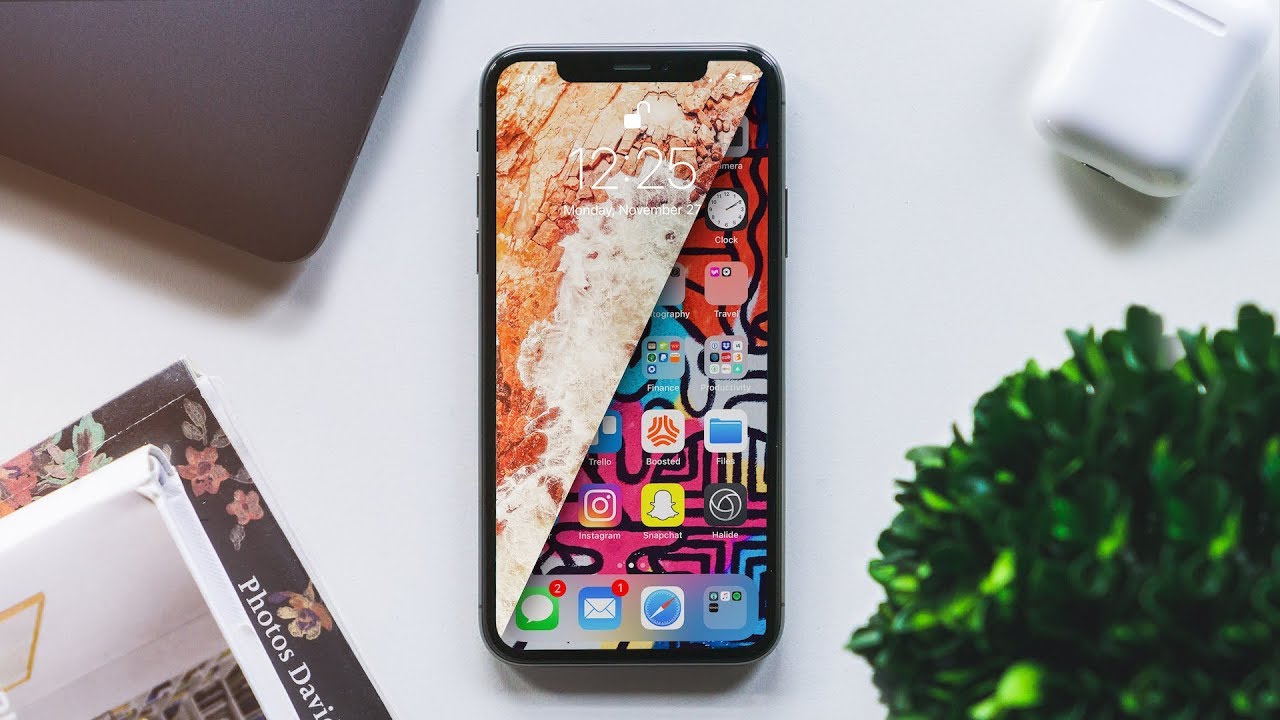
    It’s ten years since the iPhone was first unveiled and Apple has marked the occasion with a new iPhone that doesn’t just jump one generation, it jumps several. Apple has leapt straight from iPhone 7 all the way to X, or the roman numeral for 10. The iPhone X is the handset we’ve been demanding from Apple for years.
     

    The Interface

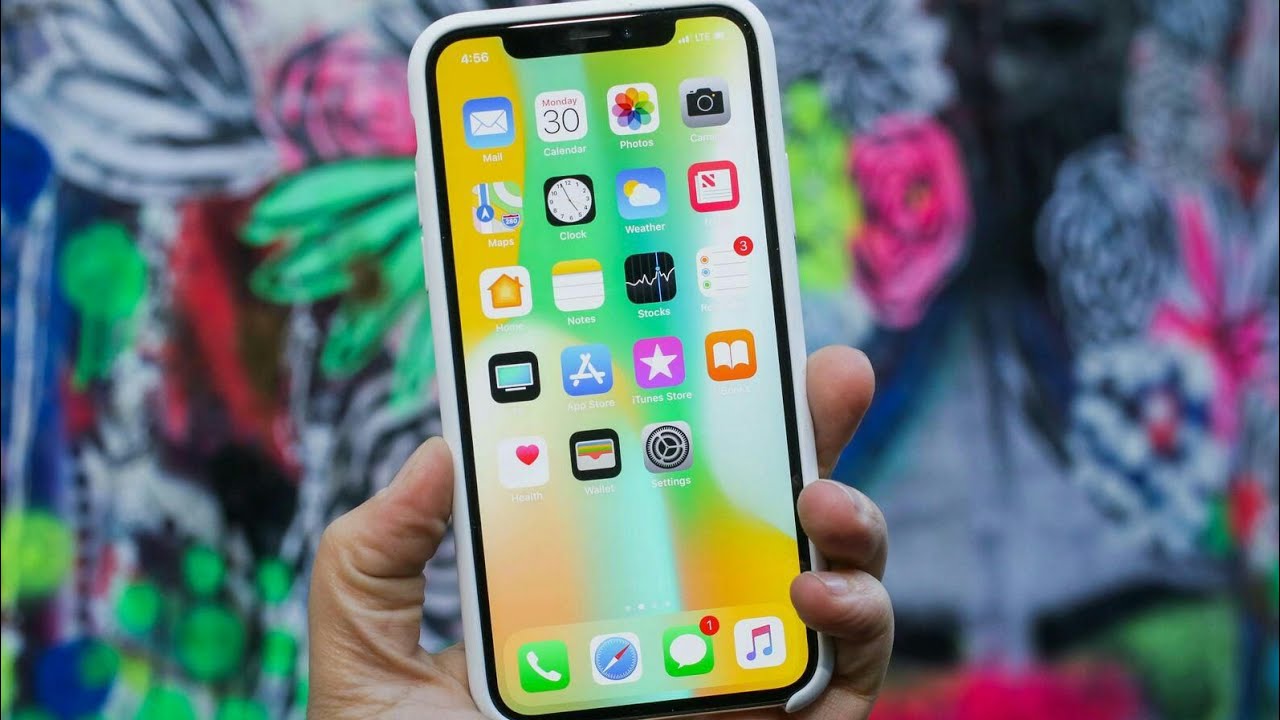
    Gone are the touch ID and home button, this brings about a new interface on the X. One reliant on gestures and swipes. While at first you may think It now takes longer, requires more steps and additional gestures to use and navigate the new user interface of the iPhone X than any of its predecessors, which is a major step backward and the cause of many frustrations. Once you adjust to this interface it is quite intuitive and quick. Jump in and embrace it, it will become second nature.

    That Display and the Notch

    Turn on the iPhone X, and it’s easy to forget almost every other phone released this year. Apple’s leading the bezel less  smartphone design trend, where the edges around the screen melt away to offer an immersive all-screen experience. Technically, other phones may have slightly smaller bezels, but I like the approach Apple took here. They have upgraded to the OLED screen from LED and it is brighter, more beautiful and needs less power.

    The notch above the X’s display, which cuts out a small chunk of the upper screen to make room for the phone’s front-facing camera and sensors, doesn’t impact many apps or videos. In fact most I’ve tried put any critical info below that notch by default. But that does mean the effective display area is even smaller, with black bars on the top and bottom. My only issue with the notch is that it now removes the battery percentage icon from the display. Now I have to use the drag down gesture to check the percentage.

    The Camera

    The Camera is insane, Dual cameras and new facial land marking create dramatic studio lighting effects in Portrait mode.  The photos generally turned out great. Low-light gains aren’t as dramatic as I expected compared to the already excellent iPhone 7 Plus, but the photos I’ve been taking have generally looked phenomenal.


    Portrait Mode, which debuted last year, now supports flash photography and HDR. The 8 Plus and the X add a new photo technique called Portrait Lighting, a beta feature that adds simulated 3D lighting to faces and even strips out backgrounds to create a studio-shot effect.


    Face Id

    This is the biggest wow on the phone. The X looks at me, verifies I am me and unlocks. It is slightly longer then not using a pass code, but works great. I’m blown away by how well it works when I am wearing glasses or late at night in dark room. The biggest bonus to this is not just the ability to unlock my phone with my face, but sign in to everything with my face. All the apps, websites and verification that constantly need info from me now just input by verifying my face. Its amazing.

    And Animojies. They were fun for like 7 mins.
     

    The Final Thought


    This is  the Cubans, baby. This is the Cohibas, the MonteCristos. This is the This is my Eiffel Tower. This is the Rachmaninoff’s Third. The Pietà. It’s completely elegant, it’s bafflingly beautiful.
     

  • SmartPhone Spotlight: iPhone 8 Plus

    SmartPhone Spotlight: iPhone 8 Plus

    Phone 8 Plus introduces an all‑new glass design. The world’s most popular camera, now even better. The most powerful and smartest chip ever in a smartphone. Wireless charging that’s truly effortless. And augmented reality experiences never before possible. iPhone 8 Plus . A new bigger generation of iPhone.


    The Great

    • Insane performance
    • Dual Camera, Portrait Mode
    • Excellent, versatile camera
    • Great screen
    • Super speakers
    • Wireless charging is nice to have
    • 3gb of RAM

    The Not

    • Its heavy
    • …come on, its perfect

    The Conclusion

    The iPhone 8 is great, the iPhone 8 plus is better, bigger, and a much better camera


    But the Size

    I know everyone thinks they don’t want to carry a bigger phone in their pocket. Its too big they say. Ill drop it. Calm down, you will adjust to the size in a few hours. Its size is perfect, not a liability. Once you adjust you will feel like you could crush the 8 in your palm because its too puney.

    the iPhone 8 Plus represents a new update on a modern classic. There are nice upgrades to the screen, camera and processor, although nothing that will really make you say ‘wow’. It’s an iPhone 7S Plus but better.


    What Do You Get with a Plus

    There are a few differences with the iPhone 8 plus over the 8 than just the size. One big difference is the extra GB of memory. The iPhone 8 Plus has 3GB of RAM, while the iPhone 8 has 2GB. Battery: A tear down revealed that the iPhone 8 has a 1,821mAh battery, while the iPhone 8 Plus has a 2,675mAh battery. Camera: Both phones have a 12MP rear camera with an f/1.8 aperture and optical image stabilization.

    This Camera

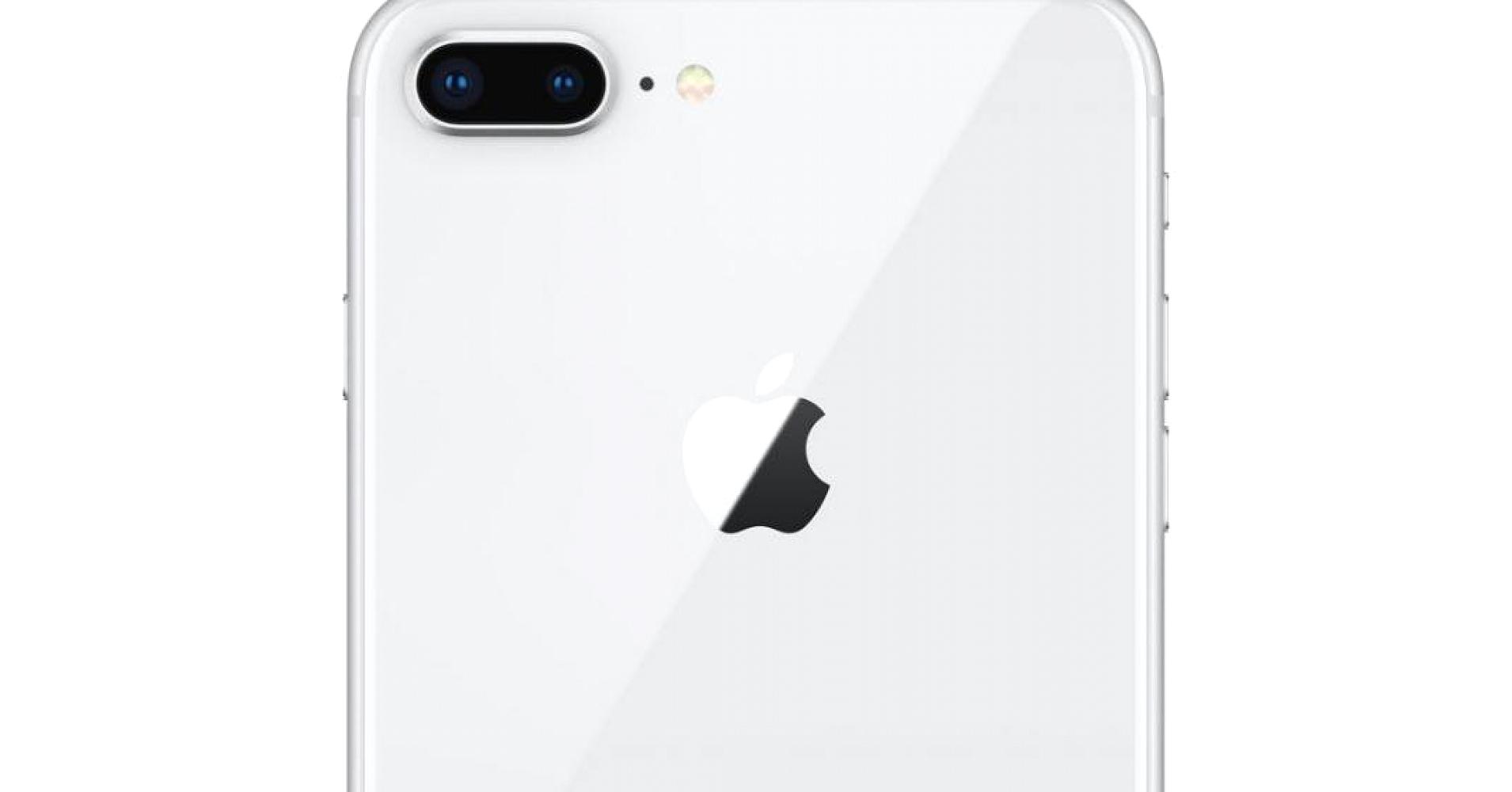
    The major difference is the dual camera on the back. Why do I want two cameras on the back of my phone? Portrait Mode. That is why. Dual cameras and new facial land marking create dramatic studio lighting effects in Portrait mode.  The photos generally turned out great. Low-light gains aren’t as dramatic as I expected compared to the already excellent iPhone 7 Plus, but the photos I’ve been taking have generally looked phenomenal.

    Portrait Mode, which debuted last year, now supports flash photography and HDR. The 8 Plus and the X add a new photo technique called Portrait Lighting, a beta feature that adds simulated 3D lighting to faces and even strips out backgrounds to create a studio-shot effect.

     Quick Spec Look

    • – IP67 certified – dust and water resistant
    • Apple A11 Bionic Chipset
    • 3 gb of Ram
    • Hexa-core (2x Monsoon + 4x Mistral)
    • Apple GPU (three-core graphics
    • 12 MP (f/1.8, 28mm), phase detection autofocus, OIS, quad-LED dual-tone flash,
    • 7 MP, f/2.2, 1080p@30fps, 720p@240fps, face detection, HDR, panorama
    • Wi-Fi 802.11 a/b/g/n/ac, dual-band, hotspot
    • Fingerprint (front-mounted), accelerometer, gyro, proximity, compass, barometer
    • Non-removable Li-Ion 1821 mAh battery (6.96 Wh) 14 hours in uses, 40 hours stand by
    • LED-backlit IPS LCD, capacitive touchscreen, 16M colors
    • 4.7 inches, 60.9 cm2 (~65.4% screen-to-body ratio)

    The Final Thought

    I like the plus, its the iPhone but bigger and better. Its beautiful and powerful, like Vin Deisel. Yes that the best way to put it, its the Vin Deisel of phones. Its the Iphone with More RAM, More Camera, More Screen.

  • SmartPhone Spotlight: iPhone 8

    SmartPhone Spotlight: iPhone 8

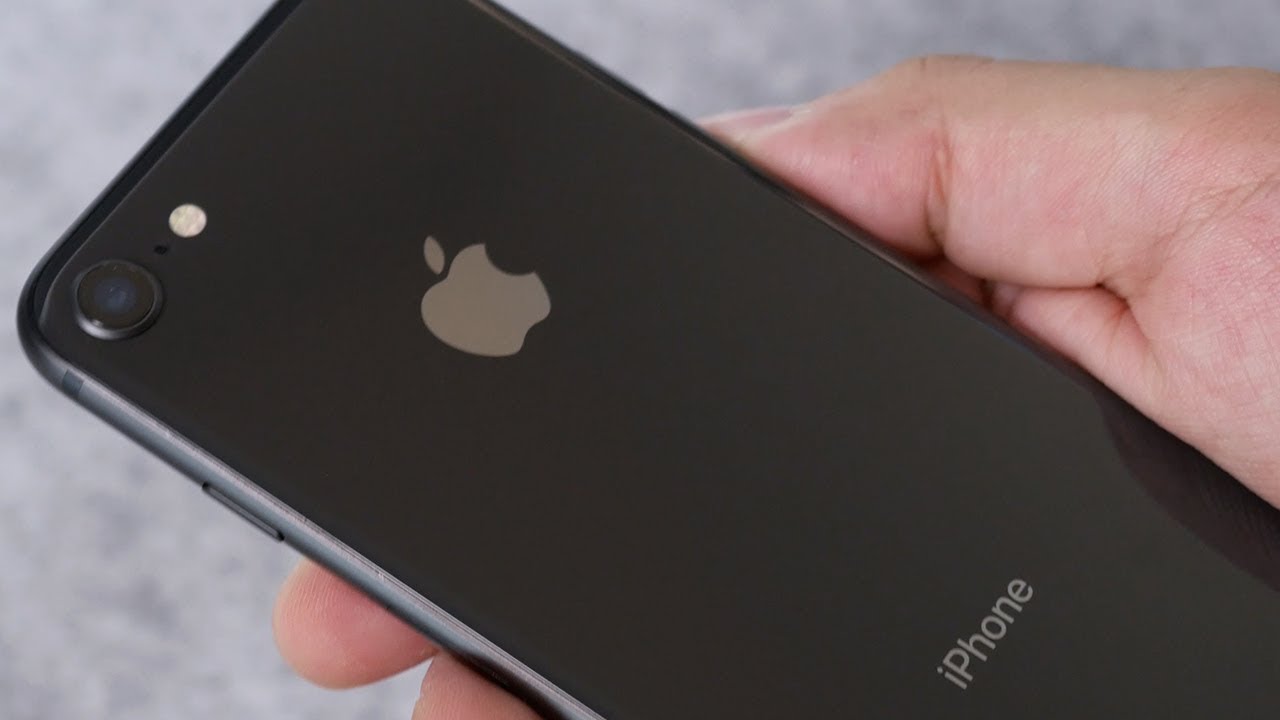
    iPhone 8 introduces an all‑new glass design. The world’s most popular camera, now even better. The most powerful and smartest chip ever in a smartphone. Wireless charging that’s truly effortless. And augmented reality experiences never before possible. iPhone 8. A new generation of iPhone.


    The Great

    • Insane performance
    • Vastly improved cameras
    • Wireless charging
    • Assured, timely software updates

    The Not

    • ….

    The Conclusion

    Its not the iphone v android, its what model iPhone do you want? It has been reigning king for 10 years. Only question to ask your self is what color.


    The Look

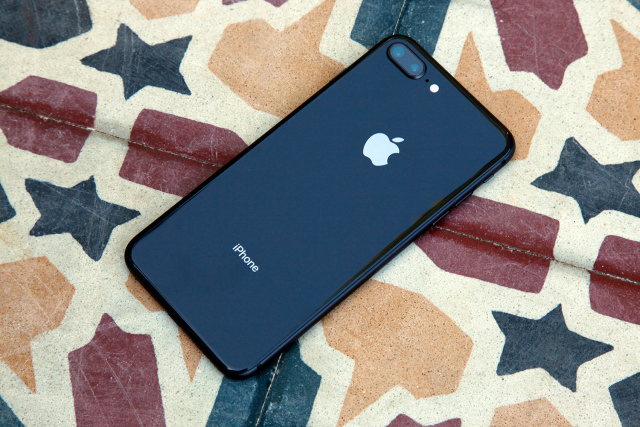
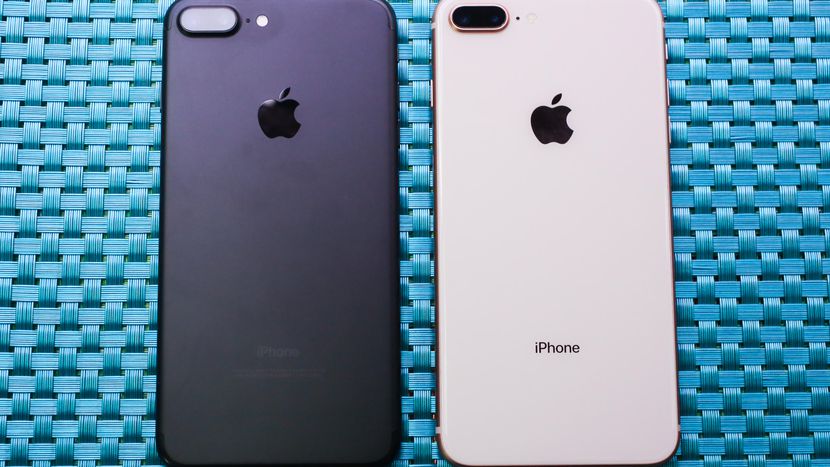
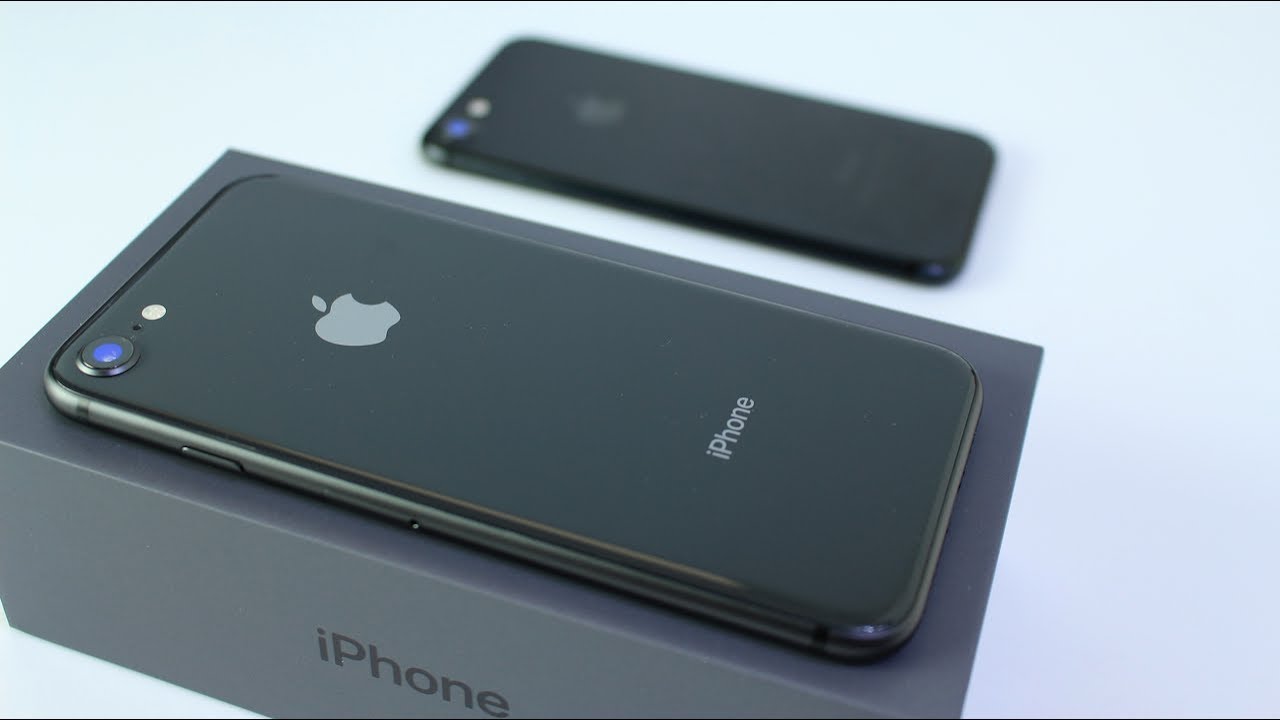
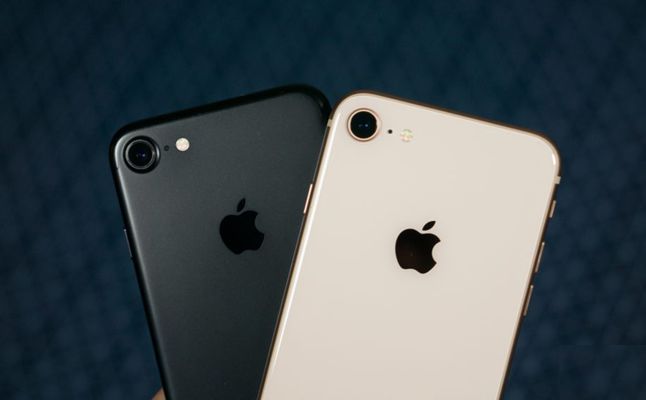
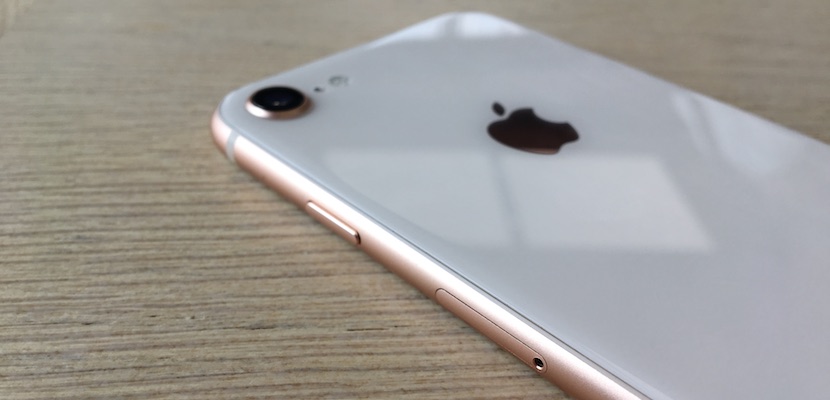
    This is the same design ans size as the previous model. you have seen it, you know it. How do you tell the difference between the 8 and the 7 physically? you want other people to know you are rocking the latest model of the iPhone, don’t you? The glass back design is a dead give away you are a true baller and have the iPhone 8.

    Whats New

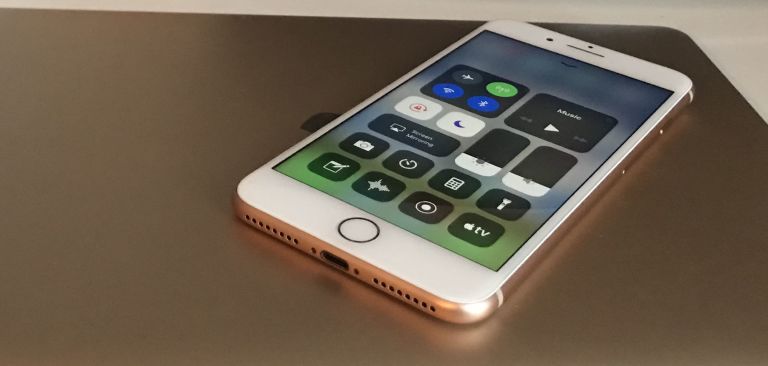
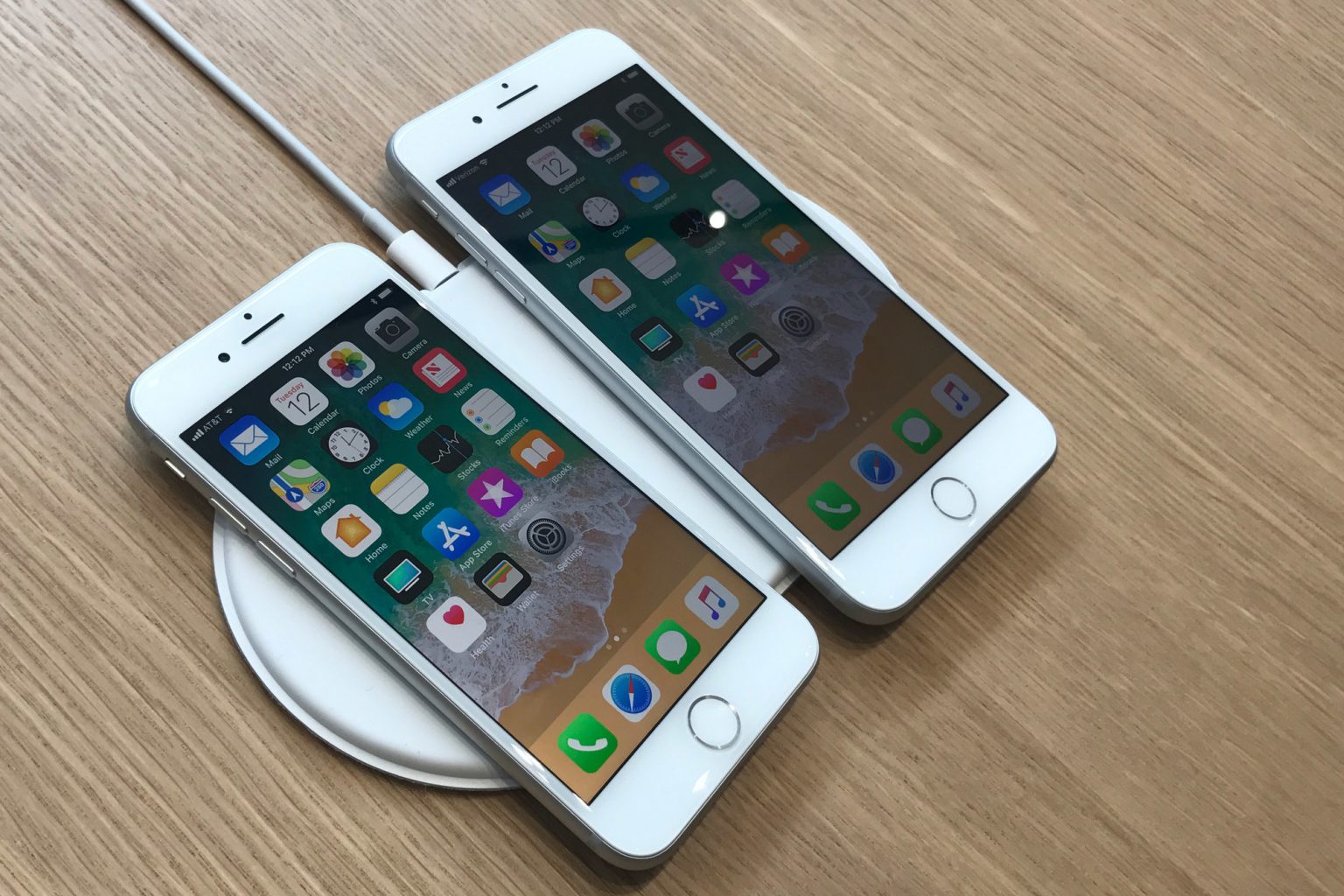
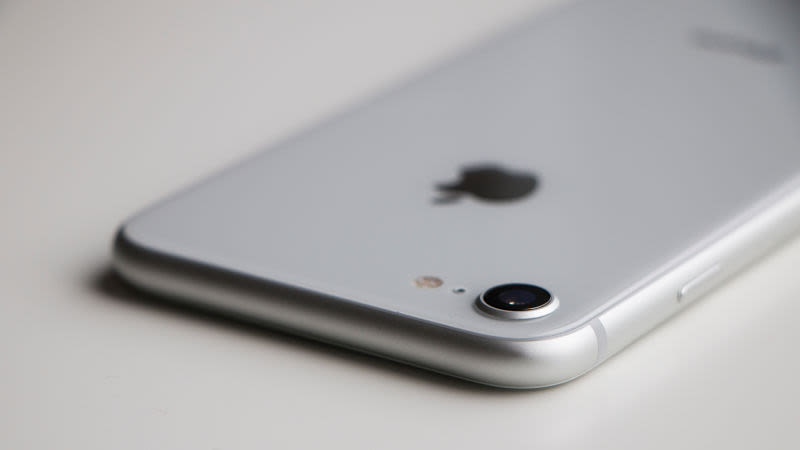
    iPhone 8 Plus has an all-new glass-backed design, along with the same color-matching, 7000 Series aluminum edges and glass front as iPhone 7 Plus. Apple says the rear glass is the strongest glass in any smartphone, with a 50 percent deeper strengthening layer.

    A Quicker Performance Boost.

    iPhone 8 Plus has Apple’s latest A11 Bionic chip. It has two performance cores that are 25 percent faster, and four high-efficiency cores that are 70 percent faster, than the A10 chip in iPhone 7 Plus. The A11 chip also has a neural engine and a more powerful M11 motion coprocessor vs. M10.


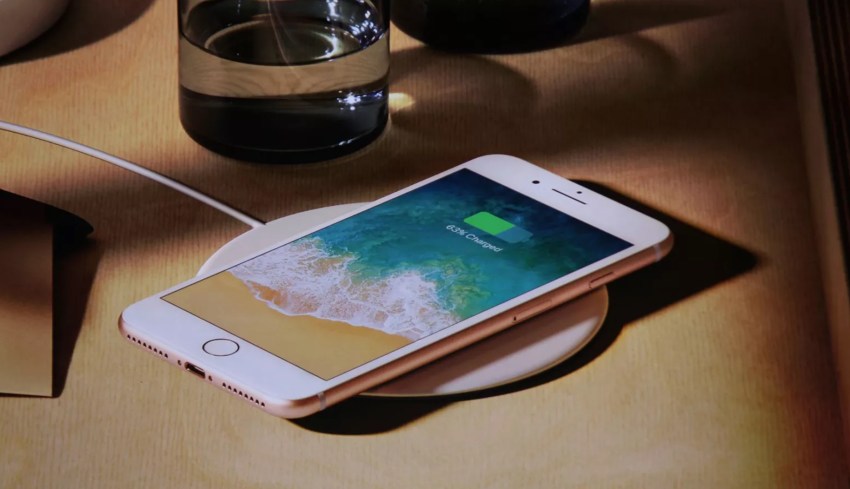
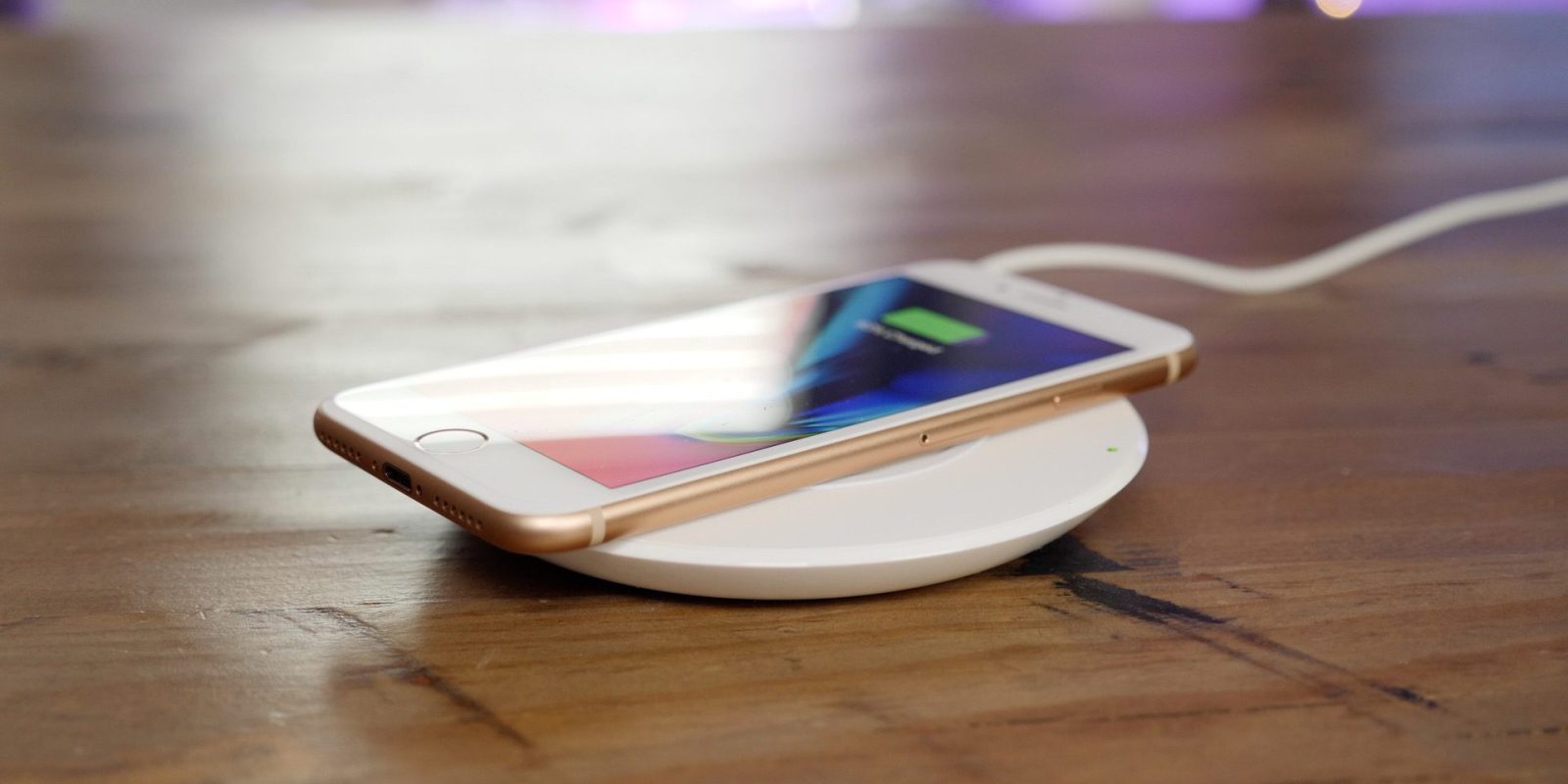
    Wireless Charging

    iPhone 8 Plus supports wireless charging based on the Qi standard. The device can charge by being placed on an inductive charging pad, such as Apple’s upcoming AirPower mat or third-party options from accessory makers such as Mophie, Belkin, and Incipio. It will not support the non Qi wireless charging systems.. this is not an issue unless you use the Duracell power mat. I will note even on the fastest of wireless chargers its still much faster on the plug, but life is nice when you have options.

    Quick Spec Look

    • – IP67 certified – dust and water resistant
    • Apple A11 Bionic Chipset
    • Hexa-core (2x Monsoon + 4x Mistral)
    • Apple GPU (three-core graphics
    • 12 MP (f/1.8, 28mm), phase detection autofocus, OIS, quad-LED dual-tone flash,
    • 7 MP, f/2.2, 1080p@30fps, 720p@240fps, face detection, HDR, panorama
    • Wi-Fi 802.11 a/b/g/n/ac, dual-band, hotspot
    • Fingerprint (front-mounted), accelerometer, gyro, proximity, compass, barometer
    • Non-removable Li-Ion 1821 mAh battery (6.96 Wh) 14 hours in uses, 40 hours stand by
    • LED-backlit IPS LCD, capacitive touchscreen, 16M colors
    • 4.7 inches, 60.9 cm2 (~65.4% screen-to-body ratio)

    The Final Thought

    All in all, those features make the iPhone 8 Plus a considerable upgrade over the iPhone 7 Plus, which is perhaps why Apple skipped over calling it the iPhone 7s Plus. Alongside the iPhone X, it’s an option worth having.


  • Muse Speaks to Me While I Drive

    Muse Speaks to Me While I Drive

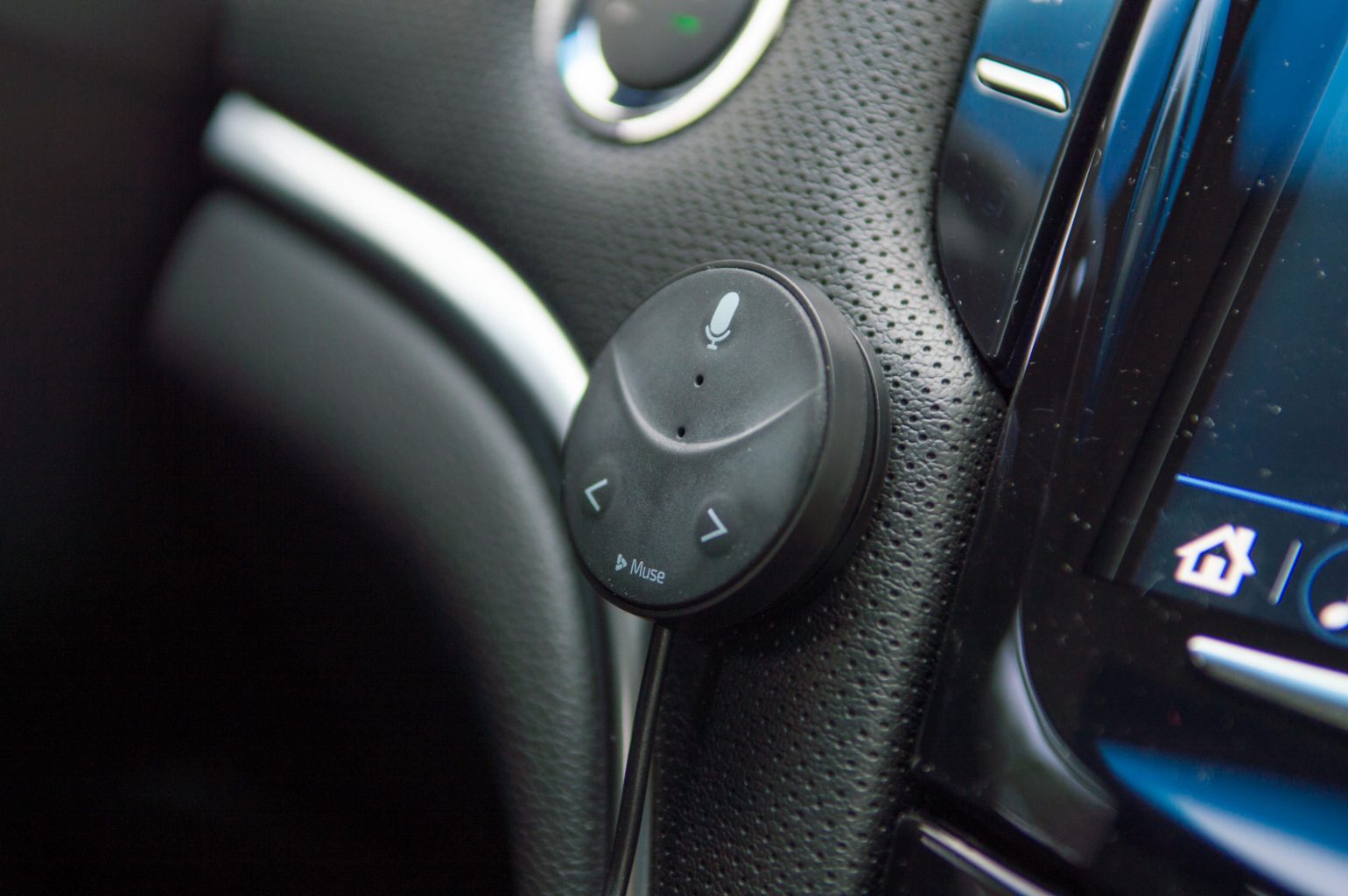
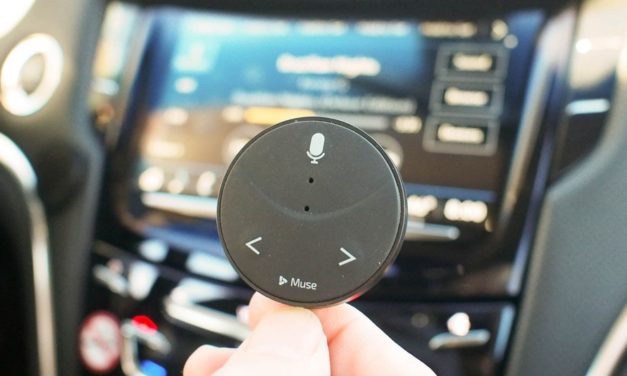
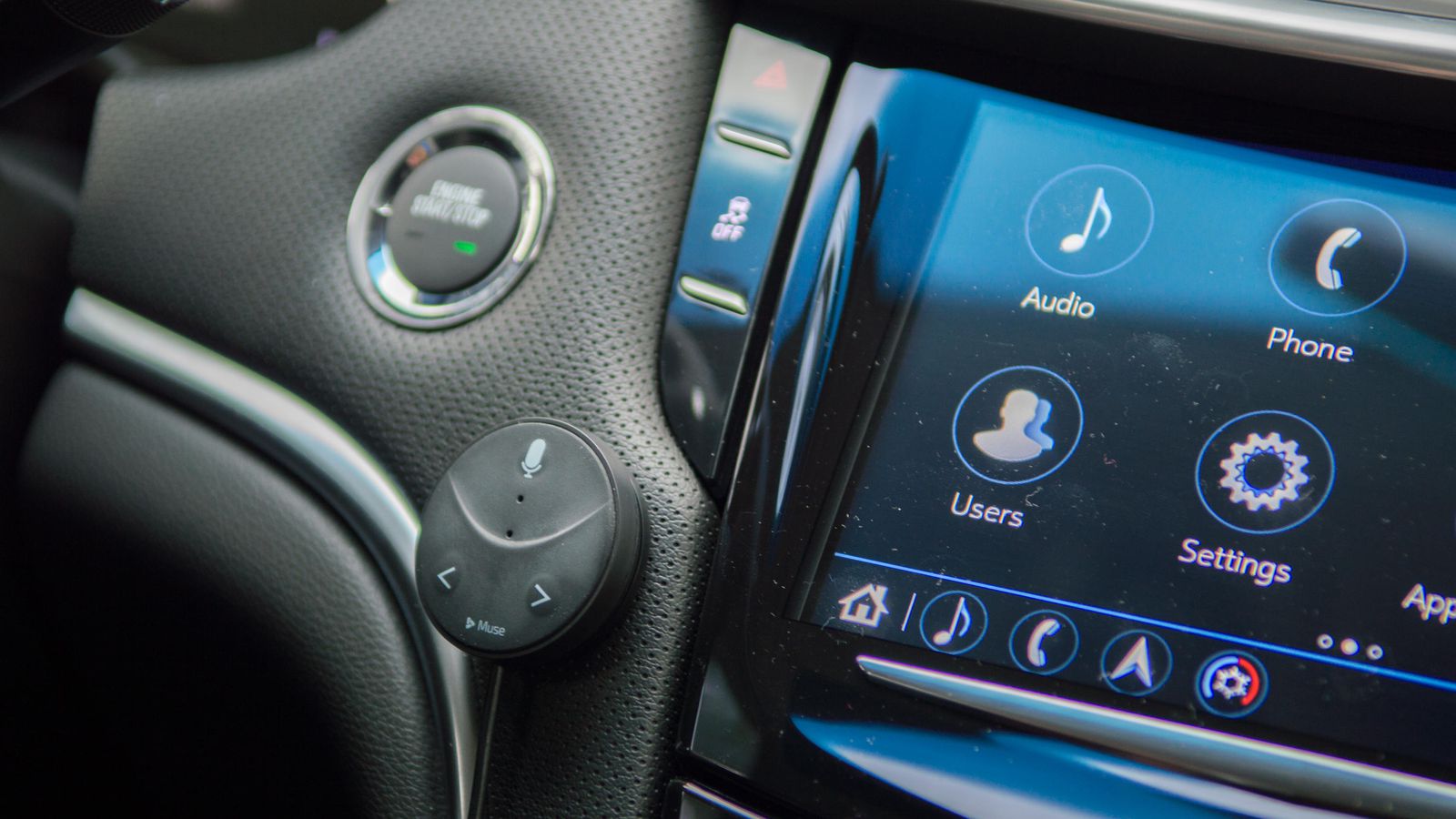
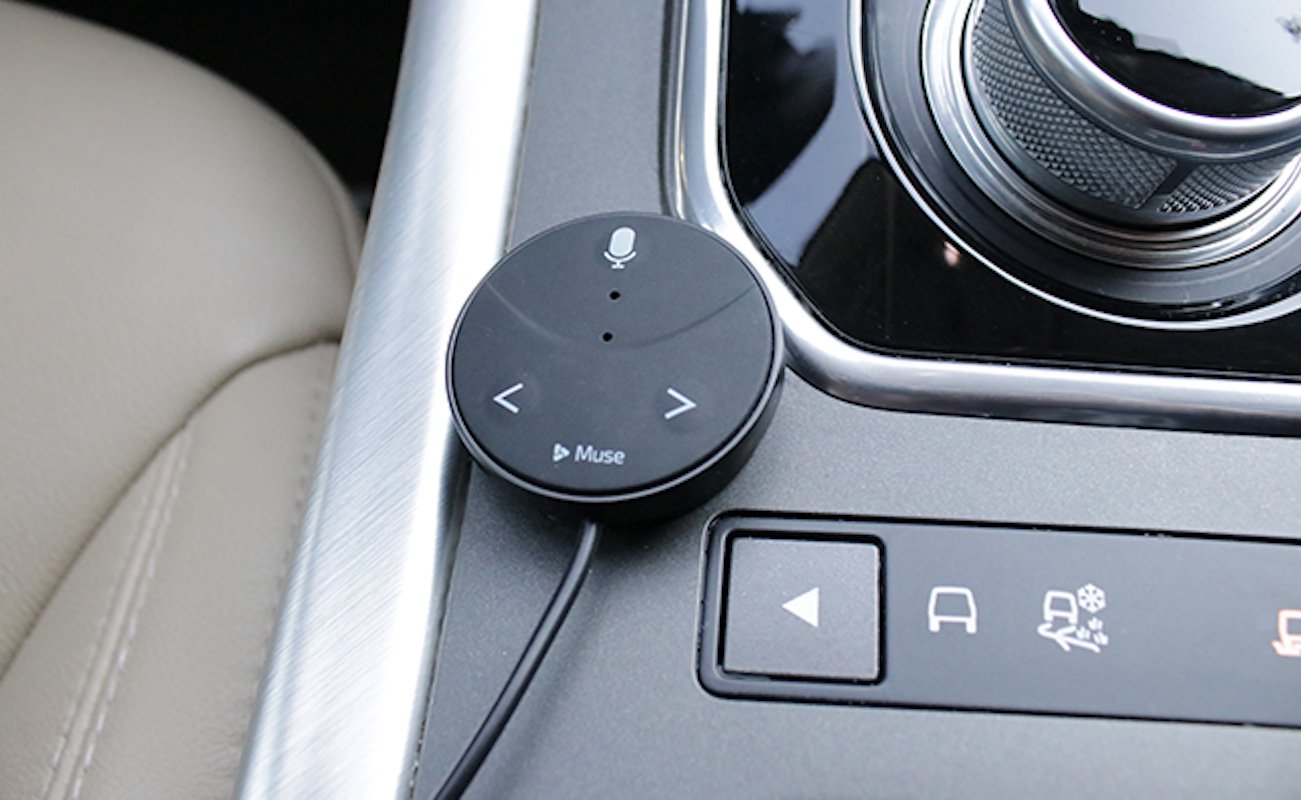
    Speak Music’s Muse is terrific way to bring Alexa voice commands to your car. Plug the Oreo-sized accessory into your car’s USB port or lighter socket and connect it to your phone via Bluetooth and you’ll be able to order Alexa to play and control your music, get the weather, add items to your to-do list, control your smart home device

    The Great

    • Small
    • Inexpensive
    • Easy setup
    • Lets you stream music

    The Not

    • No turn-by-turn directions
    • Lacks Spotify integration
    • Alexa slow to respond

    The Conclusion

    This small Bluetooth dongle lets you use Alexa while you’re driving, but the voice assistant could respond faster.

    I Said To Myself

    Do you have no one to talk to while you drive? Have you ever said to yourself I wish I could bring Amazon’s versatile voice assistant to your car and say goodbye to boring commutes or fumbling with the phone. Be productive and entertained while keeping our eyes on the road and hands on the wheel but no one was there to listen to you? Well Now there is

    Muse Auto is a small Bluetooth device that brings the power and convenience of Amazon Alexa to the car. Just plug it in, pair with your smartphone and say “Alexa”.

    How Does It Do

    Like other in vehicle Alexa peripherals this needs to link to your phone and use your phone’s data through the Muse app. I found connecting to the Muse by Bluetooth plus using cellular data chews through my battery super fast. I end up closing the app when I leave my car and restarting it each time I get in the car. I also plug in my phone to keep it from dying. Pretty easy workarounds.

    For voice commands you need to say the wake word, wait a few seconds until you hear a low sound, give the command, then you hear a second sound that the command was received. My trouble is the first sound is too quiet and not distinctive so I can’t always tell if the Muse heard my wake word.

    Very easy to install. Downloaded the app and it walked me right though it. The device is small and I mounted mine on the driver’s side of my center console where only I can see it.  Yeah I’m stealthy like that. When I want to interact with Alexa I just set the car audio input to Bluetooth, a one button push in my Ford, and it works. It’s pretty cool to be able to “talk” with Alexa in my car. The kids like to play 20-questions and I get the news read to me on the way to work. There is a short delay between calling out “Alexa” and hearing the soft tone which indicates the device is listening to you, but I got the timing down after a few tries and now she obeys my every command! I’m king of the car again

    The Final Thought

    Overall the Muse is adequate if you don’t mind yelling “Alexa” a whole bunch, or plugging in your phone, or fiddling with an app when you start or leave your car. Not ideal for quick trips but if you’re taking a long trip or have a substantial commute it can be worth setting it up before the trip. Most of the issues can be handled with software updates so I’ll hang on to it. And there is something cool about turning up the thermostat when I leave work then pulling in the driveway saying “I’m home” and having the lights turn on. So there is a little Alexa magic. It’s just not seamless yet.

  • Huwaie P20 Rumors and Speculations

    Huwaie P20 Rumors and Speculations

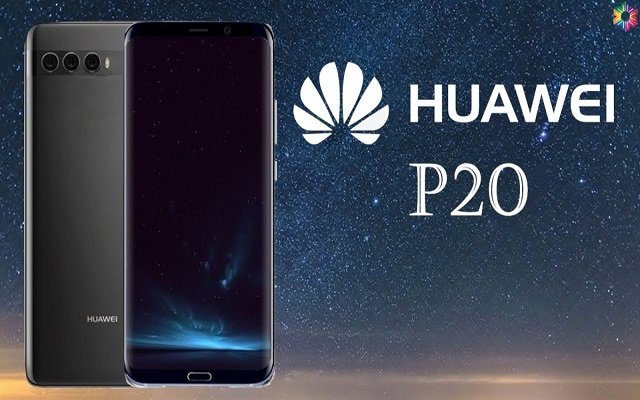
    Huawei is releasing the new P20 at the end of this month. This is turning out to be a tumultuous year for Huwaie who was poised to make a big splash and become a major player. The Huawei P20 may be the follow-up to the 2017 Huawei P10 and become the flagship of the Huawei line.


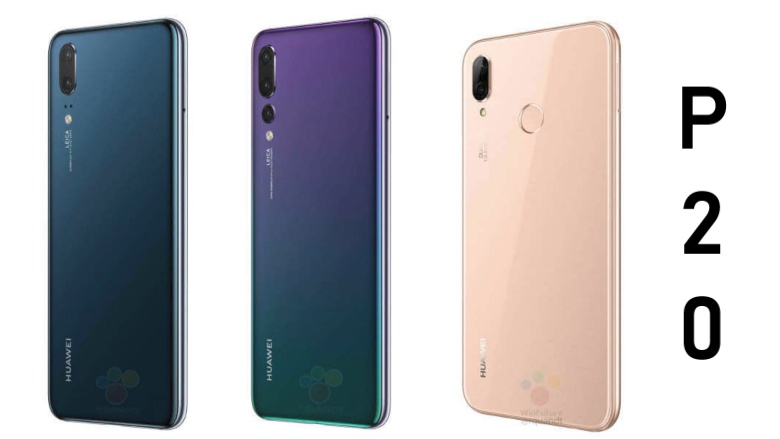
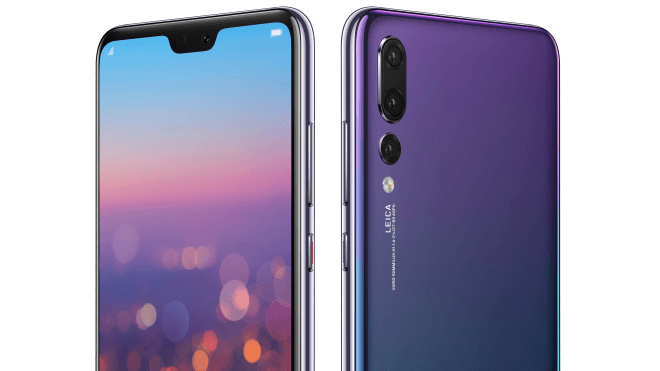
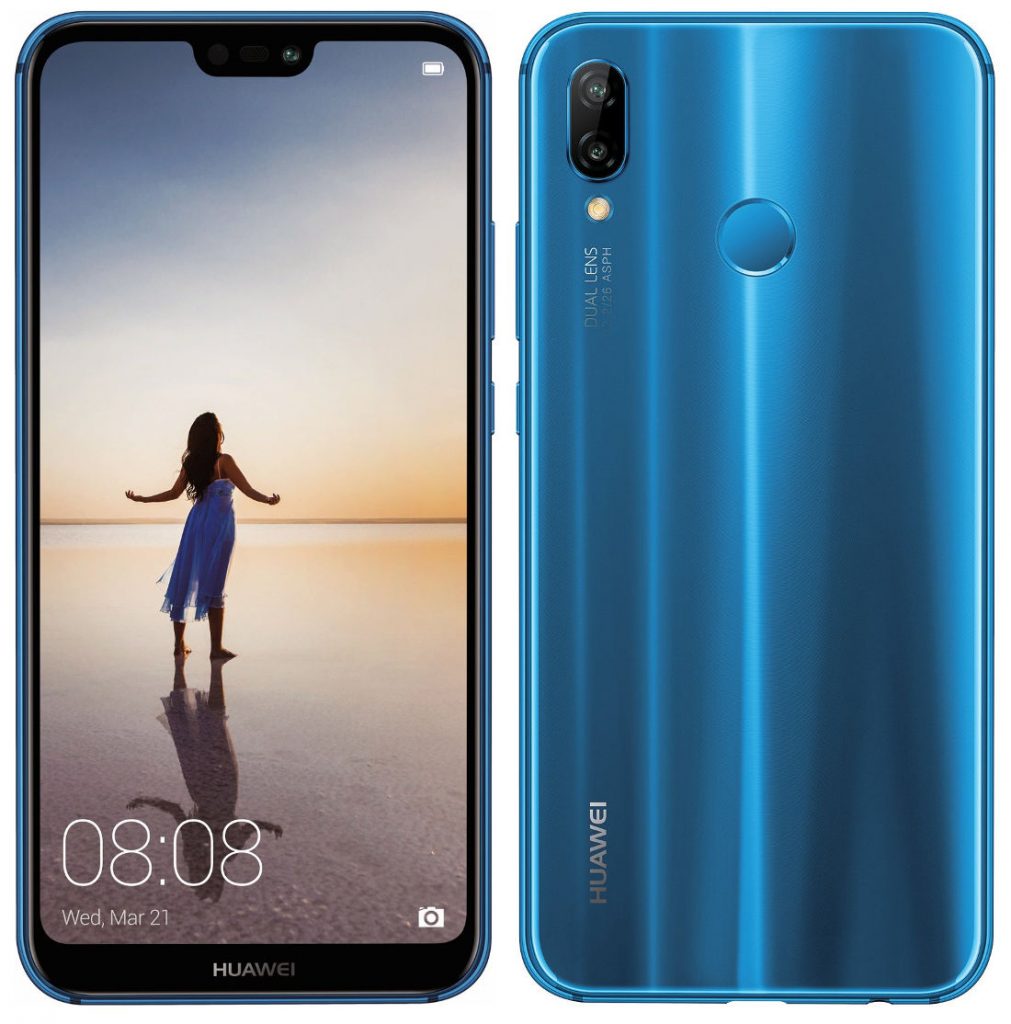
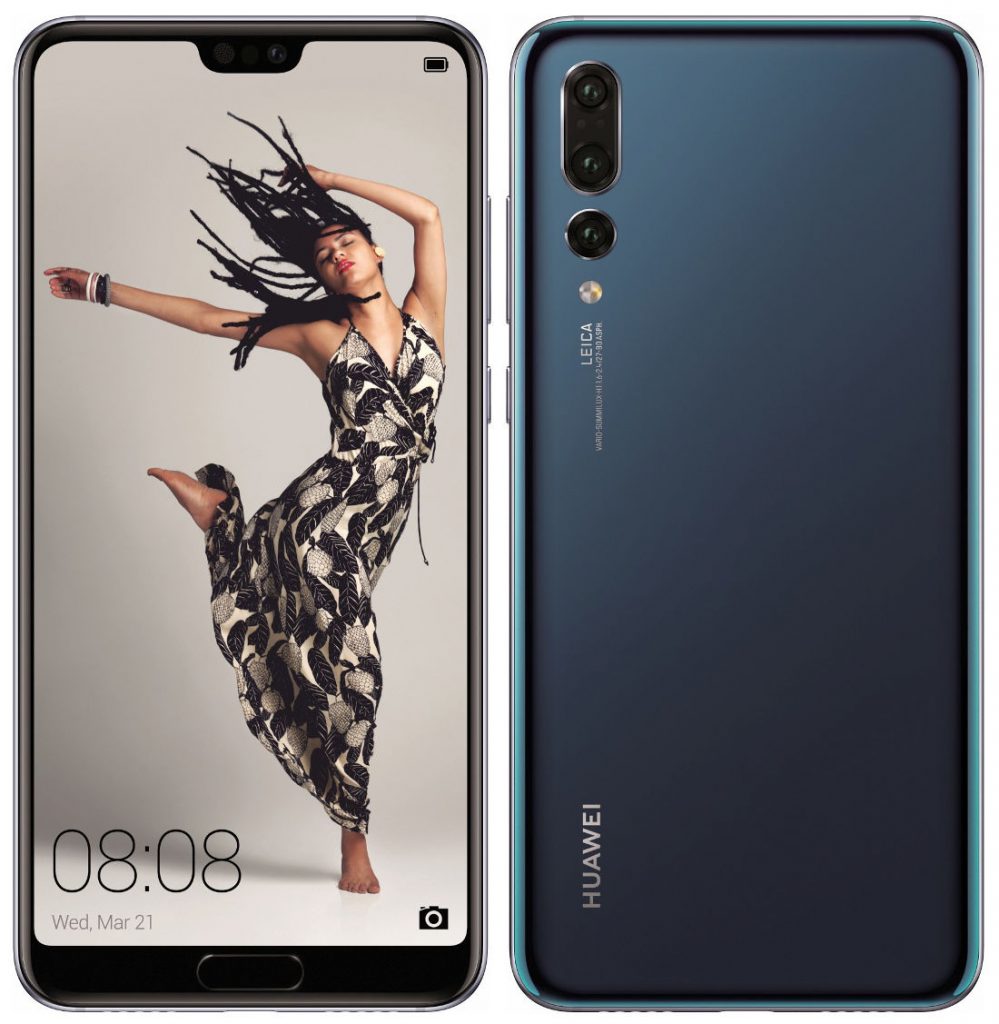
    Here are press renders of the Huawei P20, P20 Lite and P20 Pro smartphones that will be announced officially later this month.  This also shows camera specifications of the phones and display notch for all where the earpiece, sensors and the front camera are present. The fingerprint sensor is present on the front for the P20 and the P20 Pro, but it is located on the back on the P20 Lite.
    3 Camera Pro

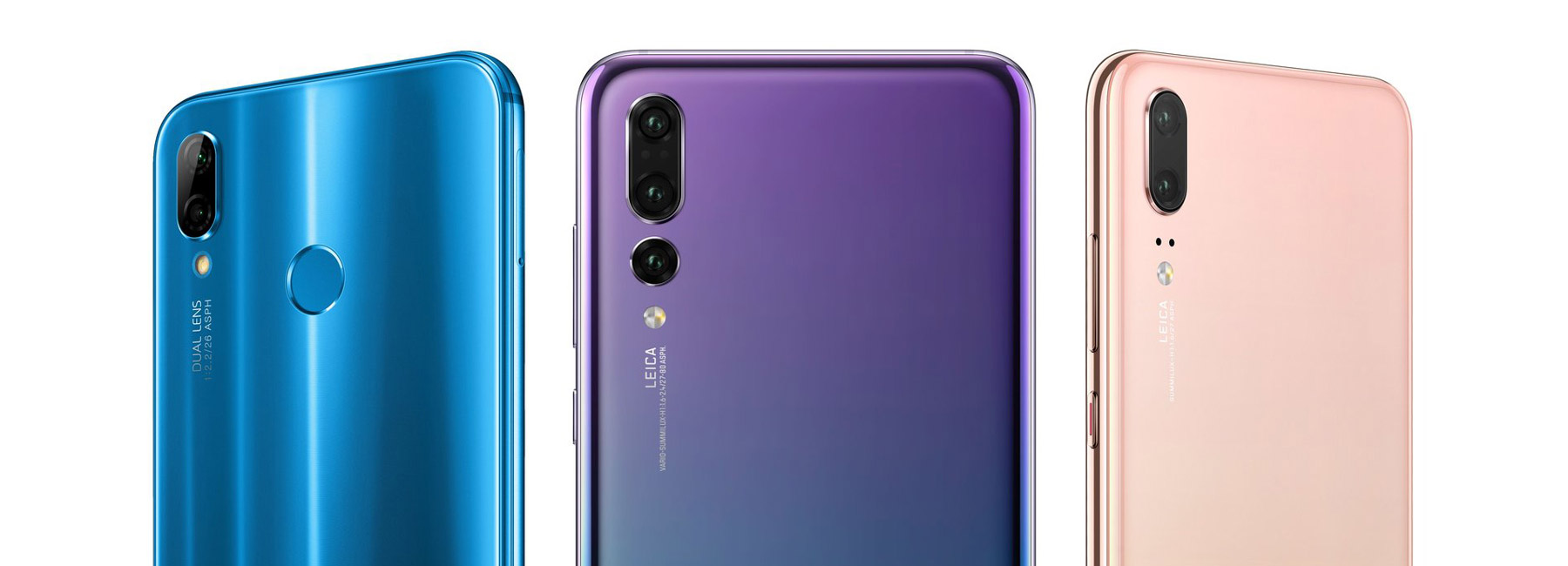
    he Huawei P20 Pro is their top of the line model which comes with a total of 3 cameras. Im not sure why or what that means but ill check it out. WE know it will be able to take portrait like photos, but i cant fathom a need for a 3rd depth camera.


    The P-Series is usually regarded as Huawei’s “fashion-forward” smartphone, with an emphasis on design.  We have some big assumptions and guesses as to what we are going to see. Huawei may adopt a controversial “notch” at the top of the display,image files found in the software that help obscure particular areas around the top of the screen. The firmware stated the unnamed device has a 6.01-inch screen with a 2,244 x 1,080-pixel resolution, longer than a traditional 1,920 x 1,080-pixel screen.

    Maybe Animojies

    While I cant confirm that Huawei face detect and depth camera will be ready for the P20, but if they have have pushed this tech into the P@0 we will most certainly see an Apple like animojies.


    Quick Spec Look

    Huawei P20 Lite rumored specifications

    • 5.84-inch (1080 x 2280 pixels) Full HD+ 2.5D curved glass display
    • Octa-Core Kirin 659 processor (4 xA53 at 2.36GHz + 4 x A53 at 1.7GHz) with MaliT830-MP2 GPU
    • 4GB RAM, 64GB storage, expandable memory up to 256GB with microSD
    • Android 8.0 (Oreo) with EMUI 8.0
    • 16MP rear camera with LED flash, Hybrid zoom, secondary 2MP camera
    • 16MP / 24MP front-facing camera
    • Fingerprint sensor
    • Dimensions: 148.6×71.2×7.4mm; Weight: 145g
    • 4G VoLTE, WiFi 802.11 b/g/n, Bluetooth 4.2, GPS / GLONASS
    • 3000mAh (typical) / 2900mAh (minimum) battery

    The Huawei P20 Lite is expected to come in Blue, Black, Rose Gold and Gold colors. The new Huawei P20 series will be announced an event in Paris on March 27.
     

    The Final Thought

    Its all speculation and hype so far. While I love the irradecent color and the blue I could never see my self carrying  one and Im curious to test the Kirin 659 processor against the Snapdragon 845, that is about where the excitement ends on this. Here is to hoping for something cool we don’t even know about.