Tag: Google

  • Google’s Pixel 3 to Follow in Apple’s Footsteps: Another Notch Smartphone

    Google’s Pixel 3 to Follow in Apple’s Footsteps: Another Notch Smartphone

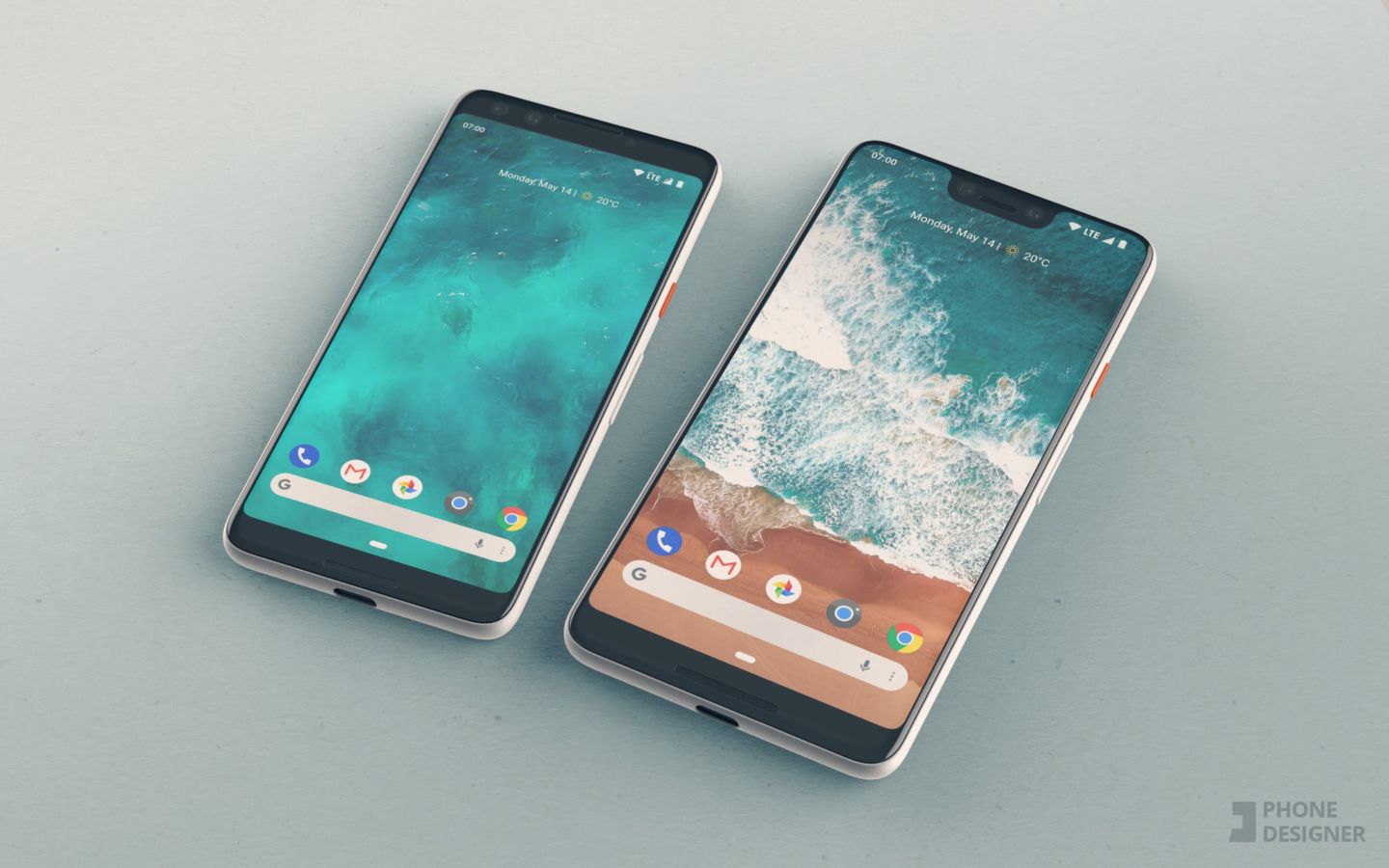
    Google is still set on taking over the world, one piece of technology at a time. It’s only natural that they’ll continue to push the envelope with their flagship phone line, the Pixel. It was Google that created the Android OS, after all. A premium smartphone OS deserves a premium smartphone! The newest reports on the next Pixel model are coming from Bloomberg. According to the report, the XL model of the Pixel 3 is set to have a screen notch. 

    Much has been written over the divisive smartphone notch popularized by Apple’s iPhone X. While it has some detractors and others who love it, the notch is certainly here to stay. This is evidenced by many top brands embracing it with this year’s flagships. Chinese smartphone makers OnePlus and Xiaomi have both designed their flagships with the notch, and now even Google is getting in on the trend. Last year’s Pixel 2 was one of the best phones released, so Google’s next release is hotly anticipated. 

    The Rumor Mill 

    According to the Bloomberg report, the Pixel 3 will come in both normal and XL models. The phone is also set to be manufactured by Foxconn, the same company that manufactures the iPhone. Additionally, this follows a deal between Google and HTC, meaning this phone will likely sport a design similar to other phones made by HTC.  

    The Bloomberg Report described the Pixel 3 XL, the one with the notch, as such: “nearly edge-to-edge screen, except for a thicker bezel known as a chin at the bottom of the phone. The display also will have a notch—or a cutout—at the top.” The normal-size Pixel 3 will have standard bezels, more like the iPhone 8, giving it a more traditional look. 

    Pixel 3: Other Details 

    That same Bloomberg report put forth October as a release window for the phone. Verizon is slated to be the only carrier, though the phones will surely also work with Google’s Fi wireless service. Oddly, the projections for the phone show it with two front facing cameras but only one camera on the back. Perhaps it will only support Bokeh portraits in selfie mode? This one is a big of an enigma.  

    Still unknown are details like the types of biometric scanners the phone will support. Will it have a face scanner like the iPhone X? Those two front-facing cameras make it likely. What about a fingerprint reader? Will it be on the back, like the Pixel 2? Will it be in-screen? Or will it even have one? Hopefully these questions will be answered in the coming months.  

    Feature Image Credit: Phone Designer 

  • Ten Things You Didn’t Know You Can Do With Your Chromecast!

    Ten Things You Didn’t Know You Can Do With Your Chromecast!

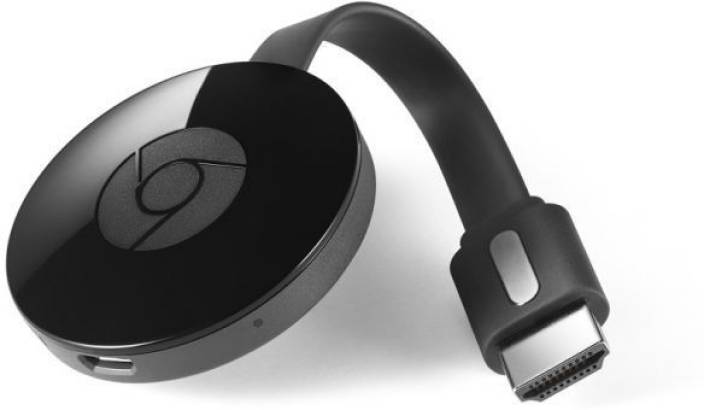
    Your Chromecast is pretty handy. In fact, it’s so handy, it’s probably got a ton of functionality you’re not even familiar with. How is this possible? Well, that’s Google for you: they cram every bit of functionality you can imagine into their products. Without any more delay, let’s dive in: what are the top ten coolest things your Chromecast can do that you don’t know about? 

    Remote Control 

    Photo Credit: The Good Guys 

    If your TV supports HDMI-CEC, you can use your phone to completely replace a TV remote! HDMI-CEC TVs can use a feature that allows them to match the input from their HDMI port. In short, with CEC online, when you start casting, your TV will automatically switch to it. No need to manually adjust the input! This one isn’t game-changing, but it’s a neat little quality of life feature! 

    Google Slides 

    Photo Credit: Gtricks 

    Need to give an impromptu presentation? Google Slides is great for putting presentations together on the fly. Even better, if you don’t have a thumb drive or some other transfer device, or just need to give the presentation from your phone, you can Cast your slideshow.   

    When you go to “Present,” just select “present on other screen.” Boom, like that, you’re a tech wizard and you’ve got a presentation on your big screen! 

    Daydreaming 
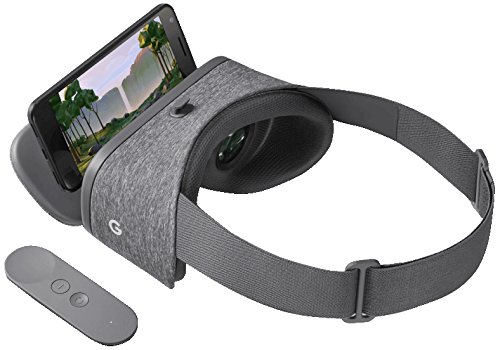
    Photo Credit: Amazon 

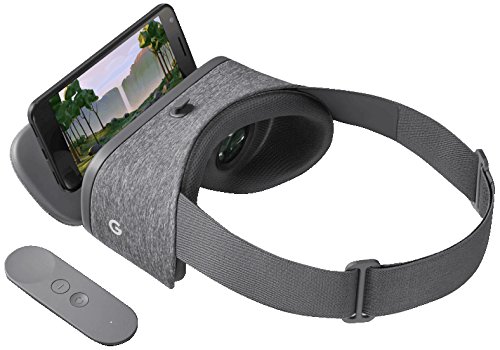
    Using a virtual reality headset makes you look pretty silly to onlookers. Since the people in the room with you can’t tell what exactly you’re seeing, you tend to just look like you’re flailing around. If you want to share your VR experience with your friends, though, you can cast from your Daydream View. This way everyone can see the obstacles you’re dodging through your Chromecast. (This works for Gear VR, too!)  

    Maybe this somewhat alleviates how silly you look with that VR headset on. 

    Use Your Home Sound System for your Music 
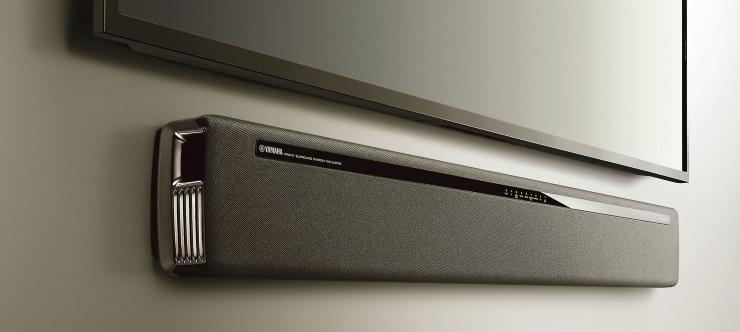
    Photo Credit: PCMag 

    If you have an awesome sound bar and really wish you could play your music through it, you can! Just get the Google Play Music app and cast to your Chromecast. If you pay $10 per month for a Play Music subscription you can even play Google’s streaming radio and vast library of artists.  

    LocalCast 
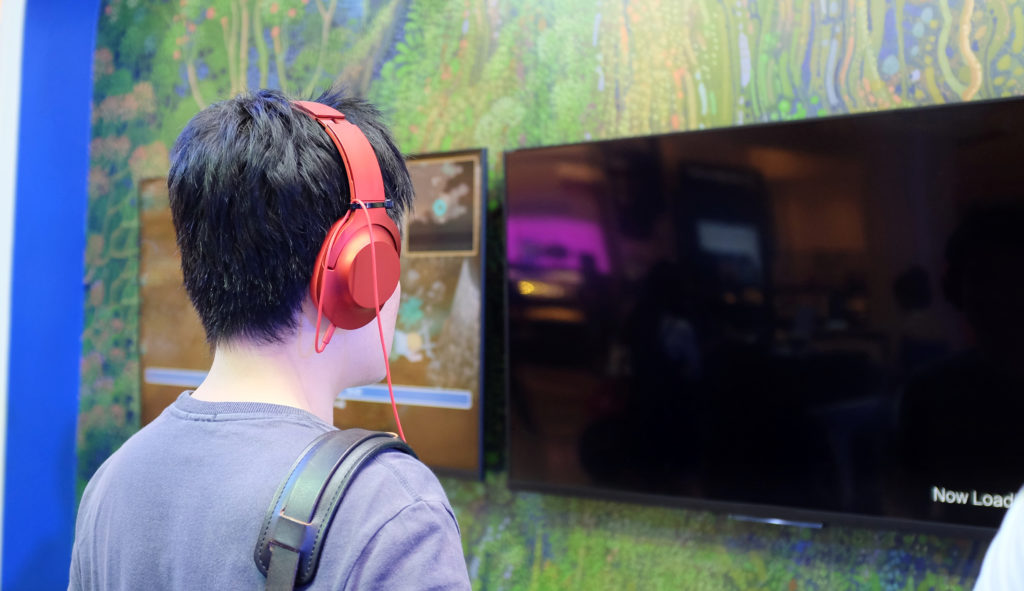
    Photo Credit: Shutterstock 

    Does your new smart TV have no audio out? This isn’t terribly uncommon. But what should you do when you want to watch something on your big screen but not disturb others in the house? Try LocalCast. LocalCast lets you send the image to your Chromecast but keep the audio on your smartphone.  

    This lets you get the picture quality of your TV but not wake up any sleeping housemates! A really handy functionality of your Chromecast, staying courteous is always a good thing! 

    CastPad 

    Photo Credit: Google Play Store 

    Available on Android devices, CastPad lets you draw in live time on your device and see it reflected on your TV through your Chromecast. The applications for this are pretty obvious at first glance, allowing for tons of fun with doodling. If you like Pictionary but don’t have any paper on hand, CastPad! If you want to have drawing contests with your friends, CastPad!  

    The possibilities are limited only by your imagination! Go ahead and invite some friends over and have fun drawing! 

    Watch Your Old DVDs 

    Photo Credit: Wikipedia 

    Well, sort of. This one is a bit of a workaround. Using the Disc to Digital service from Vudu, you can stream movies that you own the DVDs of. First you scan the UPC code on the DVD box, then you pay a small fee. It’s about $2 for a standard definition movie and $5 for an HD movie. Once you’ve paid, you can stream the movie to your Chromecast! 

    This one is great for people interested in de-cluttering their living room. Scanning your DVDs and then having a garage sale can help minimize the amount of physical clutter, which is great for minimalists and digital enthusiasts! 

    Link with Google Home 
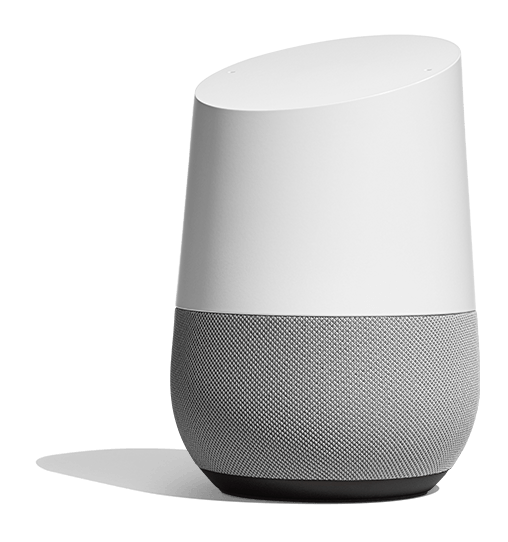
    Photo Credit: Google Store 

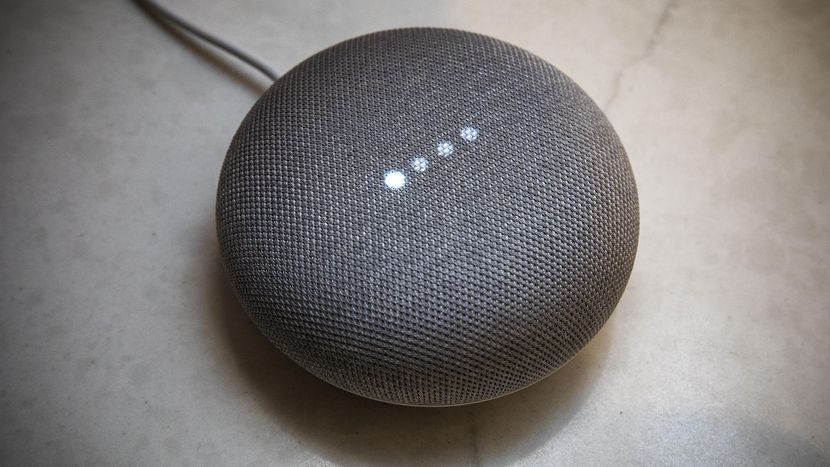
    This one takes a little bit of setup. If you connect your smart device, Google Home Speaker and Chromecast all to the same wi-fi they can all sync up. Then you go through some quick settings menus and link all three of the devices to each other. Once you’re set up, you can use your Google Home voice commands to fire up things like Netflix.  

    It might sound like a bit of overly-complicated setup to get going, but once it’s all together it’s super handy! It’s great whether you prefer voice command to remote controls for convenience or just like minimizing coffee table clutter. It also can impress the socks off your house guests when you tell your TV what you want to see, and it happens! 

    Speaking of Guests… 
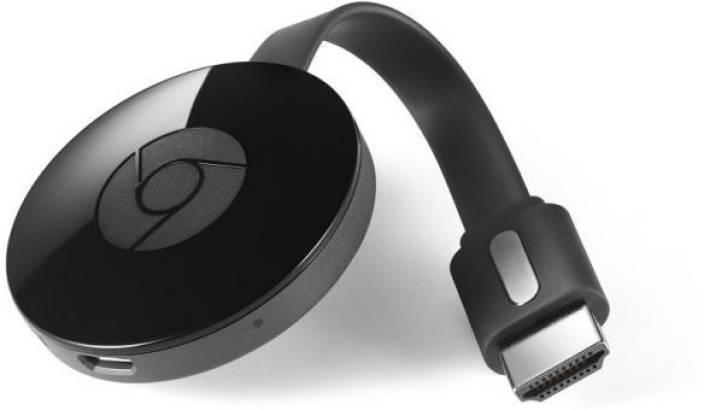
    Photo Credit: Flipkart 

    If you want your guests to have the option to use your Chromecast, but don’t want them to have to connect to your wi-fi, you might be a little flummoxed. Luckily, your Chromecast has a guest mode! While in guest mode, your Chromecast can receive casts from nearby devices without needing a wi-fi connection. 

    Our Favorite Off-the-Wall Chromecast Use: Heads-Up Display 

    Photo Credit: Google Play Store 

    If you’re looking to get all the information about the world that you need at a glance, you can check out Dashboard Cast. This super-handy functionality turns your TV into a heads-up display with customizable widgets. Want to see the weather, an RSS feed and the stock market? You got it. Want a clock, a news feed, a calendar and a traffic report? You got it.  

    This one is seriously awesome for its customization and functionality. You’ll feel like Captain Kirk on the bridge of the Enterprise getting status reports on all critical systems. Not to mention just how awesome it is to have all the info you need right at hand when you glance at your display. 
  • Project Maven Causing Internal Strife for Google 

    Project Maven Causing Internal Strife for Google 

    Project Maven has led to some dissatisfied employees quitting from Google. According to a new report from Gizmodo, the Maven AI project has driven these employees away due to its combat applications. The original report holds that nearly a dozen employees left the tech giant after their concerns over the project went unaddressed. This type of brain drain is certainly bad for Google. Highly skilled programmers leaving the company only helps Google’s competitors: they are likely to hire such talented employees. Not to mention, continued development of military technology could damage Google’s brand.

    What is Project Maven? 

    Project Maven is an AI piloting program that Google has partnered with the Pentagon to complete. The program’s purpose is to create an AI that can pilot military grade drones. In April, nearly 4,000 Google employees signed a petition beseeching their employer to not have anything to do with drone strikes. More than a month later, some employees felt as though the company hadn’t done enough to distance itself from violence.  

    Militarily speaking, it is understandable why the Department of Defense would be interested in AI to pilot drones. However, such AI would also be quite dangerous, and it makes sense that many Google employees would have less desire to work on such a project than on something more peaceful. 

    Google’s Role in Warfare 

    Google isn’t exactly known for their advancements in military technology: they’re a consumer technology company. This is certainly an unusual direction for them. However, given their new push for dominance in the field of AI, however, Google seems to have attracted military attention—and military money.  

    What will this mean going forward? Will we see more employees leaving if the company pursues Project Maven further? Or will the company back away from this course of action? The answers to these questions may shape humanity’s relationship with AI. 

  • Top Ten Ways AI Will Change Your Life Forever

    Top Ten Ways AI Will Change Your Life Forever

    After watching Google Duplex demonstrations at this year’s I/O conference, one thing is clear: Artificial intelligence will change our lives. All manner of practical applications are being explored by leading AI companies like Microsoft and Google. To help you wrap your head around what the future holds, we’ve rounded up 10 ways AI will be changing your life forever!

    Speech Recognition

    01-ai

    Photo Credit: Robohub

    The technology that powers all AI assistants, speech recognition tech is very exciting going forward. The ability to organize your life and appointments with your voice alone is engaging and exciting to a degree that is hard to overstate. Alexa, Google Assistant and the like all make excellent use of this technology to power their unique promise of being user-friendly, dynamic and useful to users of all skill levels. This technology can also help disabled people type by using their voices, increasing the accessibility of personal computers and other platforms.

    Making Appointments

    02-googleduplex

    Photo Credit: Android Central

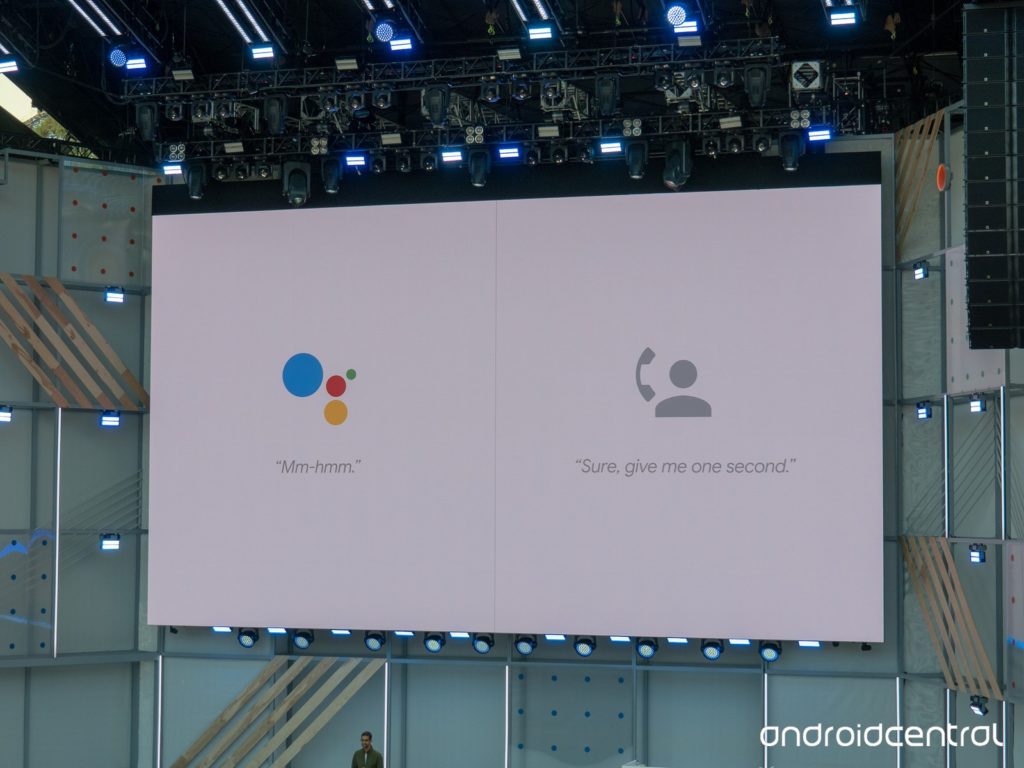
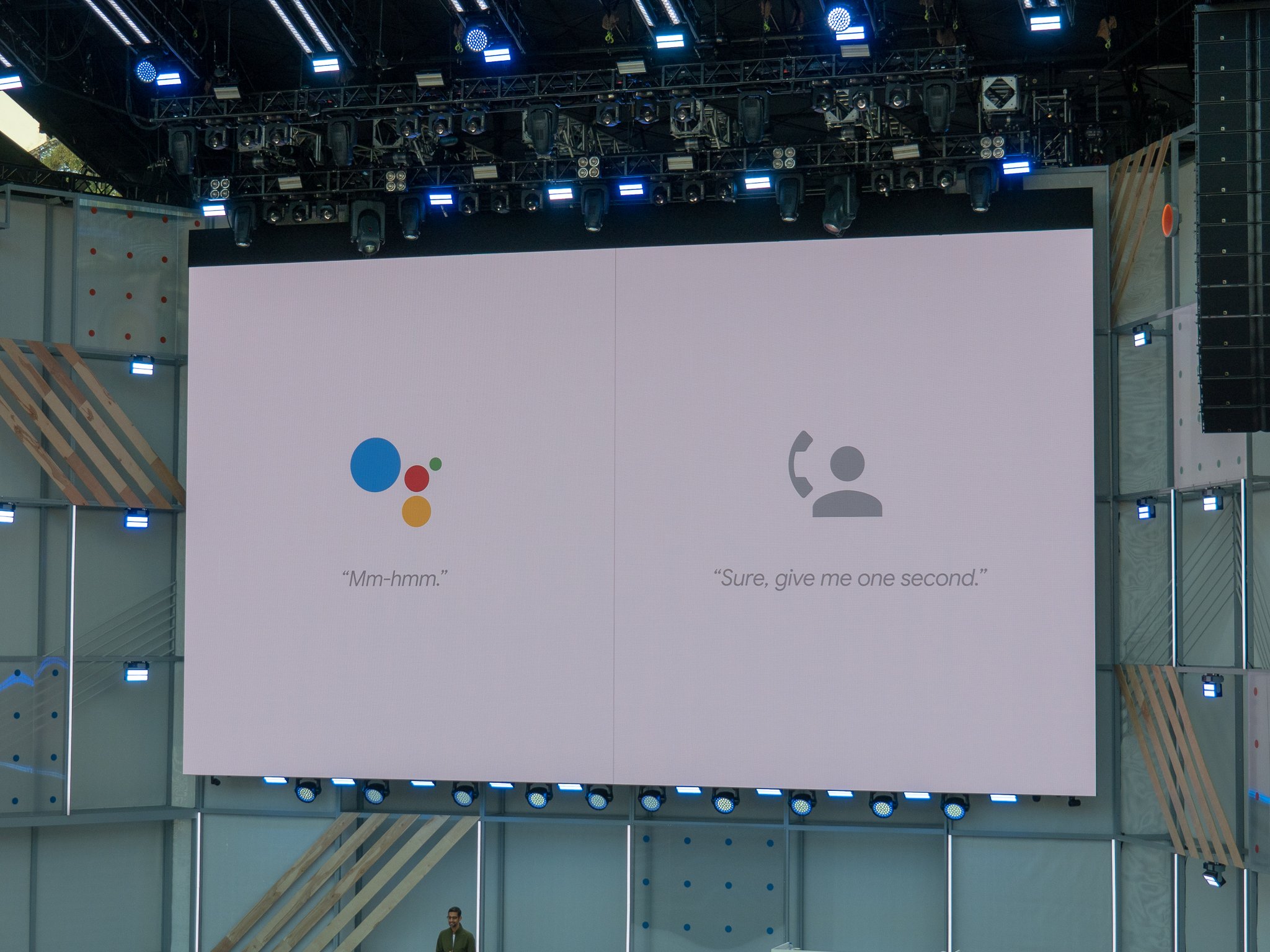
    Assistant calling was unveiled at 2018’s I/O conference by Google, in the form of their Google Duplex technology. This revolutionary AI functionality allows the Google Assistant platform to make phone calls for users, setting up appointments, reservations and the like. This is exciting for users with phone anxiety or trouble speaking, or just for users who are busy and don’t have time to call in themselves. While this raises a few ethical questions regarding machine voices being indistinguishable from human voices, the practical applications of the technology are undeniable.

    Machine Learning

    03-machine-learning

    Photo Credit: Future of Life Institute

    Machine learning is largely considered the marker of “true” artificial intelligence. By synthesizing concepts encountered and reacting based on past information, AI with machine learning capabilities would be able to react in ways humans can’t predict. These applications could be applied to market trends in order to assist stock brokers or as assistants to surgeons during procedures. The potential uses of this type of learning are staggering: imagine intelligences reasoning and problem solving with the speed and accuracy of a machine during such tense activities as piloting a spaceship or during peace talks between warring nations.

    Advertising

    04-facebook

    Photo Credit: The Sun

    People are still understandably anxious regarding companies like Facebook using algorithms to target them with content. However, this will hardly stop the future of learning algorithms and, eventually, true AI using their data collection to target users with advertisements and articles. As with many AI-related fields, this is a hotly debated subject, raising ethical questions as to the responsibility of advertisers and media platforms. It seems unlikely that such reservations will stop companies from leveraging the considerable power of machine learning in order to boost their profits.

    Personal Assistants

    05-echo

    Photo Credit: B & H

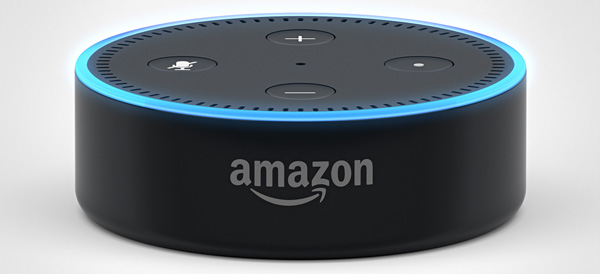
    The most obvious and immediate effect artificial intelligence has on the lives of everyday consumers is through the virtual assistants we all now carry in our pockets. Using a virtual assistant has become second nature to most smart phone owners. The act of asking Siri or Cortana or Google to make a phone call for us is natural and easy. Incorporating similar technology into smart speakers and smart displays was a logical next step: Google and Amazon want to bring their brand of AI into your life and make themselves indispensable. Individual reliance on AI assistants will likely become as commonplace as reliance on cell phones and the internet is now.

    Data Gathering

    06-ai

    Photo Credit: News Medical

    A pressing application for businesses, sifting through and organizing data is likely to be the primary role of corporate AI. For companies with extensive logs and ledgers, the ability to instruct an AI to quickly sort data and parse it for relevant information is likely to change the face of business. Reading market trends and sales data at speeds impossible for humans, AI could give companies an edge over competition and help them make smart business decisions. Similar to artificial intelligence applications in advertising, AI use as information comb is likely to be a primary function of AI for business.

    Biometrics

    07-biometrics

    Photo Credit: Security Exhibition and Conference

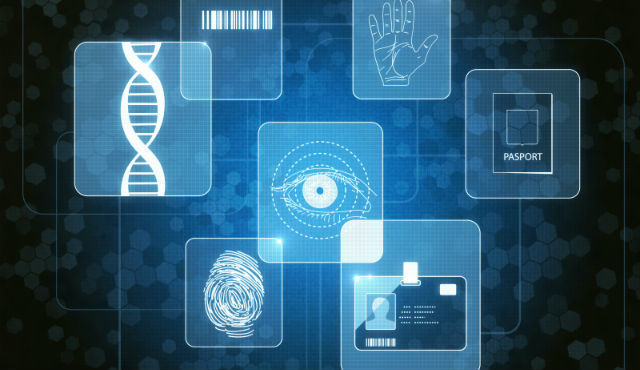
    For consumers, thumbprint scanners that unlock their phones are a well-known application of biometric technology. Biometrics also, however, have many applications in relation to AI. Using AI to learn about people from their biometrics would allow for numerous advances. For example, early warning of diseases like cancer and diabetes would become more common. Additionally, such AI could help in developing treatments and cures for diseases monitored through biometrics. Market applications of biometric AI tech would likely include AI interfaces in retail stores that allowed for checkout using thumbprint or facial recognition. Technology in this vein is already in use via services like Apple Pay.

    AI-Optimized Hardware

    08-ai

    Photo Credit: Out of the Box Science

    As computer processors and graphics cards have begun pushing the limits of what their hardware is capable of, manufacturers have begun speculating on the potential of AI-assisted hardware. Using advanced learning AI to make micro-adjustments on the fly could help high end graphics cards or processors speed up beyond their current limitations. Coupled with experimental quantum computing techniques, such technology would likely reshape the face of computing as an industry and redefine what computers are capable of.  Such a leap ahead could potentially dwarf previous technological advancements.

    Automation of Processes

    09-automation

    Photo Credit: Forbes

    Much like the robotics boom that helped automate factory labor, AI technology will likely see automation of numerous work tasks previously able to be done only by humans. Utilizing Google Duplex-like technology, phone customer service could be fully automated. Rather than staffing buildings full of workers to answer phone calls, companies could outsource all phone calls to an AI programmed to answer questions. This is only one example: programming, research and development, analytics and market research could all be tackled by learning AI. Such advancements could be monumental, allowing for full automation of nearly all virtual jobs.

    Robotics

    10-ai

    Photo Credit: CardsChat

    Beyond just automating jobs that occur in a virtual space, complex AI software housed in advanced robotics could automate physical labor on a scale previously impossible. Agriculture, construction and maintenance work could potentially all be automated by AI-powered robots. While this likely sounds like high-concept sci-fi, such a future is becoming more possible, and more likely, with each passing day. As companies continue to push the boundaries of what AI is capable of, a future where all work tasks are automated becomes more and more likely. This could lead to a utopia where all people are free to pursue their own desires, or a dystopia where people are ruled robots. Just kidding! Or maybe not. We’ll cross that bridge when we get to it! For now, I’ll suspiciously eye my Amazon Echo and hope it doesn’t try to kill all humans anytime soon.
  • Google Privacy Policy to Become More Readable

    Google Privacy Policy to Become More Readable

    Taking effect on May 25th, Google’s new privacy policy aims to be more transparent and more plainly explain what user data it collects and shares. William Malcolm, a privacy leader at Google, stated in a blog post: “We’ve improved the navigation and organization of the policy to make it easier to find what you’re looking for; explained our practices in more detail and with clearer language; and added more detail about the options you have to manage, export, and delete data from our services.”

    Clarification

    Notably, this rewording of the privacy policy does not represent any changes to the policy: it is simply a clarification in attempt to make the policy more transparent. This move coincides with the May 25thGeneral Data Protection Regulation in Europe, certainly a move to assure users their data isn’t being used against them.

    Google has recently made adjustments to the “my account” tab of their Google Account home page, allowing users to selectively purge searches they don’t want attached to their online presence. These changes come amidst widespread anxiety over data collection and algorithmic abuse by companies like Google and Facebook. Shifts such as these are reassuring, and hopeful signal a shift to a more responsible role for the tech giant.

    Ad Muting

    In a related move, Google has begun incorporating a “Mute this Ad” function in their search engine. Most users probably already use an Ad Block plug-in on their desktops, but it is still a welcome update to mobile devices.

  • The Top New Features Coming with Android P

    The Top New Features Coming with Android P

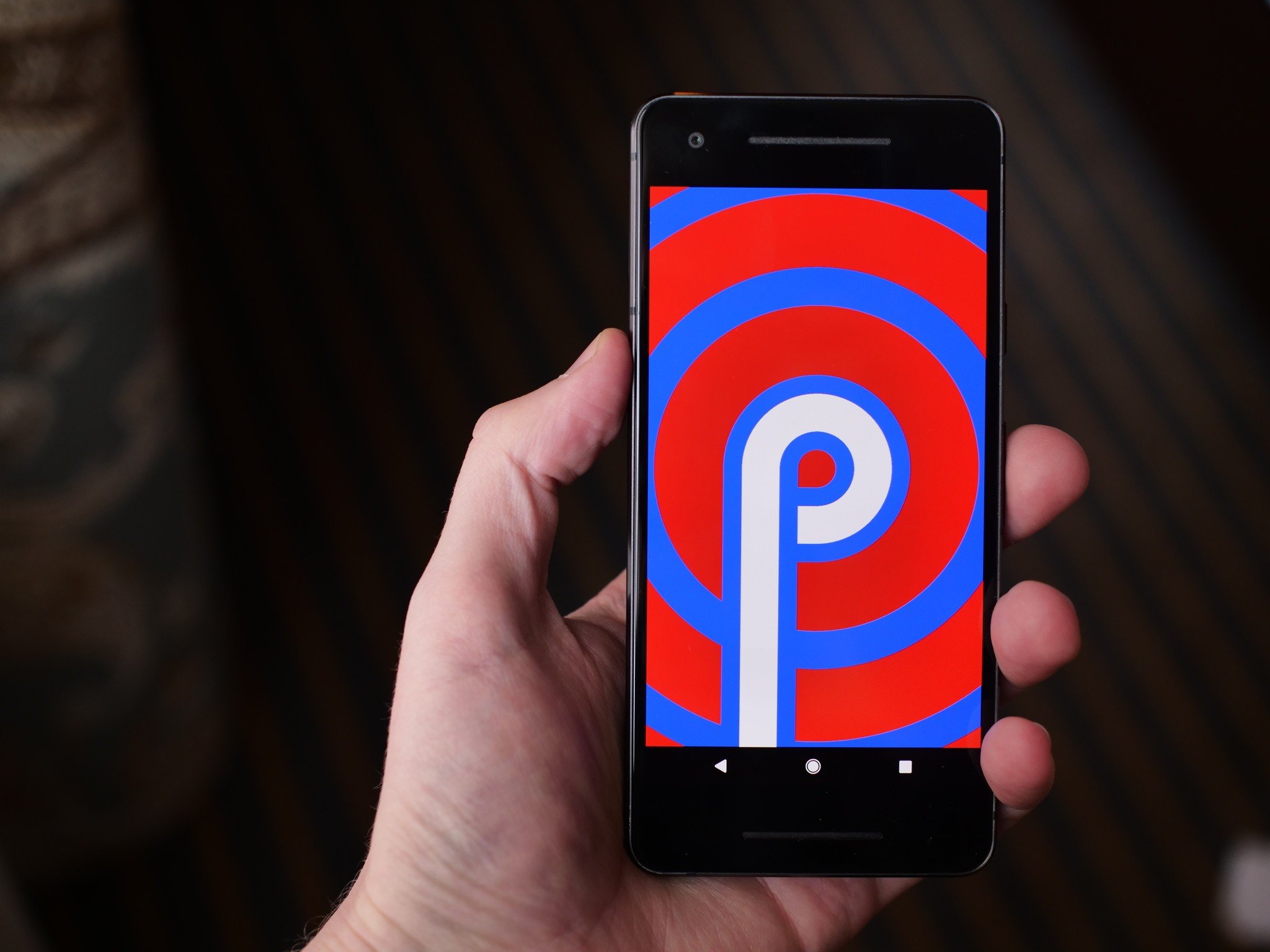
    Android P, the newest OS for Android devices, was shown in greater detail at the I/O 2018 conference. If you missed it, or just want a recap, here’s a quick rundown of the coolest new features coming with Android P!

    Gesture Navigation

    Since 2011, Android devices have utilized three navigation buttons: home, back and multitask. Android P sports only a home button, relegating other tasks to gesture control, much like the iPhone X. This might be a drawback to users accustomed to the older style, but it will surely open up screen space for more attractive app designs.

    Additionally, as iPhone users have known for years, gesture controls feel much more natural for a device meant to get out of your way. Navigation buttons feel very analog, which is at odds with a smart phone’s purpose of making things easy and quick.

    App Suggestions

    Another iOS-like feature, Android P will now intelligently use your habits and location to suggest apps to you. When you plug in headphones in the morning for your job, you may be prompted to open Spotify. When you get home and crash on the couch, Facebook could be suggested. These and other minor quality-of-life app integrations simply make your phone feel more like a natural extension of you.

    Additionally, app “slices” are going to be integrated into the core functionality of the phone, another idea inspired by Apple. For instance, when using the map to look up various places, you may see a price from Uber or Lyft, encouraging you to open that app.

    Adaptive Battery Life and Brightness

    More ways to save your battery and save you headaches, Android P is said to intelligently learn which apps you use which days and preemptively turns off apps to save battery life. Google says this technology works with Deep Mind technology, using deep learning algorithms to better suit users’ needs.

    Similarly, Android P introduces adaptive brightness, a system powered by similar learning algorithms. Between the time of day, amount of light hitting the sensor, user behavior and other factors, adaptive brightness seeks to help users manually adjust the brightness less and just enjoy their phones more.

    Best New Android Feature: App Timers and Shush

    Interestingly, Android P also comes with functionality to help you use it less. Firstly, the app dashboard will show you which apps you use the most, and which the device feels as though you are spending too much time using. Through this functionality you can set self-imposed time limits on apps, and the OS will shut them down after you have used up your self-allotted time.

    In that same vein, Android P introduces Shush functionality. Shush is similar to a Do Not Disturb mode and can be enabled by setting the phone down with its front face on a surface. In Shush mode, the phone won’t alert you of any notifications, audio or otherwise. These features are very responsible and help users more tightly control their smart phone usage.

  • Google Home Receiving New Functionality

    Google Home Receiving New Functionality

    At this year’s I/O 2018 press conference Google unveiled a slew of new features and functionality for their Google Home platform. If you missed the event live, no worries, we have a recap of all the updates for Google Home right here!

    Google Smart Display

    As a direct competitor to Amazon’s Echo Show, the new Google Smart Displays go on sale this July. Representing a leap forward for the Smart Home line, the Smart Displays will be able to play YouTube videos and display search information directly on the screen. With all the Chromecast and Google Assistant support you’ve already come to expect from the platform, the Smart Display is an even better way to help you stay organized and connected.

    Duplex Functionality

    By far the most astonishing thing seen at I/O 2018 was Google’s new Duplex software. Essentially a highly advanced conversational AI, Duplex uses tons of neat linguistic tricks to sound eerily human. Originally pitched as a service that can make phone calls in lieu of users, in order to set up reservations and the like, Google has also teased that the highly advanced conversational program will make its way into the Google Home suite. Google Assistant functionality that speaks and reacts like a real person sounds simultaneously creepy and awesome. I, for one, welcome our new robot overlords!

    Play Movies Compatibility

    Bafflingly, Google Home has only recently received the functionality to launch movies purchased from Google’s own Play Store. Google Home has long had the ability to launch Netflix and other streaming services with just voice commands, but Google is only just now rolling out support for playing Google Play Movies from your library. While this one seems like a no-brainer, it’s always nice to small quality of life improvements like this not get overlooked in favor of massive new updates like the upcoming Duplex support.

  • Four Big Reveals from Google’s I/O 2018 Conference

    Four Big Reveals from Google’s I/O 2018 Conference

    Google’s massive I/O 2018 conference unveiling all their new tech and software has come and gone. If you missed it, don’t fret! We’ve got you covered. Check out the biggest news from Google this year!

     I/O 2018 Reveal #1: Smart Compose for G-Mail

    As a hybrid of predictive text and AI assistant, Smart Compose aims to make your email composition faster and easier. Using knowledge of your typing patterns and schedule, Smart Compose helps you automatically fill in chunks of sentences and streamlines your typing process.

    This functionality is sure to be useful for those who have to compose dozens of emails a day. Helping cut down on the amount of time those people spend typing will allow them to focus on more productive or thought-heavy tasks, rather than bogging them down with routine emails.

    I/O 2018 Reveal #2: Android P Public Beta

    Google announced that they are rolling out the public beta of their new Android OS, Android P. Uniquely, this beta isn’t exclusive to Google’s Pixel line of phones. It will also be available on select phones from other manufacturers. Notably, the OnePlus 6 will be eligible for the beta when it releases later this year.

    Android P is slated to be the next “big” thing. It streamlines the user experiences and adopts a more modern software suite. The new OS opts to clear out the four navigation buttons in favor of an iPhone X-like home button in the shape of a horizontal bar at the bottom of the screen. Android P also sports app suggestions based on time and location, another idea inspired by iOS.

    I/O 2018 Reveal #3: Google Smart Displays

    Continuing Google’s push to be a part of your daily routine, their Google Assistant functionality gets an update this summer with the launch of Google Smart Displays. These displays will be like Google Home speakers with screens, for lack of a better descriptor.

    Coming in July, these smart displays are poised to compete with Amazon’s Alexa-powered Echo Show displays. Interestingly, Google’s device can play YouTube videos, while the Echo Show doesn’t have that capability.

    I/O 2018 Reveal #4: Google Duplex

    This robust speaking AI software stole the show. Google Duplex is a feature of Google assistant capable of making realistic phone calls to businesses to make reservations and other phone-based services. Duplex sounds natural, lifelike, and completely unlike any speaking AI we have heard before.

    Complete with pauses and “ums,” Duplex manages to navigate conversation better than some humans and will be revolutionary for those with phone anxiety or those who simply don’t have time to make phone calls in their busy day.

  • Google ARCore 1.2 to Offer New Functionality for Augmented Reality

    Google ARCore 1.2 to Offer New Functionality for Augmented Reality

    Virtual Reality and Augmented Reality technology are both major focuses for Google at the moment, judging by their I/O 2018 press conference and continued support for ARCore. The ARCore software attempts to replicate some of the functionality of Google’s Project Tango hardware on conventional smart phones. Augmented reality features such as wall detection, image recognition and more are core features of Project Tango and ARCore.

    Cloud Anchors

    The fantasy-sounding Cloud Anchor technologies allows for multiplayer experiences in augmented reality. Sharing simulated 3D objects with multiple users allows for several people at once to manipulate the same augmented reality experience. This could allow for such fascinating digital projections like chess games with no need for pieces or a board. The imagination of developers is really the only limit to this exciting new technology.

    Cross-Platform

    More exciting still, Google is building this ARCore technology to work across iOS devices as well as Android devices. This is sure to broaden the user base of the new functionality and make it more desirable for developers to adopt the experimental augmented reality software.

    Improved SDK

    Speaking of developers, Google also promises an improved software development kit for programmers looking to make new augmented reality apps. The Sceneform SDK will allow developers to use common 3D widgets without having to go through the process of animating and programming them. This shared toolkit will likely continue to make augmented reality projects desirable to build for Android devices, helping solidify Google as a primary supporter of the burgeoning technology.

  • Top Ten Things to Know About Google I/O 2018

    Top Ten Things to Know About Google I/O 2018

    Tuesday, May 8th marks the start of Google’s I/O press conference. What does Google I/O mean? What kind of things can you expect to see from Google during this event? Read on for our top ten things to know, including news, headlines, tech and more!

    Android P

    01g-androidp

    Photo Credit: Android Central

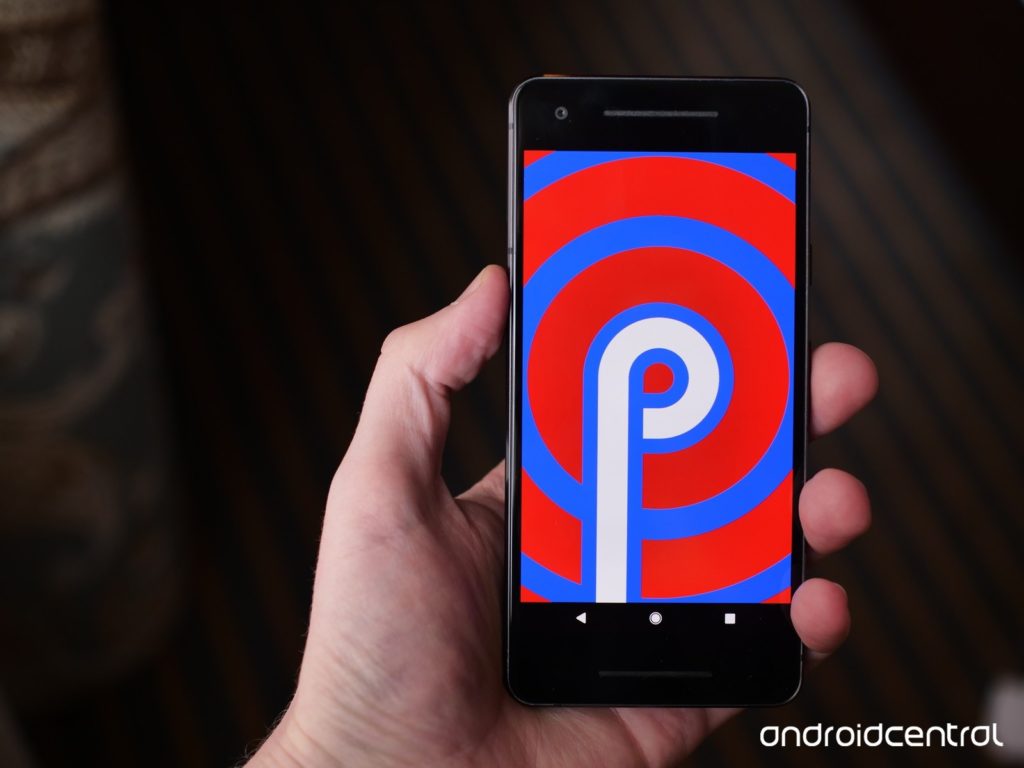
    Androids new operating system replaces all of the navigation buttons with one button, much like pre-X iPhones. Functions previously assigned to buttons will be moved to gesture controls, streamlining the user experience and modernizing the Android operating system. The new system has a focus on security and battery life. Additionally, Android P features a darker overall color palette than previous Android OS’s.

    Google Lens

    Photo Credit: Android Guys

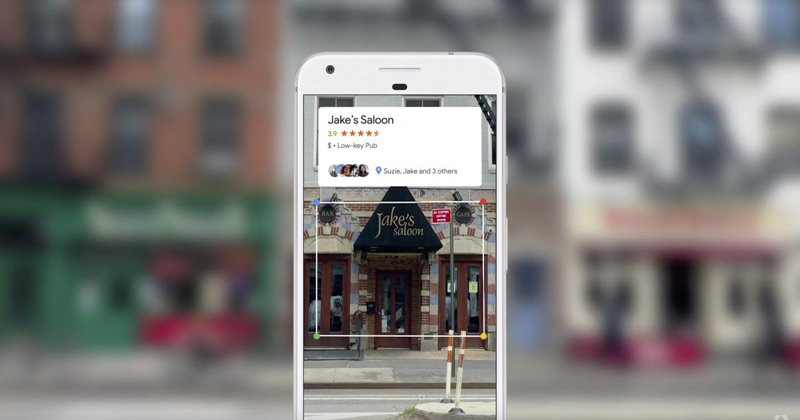
    Google Lens technology allows users to search using their phone camera. I/O 2018 is sure to unveil new functionality and features for the software, including new functionality and integration into upcoming smart phones. The technology is likely to be a focus of Google’s, as it allows the Android platform to further distinguish itself from Apple’s iOS-powered iPhones.

    Google Chrome

    Google is sure to have a lot to say about their Chromebook line of laptops at the event. As a leader in educational fields, the Chromebook has proven very popular with teachers and students. Also expect news regarding tablets running on Chrome OS, following in the example of Acer’s Chromebook Tab 10. Focusing on educational possibilities and Google Smart Home integration seems like the most likely avenue for Google to present their Chromebook hardware.

    Google Home

    With the recent success of smart home devices like smart speakers, Google is sure to continue pressing their smart home line. Eager to dig in to Amazon’s successful Alexa-powered Echo series, Google has been emphasizing their smart home integration with products like Google Home Mini and Google Wi-Fi. Likely to be seen at I/O 2018 are Google-branded smart displays and further connectivity between Android phones, Chromebook computers and Google Home systems.

    Wear OS

    Photo Credit: Digital Trends

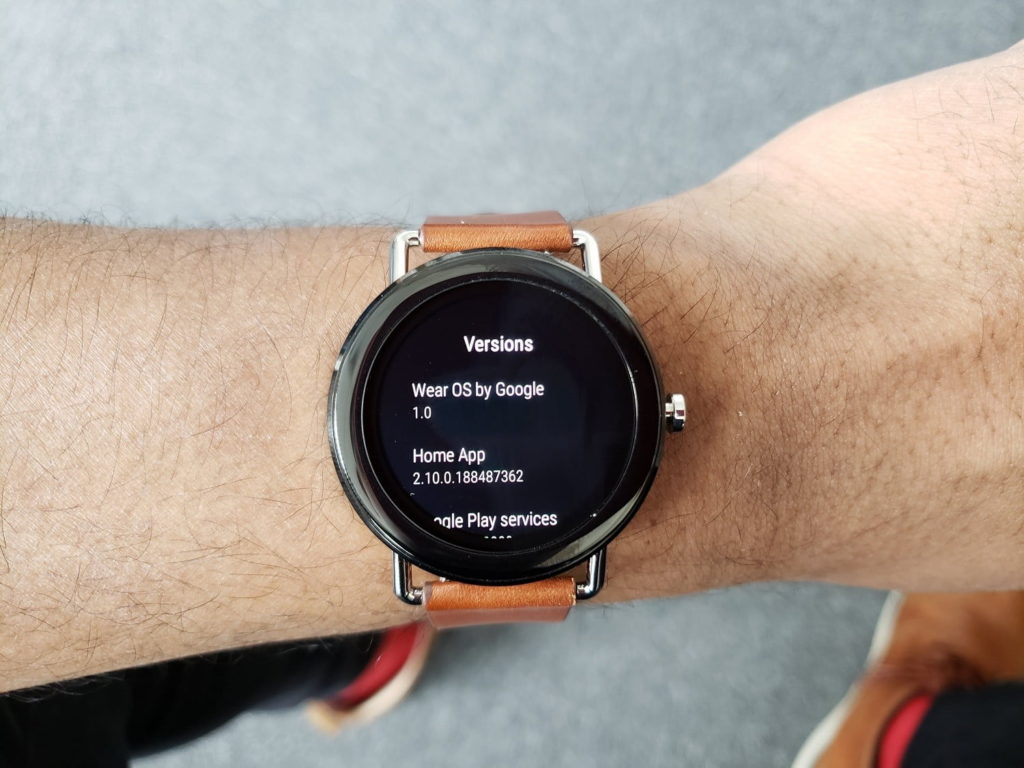
    The recently-renamed Wear OS, once called Android Wear, will likely be a strong focus of Google’s presentation. Capitalizing on the success and popularity of fitness trackers and smart watches, Wear OS seeks to be a strong contender in a field largely dominated by Apple and FitBit. Additionally, voice command features more in line with Google Home-style functions seem to be a new focus for Wear OS devices. A Google-made smart watch is also not out of the question!

    VR Headsets

    Photo Credit: Ars Technica

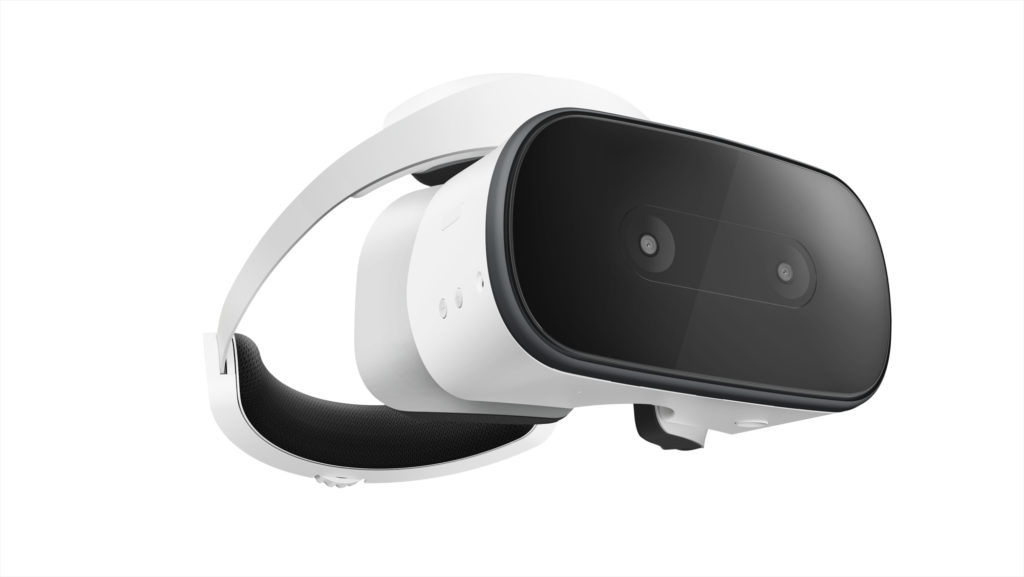
    Another trend Google seeks to weigh in on, standalone VR headsets have proven quite popular, with models like the Oculus Rift wowing gamers and tech enthusiasts alike. Google’s own VR headset, the Lenovo Mirage Solo will certainly have a presence at I/O, and there is a possibility of a Google-developed, proprietary headset being unveiled at the press conference.

    Additionally, YouTube’s 180-degree VR app VR180 is likely to be a strong component of Google’s VR push. The app makes use of new camera technology, like the Lenovo Mirage, to film 180-degree, 3D video for an immersive VR experience.

    Google Duplex

    Google has unveiled this new feature for Google Assistant, an uncannily human-like AI voice pattern that can call businesses for you. The feature uses user data to make appointments and interact with humans who are none the wiser that they are speaking with an AI. This feature is certainly odd, and some have even commented that it has unsettling implications, but it is undeniably convenient. For those with phone anxiety, or busy schedules, this could be a potentially helpful feature. What is unknown is just how advanced and responsive the AI will be when interacting with a wide variety of scenarios and people.

    Google Assistant Updates

    Photo Credit: CNET

    Google Assistant is getting updated in many meaningful ways. For one, the Duplex technology will likely be implemented to allow it to have much more natural, human-like speech patterns. It will be receiving new functionality with children, attempting to teach them to be more polite. Additionally, the technology will soon be able to execute two actions on a single command and continue conversation while executing actions, making the user interface more natural and giving the AI more flow.

    Google Maps

    Google’s GPS app is set to receive augmented reality functionality. The new Google Maps will allow for superimposed directions in a manner that is similar to the Google Lens technology and allows for live tracking of crowds. The ability to navigate crowded city areas on foot by camera is certainly intriguing, making visiting new cities and exploring on foot more attractive and much safer!

    Google News

    Continuing the focus on AI technology, Google News is set to receive updates to increase personalization. As something of a response to growing anxiety over so-called “fake news,” the new Google News initiative uses technology to help users find and support news sources they trust, and to help users fully understand the news they consume. The technology will use your preferences and location to populate your news feed with stories relevant to you. Such a redesign is likely to be a big hit, helping users to trust their news sources and stay informed about events relevant to their lives.